





 енглески језик
  кинески (Кина)
  Шпански
  Немачки
  Француски
  Италијан
  јапански
  корејски
  бугарски
  грчки
грчки  индонезијски
  кинески (Хонг Конг)
  Руски
Руски  дански
  фински
  мађарски
  турски
  холандски
  португалски
  Шведски
  румунски
  словачки
  норвешки
  хрватски
  Албанац
  каталонски
  чешки
чешки  естонски
  Јерменски
  бенгалски
  амхарски
  Пољски
  тајландски
  украјински
  вијетнамски
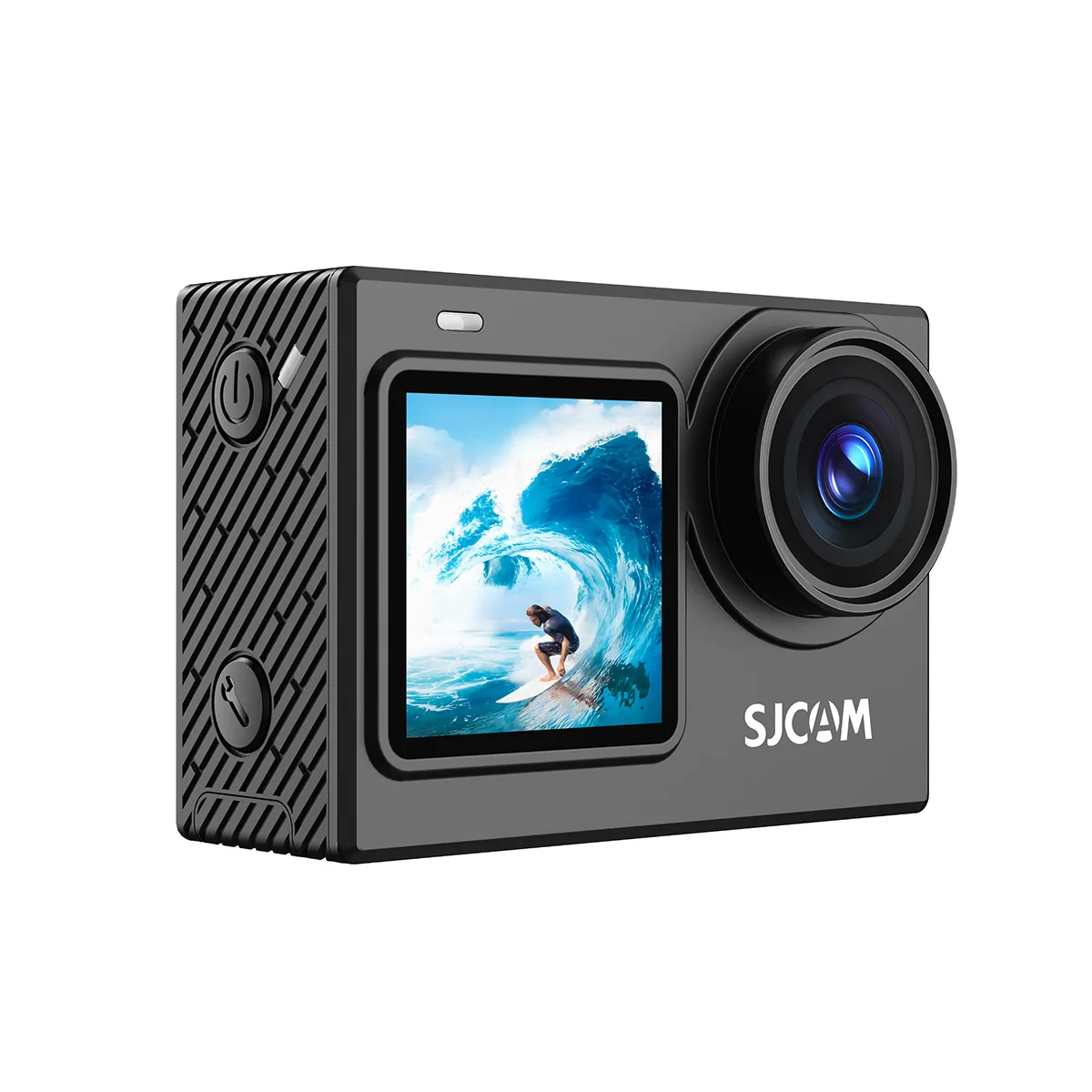
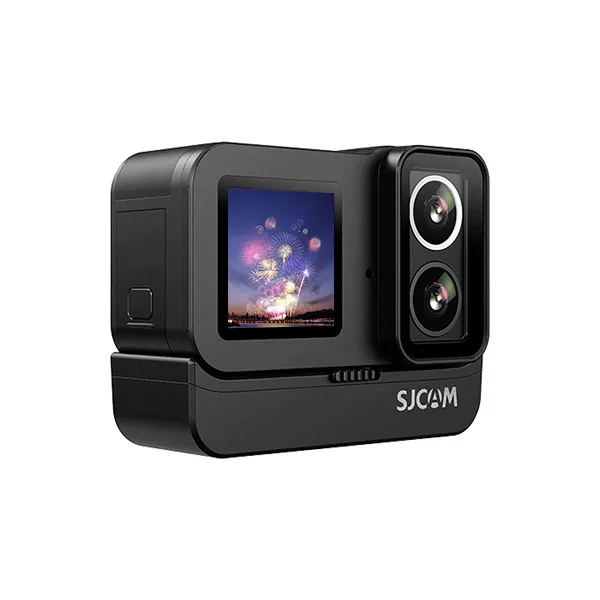
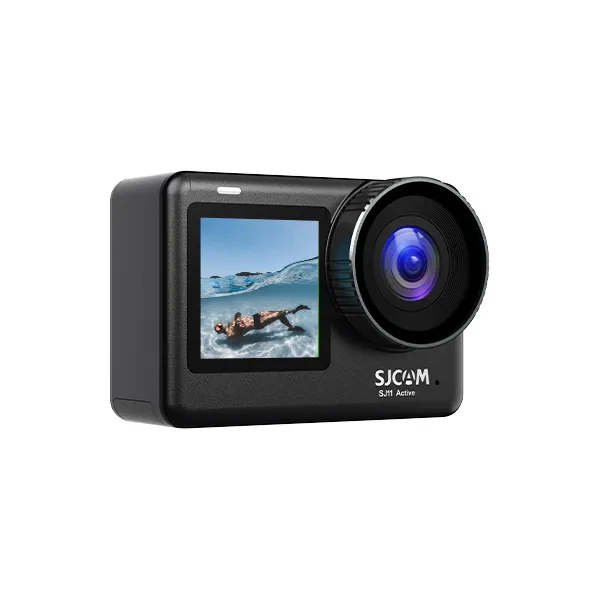
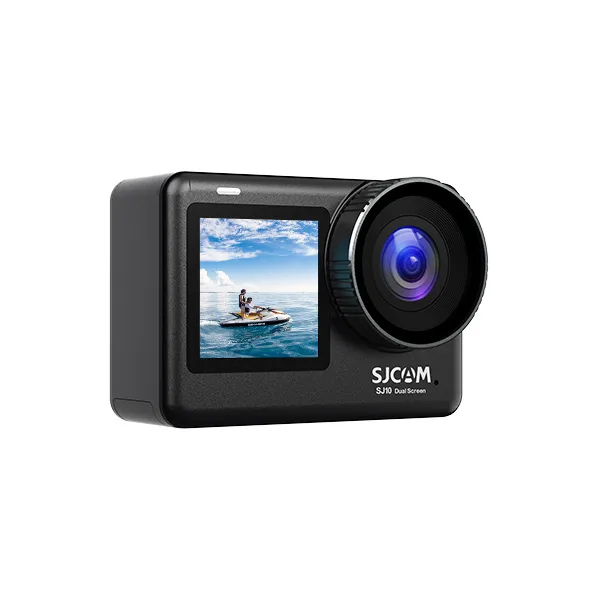
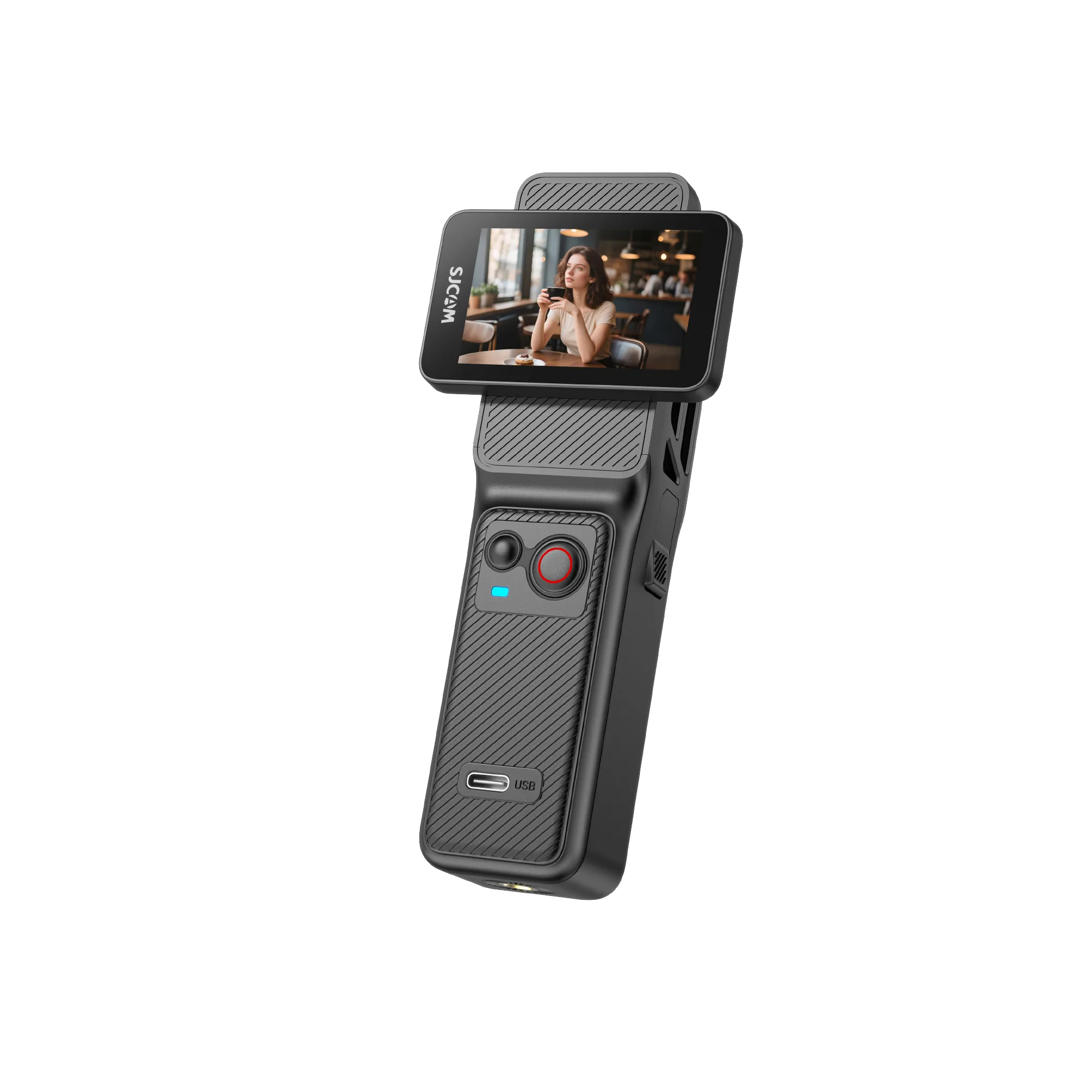
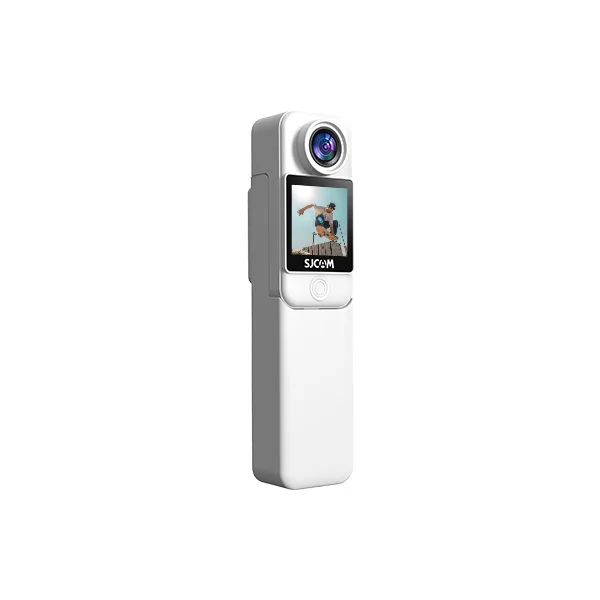
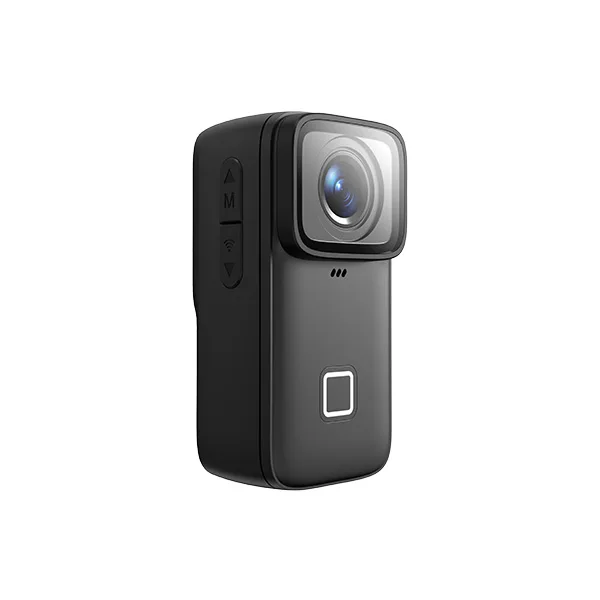
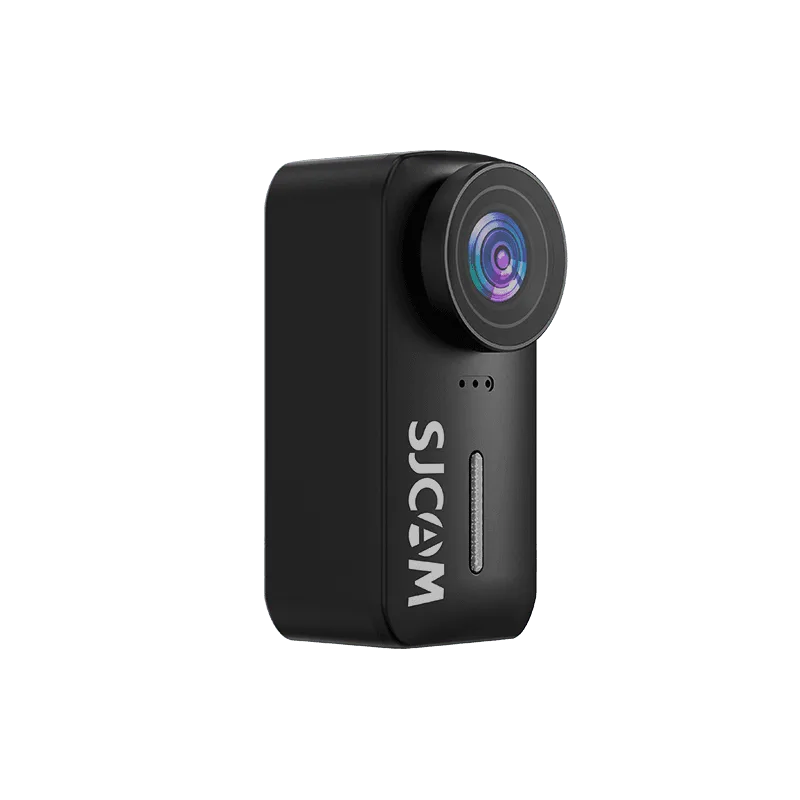
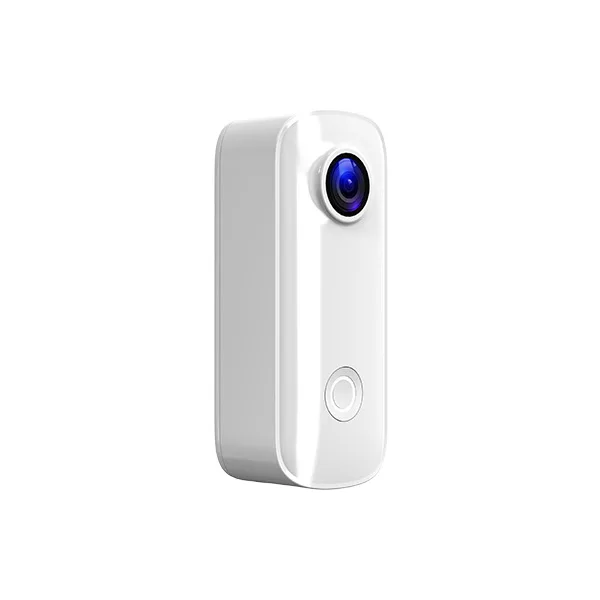
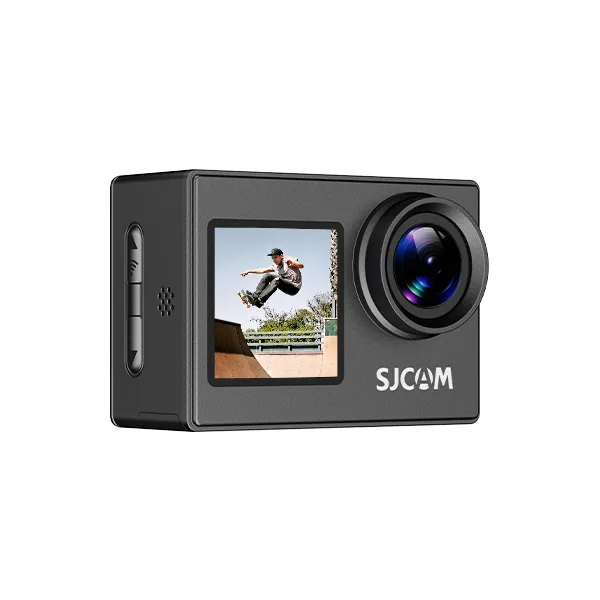
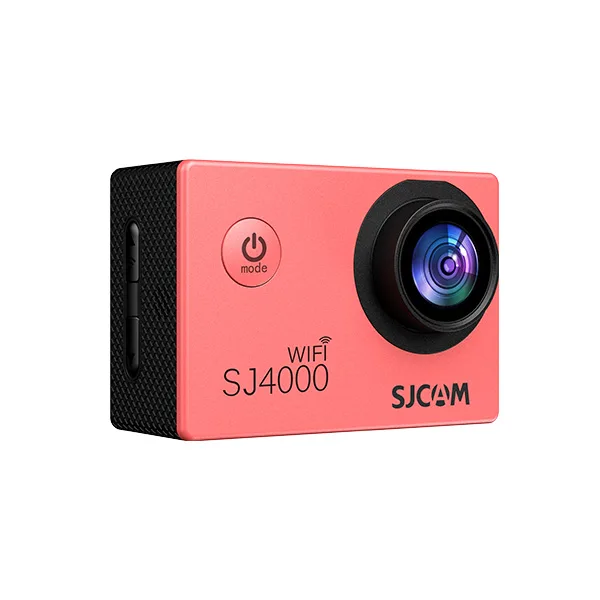
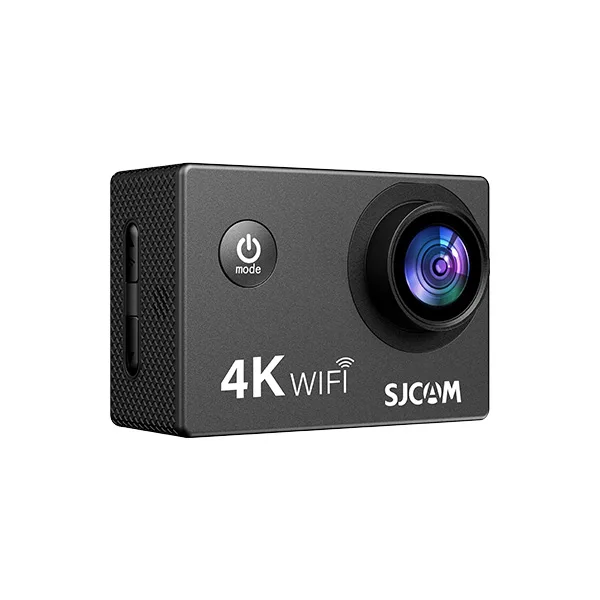
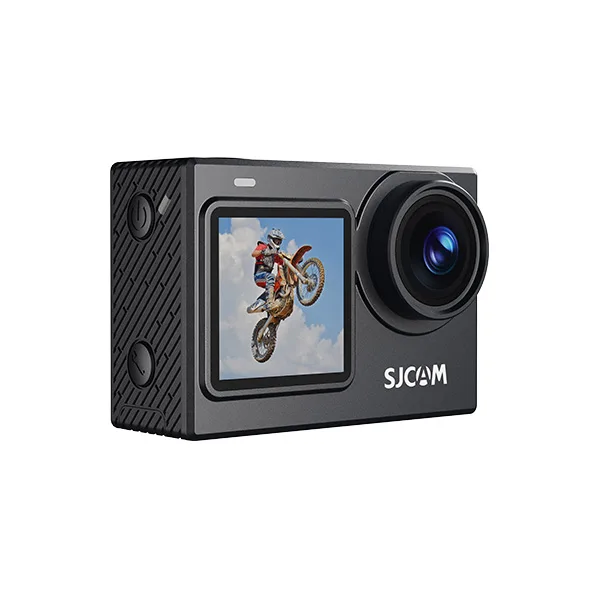
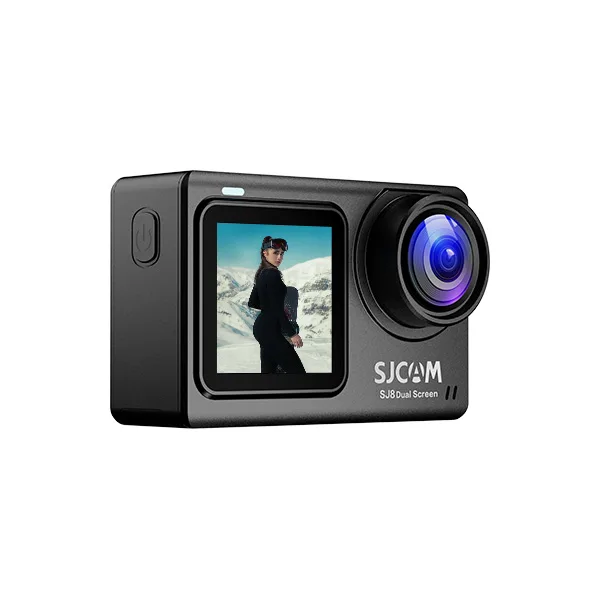
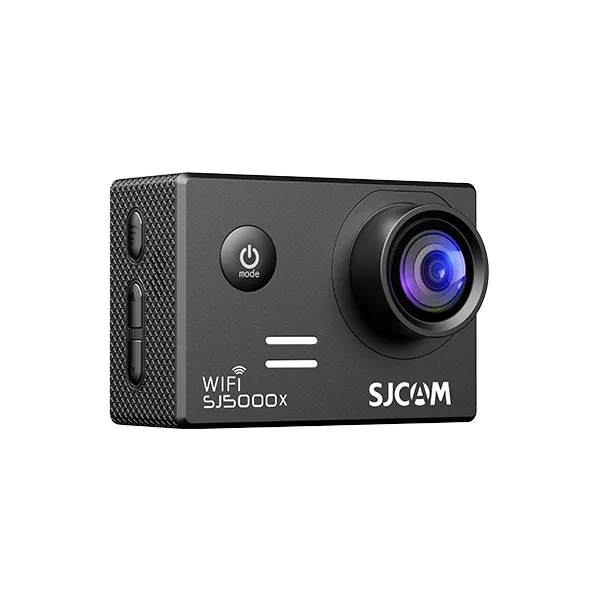
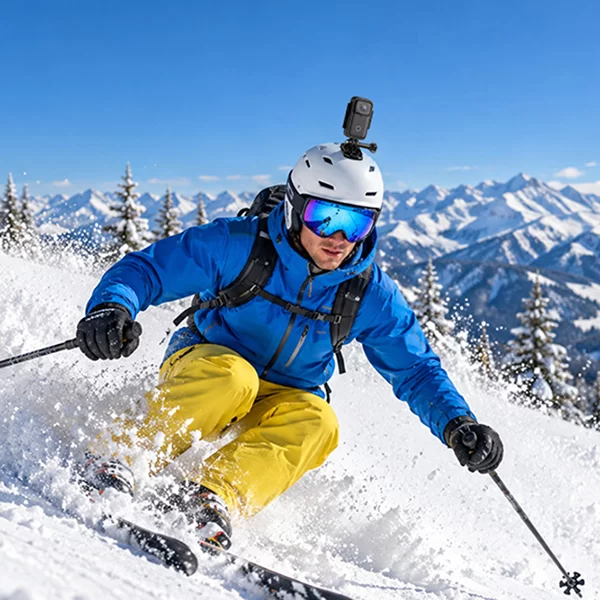

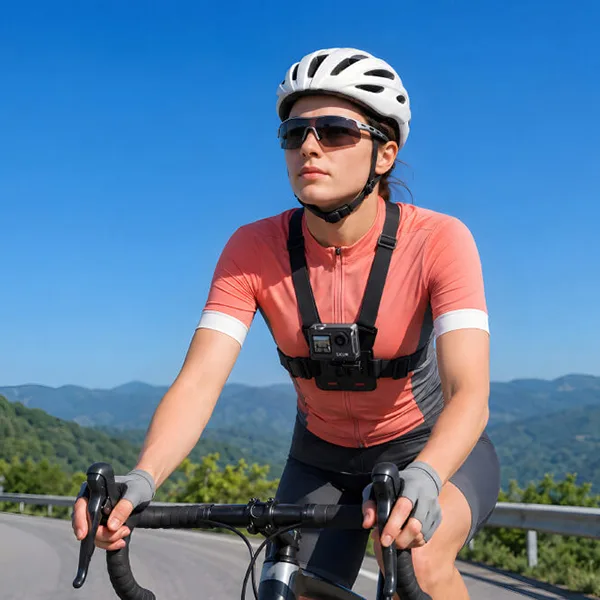
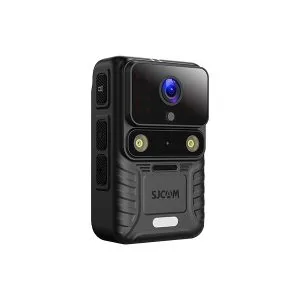
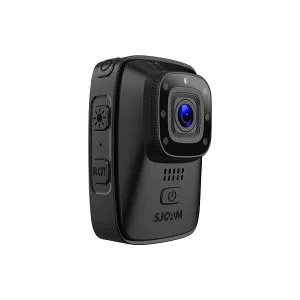
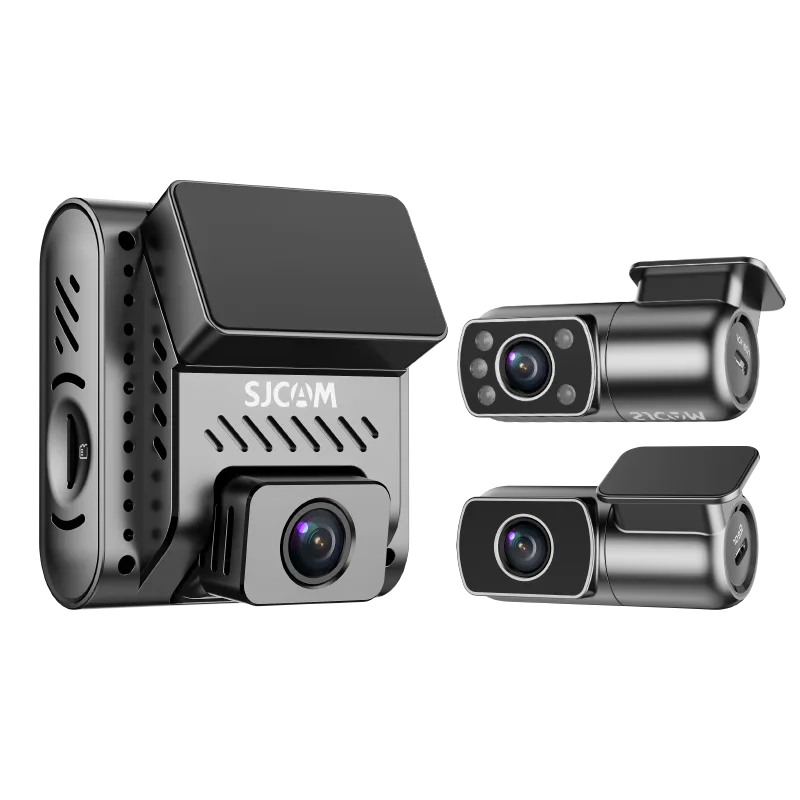
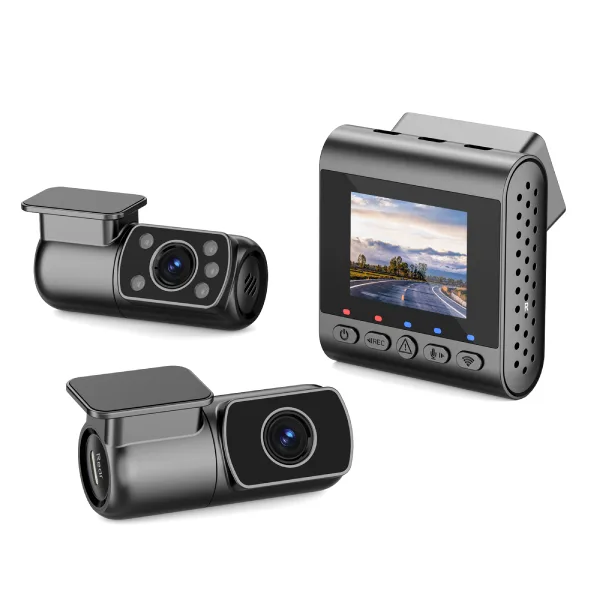
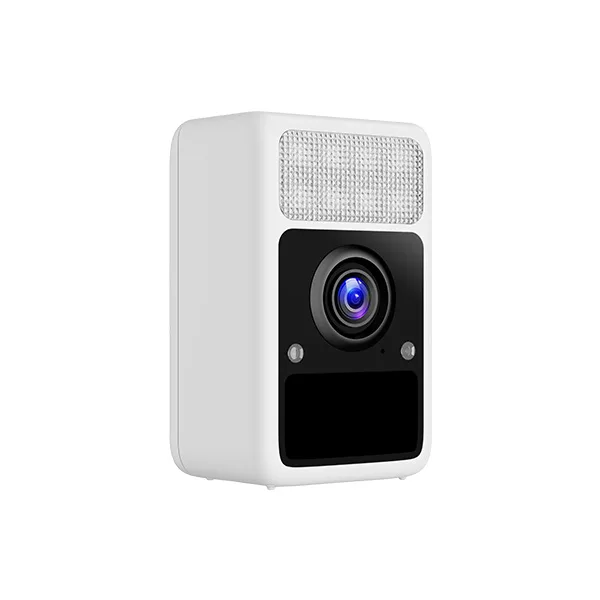
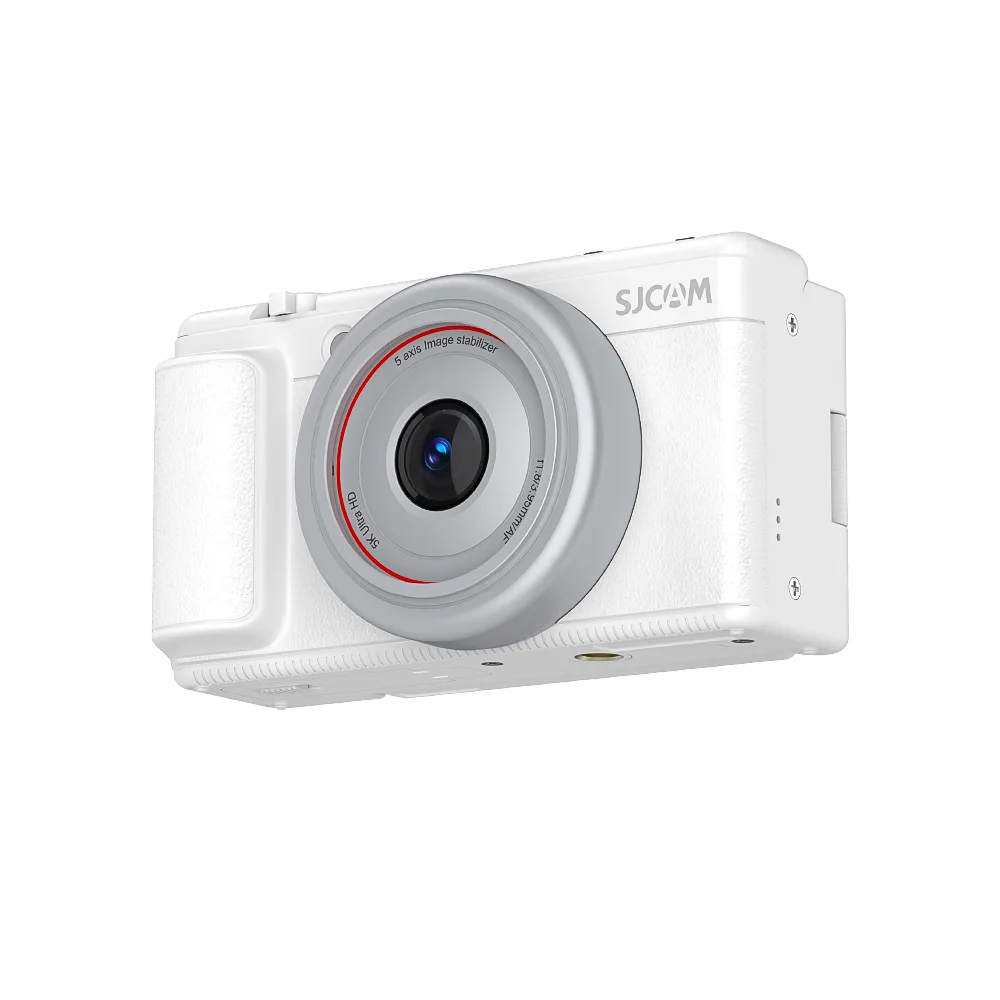
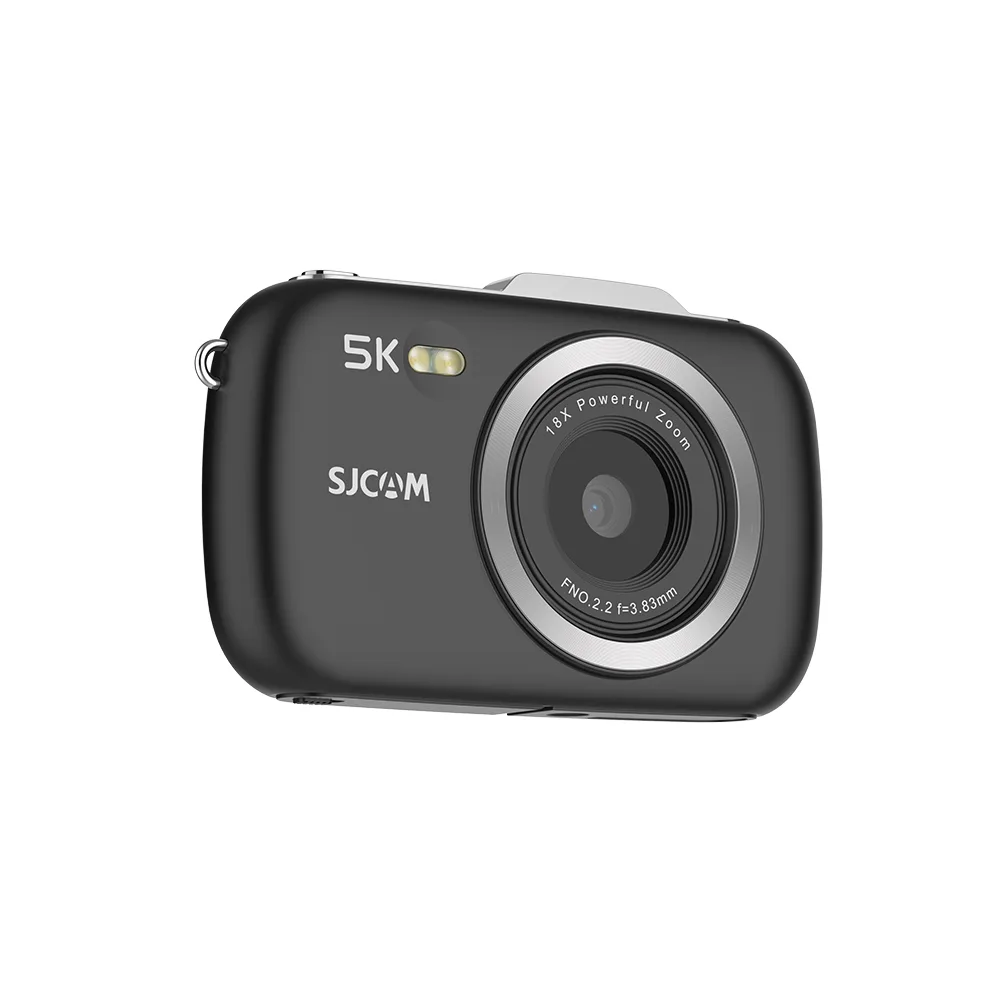

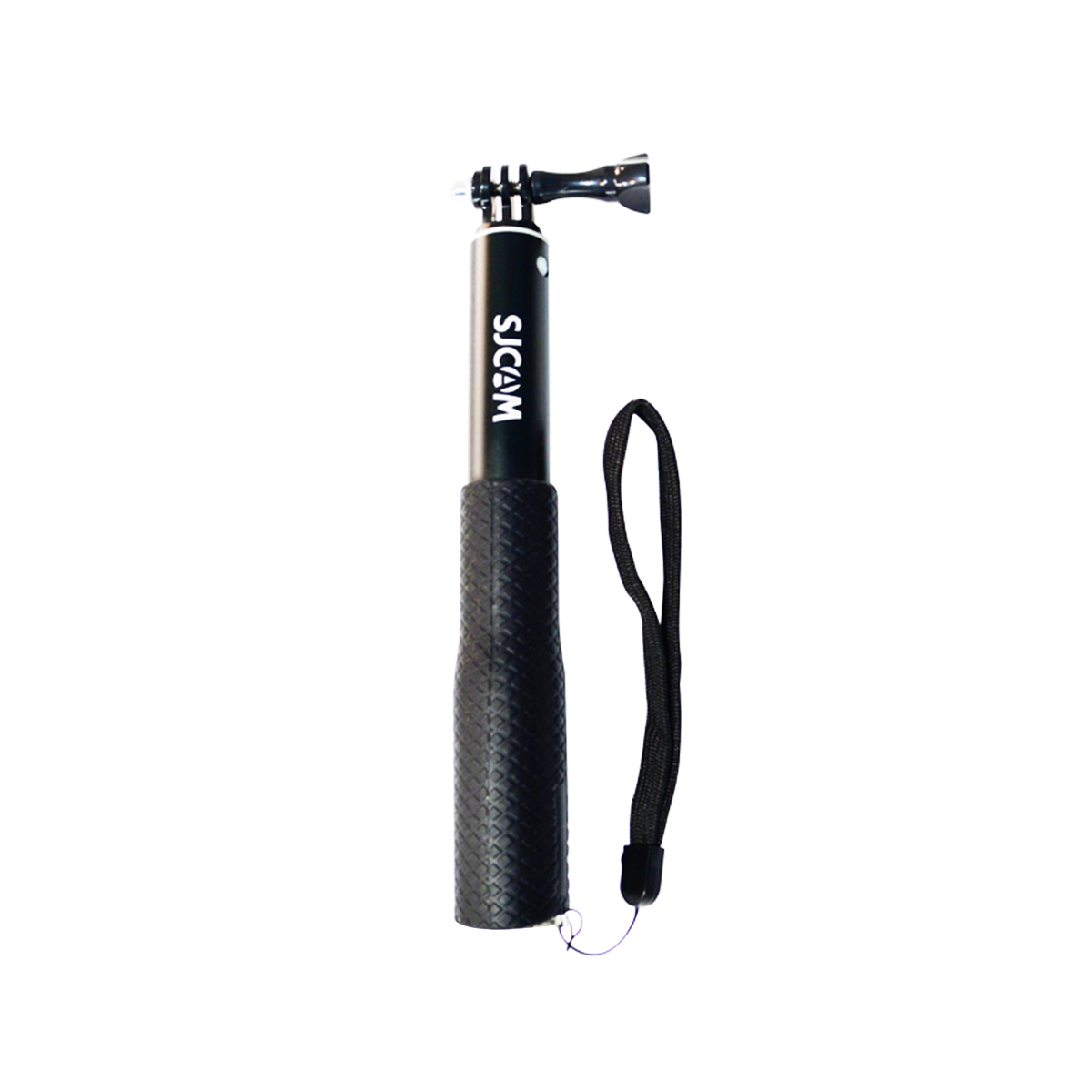

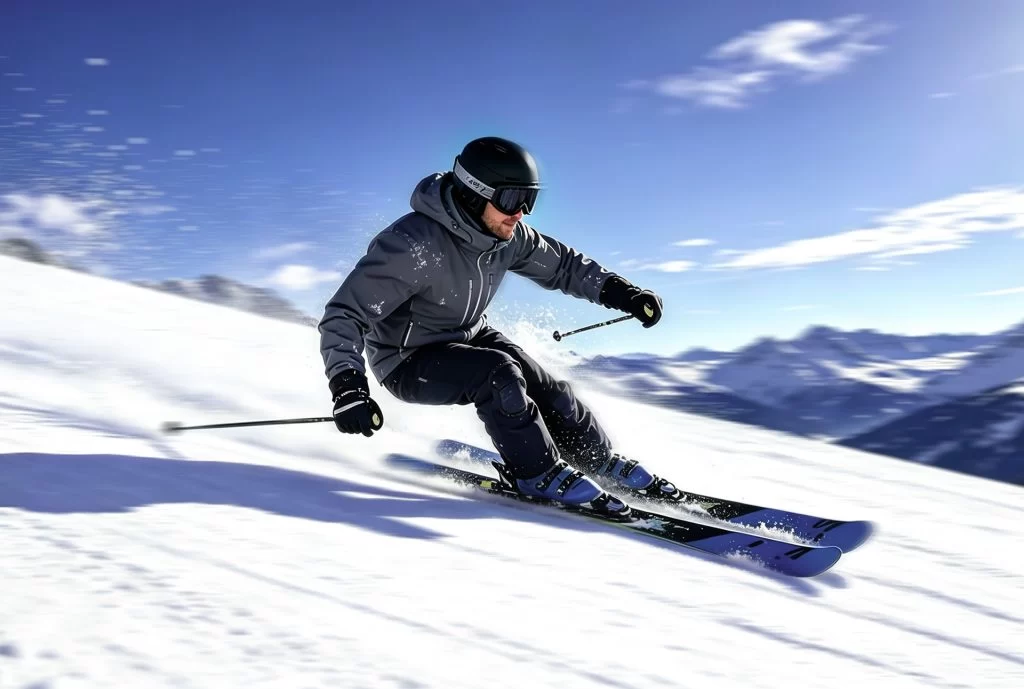
Great skiing footage depends on three things: choosing the right camera position, exposing bright snow correctly, and managing battery life in cold weather. For camera recommendations and models suited to different slopes, explore our акционе камере за скијање guide. With the right setup, you can capture first-person runs, turns, jumps, and mountain scenery without spending every break adjusting your camera.
What You Need Before the First Chair
Preparing your camera and accessories before reaching the lift helps prevent missed shots, storage problems, and unnecessary interruptions. Choose equipment that fits your camera and the way you plan to film.
| Ставка | Зашто је то важно | Our Pick |
|---|---|---|
| Акциона камера | Captures first-person footage, downhill runs, and mountain views | Choose a model with suitable stabilization, recording modes, and cold-weather performance |
| Носач за кацигу | Provides an immersive first-person perspective | A compatible helmet mount that fits securely without modifying the helmet |
| Chest strap | Captures a lower view of your skis, poles, and movements | An adjustable chest harness compatible with your camera |
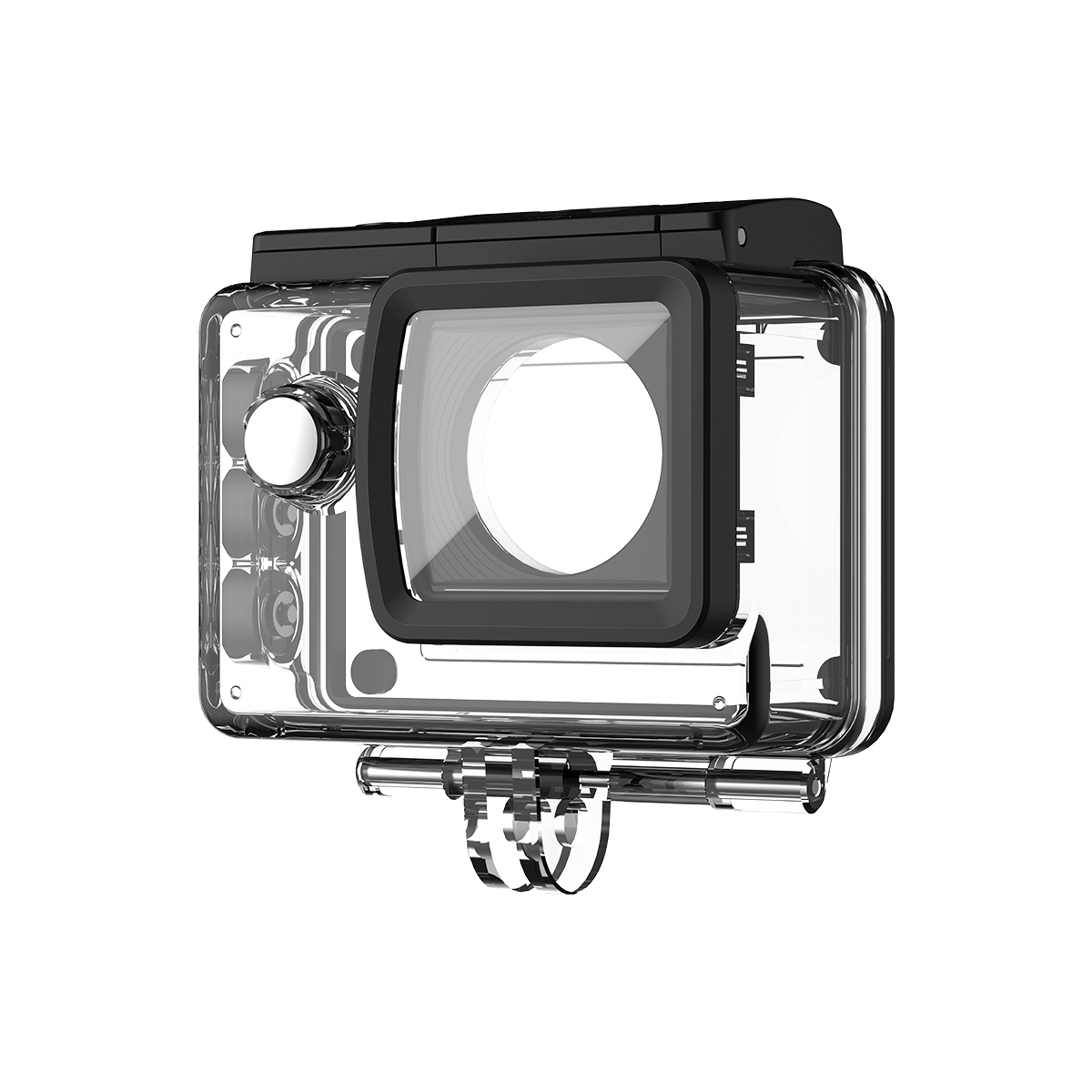
| Водоотпорно кућиште | Protects compatible cameras against snow, moisture, and accidental exposure | A housing designed for your specific camera model |
| microSD card | Stores high-resolution footage without running out of space mid-run | A compatible card with sufficient capacity and the speed recommended by the manufacturer |
| Spare battery or power source | Helps extend filming time on cold or long ski days | Fully charged, manufacturer-approved batteries or a compatible charging solution |
Before leaving, check that the camera, mount, and housing fit together correctly. Test the recording controls with your gloves on, confirm that the memory card has enough free space, and make a short test recording.
Cold weather can reduce usable battery capacity, so keep spare batteries protected from extreme cold. Do not assume that a waterproof camera body also makes its external accessories or charging module waterproof.
Choose Your Mount: Helmet, Chest, or Pole
Your mounting position determines what viewers see and how much of your movement appears in the footage. The best choice depends on whether you want an immersive point of view, a view of your skiing technique, or footage that shows more of the surrounding landscape.
| Носач | Најбоље за | Trade-off |
|---|---|---|
| Носач за кацигу | First-person footage, downhill runs, and looking toward the direction of travel | Head movements affect framing, and added accessories may affect comfort |
| Носач за груди | Showing skis, poles, turns, and body movement | The lower angle can hide distant scenery or point too far toward the snow |
| Pole-mounted camera | Capturing wider angles, group shots, and views of the skier from a different perspective | Requires one hand to manage the pole and may be inconvenient during challenging runs |
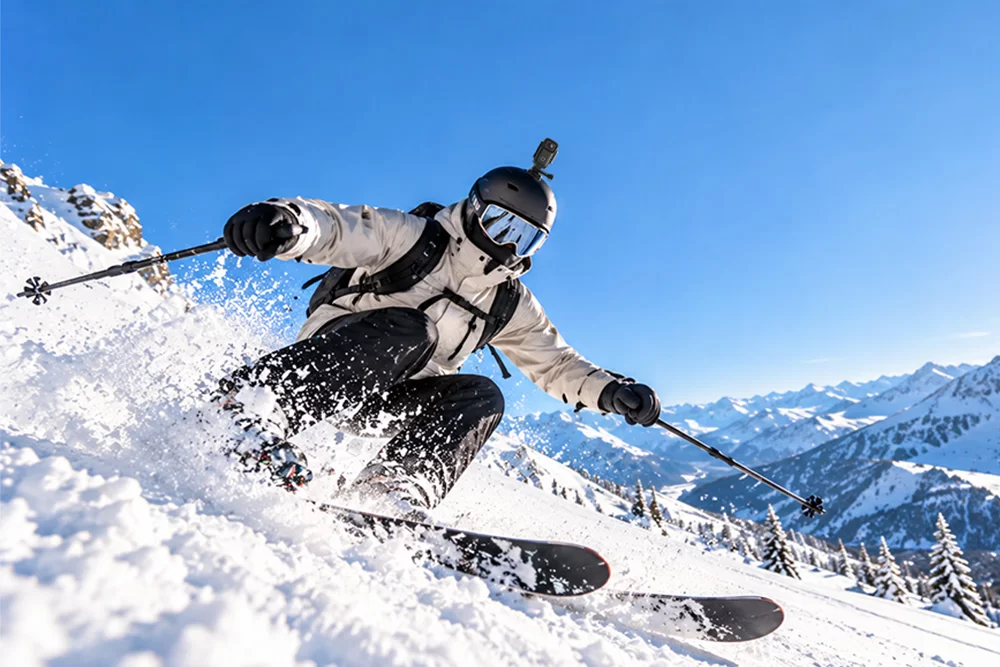
Helmet mount: Choose this for an immersive view of the slope ahead. Position the camera securely and check that the mount does not interfere with the helmet’s fit or protective features. Follow the helmet manufacturer’s guidance and never drill into or modify the helmet unless explicitly permitted.
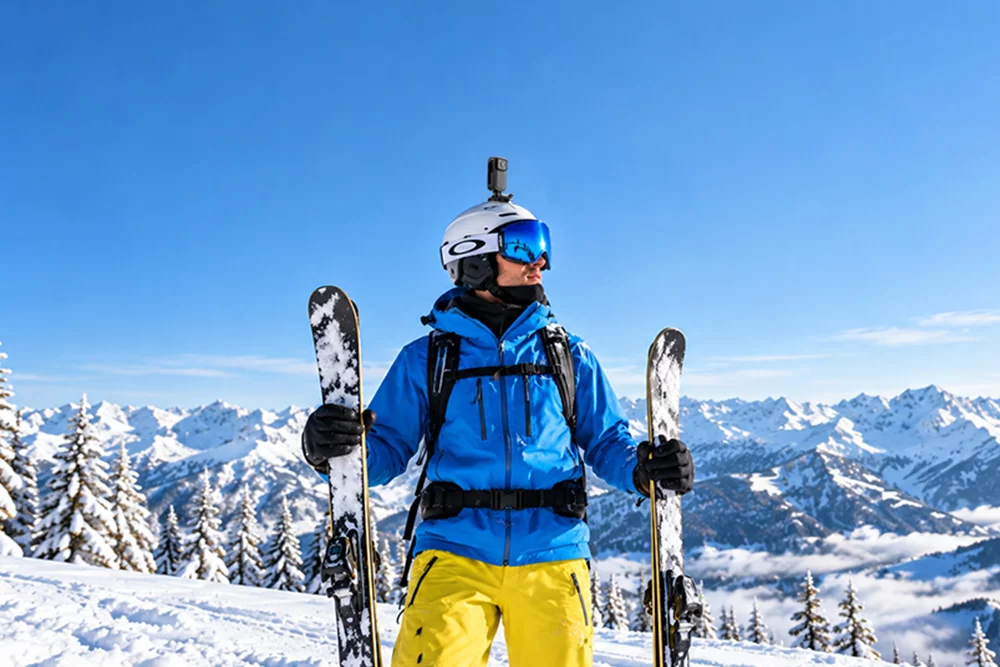
Chest mount: Choose this when you want to show your skis, poles, and turning movements. Adjust the angle before starting so that the footage includes the slope ahead rather than mostly the snow near your feet.
Pole mount: A compatible handheld extension can add variety to scenic shots and group footage. Use it only when you can control it safely, and put it away before sections that require both hands or your full attention.
Camera Settings That Work on Snow
Snow creates a difficult exposure challenge because it reflects a large amount of light. Automatic metering may interpret a predominantly white scene as too bright and reduce exposure, making fresh snow look gray. Bright snow can also cause highlights to lose detail if exposure is pushed too far in the other direction.
Use exposure compensation to keep snow looking naturally bright while retaining detail in the highlights. Review a test clip on the camera screen, especially when the light changes.
The settings below are starting points, not universal presets. Available shutter speeds, exposure compensation, and ISO limits vary by camera. If your camera does not support manual shutter or ISO controls, use the closest available settings and check the results.
| Стање | Exposure Compensation (EV) | Брзина затварача | ISO Cap | Брзина кадрова |
|---|---|---|---|---|
| Sunny, blue-sky conditions | Start around +0.3 to +1.0 EV; check for clipped highlights | Around 1/120 sec at 60 fps, or 1/60 sec at 30 fps, if manual control is available | ISO 100–400 | 60 fps for fast action; 30 fps for standard footage |
| Overcast, flat light | Start around +0.3 to +1.0 EV and review snow brightness | Use auto shutter or start near the 2× frame-rate guideline | ISO 100–800, increasing if needed | 30 or 60 fps, depending on light and motion |
| Sunset or night skiing | Start near 0 EV and adjust based on highlights and shadows | Prefer auto shutter or a slower shutter when motion permits | ISO 100–1600 as a starting range; raise only if needed | 30 fps is often more practical in low ligh |
White Balance: Keep Snow Looking Natural
Auto white balance can shift as the camera moves between blue shadows, bright snow, and warmer sunlight. If your camera supports manual white balance, try a daylight preset in sunny conditions or a cloudy preset under overcast skies. Lock the setting when the lighting is consistent and you want more uniform color across clips.
If lighting changes significantly during a run, auto white balance may be more practical. The goal is natural-looking snow and skin tones, not a fixed setting at all costs.
Exposure: Avoid Gray Snow and Blown Highlights
Start with a short test recording and check whether the snow looks gray or whether bright areas have lost all visible texture. Increase exposure compensation if the snow appears too dark; reduce it if important highlights are clipped. The right adjustment depends on the camera’s metering and the brightness of the scene.
Frame Rate and Stabilization
A higher frame rate can capture fast skiing movements more smoothly and offers greater flexibility for slow-motion editing. However, higher frame rates may require more light and storage. For general footage, 30 fps is a useful starting point; choose 60 fps when you want smoother motion or slow-motion options.
Enable electronic image stabilization (EIS) when available, especially for footage with frequent turns and bumps. Stabilization performance varies by model and recording mode, so test it before the first run.
Why Your Battery Dies by Lunch—and How to Fix It
Cold weather can reduce the usable capacity of lithium-ion batteries, so a fully charged battery may provide less recording time on a cold mountain than it does indoors. High-resolution recording, stabilization, screen use, and wireless features can also affect runtime. The actual result depends on your camera and recording settings.
Use these five practical steps to make the most of your battery:
- Charge everything before leaving. Fully charge the camera and spare batteries according to the manufacturer’s instructions.
- Keep spare batteries protected from extreme cold. Store them in an inside pocket or an insulated pouch, away from moisture.
- Record selectively. Start recording before a run and stop when you have captured the footage you need, rather than leaving the camera running through every break.
- Reduce unnecessary power use. Turn off Wi-Fi, Bluetooth, or the display when you do not need those features. Choose a lower-demand recording mode if maximum resolution is not essential.
- Test your actual runtime. Record a short session using your intended settings and weather conditions. Use the result to plan how many spare batteries you need.
Never charge a battery or camera outside the manufacturer’s permitted temperature range. Also, avoid exposing charging ports to snow or moisture.
5 Mistakes Every First-Timer Makes
Small setup errors can affect the whole recording. Check these five common mistakes before heading onto the slope.
Leaving white balance on auto without checking the color
Snow can appear too blue or shift in color between clips as lighting changes. When lighting is consistent, try a suitable white balance preset and review a test clip.
Turning off electronic image stabilization
Skiing involves rapid changes in direction and frequent vibration. If your camera supports EIS, enable it when you want smoother footage, then check that your chosen resolution and frame rate support the stabilization mode.
Using default exposure without checking the snow
Automatic metering can make a bright snowy scene look gray. Review a test recording and adjust exposure compensation as needed, while preserving highlight detail.
Mounting the camera too low
A poorly angled chest mount may capture mostly skis and nearby snow instead of the slope. Tilt the camera upward slightly and test the framing while standing in your normal skiing position.
Taking a cold camera straight into a warm room without protecting it
Rapid temperature changes can cause condensation on or inside equipment. Before entering a warm indoor space, place the camera in a sealed bag when appropriate and allow it to warm gradually before opening the bag. Follow the manufacturer’s care instructions, and do not open a sealed housing while moisture could enter.
A quick test before the first run helps catch framing, exposure, stabilization, and storage problems before they affect your footage.
Which SJCAM Is Right for Your Skiing?
The best camera for skiing depends on the footage you want, the mounting position, stabilization requirements, and how long you need to record. The following models offer different combinations of size, video capability, and handling.
| Модел | Најбоље за | Key Spec |
|---|---|---|
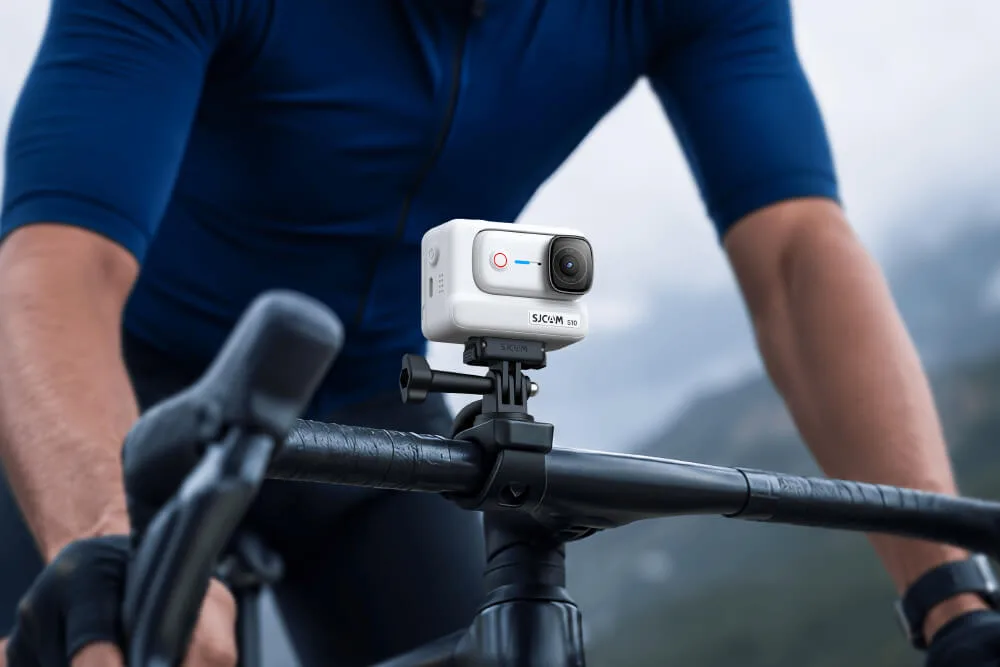
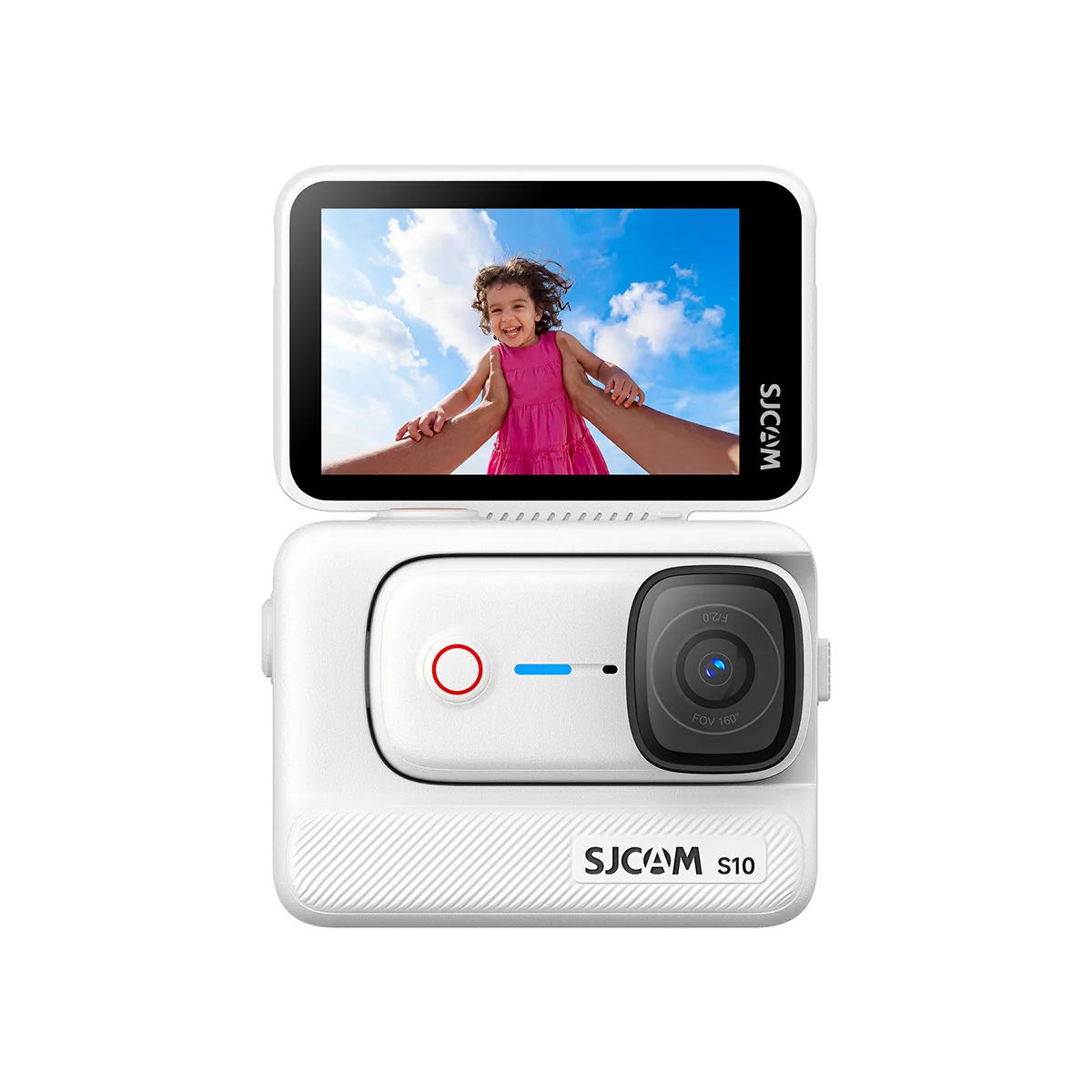
| СЈЦАМ С10 | Lightweight first-person footage | 46 g standalone camera, 4K/30 fps, SteadyMotion V2.0 stabilization |
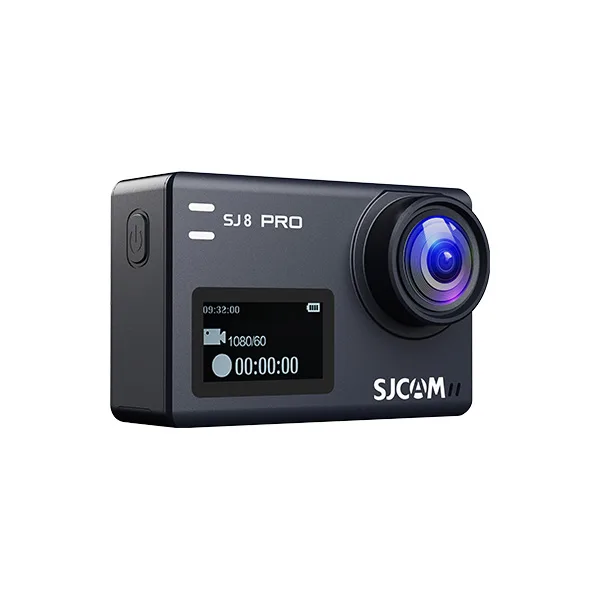
| СЈЦАМ СЈ8 Про | High-resolution action footage | 4K/60 fps recording and electronic image stabilization |
| SJCAM SJ6 Ultra | Skiers who want a wide view and dual screens | 4K/30 fps, 166° lens, six-axis stabilization |
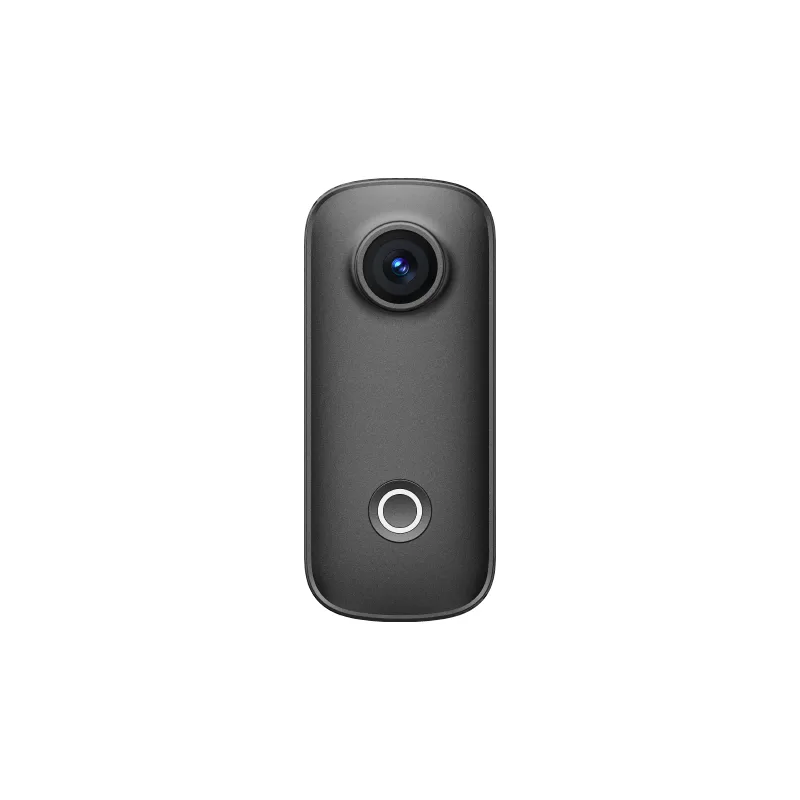
| СЈЦАМ Ц200 Про | Compact filming and flexible mounting | 4K/30 fps, 20 MP photos, six-axis stabilization |
| СЈЦАМ Ц110+ | Lightweight wearable footage | Compact 78 g design, 170° field of view, gyro stabilization |
| СЈЦАМ Ц200 | Everyday recording in a compact body | 2K/30 fps and 1080p/60 fps recording, six-axis gyro stabilization |
Specifications and features vary by model and recording mode. Check each product page for current details, supported accessories, waterproofing requirements, and battery information before choosing a camera for skiing.
Quick Start: Your First Run in 5 Steps
Use this checklist before your first descent.
- Attach the mount. Fit a compatible mount securely and confirm that it does not interfere with your helmet, clothing, or movement. Add a suitable safety tether where appropriate.
- Set your recording options. Choose a resolution and frame rate that match the footage you want, enable stabilization if available, and check exposure and white balance.
- Turn on the camera and check it. Confirm the battery level, available storage, framing, and recording controls. Make a short test clip before joining the run.
- Protect your spare batteries. Keep spares charged and protected from extreme cold and moisture, following the manufacturer’s instructions.
- Start recording safely. Begin recording before the run when practical. Do not adjust the camera while skiing if doing so would distract you or affect your control.
If you use a remote, pair and test it before getting onto the slope. Camera preparation should never take priority over safe skiing or the instructions of resort staff.
Честа питања
Најбоља акциона камера за скијање је она која пружа одговарајућу стабилизацију, сигурне опције за монтажу, корисне режиме снимања и поуздане перформансе у условима које очекујете. Упоредите ове карактеристике са својим буџетом и стилом снимања пре него што изаберете модел.
За опште снимке скијања, почните са 4K на 30 кадрова у секунди ако је подржано, омогућите електронску стабилизацију и проверите експозицију како бисте били сигурни да снег изгледа светло без губитка детаља у светлим деловима. Користите 60 кадрова у секунди када желите глаткије снимке брзе акције или успорене снимке и прилагодите подешавања за промену светла.
Носач за кацигу је обично бољи за импресивне снимке из првог лица, док носач за груди може да прикаже ваше скије и покрете окретања. Прави избор зависи од жељеног угла и начина монтирања који одговара сигурно и удобно.
Snow often looks gray because the camera’s automatic metering reduces exposure in a bright scene. Try positive exposure compensation in small increments, review a test clip, and avoid increasing exposure so much that bright snow loses detail.
To extend battery life, fully charge your equipment, keep spare batteries protected from extreme cold, turn off features you do not need, and record selectively. Check the manufacturer’s runtime information and test your chosen settings before a full day on the slopes.
Можете користити гласовну контролу ако ваша камера то подржава, али не укључују сви модели ову функцију. Тестирајте подржане команде пре скијања и држите опцију даљинског или ручног управљања при руци када је то потребно. Ветар и околна бука могу утицати на препознавање гласа.
Да бисте смањили кондензацију, заштитите камеру од влаге и избегавајте отварање затвореног кућишта током брзих промена температуре. Приликом премештања из хладних спољашњих услова у топао затворени простор, користите затворену кесу где је то потребно и оставите камеру да се постепено загреје пре него што је отворите.
Final Tips for Better Ski Videos
After filming, select your strongest turns, scenic views, and action sequences. Trim unnecessary footage, correct exposure and color when needed, and export in a format suited to your intended platform. Keep original clips until you have checked the final edit.