





 język angielski
  chiński (Chiny)
  hiszpański
  Niemiecki
  Francuski
  Włoski
  język japoński
  koreański
  bułgarski
  grecki
  indonezyjski
  chiński (Hongkong)
  Rosyjski
  duński
  fiński
  język węgierski
  turecki
  Holenderski
  portugalski
  szwedzki
  rumuński
  słowacki
  serbski
  norweski
  chorwacki
  albański
  kataloński
  Czech
Czech  estoński
  ormiański
  bengalski
  amharski
  tajski
  ukraiński
  wietnamski
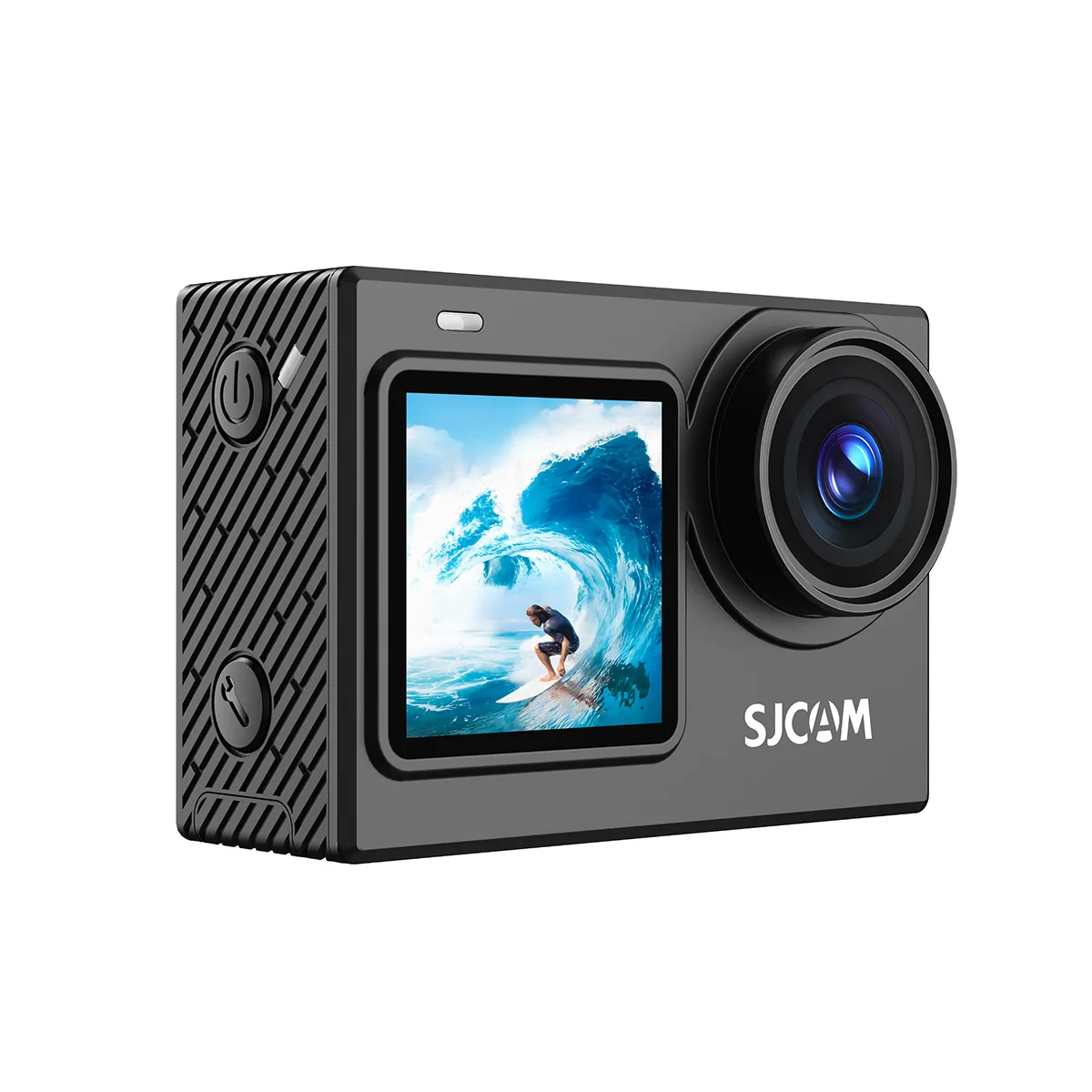
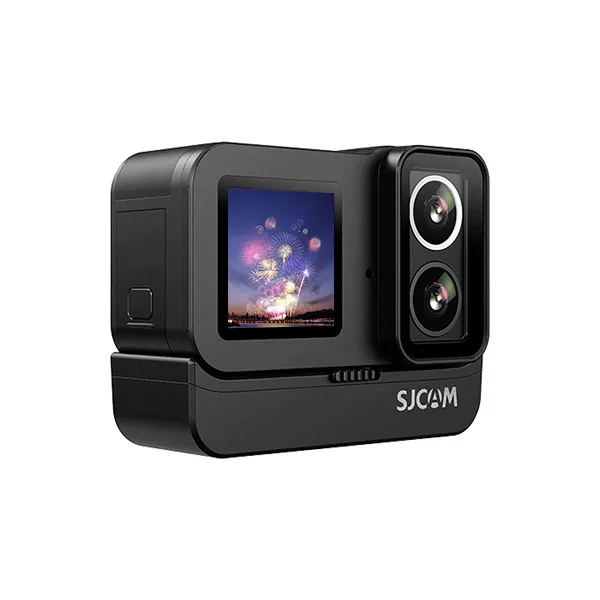
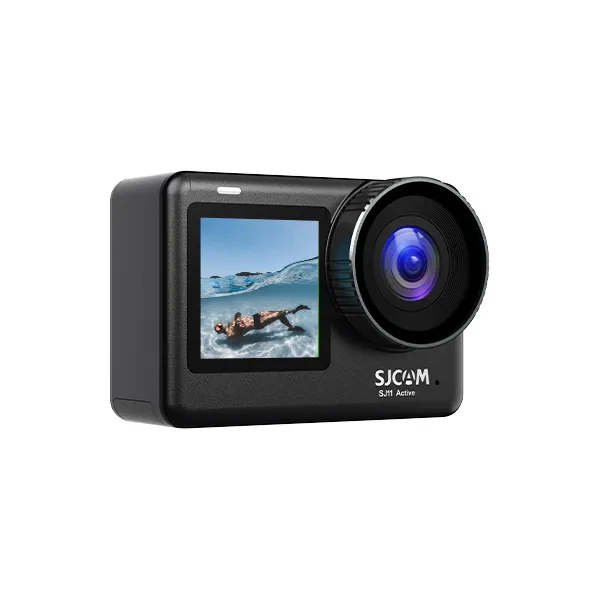
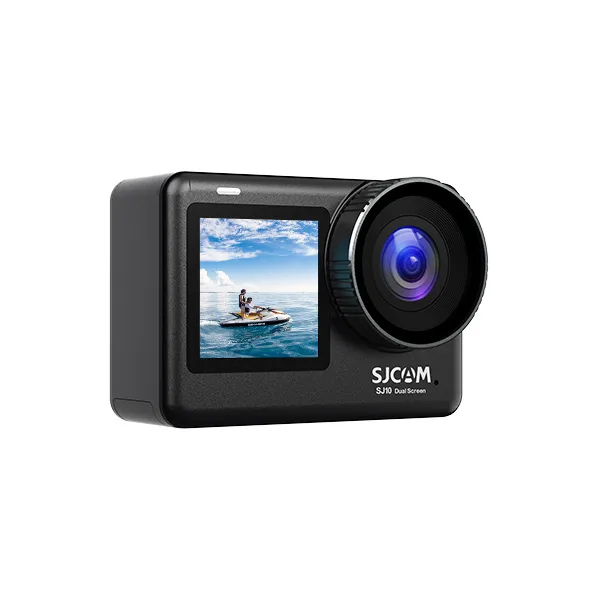
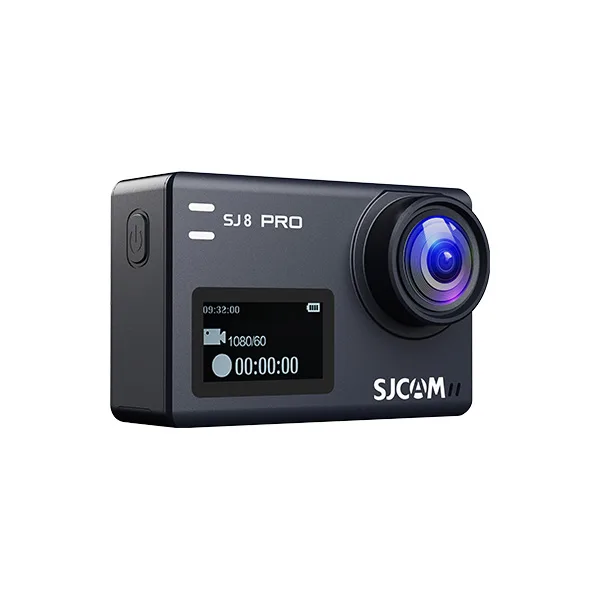
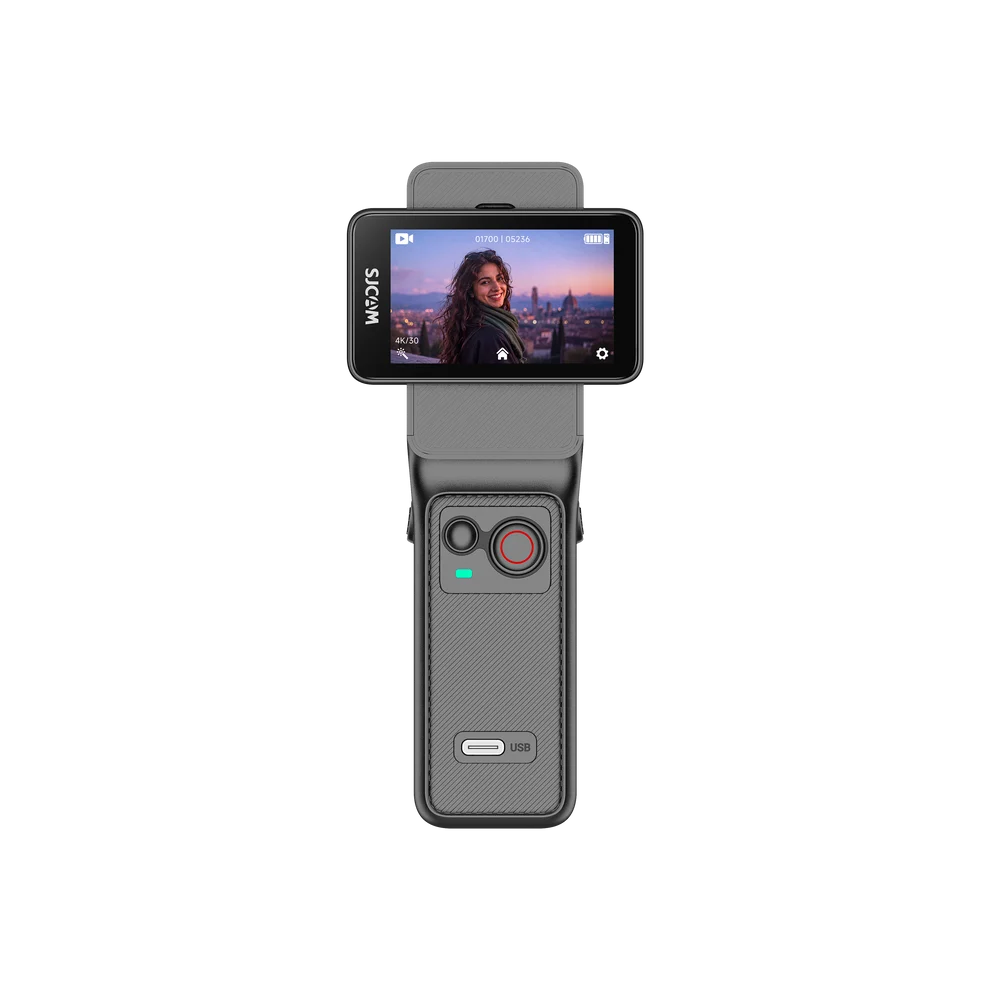
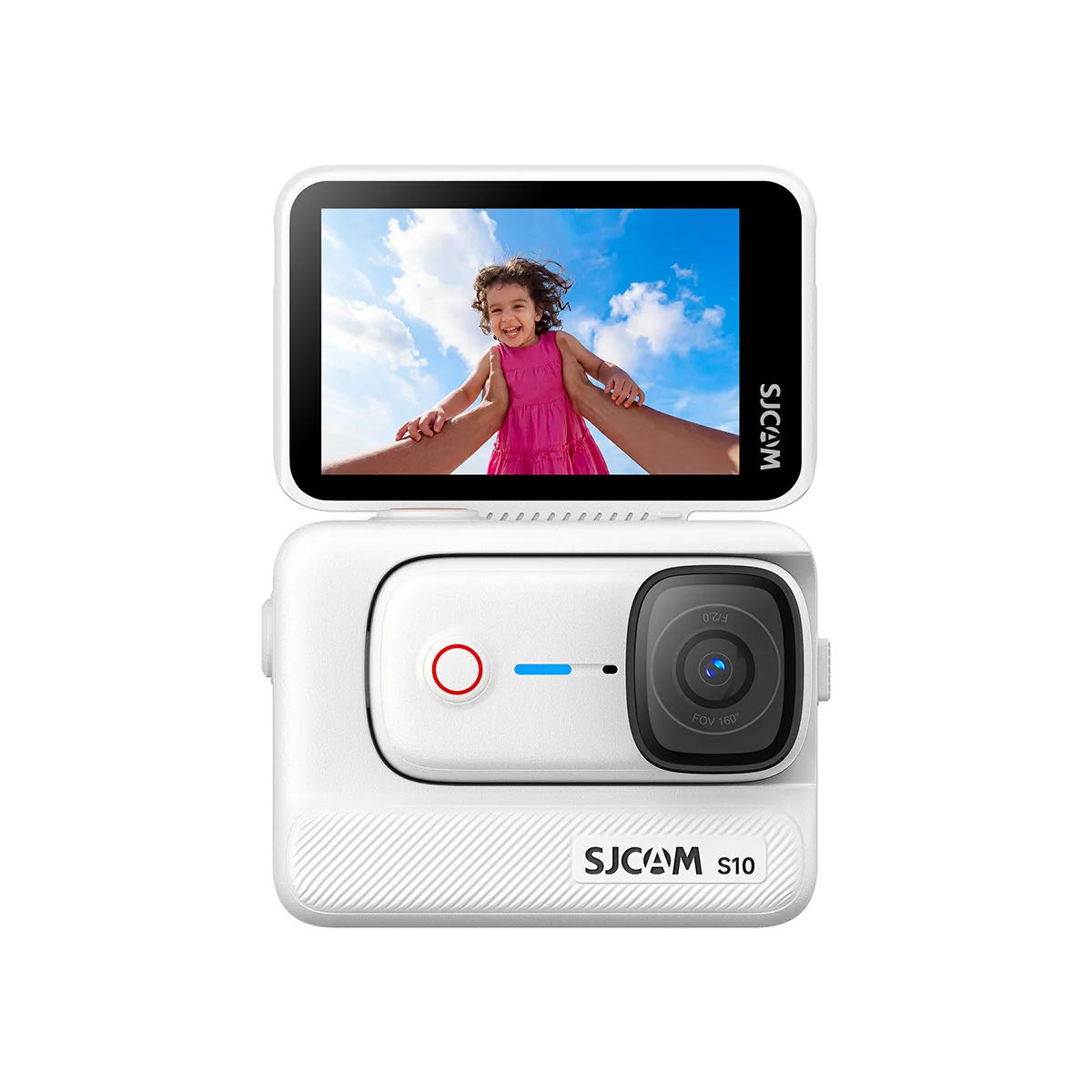
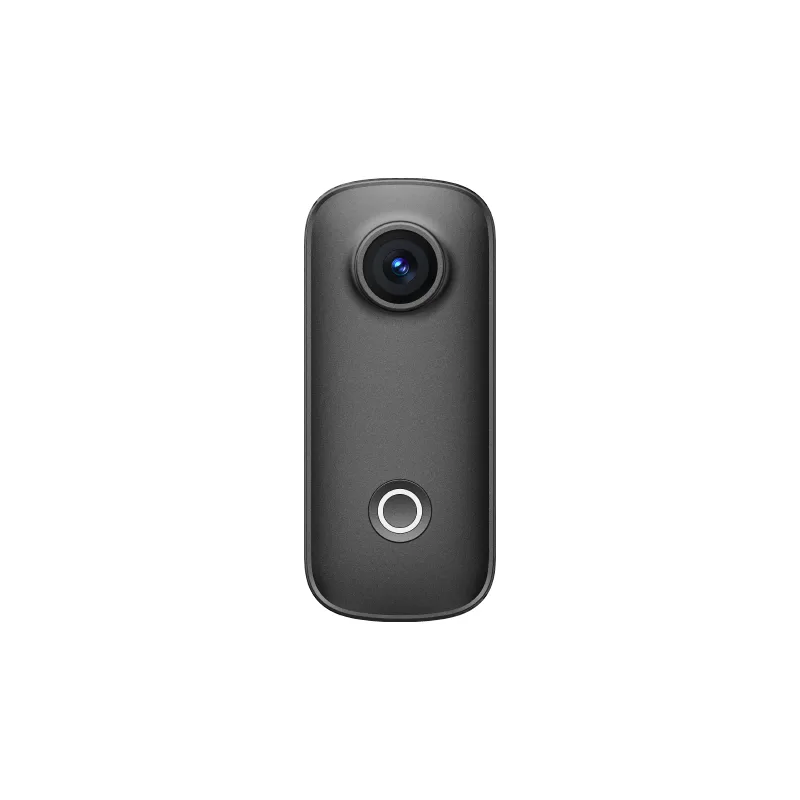

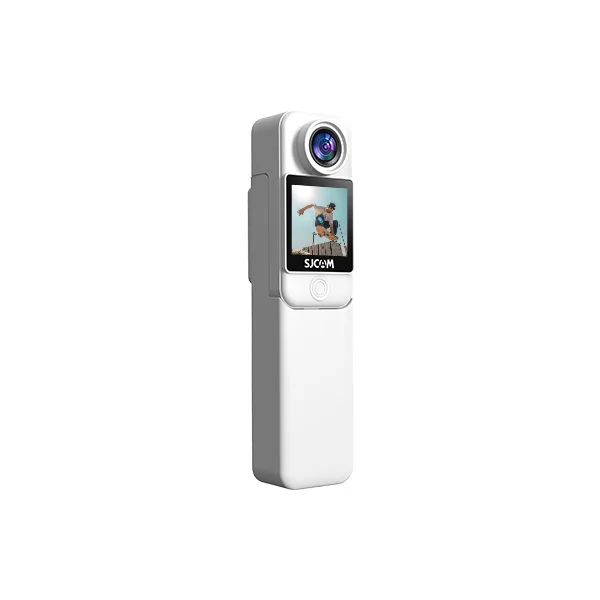
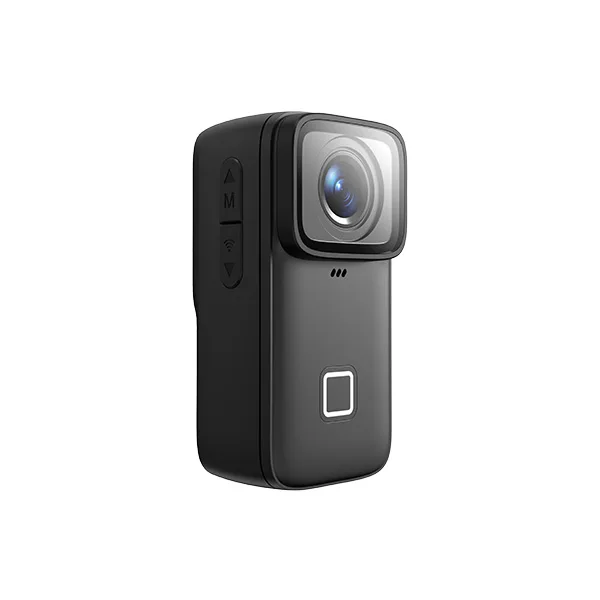
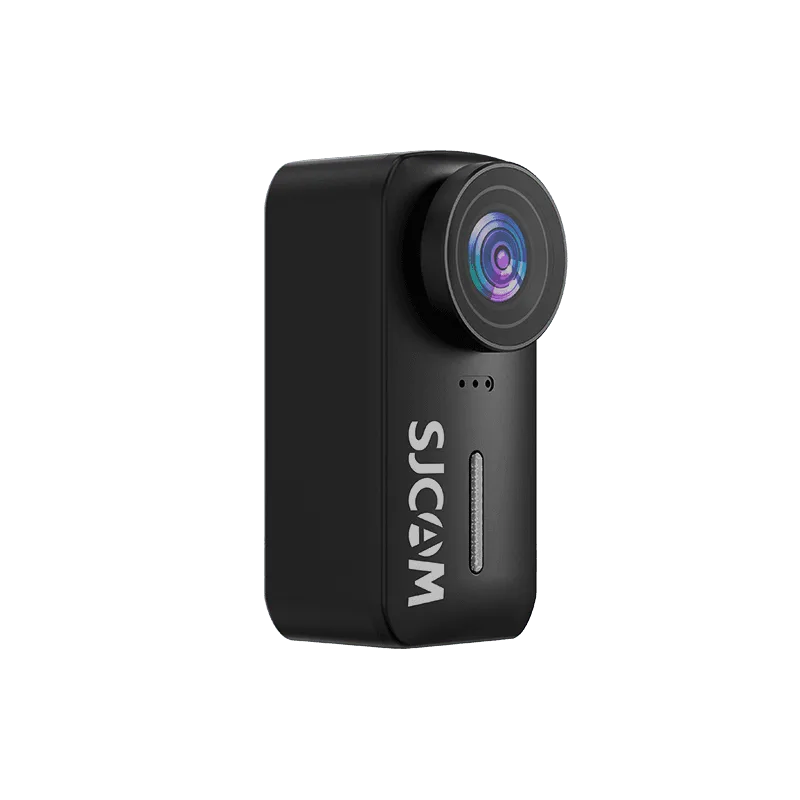
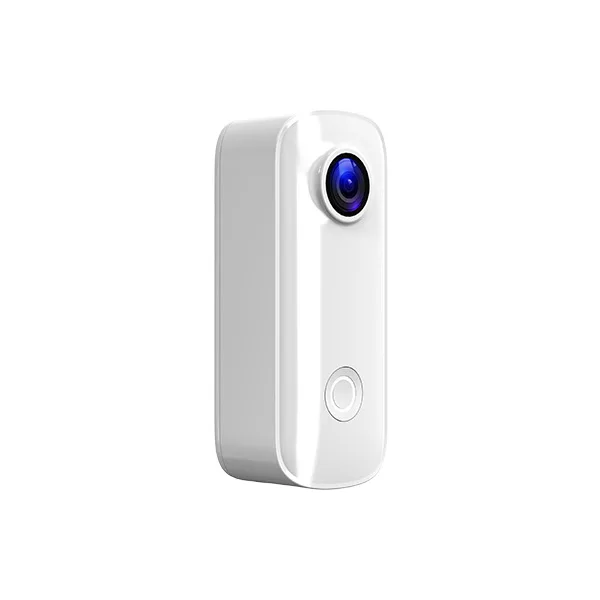
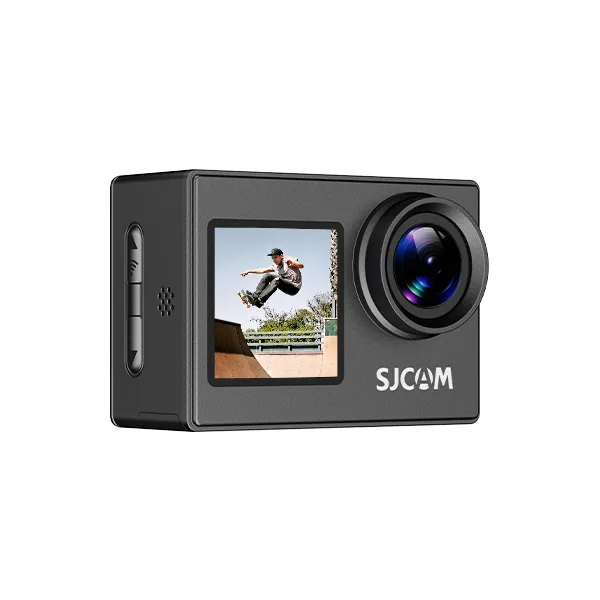
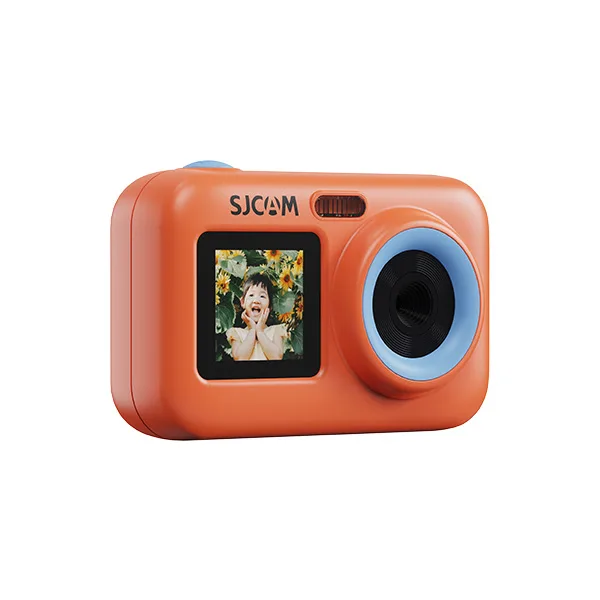
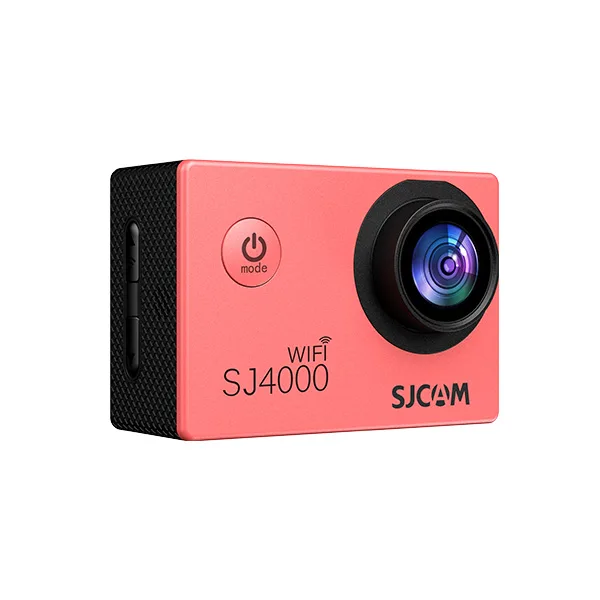
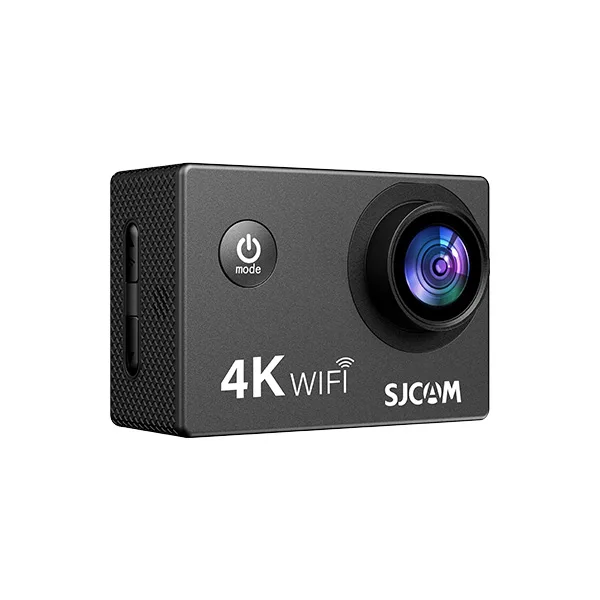
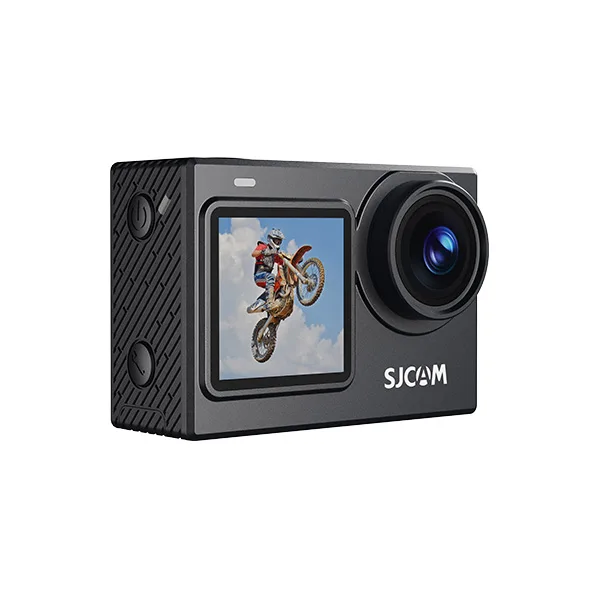
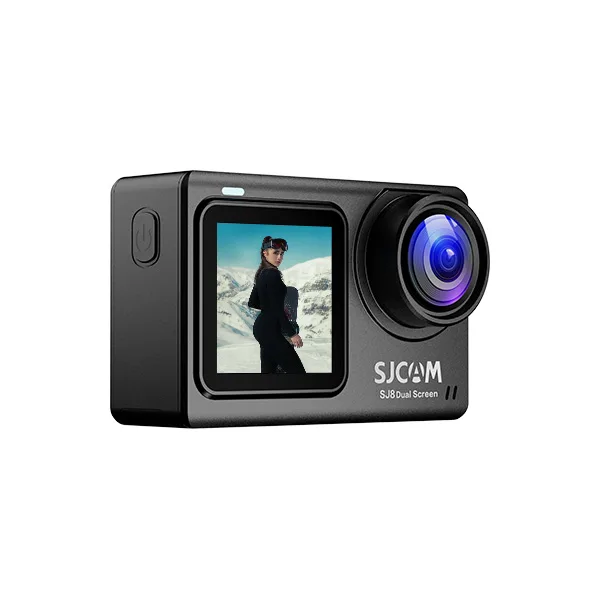
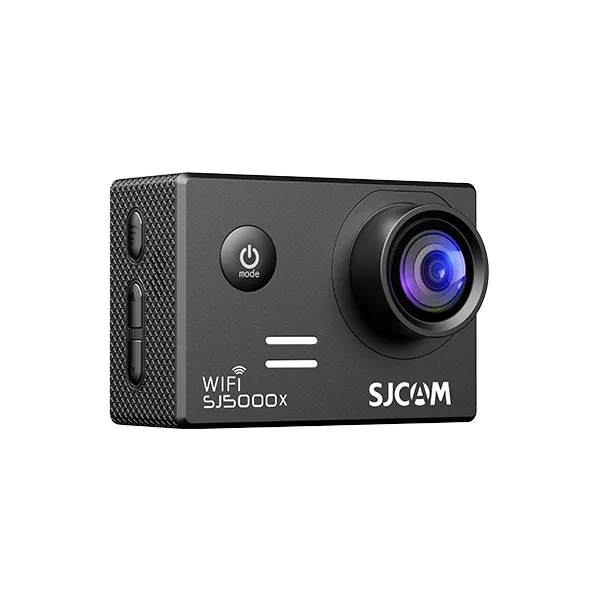
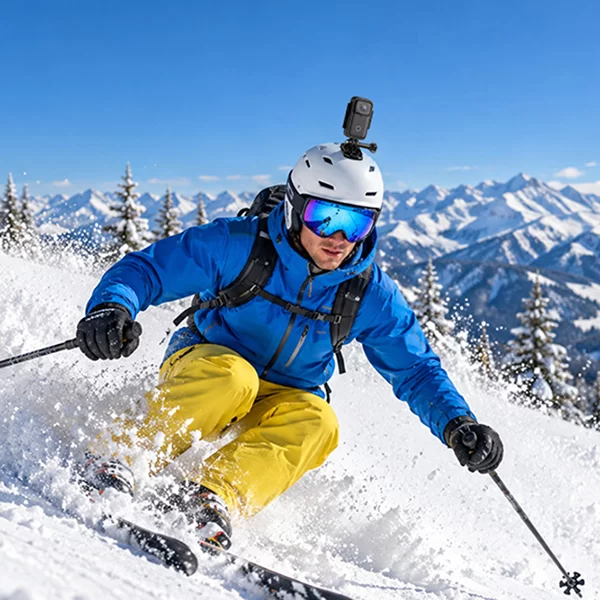

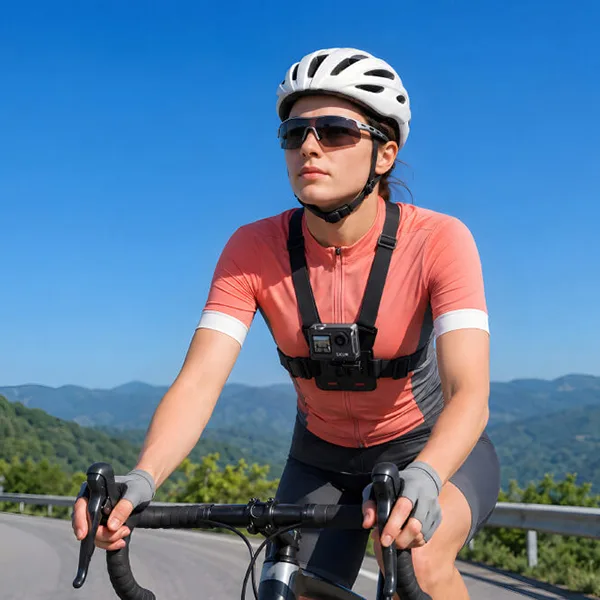


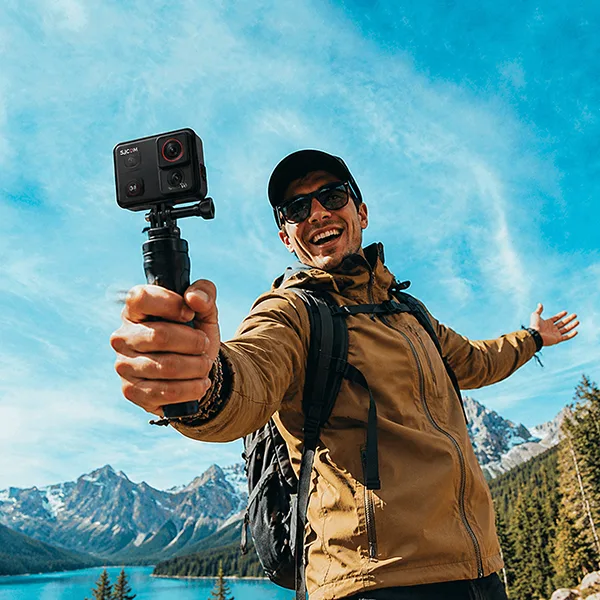
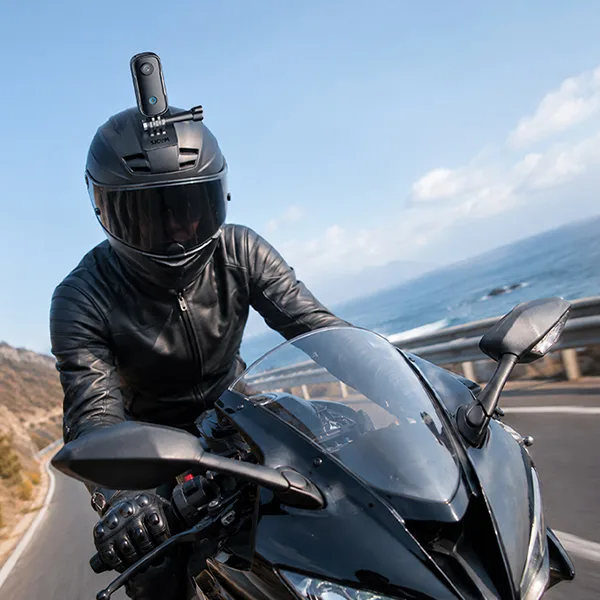
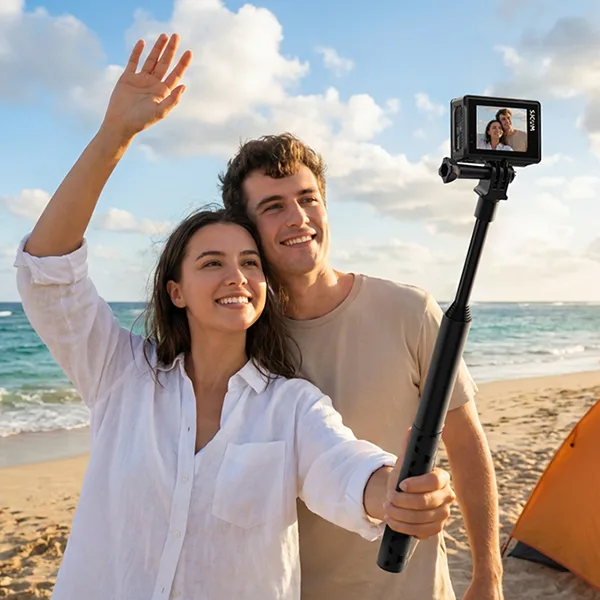
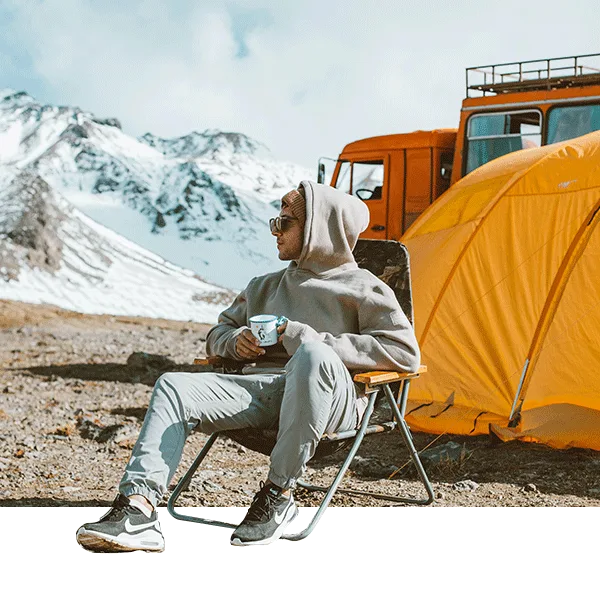
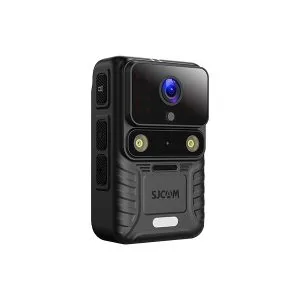
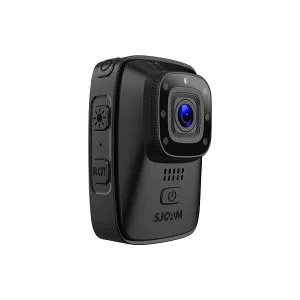
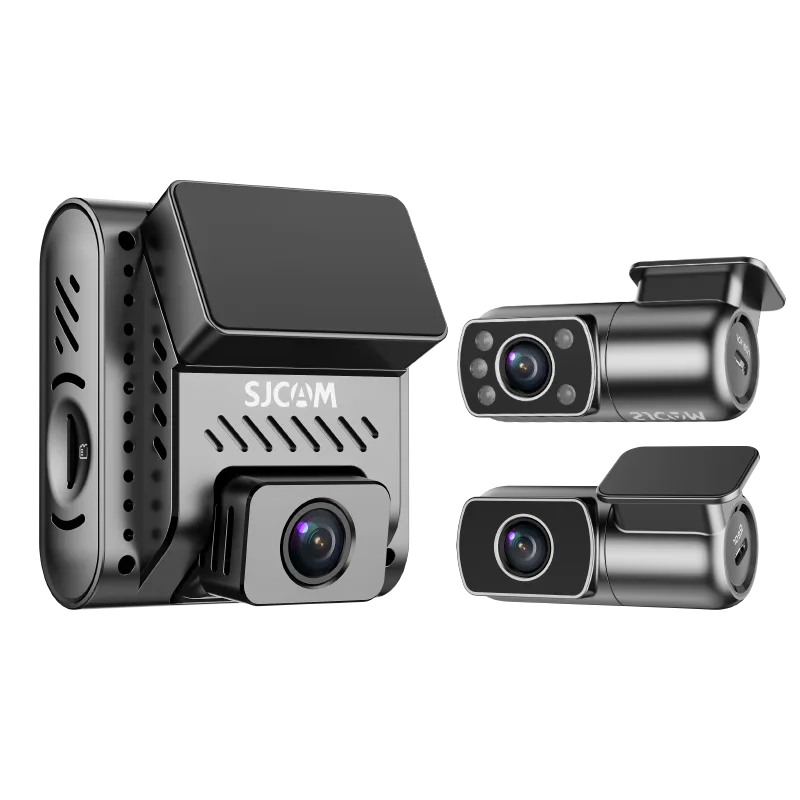
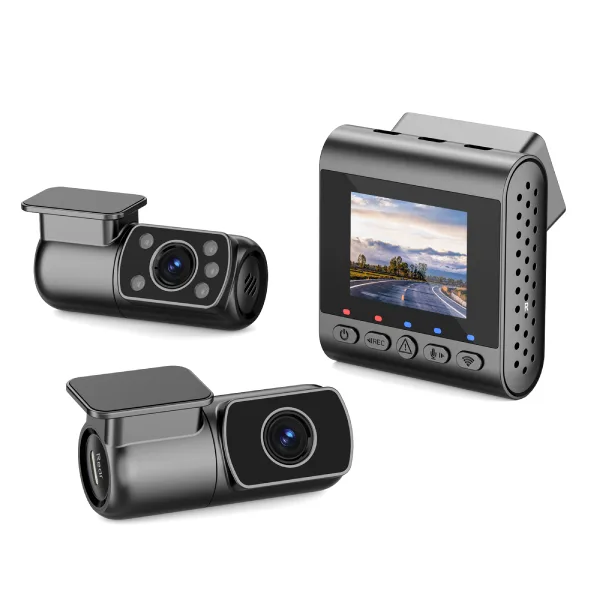
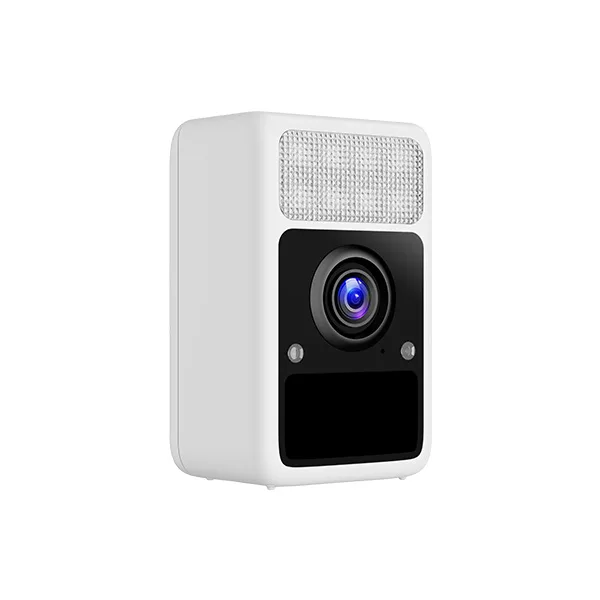
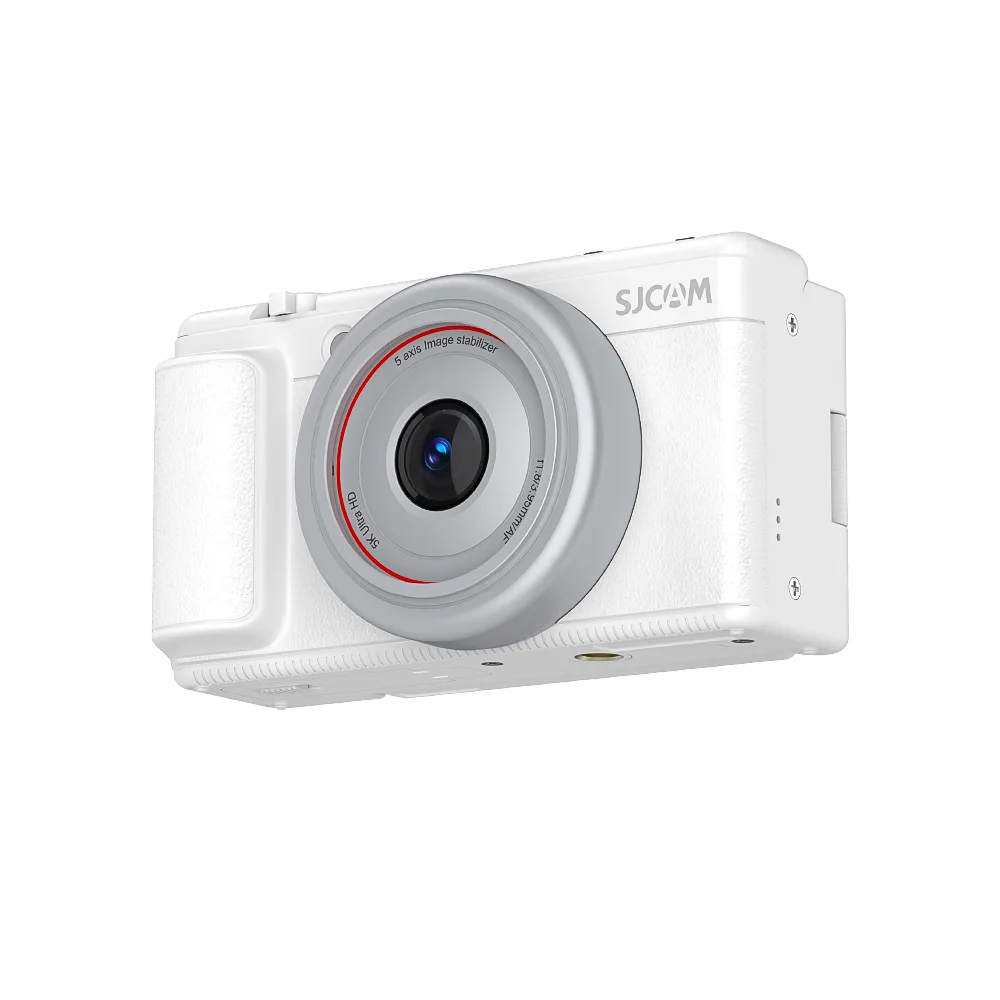
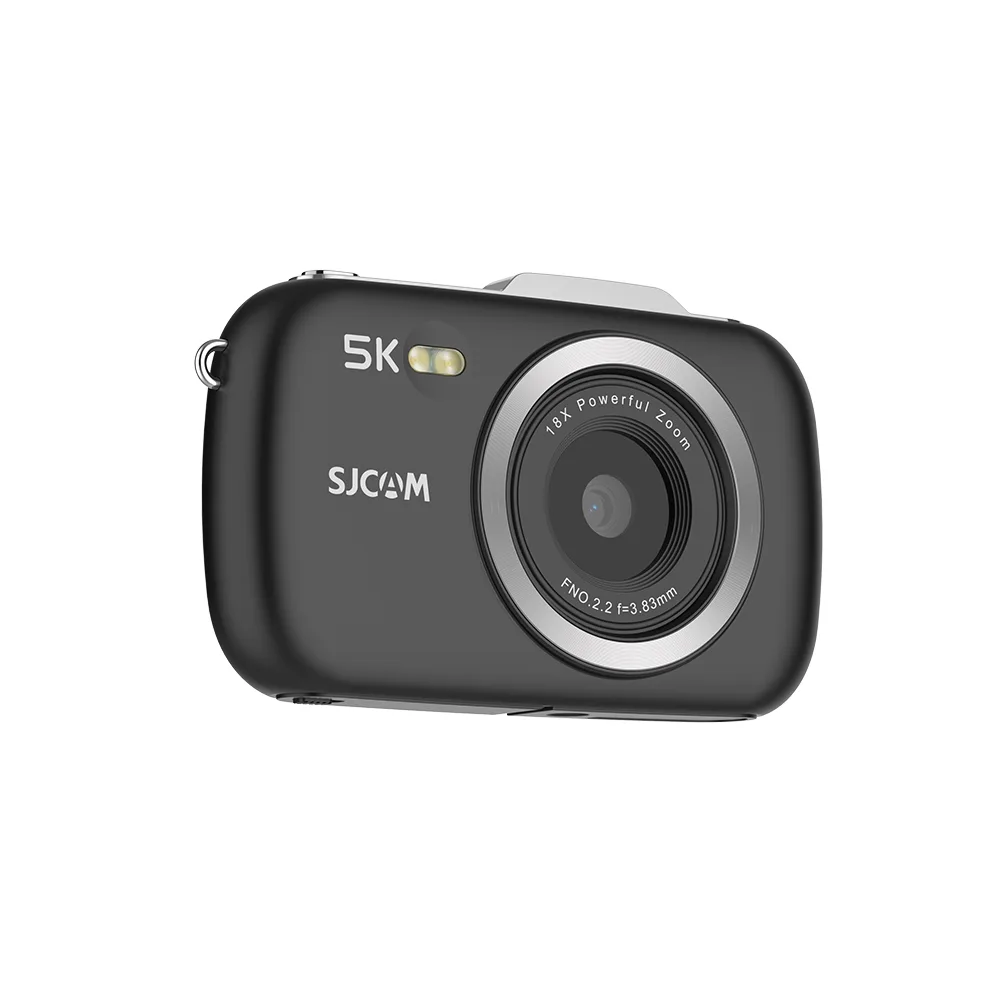

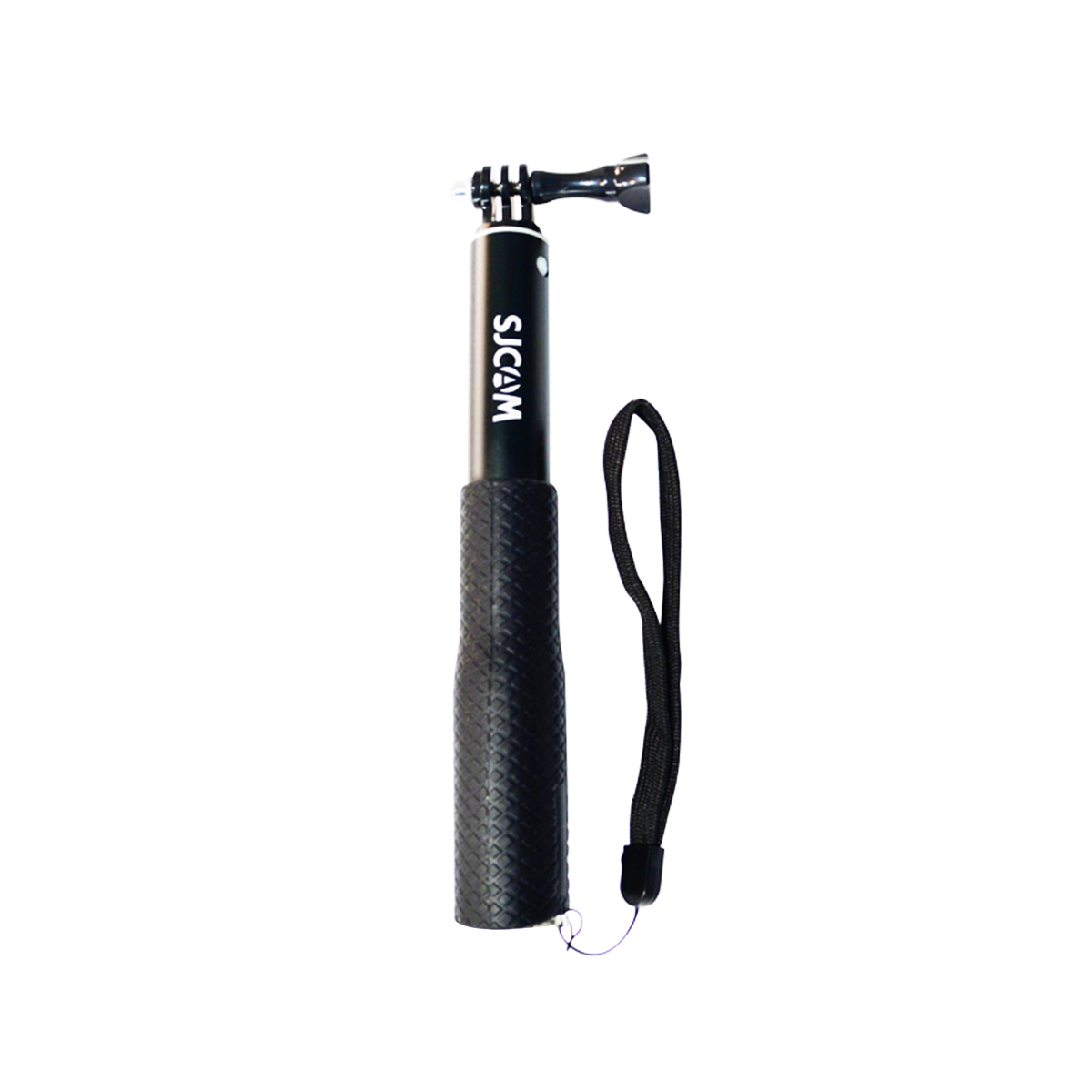


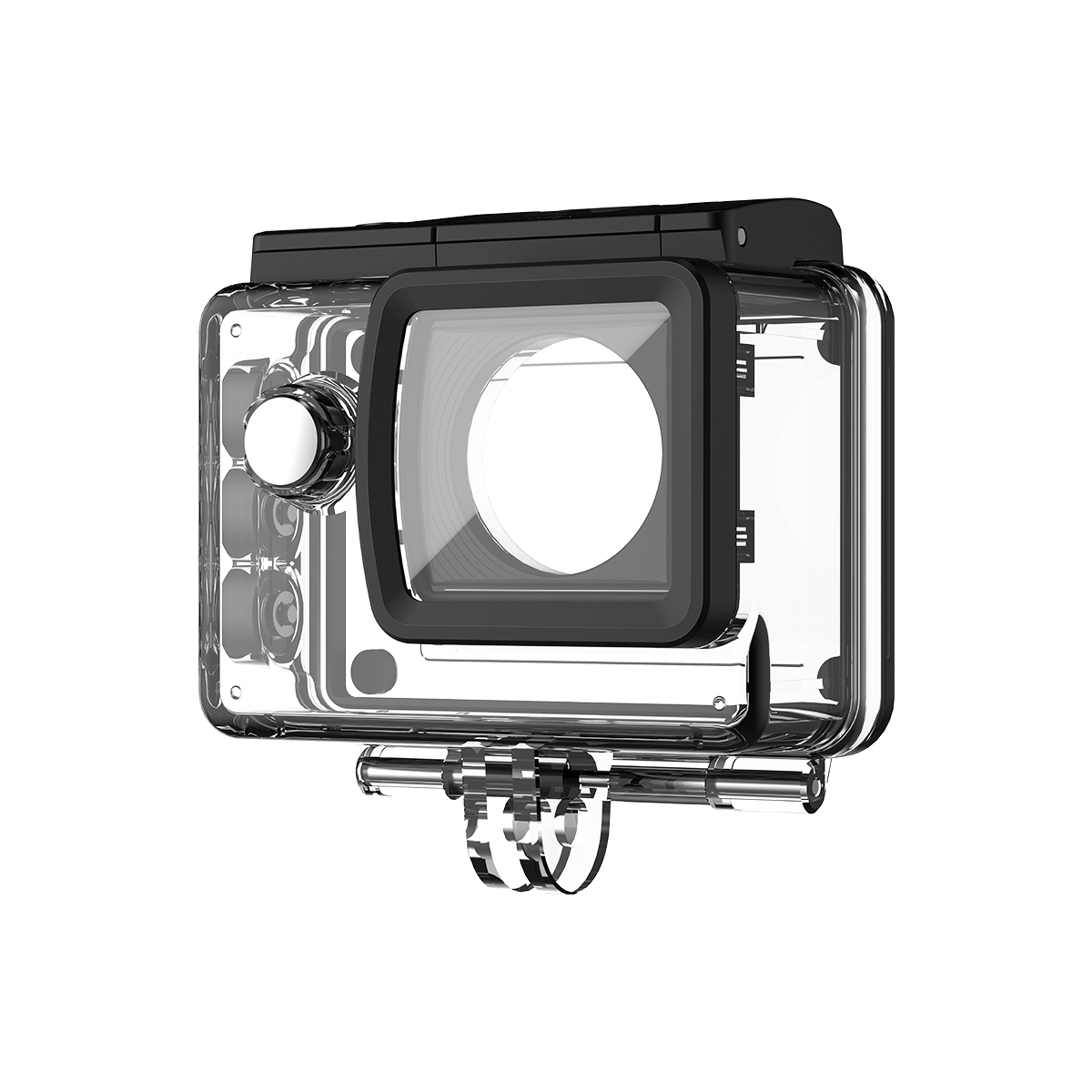
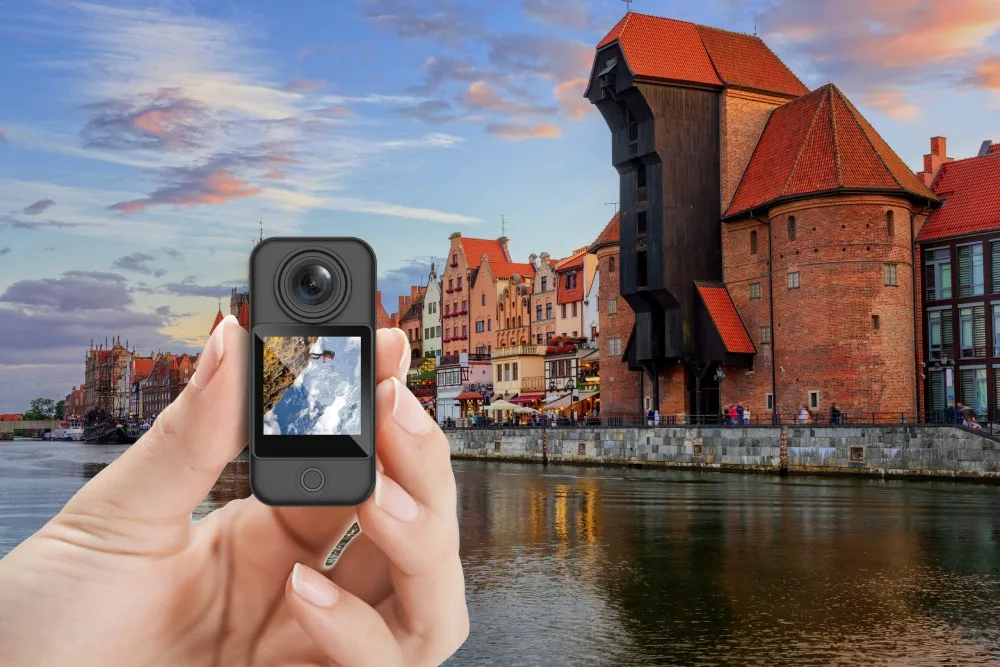
Nagrywanie w pętli jest powszechnie stosowane w kamery akcji, kamery samochodowe, kamery bezpieczeństwa i kamery nasobne które wymagają nagrywania przez długi czas bez stałego zarządzania plikami.
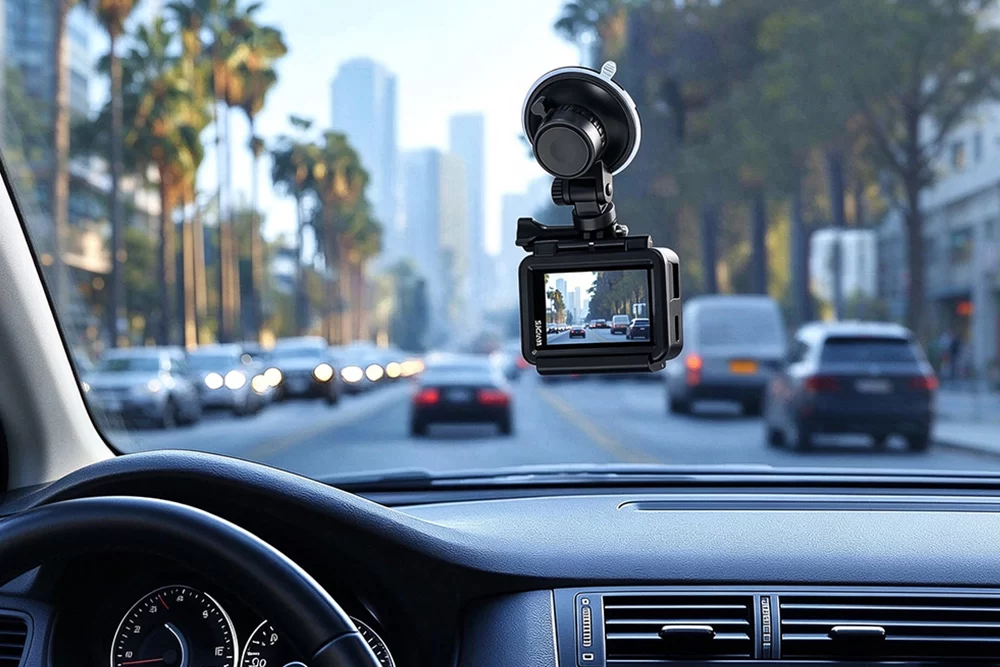
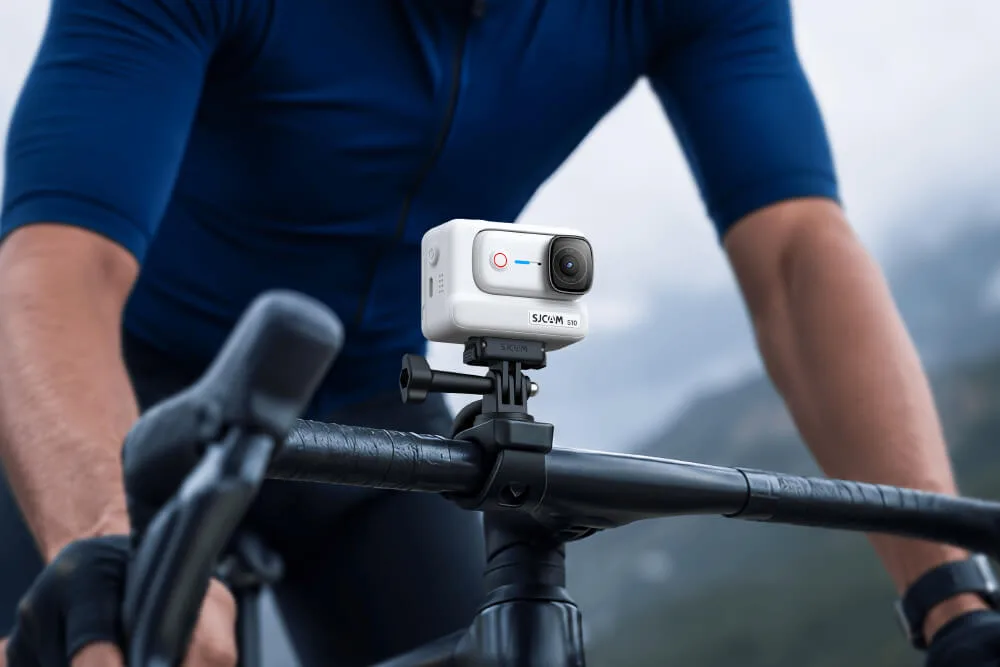
Dla użytkowników kamer sportowych może być szczególnie przydatny podczas podróży samochodem, przejażdżki motocyklowe, kolarstwo, lub innych dłuższych sesji nagrywania. Zrozumienie, jak działa nagrywanie w pętli, może pomóc Ci wybrać odpowiednie ustawienia, efektywniej zarządzać pamięcią masową i uniknąć przypadkowej utraty ważnych nagrań.
Co oznacza nagrywanie w pętli?
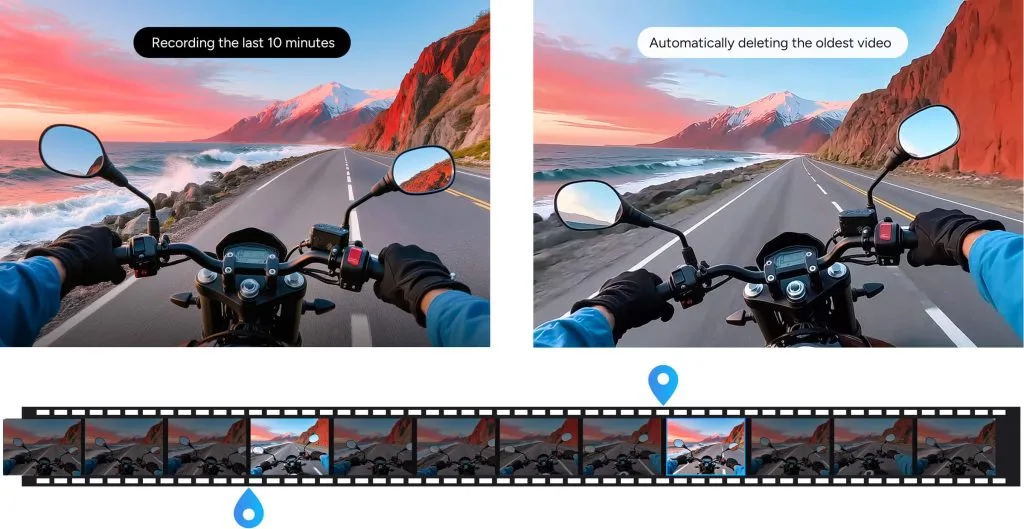
Nagrywanie w pętli oznacza, że kamera nagrywa wideo w sposób ciągły w krótkich segmentach i automatycznie nadpisuje najstarsze niezabezpieczone pliki, gdy karta pamięci się zapełni.
Na przykład, jeśli wybierzesz pętlę 3-minutową, kamera będzie zapisywać nowy plik wideo co trzy minuty. Po zapełnieniu pamięci najstarszy, nadający się do zapisu klip zostanie zastąpiony nowym, aby nagrywanie mogło być kontynuowane.
Jak działa nagrywanie w pętli?
Nagrywanie w pętli zazwyczaj odbywa się w trzech krokach:
1. Kamera nagrywa krótkie klipy wideo
Zamiast tworzyć jeden bardzo duży plik wideo, kamera zapisuje materiał w mniejszych fragmentach, np. 1-, 3- lub 5-minutowych, w zależności od modelu i ustawień.
2. Nagrywanie będzie kontynuowane do momentu zapełnienia pamięci masowej
Kamera zapisuje nowe klipy na karcie pamięci, dopóki jest na niej wolne miejsce.
3. Najstarsze pliki są nadpisywane
Po zapełnieniu karty pamięci kamera zastępuje najstarsze, niezabezpieczone nagrania nowymi. Zablokowane lub chronione zdarzeniami pliki mogą pozostać na karcie do momentu ich ręcznego usunięcia.
Korzyści z nagrywania w pętli
Ciągłe nagrywanie
Nagrywanie odbywa się nawet wtedy, gdy pamięć jest pełna.
Automatyczne zarządzanie magazynem
Zastępuje starsze, kwalifikujące się materiały filmowe bez konieczności ręcznego usuwania.
Mniejsze, łatwiejsze w zarządzaniu pliki
Krótkie fragmenty wideo są łatwiejsze do przeglądania, przesyłania i tworzenia kopii zapasowych.
Przydatne podczas długich sesji nagraniowych
Doskonale nadaje się do kamer samochodowych, kamer sportowych, kamer bezpieczeństwa i innych sytuacji wymagających dłuższego nagrywania.
Na czym polega nagrywanie w pętli w kamerze sportowej?
W kamerach sportowych funkcja nagrywania w pętli zapisuje materiał wideo w krótkich fragmentach i zastępuje najstarsze nagrania po zapełnieniu karty pamięci. Jest to przydatne, gdy kamera jest zamontowana i nagrywa przez długi czas, na przykład podczas jazdy motocyklem, podróży samochodem, jazdy na rowerze lub innych aktywności, w których nie chcesz zatrzymywać się i ręcznie zarządzać pamięcią masową.
W kamerach SJCAM funkcja nagrywania w pętli tworzy osobne pliki wideo i może nadpisywać starsze nagrania, gdy pamięć masowa się zapełni. W dokumentacji technicznej kamery SJCAM podano, że funkcja ta jest dostępna we wszystkich modelach kamer.
Jeśli chcesz zachować konkretny klip, zapisz go lub wykonaj kopię zapasową, zanim będzie można go nadpisać.
Nagrywanie w pętli a nagrywanie normalne
| Funkcja | Nagrywanie w pętli | Normalne nagrywanie |
|---|---|---|
| Struktura pliku | Krótkie segmenty wideo | Jeden lub wiele plików standardowych |
| Gdy pamięć masowa jest pełna | Najstarsze kwalifikujące się klipy są nadpisywane | Nagrywanie może zostać zatrzymane |
| Najlepsze dla | Długie, ciągłe nagrywanie | Regularne kręcenie filmów |
| Ręczne zarządzanie plikami | Rzadziej | Częściej |
| Ryzyko | Stare nagrania można nadpisać | Pamięć masowa może się zapełnić |
Implementacje nagrywania w pętli w różnych urządzeniach
W wielu urządzeniach zaimplementowano funkcję ciągłego nagrywania, aby zwiększyć ich funkcjonalność.
Nagrywanie w pętli w kamerach akcji
Kamery sportowe rejestrują nasze przygody bez zakłóceń. Gwarantują, że ekscytujące momenty naszej podróży są bezpieczne i gotowe do obejrzenia w każdej chwili.
Nagrywanie w pętli w kamerach samochodowych
Kamery samochodowe na bieżąco rejestrują naszą podróż, stosując metodę ciągłego nagrywania. Jednak te nagrania są zawsze aktualne, dzięki czemu możemy zachować bezpieczeństwo w razie wypadku.
Nagrywanie w pętli w kamerach bezpieczeństwa
W kamerach bezpieczeństwa zapewnia ciągłe, nieprzerwane wideo. W ten sposób zyskujesz szansę na zachowanie spokoju ducha, który pozostaje najwyższym priorytetem każdego użytkownika.
Nagrywanie w pętli w kamerach na ciele
W przypadku pracowników organów ścigania i ochrony nagrywanie w pętli gwarantuje ciągłe nagrywanie podczas wykonywania obowiązków. Oszczędza to istotne dowody i zapewnia bezpieczeństwo każdej osoby w razie wypadku.
Wybór odpowiednich ustawień nagrywania w pętli
W przypadku nagrywania w pętli kluczowe jest znalezienie najlepszej dostępnej opcji. Wybierz opcję nagrywania krótkich filmów, aby uzyskać optymalne rezultaty. Może to jednak pozwolić na utworzenie większej liczby nagrań i zachowanie bezpieczeństwa ważnych danych. Po nagraniu pamiętaj o dostosowaniu jakości i rozdzielczości wideo, aby zmniejszyć rozmiar pliku. Niewątpliwie filmy wysokiej jakości zajmują więcej miejsca niż filmy niskiej jakości.
Można także włączyć lub wyłączyć wyzwalanie zdarzeniami. Opcje te zapobiegają nadpisaniu ważnych segmentów. Użytkownicy mogą dokonywać świadomych wyborów i maksymalizować pojemność pamięci poprzez nagrywanie w pętli.
Jakiego ustawienia nagrywania w pętli powinieneś użyć?
| Długość pętli | Najlepsze dla | Namysł |
|---|---|---|
| 1 minuta | Łatwy przegląd klipów, częste wydarzenia | Tworzy więcej plików |
| 3 minuty | Zrównoważone codzienne użytkowanie | Dobra opcja do ogólnego zastosowania |
| 5 minut | Dłuższe ciągłe sceny | Większe pojedyncze pliki |
Nie ma jednej, optymalnej długości pętli dla każdego aparatu. Krótsze klipy są łatwiejsze do zlokalizowania i archiwizacji, a dłuższe generują mniej plików. Wybierz ustawienie w oparciu o sposób korzystania z aparatu i opcje obsługiwane przez Twój model.
Czy nagrywanie w pętli usuwa stare filmy?
Nagrywanie w pętli zazwyczaj nie kasuje całej karty pamięci naraz. Gdy pamięć się zapełni, kamera zastępuje najstarsze, nadające się do zapisu pliki wideo nowszymi nagraniami.
Pliki chronione, zablokowane lub wyzwolone przez zdarzenie mogą nie zostać nadpisane, w zależności od kamery. Należy jednak zawsze tworzyć kopie zapasowe ważnych nagrań, ponieważ ich działanie różni się w zależności od urządzenia i ustawień.
Czy nagrywanie w pętli działa w sposób ciągły?
Nagrywanie w pętli może być kontynuowane, dopóki kamera jest zasilana, ma wystarczającą ilość sprawnej pamięci masowej i nie występują błędy nagrywania. Funkcja ta nie tworzy nieograniczonej przestrzeni dyskowej; zamiast tego stale wykorzystuje dostępną przestrzeń, zastępując starsze nagrania.
Wady nagrywania w pętli
Nagrywanie w pętli jest wygodne, ale jest kilka rzeczy, które należy wziąć pod uwagę:
- Ważne klipy należy niezwłocznie kopiować, zamiast pozostawiać je na karcie.
- Stare nagrania mogą zostać nadpisane, jeśli nie są zabezpieczone lub nie wykonano ich kopii zapasowej.
- Zbyt duża liczba zablokowanych plików może zapełnić kartę pamięci, uniemożliwiając normalne nadpisywanie.
- Ciągły zapis danych zwiększa obciążenie karty pamięci, dlatego niezawodność pamięci masowej ma duże znaczenie.
Wskazówki dotyczące efektywnego nagrywania w pętli
Aby uzyskać wiarygodne wyniki nagrywania w pętli, stosuj odpowiednie ustawienia i regularnie zarządzaj kartą pamięci.
- Wybierz odpowiednią długość pętli: Krótsze segmenty, np. 1- lub 3-minutowe, są łatwiejsze do przeglądania i tworzenia kopii zapasowych, natomiast dłuższe segmenty generują mniej plików.
- Użyj niezawodnej karty pamięci: Ciągłe nagrywanie wiąże się z częstym zapisem i nadpisywaniem, dlatego należy używać kompatybilnej, wysokiej jakości karty o wystarczającej stałej szybkości zapisu.
- Sformatuj kartę w aparacie: Formatowanie może pomóc w ograniczeniu problemów z systemem plików i zgodnością. Zawsze najpierw twórz kopie zapasowe ważnych materiałów.
- Szybko zapisuj ważne klipy: Nagrywanie w pętli może z czasem nadpisać starsze, niezabezpieczone pliki, dlatego należy przenieść wartościowe nagrania, zanim zostaną zastąpione nowymi.
- Sprawdź chronione pliki: Zablokowane lub chronione zdarzeniami klipy nie mogą zostać nadpisane i mogą stopniowo zapełniać kartę pamięci.
- Zachowaj wystarczającą ilość wolnego miejsca do przechowywania: Okresowo przeglądaj i usuwaj niepotrzebne pliki, aby ograniczyć przerwy w nagrywaniu.
- Sprawdź moc przed długimi sesjami: Nagrywanie w pętli może trwać przez dłuższy czas, dlatego upewnij się, że kamera ma wystarczająco dużo energii w akumulatorze lub jest podłączona do odpowiedniego zewnętrznego źródła zasilania.
- Przetestuj swoje ustawienia przed ważnymi zdjęciami: Przed rozpoczęciem nagrywania długich nagrań przy użyciu kamery sprawdź odstęp czasu pętli, rozdzielczość wideo, wydajność karty pamięci i zachowanie funkcji nadpisywania.
W przypadku kamer sportowych pętla trwająca 3 minuty jest często praktycznym punktem wyjścia, ponieważ pozwala zachować rozsądne rozmiary plików i mniejszą liczbę przerw, ale najlepsze ustawienie zależy od modelu kamery i sposobu nagrywania.
Wniosek
Nagrywanie w pętli to niesamowita i cenna funkcja, szczególnie dzisiaj. Dzięki niej użytkownik może zapewnić bezpieczeństwo sobie i swojej rodzinie w wielu sytuacjach. Co więcej, nagrywanie w trybie ciągłym jest również idealne dla osób preferujących przygody na świeżym powietrzu. Jeśli chodzi o zalety, jest ono wystarczająco cenne dla użytkowników, którzy tego pragną. Gorąco polecamy kamerę sportową SJCAM do nagrywania w pętli. Dzięki temu nie przegapisz ani chwili ze swoich przygód i będziesz mógł je ponownie przeżyć bez martwienia się o zarządzanie pamięcią masową.
Często zadawane pytania
Nagrywanie w pętli oznacza, że kamera nagrywa wideo w sposób ciągły w krótkich fragmentach i automatycznie nadpisuje najstarsze niezabezpieczone pliki po zapełnieniu karty pamięci. Pozwala to na kontynuowanie nagrywania bez ręcznego usuwania starych nagrań.
Kamera zapisuje materiał filmowy jako oddzielne krótkie pliki wideo, takie jak 1-, 3- lub 5-minutowe klipy. Po zapełnieniu karty pamięci najstarszy, nadający się do nagrania plik jest zastępowany nowym nagraniem, podczas gdy pliki chronione lub zablokowane mogą pozostać na karcie.
W kamerach sportowych nagrywanie w pętli jest przydatne podczas długich sesji, takich jak jazda na rowerze, jazda motocyklem, podróże samochodem czy inne aktywności, w których nie chcesz przerywać nagrywania i ręcznie zarządzać pamięcią. Kamera stale tworzy nowe klipy i ponownie wykorzystuje pamięć, zastępując starsze nagrania.
Gdy pamięć się zapełni, kamera zazwyczaj najpierw nadpisuje najstarsze, niezabezpieczone pliki wideo. Dokładny sposób działania może się różnić w zależności od modelu kamery, dlatego ważne nagrania należy zawsze archiwizować, zanim będą mogły zostać nadpisane.
Włącz nagrywanie w pętli, gdy ciągłe nagrywanie jest ważniejsze niż zachowywanie każdego starszego klipu, na przykład podczas jazdy samochodem, jazdy na rowerze lub długich sesji zdjęciowych z kamerą sportową. Wyłącz je, gdy chcesz zachować cały nagrany materiał do momentu jego ręcznego usunięcia lub przeniesienia.
Samo nagrywanie w pętli zazwyczaj nie obniża jakości obrazu. Jakość obrazu zależy od rozdzielczości, liczby klatek na sekundę, przepływności, stabilizacji i innych ustawień wideo. Nagrywanie w pętli zmienia przede wszystkim sposób podziału i zarządzania materiałem wideo na karcie pamięci.