





 Engleză
  Chineză (China)
  Spaniolă
  limba germana
  limba franceza
  Italiană
  japonez
  coreeană
  bulgară
  greacă
  indoneziană
  Chineză (Hong Kong)
  Rusă
Rusă  danez
danez  finlandeză
  maghiară
  turc
turc  olandeză
  portugheză
  suedez
  slovacă
  sârb
sârb  norvegian
  croat
croat  albanez
  catalan
  ceh
ceh  estonă
  armean
  bengaleză
  amharică
  Lustrui
  thailandez
  ucrainean
  vietnamez
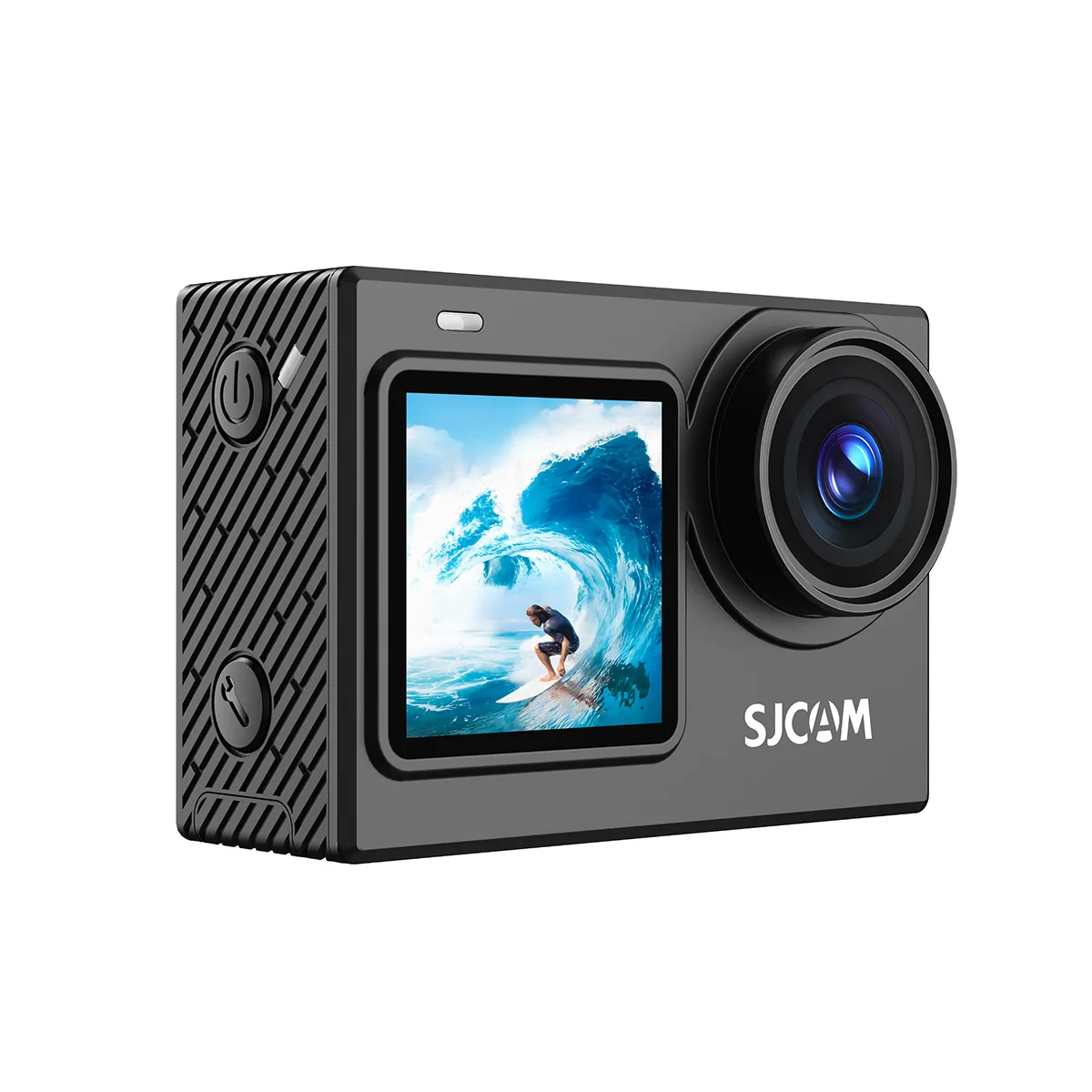
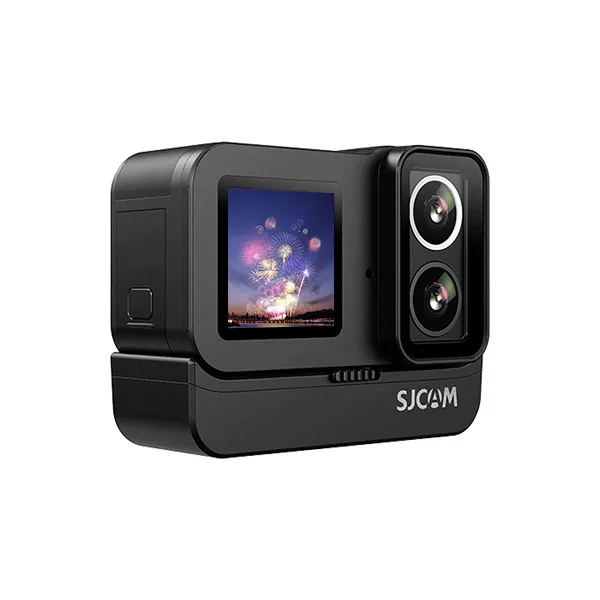
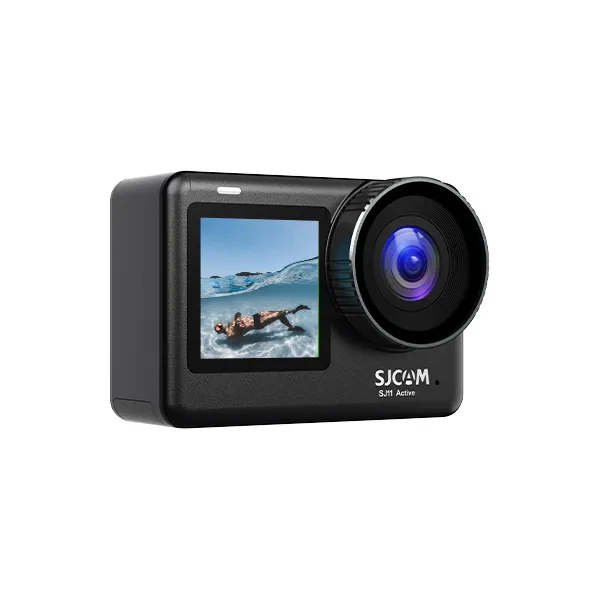
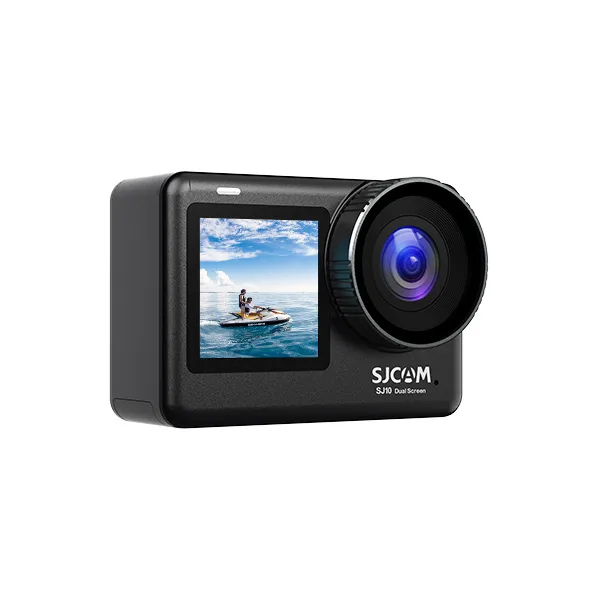
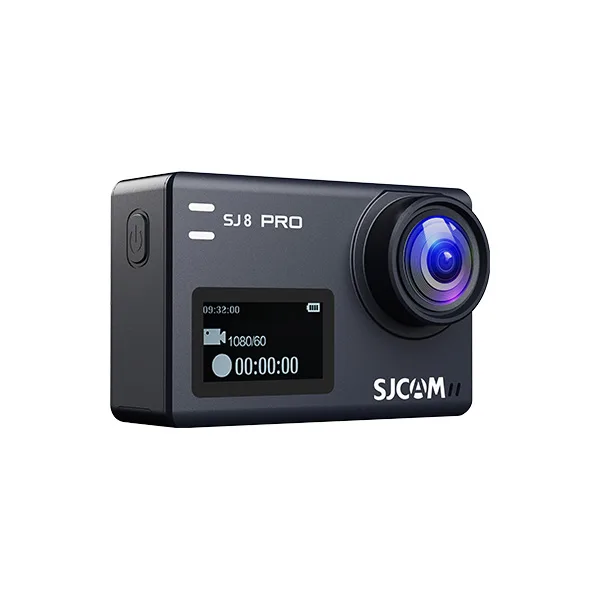
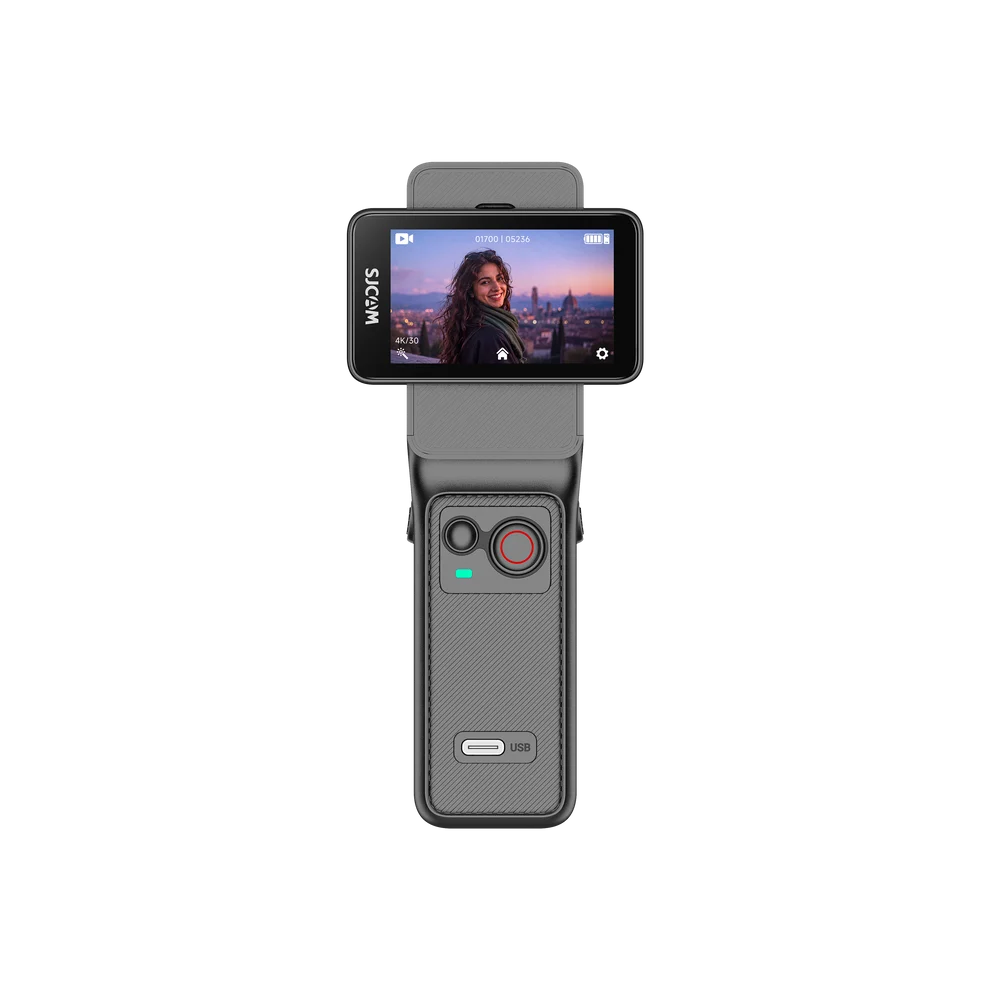
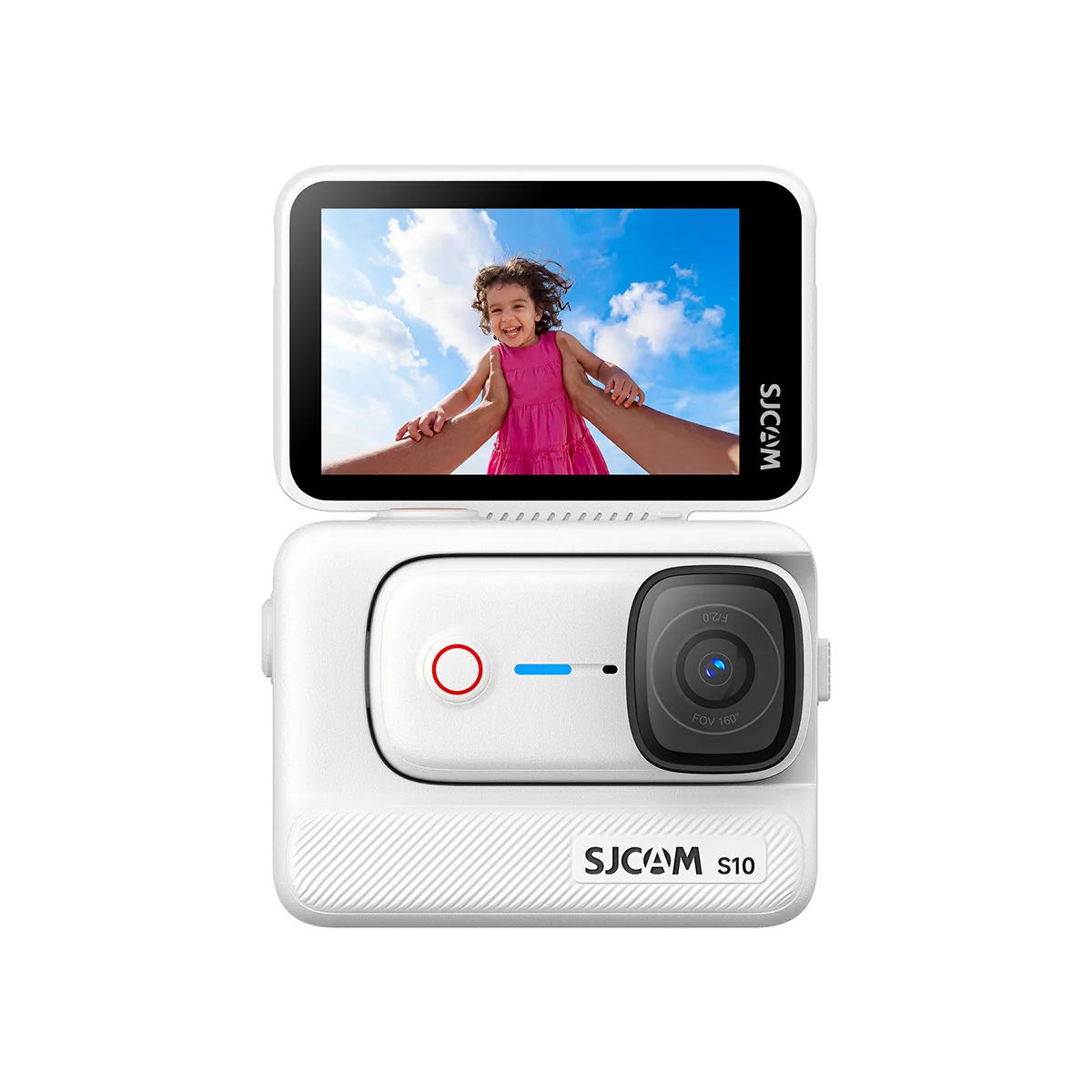
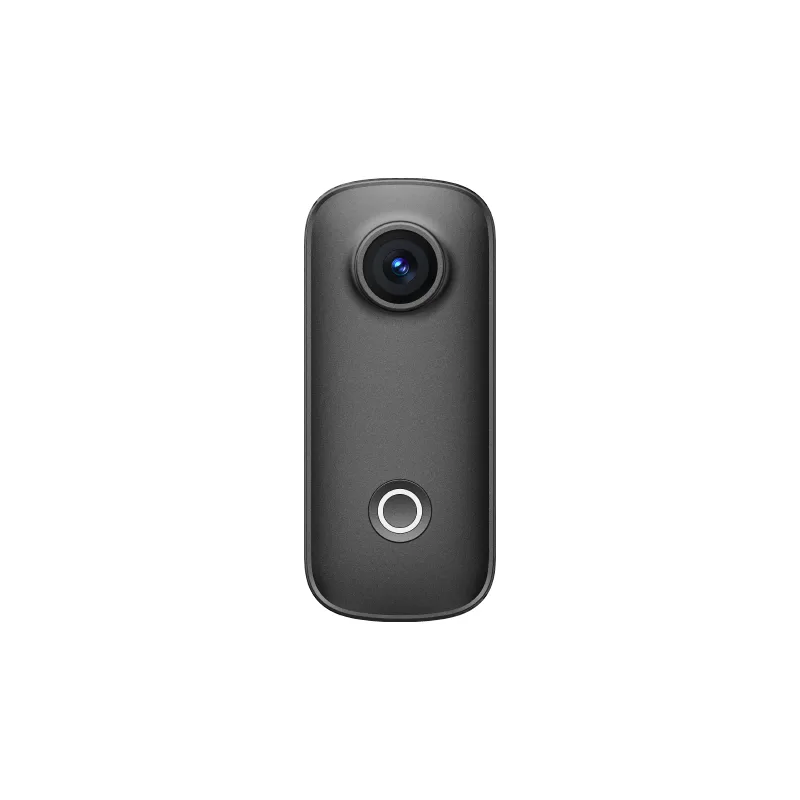
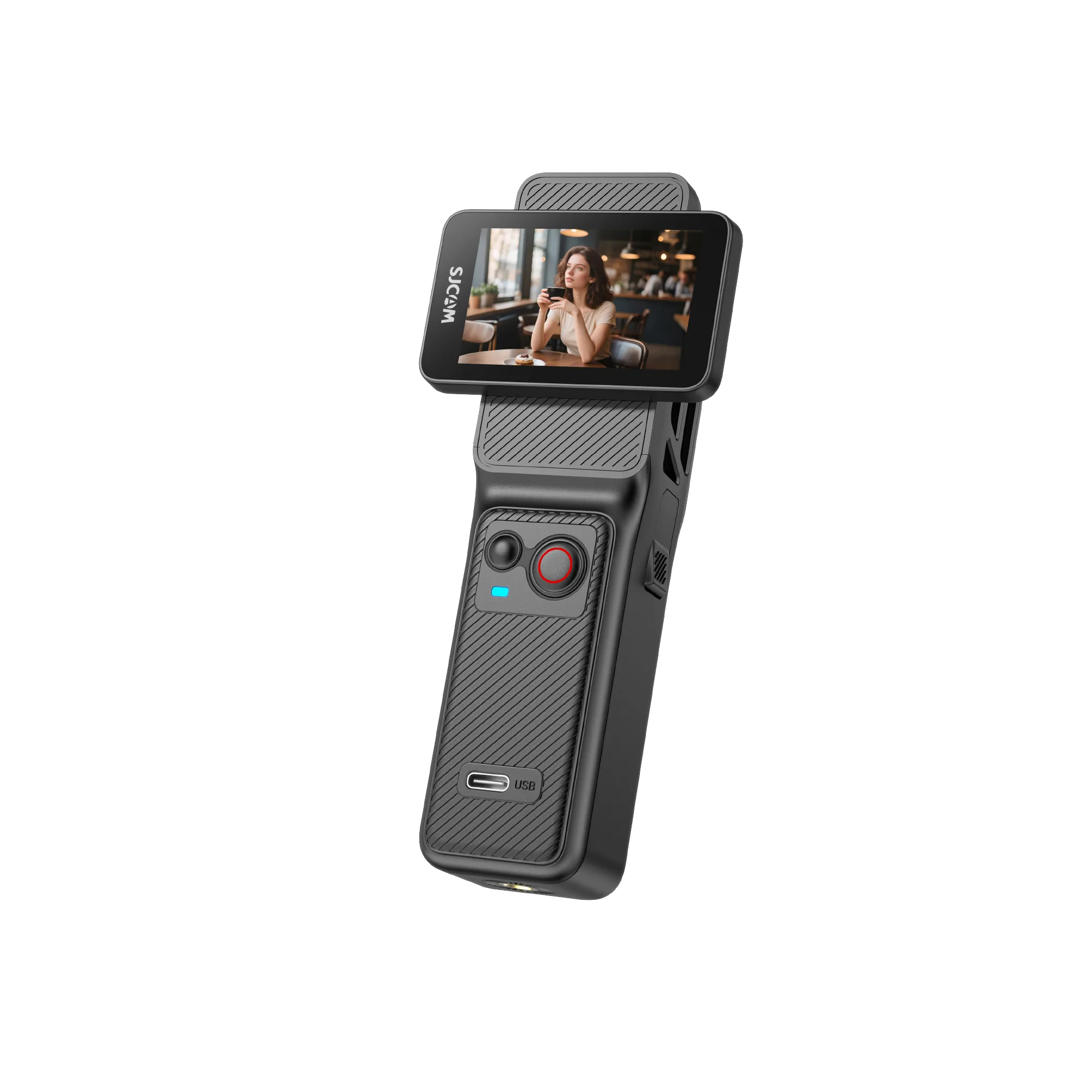
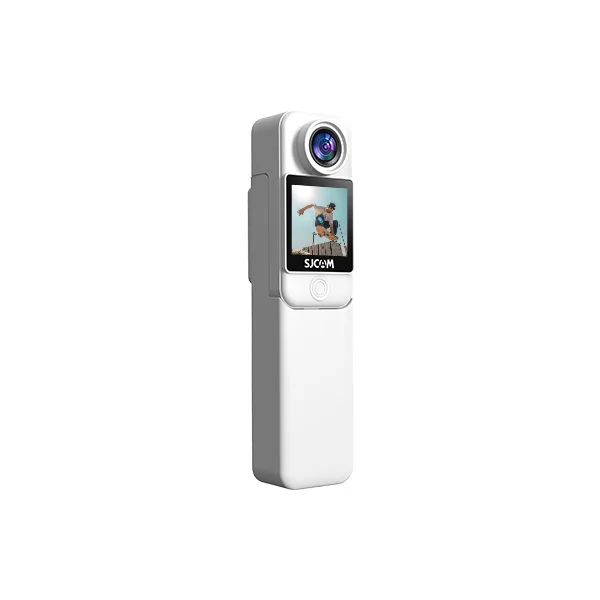
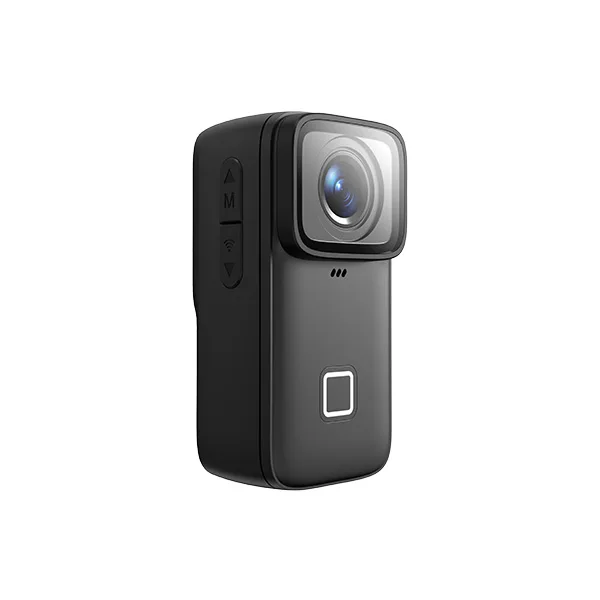
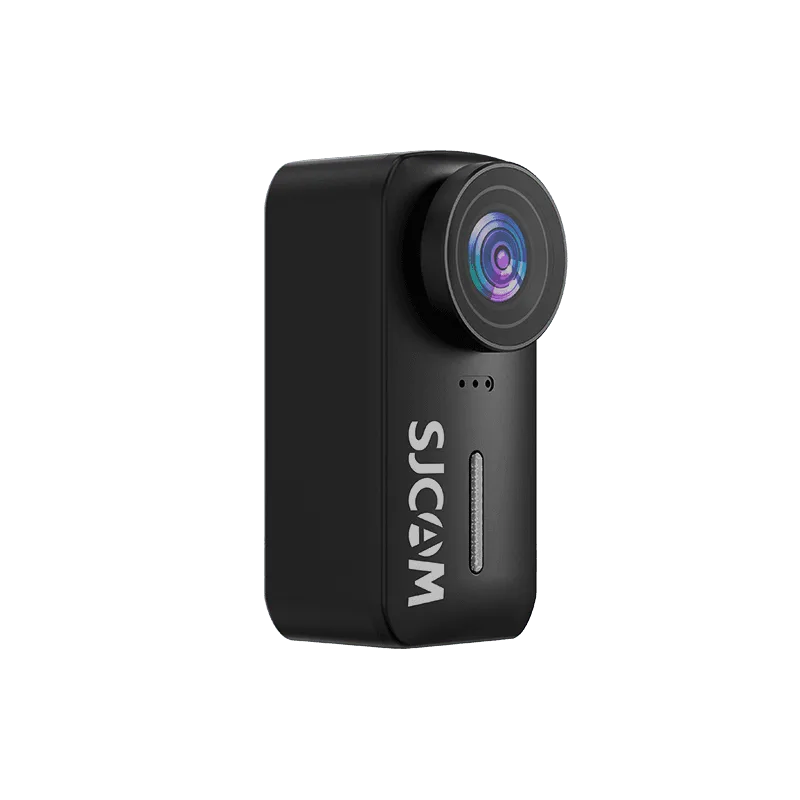
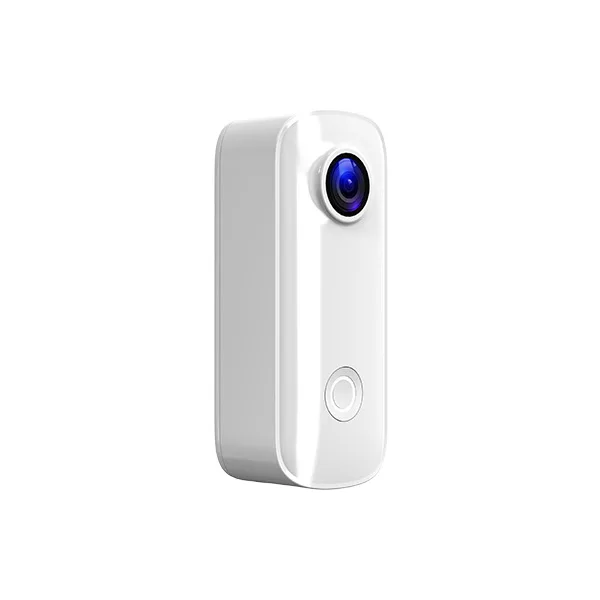
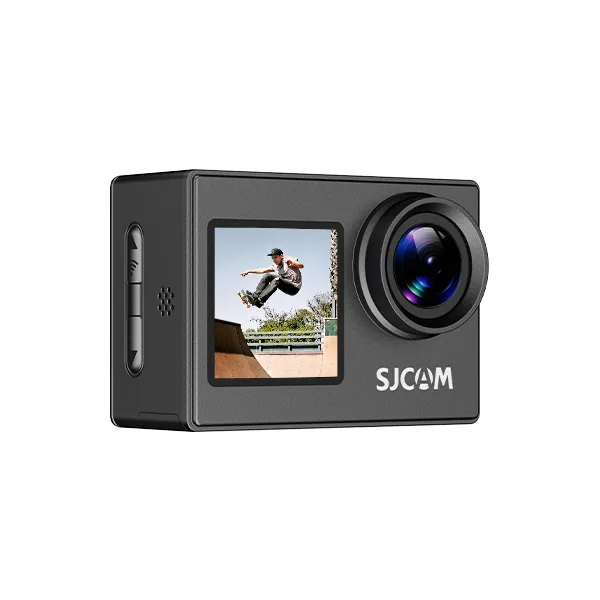
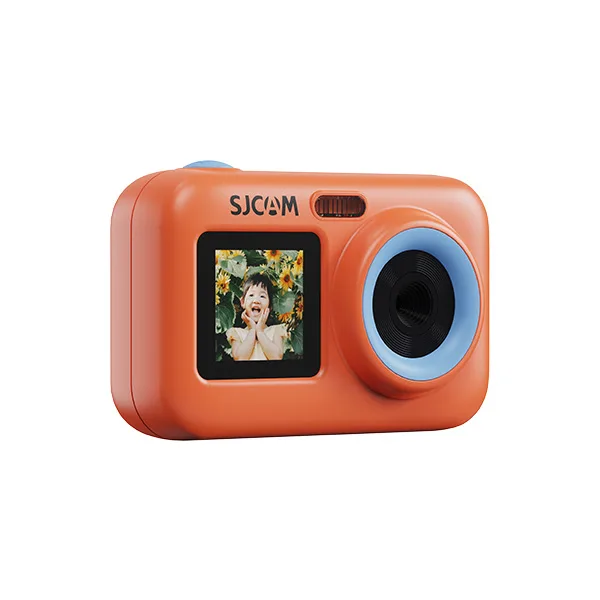
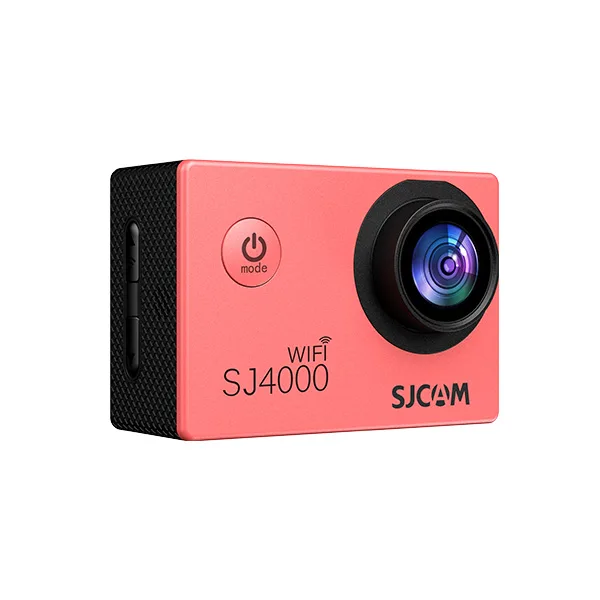
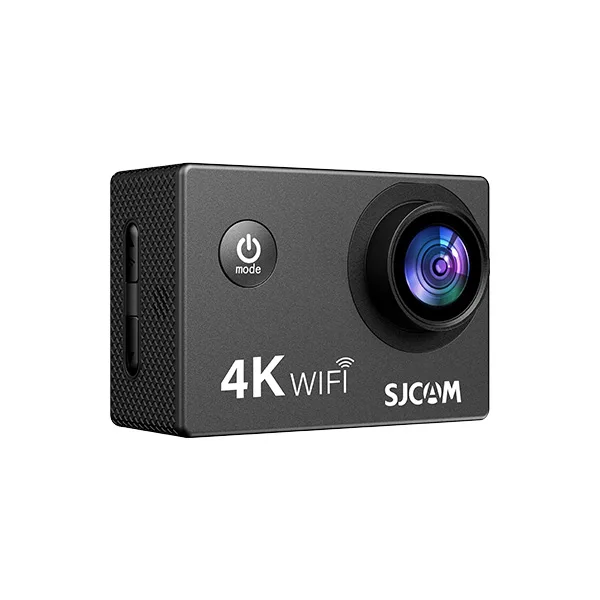
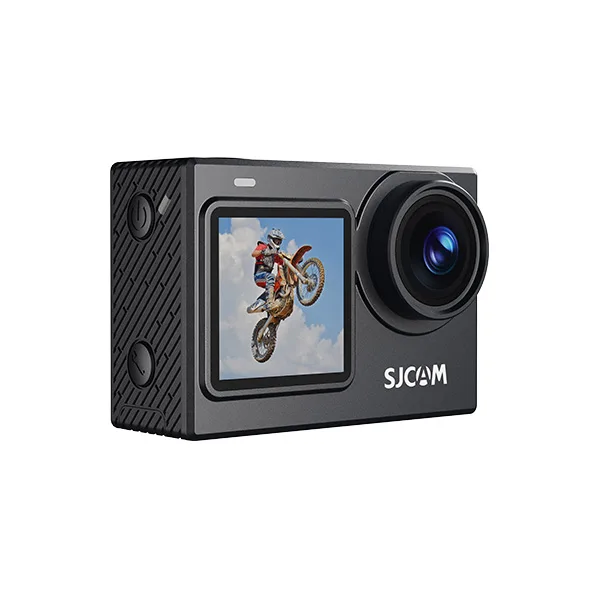
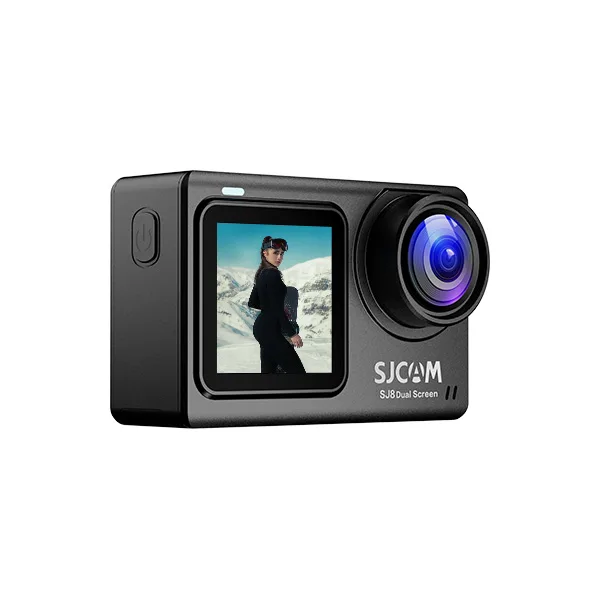
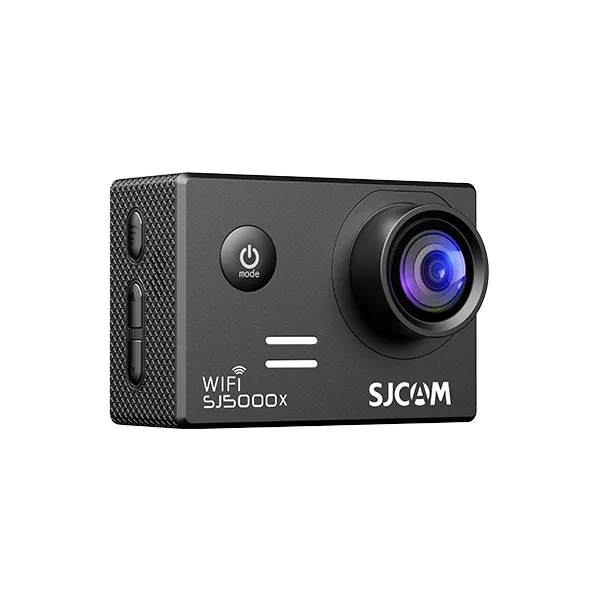
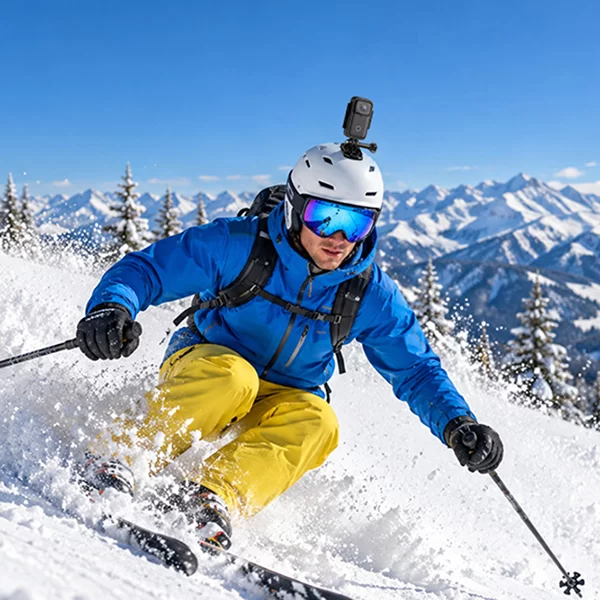

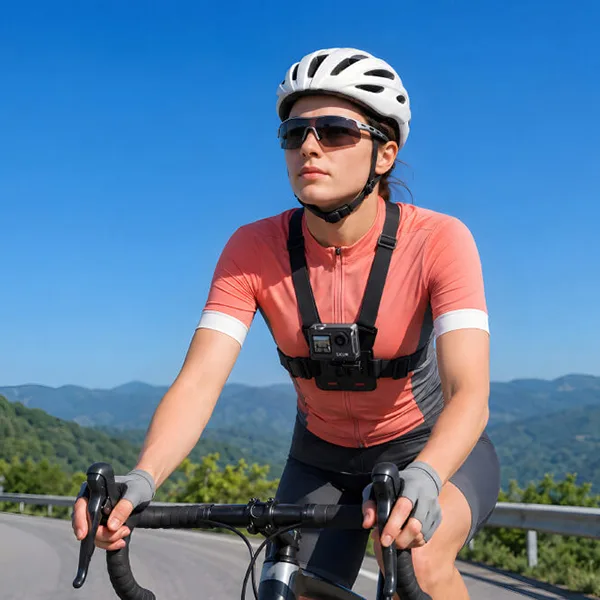


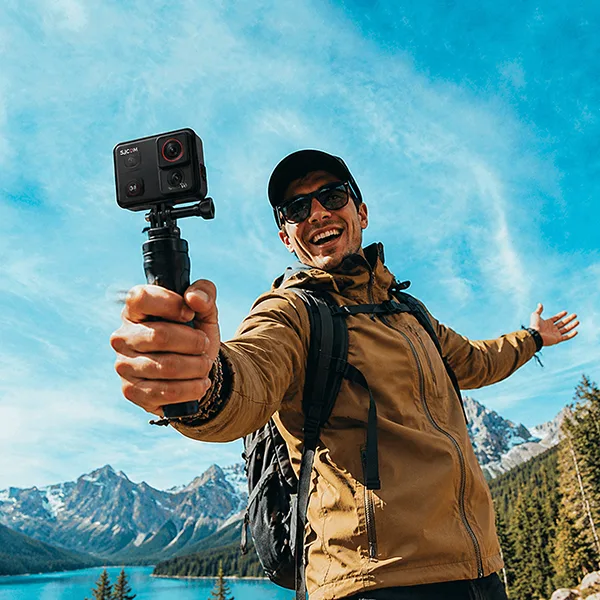
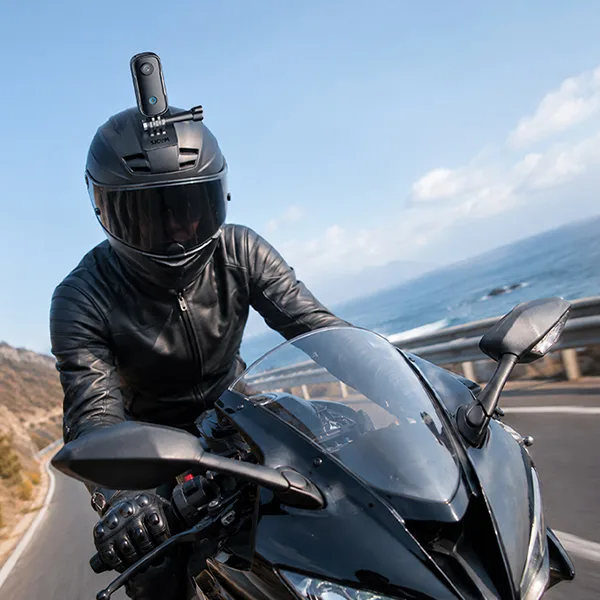
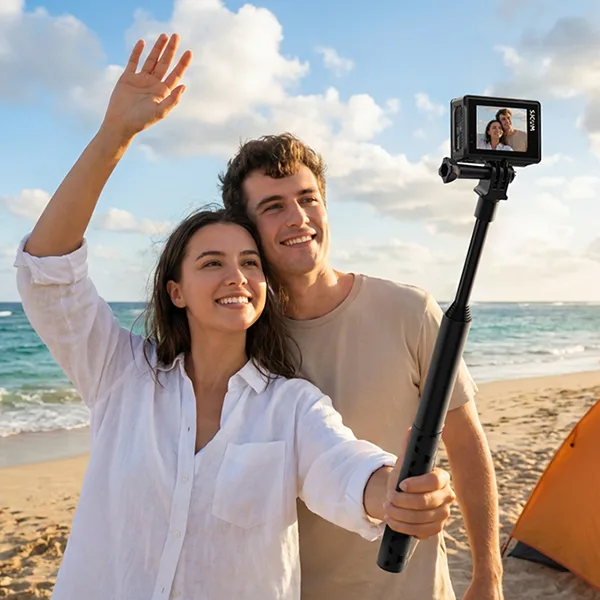
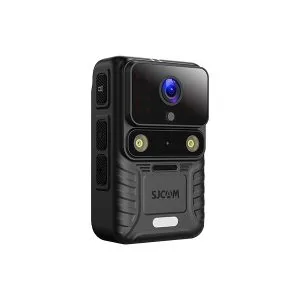
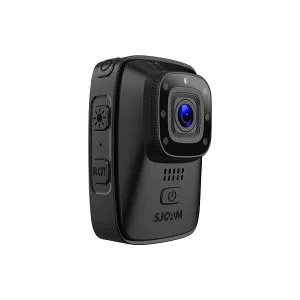
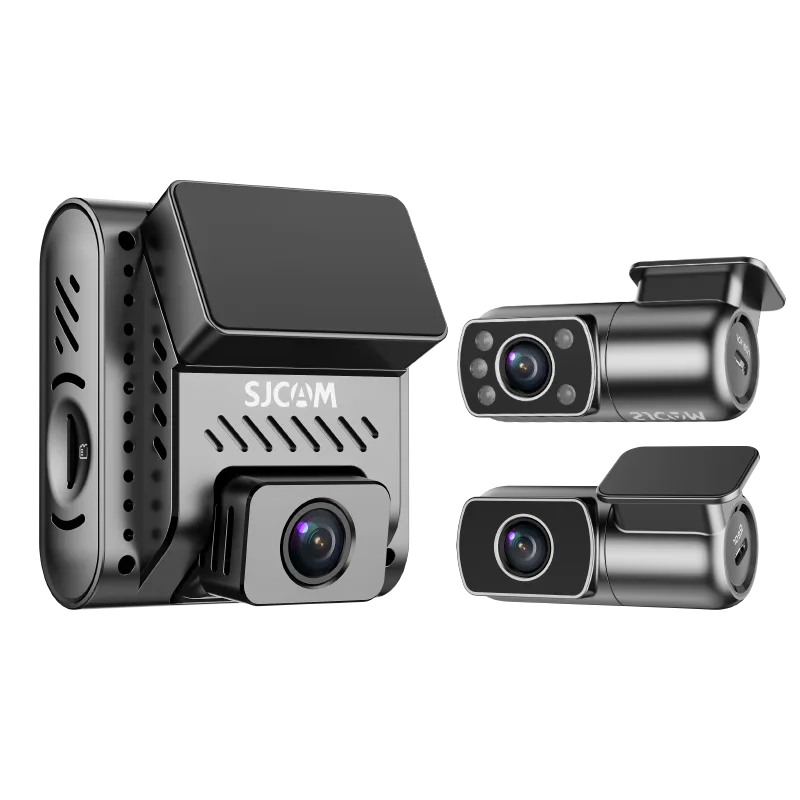
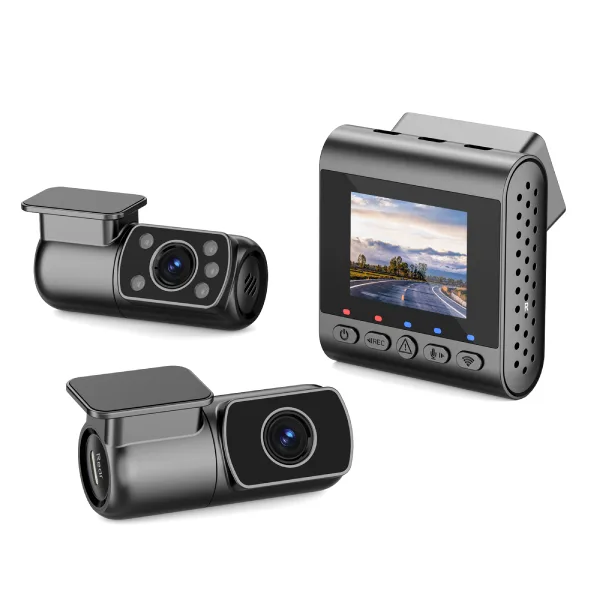
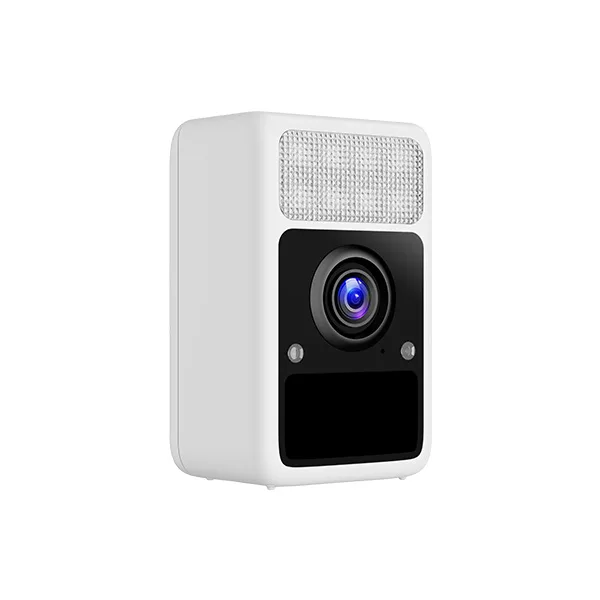
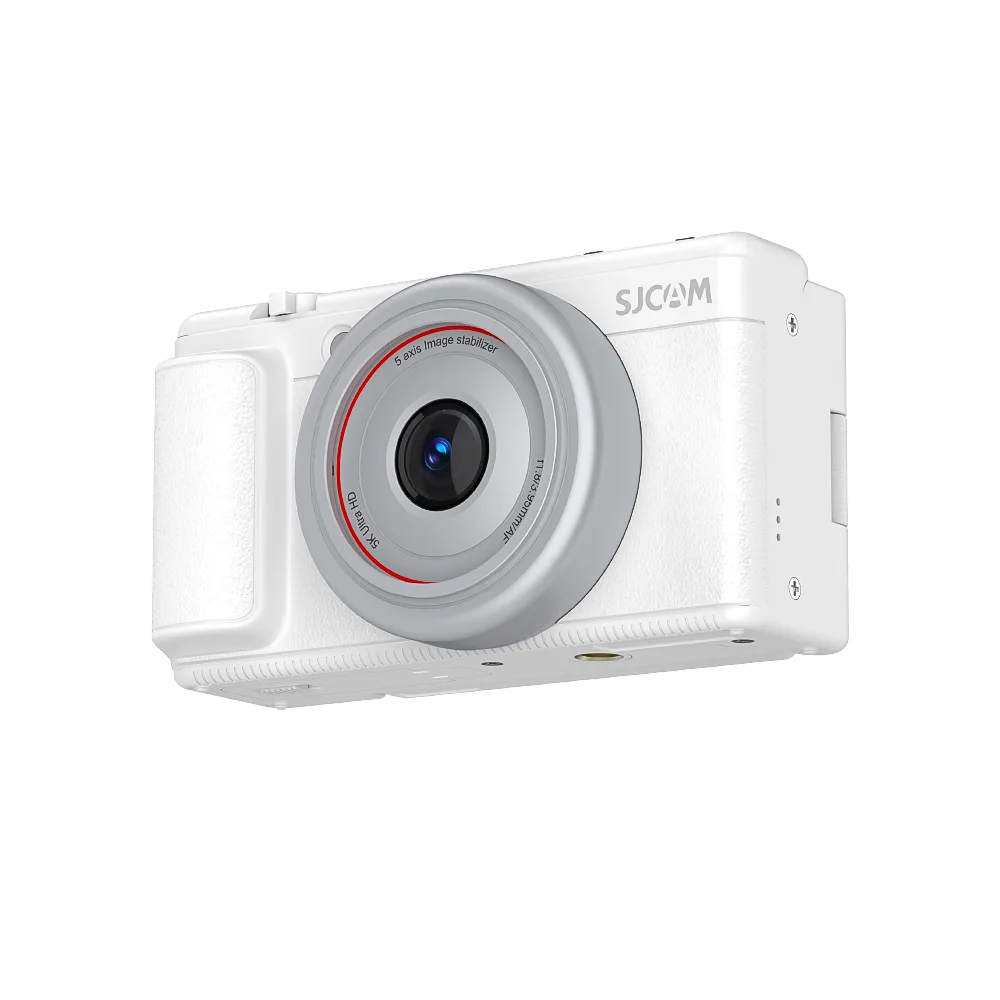
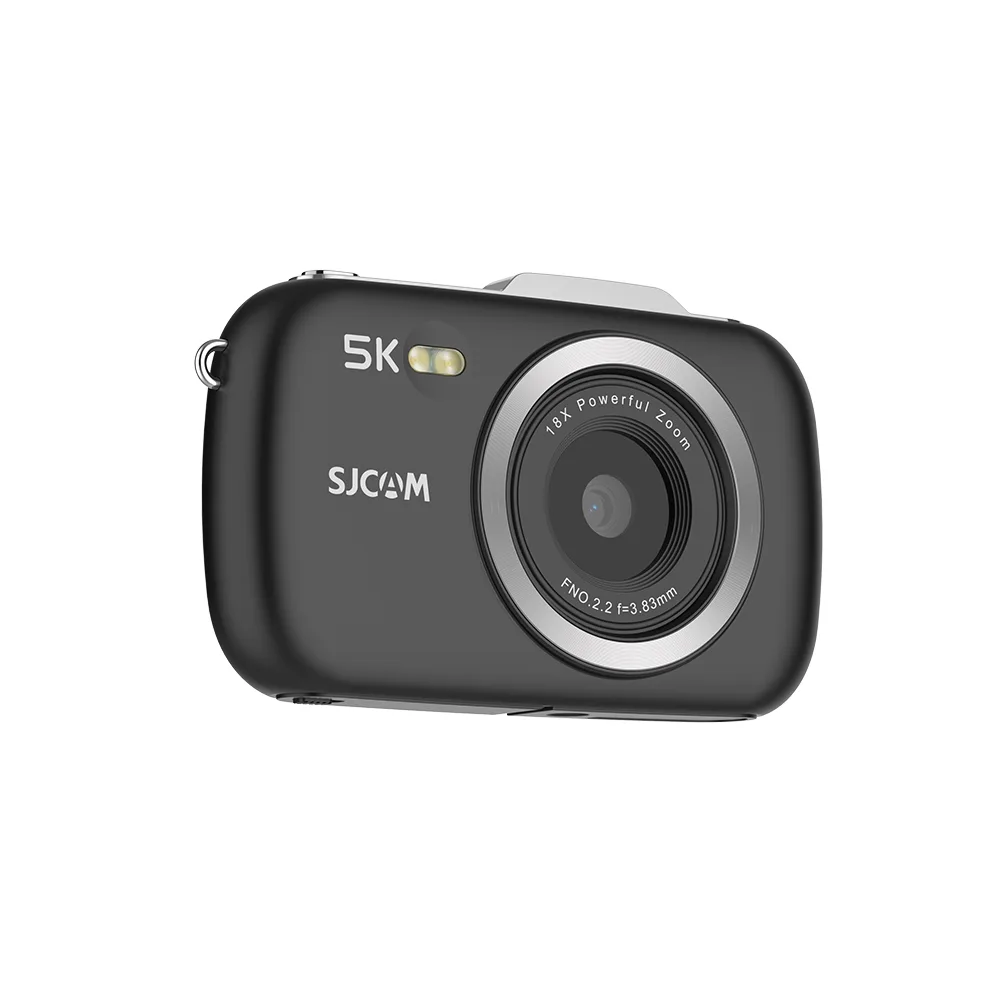


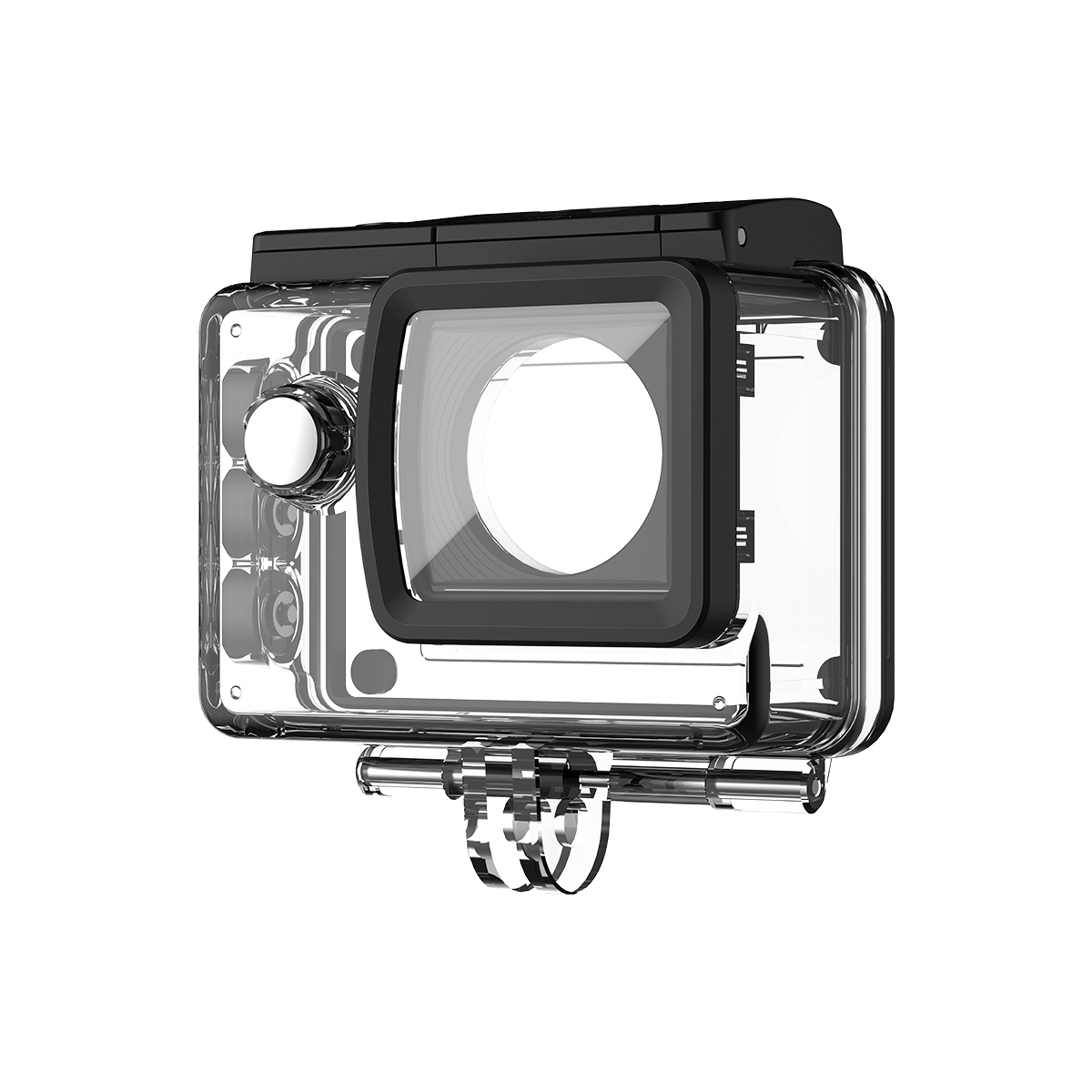
Înregistrarea în buclă este frecvent utilizată în camere de actiune, camere de bord, camere de securitate și camere corporale care trebuie să înregistreze perioade lungi de timp fără o gestionare constantă a fișierelor.
Pentru utilizatorii de camere de acțiune, poate fi util în special în timpul călătoriilor rutiere, plimbări cu motocicleta, ciclism, ... sau alte sesiuni extinse de înregistrare. Înțelegerea modului în care funcționează înregistrarea în buclă vă poate ajuta să alegeți setările potrivite, să gestionați mai eficient spațiul de stocare și să evitați pierderea accidentală a înregistrărilor importante.
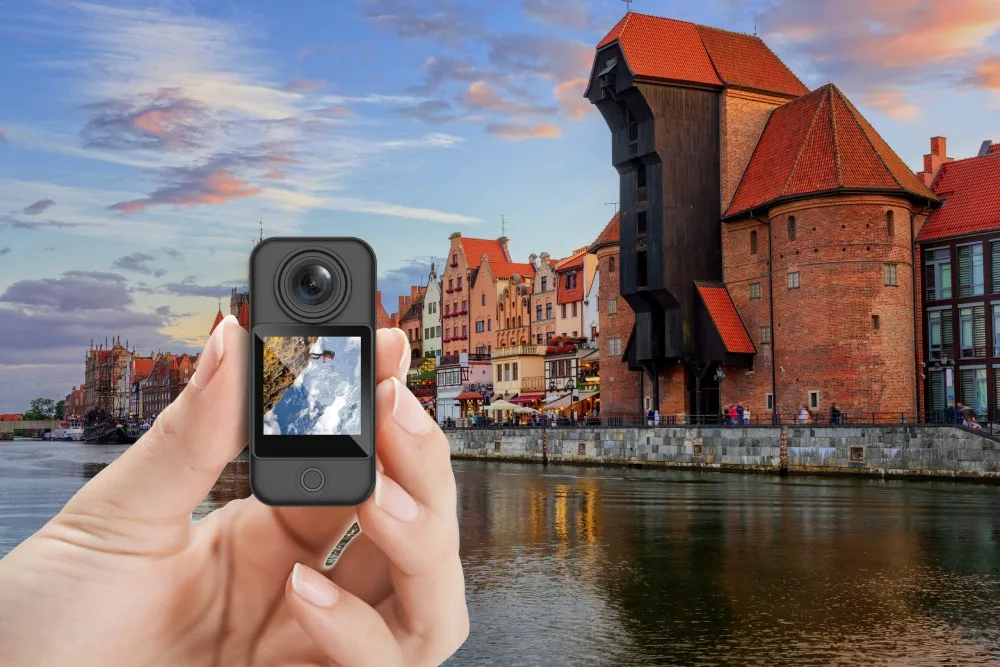
Ce înseamnă înregistrarea în buclă?
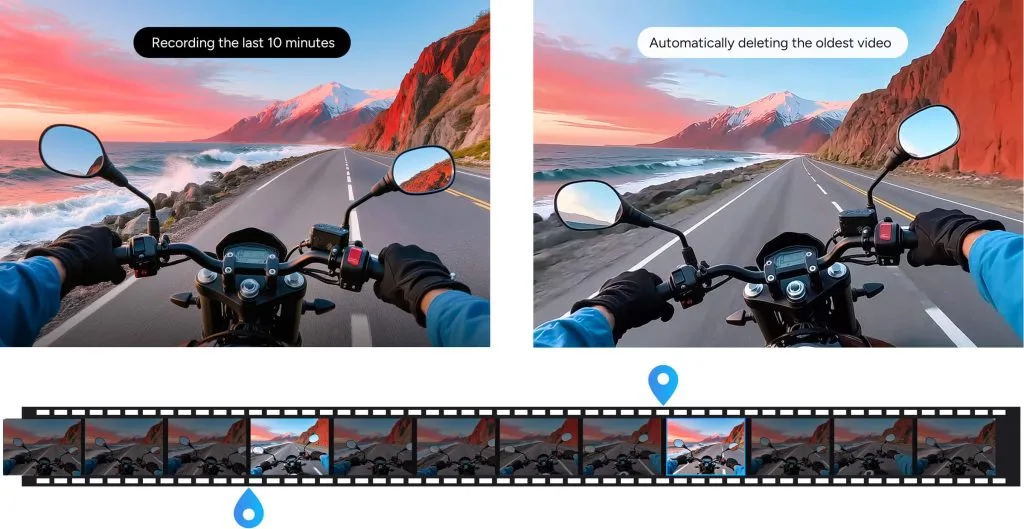
Înregistrarea în buclă înseamnă că aparatul înregistrează videoclipuri continuu în segmente scurte și suprascrie automat cele mai vechi fișiere neprotejate atunci când cardul de memorie se umple.
De exemplu, dacă selectați o buclă de 3 minute, camera salvează un fișier video nou la fiecare trei minute. După ce spațiul de stocare este plin, cel mai vechi clip eligibil este înlocuit, astfel încât înregistrarea să poată continua.
Cum funcționează înregistrarea în buclă?
Înregistrarea în buclă funcționează de obicei în trei etape:
1. Camera înregistrează videoclipuri scurte
În loc să creeze un fișier video foarte mare, camera salvează filmările în segmente mai mici, cum ar fi 1, 3 sau 5 minute, în funcție de model și setări.
2. Înregistrarea continuă până când spațiul de stocare este plin
Camera continuă să salveze clipuri noi pe cardul de memorie atât timp cât există spațiu de stocare disponibil.
3. Cele mai vechi fișiere sunt suprascrise
Odată ce cardul de memorie este plin, camera înlocuiește cele mai vechi înregistrări neprotejate cu imagini noi. Fișierele blocate sau protejate prin evenimente pot rămâne pe card până când sunt șterse manual.
Beneficiile înregistrării în buclă
Înregistrare continuă
Continuă înregistrarea chiar și atunci când spațiul de stocare se umple.
Gestionarea automată a stocării
Înlocuiește materialele video eligibile mai vechi fără a fi necesară ștergerea manuală.
Fișiere mai mici, mai ușor de gestionat
Segmentele video scurte sunt mai ușor de revăzut, transferat și de salvat.
Util pentru sesiuni lungi de înregistrare
Ideal pentru camere de bord, camere de acțiune, camere de securitate și alte situații care necesită înregistrare extinsă.
Ce este înregistrarea în buclă pe o cameră de acțiune?
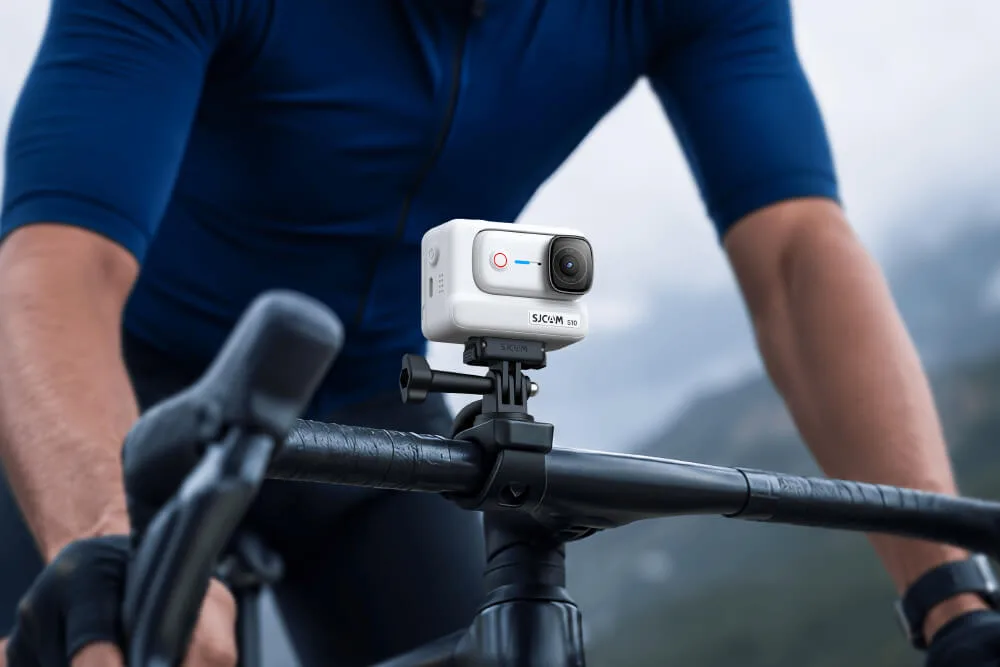
Pe o cameră de acțiune, înregistrarea în buclă salvează continuu videoclipurile în segmente scurte și înlocuiește cele mai vechi înregistrări atunci când cardul de memorie se umple. Acest lucru este util atunci când camera este montată și înregistrează perioade lungi de timp, cum ar fi în timpul plimbărilor cu motocicleta, călătoriilor rutiere, mersului cu bicicleta sau altor activități în care nu doriți să vă opriți și să gestionați manual stocarea.
Pe camerele SJCAM, înregistrarea în buclă creează fișiere video separate și poate suprascrie înregistrările mai vechi atunci când spațiul de stocare este plin. Documentația de asistență pentru SJCAM precizează că funcția este disponibilă pe toate modelele sale de camere.
Dacă doriți să păstrați un anumit clip, salvați-l sau faceți o copie de rezervă a acestuia înainte de a deveni eligibil pentru suprascriere.
Înregistrare în buclă vs. înregistrare normală
| Caracteristică | Înregistrare în buclă | Înregistrare normală |
|---|---|---|
| Structura fișierelor | Segmente video scurte | Unul sau mai multe fișiere standard |
| Când spațiul de stocare este plin | Cele mai vechi clipuri eligibile sunt suprascrise | Înregistrarea se poate opri |
| Cel mai bun pentru | Înregistrare lungă și continuă | Filmare video obișnuită |
| Gestionarea manuală a fișierelor | Mai puțin frecvent | Mai frecvent |
| Risc | Filmările vechi pot fi suprascrise | Spațiul de stocare se poate umple |
Implementări de înregistrare în buclă în diverse dispozitive
Caracteristica de înregistrare continuă este implementată în multe dispozitive pentru a le îmbunătăți funcționalitatea.
Înregistrare în buclă în camerele de acțiune
Camerele de acțiune ne înregistrează aventurile fără întrerupere. Acestea asigură că momentele palpitante ale călătoriei noastre sunt în siguranță și gata de a fi urmărite în orice moment.
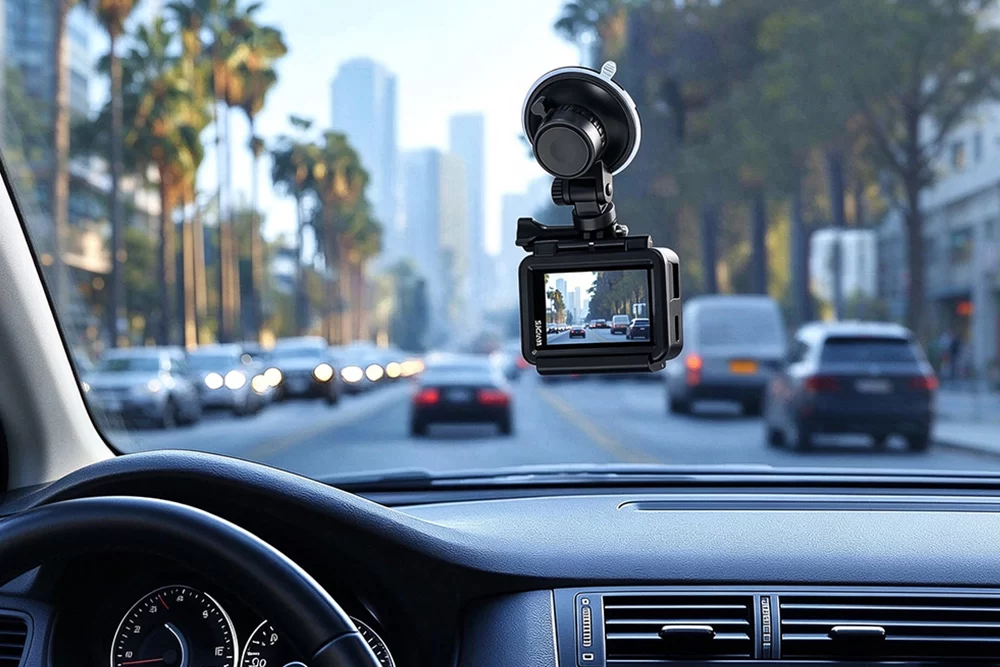
Înregistrare în buclă în Dashcams
Dashcams înregistrează continuu călătoria noastră folosind metoda de înregistrare continuă. Cu toate acestea, aceste înregistrări sunt întotdeauna cele mai recente, așa că putem rămâne în siguranță în caz de accident.
Înregistrare în buclă în camerele de securitate
În camerele de securitate, oferă videoclipuri continue, neîntrerupte. În acest fel, aveți șansa de a vă menține liniștea sufletească, care rămâne prioritatea principală a fiecărui utilizator.
Înregistrare în buclă în camerele corporale
Pentru personalul de ordine și securitate, înregistrarea în buclă garantează înregistrarea continuă în timpul sarcinilor lor. Acest lucru salvează dovezi cruciale și asigură siguranța fiecărei persoane în caz de accident.
Alegerea setărilor corecte de înregistrare în buclă
Pentru înregistrarea în buclă, este esențial să găsiți cea mai bună opțiune disponibilă. Selectați opțiuni de înregistrare video scurte pentru rezultate optime. Cu toate acestea, acest lucru poate crea mai multe înregistrări și poate păstra datele importante în siguranță. După înregistrare, nu uitați să ajustați calitatea și rezoluția video pentru a reduce dimensiunea fișierului. Fără îndoială, videoclipurile de înaltă calitate consumă mai mult spațiu de stocare în comparație cu cele de calitate scăzută.
De asemenea, puteți activa sau dezactiva declanșarea evenimentelor. Aceste opțiuni împiedică suprascrierea segmentelor importante. Utilizatorii pot face alegeri informate și pot maximiza capacitatea de stocare prin înregistrarea în buclă.
Ce setare de înregistrare în buclă ar trebui să utilizați?
| Lungimea buclei | Cel mai bun pentru | Considerare |
|---|---|---|
| 1 minut | Revizuire ușoară a clipurilor, evenimente frecvente | Creează mai multe fișiere |
| 3 minute | Utilizare zilnică echilibrată | O bună opțiune de uz general |
| 5 minute | Scene continue mai lungi | Fișiere individuale mai mari |
Nu există o lungime optimă a buclei pentru fiecare cameră. Clipurile mai scurte sunt mai ușor de localizat și de salvat, în timp ce clipurile mai lungi creează mai puține fișiere. Alegeți o setare în funcție de modul în care utilizați camera și de opțiunile acceptate de modelul dvs.
Înregistrarea în buclă șterge videoclipurile vechi?
Înregistrarea în buclă nu șterge în mod normal întregul card de memorie dintr-o dată. Când spațiul de stocare se umple, camera înlocuiește cele mai vechi fișiere video eligibile, unul câte unul, cu înregistrări mai noi.
Fișierele protejate, blocate sau declanșate de un eveniment pot să nu fie suprascrise, în funcție de cameră. Cu toate acestea, ar trebui să faceți întotdeauna copii de rezervă ale înregistrărilor importante, deoarece comportamentul variază în funcție de dispozitiv și setări.
Înregistrarea în buclă înregistrează continuu?
Înregistrarea în buclă poate continua atâta timp cât camera are alimentare, suficient spațiu de stocare funcțional și nu apar erori de înregistrare. Nu creează spațiu de stocare nelimitat; în schimb, reutilizează continuu spațiul disponibil prin înlocuirea înregistrărilor mai vechi.
Dezavantajele înregistrării în buclă
Înregistrarea în buclă este convenabilă, dar există câteva lucruri de luat în considerare:
- Clipurile importante ar trebui făcute prompt în copie de rezervă, nu lăsate pe card.
- Filmările vechi pot fi suprascrise dacă nu sunt protejate sau nu se face o copie de rezervă.
- Prea multe fișiere blocate pot umple cardul de memorie, împiedicând suprascrierea normală.
- Scrierea continuă crește volumul de muncă al cardului de memorie, așa că stocarea fiabilă este importantă.
Sfaturi pentru utilizarea eficientă a înregistrării în buclă
Pentru a obține rezultate fiabile din înregistrarea în buclă, utilizați setările corecte și gestionați cardul de memorie în mod regulat.
- Alegeți lungimea corectă a buclei: Segmentele mai scurte, cum ar fi 1 sau 3 minute, sunt mai ușor de revizuit și de copiat de rezervă, în timp ce segmentele mai lungi creează mai puține fișiere.
- Folosește un card de memorie fiabil: Înregistrarea continuă implică scriere și suprascriere frecventă, așadar folosiți un card compatibil, de înaltă calitate, cu o viteză de scriere susținută suficientă.
- Formatați cardul în cameră: Formatarea poate ajuta la reducerea problemelor legate de sistemul de fișiere și de compatibilitate. Întotdeauna faceți mai întâi o copie de rezervă a înregistrărilor importante.
- Salvați rapid clipurile importante: Înregistrarea în buclă poate suprascrie în cele din urmă fișierele mai vechi neprotejate, așadar transferați materialele video valoroase înainte de a fi înlocuite.
- Verificați fișierele protejate: Clipurile blocate sau protejate prin evenimente pot să nu fie suprascrise și pot umple treptat cardul de memorie.
- Păstrați suficient spațiu de stocare liber: Revizuiți și ștergeți periodic fișierele inutile pentru a reduce întreruperile înregistrării.
- Verificați puterea înainte de sesiuni lungi: Înregistrarea în buclă poate continua pentru perioade lungi de timp, așa că asigurați-vă că bateria camerei are suficientă energie sau o sursă externă de alimentare adecvată.
- Testați setările înainte de o ședință foto importantă: Confirmați intervalul buclei, rezoluția video, performanța cardului de memorie și comportamentul de suprascriere înainte de a vă baza pe cameră pentru înregistrări lungi.
Pentru camerele de acțiune, o buclă de 3 minute este adesea un punct de plecare practic, deoarece echilibrează dimensiunile fișierelor gestionabile cu mai puține întreruperi, dar cea mai bună setare depinde de modelul camerei și de modul în care înregistrați.
Concluzie
Înregistrarea în buclă este o funcție incredibilă și valoroasă, mai ales în zilele noastre. Cu această funcție, un utilizator își poate asigura siguranța și a familiei sale în multe situații. Mai mult, această înregistrare continuă este potrivită și pentru cei care preferă aventurile în aer liber. Dacă vorbim despre avantaje, este suficient de valoroasă pentru utilizatorii care și-o doresc. Recomandăm cu căldură utilizarea camerei de acțiune SJCAM pentru înregistrare în buclă. Aceasta vă asigură că nu pierdeți niciun moment din aventurile dvs. și că le puteți retrăi fără să vă faceți griji cu privire la gestionarea spațiului de stocare.
FAQ
Înregistrarea în buclă înseamnă că o cameră înregistrează continuu videoclipuri în segmente scurte și suprascrie automat cele mai vechi fișiere neprotejate atunci când cardul de memorie se umple. Acest lucru permite continuarea înregistrării fără a șterge manual filmările vechi.
Camera salvează înregistrările ca fișiere video scurte separate, cum ar fi clipuri de 1, 3 sau 5 minute. După ce cardul de memorie este plin, cel mai vechi fișier eligibil este înlocuit cu o înregistrare nouă, în timp ce fișierele protejate sau blocate pot rămâne pe card.
Pe o cameră de acțiune, înregistrarea în buclă este utilă pentru sesiuni lungi de înregistrare, cum ar fi ciclismul, plimbările cu motocicleta, excursiile rutiere sau alte activități în care nu doriți să vă opriți și să gestionați manual spațiul de stocare. Camera continuă să creeze clipuri noi și reutilizează spațiul de stocare înlocuind filmările mai vechi.
Când spațiul de stocare se umple, camera suprascrie în mod normal mai întâi cele mai vechi fișiere video neprotejate. Comportamentul exact poate varia în funcție de modelul camerei, așa că înregistrările importante ar trebui întotdeauna copiate de rezervă înainte de a deveni eligibile pentru suprascriere.
Activează înregistrarea în buclă atunci când captura continuă este mai importantă decât păstrarea fiecărui clip mai vechi, cum ar fi în timpul condusului, mersului cu bicicleta sau sesiunilor lungi cu camera de acțiune. Dezactivează-o atunci când dorești să păstrezi toate înregistrările până când le ștergi sau le transferi manual.
Înregistrarea în buclă în sine nu reduce în mod normal calitatea video. Rezoluția, rata de cadre, rata de biți, stabilizarea și alte setări video determină calitatea imaginii. Înregistrarea în buclă schimbă în principal modul în care materialul filmat este împărțit și gestionat pe cardul de memorie.