





 ইংরেজি
  চাইনিজ (চীন)
  স্পেনীয়
  জার্মান
  ফরাসি
ফরাসি  ইতালীয়
  জাপানিজ
  কোরিয়ান
  বুলগেরিয়ান
  গ্রীক
গ্রীক  ইন্দোনেশিয়ান
  চীনা (হংকং)
  রাশিয়ান
  ড্যানিশ
  ফিনিশ
ফিনিশ  হাঙ্গেরিয়ান
  তুর্কি
  ডাচ
ডাচ  পর্তুগীজ
  সুইডিশ
  রোমানিয়ান
  স্লোভাক
  সার্বিয়ান
  নরওয়েজীয়
  ক্রোয়েশিয়ান
  আলবেনিয়ান
  কাতালান
  চেক
চেক  এস্তোনিয়ান
  আর্মেনিয়ান
  আমহারিক
  পোলিশ
পোলিশ  থাই
থাই  ইউক্রেনীয়
  ভিয়েতনামী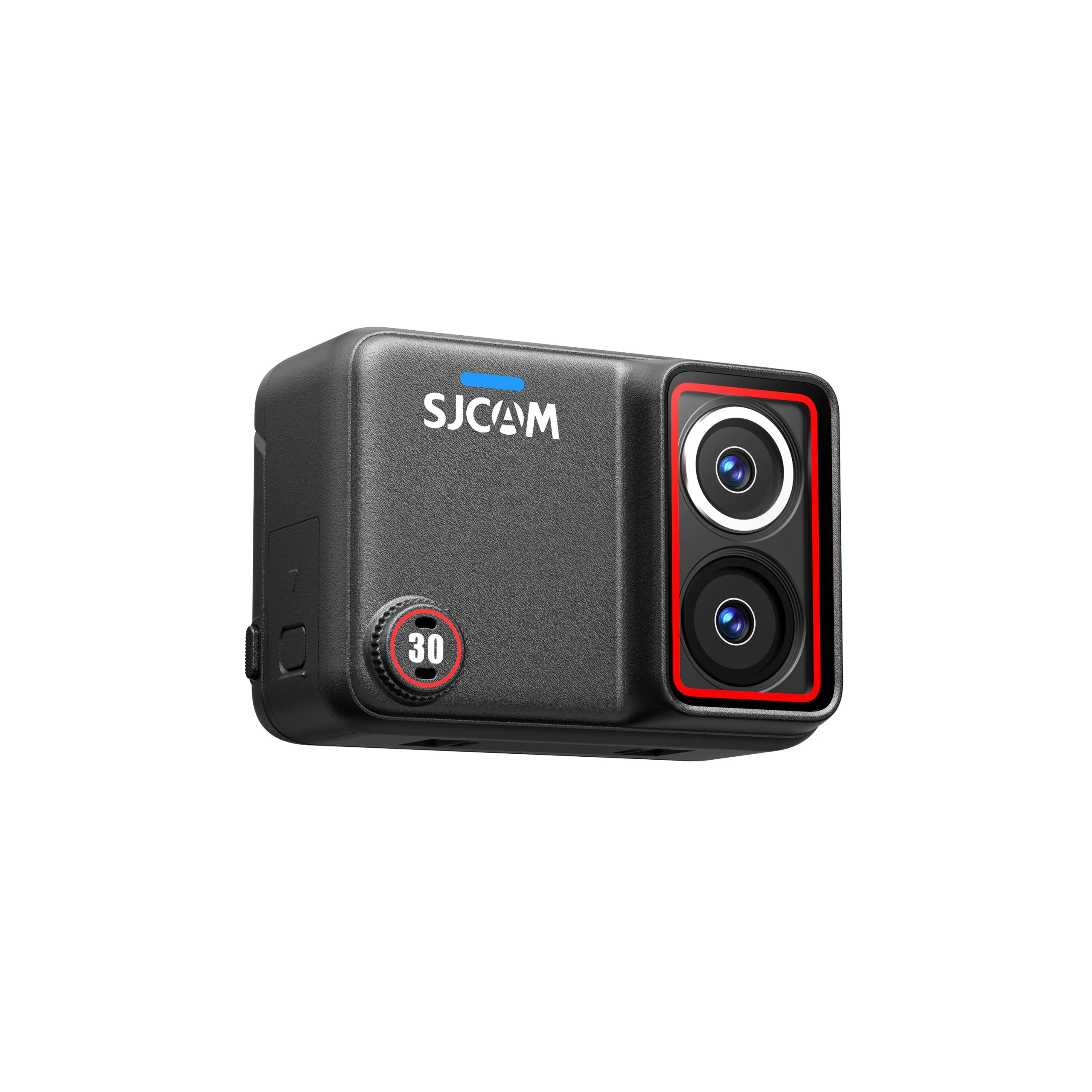
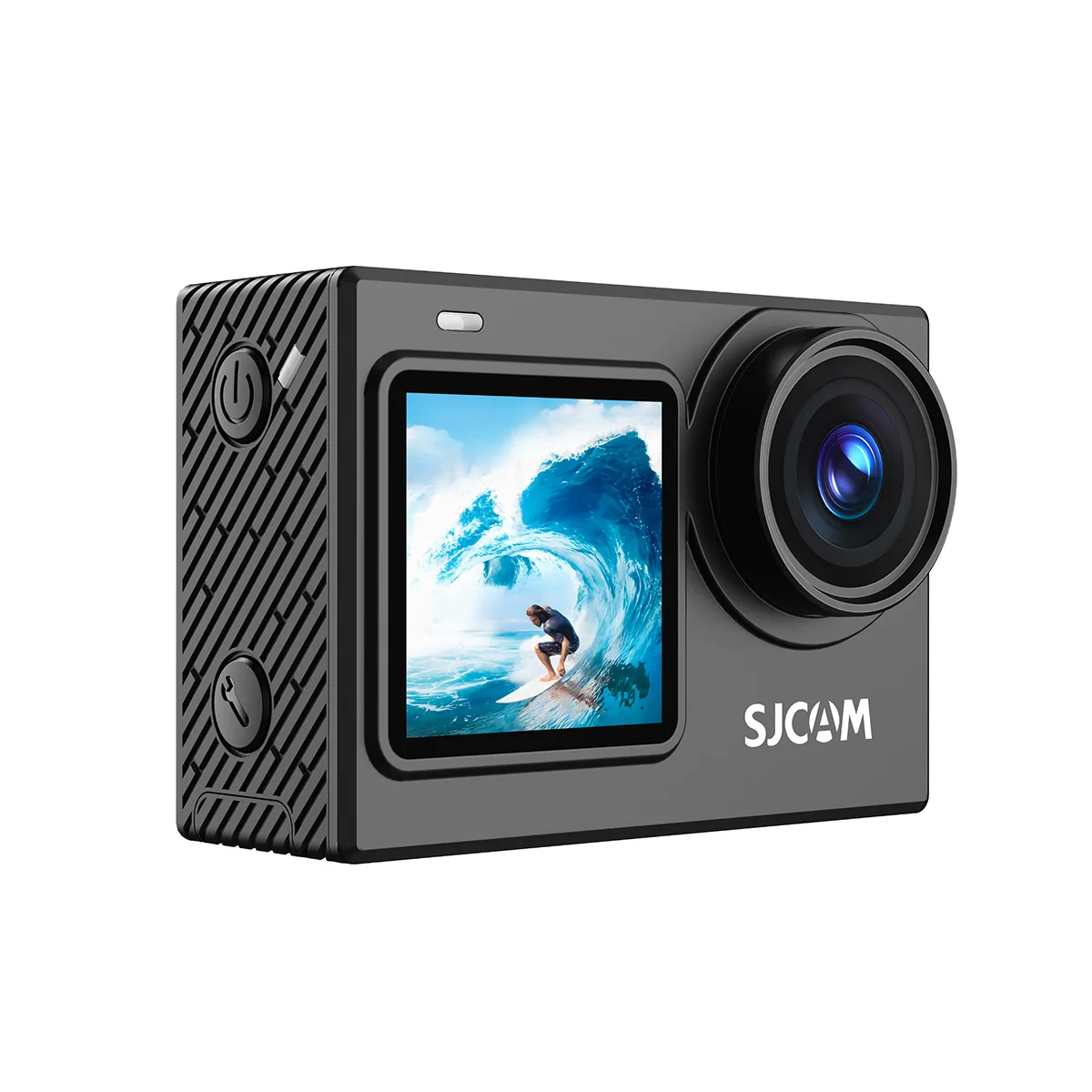
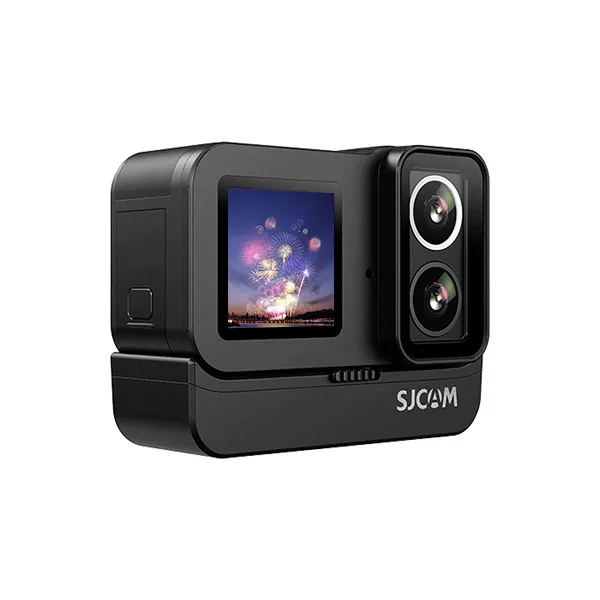
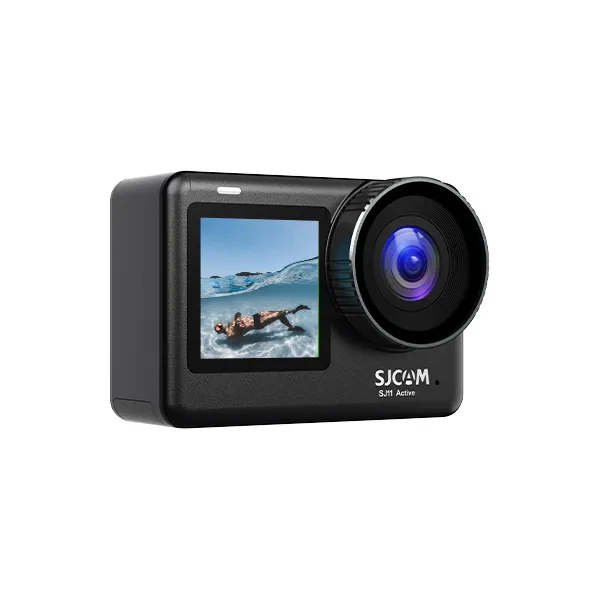
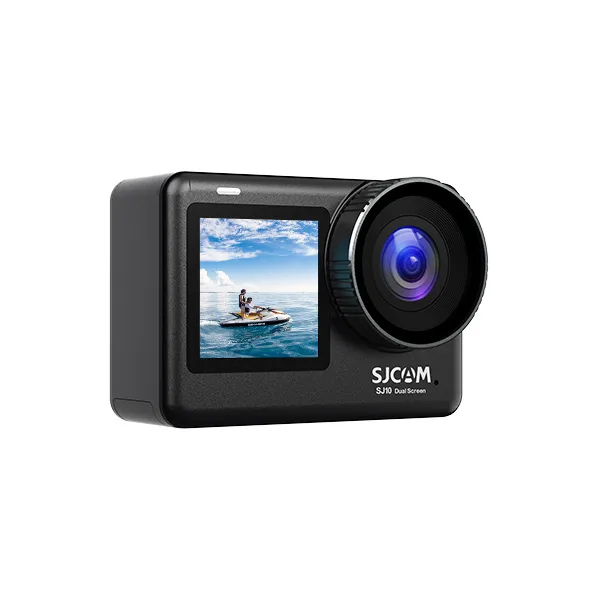
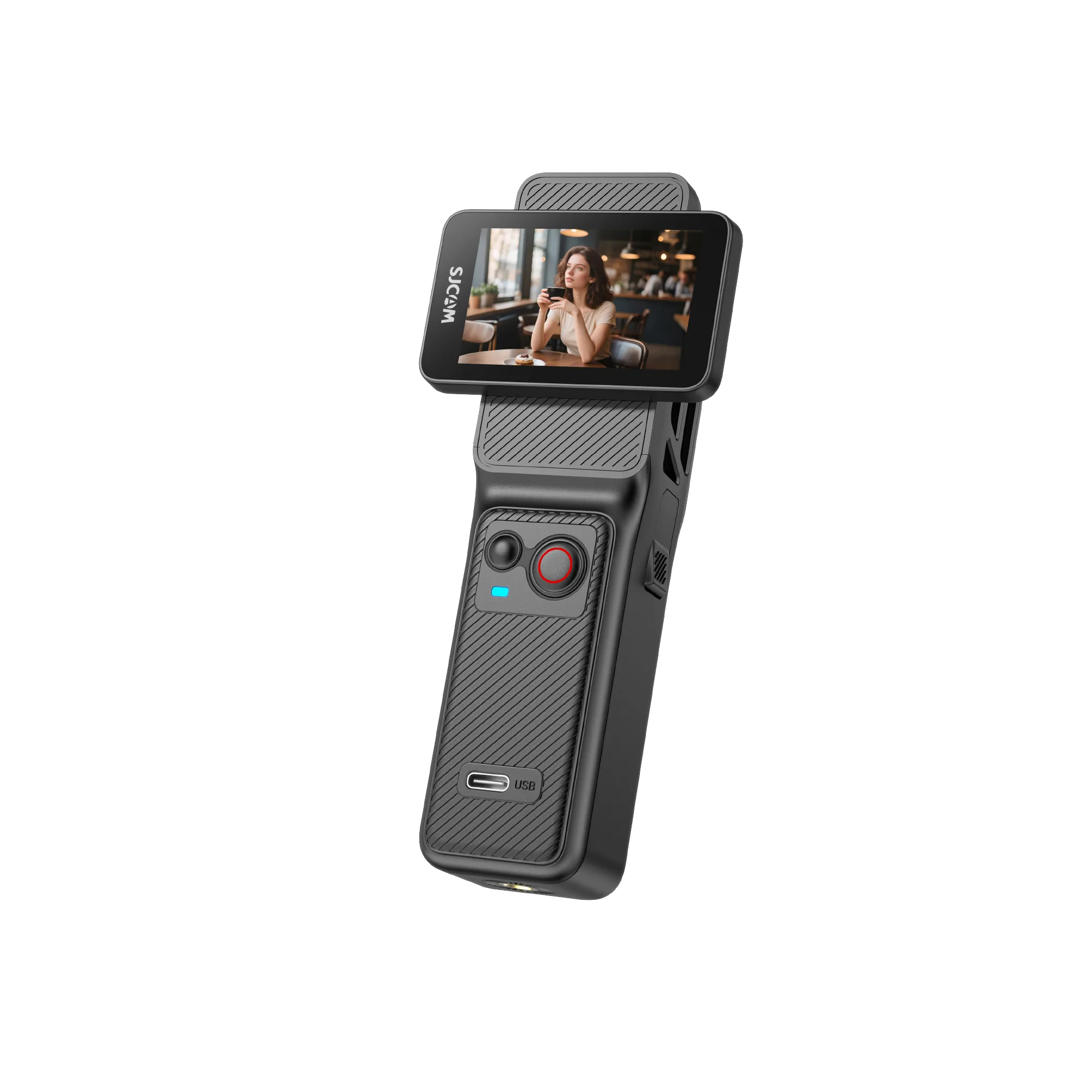
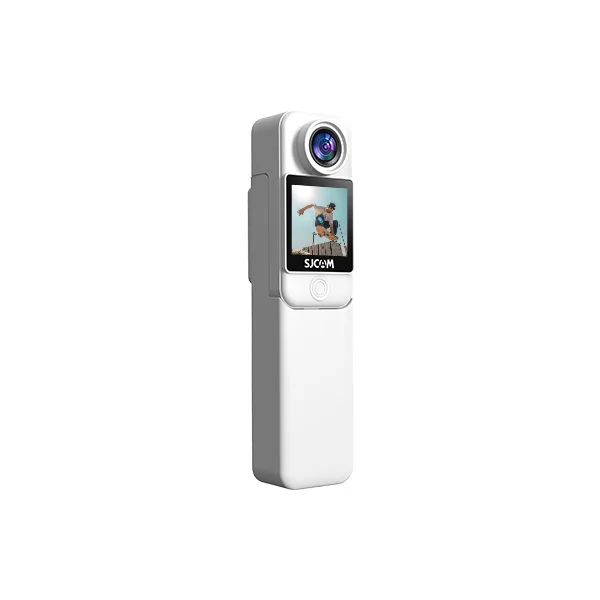
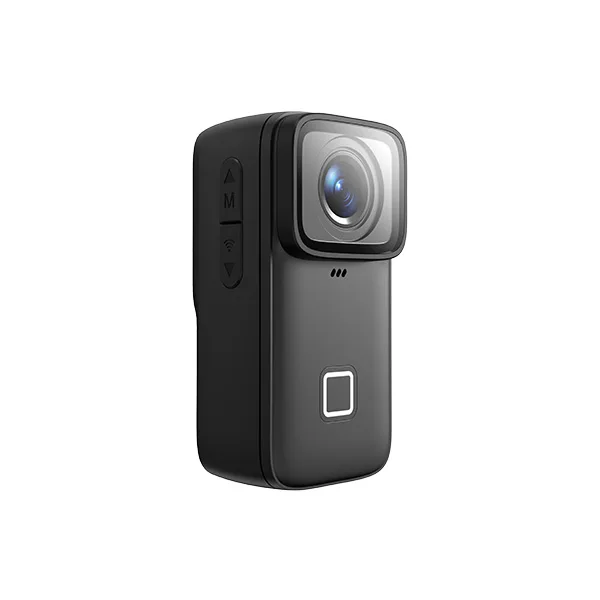
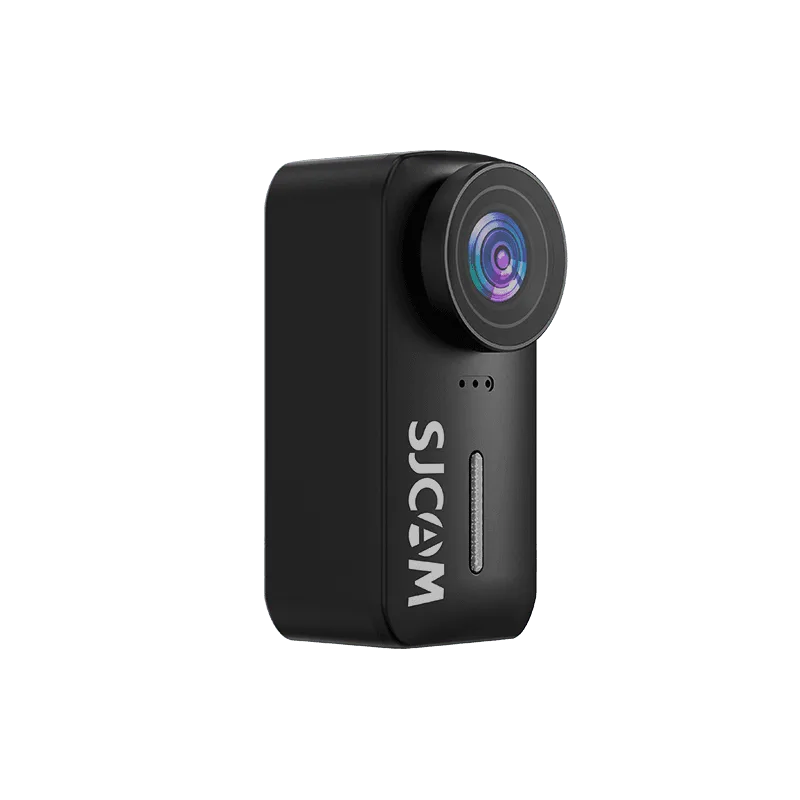
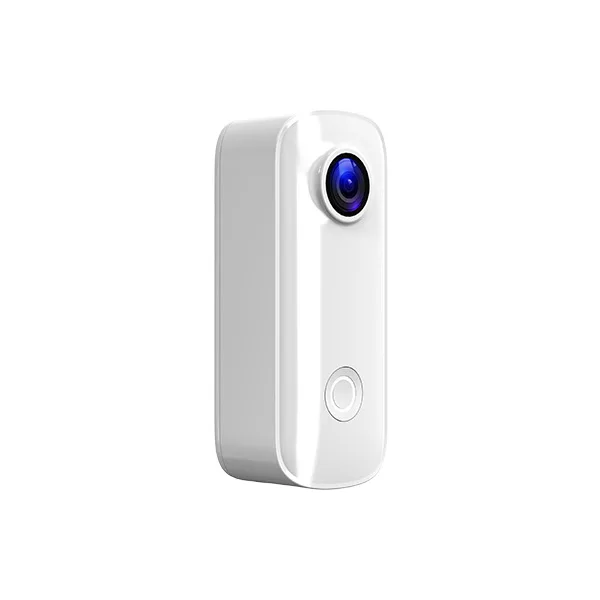
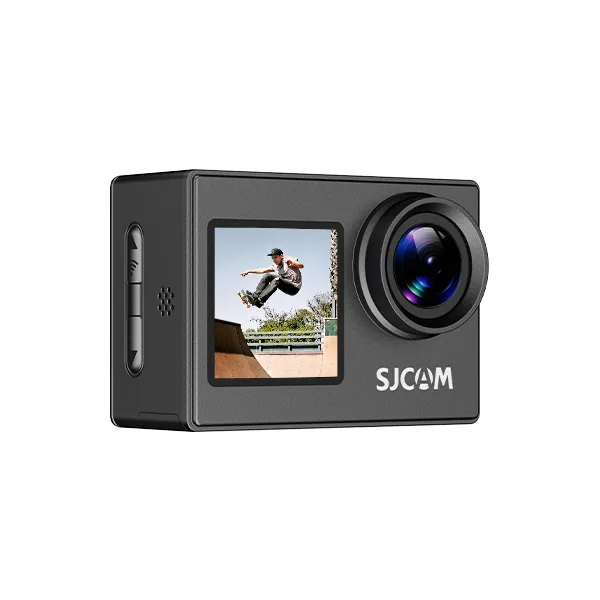
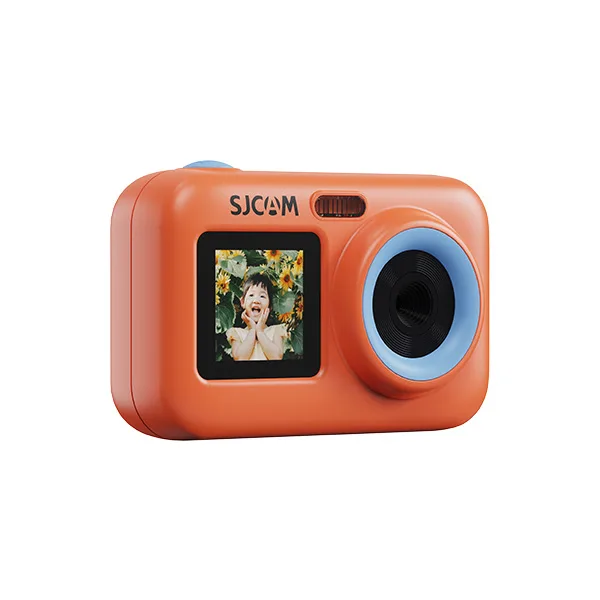
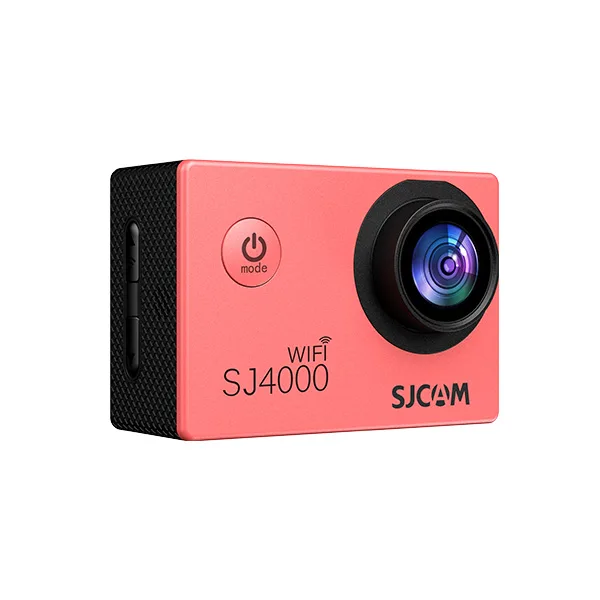
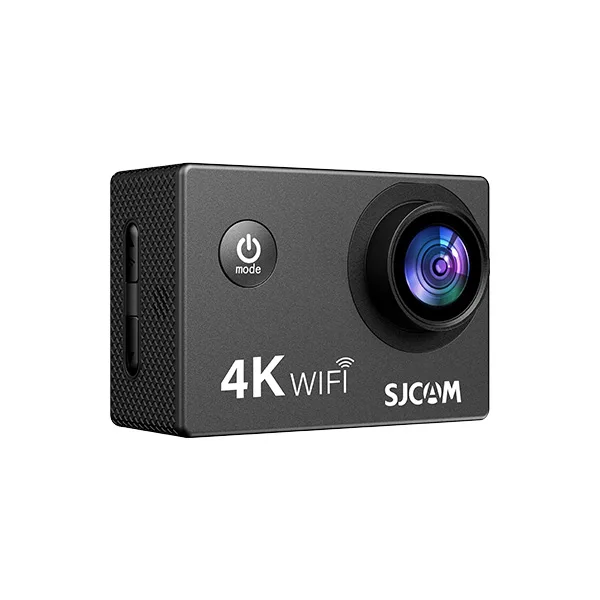
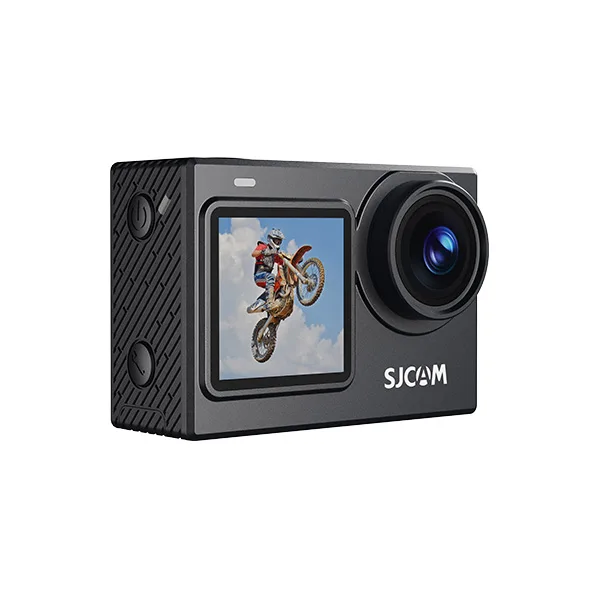
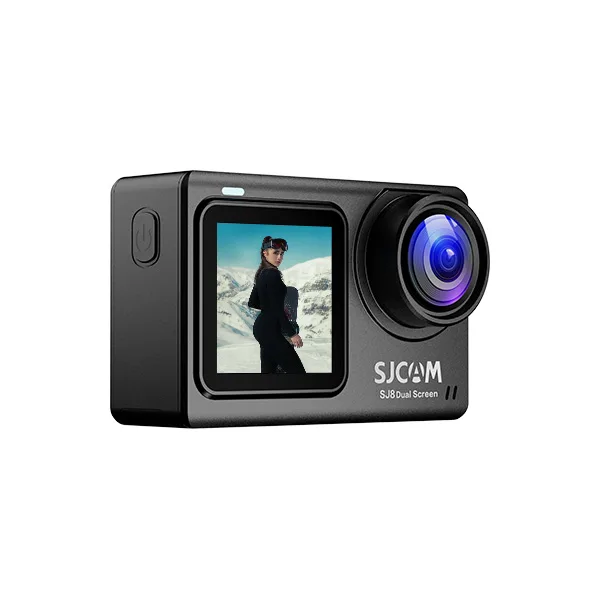
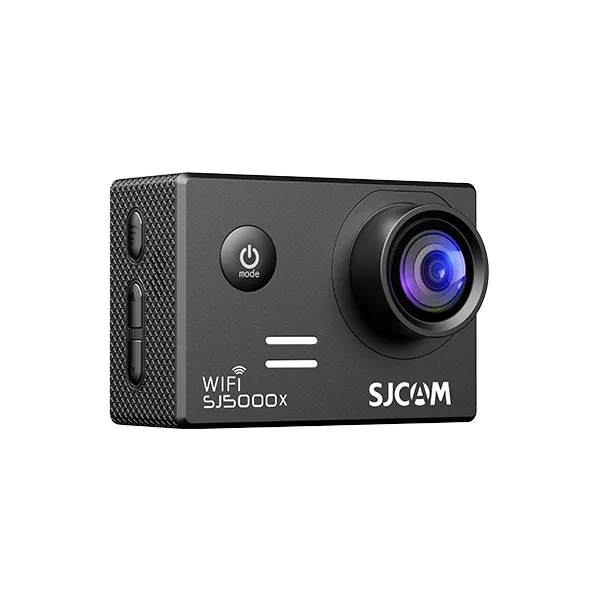

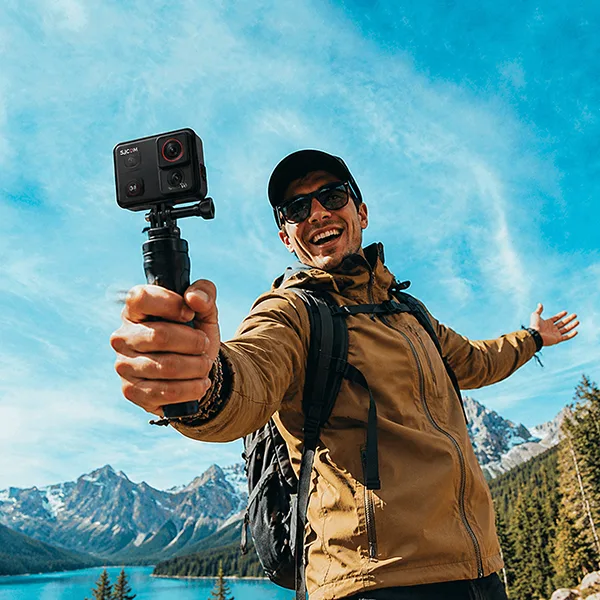
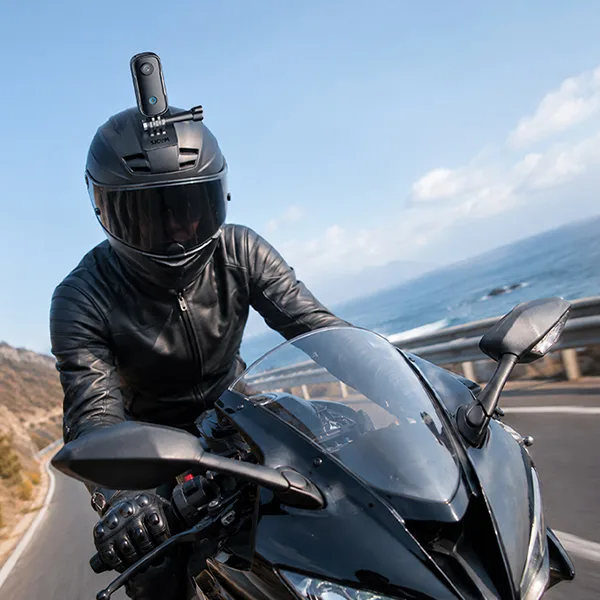
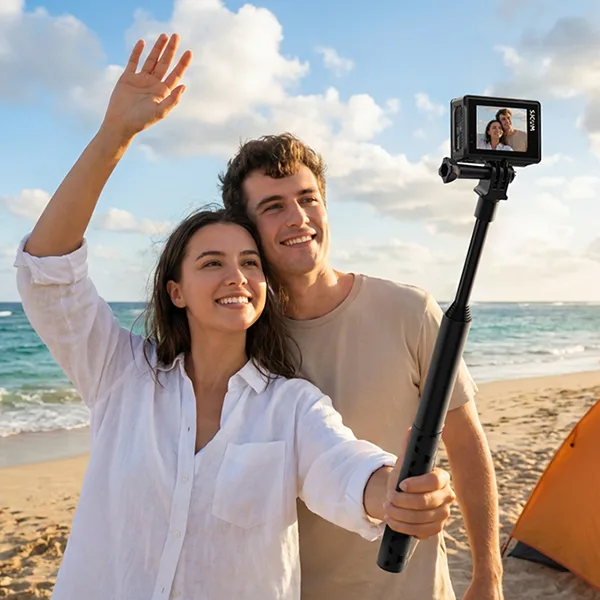
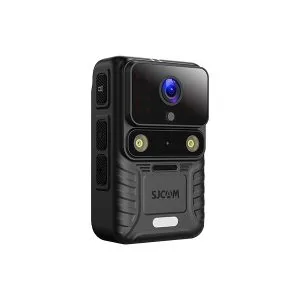
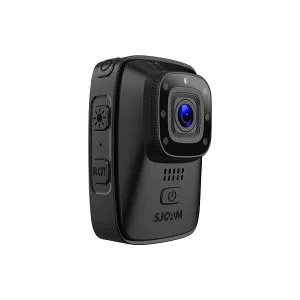
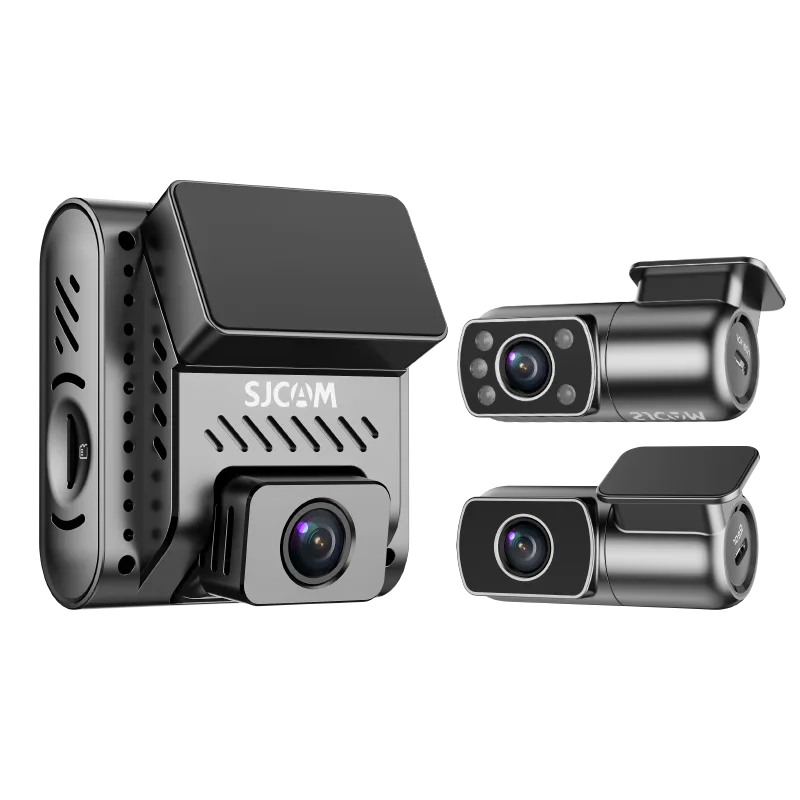
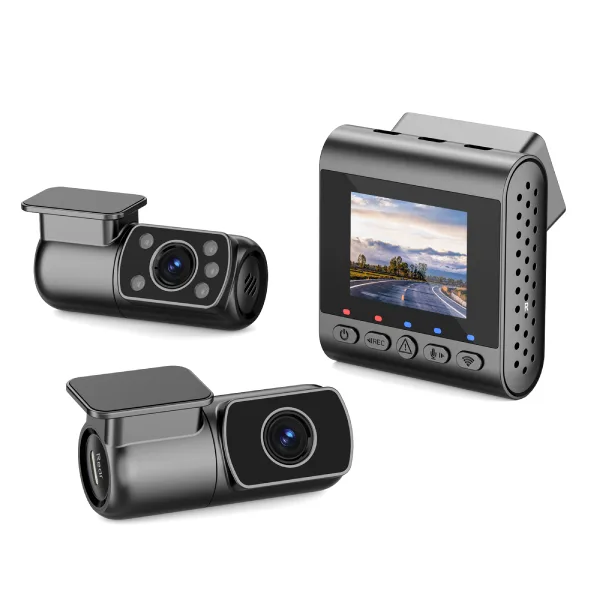


Want to turn your next road trip into a video worth watching? Start with a simple shot list, secure your action camera before driving, and capture more than just the road ahead.
To film a road trip with an action camera, combine scenic driving footage, passenger reactions, roadside stops, and destination highlights. For everyday footage, 4K at 30 fps is a practical starting point. Use stabilization when appropriate, experiment with slow motion, and record a few natural sounds to make your video more engaging.
In this guide, you’ll learn how to plan your shots, choose camera settings, mount your camera safely, manage battery life, and edit your footage into a memorable travel video.
Plan Your Road Trip Video Before You Leave
A good road trip video tells a story rather than simply documenting hours of driving.
Choose a Simple Story
Think about what makes your journey interesting. Are you exploring a scenic coastal highway, taking your first family road trip, or visiting several national parks?
Your answer helps determine which moments are worth recording.
A simple story can follow three stages:
- Beginning: Packing the car, planning the route, and setting off.
- Middle: Scenic drives, unexpected discoveries, passenger reactions, and roadside stops.
- Ending: Arriving at your destination and highlighting your favorite moments.
Create a Shot Checklist
Before leaving, make a short list of the footage you want to capture:
- Packing and departure
- Driving footage from a securely mounted camera
- Passenger reactions
- Road signs and landmarks
- Scenic viewpoints
- Timelapses
- Food and rest stops
- Arrival at your destination
You don’t need to record the entire drive. Short, purposeful clips are easier to edit and often tell a better story.
Best Action Camera Settings for Road Trips
The right settings depend on lighting, camera movement, available storage, and the type of footage you want to capture.
Resolution and Frame Rate
For most road trip videos, 4K at 30 fps provides a useful balance between detail, editing flexibility, and recording requirements.
If your camera supports higher frame rates, 60 fps can capture smoother movement, while 120 fps can be useful for slow-motion clips.
Higher frame rates may require more light and storage, so choose them based on the scene rather than using them for every shot.
Recommended Settings by Scene
| Filming scene | Suggested starting settings | কেন |
|---|---|---|
| Scenic highway | ৪কে / ৩০ এফপিএস | Detailed landscapes and flexible editing |
| Handheld travel clips | 4K / 30 fps, stabilization on | Helps reduce unwanted shake |
| Slow-motion action | 1080p / 120 fps, if supported | Allows dramatic slow-motion playback |
| Passenger conversations | ৪কে / ৩০ এফপিএস | Prioritizes clear visuals and manageable files |
| Sunrise or sunset | ৪কে / ৩০ এফপিএস | Allows attention to exposure and highlights |
| Stationary landscapes | Timelapse mode | Shows changing clouds or light efficiently |
These are starting points, not universal settings. Check your camera’s supported recording modes and test the results before your trip.
Stabilization and Field of View
Enable electronic stabilization when recording handheld footage or when vibration affects your shots.
For footage filmed from inside a vehicle, test the stabilization mode before departure. Different road surfaces, lighting conditions, and camera mounts can affect the results.
A wide field of view helps capture more of the road or vehicle interior, but it can also distort objects near the edges. Keep important subjects closer to the center of the frame.
Exposure and White Balance
Road trips often involve dramatic lighting changes, from dark tunnels to bright open highways.
Start with automatic exposure and white balance. Review your footage, especially when the sky appears overexposed or when the interior looks too dark.
If highlights are consistently blown out, try a slightly lower exposure compensation setting where supported.
How to Mount an Action Camera in a Car Safely
Camera placement affects both video quality and driving safety.
Always install and test your equipment while parked. Never adjust or operate the camera while driving.
Dashboard or Windshield Mount
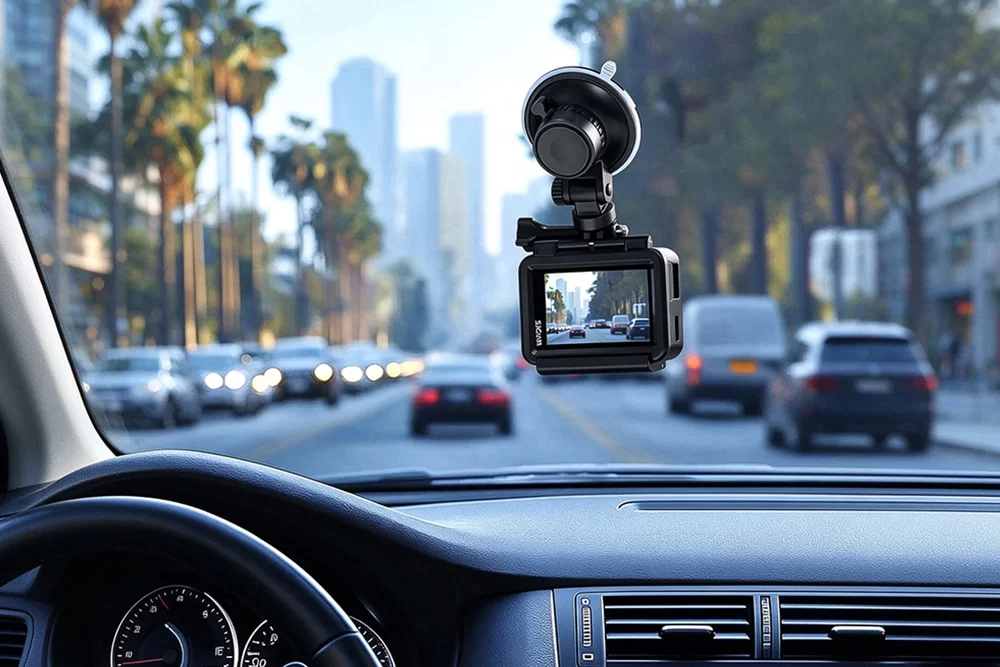
A securely mounted camera near the dashboard can capture wide driving footage.
Before installation:
- Check local laws regarding windshield and dashboard devices.
- Keep the camera outside the driver’s direct line of sight.
- Avoid airbag deployment zones and vehicle controls.
- Clean the mounting surface.
- Follow the mount manufacturer’s installation and curing instructions.
- Check the mount’s stability before departure.
For adhesive mounts, don’t assume a brief press is sufficient for every product. Adhesives have different installation and curing requirements.
Interior and Passenger Shots
A compatible headrest mount or another securely attached interior mount can help capture passengers and conversations.
Avoid placing loose tripods or unsecured cameras on vehicle seats. Equipment can move dangerously during sudden braking.
Ask passengers for permission before filming or publishing identifiable conversations and images.
Test Your Setup
Record a short test clip while the vehicle is safely parked, followed by a test drive with the camera already secured and recording.
Review the footage afterward to check for vibration, unwanted reflections, obstructed framing, and excessive noise.
Capture These 8 Essential Road Trip Shots
A memorable road trip video doesn’t need dozens of camera angles. A few well-chosen shots can communicate the entire journey.
Shot 1: The Departure
Film the packed car, a closing door, the route on your phone while parked, and your first departure moment.
These details establish the beginning of the story.
Shot 2: The Scenic Drive
Use a securely mounted action camera to capture winding roads, mountains, forests, or coastal scenery.
Record several short segments instead of continuously filming every mile.
Shot 3: Passenger Reactions
Capture conversations, laughter, or passengers enjoying the view.
These moments add personality and emotional context to the journey.
Shot 4: Road Signs and Landmarks
Film destination signs, recognizable landmarks, and route markers when you can do so safely.
They help viewers understand how your trip progresses.
Shot 5: Scenic Viewpoints
At a designated and safe stopping location, record a wide shot of the landscape.
Try keeping the camera still for a few seconds before slowly changing the composition.
Shot 6: Timelapse Footage
Use timelapse mode to capture moving clouds, changing light, or activity at a scenic location.
Place your camera on a stable surface and make sure it won’t interfere with people or vehicles.
Shot 7: Food and Rest Stops
Capture close-up details such as a coffee cup, local food, a campsite, or the entrance to an interesting town.
These shots help establish the atmosphere of the trip.
Shot 8: The Destination
Finish with a recognizable arrival shot, such as a famous viewpoint, your accommodation, or your first glimpse of the destination.
A strong ending gives the video a sense of completion.
Make Your Road Trip Footage More Cinematic
You don’t need complicated camera movements to create engaging travel videos.
Film During Better Lighting Conditions
Early morning and late afternoon often produce softer light and longer shadows than midday.
If possible, schedule scenic stops during these hours.
Keep Shots Steady
Hold each shot for approximately 8–10 seconds when practical.
A stable shot gives you more flexibility during editing than a clip filled with unnecessary movement.
Mix Wide and Close-Up Shots
Instead of recording only wide landscapes, capture details such as:
- Hands packing travel equipment
- A map at a rest stop
- A close-up of roadside food
- Shoes stepping onto a hiking trail
- A wide view of the next destination
Mixing different shot sizes makes the story more visually interesting.
Capture Transitions
Look for moments when the landscape changes, such as a city becoming farmland or a mountain road opening onto the coast.
These transitions communicate movement and progress.
Record Clear Audio During Your Road Trip
Good visuals are only part of a successful travel video.
Built-in action camera microphones can struggle with wind noise, engine sounds, and road vibration.
Reduce Unwanted Noise
When filming conversations, close the windows where practical and keep the camera away from air vents.
If your camera supports a compatible external microphone, consider using one for spoken narration.
Always test microphone compatibility and audio quality before starting the journey.
Capture Natural Sounds
Record 15–30 seconds of ambient sound at safe stops.
Useful sounds include waves, birds, footsteps, rain, and conversations at a roadside café.
Layer these recordings under your visuals during editing to make the final video feel more immersive.
Consider Voiceover Narration
If your driving footage has excessive road noise, record a voiceover after the trip.
Describe what made each destination special instead of simply repeating what viewers can already see.
Manage Battery Life and Storage
Long road trips can generate large video files, especially when recording at high resolutions.
Before leaving:
- Fully charge your camera and compatible accessories.
- Carry spare batteries or an appropriate power bank.
- Use microSD cards that meet your camera’s speed and capacity requirements.
- Keep extra storage available.
- Back up footage regularly.
Estimate Your Storage Needs
Storage depends on your camera’s actual recording bitrate.
For example, at an illustrative bitrate of 60 Mbps, one hour of footage requires approximately 27 GB of storage.
A 128 GB card would therefore hold roughly four hours of footage before accounting for formatting overhead and other files.
Your camera may use a different bitrate, so use the actual recording settings when planning storage.
Back Up Footage Each Day
Organize clips into folders based on the day, location, or destination.
When possible, keep a second copy on a separate storage device.
Avoid formatting memory cards until you’ve verified your backups.
How to Edit a Road Trip Video
Editing turns separate recordings into a story your audience can follow.
Organize Footage Chronologically
Create folders for departure, driving, stops, attractions, and arrival.
Label the best clips so they’re easier to find.
Build a Simple Video Structure
For a short 60–90 second travel video, try this editing outline:
| Video section | Approximate duration | Suggested footage |
|---|---|---|
| Opening | 0–10 seconds | Best scenery and departure |
| Beginning | 10–25 seconds | Packing and early driving clips |
| Journey | 25–60 seconds | Roads, passengers, and stops |
| Destination | 60–80 seconds | Arrival and highlights |
| Ending | Final seconds | Favorite view or memorable moment |
Treat these timings as an example rather than a strict rule.
Vary the Pace
Alternate wide driving shots with short details, conversations, and scenic stops.
Use timelapses to shorten repetitive sections.
Choose Music Carefully
Select music that supports the atmosphere of your journey.
Use music you have permission to include, especially when uploading videos to public platforms.
Keep the Final Video Focused
Remove repetitive footage, unclear audio, and clips that don’t contribute to the story.
A concise video with a clear beginning, middle, and ending is often more enjoyable than a long compilation of similar driving shots.
Is the SJCAM C400 Pro Good for Road Trip Filming?
For travelers looking for a compact camera that can capture both driving footage and handheld travel clips, the এসজেক্যাম সি৪০০ প্রো is one option worth considering.
Its detachable design allows you to switch between a compact POV camera and a handheld recording setup.
Features That Matter for Road Trips
4K/30 fps recording: Captures detailed scenery and provides flexibility for editing.
1/1.8-inch sensor and f/1.9 aperture: Designed to capture more light, which can be useful when filming in changing lighting conditions.
160° field of view: Helps capture wide scenic roads and travel environments.
SteadyMotion V2.0 stabilization: Helps reduce camera shake during movement.
Detachable camera design: Provides flexibility for POV and handheld filming.
M4 wireless microphone compatibility: Offers an external audio option for vlogging and spoken narration. The microphone is sold separately, and wired microphones are not supported.
ব্যাটারি লাইফ: According to SJCAM’s published specifications, the camera provides up to 120 minutes of recording at 4K/30 fps when used alone, or up to 300 minutes when paired with the handheld controller. Actual results vary with operating conditions.
MicroSD support: Accepts compatible মাইক্রোএসডি কার্ড up to 512 GB.
What to Consider Before Using It
The C400 Pro is not a replacement for careful camera placement or safe driving practices.
Always confirm mount compatibility, inspect the camera’s position, and test the footage before departure.
Its published operating temperature range is -10°C to 40°C. Avoid leaving the camera in a hot parked car, where temperatures may exceed this range.
If your main purpose is continuous driving surveillance rather than creative travel filmmaking, consider whether a dedicated dash camera better meets your needs.
For other travel-friendly options, explore SJCAM’s ভ্রমণ ও অ্যাডভেঞ্চার অ্যাকশন ক্যামেরা.
How to Mount the SJCAM C400 Pro in a Car?
For hands-free road trip filming, you can pair the SJCAM C400 Pro with a car charger with a suction cup and a compatible Expansion Adapter for the C400 Series.
The suction cup provides a convenient mounting option for capturing scenic roads and driving footage, while the 360° rotating adapter allows the C400 Pro to connect to compatible mounting accessories.
To set up your camera:
- Attach the C400 Pro to the 360° rotating adapter and securely connect it to the suction cup mount.
- Position the suction cup on a suitable, clean mounting surface, following the accessory manufacturer’s instructions.
- Adjust the camera angle to capture the road ahead without obstructing the driver’s view.
- Check that the mount is firmly secured and test the footage before driving.
This setup can be useful for capturing scenic highways, changing landscapes, and road trip POV footage without holding the camera.
Always verify accessory compatibility, charging connections, and local mounting regulations before use. Never adjust the camera while driving.
Road Trip Filming Checklist
Before you start driving, make sure you’ve completed these steps:
- Prepare a basic filming plan.
- Charge your camera and accessories.
- Check available memory card space.
- Verify that your camera mount is secure and legal.
- Check that the camera doesn’t obstruct the driver or airbags.
- Test your preferred resolution and frame rate.
- Confirm stabilization and audio settings.
- Start recording before departure.
- Plan safe locations for scenic stops.
- Back up your footage regularly.
প্রায়শই জিজ্ঞাসিত প্রশ্নাবলী
দিনের বেলায় রোড ট্রিপের বেশিরভাগ ফুটেজের জন্য, 4K দিয়ে 30 fps-এ শুরু করুন এবং আপনার মাউন্টিং পজিশন অনুযায়ী স্টেবিলাইজেশন ও ফিল্ড অফ ভিউ অ্যাডজাস্ট করুন। আপনার ক্যামেরা সাপোর্ট করলে স্লো মোশনের জন্য উচ্চতর ফ্রেম রেট ব্যবহার করুন।.
স্থানীয় আইন সাপেক্ষে, সঠিকভাবে সুরক্ষিত একটি অ্যাকশন ক্যামেরা যানবাহন চলার সময়ও ফুটেজ রেকর্ড করতে পারে। ক্যামেরাটি পার্ক করা অবস্থায় ইনস্টল করুন এবং রেকর্ডিং শুরু করুন, এবং গাড়ি চালানোর সময় কখনোই ক্যামেরাটি সামঞ্জস্য করবেন না।.
Use a compatible, securely attached mount that does not block the driver’s view or interfere with vehicle controls or airbags. Follow the mount manufacturer’s instructions and test the setup while parked.
Storage requirements depend on bitrate, recording resolution, frame rate, and total filming time. Estimate storage using your camera’s actual bitrate and keep extra space available for unexpected footage.
Yes. Action cameras are compact and well suited to wide scenic shots, handheld footage, and POV recording. For spoken narration, a compatible external microphone or a later voiceover can improve audio clarity.
Choose an action camera when your priority is creative travel footage, flexible mounting, and handheld shots. A dedicated dash camera is generally more appropriate when you primarily need continuous, automated driving recording.
শেষ কথা
Learning how to film a road trip is less about recording every minute and more about capturing moments that tell a meaningful story.
Plan your essential shots, choose settings that fit the scene, keep your equipment securely mounted, and combine scenery with personal details and natural sound.
With a little preparation, an action camera can help transform an ordinary drive into a travel video worth revisiting.