





 英語
英語  中国語(中国)
  スペイン語
スペイン語  ドイツ人
ドイツ人  フランス語
フランス語  イタリアの
イタリアの  韓国語
韓国語  ブルガリア語
  ギリシャ語
ギリシャ語  インドネシア語
  中国語(香港)
  ロシア
ロシア  デンマーク語
  フィンランド語
  ハンガリー語
  トルコ語
トルコ語  オランダの
オランダの  ポルトガル語
  スウェーデンの
  ルーマニア語
  スロバキア語
  セルビア語
セルビア語  ノルウェー語
  クロアチア語
  アルバニア語
  カタロニア語
  チェコ語
チェコ語  エストニア語
  アルメニア語
  ベンガル語
ベンガル語  アムハラ語
アムハラ語  研磨
研磨  タイ語
タイ語  ウクライナ語
  ベトナム語
ベトナム語 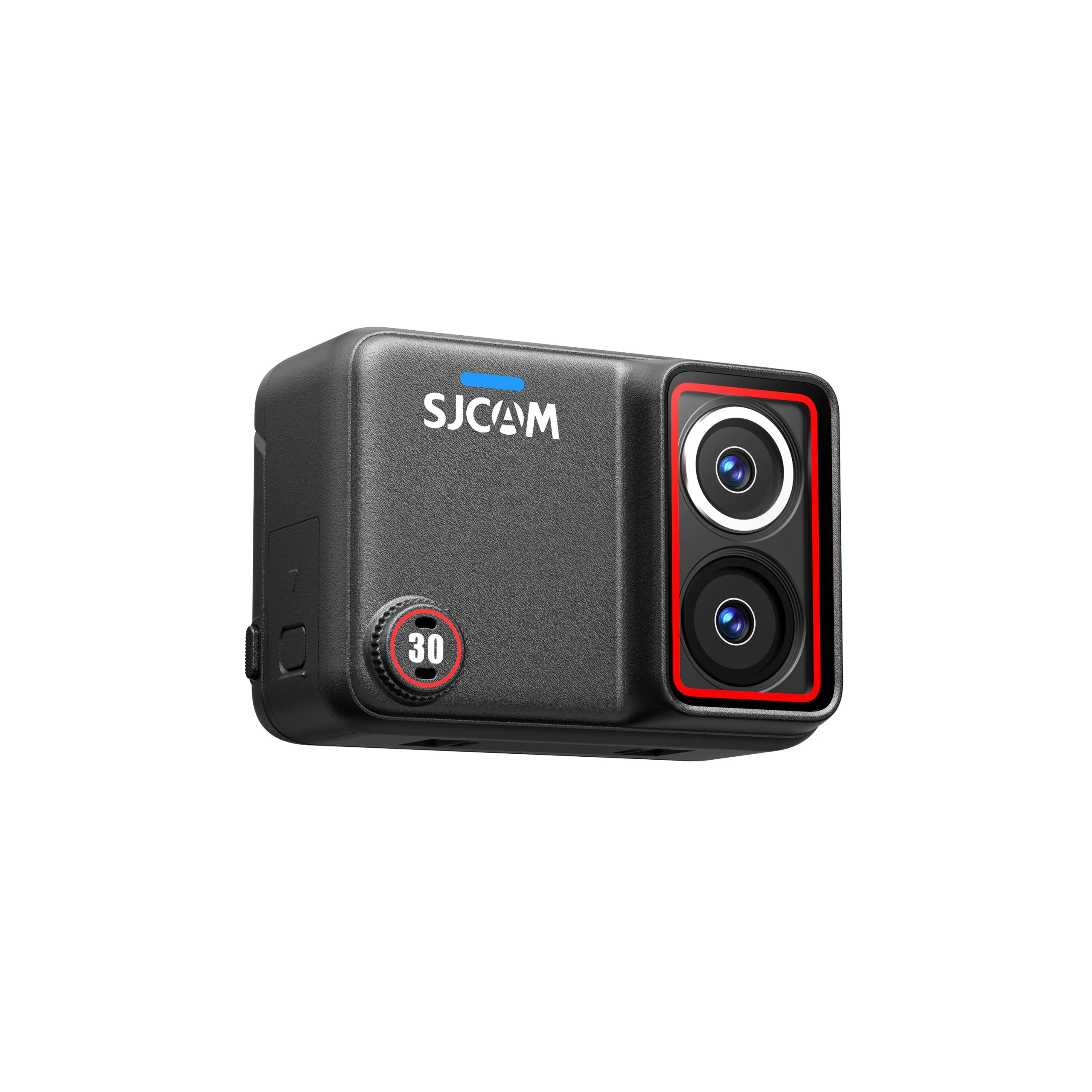
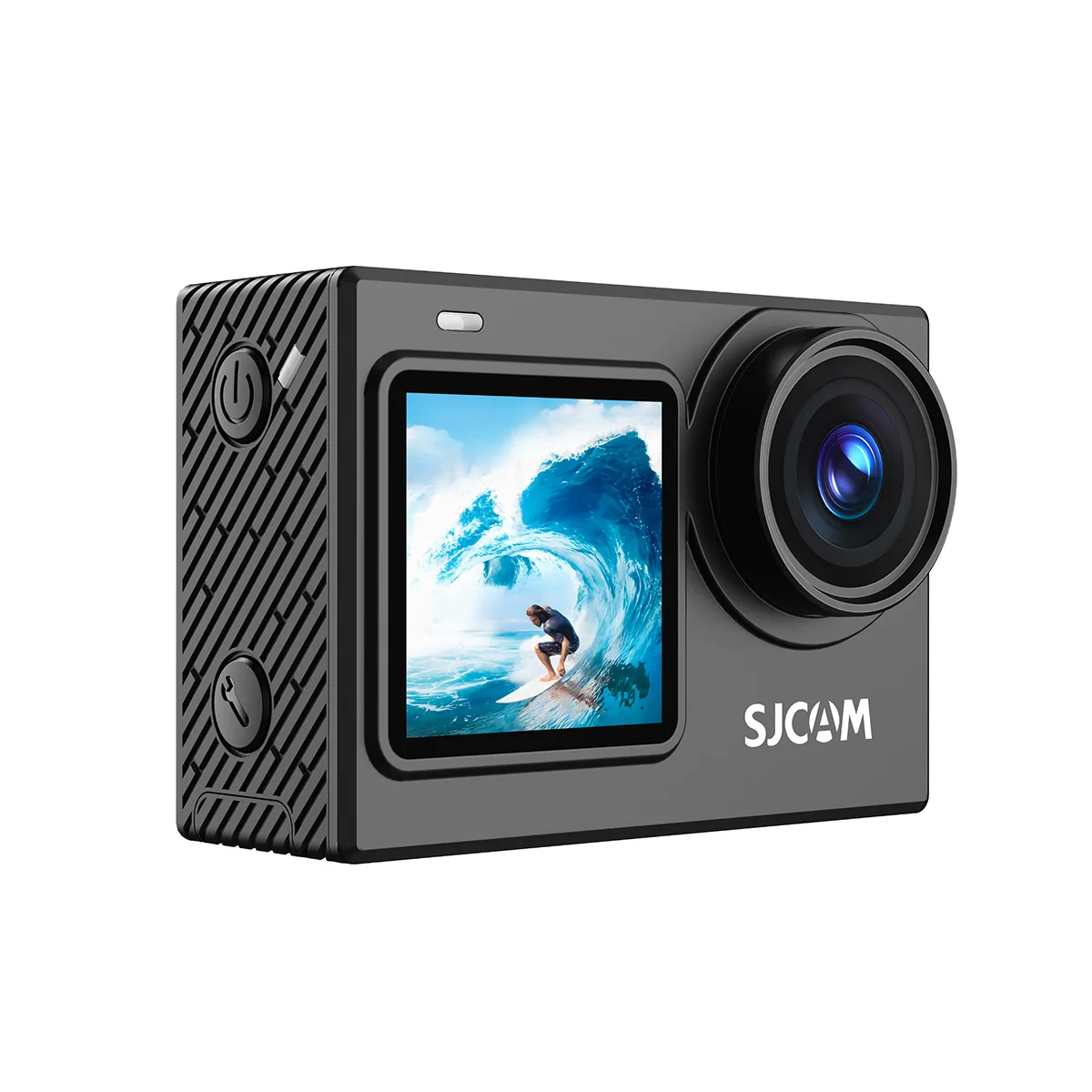
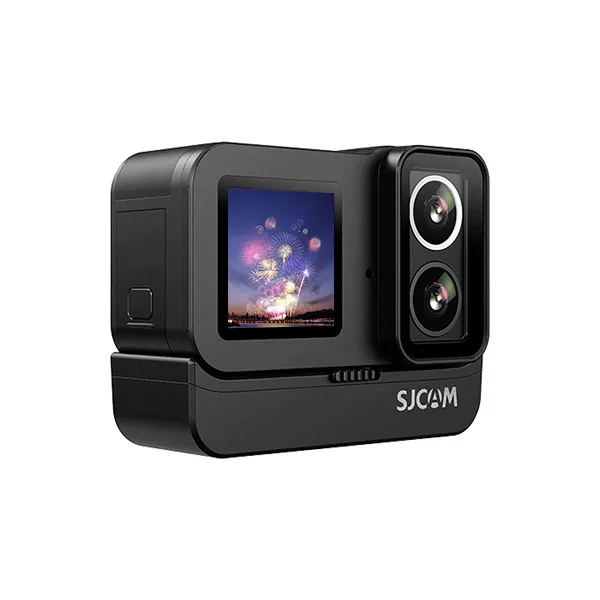
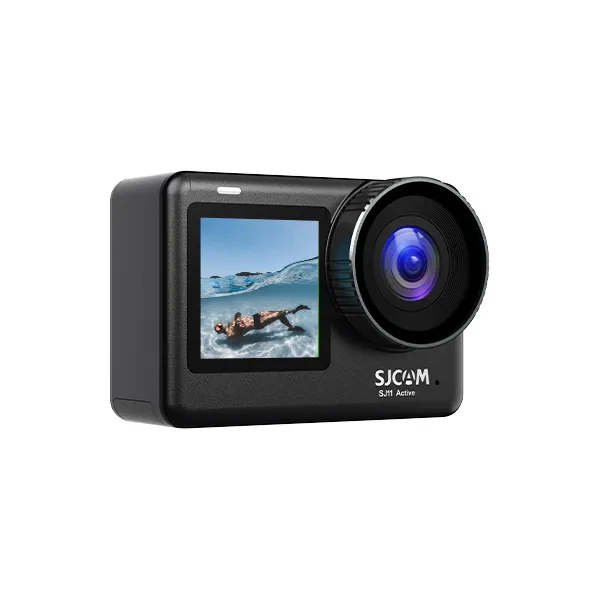
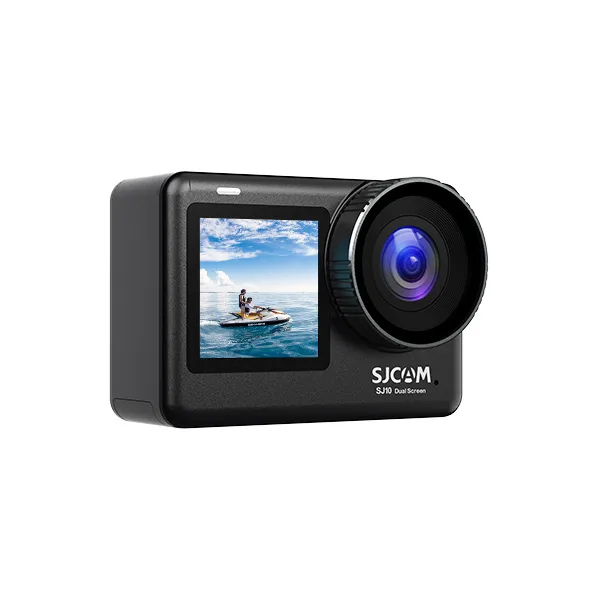
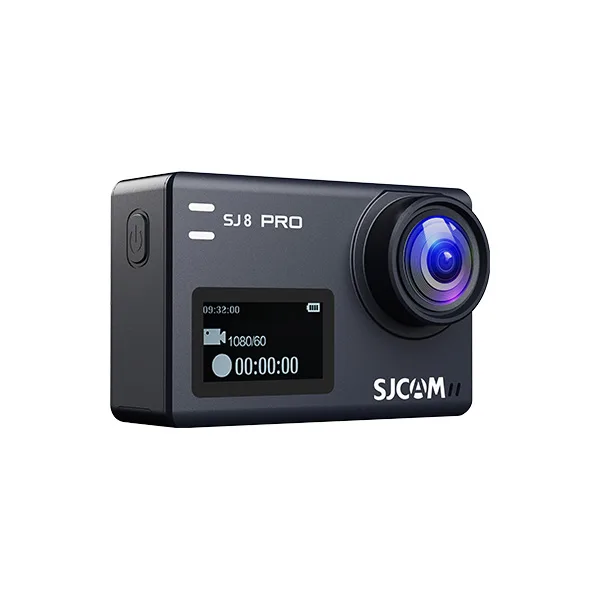
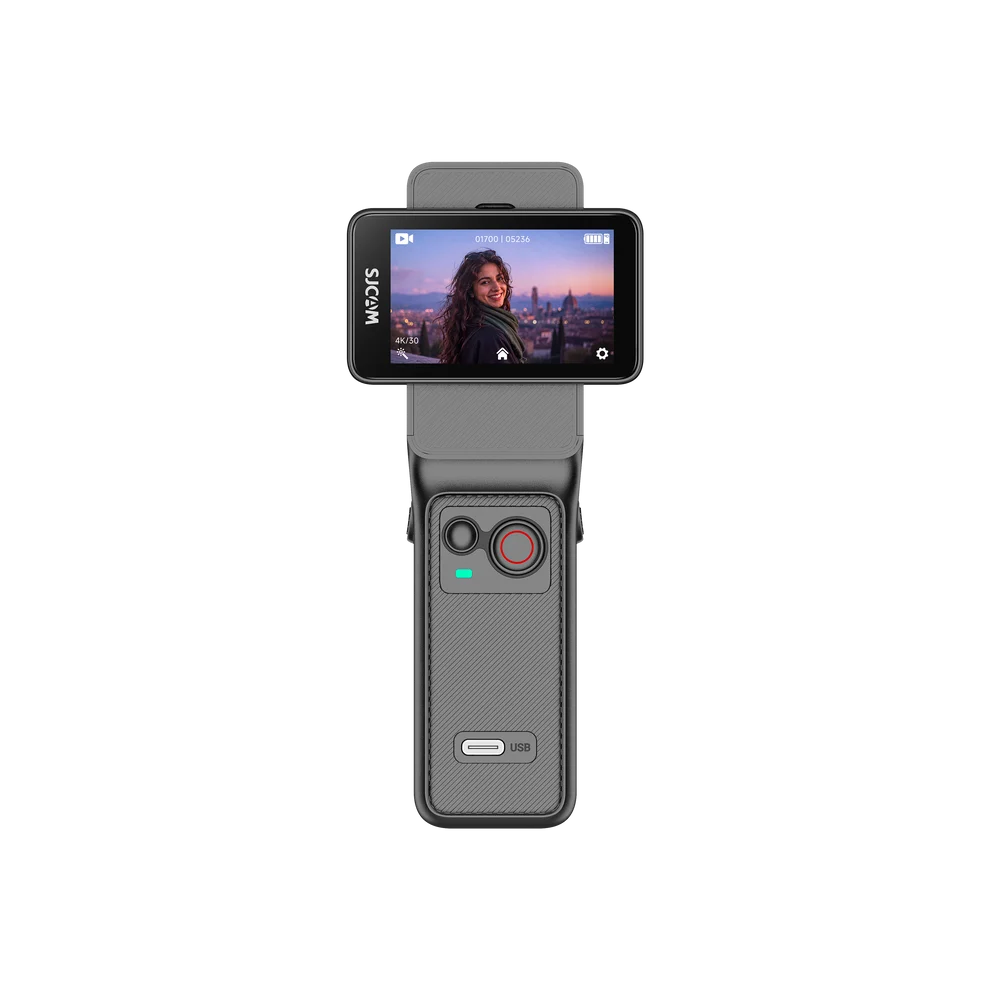
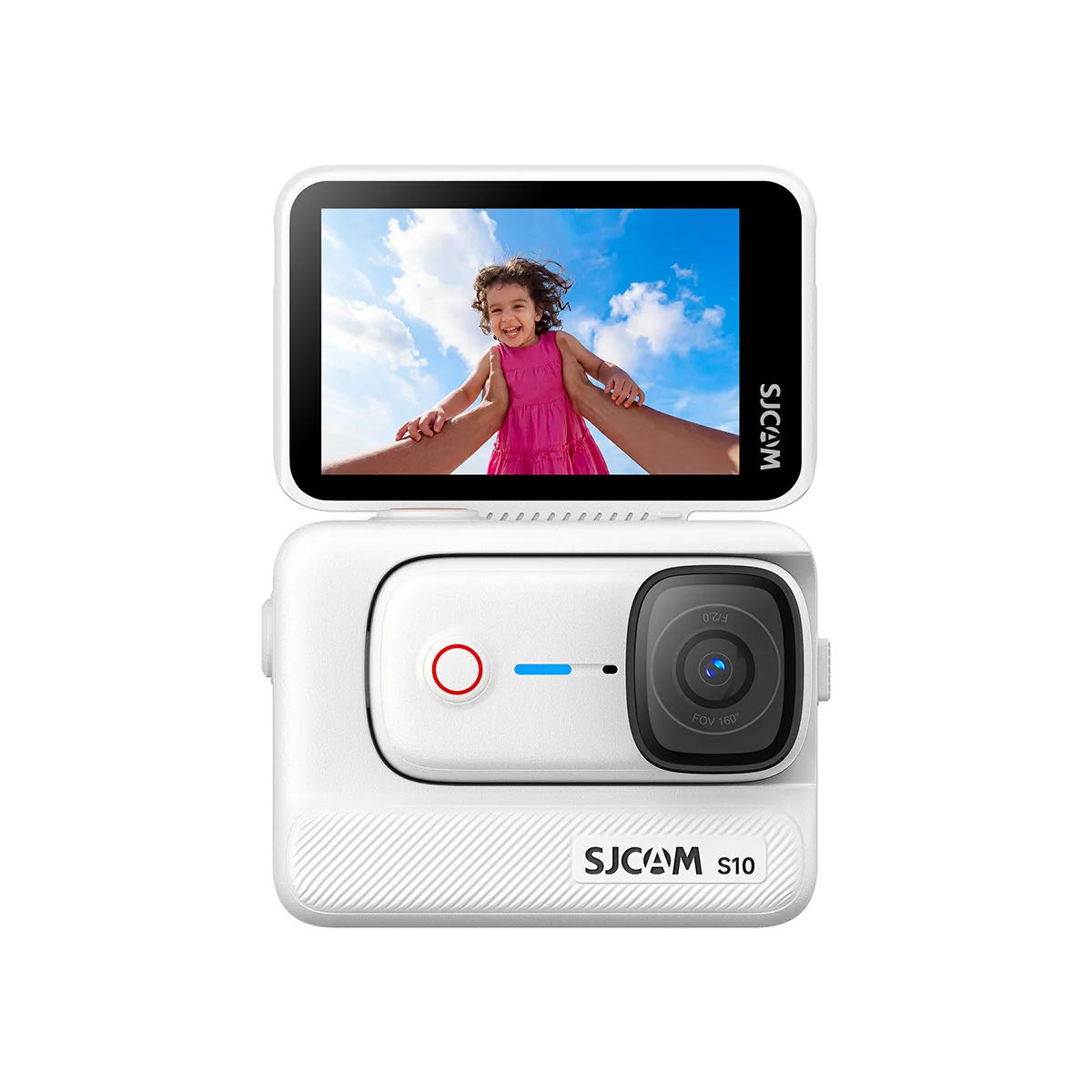
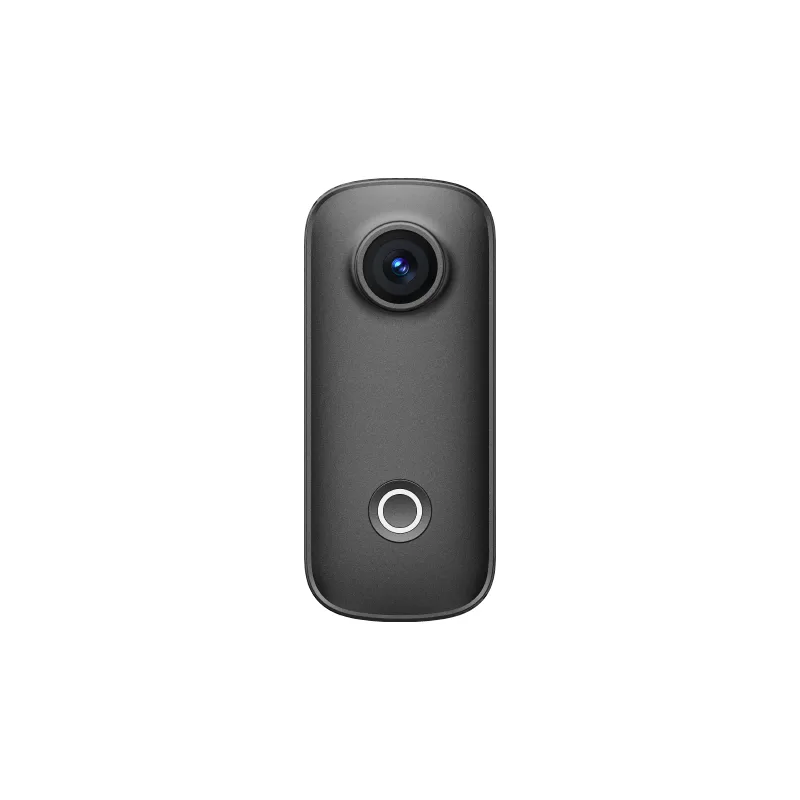
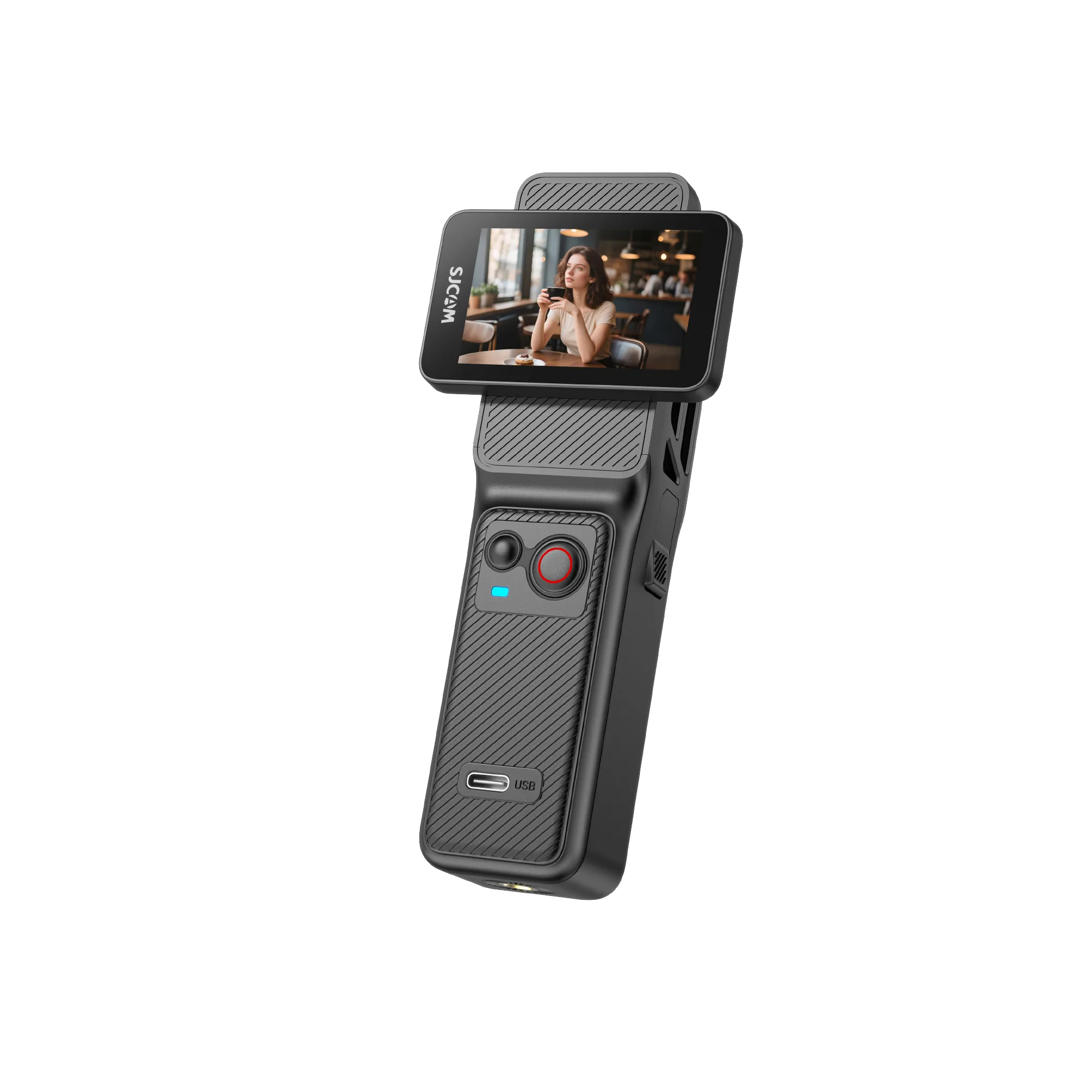
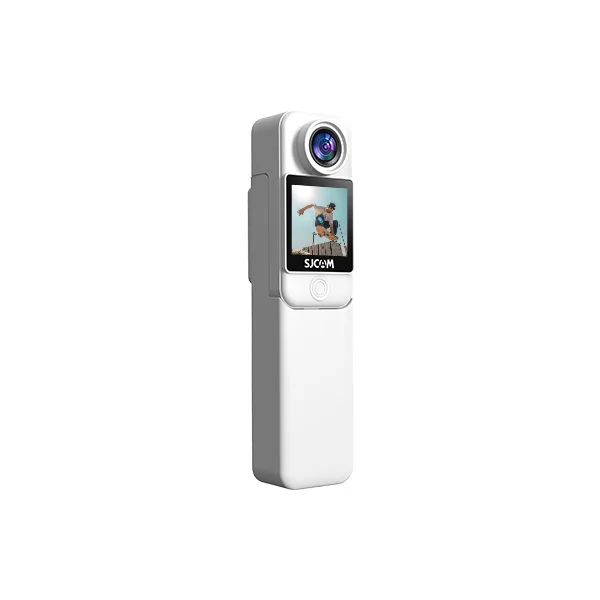
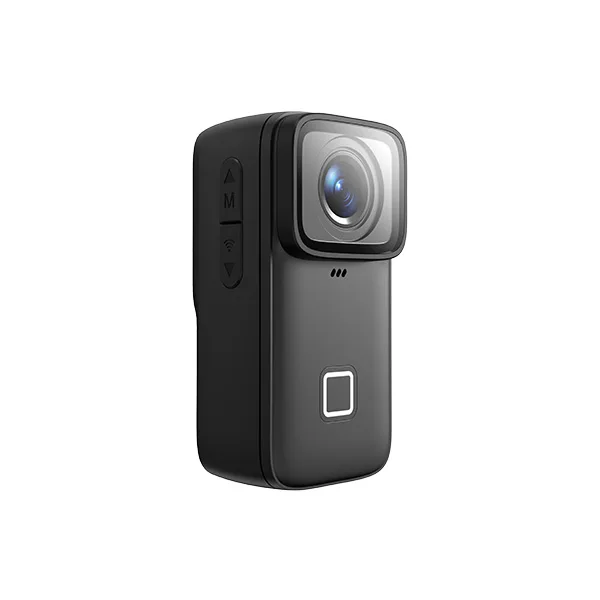
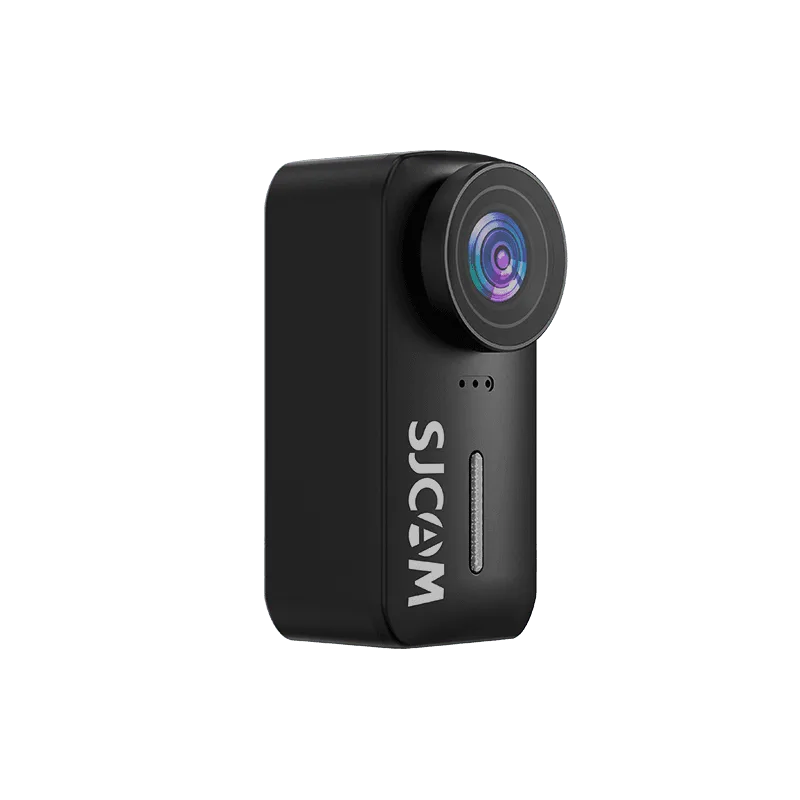
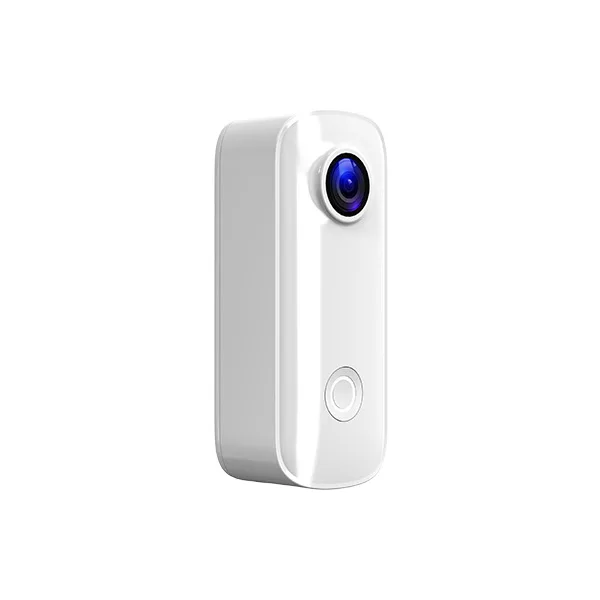
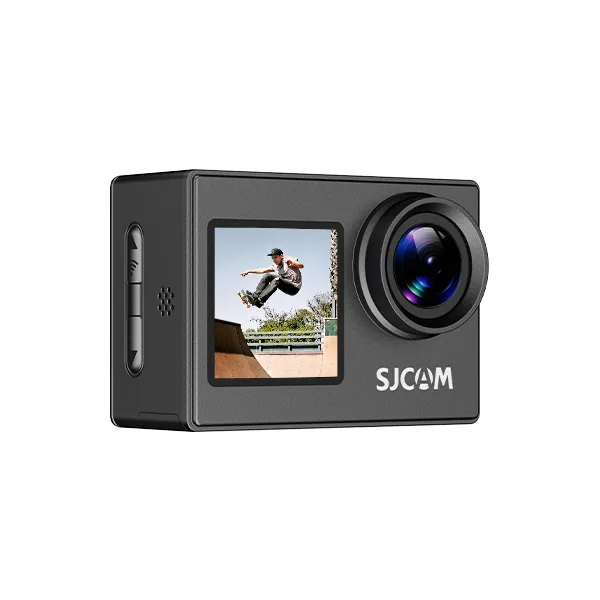
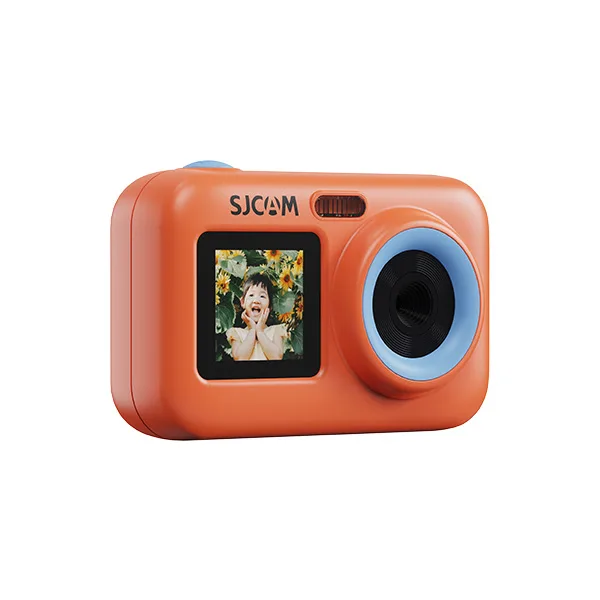
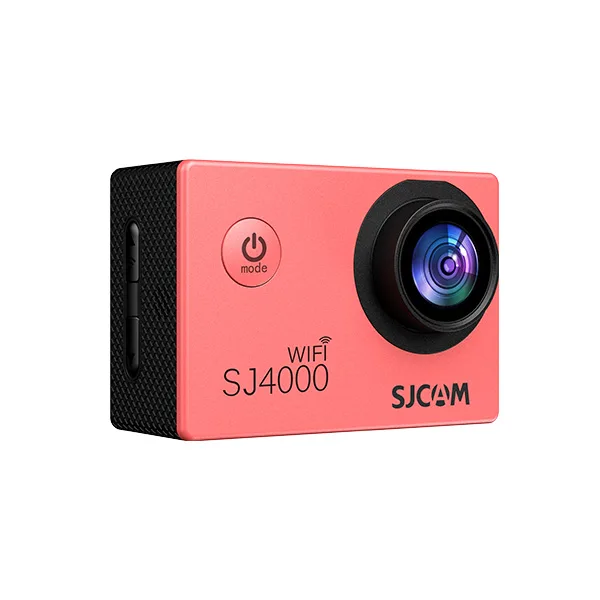
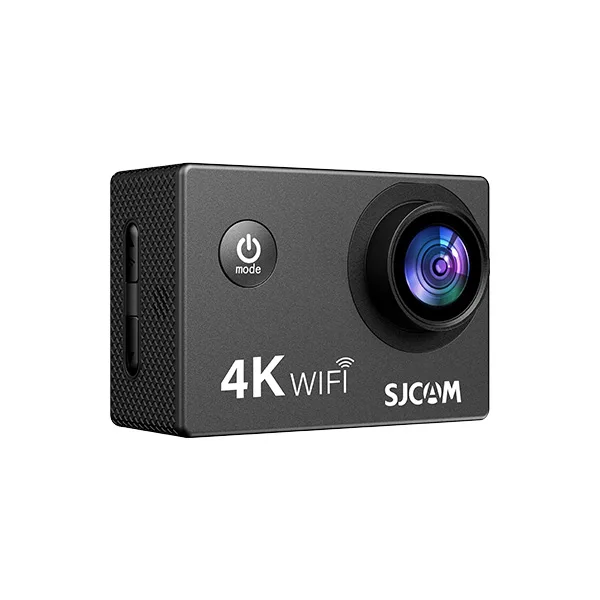
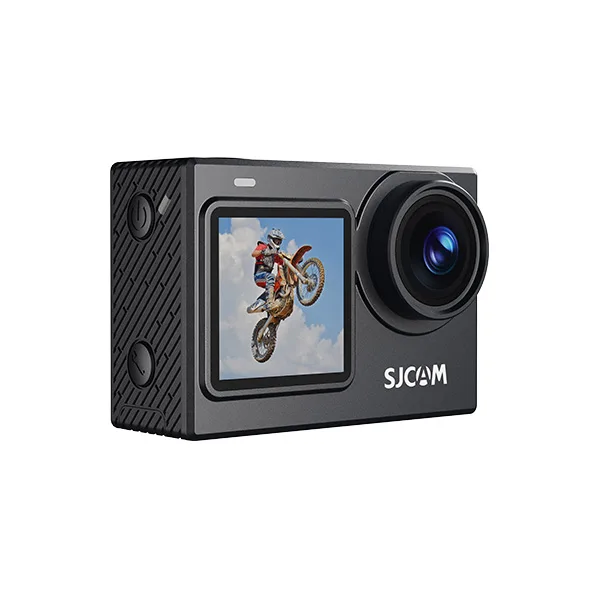
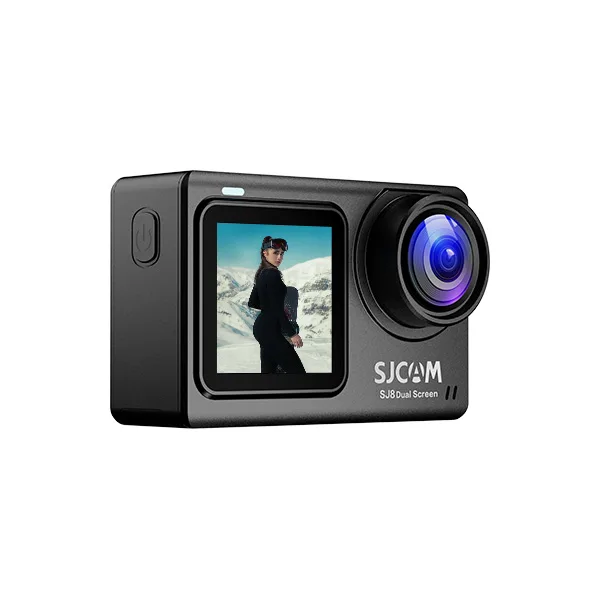
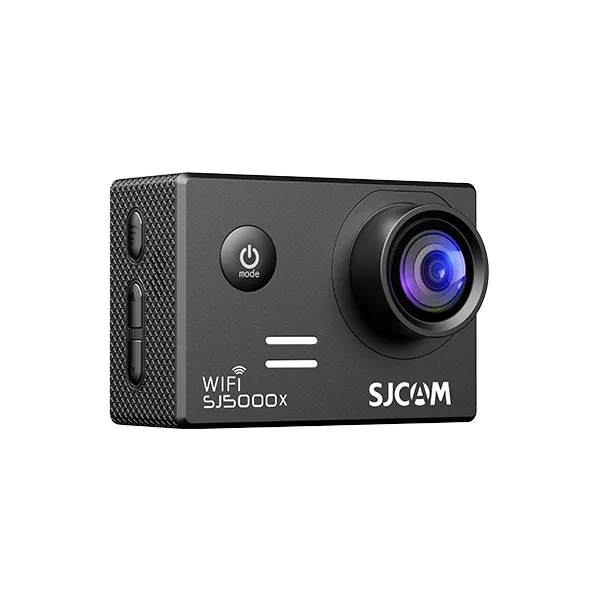

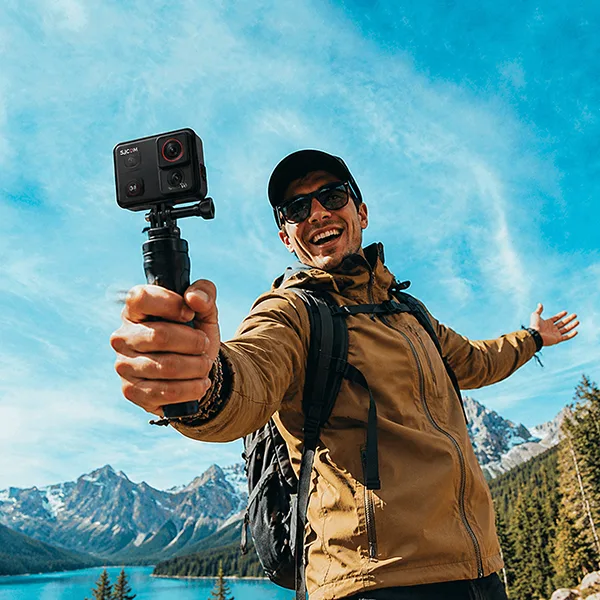
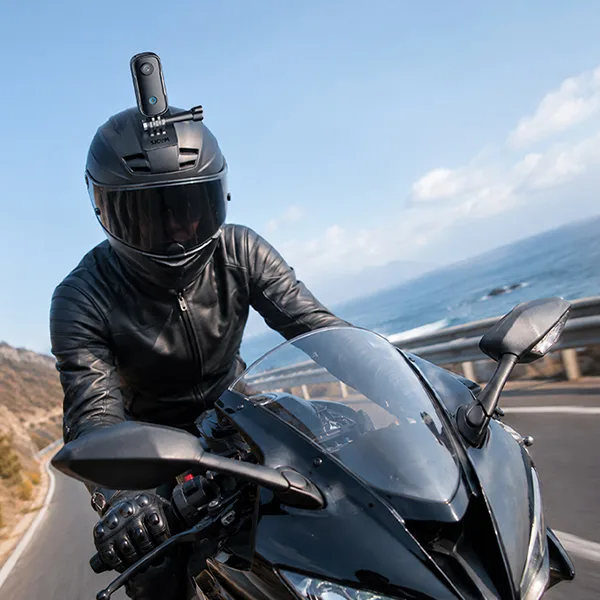
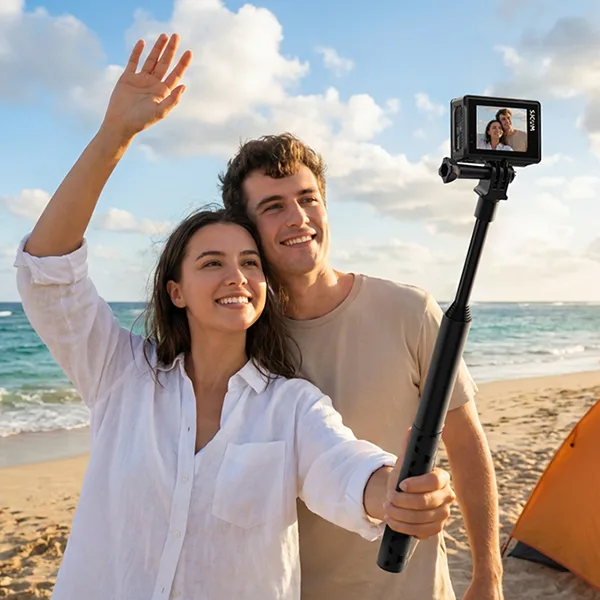
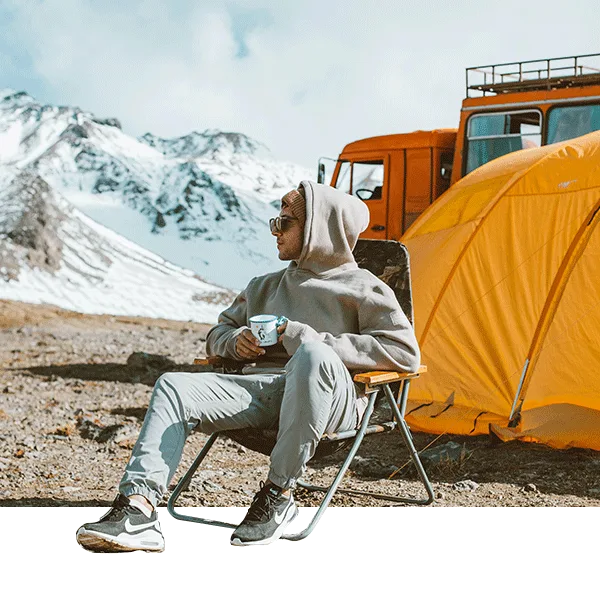
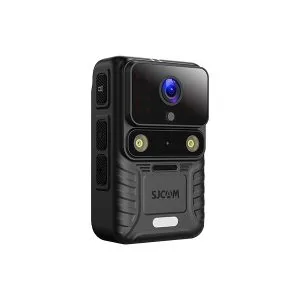
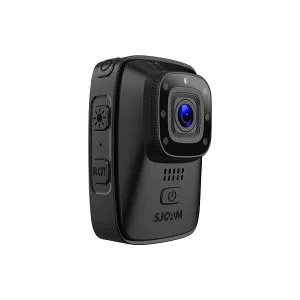
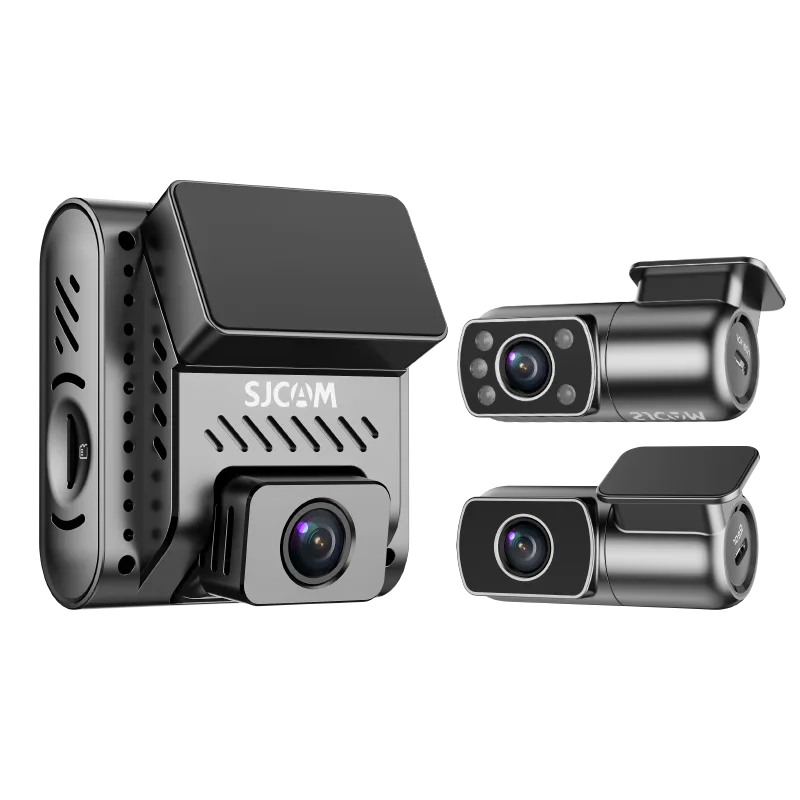
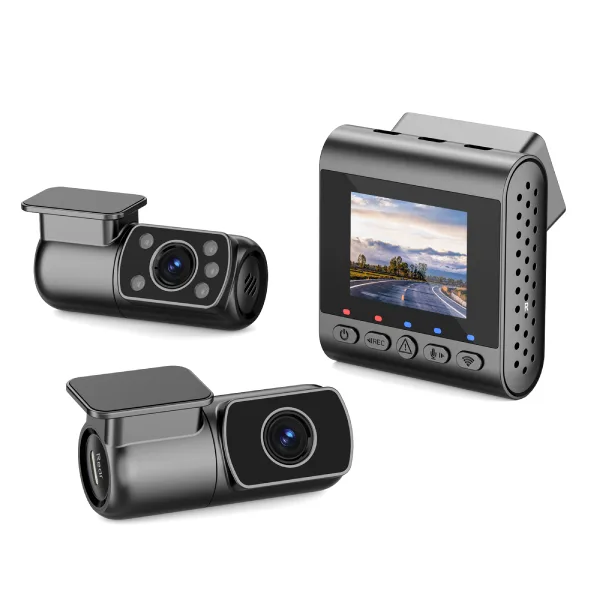
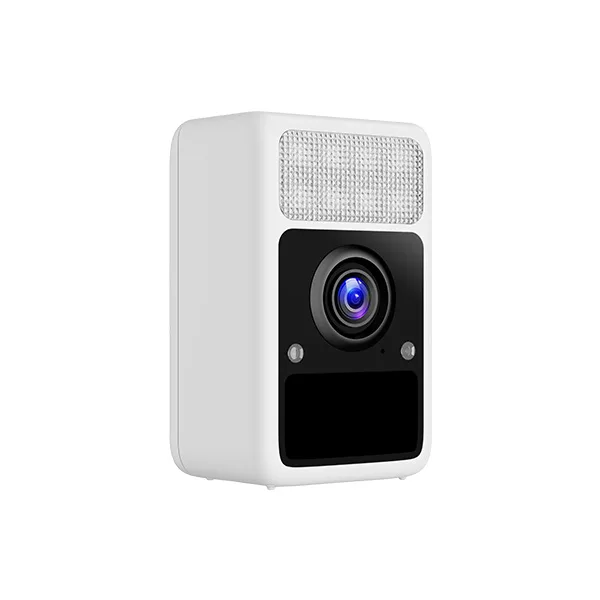
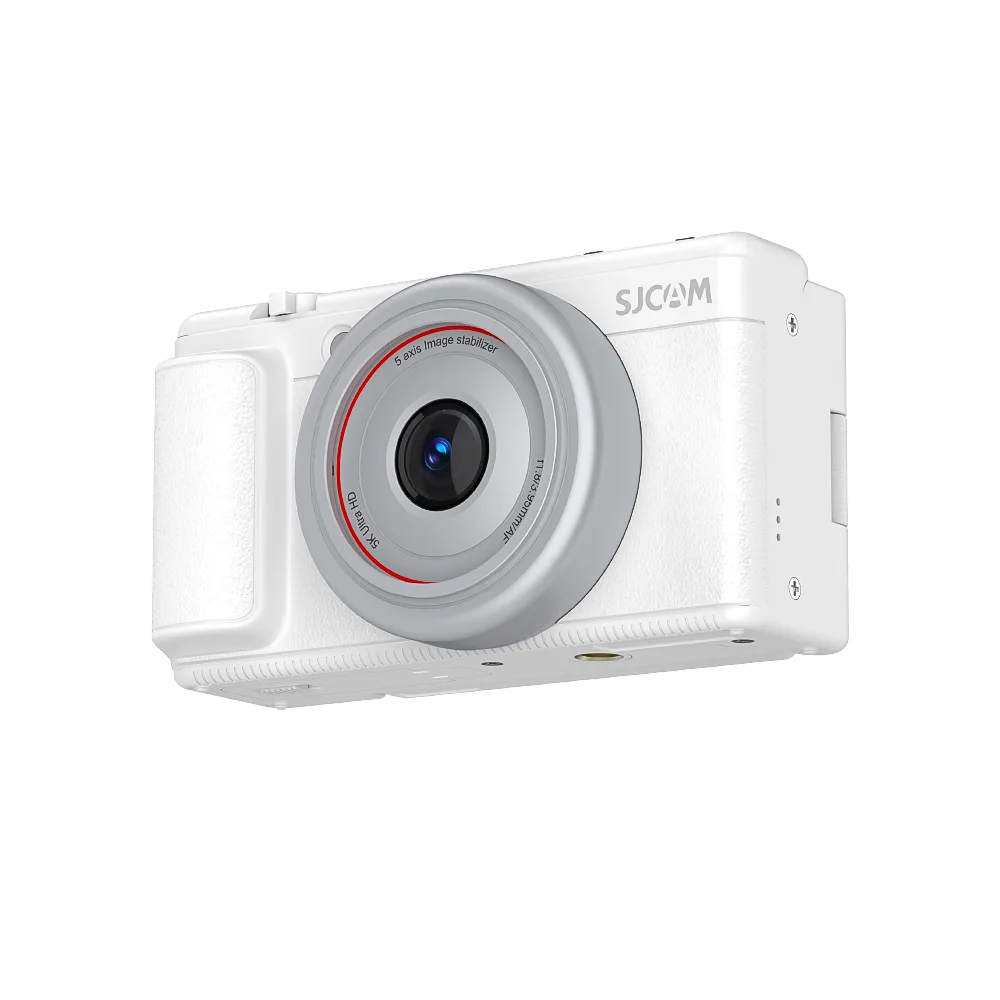
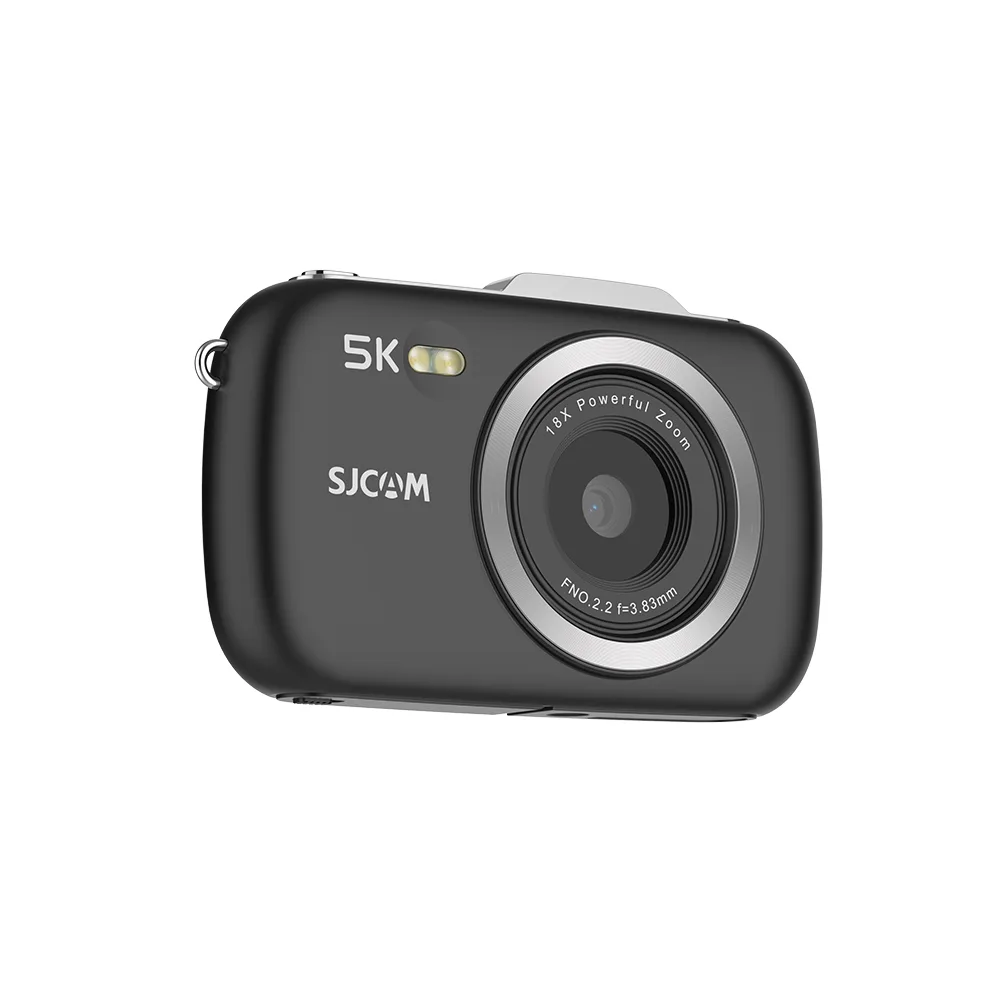

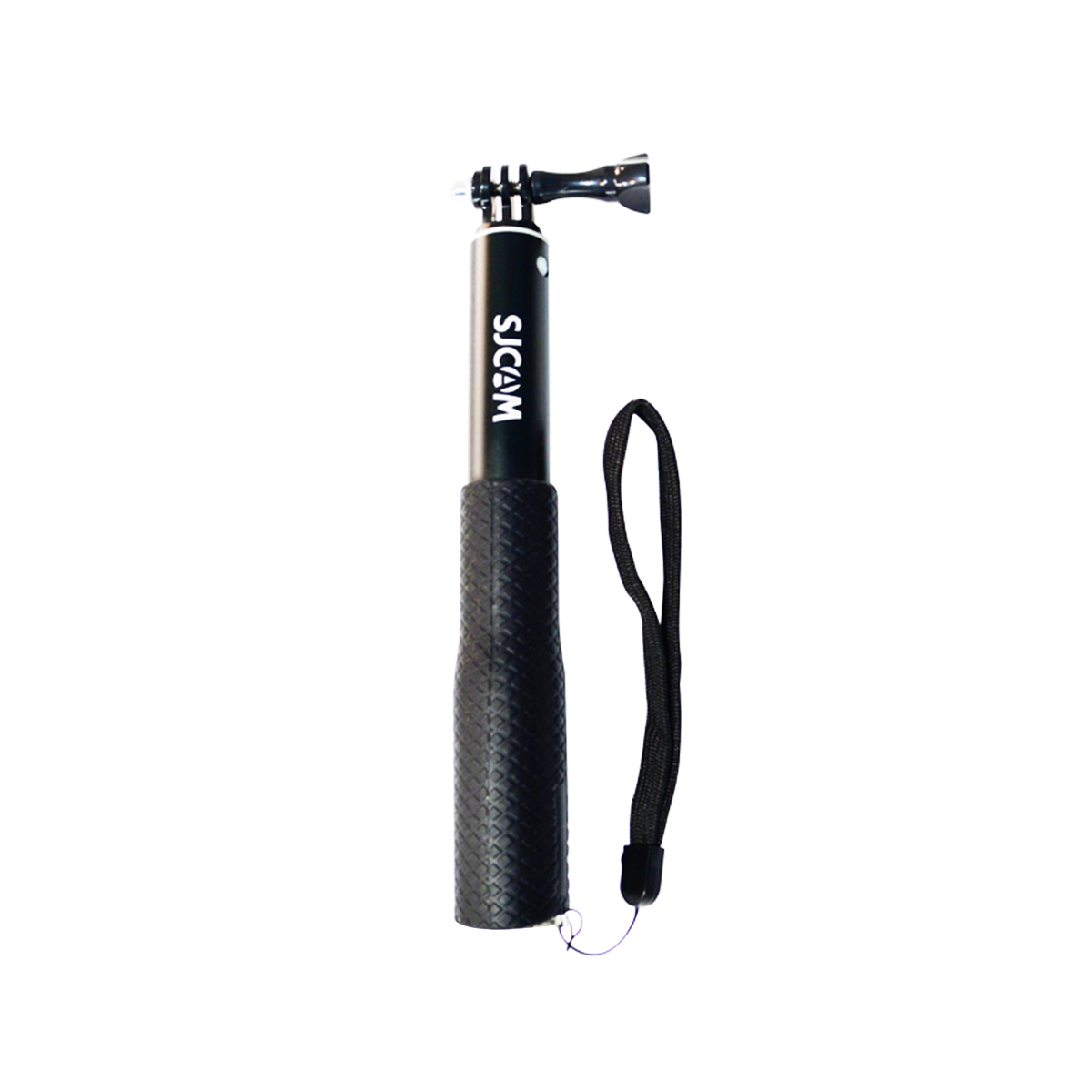

次のドライブ旅行を、見る価値のある動画にしたいですか?まずは簡単な撮影リストを作成し、運転前にアクションカメラをしっかりと固定して、目の前の道路だけでなく、もっと多くのものを撮影しましょう。.
アクションカメラでロードトリップを撮影するには、景色の良いドライブ映像、同乗者の反応、道端での休憩、目的地の見どころなどを組み合わせましょう。日常の映像であれば、4Kで30fpsが実用的な出発点となります。必要に応じて手ブレ補正を使用し、スローモーションを試したり、自然な音をいくつか録音したりすることで、より魅力的な動画に仕上がります。.
このガイドでは、撮影プランの立て方、カメラ設定の選択方法、カメラの安全な取り付け方、バッテリー寿命の管理方法、そして撮影した映像を思い出に残る旅行ビデオに編集する方法を学びます。.
出発前にロードトリップのビデオを計画しよう
優れたロードトリップ動画は、単に何時間もの運転を記録するのではなく、物語を語るものだ。.
シンプルな物語を選んでください
あなたの旅を面白くする要素は何だと思いますか?風光明媚な海岸沿いのハイウェイを走っているのでしょうか?初めての家族旅行に出かけているのでしょうか?それとも、いくつもの国立公園を訪れているのでしょうか?
あなたの回答は、どの瞬間を記録する価値があるかを判断するのに役立ちます。.
シンプルな物語は、次の3つの段階を経て展開する。
- 始まり: 車に荷物を積み込み、ルートを計画し、出発する。.
- 真ん中: 風光明媚なドライブ、思いがけない発見、乗客の反応、そして道端での休憩。.
- エンディング: 目的地に到着し、お気に入りの瞬間をハイライトする。.
ショットチェックリストを作成する
出発前に、撮影したい映像の簡単なリストを作成しておきましょう。
- 荷造りと出発
- しっかりと固定されたカメラからの運転映像
- 乗客の反応
- 道路標識とランドマーク
- 景色の良い展望スポット
- タイムラプス
- 食事と休憩所
- 目的地に到着
ドライブ全体を録画する必要はありません。短く目的のあるクリップの方が編集しやすく、多くの場合、より良いストーリーを伝えることができます。.
ロードトリップに最適なアクションカメラの設定
適切な設定は、照明条件、カメラの動き、利用可能なストレージ容量、そして撮影したい映像の種類によって異なります。.
解像度とフレームレート
ほとんどのロードトリップ動画において、4Kを30fpsで使用すれば、ディテール、編集の柔軟性、録画要件のバランスが取れた最適な映像が得られます。.
お使いのカメラがより高いフレームレートに対応している場合、60fpsではより滑らかな動きを捉えることができ、120fpsではスローモーション映像を撮影するのに役立ちます。.
フレームレートを高くすると、より多くの光量とストレージ容量が必要になる場合があるので、すべてのショットに適用するのではなく、シーンに応じて選択してください。.
シーン別推奨設定
| 撮影シーン | 推奨される初期設定 | なぜ |
|---|---|---|
| 景勝道路 | 4K / 30fps | 詳細な風景描写と柔軟な編集機能 |
| 携帯用トラベルクリップ | 4K / 30 fps、手ぶれ補正オン | 不要な揺れを軽減します |
| スローモーションアクション | 1080p / 120 fps(対応している場合) | 劇的なスローモーション再生が可能 |
| 乗客の会話 | 4K / 30fps | 鮮明な画像と管理しやすいファイルを優先します |
| 日の出または日の入り | 4K / 30fps | 露出とハイライトに注意を向けることができる |
| 静止した風景 | タイムラプスモード | 雲や光の変化を効率的に表示します |
これらはあくまでも出発点となる設定であり、普遍的な設定ではありません。旅行前に、お使いのカメラが対応している録画モードを確認し、結果をテストしてください。.
手ぶれ補正と視野角
手持ち撮影時や、振動が撮影に影響を与える場合は、電子式手ぶれ補正を有効にしてください。.
車内から撮影する映像の場合は、出発前に手ぶれ補正モードをテストしてください。路面状況、照明条件、カメラの取り付け方法などによって結果が変わる場合があります。.
広い視野角は道路や車内をより広く捉えるのに役立ちますが、端の方にある被写体は歪んでしまう可能性があります。重要な被写体は画面の中央付近に配置するようにしましょう。.
露出とホワイトバランス
ロードトリップでは、暗いトンネルから明るい高速道路へと、劇的な照明の変化がしばしば見られる。.
まずは自動露出と自動ホワイトバランスから始めましょう。撮影した映像、特に空が露出オーバーになっている場合や、室内が暗すぎる場合は、必ず確認してください。.
ハイライト部分が常に白飛びしてしまう場合は、対応している場合は露出補正の設定を少し下げてみてください。.
アクションカメラを車に安全に取り付ける方法
カメラの設置場所は、映像品質と運転の安全性の両方に影響を与える。.
機器の設置とテストは必ず駐車中に行ってください。運転中は絶対にカメラの調整や操作を行わないでください。.
ダッシュボードまたはフロントガラスに取り付け可能
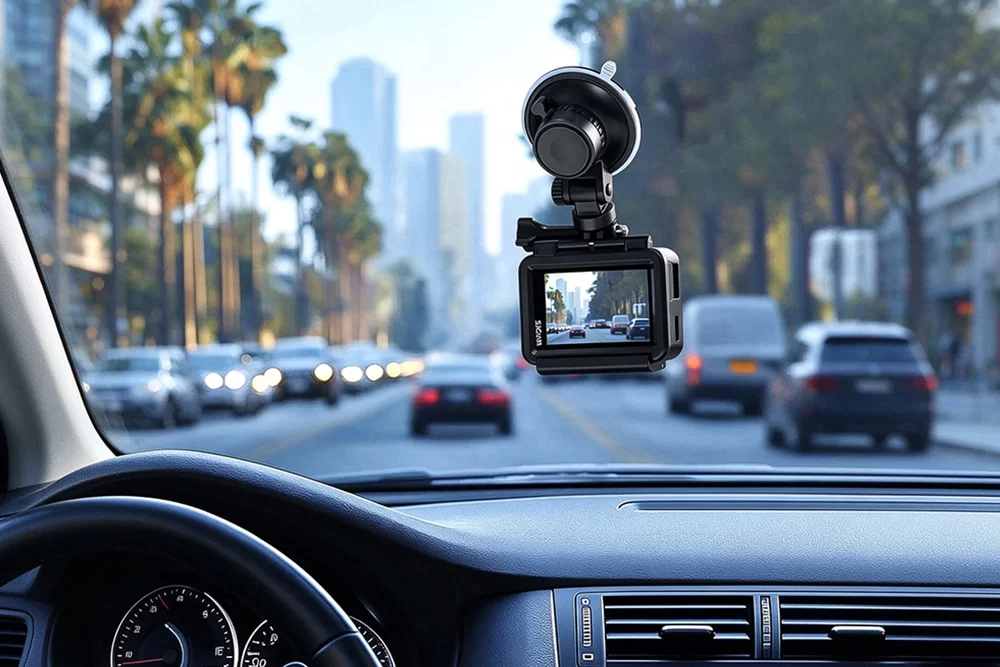
ダッシュボード付近にしっかりと固定されたカメラは、広範囲の運転映像を撮影できる。.
インストール前:
- フロントガラスやダッシュボードに取り付ける機器に関する地域の法律を確認してください。.
- カメラは運転手の視界に入らない場所に設置してください。.
- エアバッグ展開ゾーンおよび車両操作部を避けてください。.
- 取り付け面を清掃してください。.
- マウントメーカーの取り付けおよび硬化手順に従ってください。.
- 出発前にマウントの安定性を確認してください。.
接着剤で取り付ける場合、すべての製品に軽く押すだけで十分だと考えてはいけません。接着剤の種類によって、取り付け方法や硬化条件が異なります。.
内装と乗客からのショット
互換性のあるヘッドレストマウント、または車内にしっかりと固定できる別のマウントを使用すれば、乗客の様子や会話を撮影するのに役立ちます。.
車両の座席に、固定されていない三脚やカメラを置かないでください。急ブレーキ時に機材が危険なほど動く可能性があります。.
乗客の個人が特定できる会話や画像を撮影または公開する前に、必ず乗客の許可を得てください。.
セットアップをテストする
車両を安全に駐車した状態で短いテスト映像を撮影し、その後、カメラを固定して録画を開始した状態でテスト走行を行います。.
撮影後に映像を確認し、振動、不要な反射、構図の乱れ、過剰なノイズがないかチェックしてください。.
ロードトリップで必ず撮りたい8つの写真
思い出に残るロードトリップ動画を作るのに、何十ものカメラアングルは必要ありません。厳選された数枚のショットだけで、旅のすべてを伝えることができます。.
ショット1:出発
荷物を満載した車、ドアが閉まる様子、駐車中に携帯電話でルートを確認する様子、そして出発の瞬間を撮影してください。.
これらの詳細が物語の始まりを決定づける。.
ショット2:景色の良いドライブ
しっかりと固定したアクションカメラを使って、曲がりくねった道、山、森、海岸の景色などを撮影しましょう。.
1マイルごとに連続撮影するのではなく、短いセグメントをいくつか録画してください。.
ショット3:乗客の反応
会話や笑い声、景色を楽しむ乗客の様子を捉えましょう。.
こうした瞬間が、旅に個性と感情的な深みを与えてくれる。.
ショット4:道路標識とランドマーク
安全に撮影できる場合は、目的地標識、見覚えのあるランドマーク、ルート標識などを撮影してください。.
それらは視聴者があなたの旅の進捗状況を理解するのに役立ちます。.
ショット5:絶景ポイント
指定された安全な停車場所で、風景の広角写真を撮影してください。.
カメラを数秒間動かさずに、ゆっくりと構図を変えてみてください。.
ショット6:タイムラプス映像
タイムラプスモードを使用して、動く雲、変化する光、または景勝地でのアクティビティを撮影してください。.
カメラを安定した場所に設置し、人や車両の邪魔にならないようにしてください。.
ショット7:食事と休憩所
コーヒーカップ、地元の食べ物、キャンプ場、魅力的な町の入り口など、細部をクローズアップで撮影しましょう。.
これらの写真は、旅の雰囲気を醸し出すのに役立ちます。.
ショット8:目的地
最後に、有名な展望台、宿泊施設、あるいは目的地を初めて目にした瞬間など、到着を象徴する印象的なショットで締めくくりましょう。.
力強いエンディングは、動画に完成感を与える。.
ロードトリップの映像をもっと映画のようにしよう
魅力的な旅行動画を作るのに、複雑なカメラワークは必要ありません。.
照明条件の良い時に撮影する
早朝や夕方は、正午に比べて光が柔らかく、影が長くなることが多い。.
可能であれば、これらの時間帯に景勝地での停車を予定してください。.
ショットを安定させる
可能であれば、各ショットを約8~10秒間保持してください。.
動きのない安定した映像は、不要な動きで埋め尽くされた映像よりも、編集時の柔軟性が高い。.
広角ショットとクローズアップショットを組み合わせる
広大な風景だけを記録するのではなく、次のような詳細を捉えましょう。
- 旅行用品をパッキングする手
- 休憩所にある地図
- 道端の食べ物のクローズアップ
- ハイキングコースに足を踏み入れる靴
- 次の目的地を広く見渡せる
異なるショットサイズを組み合わせることで、物語はより視覚的に面白くなる。.
キャプチャトランジション
都市が農地に変わったり、山道が海岸線に開けたりするなど、風景が変化する瞬間を探してみてください。.
これらの変化は、動きと進歩を伝える。.
ドライブ旅行中にクリアな音声を録音
優れた映像は、旅行ビデオの成功に欠かせない要素の一つに過ぎない。.
アクションカメラに内蔵されているマイクは、風切り音、エンジン音、路面の振動などに弱い場合があります。.
Reduce Unwanted Noise
When filming conversations, close the windows where practical and keep the camera away from air vents.
If your camera supports a compatible external microphone, consider using one for spoken narration.
Always test microphone compatibility and audio quality before starting the journey.
Capture Natural Sounds
Record 15–30 seconds of ambient sound at safe stops.
Useful sounds include waves, birds, footsteps, rain, and conversations at a roadside café.
Layer these recordings under your visuals during editing to make the final video feel more immersive.
Consider Voiceover Narration
If your driving footage has excessive road noise, record a voiceover after the trip.
Describe what made each destination special instead of simply repeating what viewers can already see.
Manage Battery Life and Storage
Long road trips can generate large video files, especially when recording at high resolutions.
Before leaving:
- Fully charge your camera and compatible accessories.
- Carry spare batteries or an appropriate power bank.
- Use microSD cards that meet your camera’s speed and capacity requirements.
- Keep extra storage available.
- Back up footage regularly.
Estimate Your Storage Needs
Storage depends on your camera’s actual recording bitrate.
For example, at an illustrative bitrate of 60 Mbps, one hour of footage requires approximately 27 GB of storage.
A 128 GB card would therefore hold roughly four hours of footage before accounting for formatting overhead and other files.
Your camera may use a different bitrate, so use the actual recording settings when planning storage.
Back Up Footage Each Day
Organize clips into folders based on the day, location, or destination.
When possible, keep a second copy on a separate storage device.
Avoid formatting memory cards until you’ve verified your backups.
How to Edit a Road Trip Video
Editing turns separate recordings into a story your audience can follow.
Organize Footage Chronologically
Create folders for departure, driving, stops, attractions, and arrival.
Label the best clips so they’re easier to find.
Build a Simple Video Structure
For a short 60–90 second travel video, try this editing outline:
| Video section | Approximate duration | Suggested footage |
|---|---|---|
| Opening | 0–10 seconds | Best scenery and departure |
| Beginning | 10–25 seconds | Packing and early driving clips |
| Journey | 25–60 seconds | Roads, passengers, and stops |
| Destination | 60–80 seconds | Arrival and highlights |
| Ending | Final seconds | Favorite view or memorable moment |
Treat these timings as an example rather than a strict rule.
Vary the Pace
Alternate wide driving shots with short details, conversations, and scenic stops.
Use timelapses to shorten repetitive sections.
Choose Music Carefully
Select music that supports the atmosphere of your journey.
Use music you have permission to include, especially when uploading videos to public platforms.
Keep the Final Video Focused
Remove repetitive footage, unclear audio, and clips that don’t contribute to the story.
A concise video with a clear beginning, middle, and ending is often more enjoyable than a long compilation of similar driving shots.
Is the SJCAM C400 Pro Good for Road Trip Filming?
For travelers looking for a compact camera that can capture both driving footage and handheld travel clips, the SJCAM C400 Pro is one option worth considering.
Its detachable design allows you to switch between a compact POV camera and a handheld recording setup.
Features That Matter for Road Trips
4K/30 fps recording: Captures detailed scenery and provides flexibility for editing.
1/1.8-inch sensor and f/1.9 aperture: Designed to capture more light, which can be useful when filming in changing lighting conditions.
160° field of view: Helps capture wide scenic roads and travel environments.
SteadyMotion V2.0 stabilization: Helps reduce camera shake during movement.
Detachable camera design: Provides flexibility for POV and handheld filming.
M4 wireless microphone compatibility: Offers an external audio option for vlogging and spoken narration. The microphone is sold separately, and wired microphones are not supported.
バッテリー寿命: According to SJCAM’s published specifications, the camera provides up to 120 minutes of recording at 4K/30 fps when used alone, or up to 300 minutes when paired with the handheld controller. Actual results vary with operating conditions.
MicroSD support: Accepts compatible microSDカード up to 512 GB.
What to Consider Before Using It
The C400 Pro is not a replacement for careful camera placement or safe driving practices.
Always confirm mount compatibility, inspect the camera’s position, and test the footage before departure.
Its published operating temperature range is -10°C to 40°C. Avoid leaving the camera in a hot parked car, where temperatures may exceed this range.
If your main purpose is continuous driving surveillance rather than creative travel filmmaking, consider whether a dedicated dash camera better meets your needs.
For other travel-friendly options, explore SJCAM’s 旅行&アドベンチャー用アクションカメラ.
How to Mount the SJCAM C400 Pro in a Car?
For hands-free road trip filming, you can pair the SJCAM C400 Pro with a car charger with a suction cup and a compatible Expansion Adapter for the C400 Series.
The suction cup provides a convenient mounting option for capturing scenic roads and driving footage, while the 360° rotating adapter allows the C400 Pro to connect to compatible mounting accessories.
To set up your camera:
- Attach the C400 Pro to the 360° rotating adapter and securely connect it to the suction cup mount.
- Position the suction cup on a suitable, clean mounting surface, following the accessory manufacturer’s instructions.
- Adjust the camera angle to capture the road ahead without obstructing the driver’s view.
- Check that the mount is firmly secured and test the footage before driving.
This setup can be useful for capturing scenic highways, changing landscapes, and road trip POV footage without holding the camera.
Always verify accessory compatibility, charging connections, and local mounting regulations before use. Never adjust the camera while driving.
Road Trip Filming Checklist
Before you start driving, make sure you’ve completed these steps:
- Prepare a basic filming plan.
- Charge your camera and accessories.
- Check available memory card space.
- Verify that your camera mount is secure and legal.
- Check that the camera doesn’t obstruct the driver or airbags.
- Test your preferred resolution and frame rate.
- Confirm stabilization and audio settings.
- Start recording before departure.
- Plan safe locations for scenic stops.
- Back up your footage regularly.
よくある質問
日中のドライブ旅行の映像を撮影する場合は、まず4Kを30fpsに設定し、カメラの取り付け位置に合わせて手ブレ補正と視野角を調整してください。スローモーション撮影には、カメラが対応している場合はより高いフレームレートを使用してください。.
適切に固定されたアクションカメラは、地域の法律に従って、車両が走行中でも映像を録画できます。駐車中に設置して録画を開始し、運転中は絶対にカメラの位置を調整しないでください。.
Use a compatible, securely attached mount that does not block the driver’s view or interfere with vehicle controls or airbags. Follow the mount manufacturer’s instructions and test the setup while parked.
Storage requirements depend on bitrate, recording resolution, frame rate, and total filming time. Estimate storage using your camera’s actual bitrate and keep extra space available for unexpected footage.
はい。アクションカメラはコンパクトで、広角の風景撮影、手持ち撮影、POV撮影に適しています。ナレーションを入れる場合は、対応する外部マイクを使用するか、後から音声を録音することで、音質を向上させることができます。.
クリエイティブな旅行映像、柔軟な取り付け方法、手持ち撮影を優先するなら、アクションカメラを選びましょう。一方、運転中の連続自動録画を主眼とする場合は、専用のドライブレコーダーの方が一般的に適しています。.
最後に
Learning how to film a road trip is less about recording every minute and more about capturing moments that tell a meaningful story.
Plan your essential shots, choose settings that fit the scene, keep your equipment securely mounted, and combine scenery with personal details and natural sound.
With a little preparation, an action camera can help transform an ordinary drive into a travel video worth revisiting.