





 Angličtina
  čínština (Čína)
  španielčina
  nemecký
  francúzsky
  taliansky
  japončina
  kórejský
  bulharčina
  grécky
  indonézsky
  čínština (Hongkong)
  ruský
ruský  dánčina
  fínsky
  maďarský
  turecký
  holandský
  portugalčina
  švédsky
  rumunský
  srbský
  nórsky
  chorvátsky
  albánsky
  katalánsky
  český
český  estónsky
  arménsky
  bengálsky
  amharčina
  poľský
  thajčina
  Ukrajinčina
  Vietnamci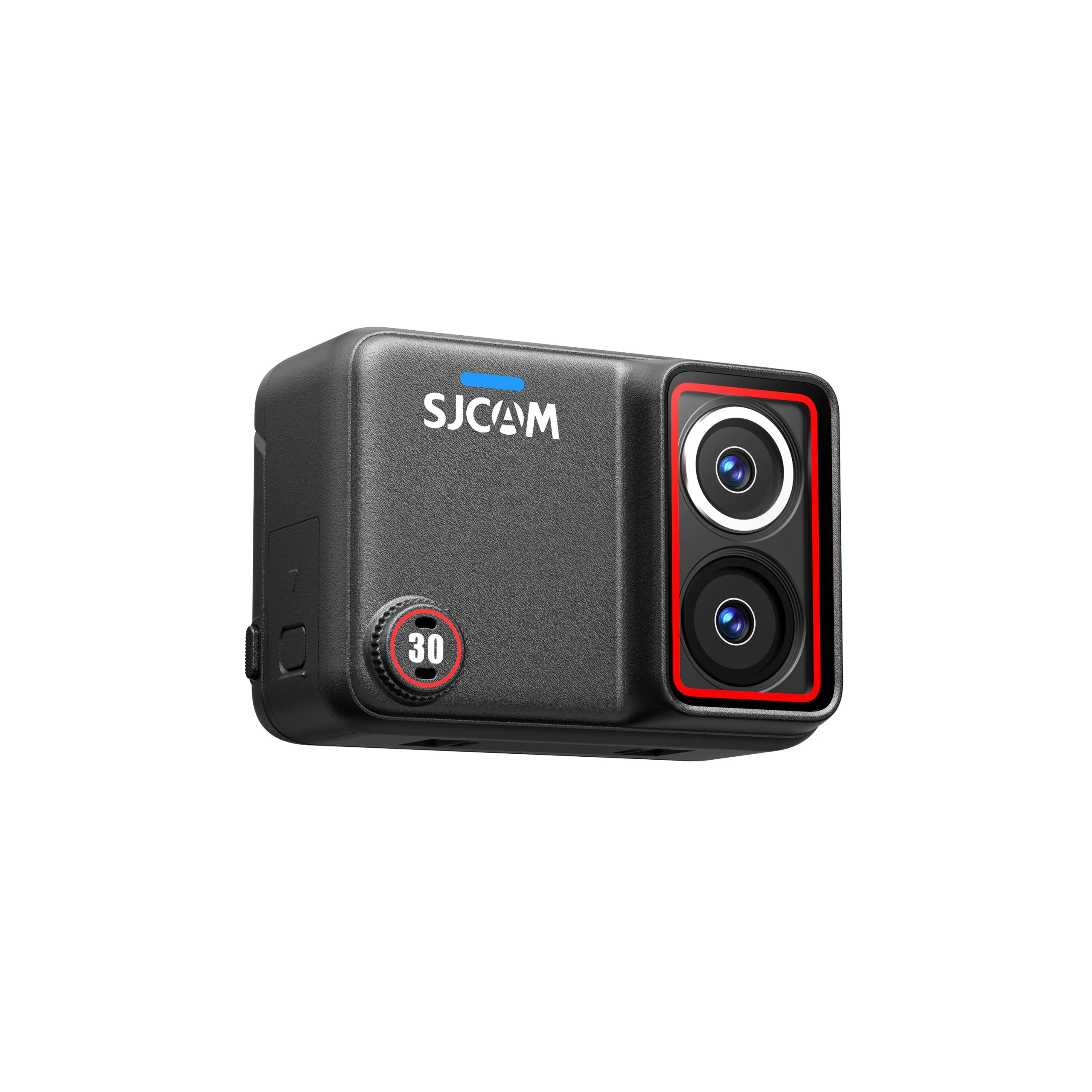
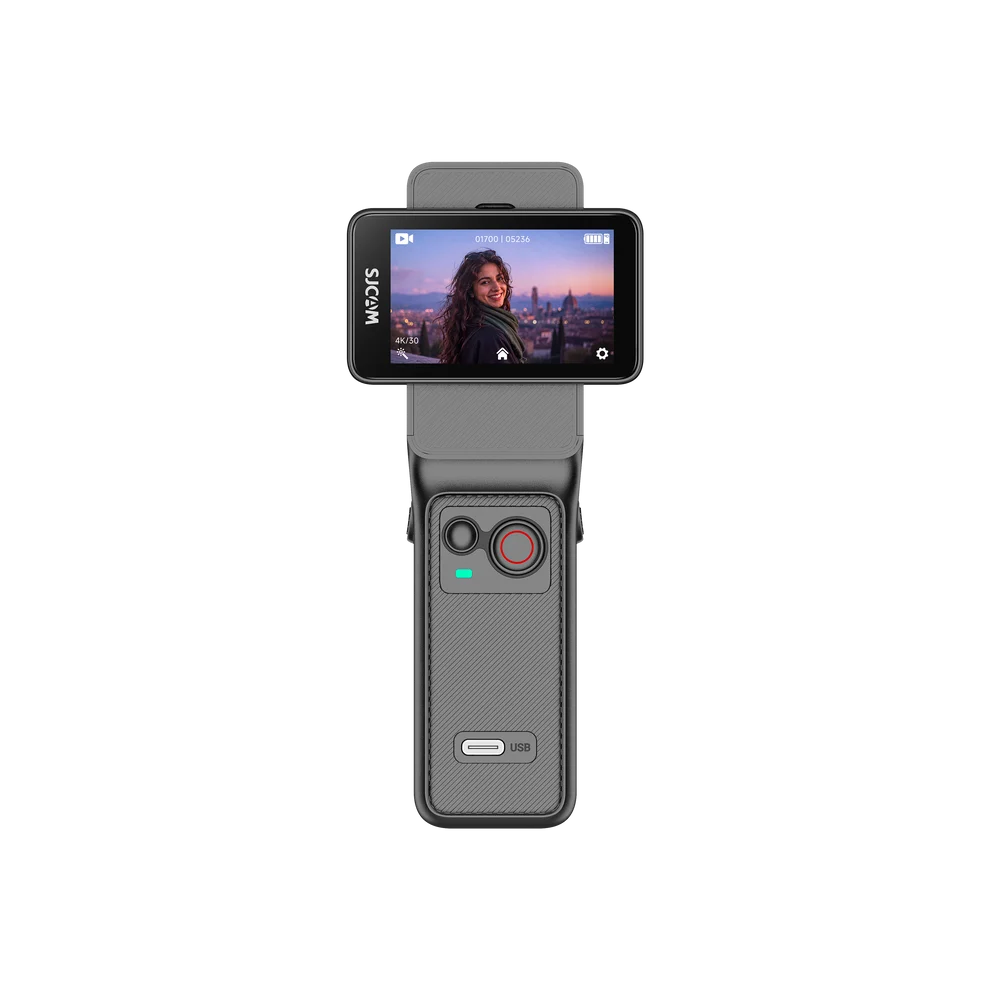
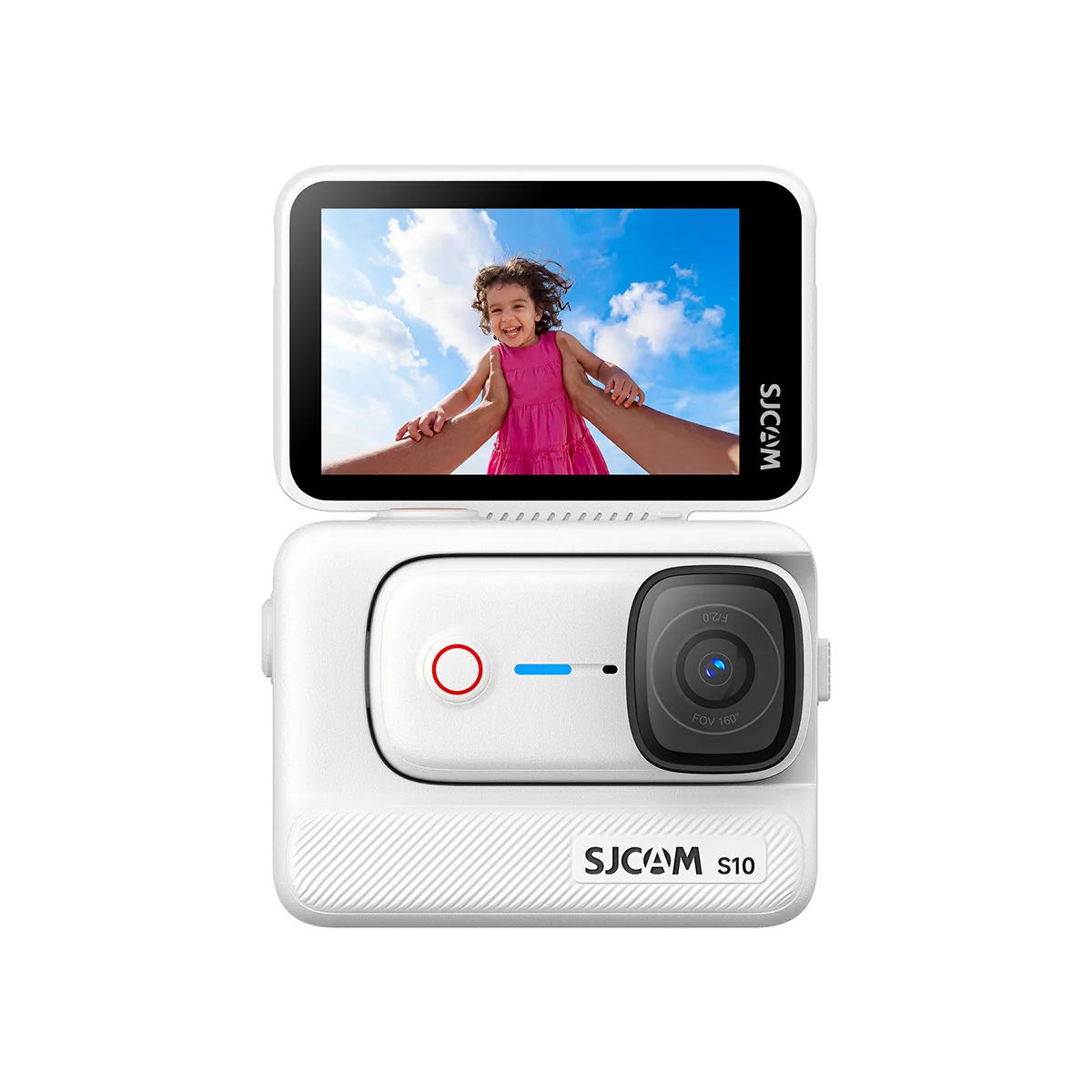
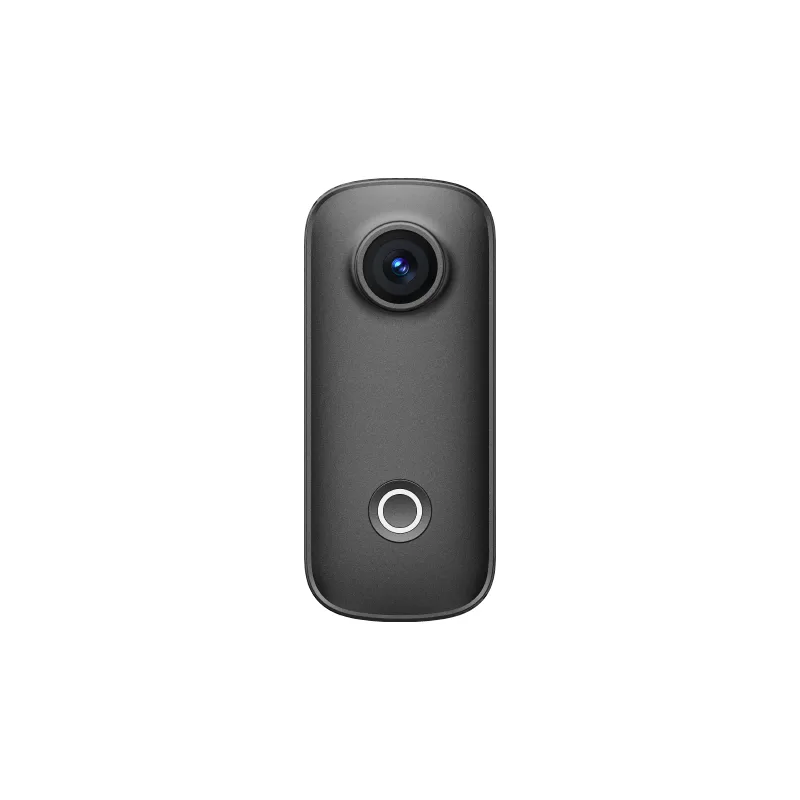
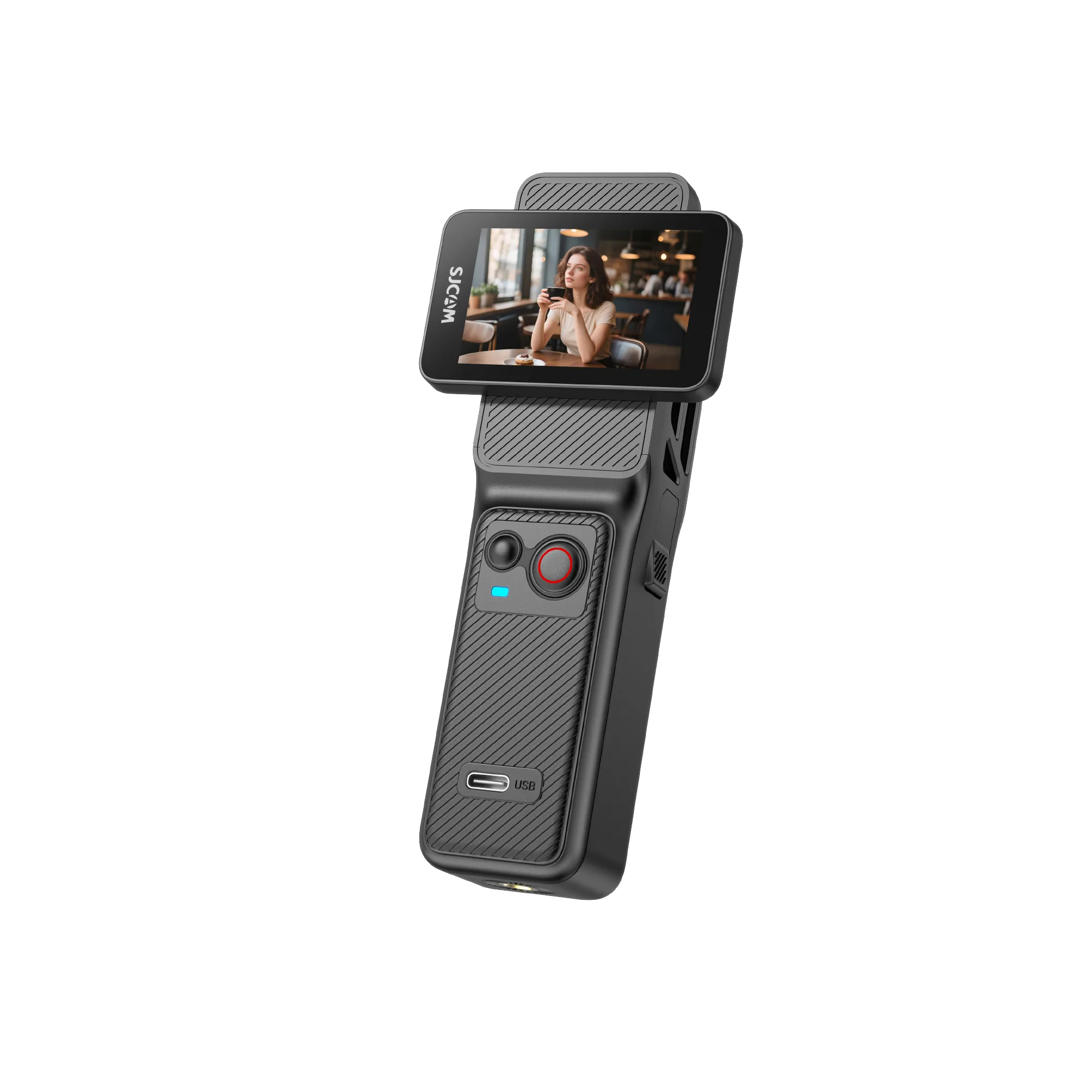
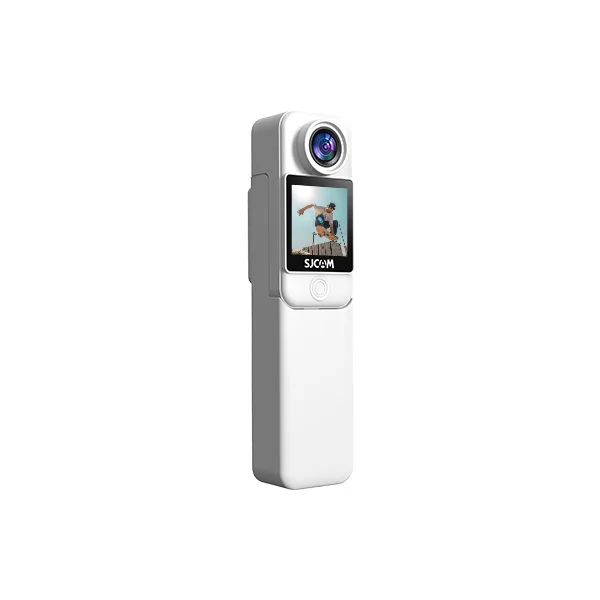
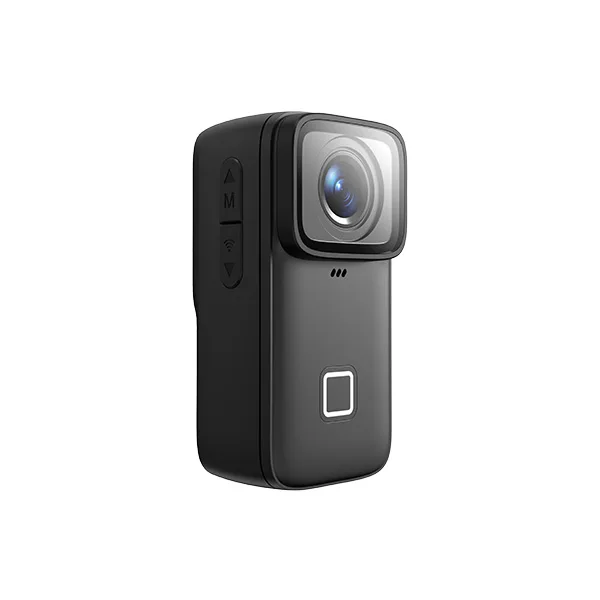
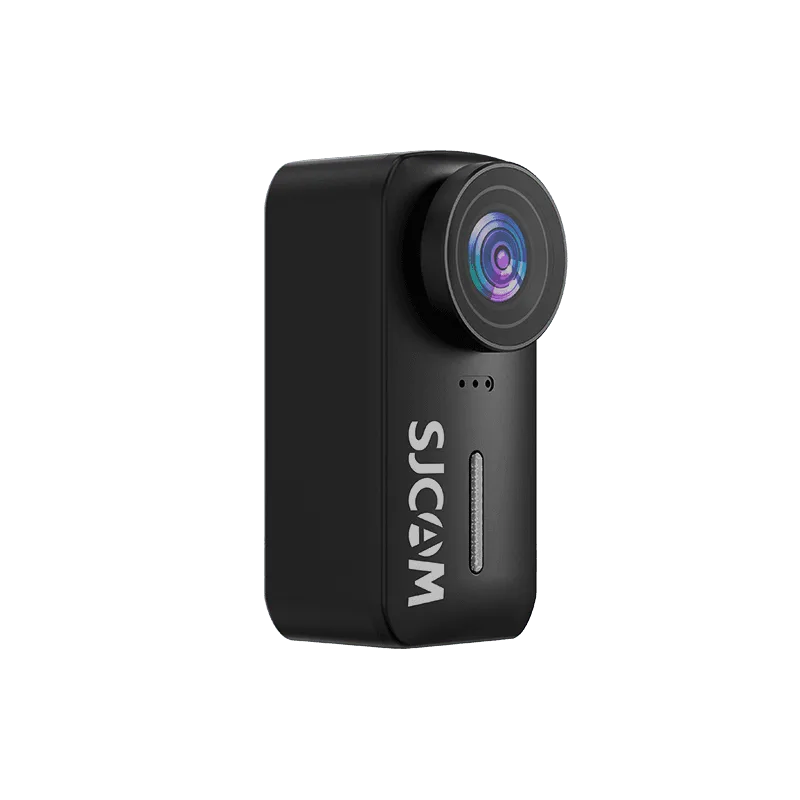
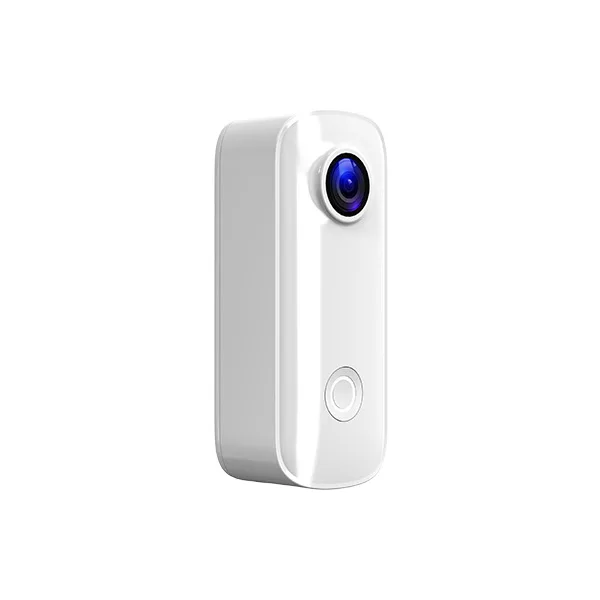

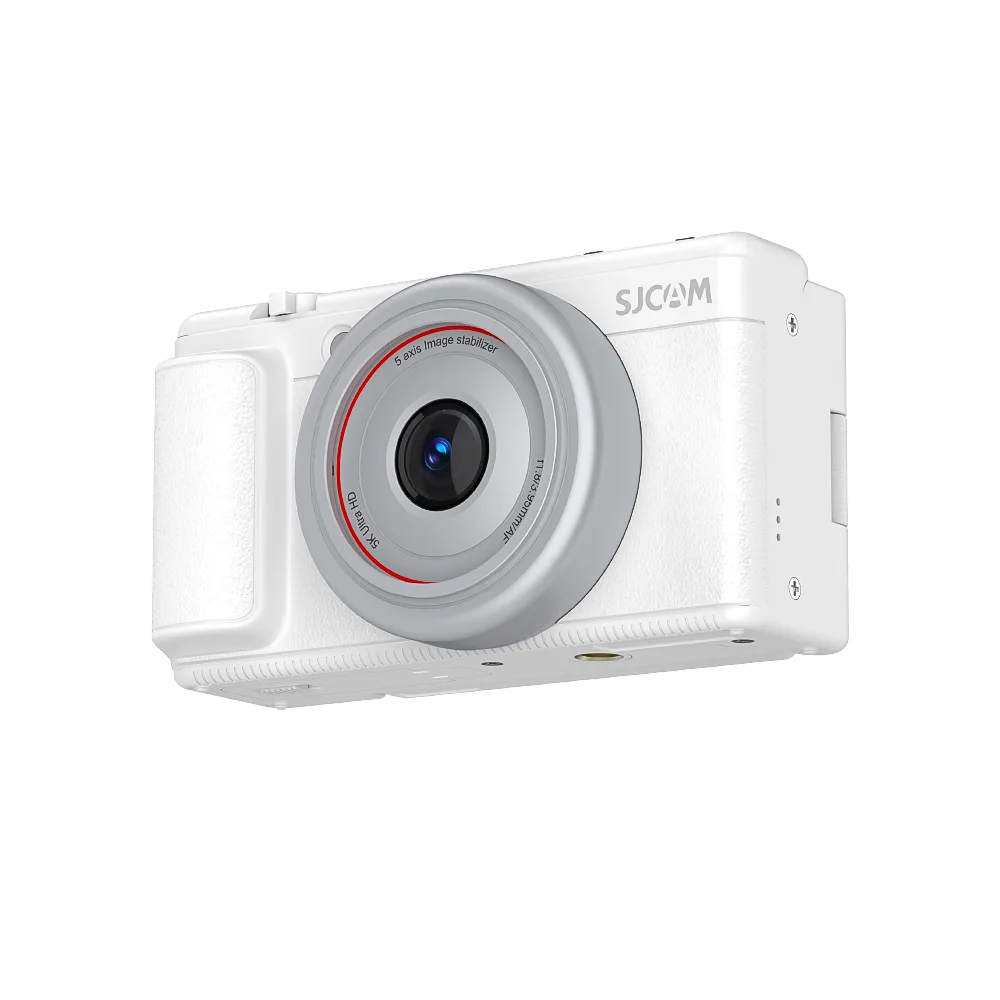
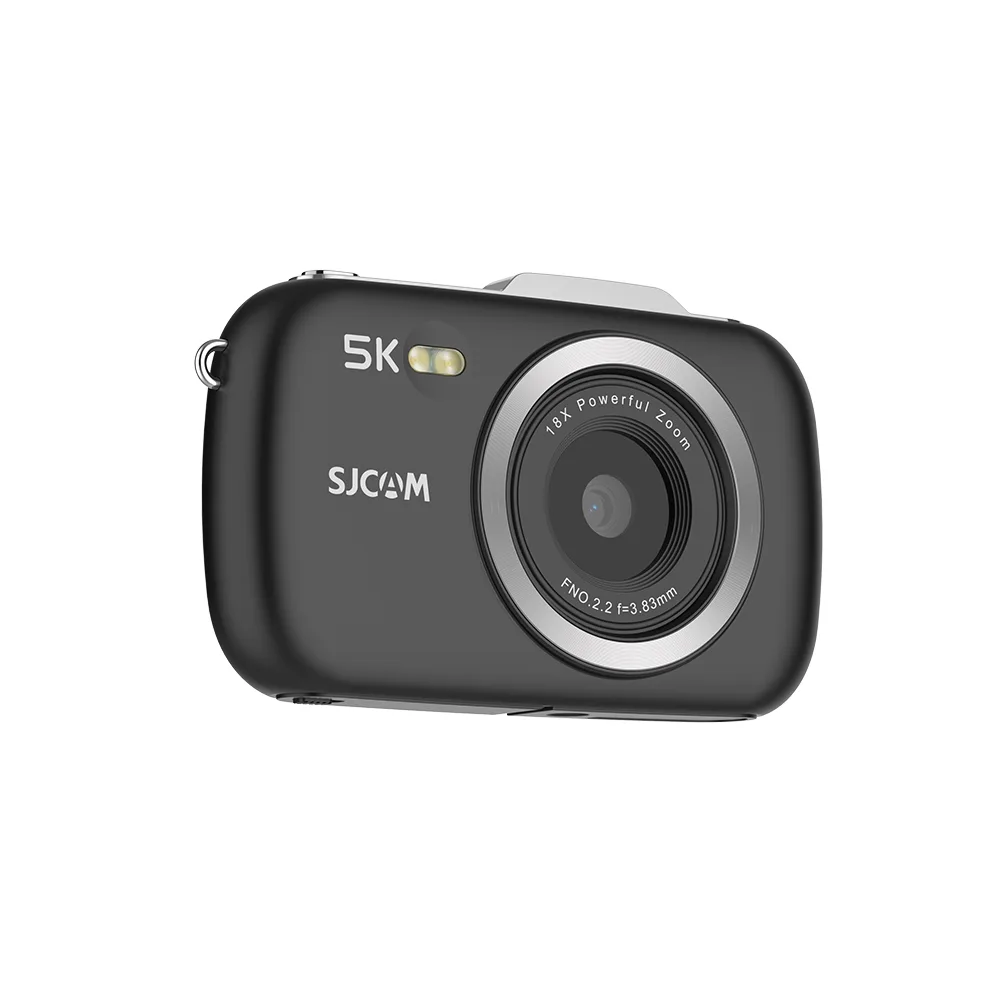

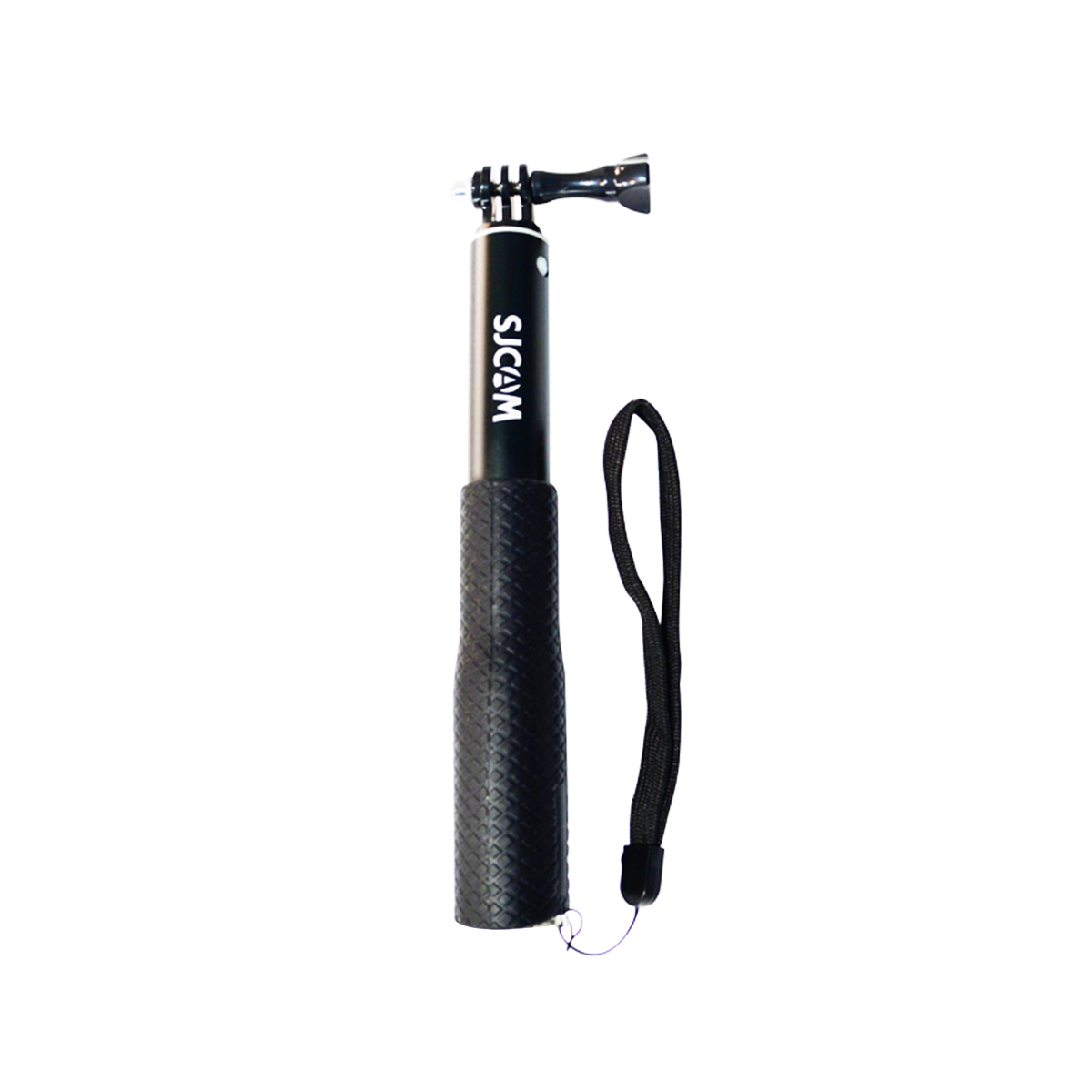

Want to capture immersive hiking POV videos without holding a camera? Choosing the right action camera mount is the first step.
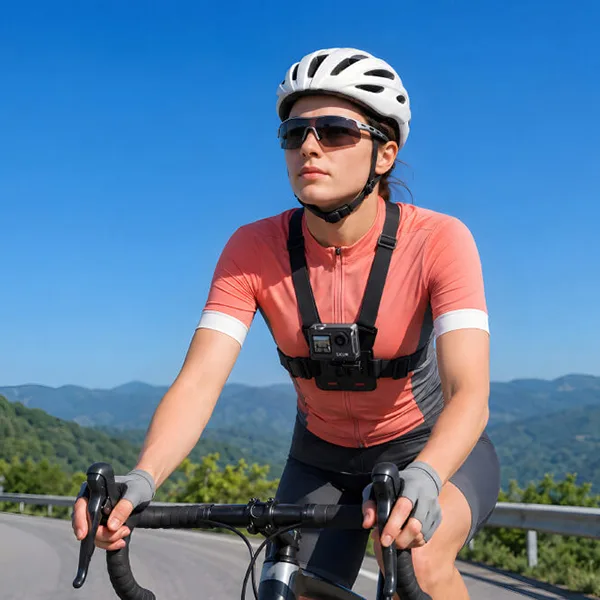
For most hiking trails, a chest mount provides a stable, hands-free perspective, while a head strap captures footage closer to your natural line of sight. Backpack strap clips work well for long-distance hikes, and handheld grips or trekking pole mounts can add creative angles when conditions are safe.
In this guide, we’ll compare five action camera mounting setups, explain how to position your camera, recommend filming settings, and help you choose an SJCAM camera for your next hike.
Why Use an Action Camera for Hiking POV Videos?
An action camera makes it easier to record your journey from a first-person perspective while keeping your hands available for trekking poles, navigation, or balance.
Compared with filming on a handheld phone, a properly mounted action camera offers several practical benefits.
Hands-Free Recording
A chest or backpack mount allows you to capture the trail ahead without constantly holding or repositioning a camera.
This is especially useful on long walks and moderate hiking trails. However, filming equipment should never interfere with balance, visibility, protective gear, or safe movement.
Immersive First-Person Footage
POV footage lets viewers see the trail from your perspective, including rocky paths, winding forest routes, and the moment a mountain viewpoint comes into sight.
A well-positioned camera can also capture your hands and trekking poles, adding context to the experience.
Compact Equipment for Outdoor Adventures
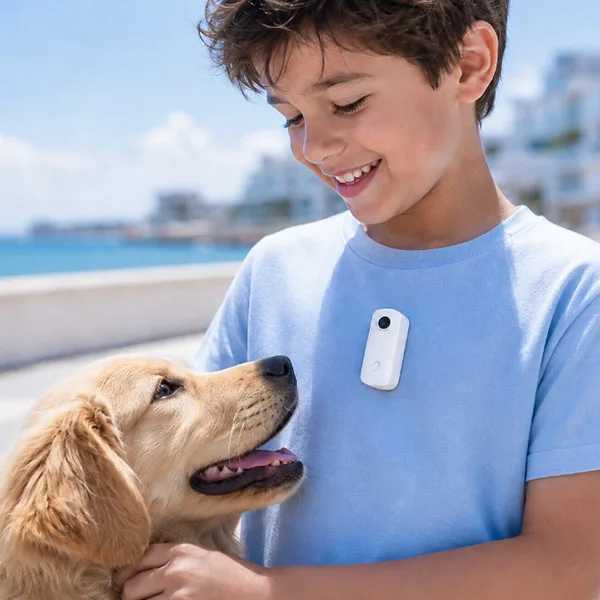
Lightweight action cameras are easier to carry and mount than many larger filming setups.
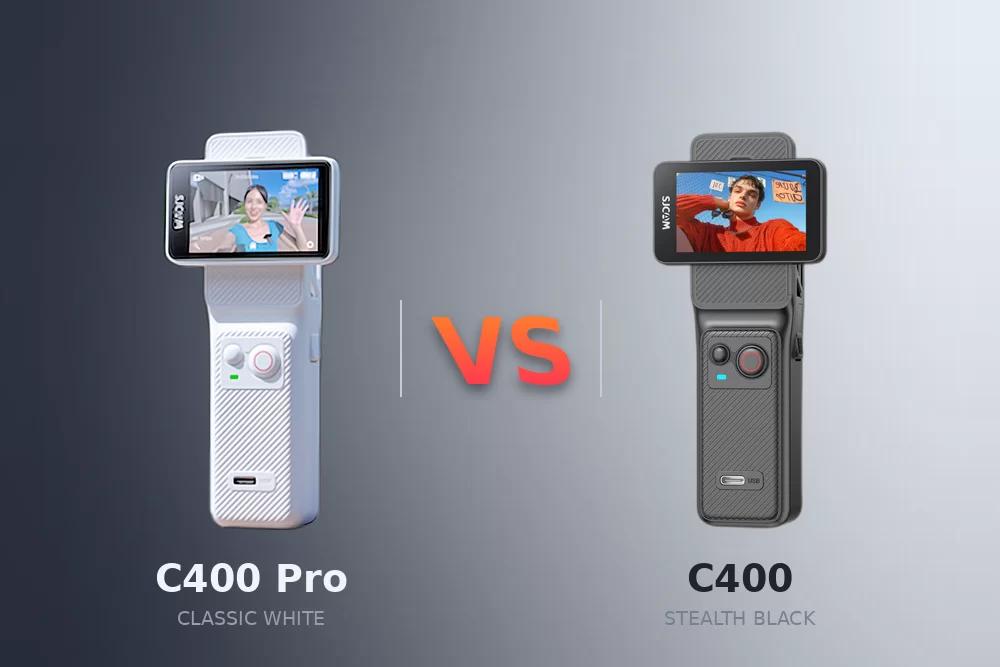
For example, the SJCAM S10 weighs 46 g as a standalone camera, while the C400 Pocket weighs 54 g.
Your mounting setup should still match the camera’s weight, attachment mechanism, and the demands of the trail.
5 Best Ways to Mount an Action Camera for Hiking
Different mounts produce different perspectives. The best choice depends on your hiking style, terrain, and the type of footage you want to capture.
1. Hrudný držiak – Best All-Around Hiking POV Setup
A chest mount keeps the camera close to your torso, capturing your hands, trekking poles, and the trail ahead.
How to set it up:
- Put on the chest harness over your hiking clothing.
- Tighten the straps until the mount feels secure without restricting breathing or movement.
- Attach your action camera using a compatible mounting adapter.
- Point the lens forward and adjust the tilt to include the trail ahead.
- Record a short walking test and review the footage before continuing.
Filming tip: When hiking uphill, your upper body naturally leans forward. Adjust the camera angle if your footage shows too much ground.
Najlepšie pre: Day hikes, forest trails, and general first-person walking footage.
2. Head Strap Mount—Best for an Eye-Level Perspective
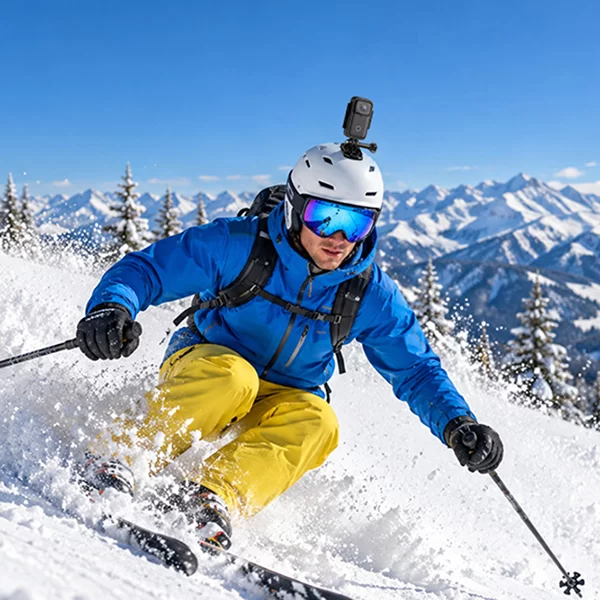
A head strap places the camera closer to your natural line of sight, making it useful for capturing the direction you’re looking.
How to set it up:
- Choose a head strap compatible with your camera.
- Position the camera near the center of your forehead.
- Tighten the strap enough to reduce movement without causing discomfort.
- Keep the camera angle approximately level with the trail.
- Test the footage by walking and turning your head naturally.
Filming tip: Avoid excessive head movements when recording. Sudden turns can make POV footage uncomfortable to watch.
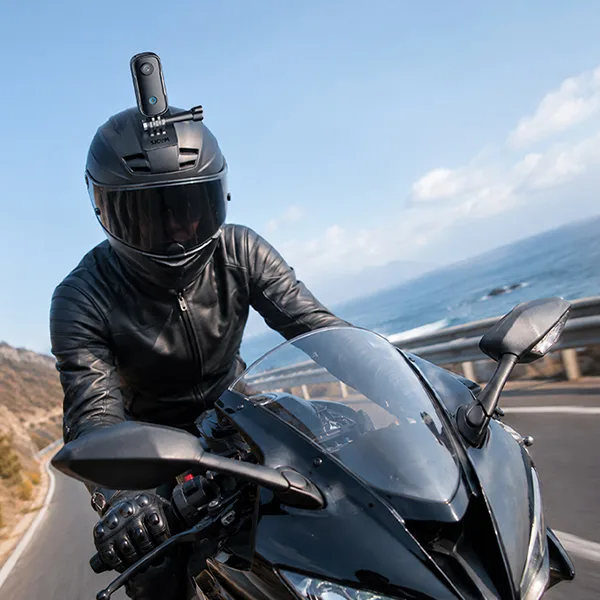
Safety note: Never use a mount that interferes with a climbing helmet or other protective equipment. Only use helmet attachments approved by the relevant equipment manufacturers.
Najlepšie pre: Scenic walks and hikes where you want a viewpoint that follows your gaze.
3. Backpack Strap Mount – Best for Long-Distance Hiking
A backpack strap clip is a convenient alternative to a chest harness.
It attaches to your pack and can position the camera near your shoulder or upper chest.
How to set it up:
- Secure the camera clip to a firm section of the backpack shoulder strap.
- Attach the action camera using the appropriate connector.
- Adjust the lens so it faces the trail ahead.
- Tighten your backpack to minimize strap movement.
- Check the camera position after adjusting or removing your pack.
Filming tip: If the camera moves excessively, try attaching it to a more stable section of the strap or switch to a chest mount.
Najlepšie pre: Backpacking, long hikes, and lightweight POV setups.
4. Trekking Pole Mount – Best for Creative Trail Angles
A compatible trekking pole mount can help capture perspectives that are difficult to achieve with body-mounted cameras.
You can use it for low-angle trail shots, group scenes, or short handheld sequences while stopped.
How to set it up:
- Confirm that your trekking pole supports the intended mounting accessory.
- Secure the action camera with a compatible adapter.
- Check the connection before raising or moving the pole.
- Film from stable ground where using the camera won’t affect your balance.
- Remove or stow the camera before technical or steep sections.
Filming tip: Use pole-mounted shots sparingly to add variety to footage captured with a chest or backpack mount.
Najlepšie pre: Creative B-roll, scenic stops, and controlled filming conditions.
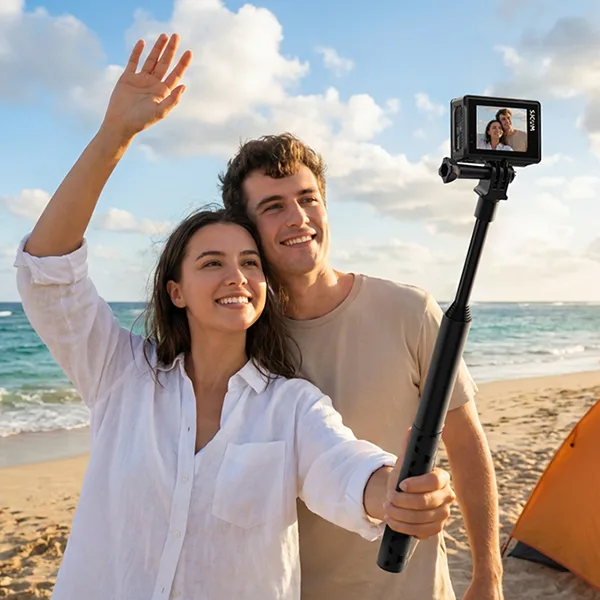
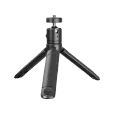
5. Handheld Grip or Mini Tripod—Best for Hiking Vlogs
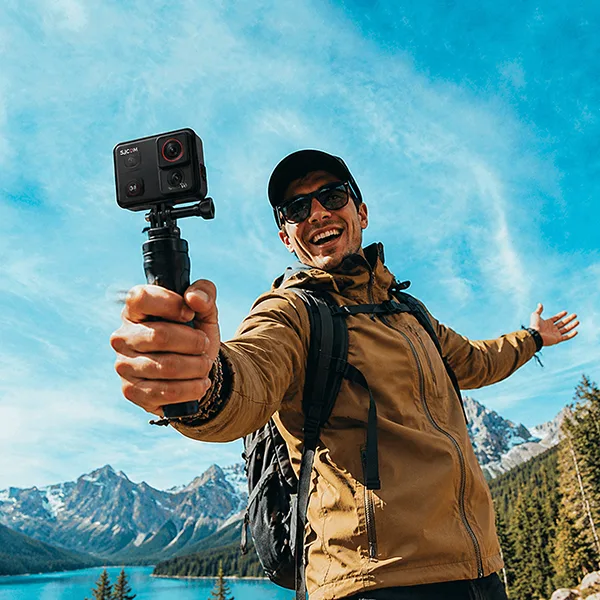
A handheld grip or mini tripod gives you more flexibility when filming yourself or capturing stationary landscapes.
Use a handheld grip for speaking to the camera at viewpoints. A small tripod can help record a static landscape or timelapse.
Place the tripod on stable ground and avoid locations where it could fall, obstruct the trail, or create a hazard.
Najlepšie pre: Travel vlogs, scenic viewpoints, group shots, and timelapses.
Which Action Camera Mount Is Best for Your Hiking Style?
| Hiking style | Recommended mount | Main benefit |
|---|---|---|
| Casual day hiking | Držiak na hrudník | Stable hands-free trail perspective |
| Scenic walking | Head strap | Eye-level first-person footage |
| Long-distance backpacking | Backpack strap clip | Convenient lightweight setup |
| Hiking vlogging | Handheld grip | Flexible framing and self-recording |
| Adventure trekking | Chest mount + handheld grip | Combines POV footage with varied angles |
For most beginners, start with a chest mount and add another mounting option once you’re comfortable with the basics.
Best Action Camera Settings for Hiking POV Videos
Mounting your camera securely is only half the process. Choosing the right recording settings also affects footage quality.
1. Choose the Right Resolution and Frame Rate
For most daytime hiking footage, 4K at 30 fps is a practical starting point.
Higher frame rates can help capture smoother movement, especially during fast-paced sections, but available settings vary between cameras.
| Nastavenie | Recommended use |
|---|---|
| 4K / 30 snímok za sekundu | Everyday hiking, landscapes, and general POV |
| 4K / 60 fps | Smoother movement on compatible cameras |
| 2K / 60 fps | Active hiking on models supporting this mode |
| 1080p | General recording when smaller files are preferred |
For the SJCAM models discussed in this guide, the SJ30 supports 4K/60 fps, while the C400 and S10 offer 2K/60 fps.
2. Enable Image Stabilization
Walking produces repeated camera movement, particularly on uneven ground.
Enable your camera’s electronic stabilization when appropriate.
SJCAM cameras such as the SJ30 and S10 offer SteadyMotion stabilization technology to help smooth movement.
Remember that stabilization works best when the camera itself is securely attached. A swinging shoulder strap or loose chest harness can still produce distracting footage.
3. Adjust the Field of View
A wide field of view is useful for hiking POV footage because it captures more of the trail and surrounding landscape.
With a chest mount, a wide-angle setting can include your hands, trekking poles, and the path ahead.
For head-mounted footage, consider a narrower field of view if your camera supports it and you want less distortion around the edges.
Check the framing after adjusting the mount, especially on steep climbs and descents.
4. Prepare for Changing Weather
Outdoor conditions can change quickly.
Rain, dust, temperature changes, and moisture can affect your filming setup.
Always check the waterproof rating of the specific camera and any accessories attached to it.
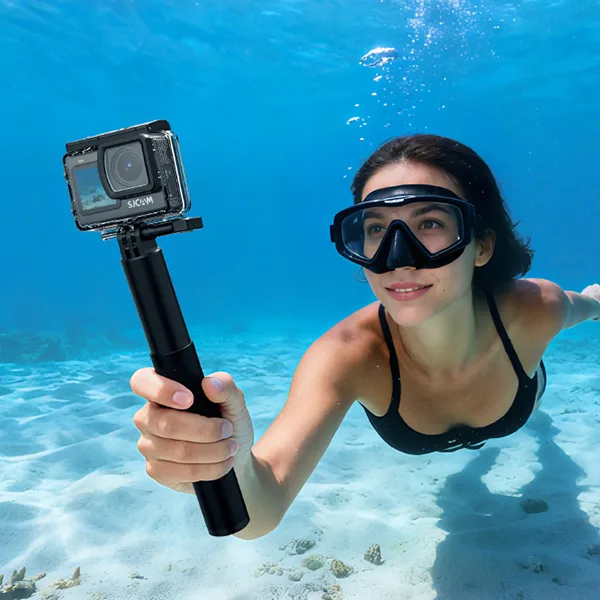
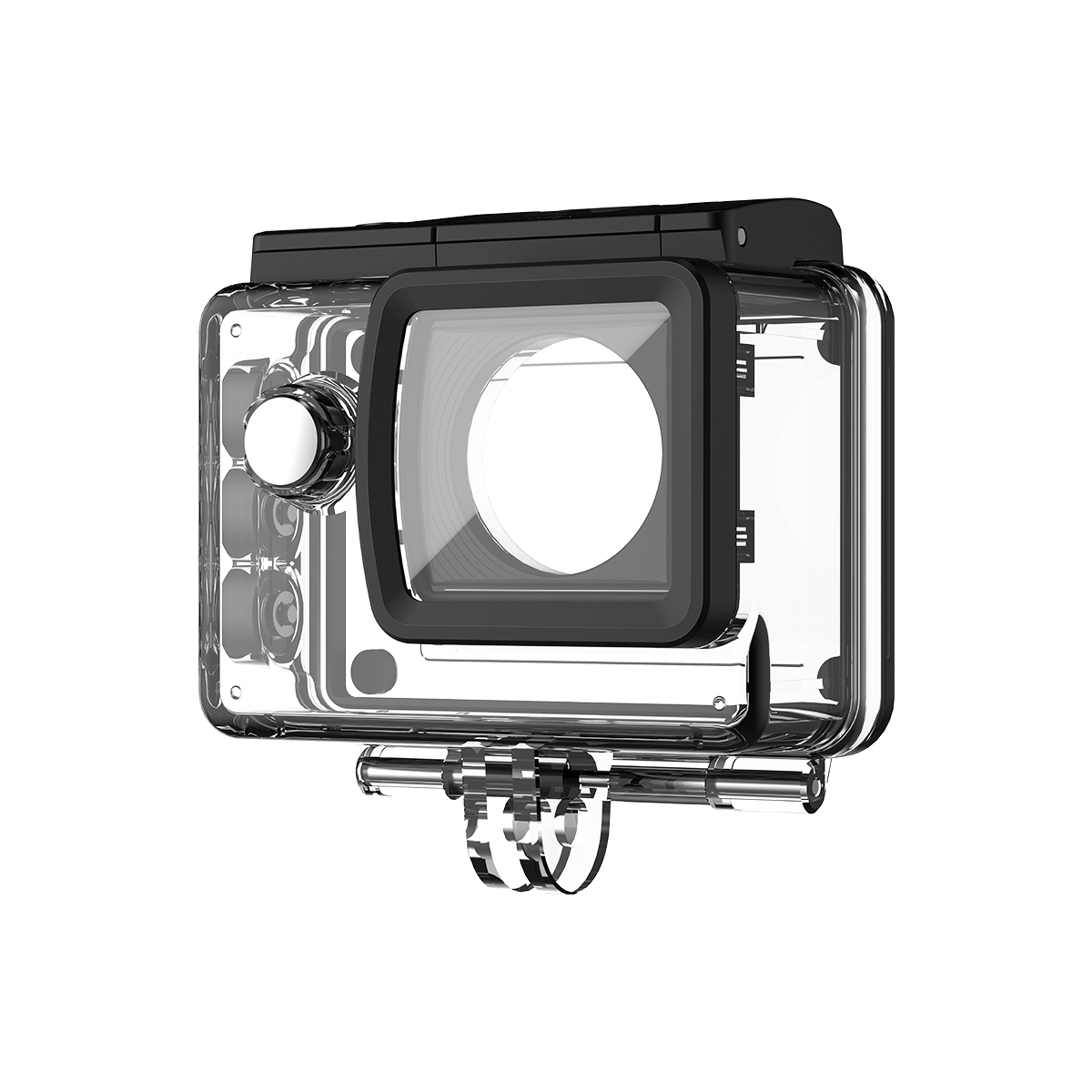
For example, the standalone SJCAM S10 is rated waterproof to 5 m, but its Boost Pod is not waterproof. The SJ30 camera body is also rated to 5 m without its waterproof housing, while its power handle requires separate weather protection.
Keep mounting connections clean and dry where required, and inspect your equipment after wet or dusty sections.
Common Hiking Action Camera Mounting Mistakes
Even a high-quality action camera can produce disappointing footage when the mount is poorly positioned.
Mistake 1: Pointing the Camera Too Low
Chest-mounted cameras often tilt downward when you lean forward.
Riešenie: Check a short test clip before starting a long trail section. Adjust the lens to show the path ahead rather than only your feet.
Mistake 2: Using a Loose Mount
A loose chest harness or backpack strap can cause unwanted camera movement.
Riešenie: Tighten the attachment points and make sure the camera doesn’t swing when you walk.
Mistake 3: Using Incompatible Accessories
Not every mount fits every camera or backpack.
Riešenie: Check the mounting connection, adapter requirements, camera weight, and accessory compatibility before departure.
Mistake 4: Ignoring Battery Life and Storage
Long hikes can involve hours away from charging facilities.
Riešenie: Start with a fully charged camera, carry compatible charging equipment, and confirm that you have enough storage.
Cold conditions can reduce battery performance. Keep spare power sources protected according to the manufacturer’s instructions.
Mistake 5: Filming When Both Hands Are Needed
Trying to operate a camera while navigating rough terrain can be distracting.
Riešenie: Adjust equipment only from a safe stopping position. During technical sections, prioritize footing, balance, and appropriate protective equipment.
Recommended SJCAM Cameras for Hiking POV Videos
Different action cameras suit different hiking styles. Here are three SJCAM models worth considering.
SJCAM SJ6 Ultra – Best for Wide-Angle Hiking POV and Vlogging

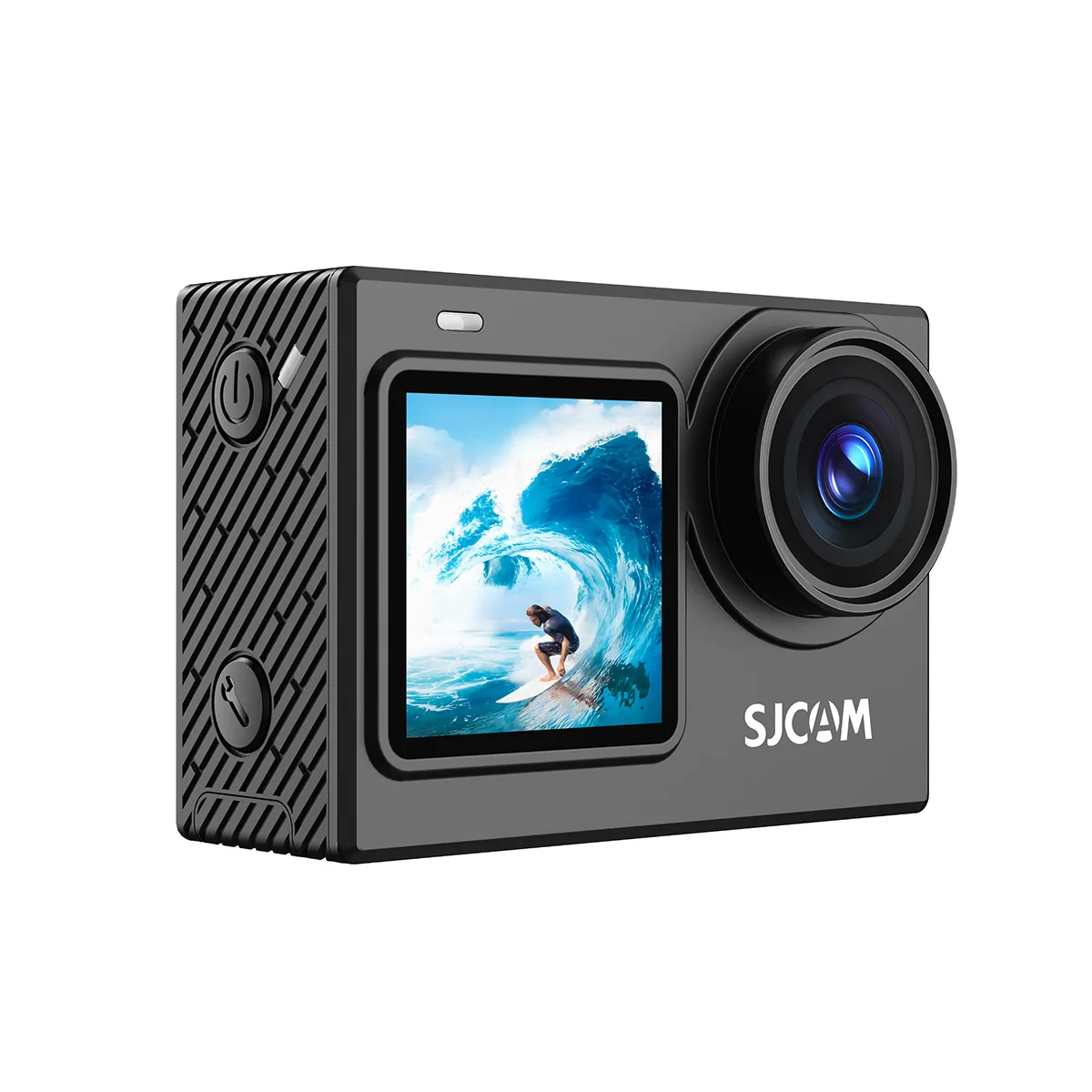
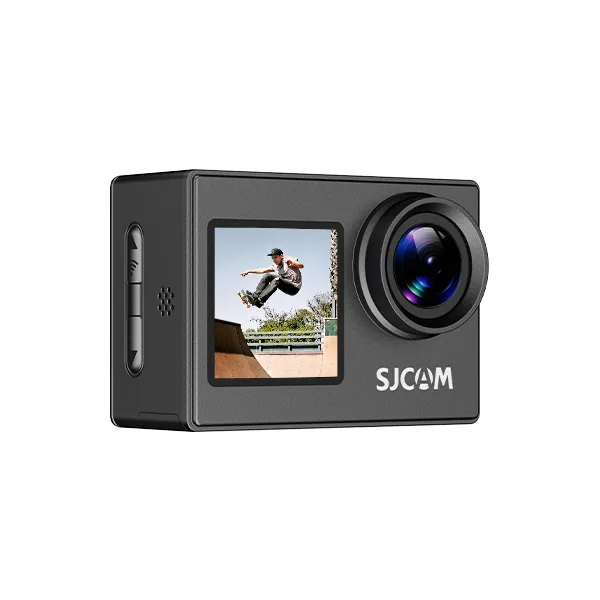
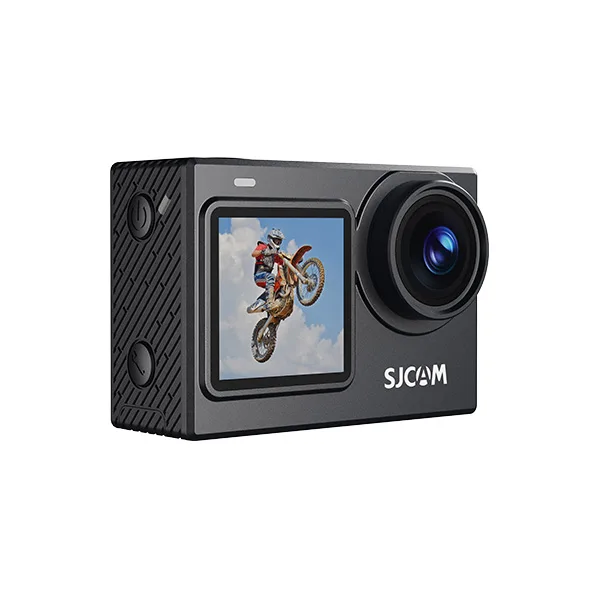
The SJCAM SJ6 Ultra Action Camera is a practical option for hikers who want immersive wide-angle footage and flexible vlogging features.
Its 166° ultra-wide-angle lens captures more of the trail, surrounding mountains, and landscapes in a single frame. SteadyMotion 2.0 stabilization and 45° horizon correction help reduce unwanted movement when filming on uneven terrain.
Weighing approximately 77 g, the SJ6 Ultra features dual screens for easier framing, voice control for convenient hands-free operation, and support for a compatible wireless microphone when recording hiking vlogs.
Recommended mounting setup: Pair the SJ6 Ultra with a compatible chest mount for wide-angle trail footage, or use a handheld grip for travel vlogs and scenic viewpoints.
SJCAM S10 – Best for Lightweight Hiking POV Filming
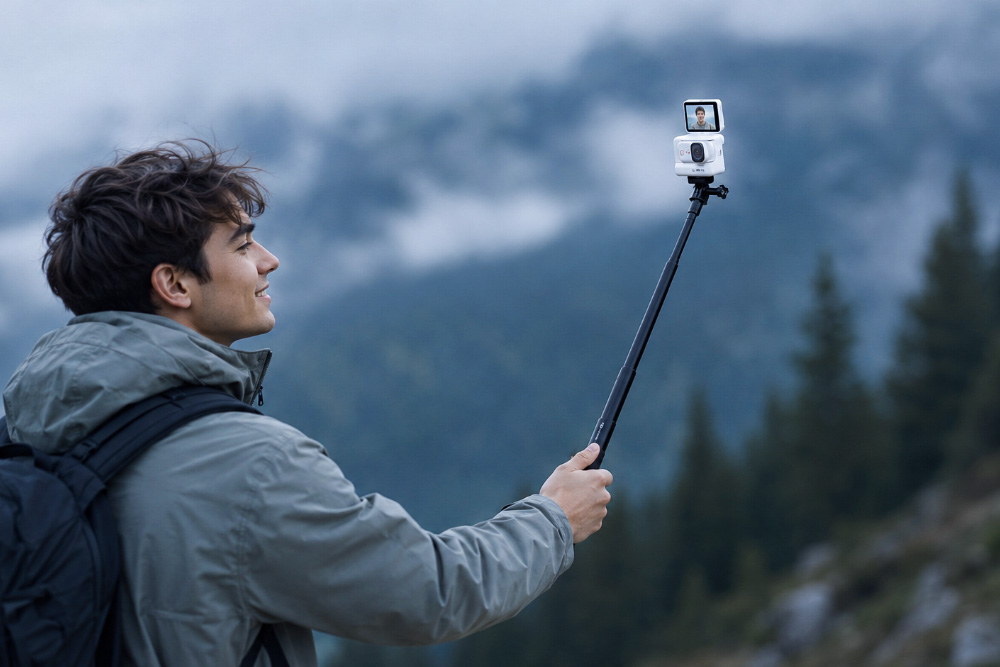
The SJCAM S10 is designed for compact, lightweight filming.
Its standalone camera weighs 46 g and supports compatible magnetic mounting accessories, making it convenient for chest-mounted or head-mounted POV recording.
The S10 features 4K at 30 fps, a 150° field of view, and SteadyMotion V2.0 stabilization.
The camera body is rated waterproof to 5 m, but the Boost Pod is not waterproof.
Unlike cameras that use removable microSD cards, the S10 uses built-in storage, so plan your recording space accordingly.
Recommended setup: A compatible magnetic chest mount for everyday hiking and a head strap for lightweight eye-level footage.
SJCAM SJ20 – Best for Hiking in Changing Light Conditions
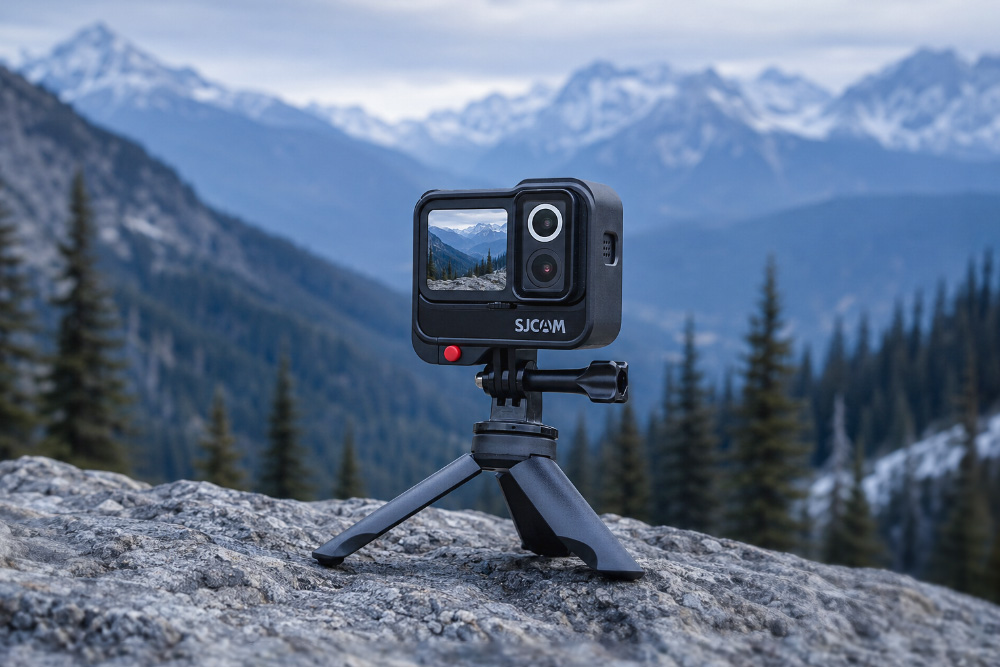
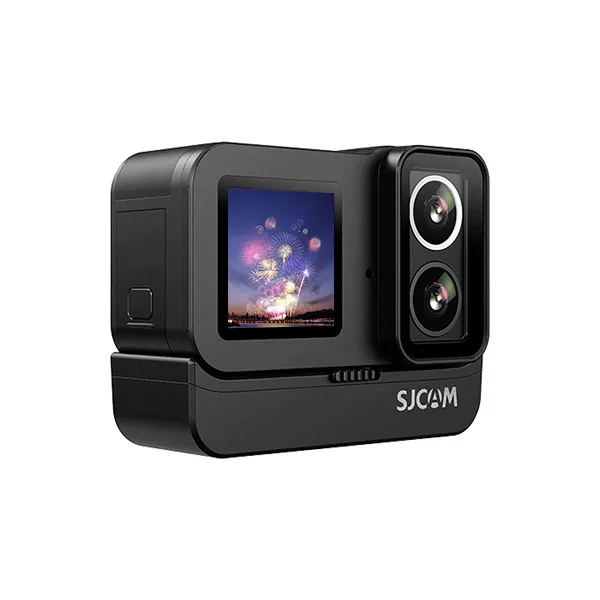
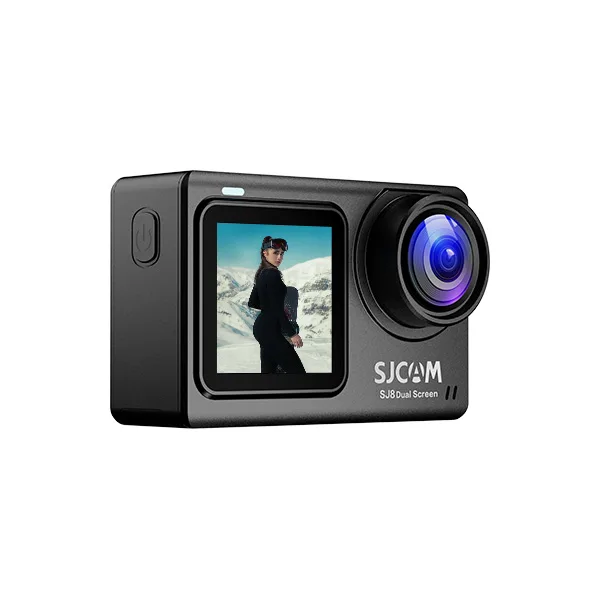
The Akčná kamera SJCAM SJ20 s dvoma šošovkami is a versatile choice for hikers who want to capture footage from bright mountain trails to shaded forests and low-light conditions.
Its dual-lens system combines an F2.0 daylight lens with an F1.3 low-light lens, helping you adapt to changing outdoor environments. The SJ20 supports 4K/30fps video recording and features 6-axis gyroscopic stabilization to reduce camera shake while walking.
The dual-screen design makes framing easier, while the optional battery grip provides additional power for extended outdoor adventures.
Recommended mounting setup: Use a compatible chest mount for hands-free hiking POV footage. For scenic stops or low-light scenes, switch to a handheld grip or tripod for more controlled framing.
Hiking POV Filming Checklist
Before starting your hike, check the following:
- Choose a mount that suits the terrain.
- Verify camera and accessory compatibility.
- Secure and tighten the mounting points.
- Adjust the camera angle.
- Record and review a short test clip.
- Set the preferred resolution and frame rate.
- Enable stabilization where appropriate.
- Check battery level and storage capacity.
- Prepare for the weather.
- Keep your hands available when the trail requires them.
Často kladené otázky
For many ordinary hiking trails, a chest mount is a good starting point because it provides hands-free recording and a relatively stable perspective. A head strap offers a view closer to your eye line, while backpack clips can be convenient for longer hikes.
Yes. Use a compatible backpack strap clip attached to a secure section of the shoulder strap. Check the camera angle and make sure the attachment does not shift as you walk.
Start with the camera facing forward and slightly downward to include the path ahead. Adjust the tilt based on the terrain, mounting height, and your walking posture. Test the framing before recording longer clips.
Stabilization is helpful for reducing shake caused by walking, but it cannot fully compensate for a loose or poorly positioned mount. Combine the camera’s stabilization setting with secure mounting for better results.
A chest mount generally provides a more consistent forward-facing perspective, while a head mount follows your gaze and captures more of what you look toward. The better choice depends on the trail and the type of footage you want.
Start with 4K at 30 fps for general daytime hiking. Use higher frame rates when supported and needed for smoother motion. Enable stabilization when appropriate, and check exposure and framing before filming longer sections.
Záverečné myšlienky
The best action camera mount for hiking depends on your filming goals, the terrain, and how much equipment you want to carry.
A chest mount is a practical all-around choice for hiking POV videos, while head straps, backpack clips, and handheld grips provide different perspectives.
Before every hike, check compatibility, secure the camera properly, and record a short test clip. With the right setup and thoughtful camera settings, you can capture engaging first-person hiking footage while keeping your attention on the trail.