



 Chinese (China)
  Spanish
  German
  French
  Italian
  Japanese
  Korean
  Bulgarian
  Greek
Greek  Indonesian
  Chinese (Hong Kong)
  Russian
  Danish
  Finnish
  Hungarian
  Turkish
  Dutch
Dutch  Portuguese
  Swedish
  Romanian
  Slovak
  Serbian
  Norwegian
  Croatian
  Albanian
  Catalan
  Czech
Czech  Estonian
  Armenian
  Bengali
  Amharic
  Polish
  Thai
Thai  Ukrainian
  Vietnamese
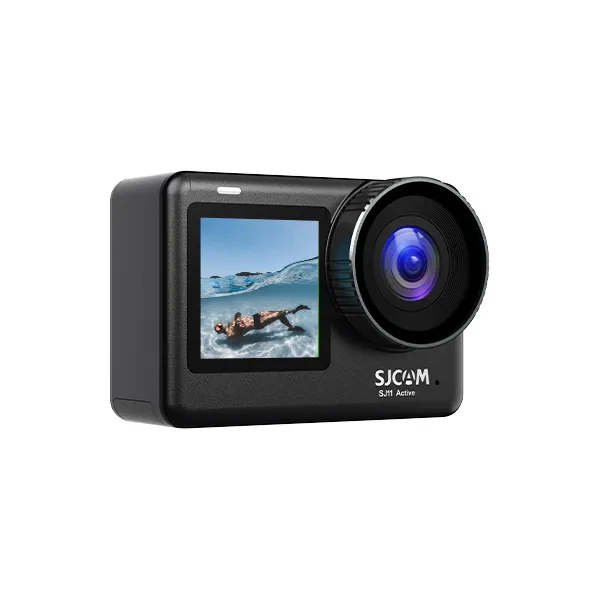
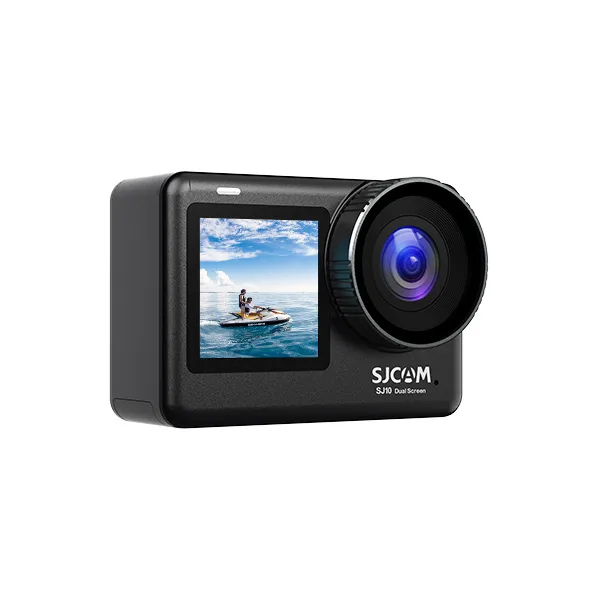
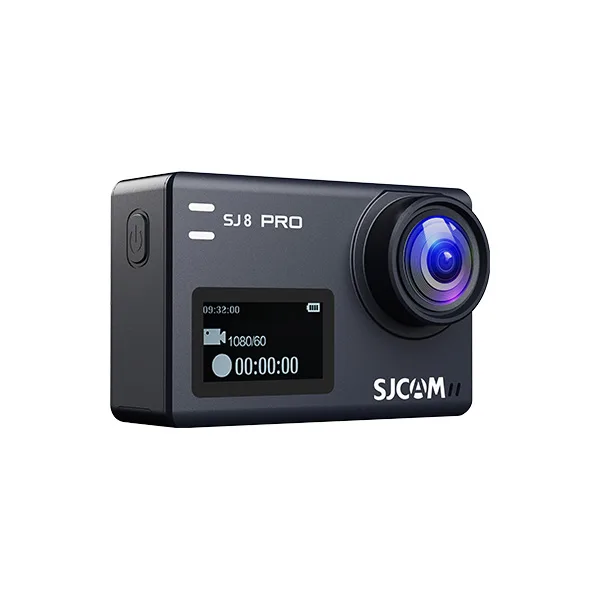
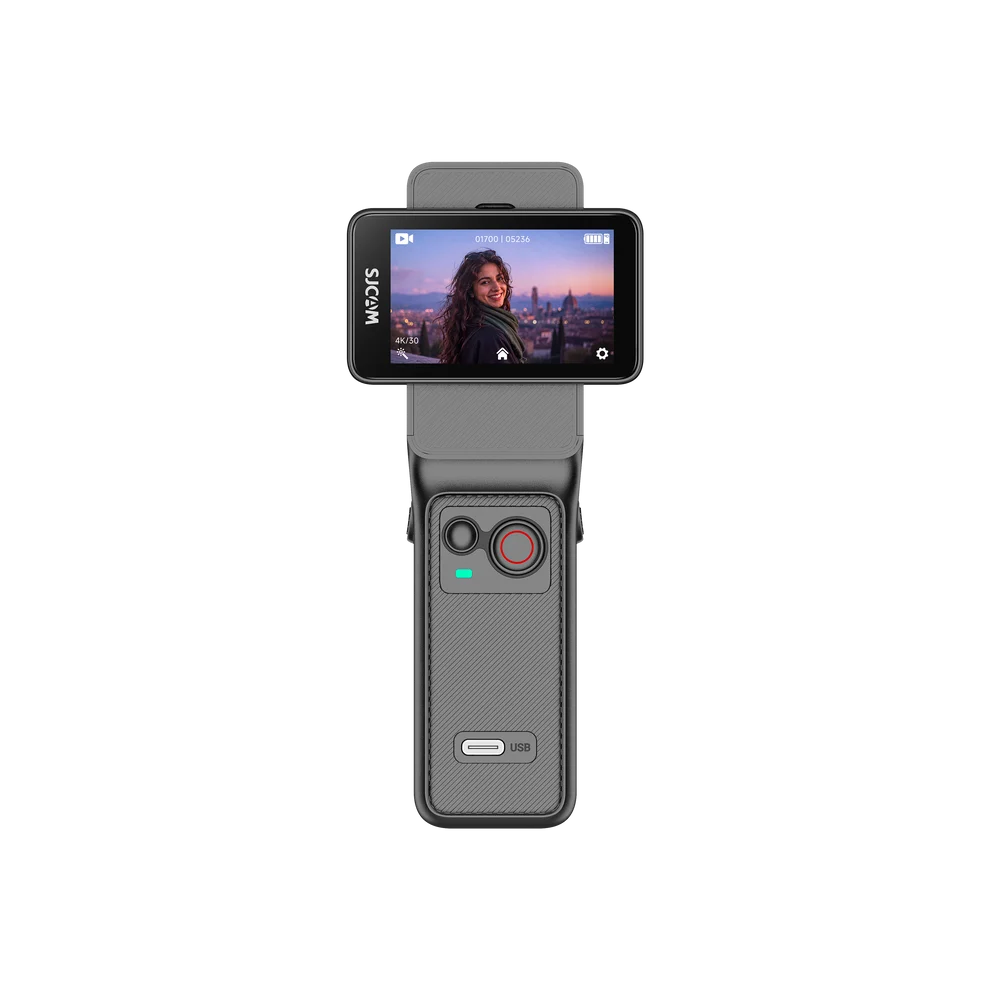
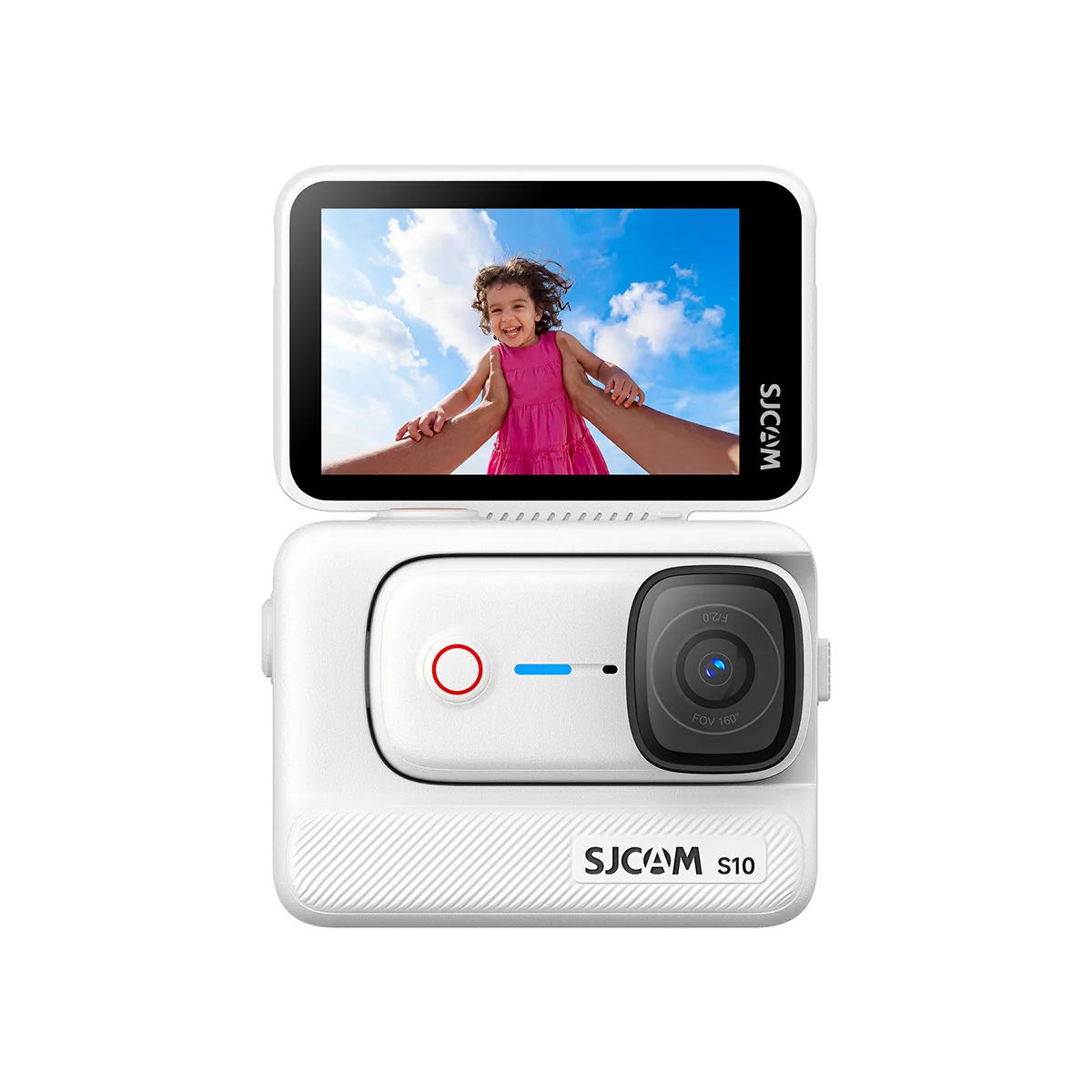
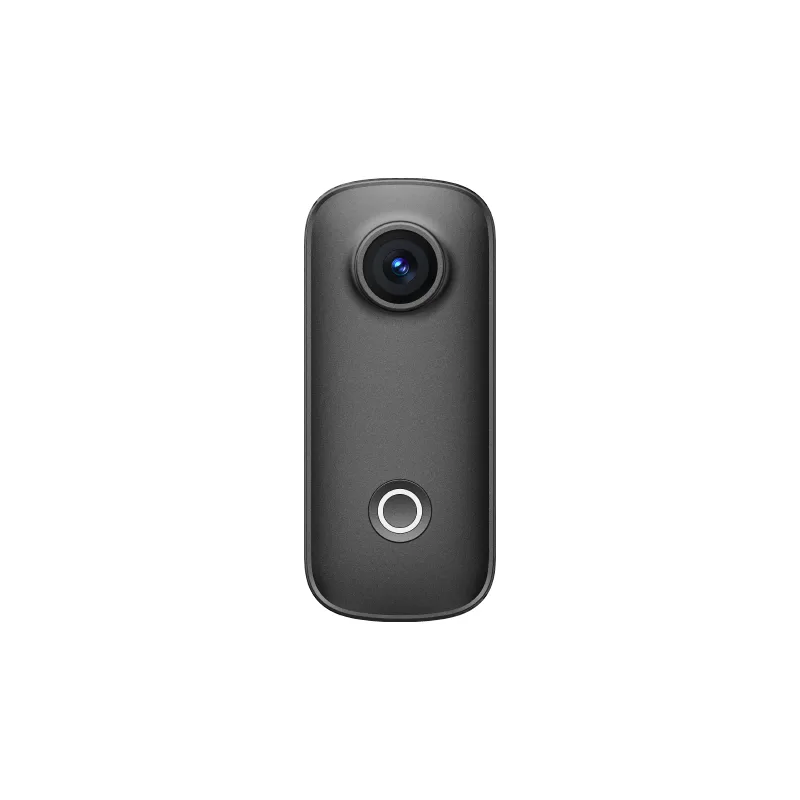
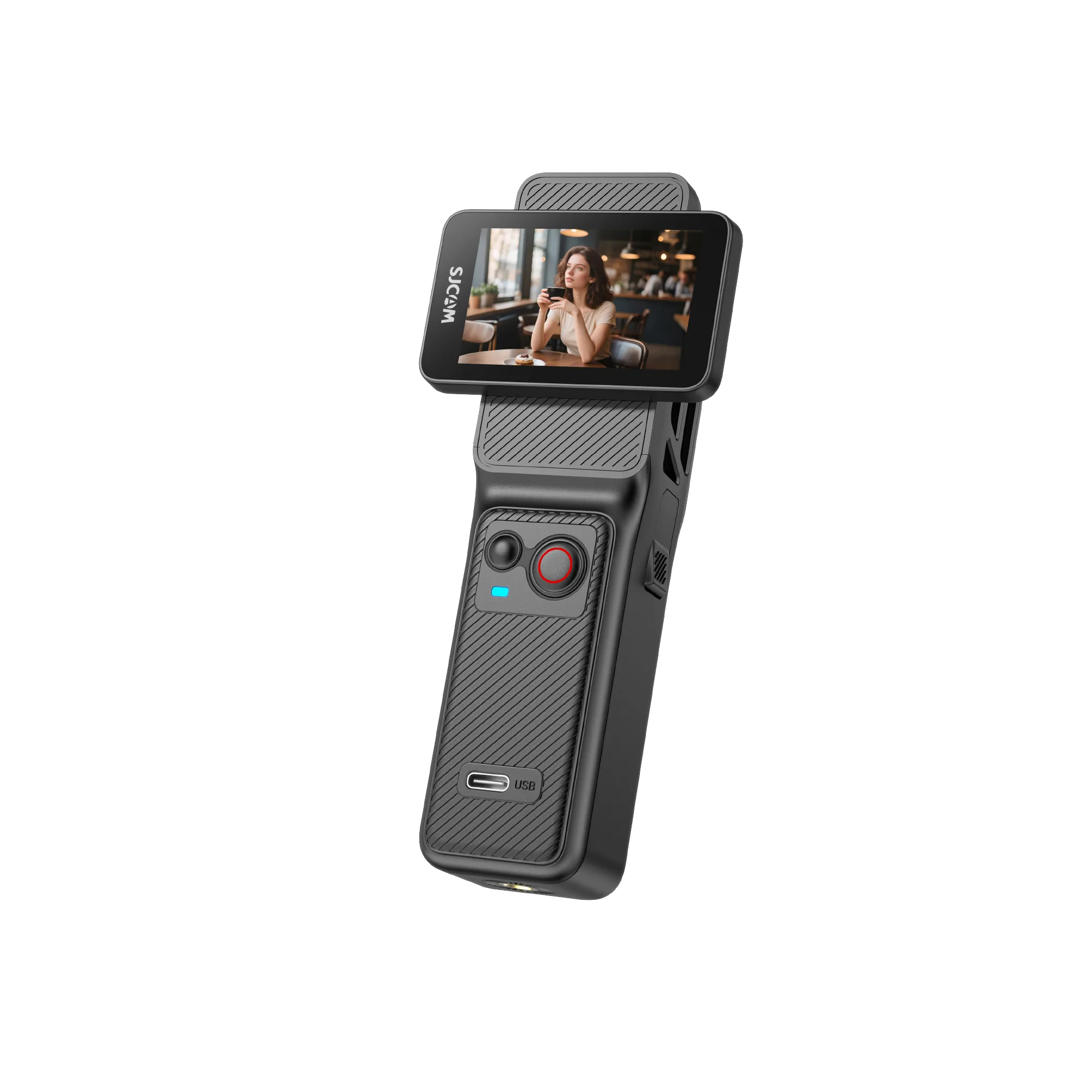
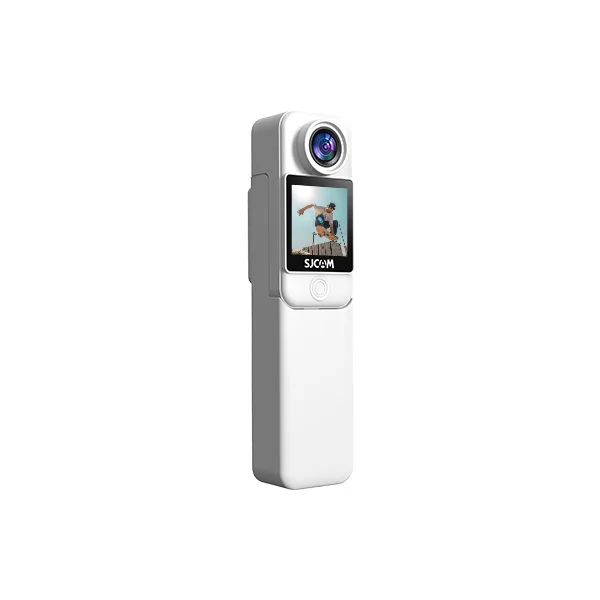
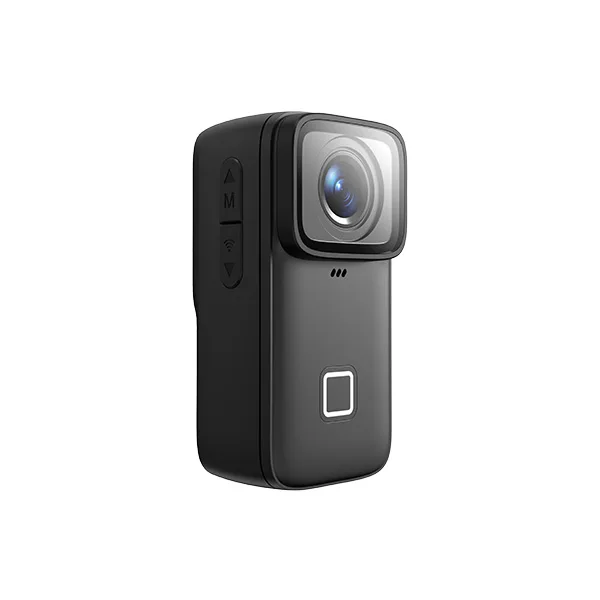
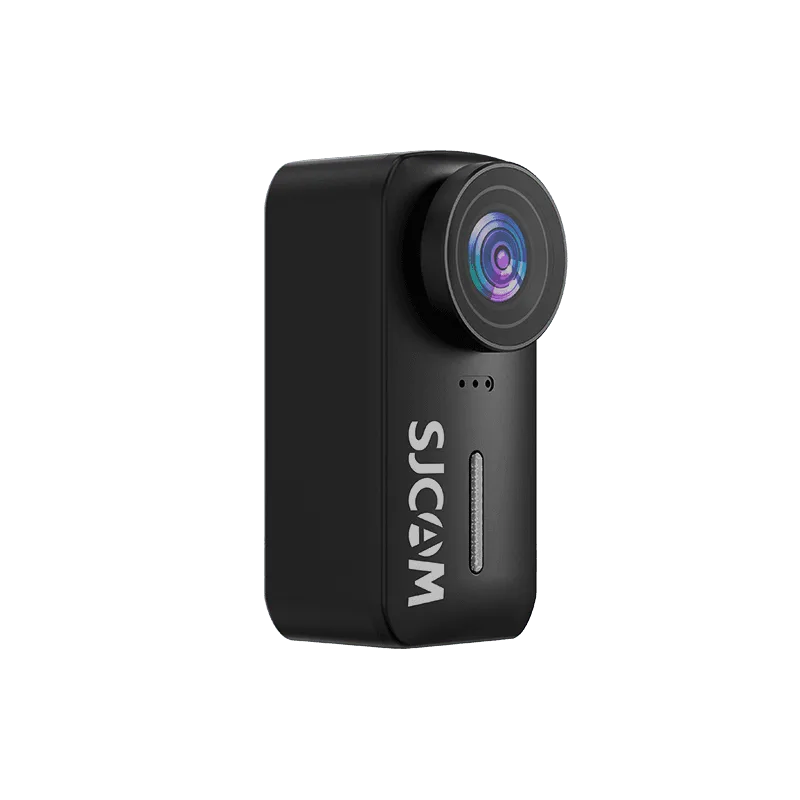
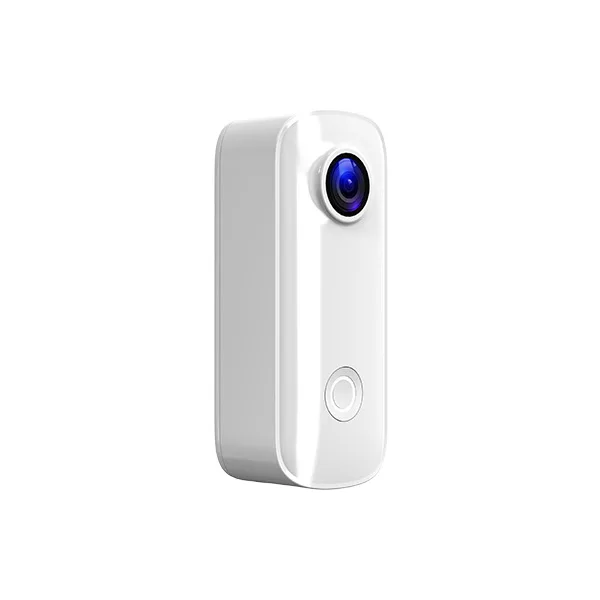
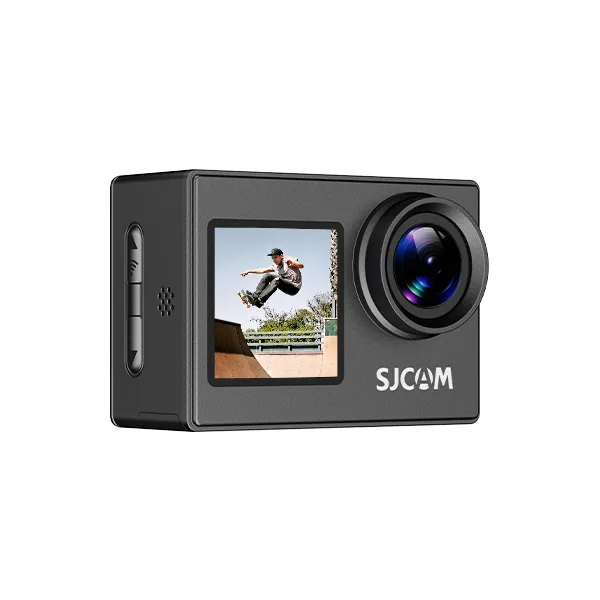
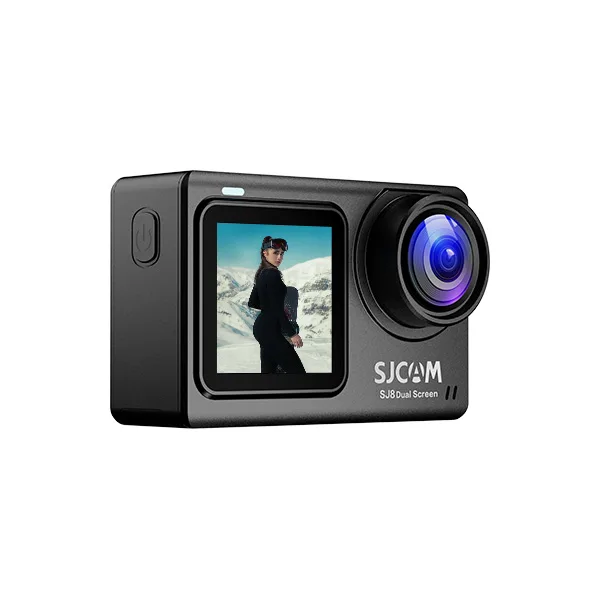
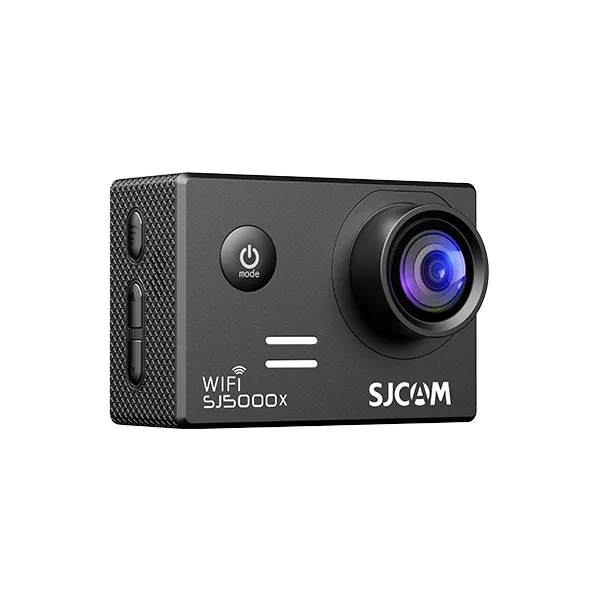
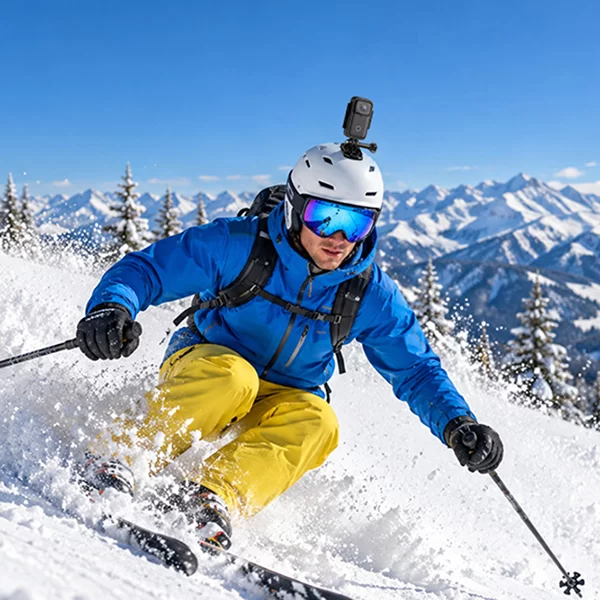

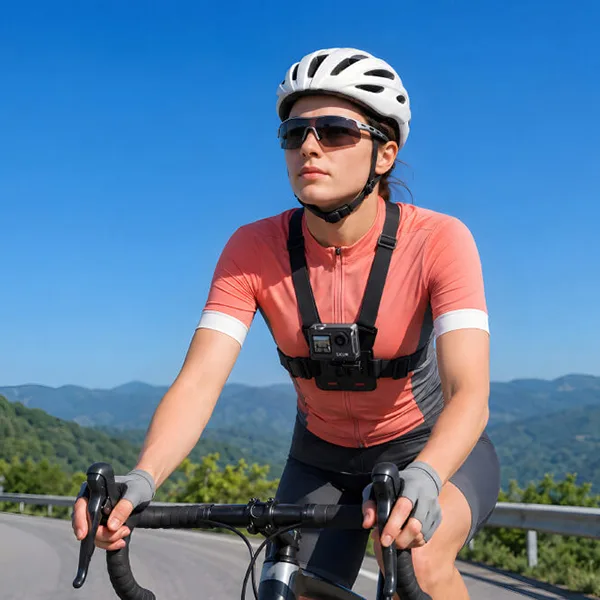
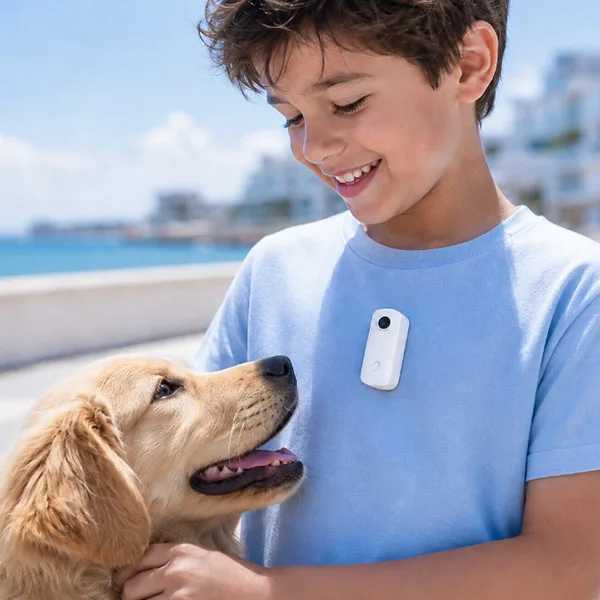
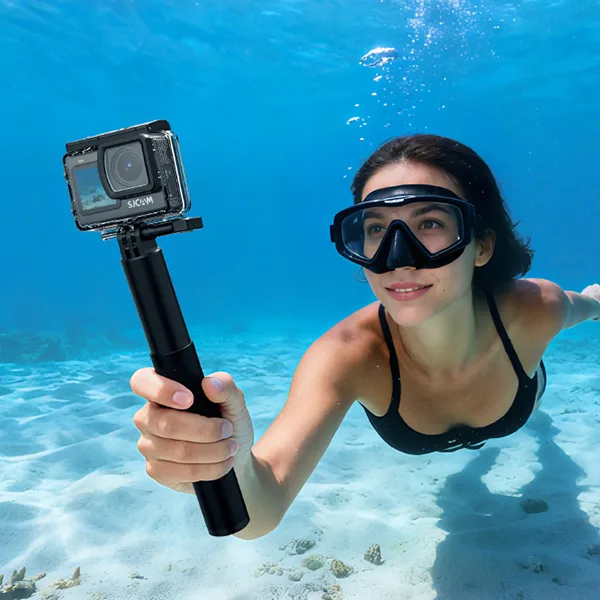
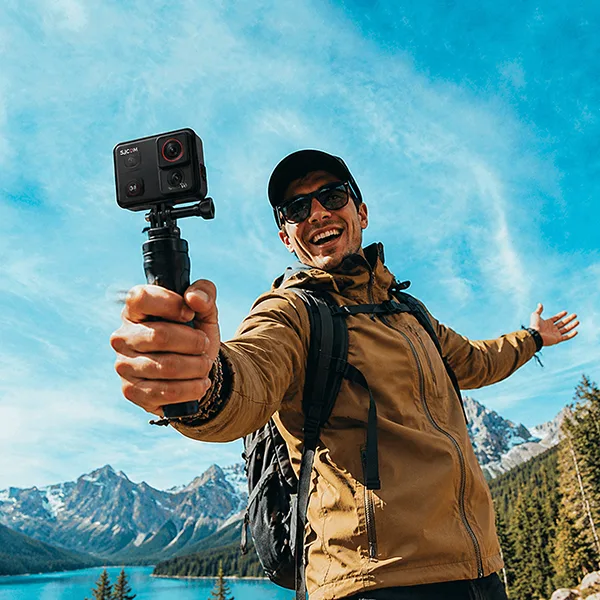
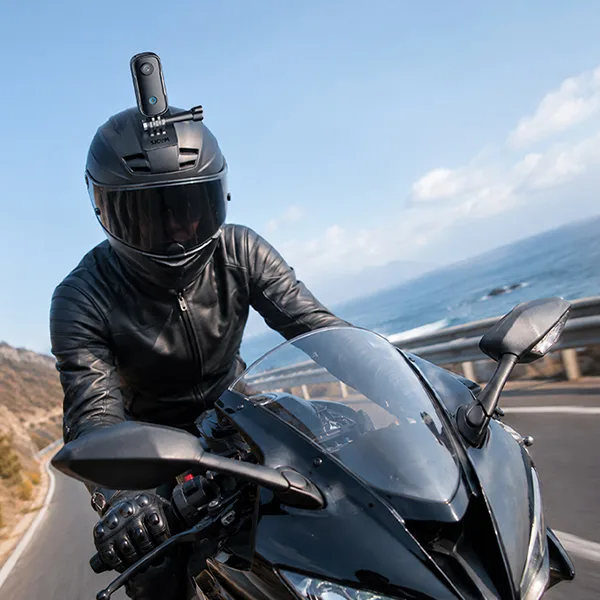
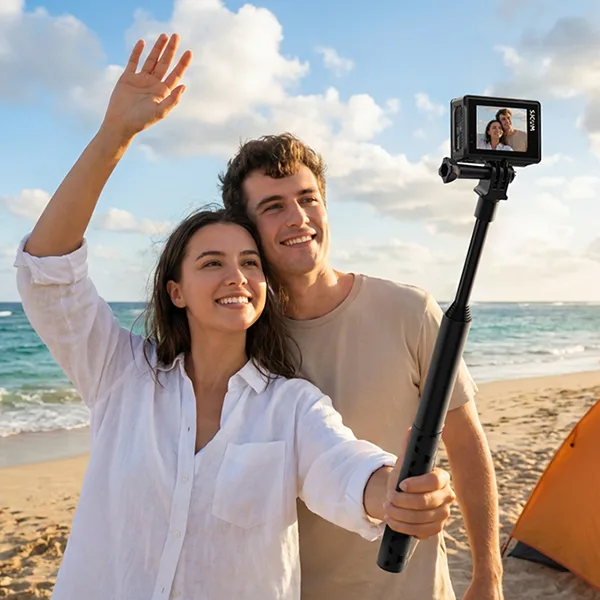
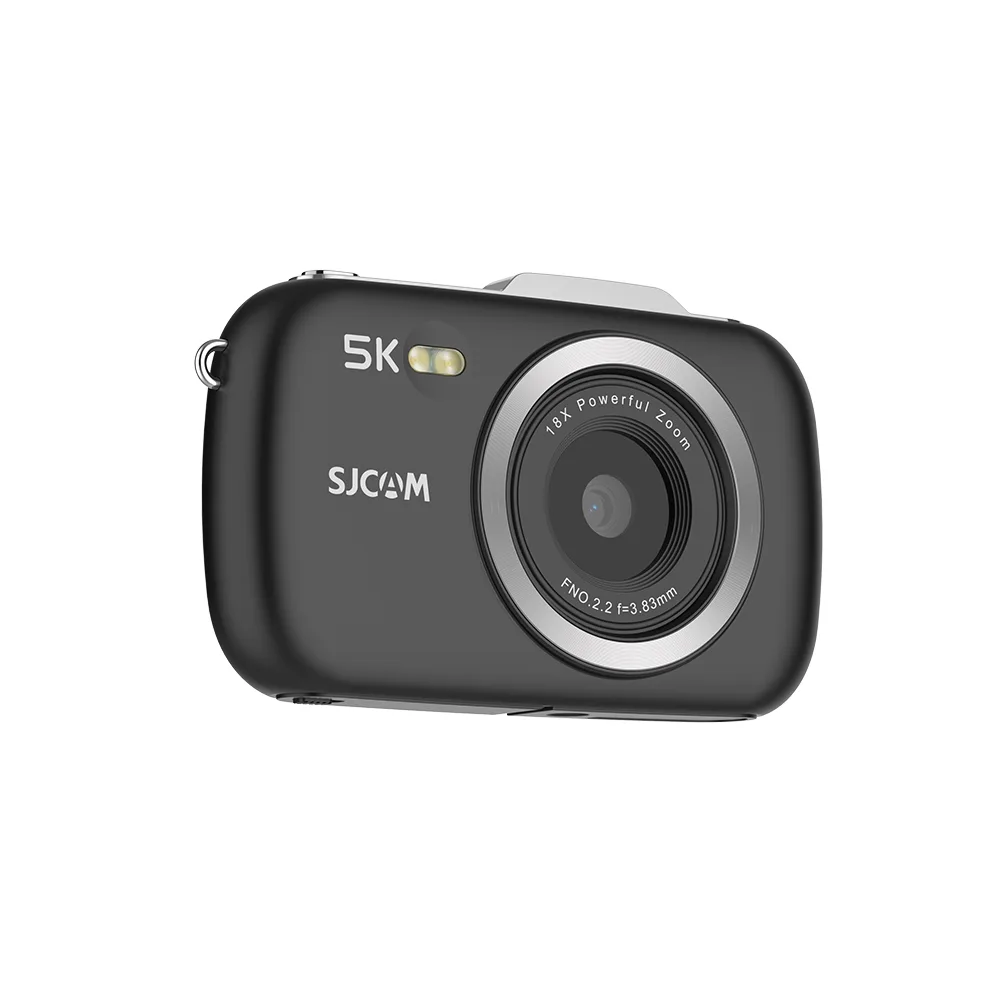


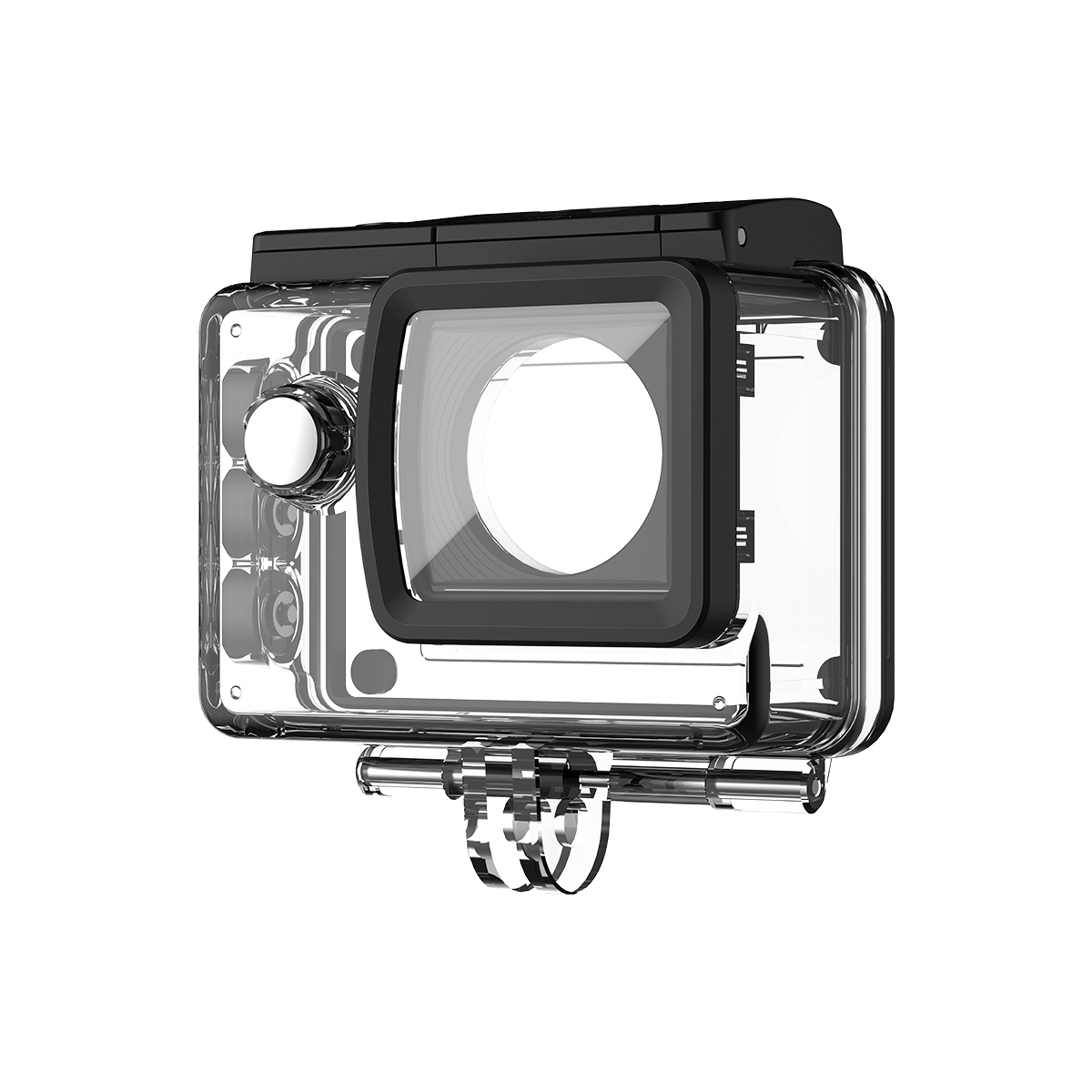
A selfie stick is a simple tool that gives you more flexibility when taking photos and videos. By extending your phone or camera farther from your body, it can help you capture wider perspectives, group shots, and different angles that may be difficult to achieve by hand.
In this guide, we’ll explain what a selfie stick is, how it works, how to use one, and how to get better photos and videos with it. We’ll also cover what to look for when choosing a selfie stick for an action camera.
What Is a Selfie Stick?
A selfie stick is an extendable rod that holds a smartphone or camera at the end, allowing users to take self-portraits or group photos from a distance. Typically made from lightweight materials such as aluminum or plastic, selfie sticks can extend to various lengths, making it easier to capture wider backgrounds or more people in a single shot.
Selfie sticks come equipped with a mount that secures the device in place and often features a remote shutter button for convenience. This tool has gained immense popularity, especially among travelers and social media enthusiasts, providing a simple way to enhance photography without the need for a tripod.
Are Selfie Sticks Worth It?
The value of a selfie stick largely depends on the user’s photography needs. Here are some reasons why they are considered worthwhile:
- Versatility: Selfie sticks can be used in various settings, from crowded tourist attractions to intimate gatherings. They allow for creative angles and perspectives that might be difficult to achieve with just an arm’s length.
- Group Shots: A selfie stick is invaluable for group photos, ensuring everyone fits into the frame without the need for a stranger’s assistance.
- Stability: Many selfie sticks offer built-in stabilization features, which help reduce camera shake, resulting in clearer images, especially in dynamic situations.
- Portability: Lightweight and collapsible, selfie sticks are easy to carry around, making them a practical accessory for travelers.
- Affordability: With various price points, many selfie sticks provide excellent value for their utility, making them accessible to a wide audience.
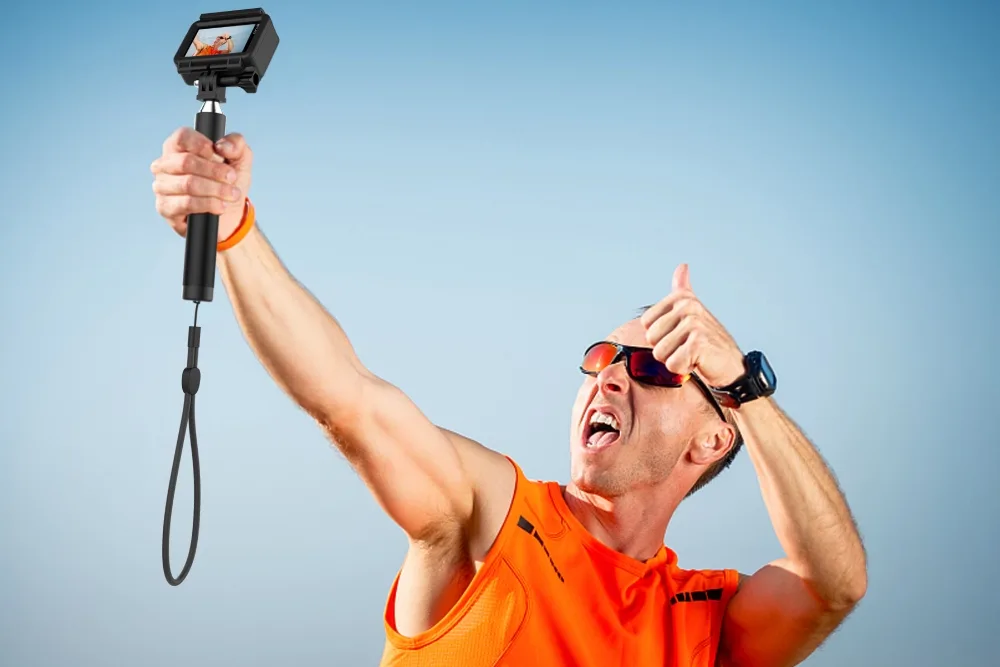
Disadvantages
Social Perception:
In some places, selfie sticks have received a negative social perception. Some people may find them intrusive or annoying, especially in crowded areas such as museums or theaters.
Limited Use in Some Situations:
In certain environments, such as during extreme sports or in situations where you need to have both hands free, using a selfie stick may not be practical.
Overall, if you value the ability to take high-quality photos and enjoy the flexibility that a selfie stick offers, it is definitely worth considering.
How Does a Selfie Stick Work?
A selfie stick works by extending a phone or camera beyond the user’s normal arm’s reach, making it easier to capture a wider view, include more people in the frame, or record from different angles. Most selfie sticks combine an extendable pole, a camera or phone mount, and a way to trigger the camera remotely.
The Telescopic Pole Extends Your Reach
The main body of a selfie stick is made up of sections that slide or collapse into one another. When extended, the pole places the camera farther away from you, giving you more flexibility with framing and perspective. The sections are designed to stay in position through a locking or friction mechanism, although the exact design varies between models.
A shorter extension is easier to control, while extending the stick farther can help include more of the surrounding scenery or fit a larger group into the frame.
The Mount Keeps the Camera Secure
At the end of the stick, a mount or adapter holds the phone or camera in place. Smartphone selfie sticks commonly use an adjustable clamp, while action cameras typically require a compatible camera adapter or mounting connection.
The mount may also allow you to change the camera’s angle or orientation, giving you more control over the final composition.
The Shutter Lets You Control the Camera
Many selfie sticks include a shutter button that allows you to take a photo or start recording without touching the camera itself. Depending on the design, the button may communicate with the phone through Bluetooth, a wired connection, or another compatible control method. Some setups can also rely on the camera’s built-in timer instead of a remote shutter.
With a Bluetooth selfie stick, the remote typically pairs with the smartphone first. Once connected, pressing the shutter button sends a command to the camera app to capture the shot.
The Camera Captures a Wider Perspective
The main advantage of a selfie stick is not simply making the camera easier to hold. Moving the camera farther away changes the perspective and can show more of the surroundings than a handheld shot.
For example, you can use a selfie stick to:
- Fit several people into a group photo
- Capture more of the scenery while traveling
- Record yourself while hiking or exploring
- Get a wider perspective for action camera footage
- Capture photos or videos from angles that are difficult to achieve by hand
For action cameras, the same principle applies. The camera is mounted at the end of the stick, allowing you to change the distance and angle between the camera and the subject.
How to Use a Selfie Stick?
Using a selfie stick is straightforward. Here’s a step-by-step breakdown:
- Setup: First, securely attach your smartphone or camera to the mount at the end of the stick. Most selfie sticks have adjustable clamps to accommodate different device sizes.
- Extend the Stick: Pull the stick to the desired length. Many models can extend from around 11 inches to over 36 inches.
- Positioning: Hold the selfie stick with one hand, positioning it at an angle that captures your desired background and subjects.
- Taking the Photo: Use the built-in remote shutter button (if available) or the timer function on your device to take the picture. This feature allows you to capture the shot without needing to reach for the button on the device itself.
- Please review and adjust: After taking the photo, review it. Adjust your angle or the stick’s length as needed to improve the next shot.
How to Use a Selfie Stick with an Action Camera?
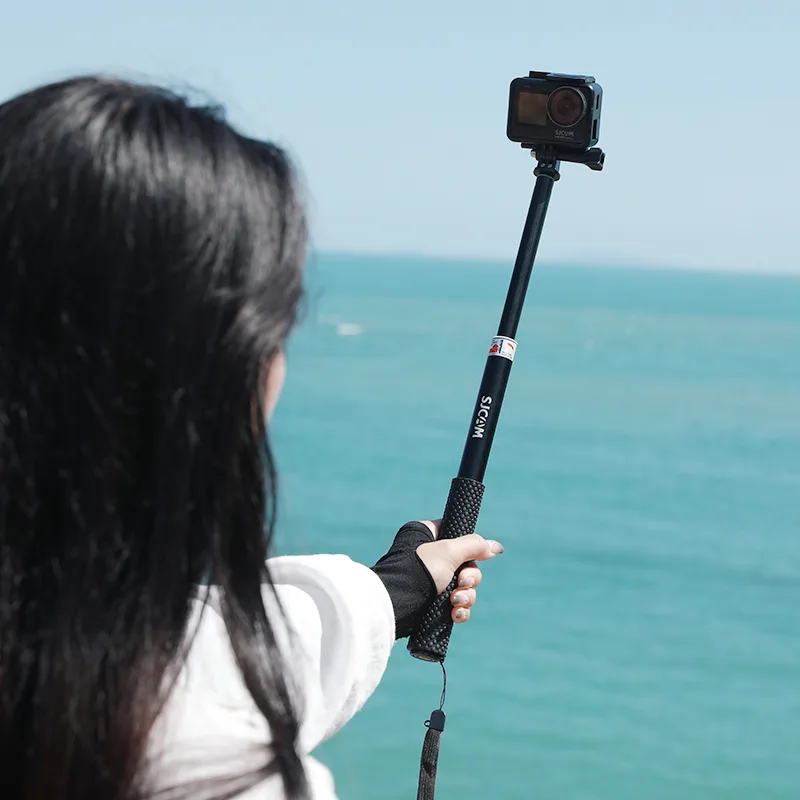
Using a selfie stick with an action camera is similar to using one with a smartphone, but the mounting system is usually different. Instead of a phone clamp, an action camera typically connects through a compatible camera mount or adapter.
How to Take Good Pictures with a Selfie Stick?
To maximize the potential of your selfies, consider the following tips:
1. Find the Right Angle
Experiment with different angles to discover what works best for you. Hold the stick slightly above your head for a flattering perspective or at eye level for more natural shots.
2. Utilize Natural Light
Natural light can enhance your photos significantly. Try to take pictures outdoors or in well-lit areas to achieve brighter, clearer images.
3. Background Matters
Pay attention to your background. A busy or cluttered setting can distract from the main subject. Look for clean, interesting backdrops to complement your selfie.
4. Use the Remote
Take advantage of the remote shutter feature. This allows you to focus on your pose and smile without the distraction of reaching for your device.
5. Practice Makes Perfect
Don’t hesitate to take multiple shots. Practicing with your selfie stick will help you learn how to position it effectively and capture the best moments.
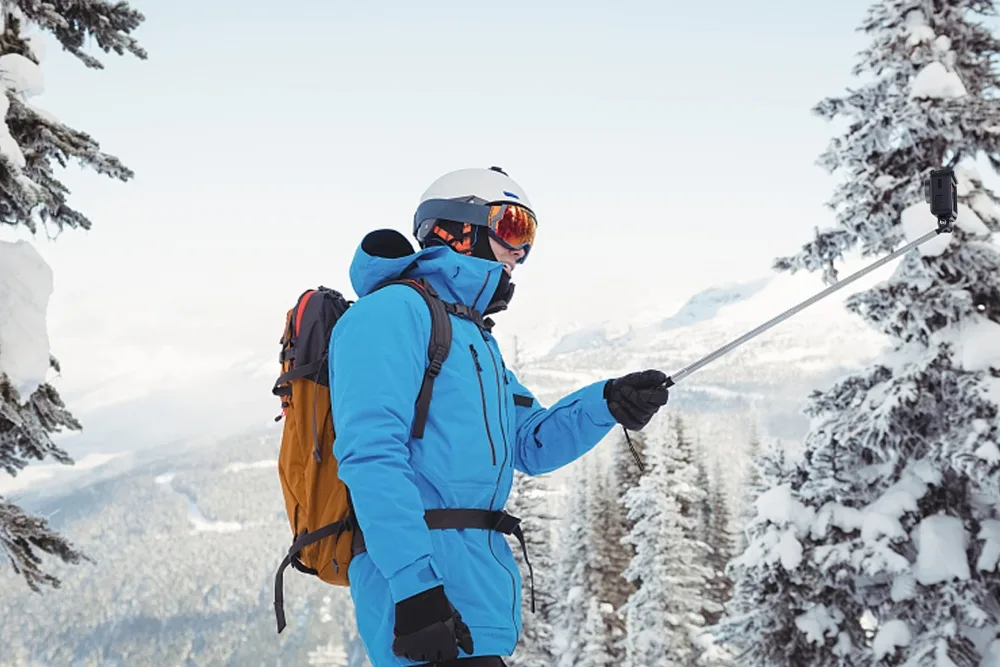
What Is the Best Selfie Stick for Action Cameras?
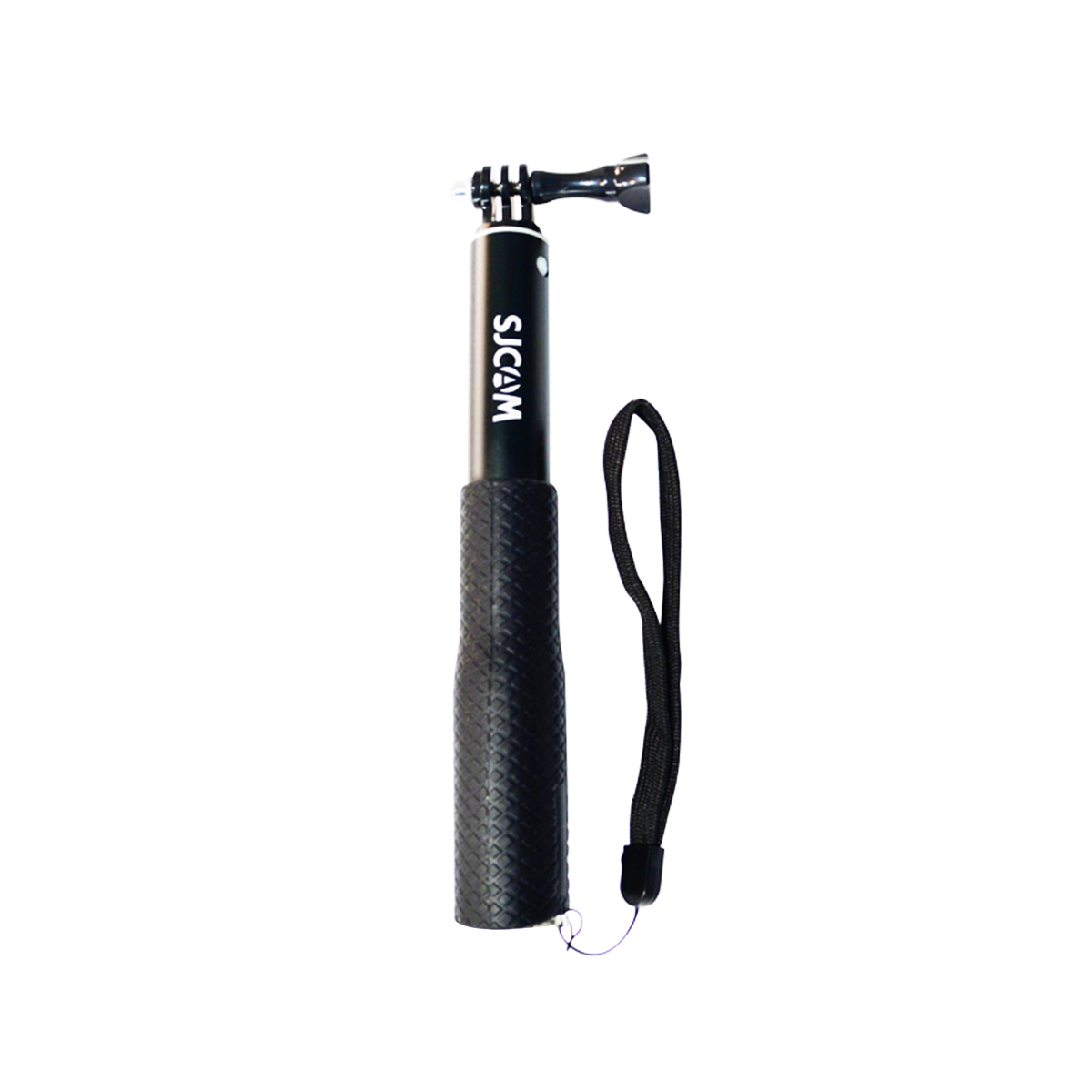
When it comes to action cameras, the SJCAM Remote Controller Selfie Stick stands out as an excellent choice. Here are some of its key features:
- Material: Made from durable aluminum alloy, it ensures stability and strength.
- Adjustable Length: The stick can extend from 28 cm to 91 cm (11″ to 36″), allowing flexibility in capturing different angles and perspectives.
- Waterproof: Rated up to 3 meters, it is perfect for outdoor adventures, including beach outings and water sports.
- Compatibility: It works seamlessly with various SJCAM models such as the SJ6 Legend, SJ10 Pro, and more.
The SJCAM Remote Controller Selfie Stick is designed for ease of use, featuring a simple rotate-to-lock mechanism and a remote control for hassle-free photography. For anyone using an action camera, this selfie stick provides not only functionality but also an enhanced shooting experience.
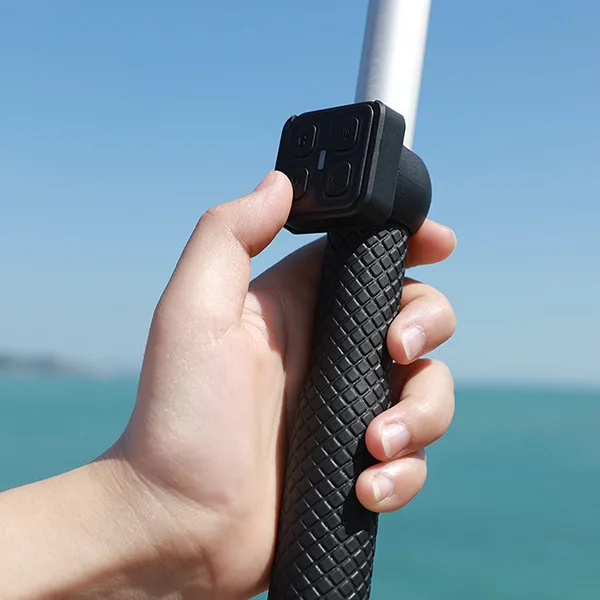
How to Use a Selfie Stick with an Action Camera
Using a selfie stick with an action camera is similar to using one with a smartphone, but the mounting system is usually different. Instead of a phone clamp, an action camera typically connects through a compatible camera mount or adapter.
Conclusion
Selfie sticks have become an essential accessory for anyone looking to elevate their photography skills. They offer versatility, ease of use, and the ability to capture stunning images from various angles. Whether you are a casual user or a photography enthusiast, investing in a quality selfie stick, like the SJCAM Remote Controller Selfie Stick, can significantly enhance your photography game. With the right techniques and tools, you can create beautiful memories that last a lifetime.
FAQ
To pair your device, turn on the Bluetooth via the settings menu on your SJCAM action camera or through the SJCAM Zone App.
Once the remote’s indicator flashes, select it from your camera’s device list to enjoy seamless wireless control for recording and shooting.
While most SJCAM cameras are waterproof up to 30m with their dedicated housing, standard Bluetooth remotes are typically only splash-proof.
A selfie stick and a camera stick are often used to describe similar handheld extension poles, but the terms can imply slightly different uses. A selfie stick is typically designed to hold a smartphone or small camera farther away from the user for selfies, group photos, and video. A camera stick is a broader term that may refer to an extension pole designed specifically for cameras, including action cameras.
The main difference is usually device compatibility and intended use. Selfie sticks often use a phone clamp and may include a built-in shutter button, while camera sticks commonly use a camera mount or adapter for an action camera. However, the terminology is not standardized, so some products can function as both.
For action camera users, check the mounting interface and camera compatibility rather than relying on the product name alone.
Yes. A selfie stick can be used to take videos as well as photos, as long as the camera or phone supports video recording. The stick simply positions the camera at a greater distance from the user; recording is controlled through the camera itself, a compatible remote, or a timer depending on the setup.
With an action camera, a selfie stick can be useful for travel videos, hiking footage, vlogging, group shots, and creative perspectives. Some selfie sticks with compatible remote controls can also let you start or stop recording without reaching for the camera. Action cameras such as SJCAM models can be used with selfie sticks and other mounting accessories for different shooting setups.
Tip: For smoother video, keep the stick firmly controlled and avoid sudden movements, especially when the pole is fully extended.