


 Chinese (China)
  Spanish
  German
  French
  Italian
  Japanese
  Korean
  Bulgarian
  Greek
Greek  Indonesian
  Chinese (Hong Kong)
  Russian
  Danish
  Finnish
  Hungarian
  Turkish
  Dutch
Dutch  Portuguese
  Swedish
  Romanian
  Slovak
  Serbian
  Norwegian
  Croatian
  Albanian
  Catalan
  Czech
Czech  Estonian
  Armenian
  Bengali
  Amharic
  Polish
  Thai
Thai  Ukrainian
  Vietnamese
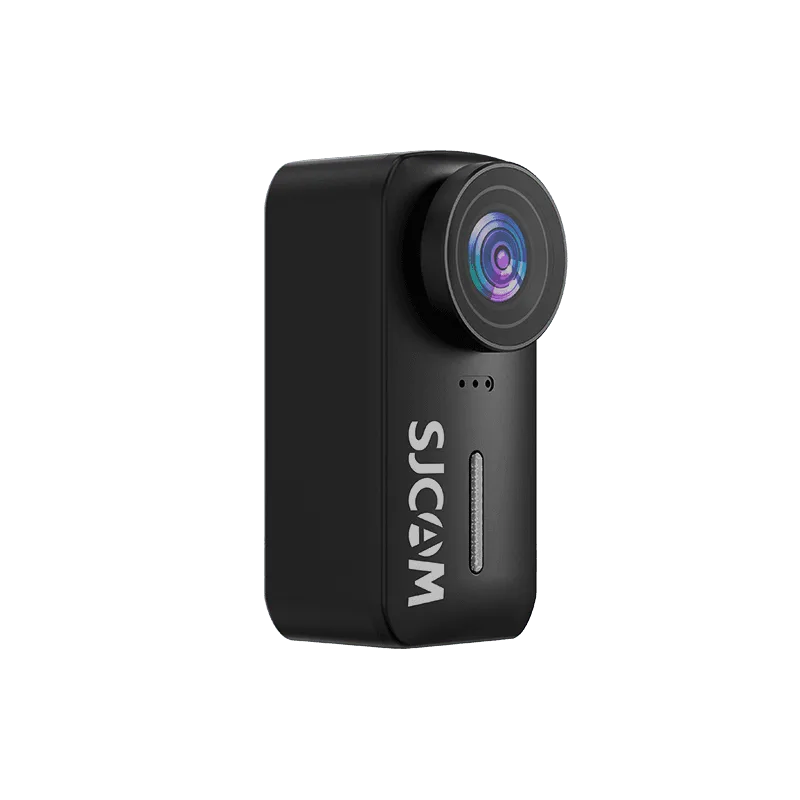
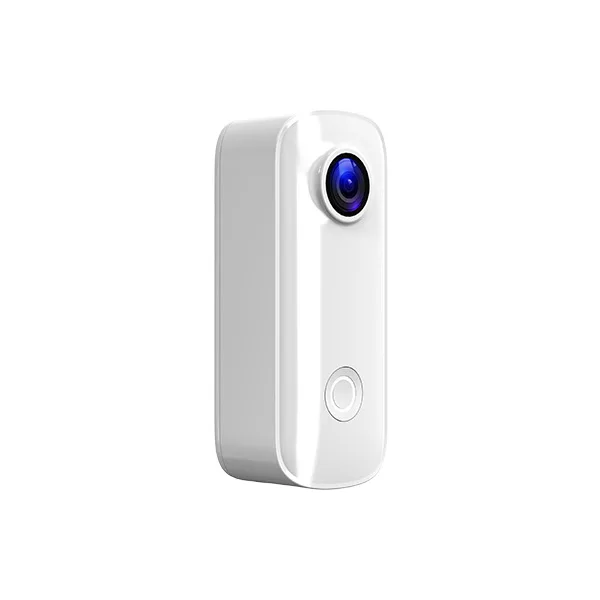
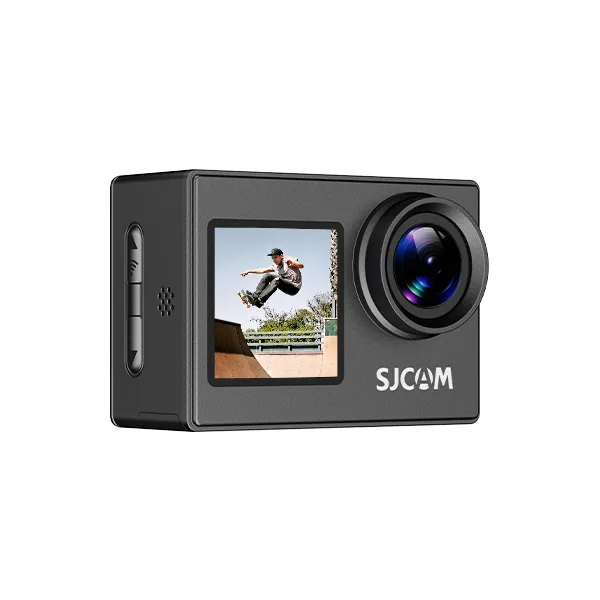
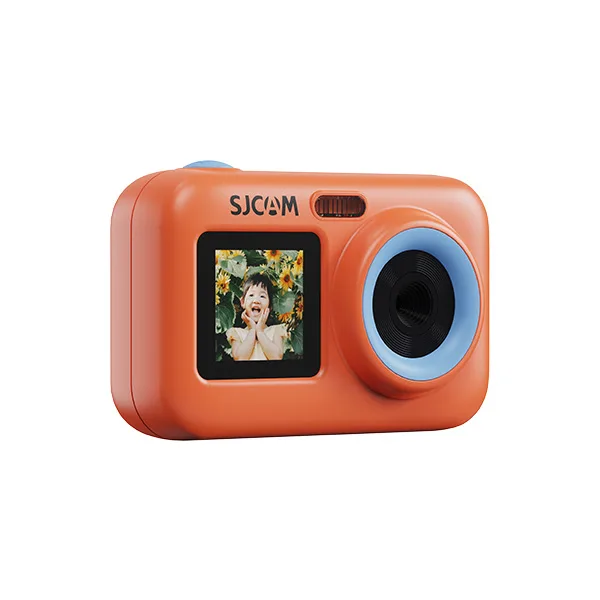








Download
Application—SJCAM Zone
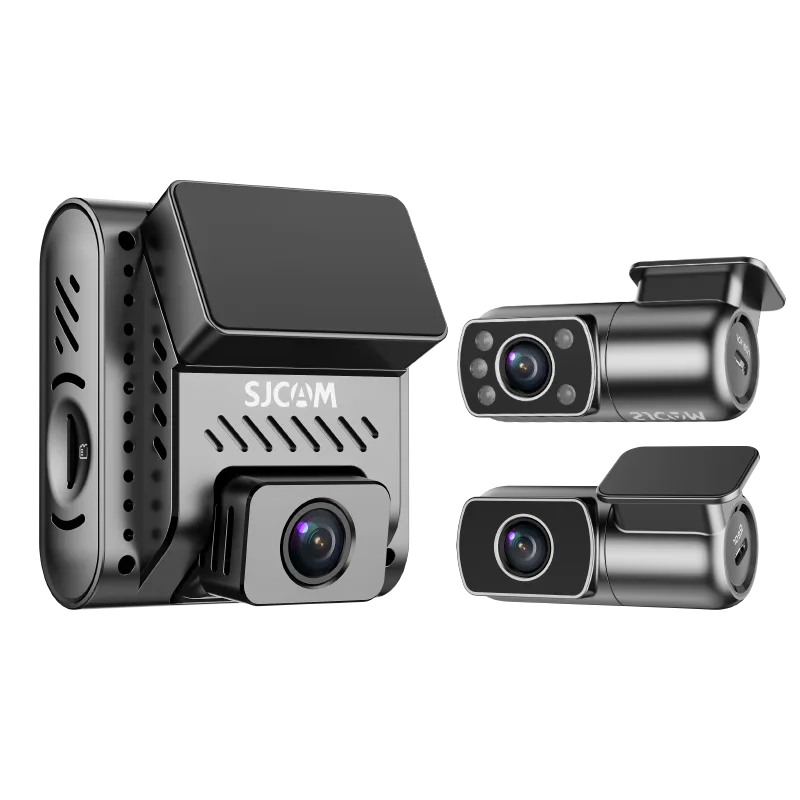
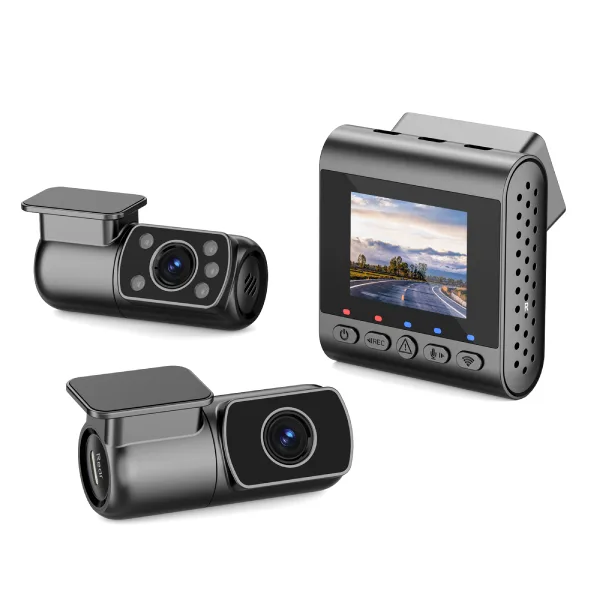
It is compatible with all camera models except for the C400, the C110 Plus upgraded version, and dashcams.
Android
IOS
Application—SJCAM X
It is compatible with the C400 and the C110 Plus upgraded version.
Android & IOS
User Manual
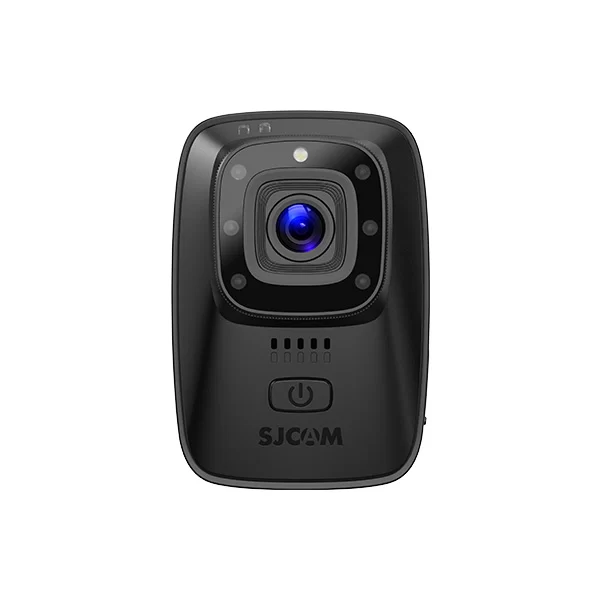
A10
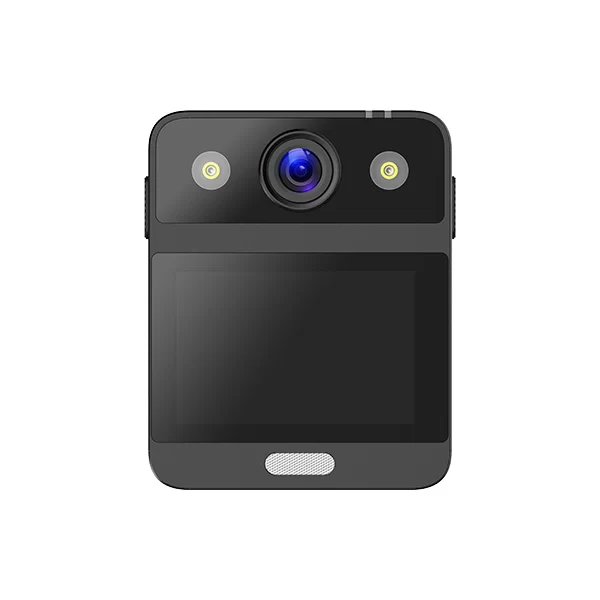
A20
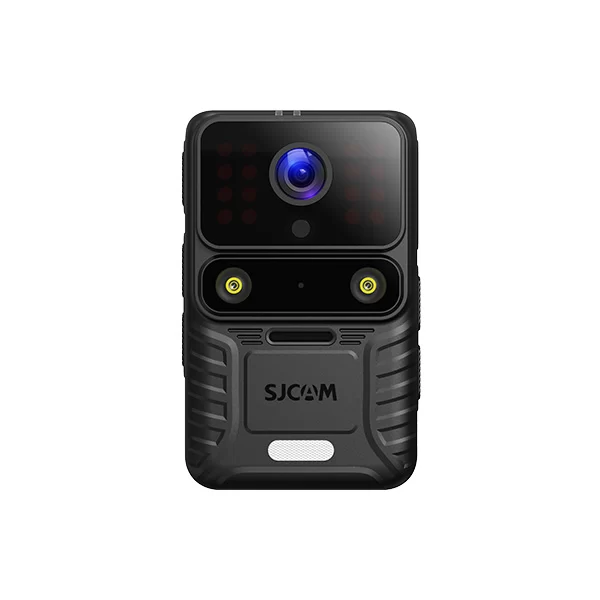
A50
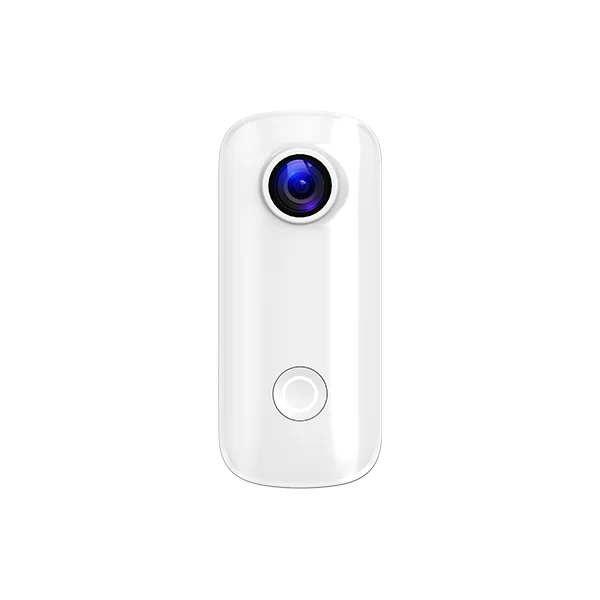
C100+
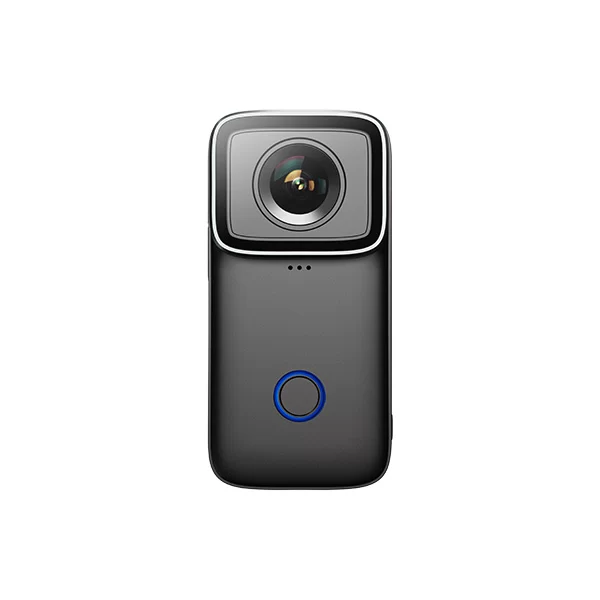
C200
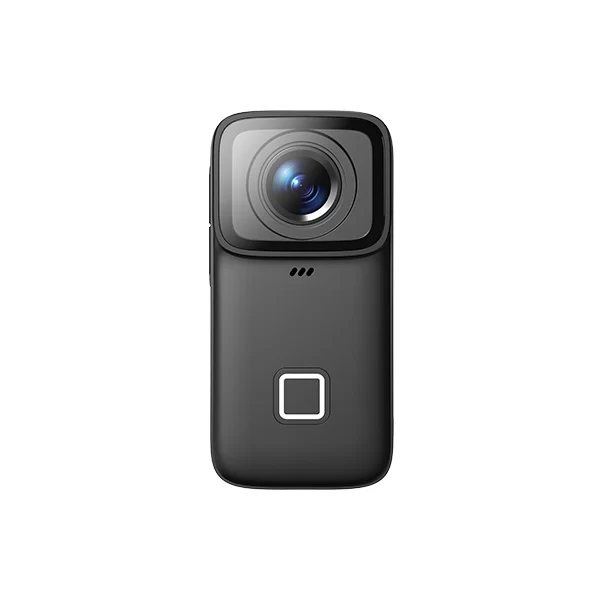
C200 Pro
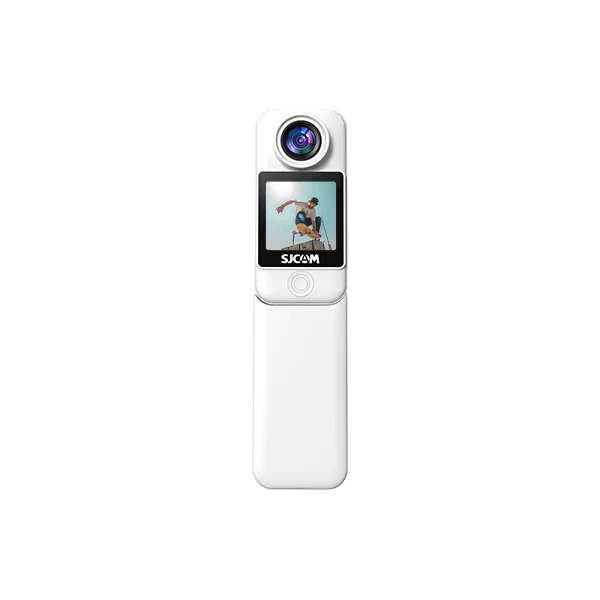
C300
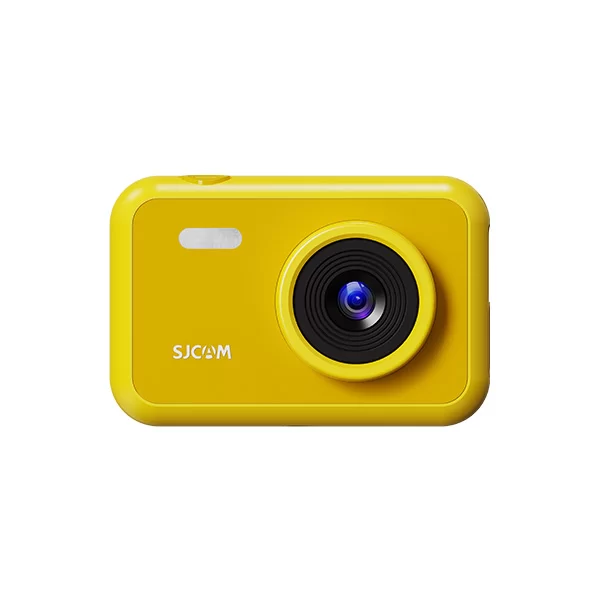
FunCam
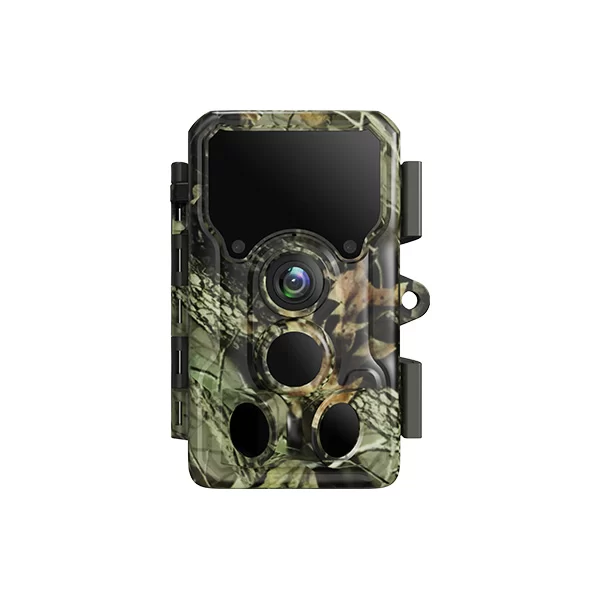
M50
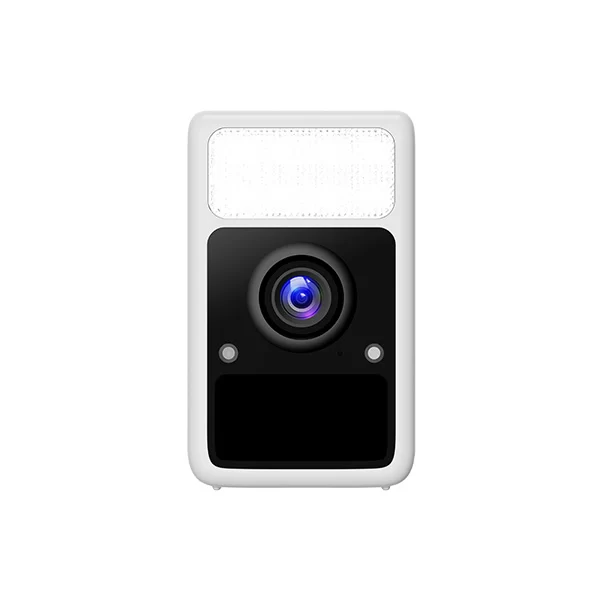
S1
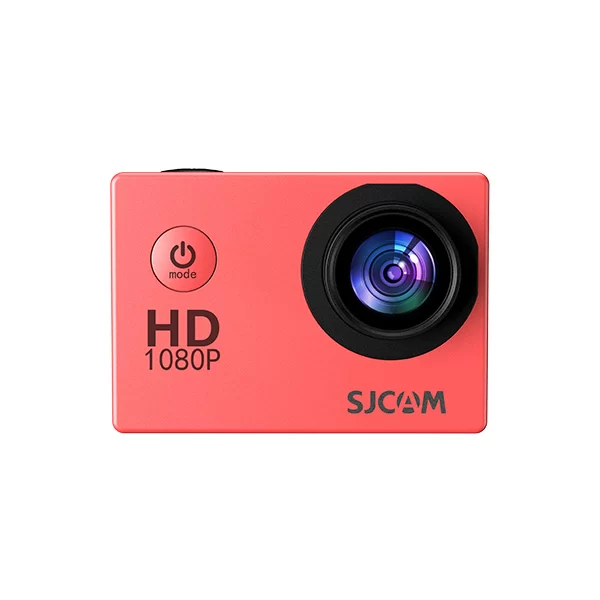
SJ4000
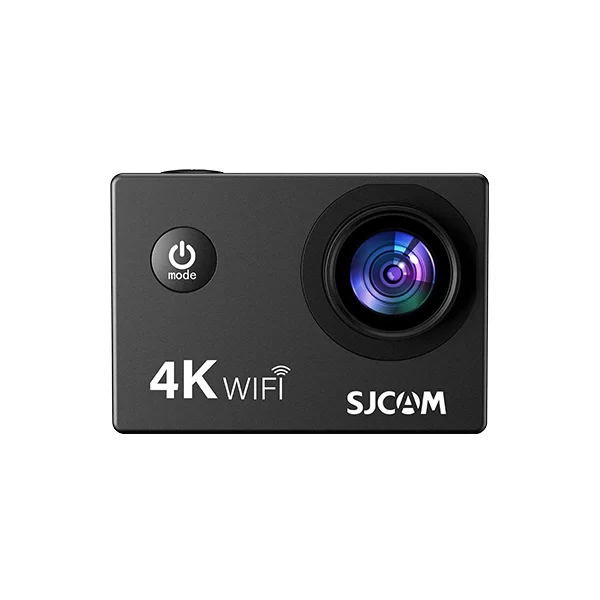
SJ4000 Air
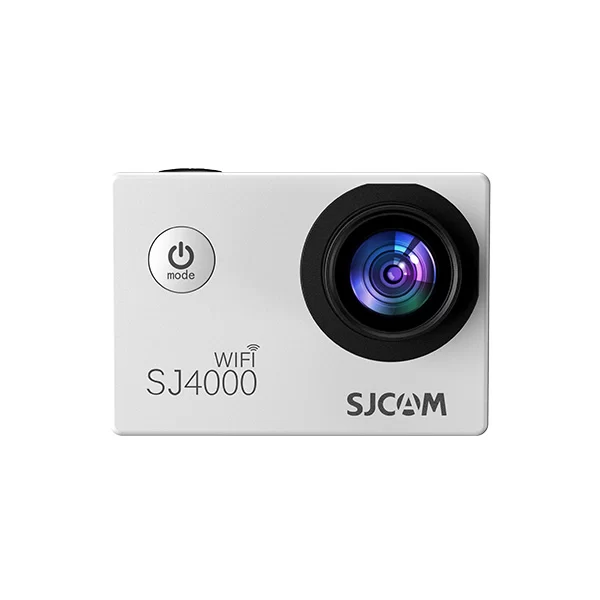
SJ4000 WiFi
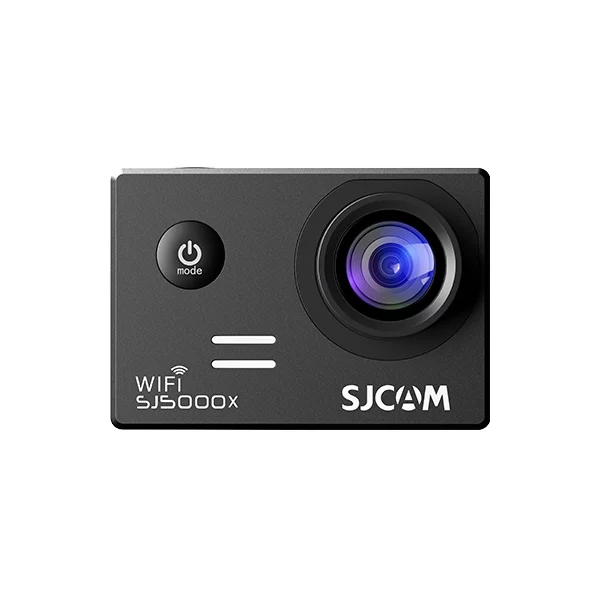
SJ5000X Elite
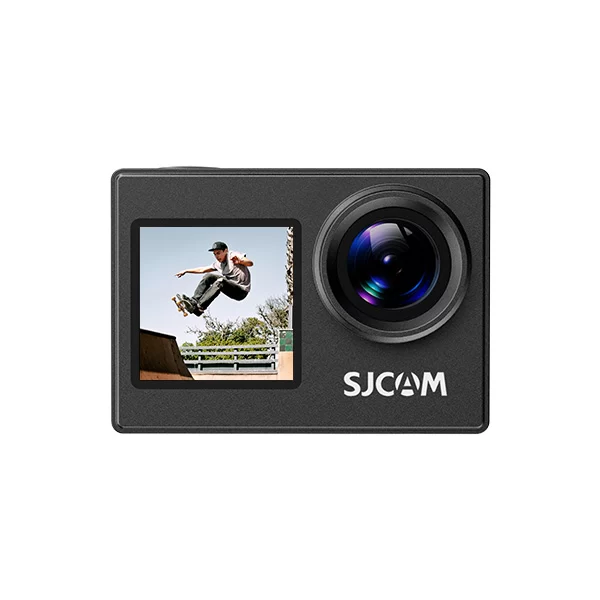
SJ4000 Dual Screen
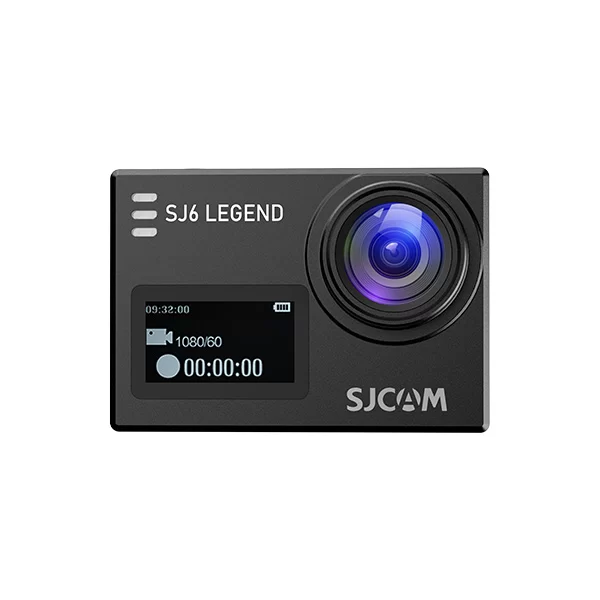
SJ6 Legend
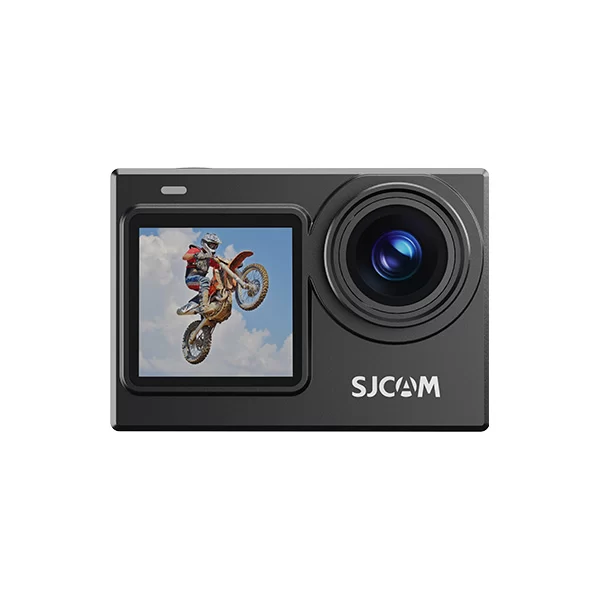
SJ6 Pro
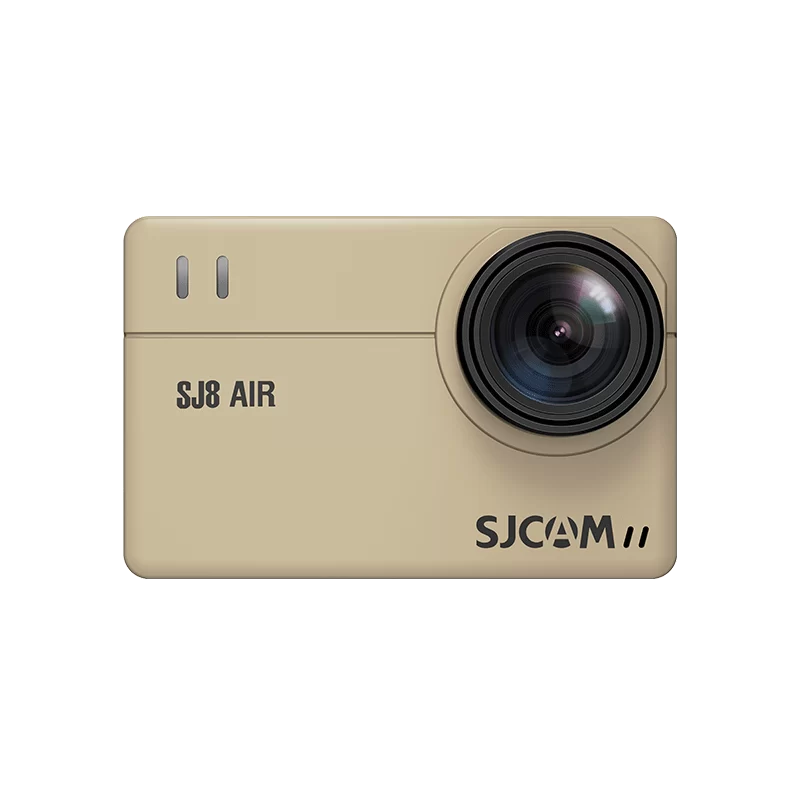
SJ8 Air
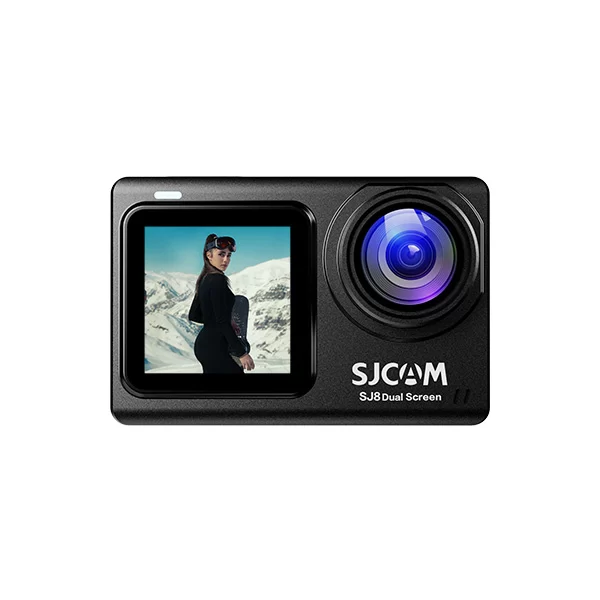
SJ8 Dual Screen
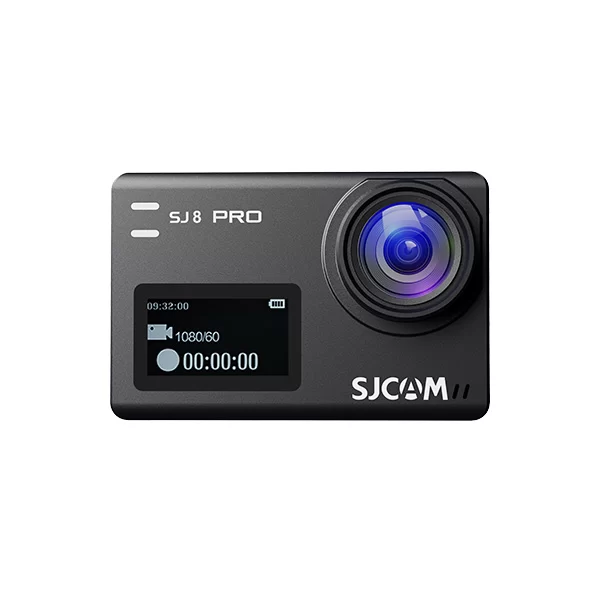
SJ8 Pro
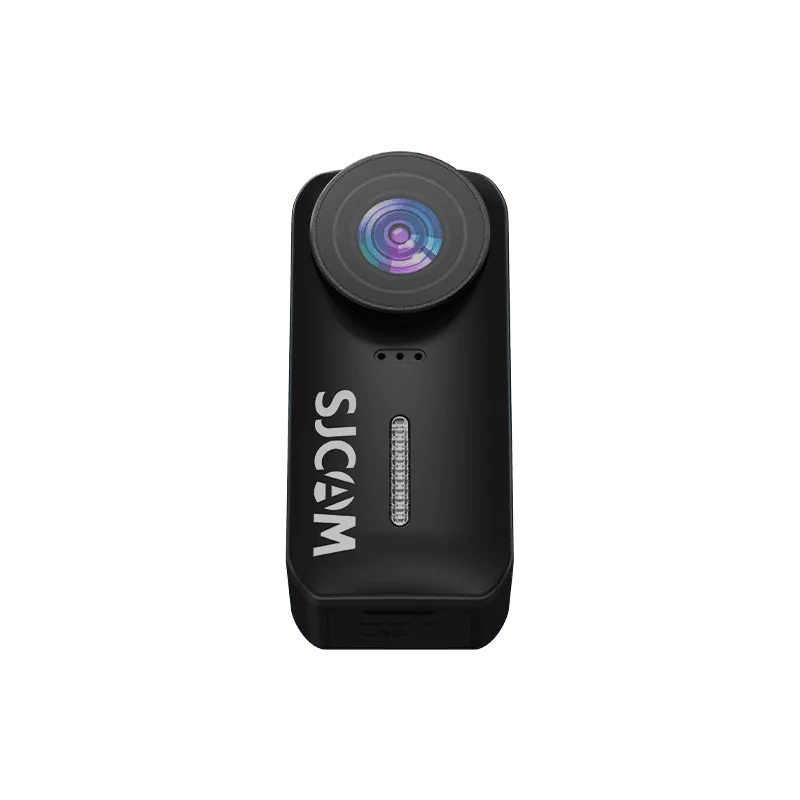
C110
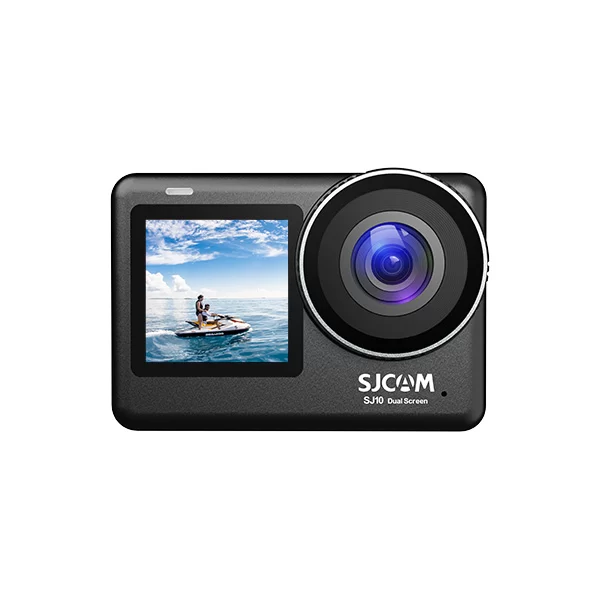
SJ10 Pro Dual Screen
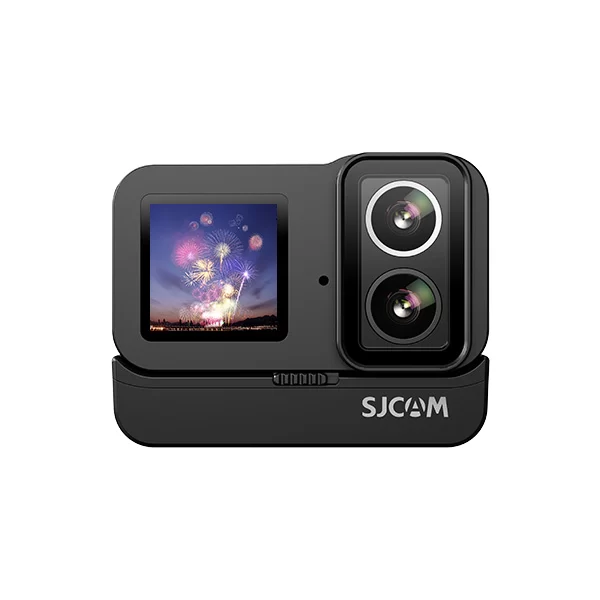
SJ20 Dual Lens
SJ10X
Shop by Activity
FAQ
You can download the official SJCAM app from this page. SJCAM Zone supports most SJCAM cameras, while SJCAM X is designed for specific models such as C400 and the upgraded C110 Plus version. Select the app compatible with your camera model and install it on your smartphone.
You can download the official user manual for your SJCAM camera from this page. Find your camera model in the manual section and download the corresponding guide for setup, operation, and troubleshooting.
If your camera cannot connect to the app, check that WiFi is enabled on your camera, your smartphone is connected to the camera network, and you are using the correct SJCAM app for your model.