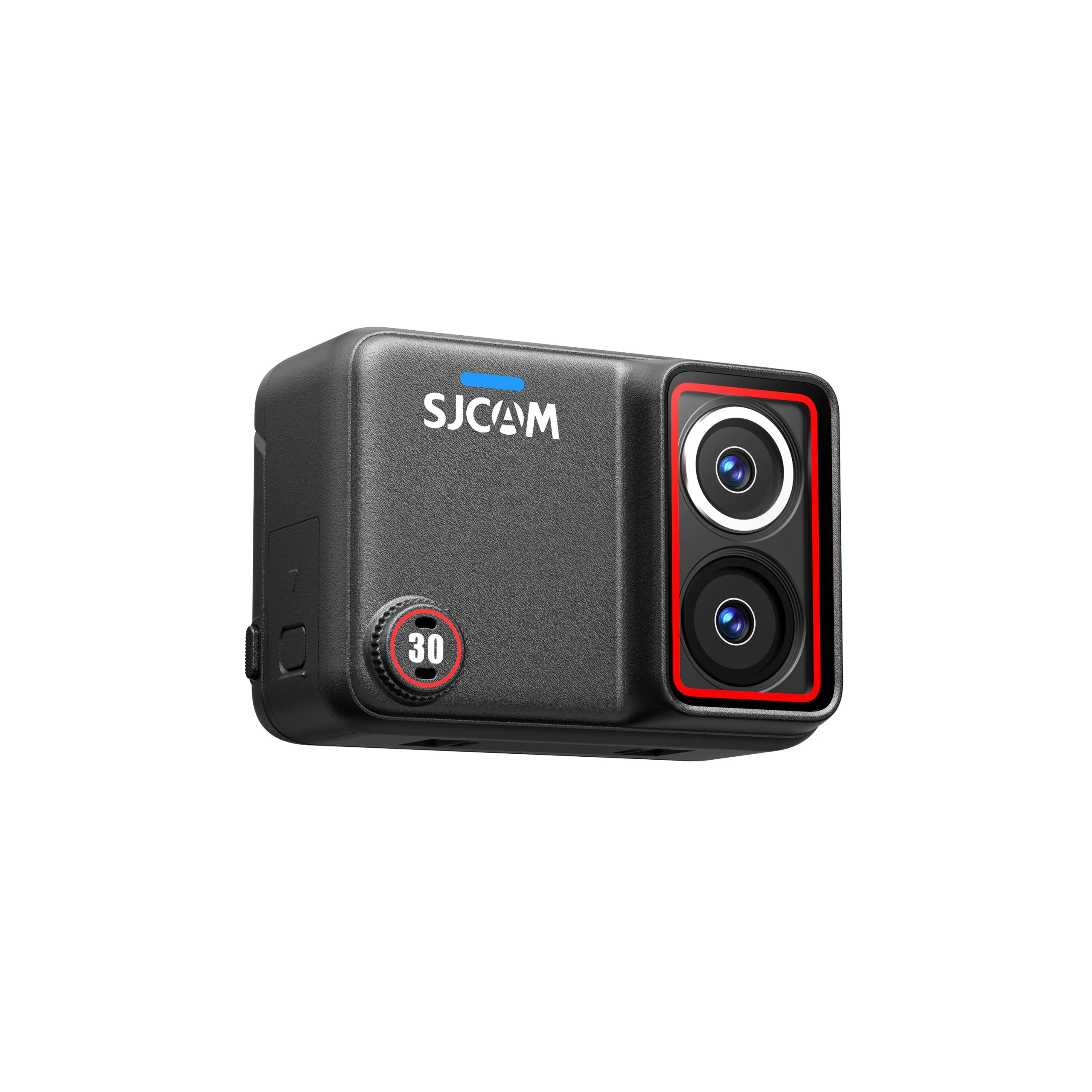
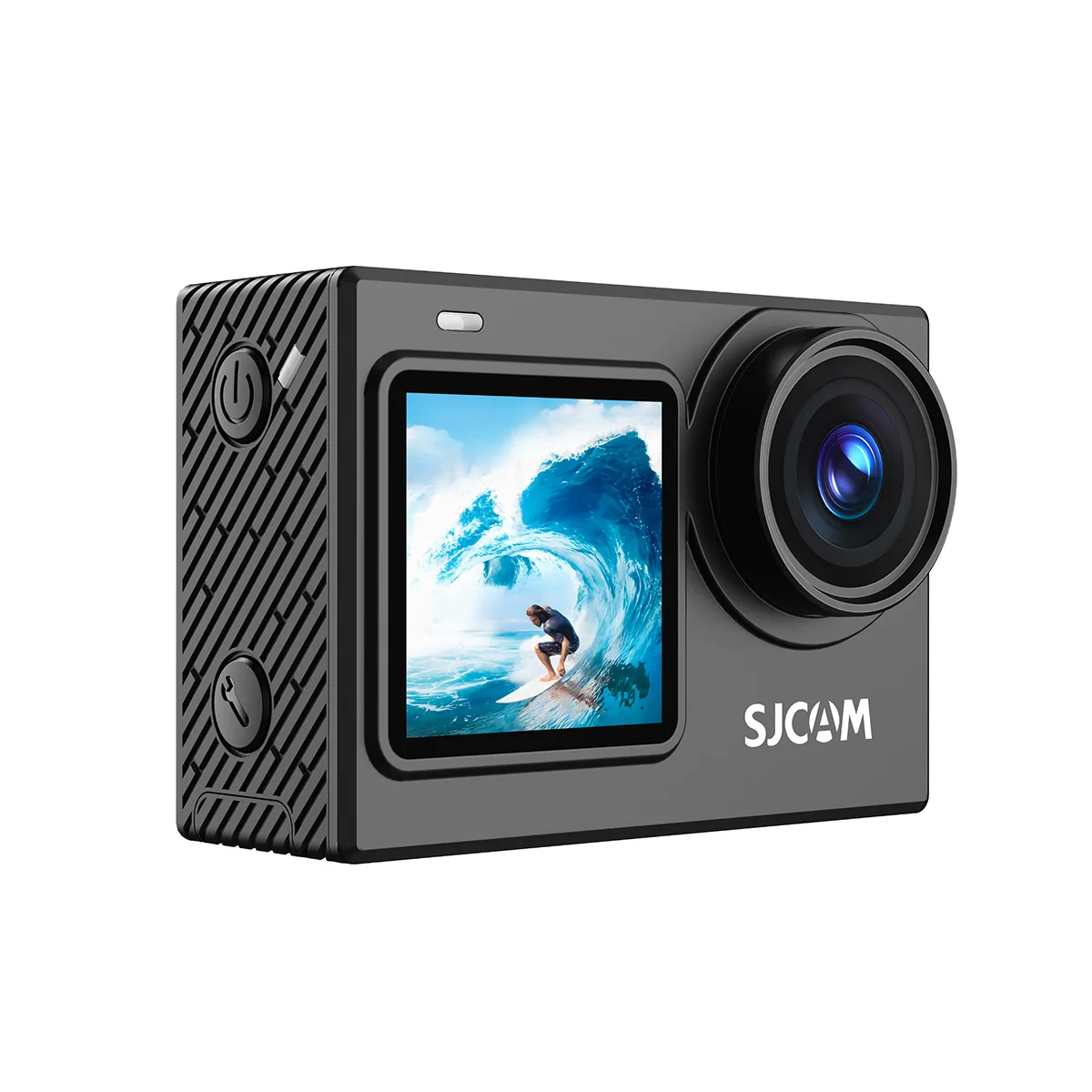
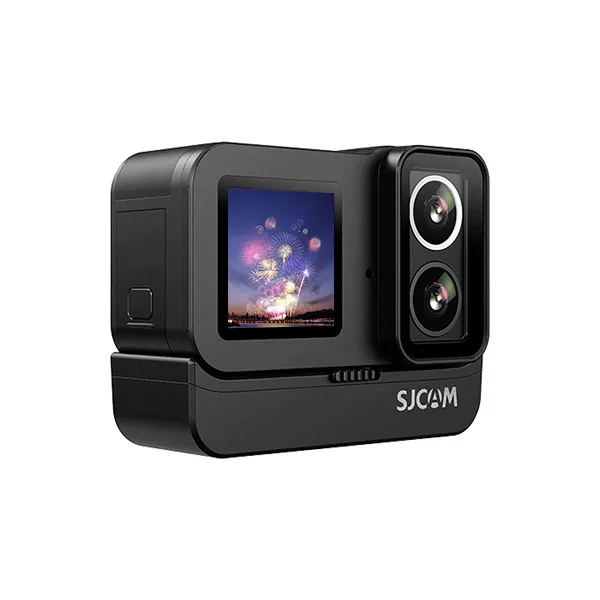
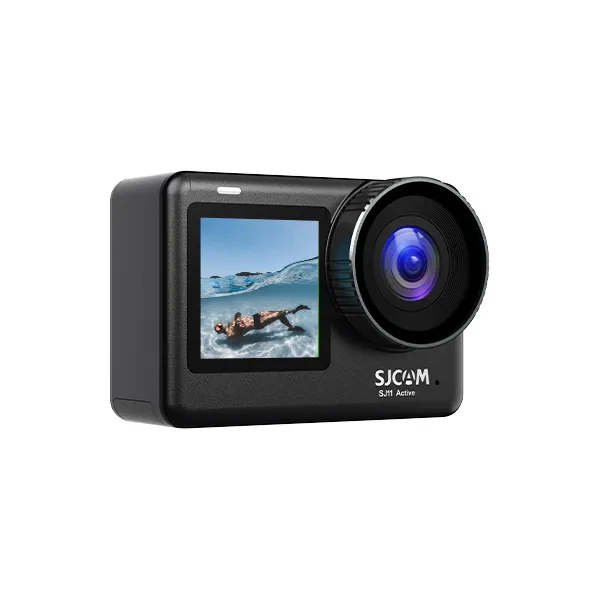
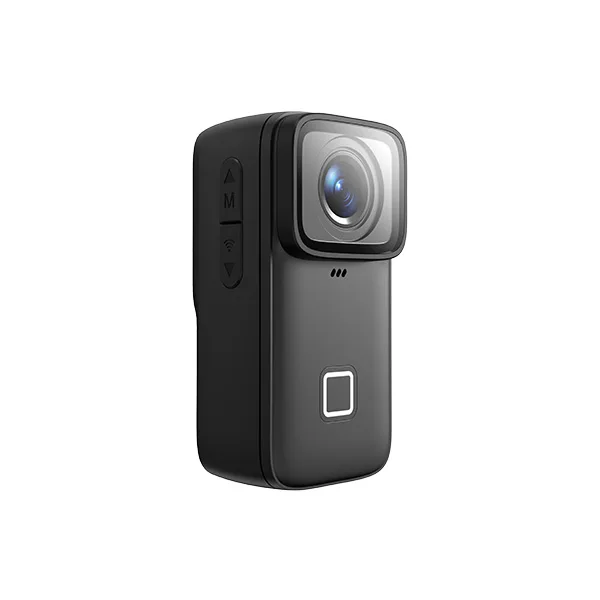
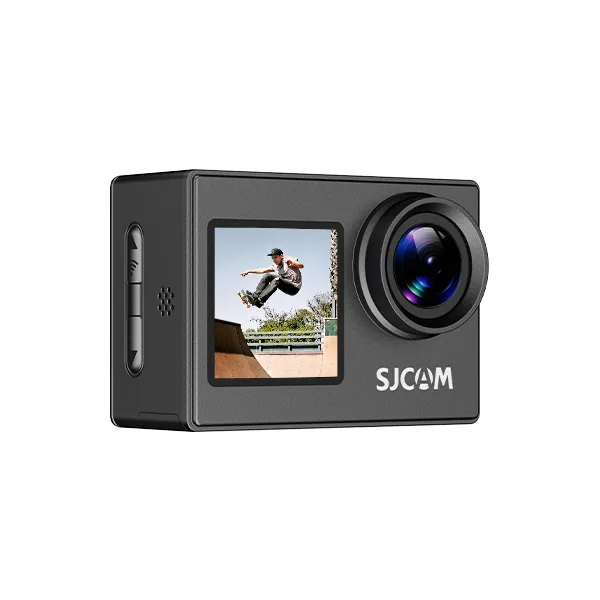
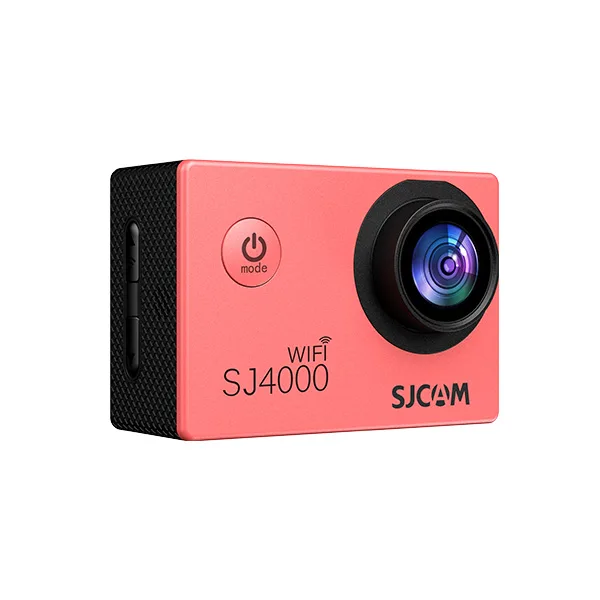
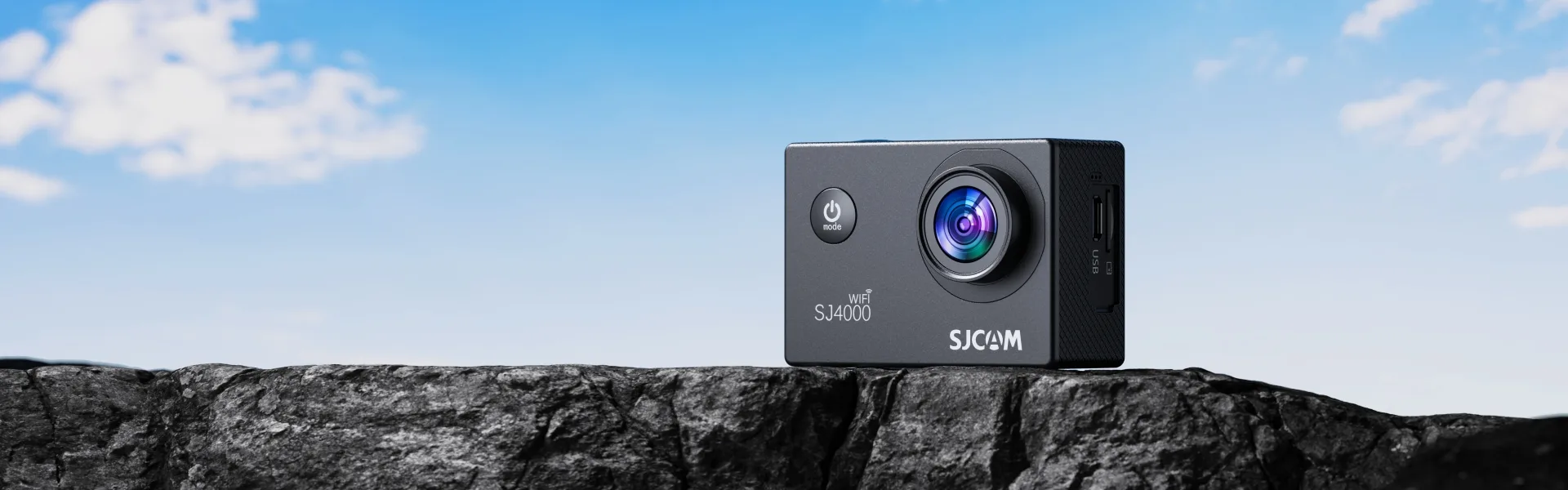
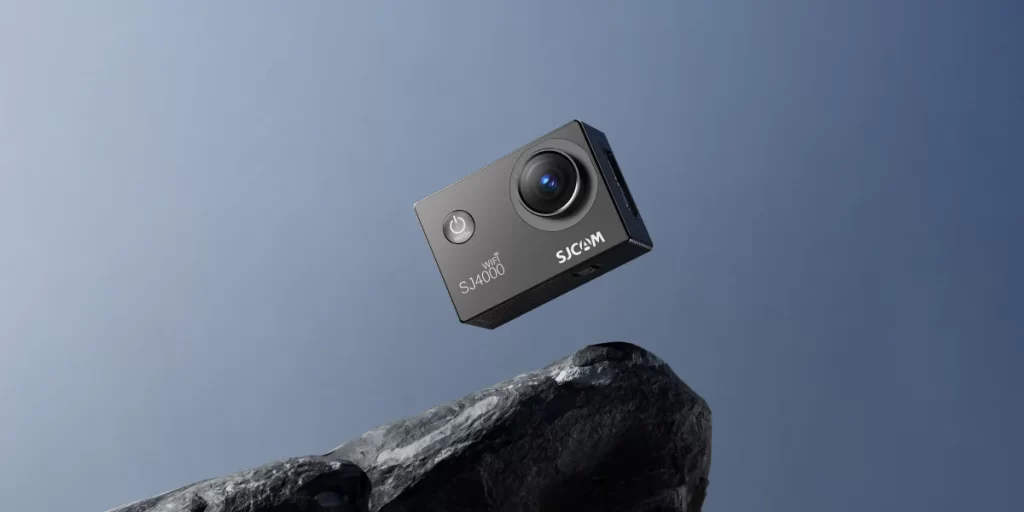
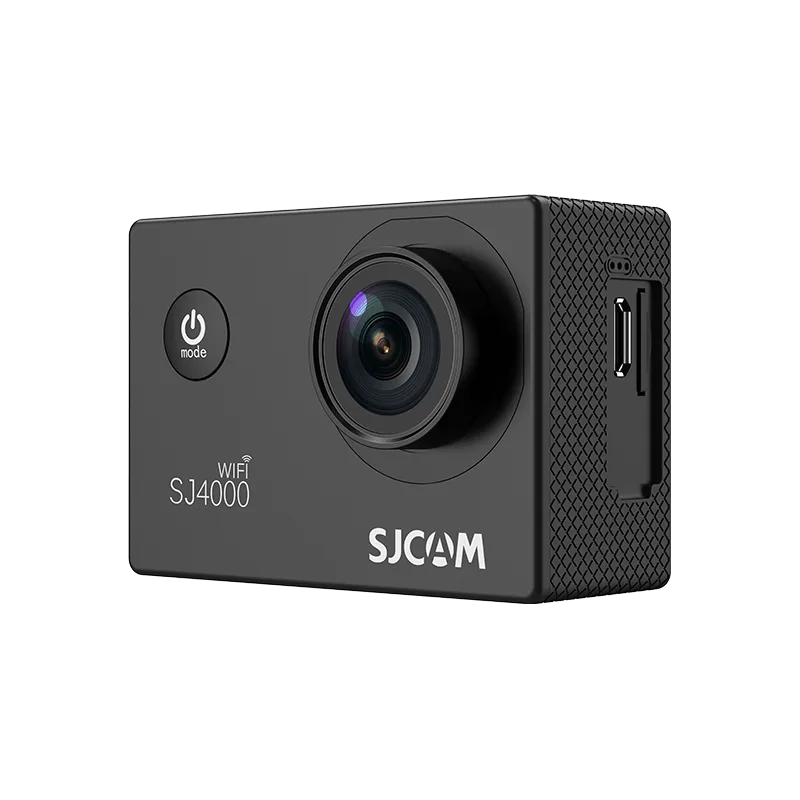
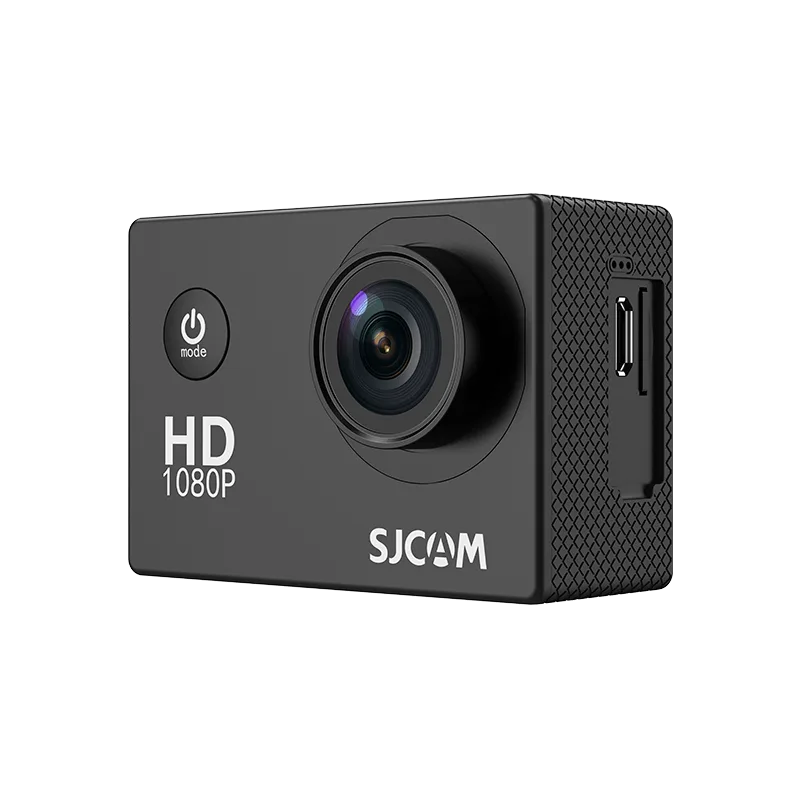
The SJ4000 Wifi’s 4K resolution has a broader color space, rendering more detail and accurate colors. It produces more vibrant and realistic images.
4K Recording Without the Complicated Setup
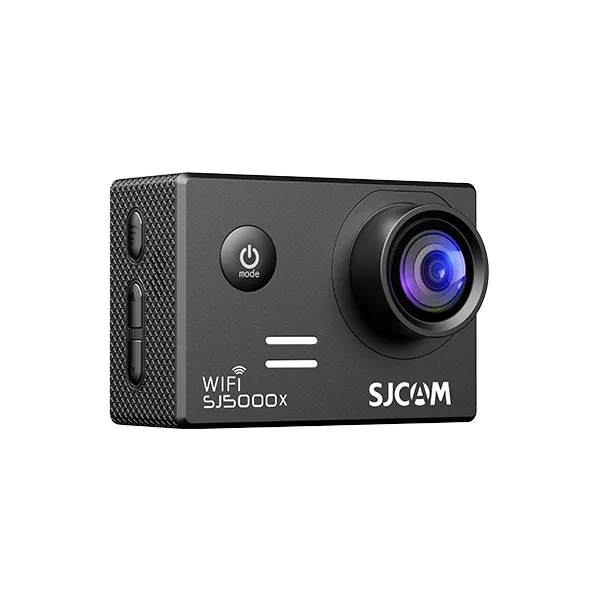
Record video at up to 4K/30FPS, and you can choose from additional resolutions such as 2K and Full HD when you want different file sizes or recording options. SJ4000 WiFi gives you a simple way to step into higher-resolution action-camera recording.
See the Shot Before You Record
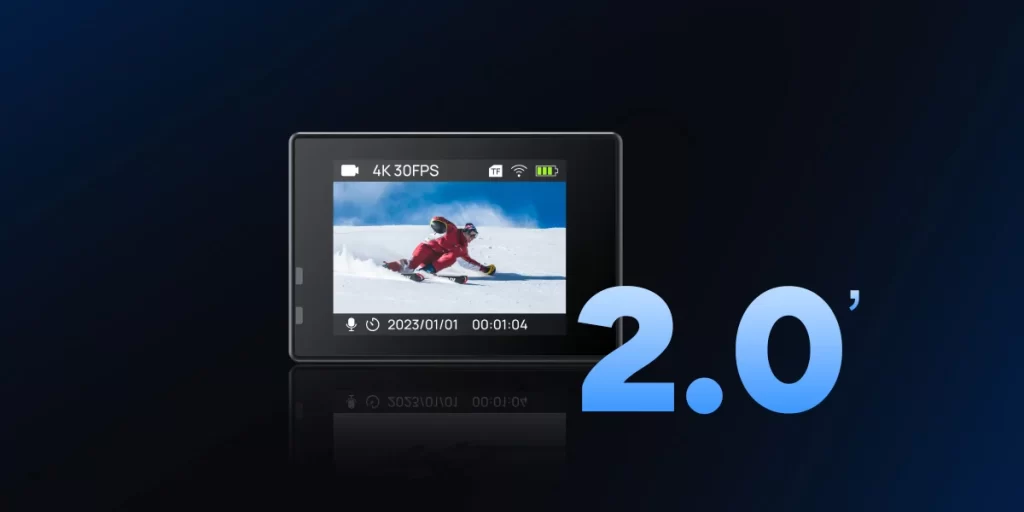
The 2.0-inch rear display gives you a direct way to frame your subject and navigate camera settings, and review captured footage without relying on your phone.
Add Waterproof Protection When You Go Deeper
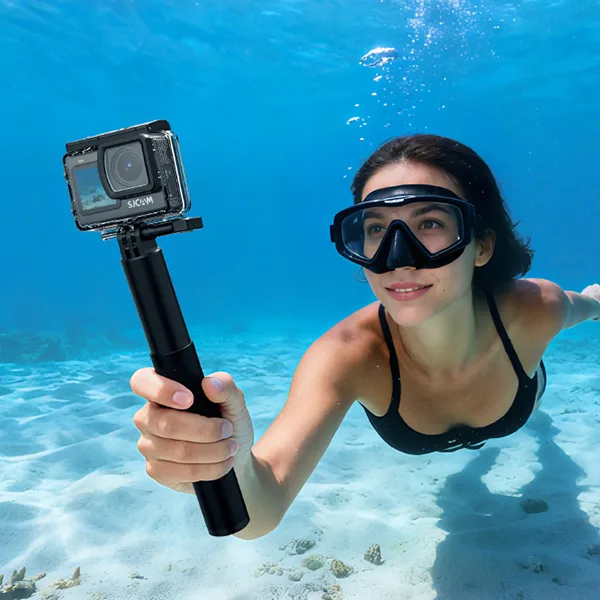
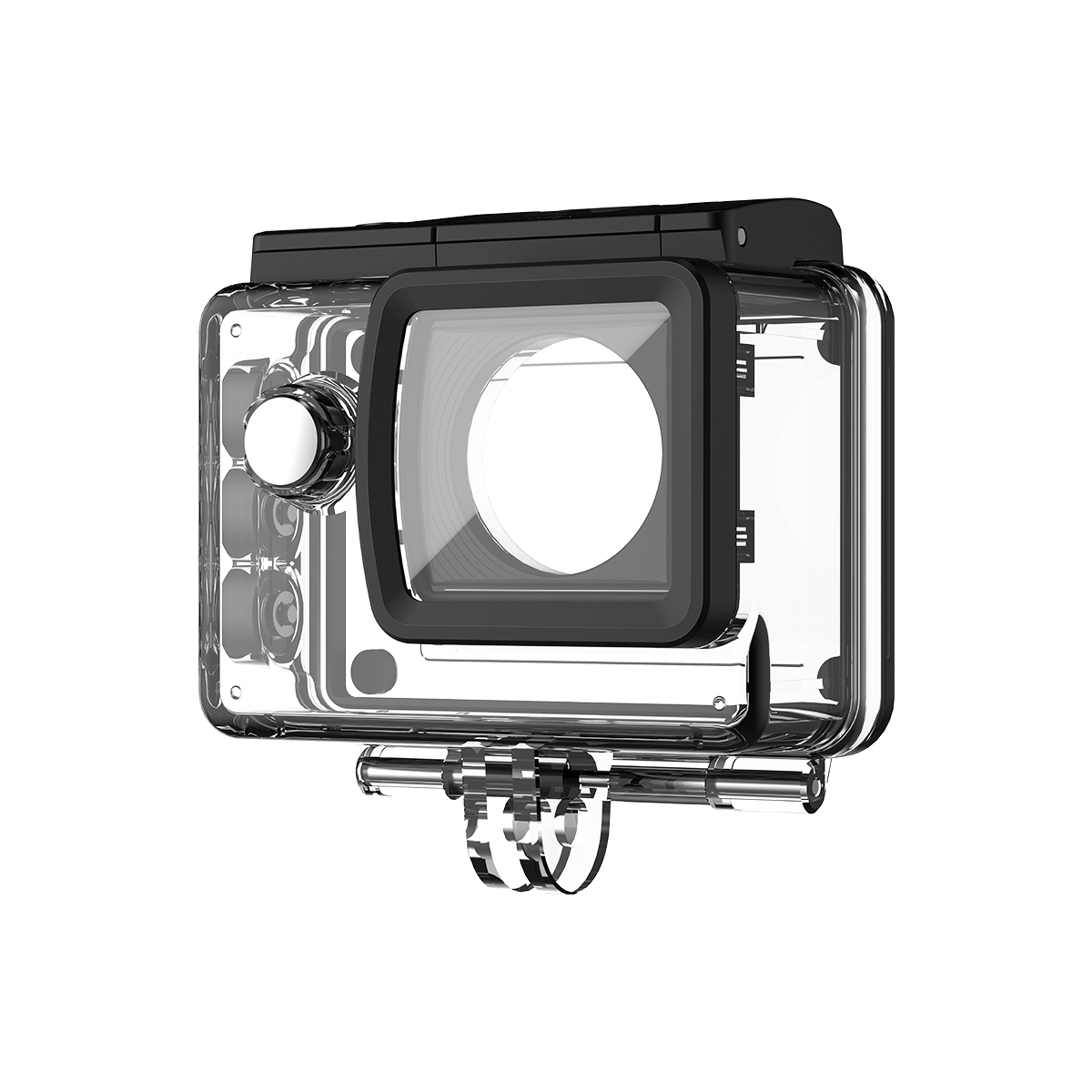
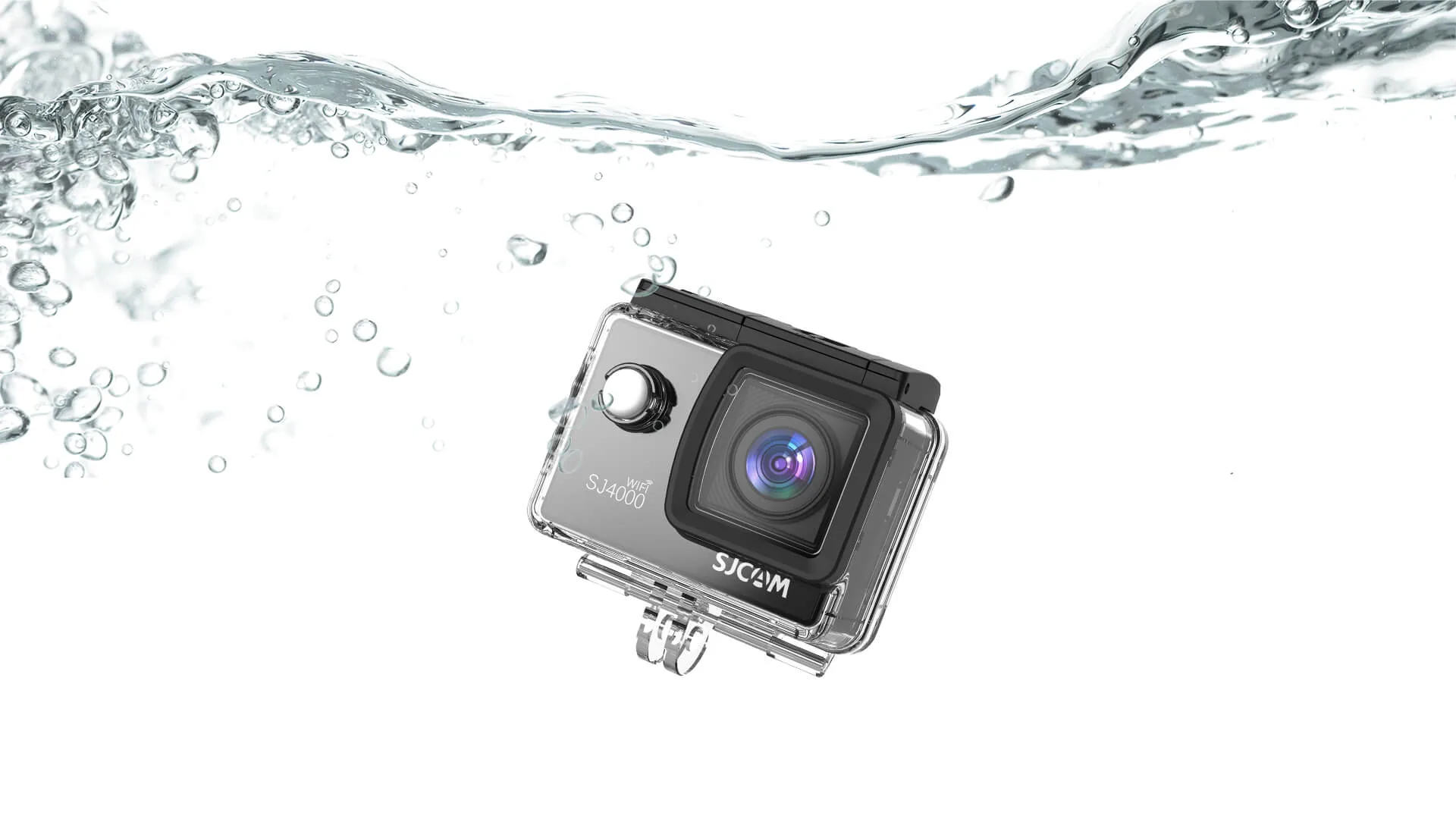
Use the waterproof housing to protect the SJ4000 WiFi during underwater activities down to 30 meters. It’s suitable for swimming, snorkeling, beach trips, and other situations where your camera may be exposed to water.
See More of the Scene With 170°
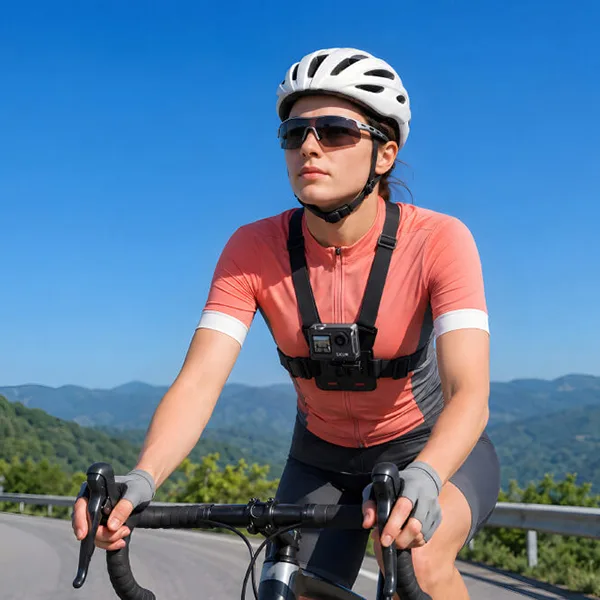
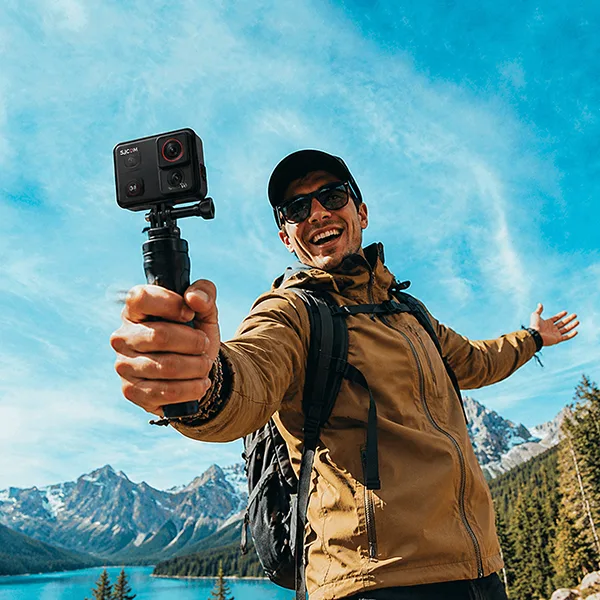
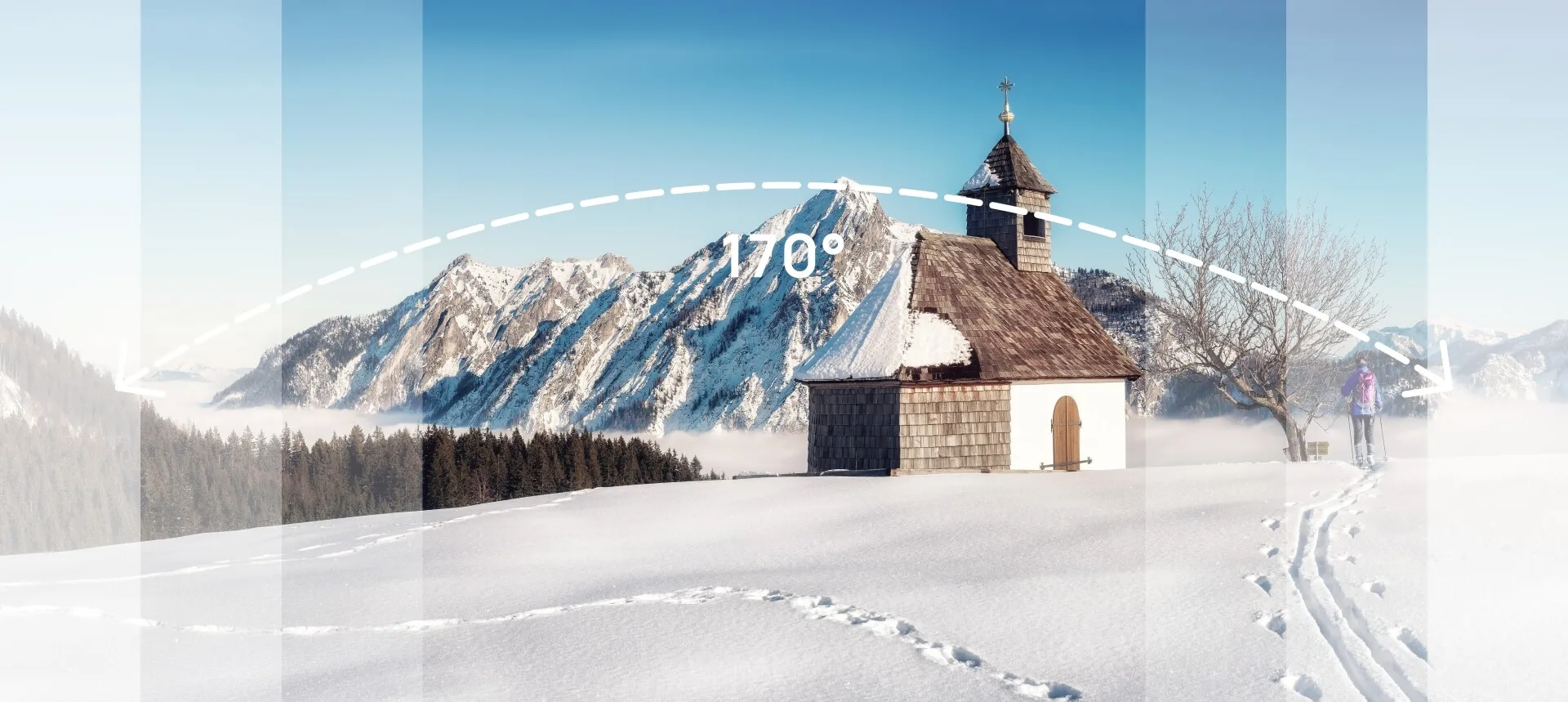
The 170° ultra-wide field of view lets you include more of your surroundings in a single frame. It’s useful for travel scenes, cycling routes, outdoor activities, and group moments where a standard view may leave too much outside the frame.
Turn Time Into a Shorter Story
Time-lapse records changes over a longer period and condenses them into a shorter sequence. Try it with changing landscapes, moving clouds, traffic, travel scenes, or other subjects where gradual movement is part of the story.
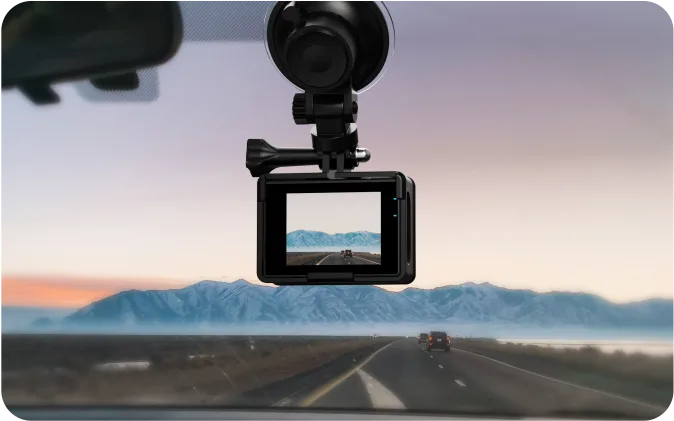
Switch to Car Mode when you want SJ4000 WiFi to work as a compact in-car recorder. With auto recording and loop recording, the camera can begin recording when powered on and continuously manage recorded clips.
A Second Life as a Webcam
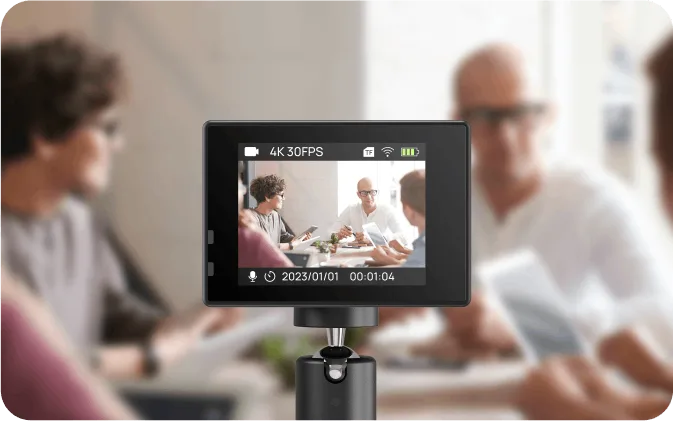
Connect SJ4000 WiFi to a computer and use it as a webcam for online meetings, remote learning, calls, or other desktop applications.
Your Phone Becomes the Remote
Connect the SJ4000 WiFi to the SJCAM ZONE app through 2.4GHz Wi-Fi and control the camera from your smartphone. Use the app to preview the camera’s view, adjust settings, control recording, and transfer captured photos or videos.
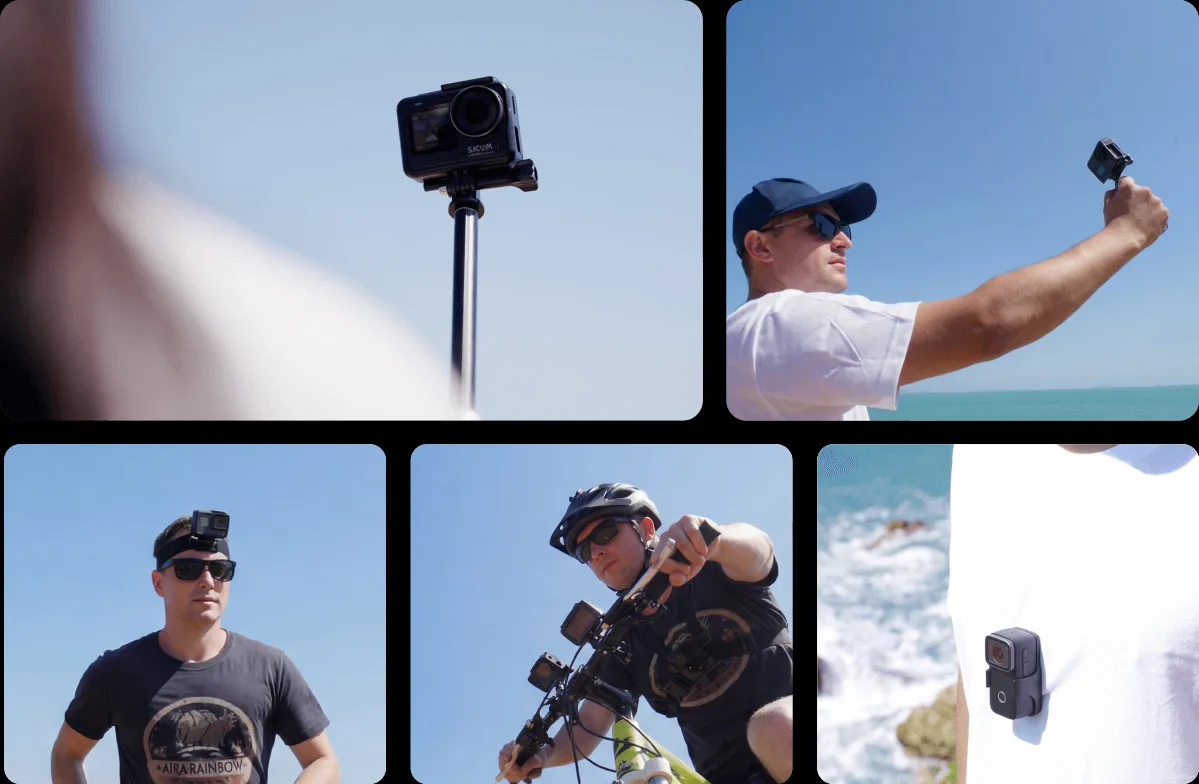
Set Up Your Camera for the Activity
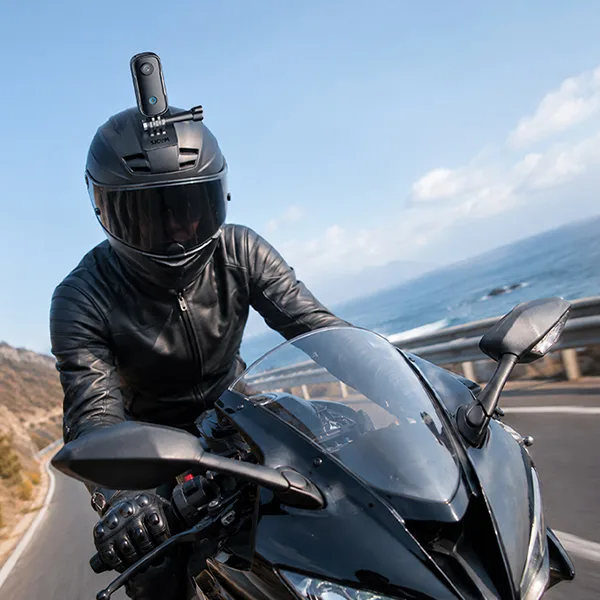
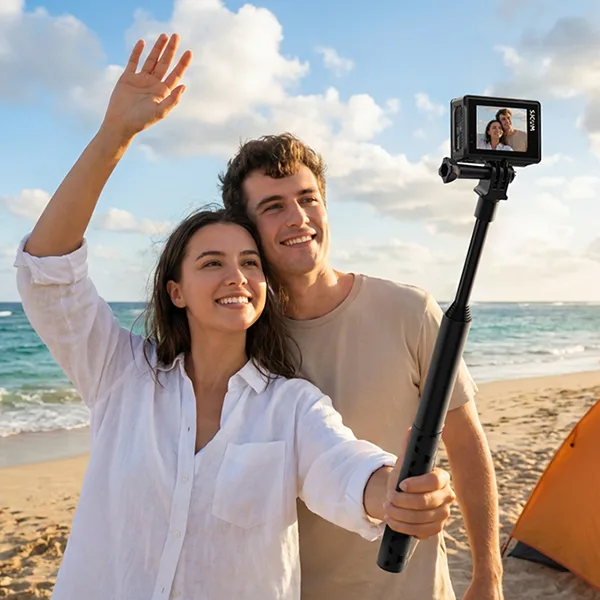
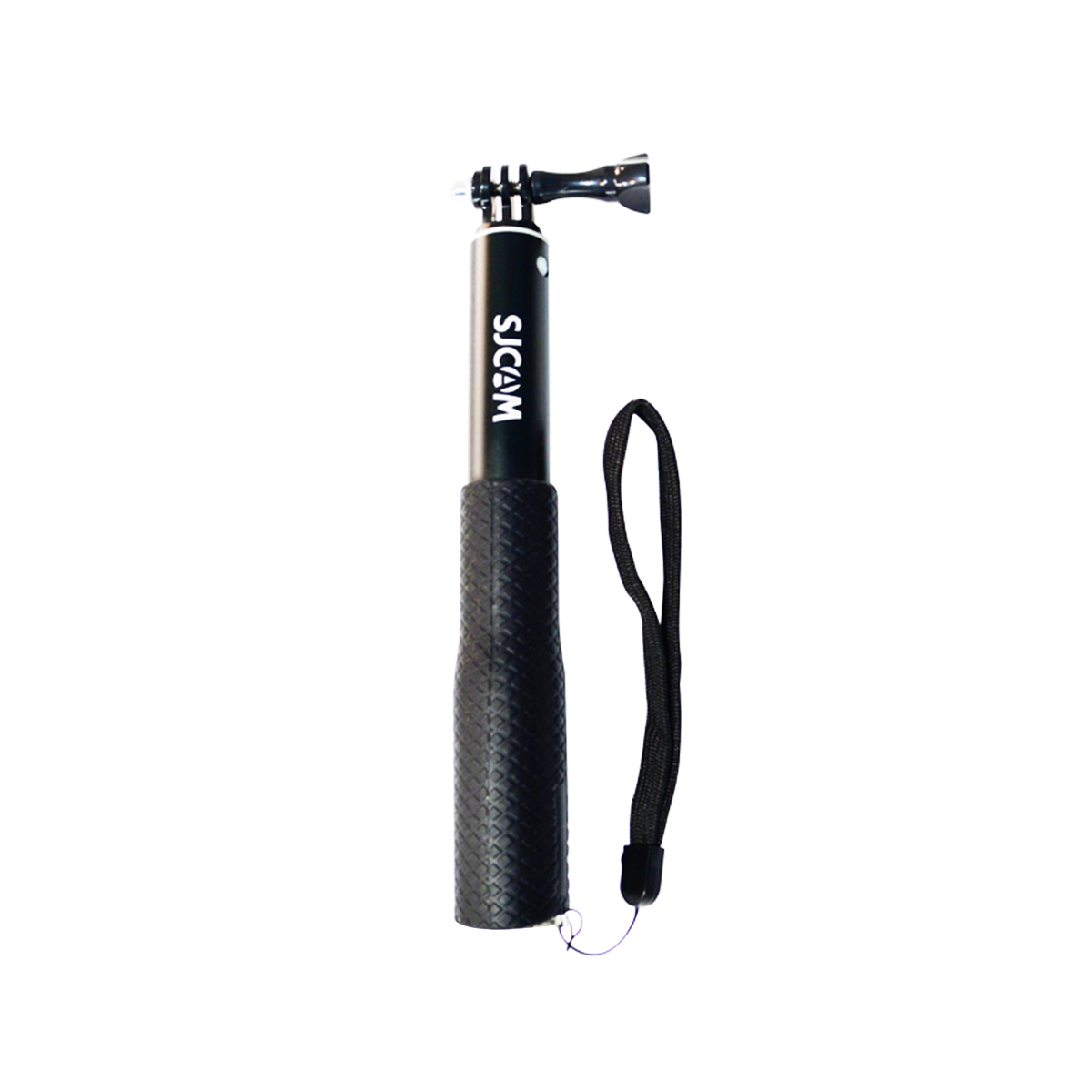
Pair SJ4000 WiFi with compatible mounts and accessories to change how you position the camera. Choose the setup that fits your trip, ride, outdoor activity, or everyday recording needs.
FAQ
How to Connect SJCAM SJ4000 WiFi to Your Phone?
Connecting your SJCAM SJ4000 WiFi to your smartphone is simple. Follow these steps: 1. Turn on your SJ4000 WiFi action camera. 2. Enable WiFi mode on the camera. 3. Download and install the SJCAM Zone App on your iOS or Android device. 4. Open your phone’s WiFi settings and connect to the camera’s WiFi network. 5. Launch the SJCAM Zone App to preview videos, control recording, adjust settings, and transfer photos or videos.
The WiFi connection allows you to control your SJ4000 WiFi remotely from your smartphone, making it easier to capture travel videos, outdoor adventures, and everyday moments.
What Is the Difference Between SJCAM SJ4000 WiFi and SJ4000 Air?
The SJ4000 WiFi is a great choice for users looking for a proven entry-level action camera with WiFi connectivity and versatile accessories. The SJ4000 Air focuses on affordable 4K recording and simple outdoor use.
How Does the SJCAM SJ4000 WiFi Compare to GoPro?
The SJCAM SJ4000 WiFi is designed as an affordable alternative to premium action cameras like GoPro. It provides essential action camera features at a lower price point, making it suitable for beginners, travelers, and casual outdoor users.
Compared with GoPro cameras, the SJ4000 WiFi offers: 1. A more affordable entry price 2. Compact and lightweight design 3. Waterproof housing for underwater shooting 4. Wide-angle lens for travel and outdoor recording 5. Multiple mounting accessories included
GoPro models generally provide more advanced features such as higher-end image stabilization, improved low-light performance, and professional video features. However, the SJ4000 WiFi is a practical choice for users who need a simple and budget-friendly action camera for travel, cycling, family activities, and daily recording.
Specifications
Model
SJ4000 WiFi
Photo format
JPG
Video Mode
Normal mode Loop recording Motion detection Time-lapse Car mode
The SJ4000 Wifi’s 4K resolution has a broader color space, rendering more detail and accurate colors. It produces more vibrant and realistic images.
4K Recording Without the Complicated Setup
Record video at up to 4K/30FPS, and you can choose from additional resolutions such as 2K and Full HD when you want different file sizes or recording options. SJ4000 WiFi gives you a simple way to step into higher-resolution action-camera recording.
See the Shot Before You Record
The 2.0-inch rear display gives you a direct way to frame your subject and navigate camera settings, and review captured footage without relying on your phone
Add Waterproof Protection When You Go Deeper
Use the waterproof housing to protect the SJ4000 WiFi during underwater activities down to 30 meters. It’s suitable for swimming, snorkeling, beach trips, and other situations where your camera may be exposed to water.
See More of the Scene With 170°
The 170° ultra-wide field of view lets you include more of your surroundings in a single frame. It’s useful for travel scenes, cycling routes, outdoor activities, and group moments where a standard view may leave too much outside the frame.
Turn Time Into a Shorter Story
Time-lapse Time-lapse records changes over a longer period and condenses them into a shorter sequence. Try it with changing landscapes, moving clouds, traffic, travel scenes, or other subjects where gradual movement is part of the story.
Switch to Car Mode when you want SJ4000 WiFi to work as a compact in-car recorder. With auto recording and loop recording, the camera can begin recording when powered on and continuously manage recorded clips.
A Second Life as a Webcam
Connect SJ4000 WiFi to a computer and use it as a webcam for online meetings, remote learning, calls, or other desktop applications.
Your Phone Becomes the Remote
Connect the SJ4000 WiFi to the SJCAM ZONE app through 2.4GHz Wi-Fi and control the camera from your smartphone. Use the app to preview the camera’s view, adjust settings, control recording, and transfer captured photos or videos.
Set Up Your Camera for the Activity
Pair the SJ4000 WiFi with compatible mounts and accessories to change how you position the camera. Choose the setup that fits your trip, ride, outdoor activity, or everyday recording needs.
FAQ
How to Connect SJCAM SJ4000 WiFi to Your Phone?
Connecting your SJCAM SJ4000 WiFi to your smartphone is simple. Follow these steps: 1. Turn on your SJ4000 WiFi action camera. 2. Enable WiFi mode on the camera. 3. Download and install the SJCAM Zone App on your iOS or Android device. 4. Open your phone’s WiFi settings and connect to the camera’s WiFi network. 5. Launch the SJCAM Zone App to preview videos, control recording, adjust settings, and transfer photos or videos.
The WiFi connection allows you to control your SJ4000 WiFi remotely from your smartphone, making it easier to capture travel videos, outdoor adventures, and everyday moments.
What Is the Difference Between SJCAM SJ4000 WiFi and SJ4000 Air?
The SJ4000 WiFi is a great choice for users looking for a proven entry-level action camera with WiFi connectivity and versatile accessories. The SJ4000 Air focuses on affordable 4K recording and simple outdoor use.
How Does the SJCAM SJ4000 WiFi Compare to GoPro?
The SJCAM SJ4000 WiFi is designed as an affordable alternative to premium action cameras like GoPro. It provides essential action camera features at a lower price point, making it suitable for beginners, travelers, and casual outdoor users.
Compared with GoPro cameras, the SJ4000 WiFi offers: 1. A more affordable entry price 2. Compact and lightweight design 3. Waterproof housing for underwater shooting 4. Wide-angle lens for travel and outdoor recording 5. Multiple mounting accessories included
GoPro models generally provide more advanced features such as higher-end image stabilization, improved low-light performance, and professional video features. However, the SJ4000 WiFi is a practical choice for users who need a simple and budget-friendly action camera for travel, cycling, family activities, and daily recording.
Specifications
Model
SJ4000 WiFi
Photo format
JPG
Video Mode
Normal mode Loop recording Motion detection Time-lapse Car mode







 Chinese (China)
  Spanish
  German
  French
  Italian
  Japanese
  Korean
  Bulgarian
  Greek
Greek  Indonesian
  Chinese (Hong Kong)
  Russian
  Danish
  Finnish
  Hungarian
  Turkish
  Dutch
Dutch  Portuguese
  Swedish
  Romanian
  Slovak
  Serbian
  Norwegian
  Croatian
  Albanian
  Catalan
  Czech
Czech  Estonian
  Armenian
  Bengali
  Amharic
  Polish
  Thai
Thai  Ukrainian
  Vietnamese