





 Chinese (China)
  Spanish
  German
  French
  Italian
  Japanese
  Korean
  Bulgarian
  Greek
Greek  Indonesian
  Chinese (Hong Kong)
  Russian
  Danish
  Finnish
  Hungarian
  Turkish
  Dutch
Dutch  Portuguese
  Swedish
  Romanian
  Slovak
  Serbian
  Norwegian
  Croatian
  Albanian
  Catalan
  Czech
Czech  Estonian
  Armenian
  Bengali
  Amharic
  Polish
  Thai
Thai  Ukrainian
  Vietnamese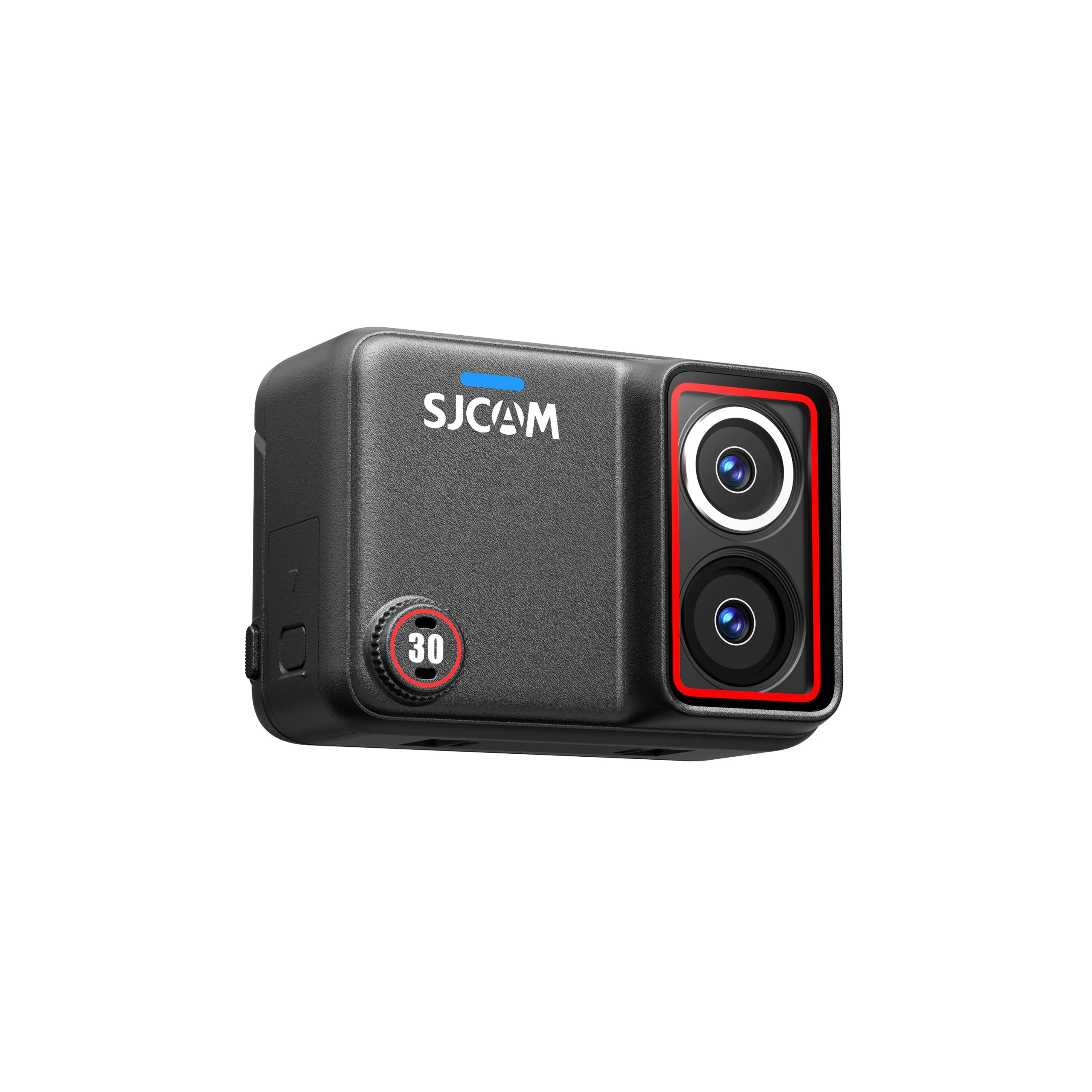
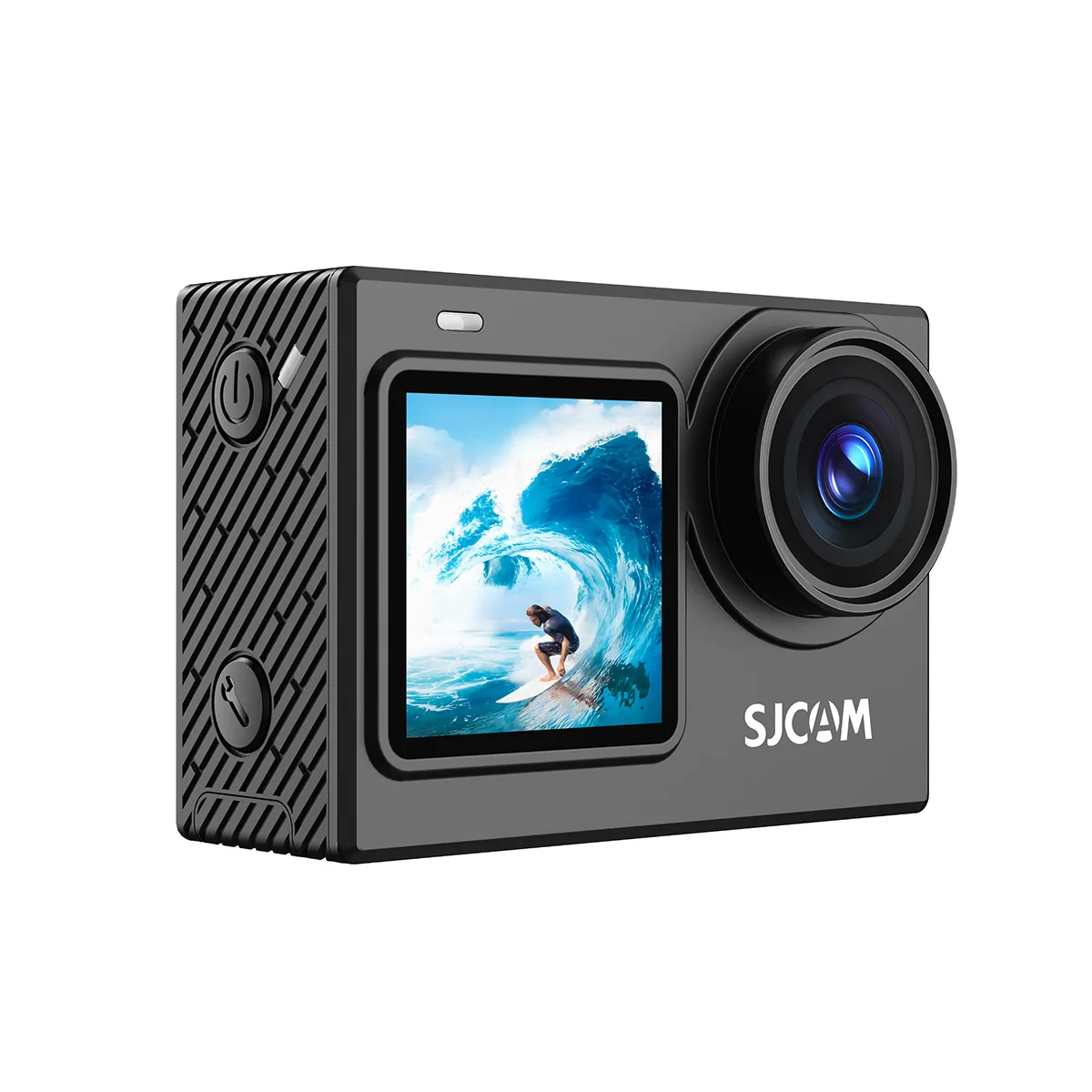
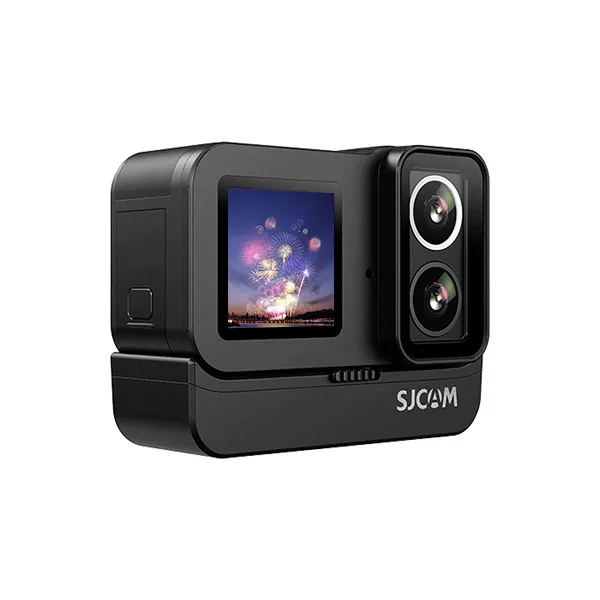
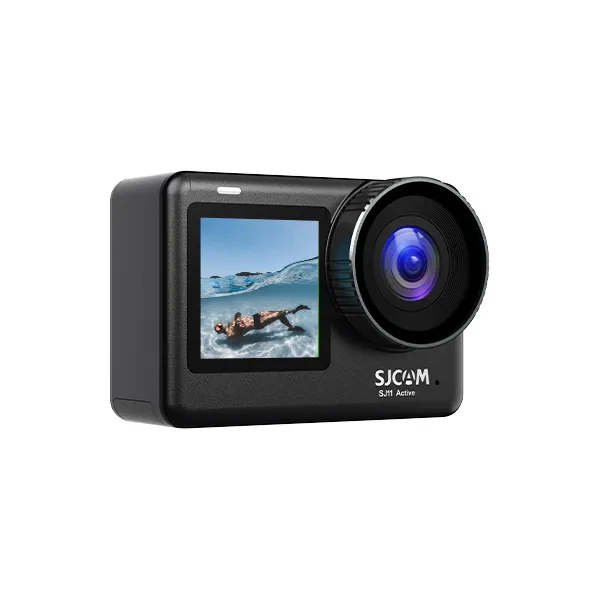
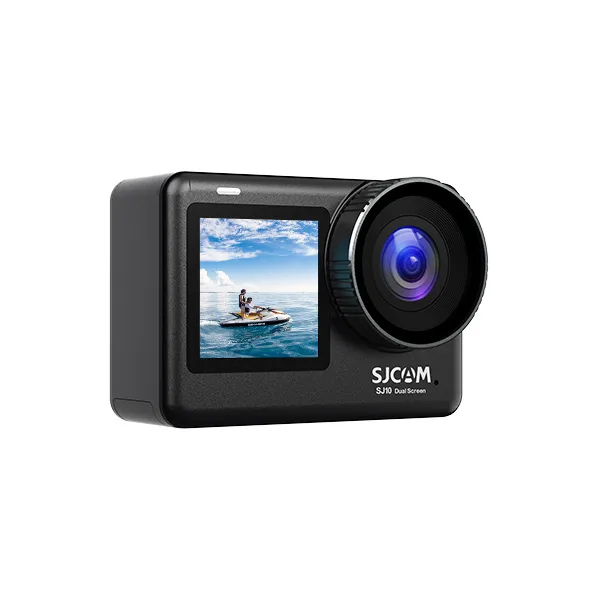
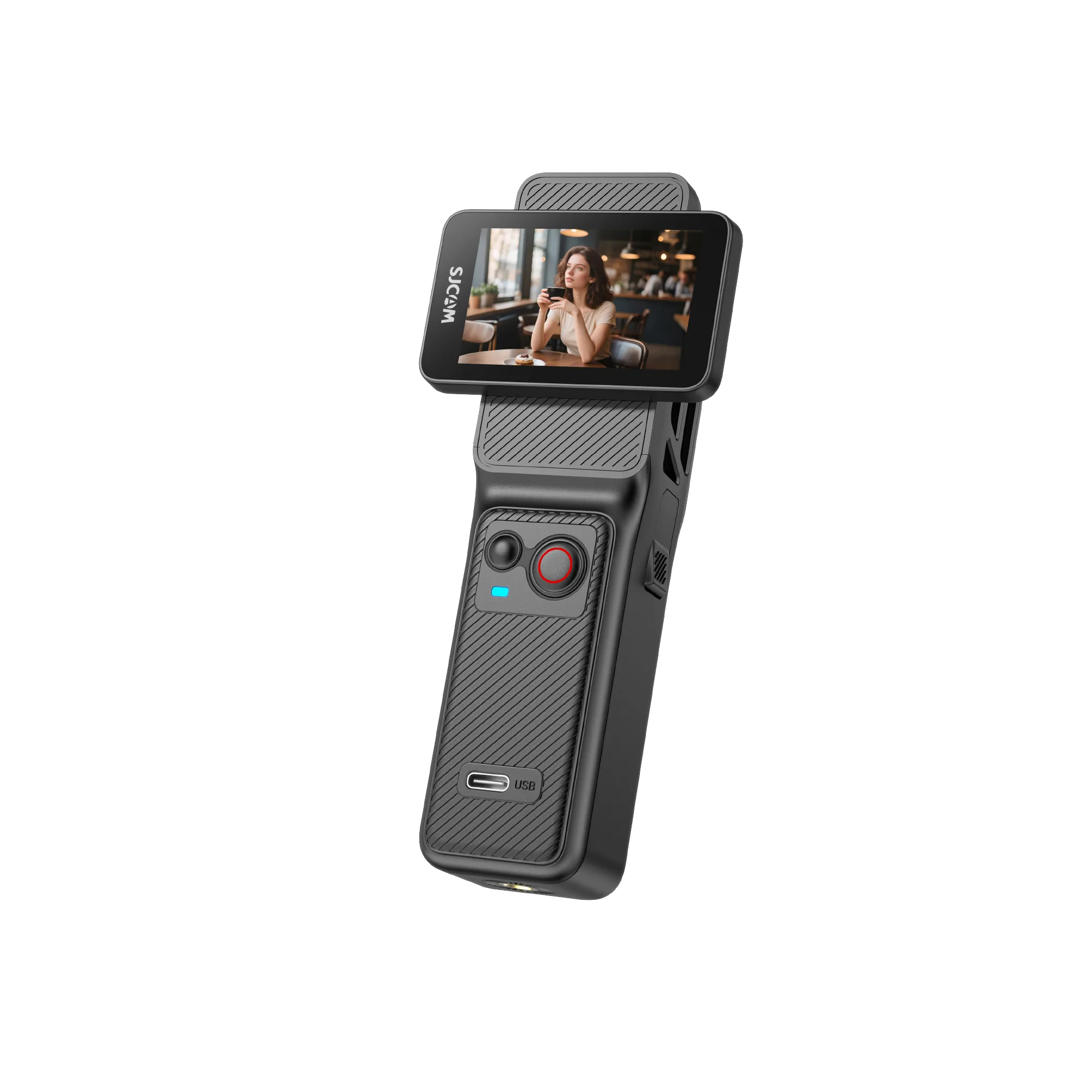
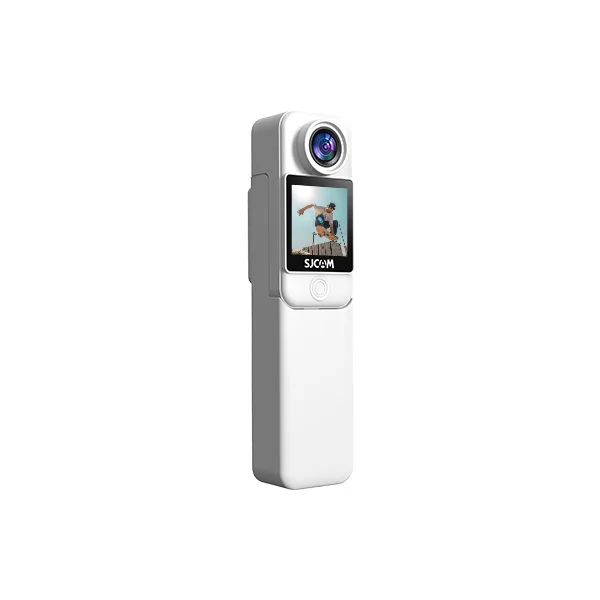
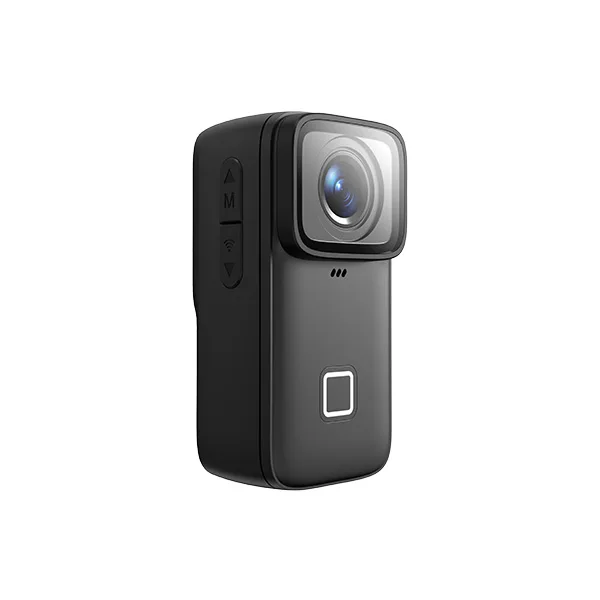
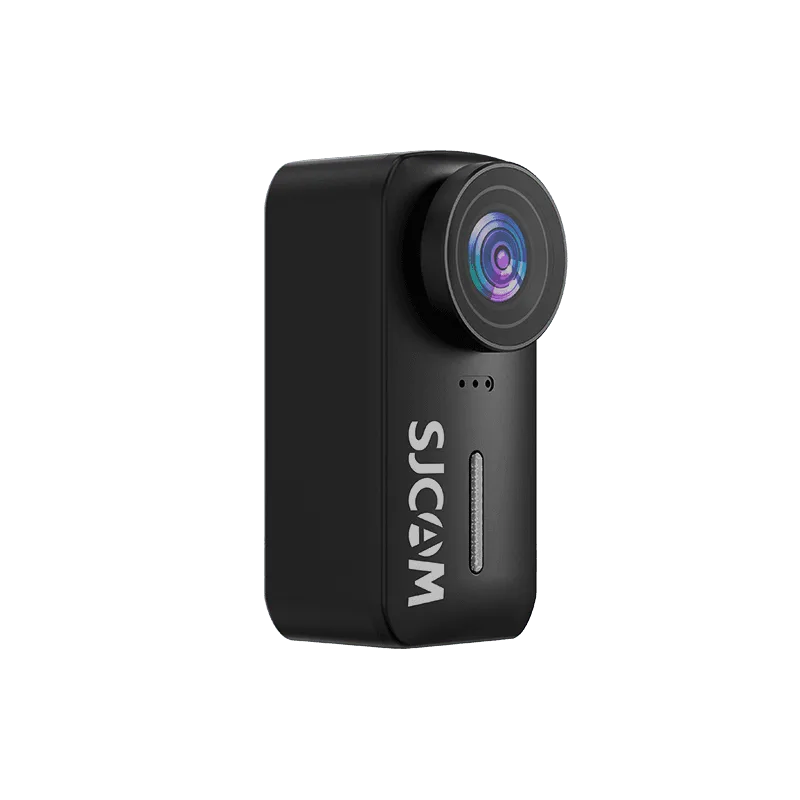
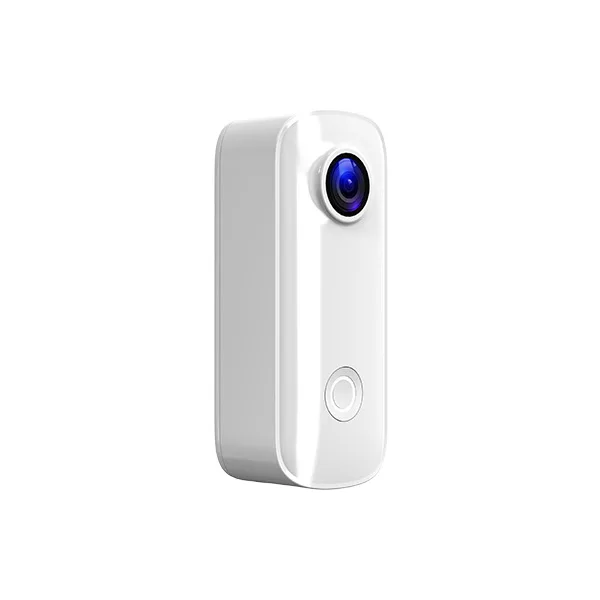
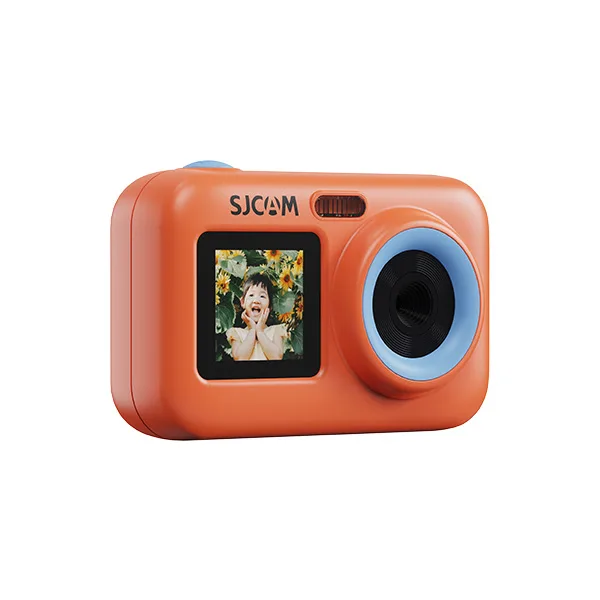
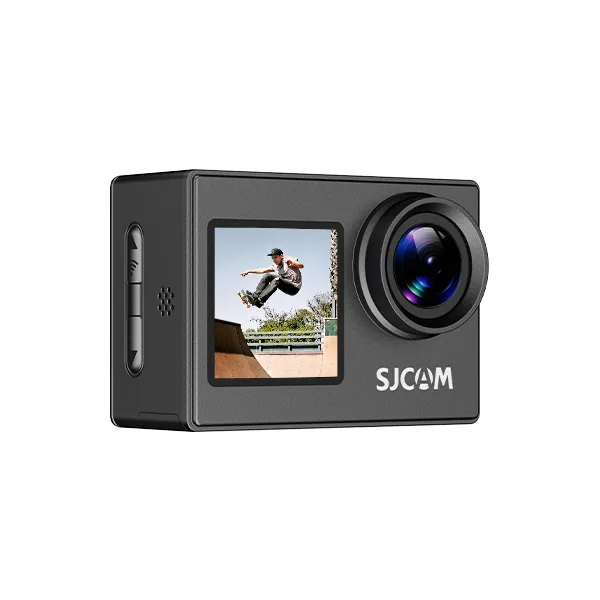
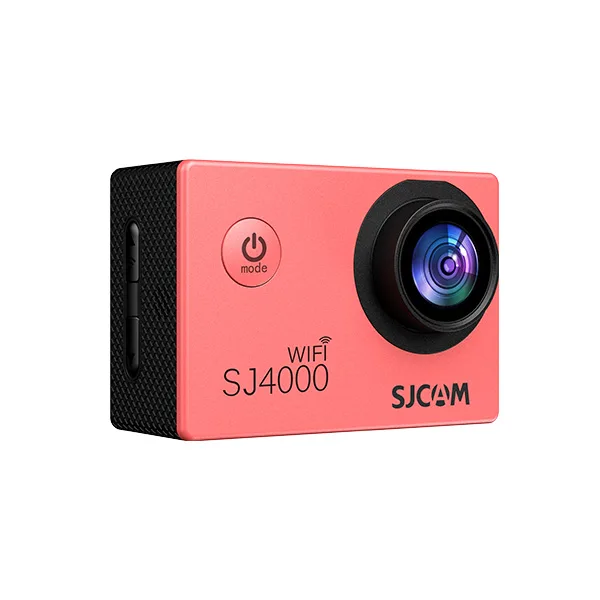
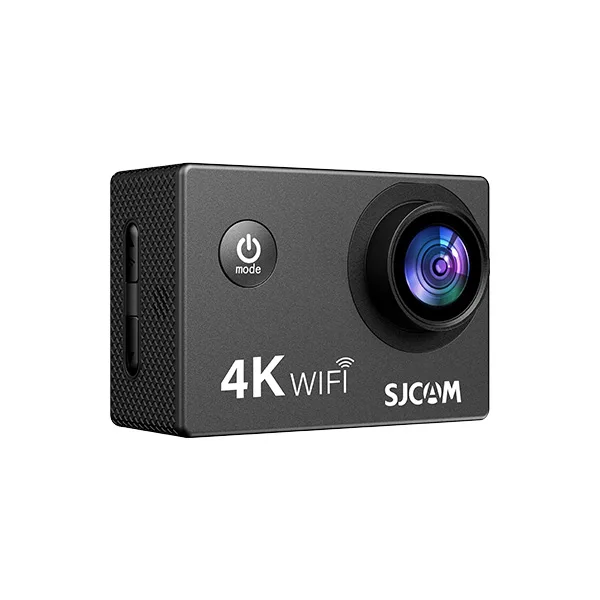
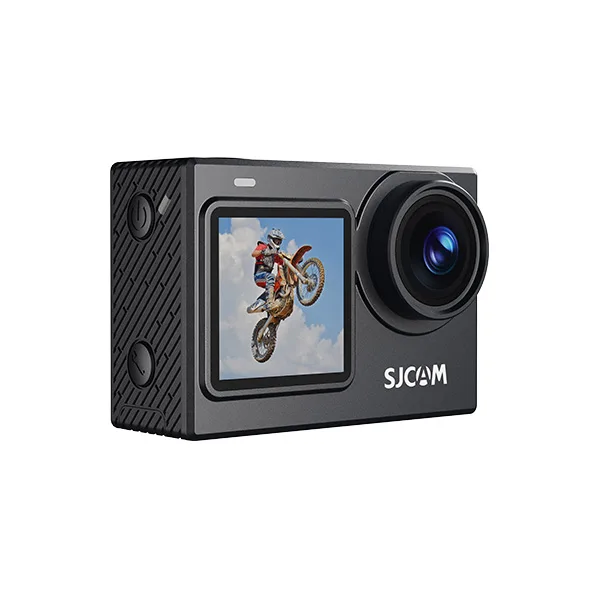
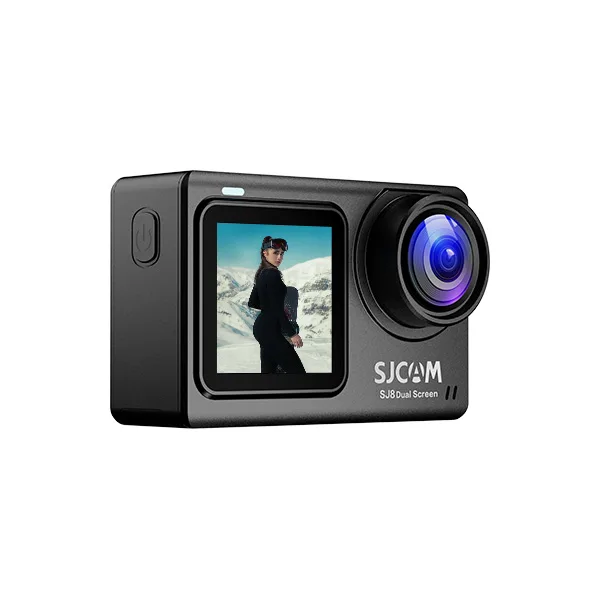
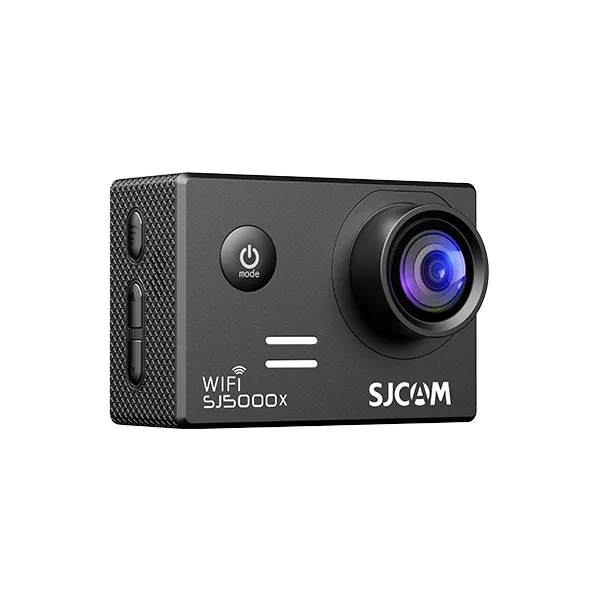
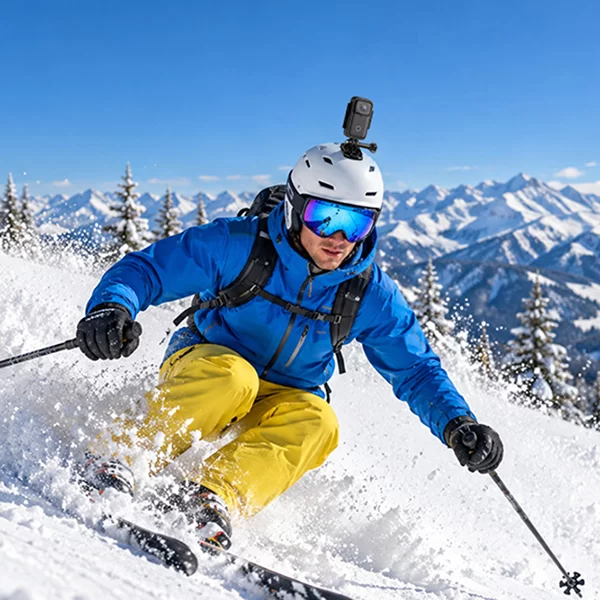

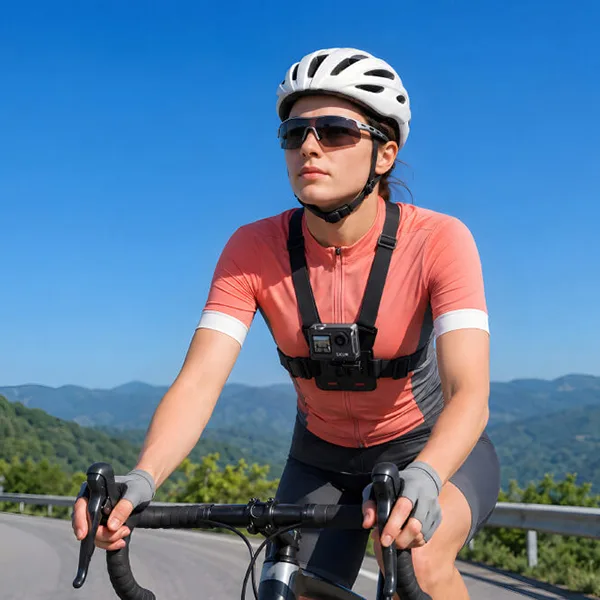
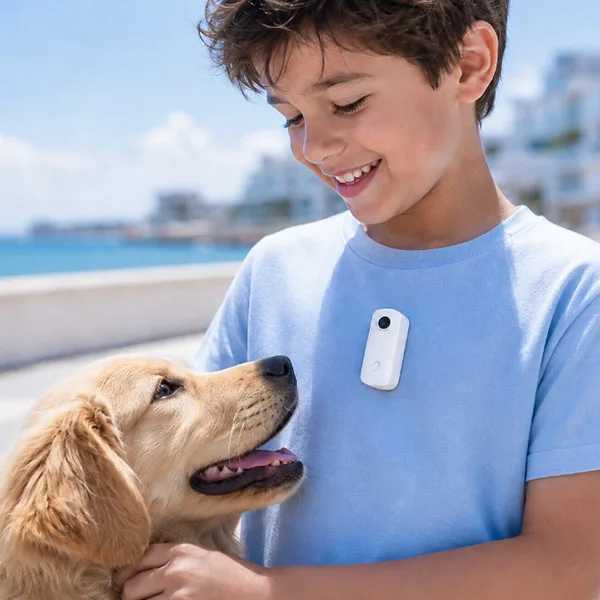
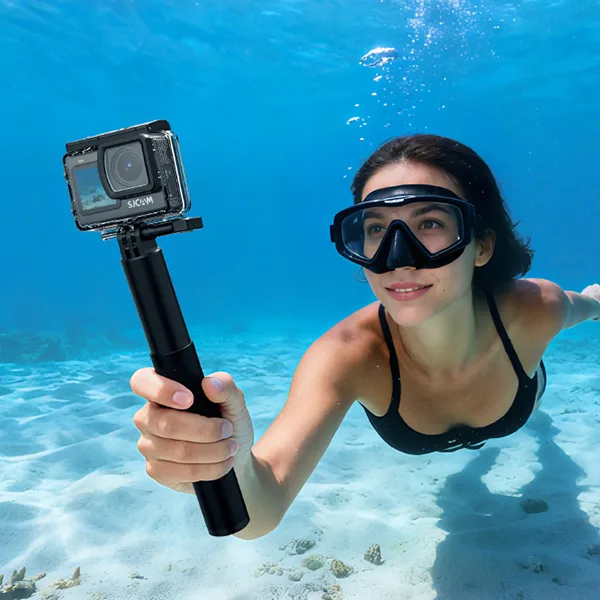
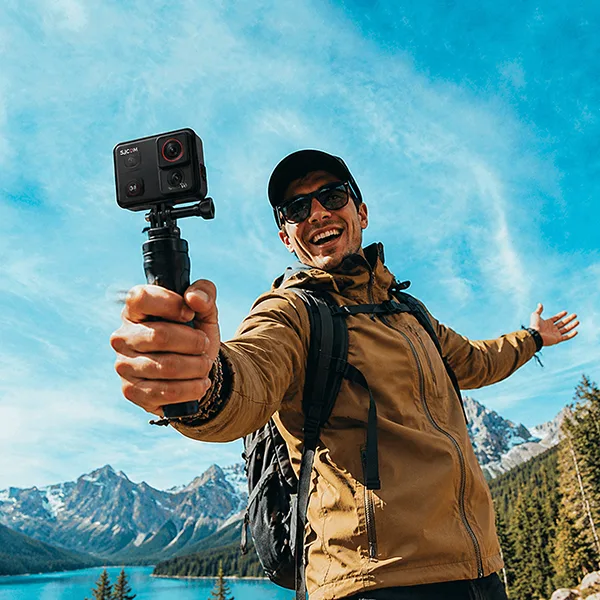
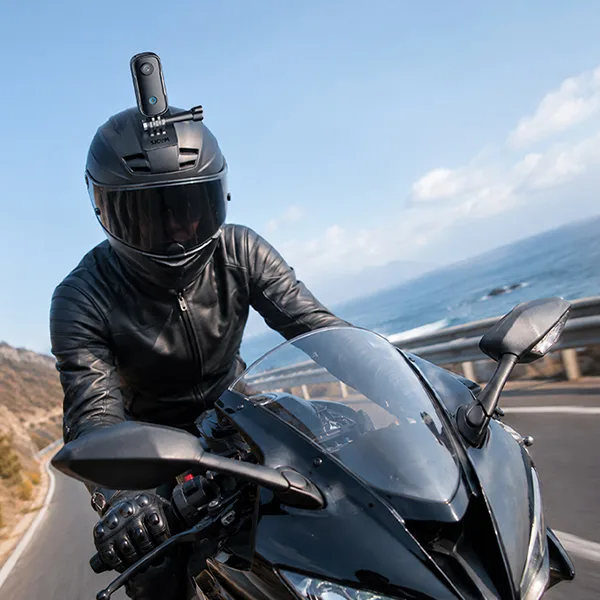
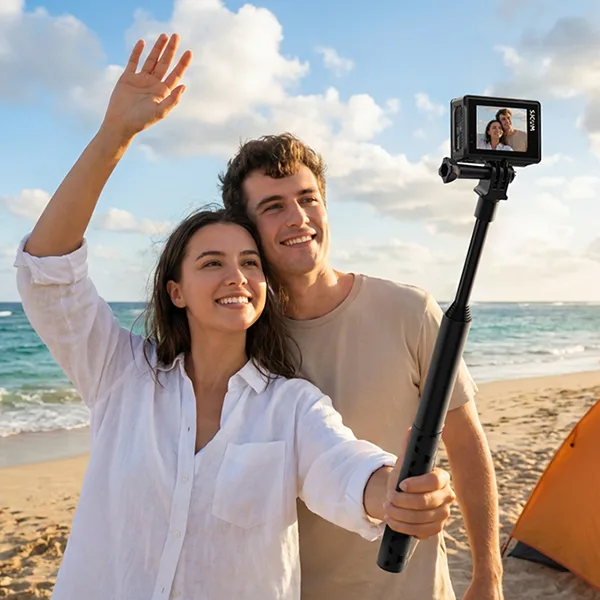
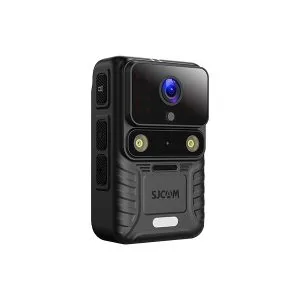
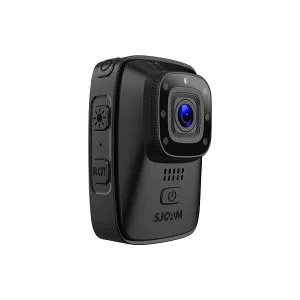
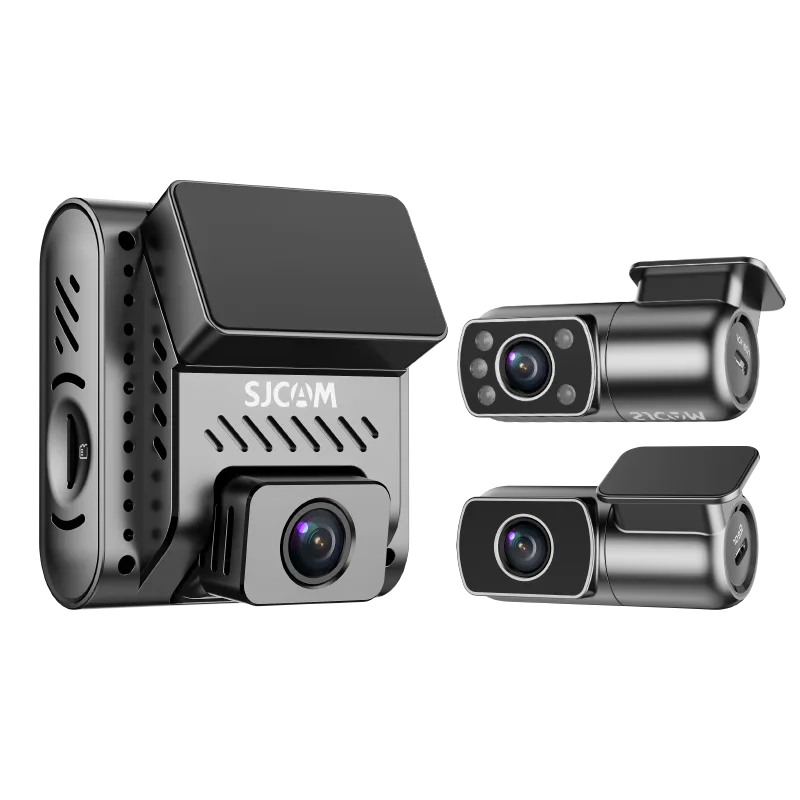
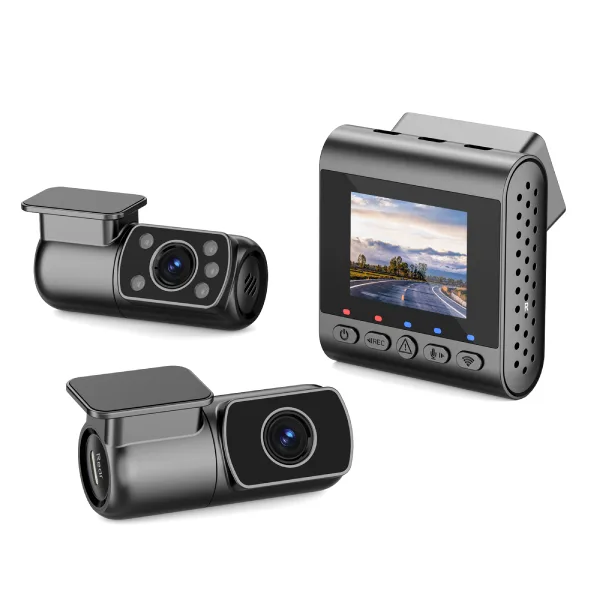
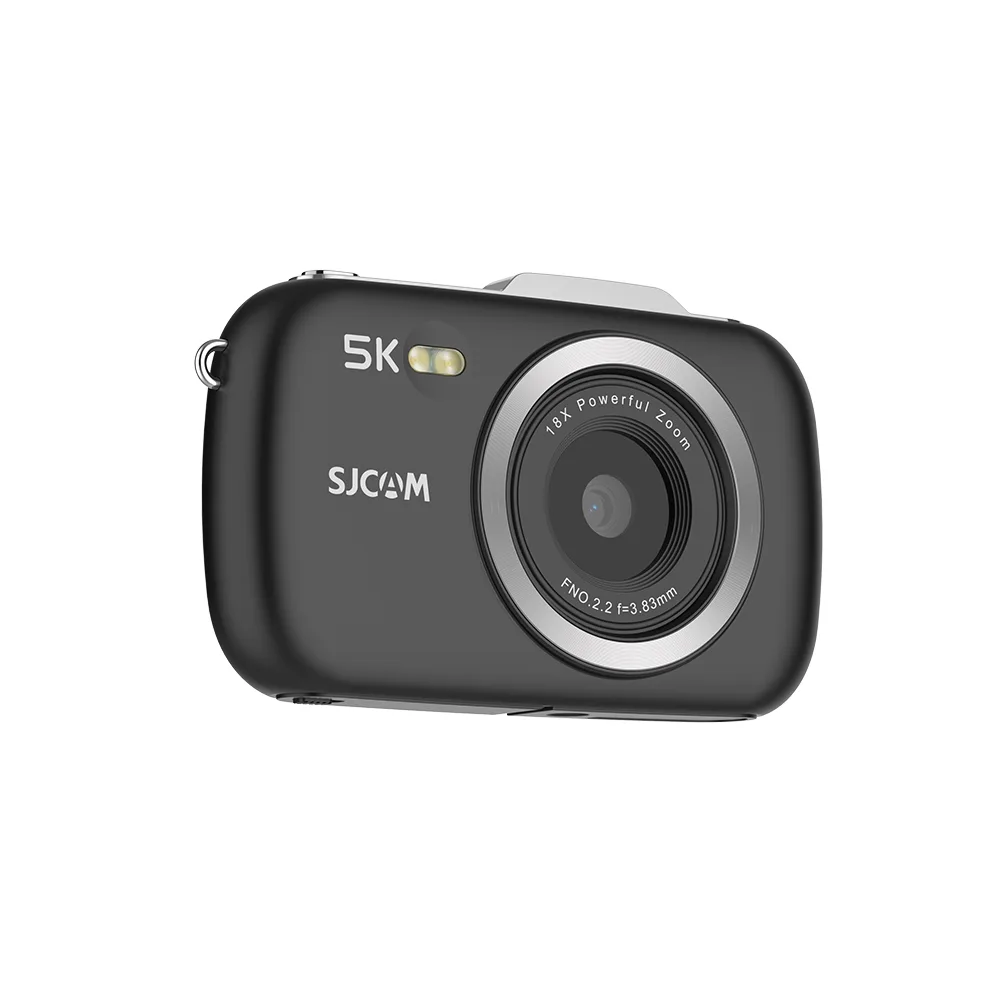
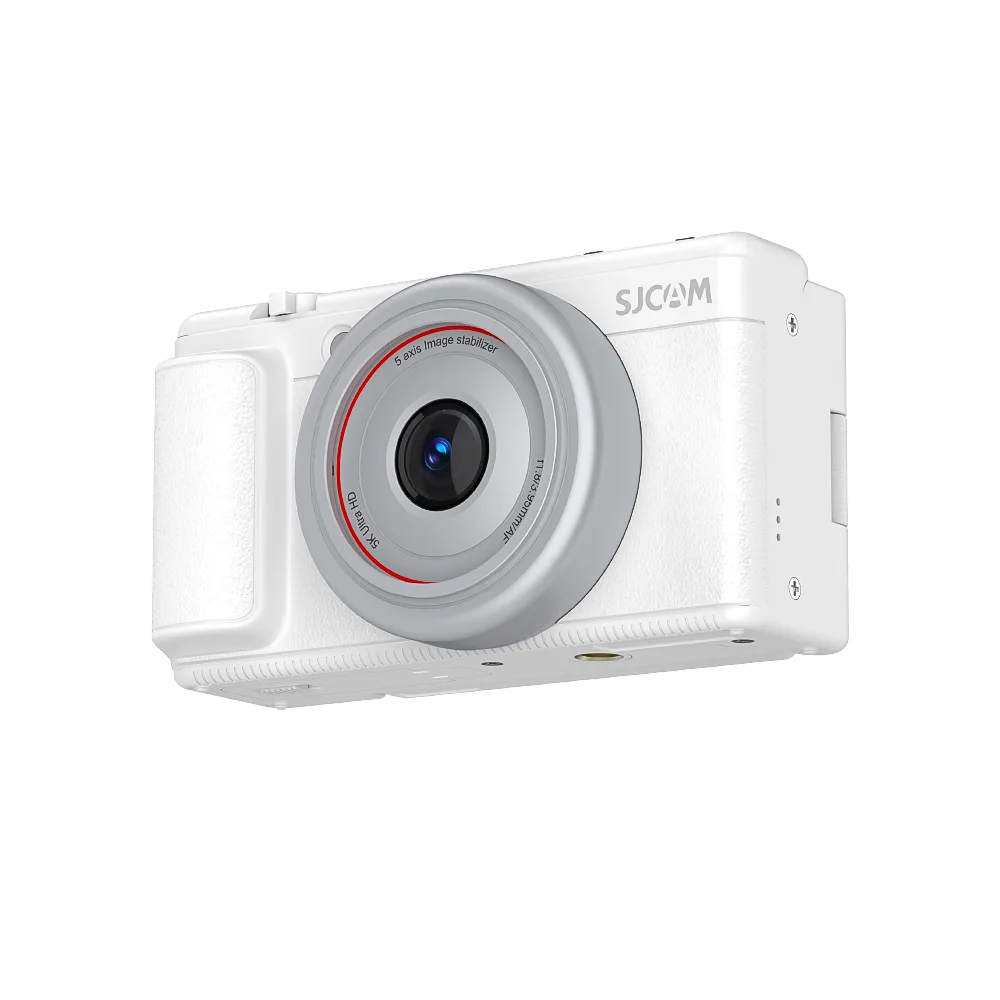

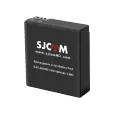

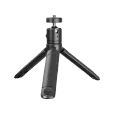
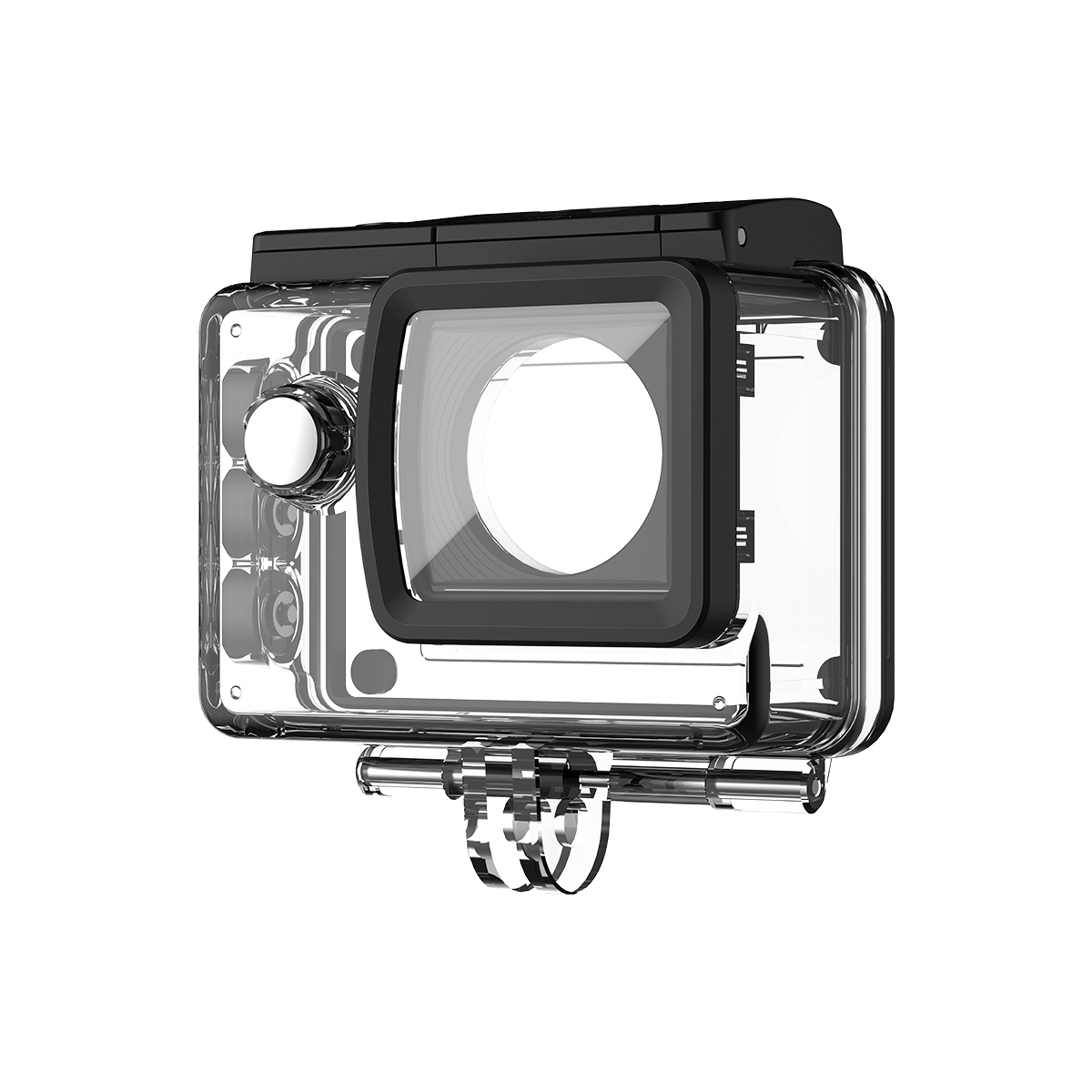
A good fishing camera setup needs more than a waterproof action camera. You need the right mount, shooting angle, stabilization, battery setup, and video settings for the way you fish.
In this guide, we’ll show you how to build an action camera setup for boat fishing, kayak fishing, and shore fishing, including camera mounts, POV angles, 4K settings, and tips for capturing strikes without missing the moment.
Fishing Camera Setup at a Glance
Step 1 – Choose Your Fishing Camera
Not sure which camera is right for you? Check out our guide to the best action camera for fishing to compare the key features and find the right model for your fishing style.
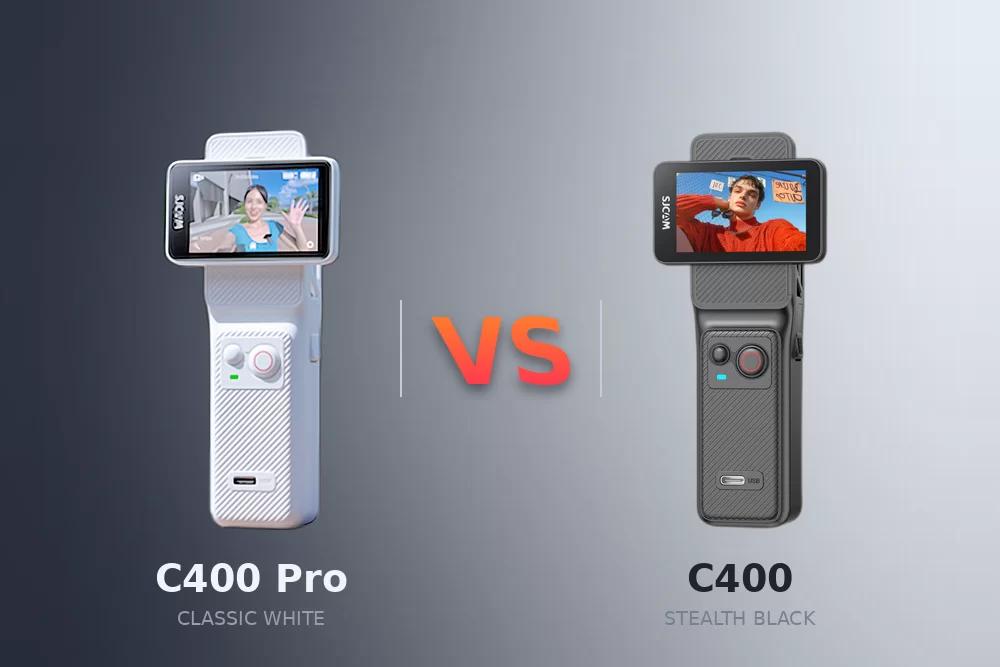
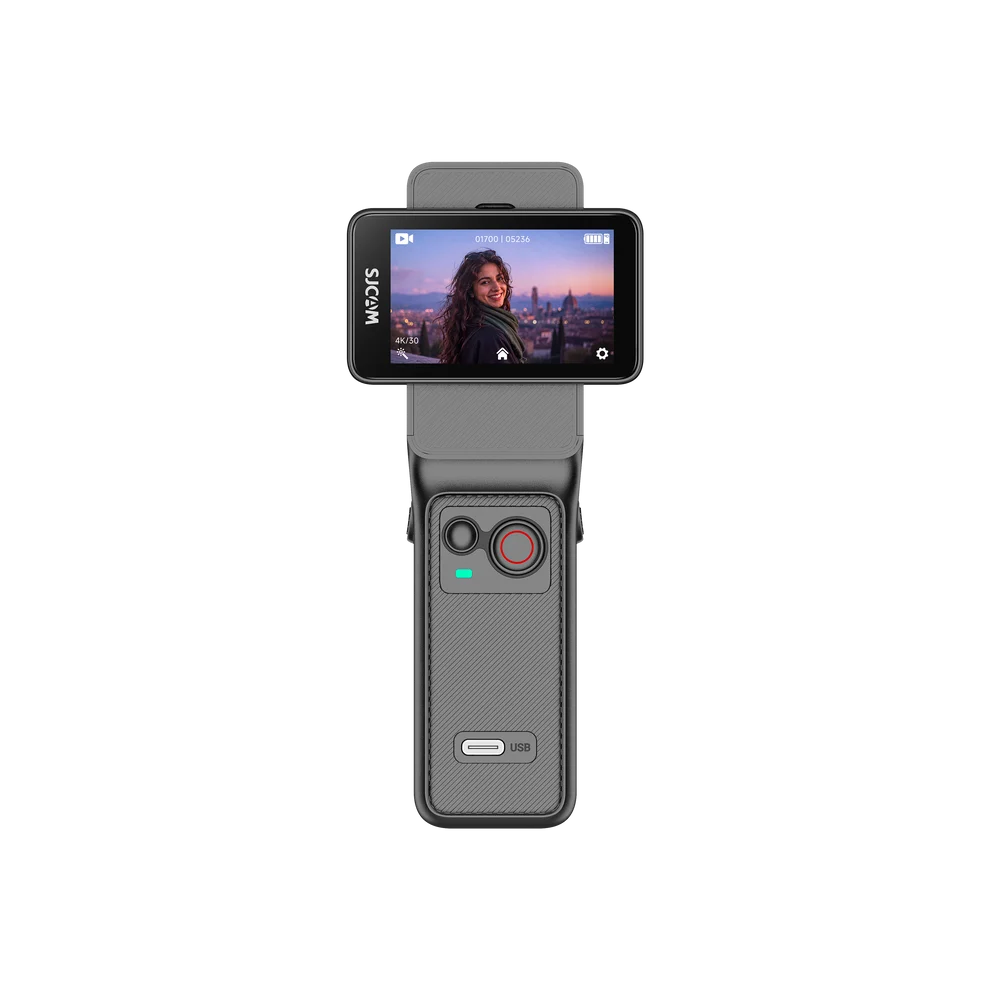
SJCAM C400—For Pro-Level Fishing Footage
If you’re serious about filming (think YouTube tutorials or sponsored content), the C400 is your best bet. It offers splash and rain resistance for everyday fishing use, and when paired with its included waterproof case, it’s rated for 30 meters underwater—ideal for capturing underwater shots of fish or submerged bait. The C400 Pocket records for up to 172 minutes at 4K/30 fps, while the full C400 setup with its battery grip extends total recording time to up to 437 minutes.
To make fishing-specific shooting even easier, the C400 comes with tailored accessories: a neck mount for hands-free filming while casting, a chest strap that keeps the camera steady for first-person “reeling in” shots, and a durable fisherman’s hat—purely for sun protection during long, bright days on the water.
Pro tip: Format your SD card beforehand to avoid storage headaches when capturing high-res 4K footage.
SJCAM SJ20 – Budget-Friendly Pick for Casual Anglers
For half-day trips or social media clips (TikTok/Instagram), the SJ20 delivers value without compromise. It handles light splashes and rain for casual shore or boat fishing, and with its included waterproof case, it also reaches 30 meters underwater—great for experimenting with underwater clips. Its compact size fits easily on small rod mounts, and with 2.5 hours of battery life, it’s ideal for casual outings—just pair it with a portable charger for longer days. Enable “Power-Saving Mode” to save juice while waiting for bites.
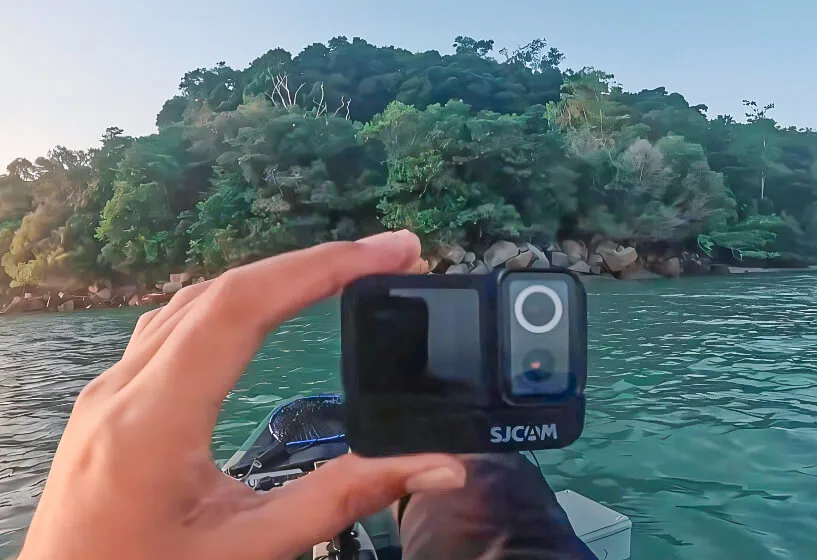
The SJ20’s accessory kit goes the extra mile for casual anglers: it includes the same practical neck mount and chest strap as the C400, plus a magnetic lanyard that lets you quickly attach/detach the camera from your jacket or tackle box (perfect for sudden bites). It also comes with a lightweight fisherman’s hat—a simple, useful accessory for blocking sun during all-day trips.
Step 2: Choose the Best Fishing Camera Mount
Beyond the camera-specific kits, a few extra tools will elevate your shots:
- Rod mounts: Attach to your rod for ultra-immersive first-person “casting to catch” footage.
- Boat rail mounts: Secure the camera to boat rails for wide-angle shots of the lake, trolling, or group trips.
- Floaty grips: A non-negotiable add-on for both models—they prevent the camera from sinking if dropped in water (even with the waterproof case).
- Lens filters: Reduce glare on water to make your footage look brighter and more colorful, even on sunny days.
Step 3 – Choose the Best Camera Settings for Fishing Videos
For most fishing videos, 4K at 30fps is a good starting point. If you are filming casting, hooksets, fighting fish, or shooting from a moving boat, use 60fps for smoother footage.
Keep image stabilization on when using a chest mount, head mount, or boat mount.
Recommended settings:
| Fishing Situation | Recommended Resolution | Frame Rate | Stabilization |
|---|---|---|---|
| General fishing video | 4K | 30fps | On |
| Boat fishing | 4K | 30–60fps | On |
| Casting and hooksets | 2.7K or 4K | 60fps | On |
| Fish landing | 2.7K or 1080p | 60fps | On |
| Slow-motion shots | 1080p | 120fps | On |
| Underwater fish release | 4K | 30–60fps | On |
| Fishing vlog / talking shots | 4K | 30fps | On |
Before fishing, check the battery, storage space, camera angle, and lens to avoid missing important moments.
Step 4: Set Up an Action Camera for Fishing Boats
A simple fishing boat camera setup usually works best with two cameras.
Use a chest-mounted action camera for POV footage such as casting, hooksets, and reeling in fish. Add a second camera on the boat rail or deck to capture wider shots of the angler and surrounding water.
For close-ups or underwater fish releases, use a handheld action camera or floating grip.
Always secure boat-mounted cameras with a strong mount or safety tether.
Step 5: How to Film a Fishing Video
Good fishing videos are not just recordings of someone waiting for a fish to bite. The best videos tell a story by combining fishing action, location shots, reactions, close-ups, and natural moments throughout the trip.
Instead of recording everything from a single angle, capture short clips that help viewers experience the fishing trip with you.
SJCAM-Specific Techniques
For SJCAM C400 – Elevate Your Shots
- SteadyMotion V1.0: Eliminates blur when walking along banks or boating—critical for smooth action shots, especially when using the chest strap mount.
- Horizon Correction: Fixes tilted footage from rocking boats, so you won’t have to edit it later (a game-changer for wide-angle boat rail shots).
- 4K Resolution: Use 4K/30fps for close-ups (fish scales, bait)—it looks crisp on YouTube, even when zoomed in.
- Underwater Shot Tip: Attach the waterproof case and pair with a floaty grip to film bait underwater or fish swimming near the boat.
- Remote Control Trick: Pair the controller with the neck mount, set the C400 to record, let it hang comfortably, and use the remote to pause/play when a fish bites—no more missed moments.
For SJCAM SJ20—Get Great Shots on a Budget
- 6-axis gyroscopic stabilization + EIS: Reduces shake for walking or casting footage—perfect for 60-second TikTok clips taken with the chest strap.
- 4K HD Mode: Balances quality and battery life for social media and works seamlessly with the magnetic lanyard (quickly grab the camera to film a sudden catch).
- Underwater Shot Tip: Use the waterproof case for shallow underwater clips (e.g., filming your hook in clear water)—just add a floaty grip to avoid losing it.
- One-Touch Recording: Press the top button to start filming fast—great for when you’re wearing the fisherman’s hat and spot a fish surfacing nearby.
Angle Tips
- First-Person View (FPV): Use the chest strap (C400/SJ20) or rod mount to show “what the angler ‘sees'”—viewers will feel like they’re holding the rod.
- Wide-Angle Shots: Mount on a boat rail to capture the full scene (e.g., a group fishing or a sunset over the water).
- Overhead Shots: Set the camera on a tackle box or cooler for hands-free angles of baiting hooks or holding up a catch.
- Quick-Grab Shots: Keep the SJ20 on its magnetic lanyard—snatch it up to film a friend reeling in a big fish without fumbling with mounts.
Step 6: Editing Your Fishing Video
Keep editing simple—focus on flow, not fancy effects. Trim redundant footage (like long waits for bites) to keep your video tight: 3–5 minutes for social media, 10–15 for YouTube. Add upbeat, nature-themed music (use free platforms like YouTube Audio Library to avoid copyright issues) and text overlays (e.g., “10 lb bass!” or “Lake Tahoe”) to guide viewers.
For SJCAM footage: zoom into C400’s 4K clips without losing quality (great for highlighting fish details), or boost brightness on SJ20’s 4K shots to fix water glare. Use simple fades between B-roll and action shots to avoid jarring cuts.
Step 7: Sharing Your Fishing Video
Post on platforms that match your video length:
- YouTube: Full-length trips or tutorials—use tags like #FishingVlog #SJCAMC400 #ActionCameraFishing.
- TikTok/Instagram: Short clips of the “big catch”—try hashtags like #FishingTips #SJ20 #FishTok.
Engage with viewers by asking questions (e.g., “What’s your biggest catch?”) and tag @SJCAMOfficial—you might get featured on their page!
C400 vs. SJ20 for Fishing
Choose the C400 if you want pro 4K footage, all-day battery life, or film tutorials—the neck mount and chest strap offer versatile shooting options, while the 30 m waterproof case lets you capture underwater moments, and the fisherman’s hat adds essential sun protection. Pick the SJ20 if you’re on a budget, fish casually, or love quick-access shots—the magnetic lanyard is a game-changer for spontaneous moments; it still includes a 30 m waterproof case, and the fisherman’s hat keeps you shaded. Both are tough enough for fishing’s worst conditions—you can’t go wrong.
Conclusion
Making a great fishing video isn’t about having the fanciest gear—it’s about prepping right, capturing key moments, and telling your story. With SJCAM’s C400 (and its pro-focused accessory kit) or SJ20 (with its casual-friendly magnetic lanyard), plus their shared 30 m waterproof capability, you’ll avoid blurry, damaged footage and create clips that make viewers want to grab their rods. Now grab your camera, hit the water, and start filming—your next viral fishing video is waiting.
FAQ
A simple fishing camera setup usually includes a chest-mounted action camera for POV footage and a second camera on the boat, tripod, or clamp mount for wider shots. This gives you both first-person action and a complete view of the fishing scene.
A chest mount is one of the most popular options because it keeps your hands free while capturing the rod, reel, and fish. Head mounts, boat rail mounts, clamp mounts, and mini tripods are also useful for different angles.
For most fishing videos, 4K at 30fps works well. Use 60fps for casting, hooksets, fighting fish, or filming from a moving boat. Keep image stabilization on for smoother footage.
Good positions include the chest, boat rail, console, or rear deck. A chest camera is ideal for POV footage, while a rail or deck-mounted camera captures wider shots of the angler and the surrounding water.
A chest mount is usually better for fishing because it provides a stable view of your hands, rod, and reel. A head mount gives a higher POV angle but may create more camera movement.