





 Chinese (China)
  Spanish
  German
  French
  Italian
  Japanese
  Korean
  Bulgarian
  Greek
Greek  Indonesian
  Chinese (Hong Kong)
  Russian
  Danish
  Finnish
  Hungarian
  Turkish
  Dutch
Dutch  Portuguese
  Swedish
  Romanian
  Slovak
  Serbian
  Norwegian
  Croatian
  Albanian
  Catalan
  Czech
Czech  Estonian
  Armenian
  Bengali
  Amharic
  Polish
  Thai
Thai  Ukrainian
  Vietnamese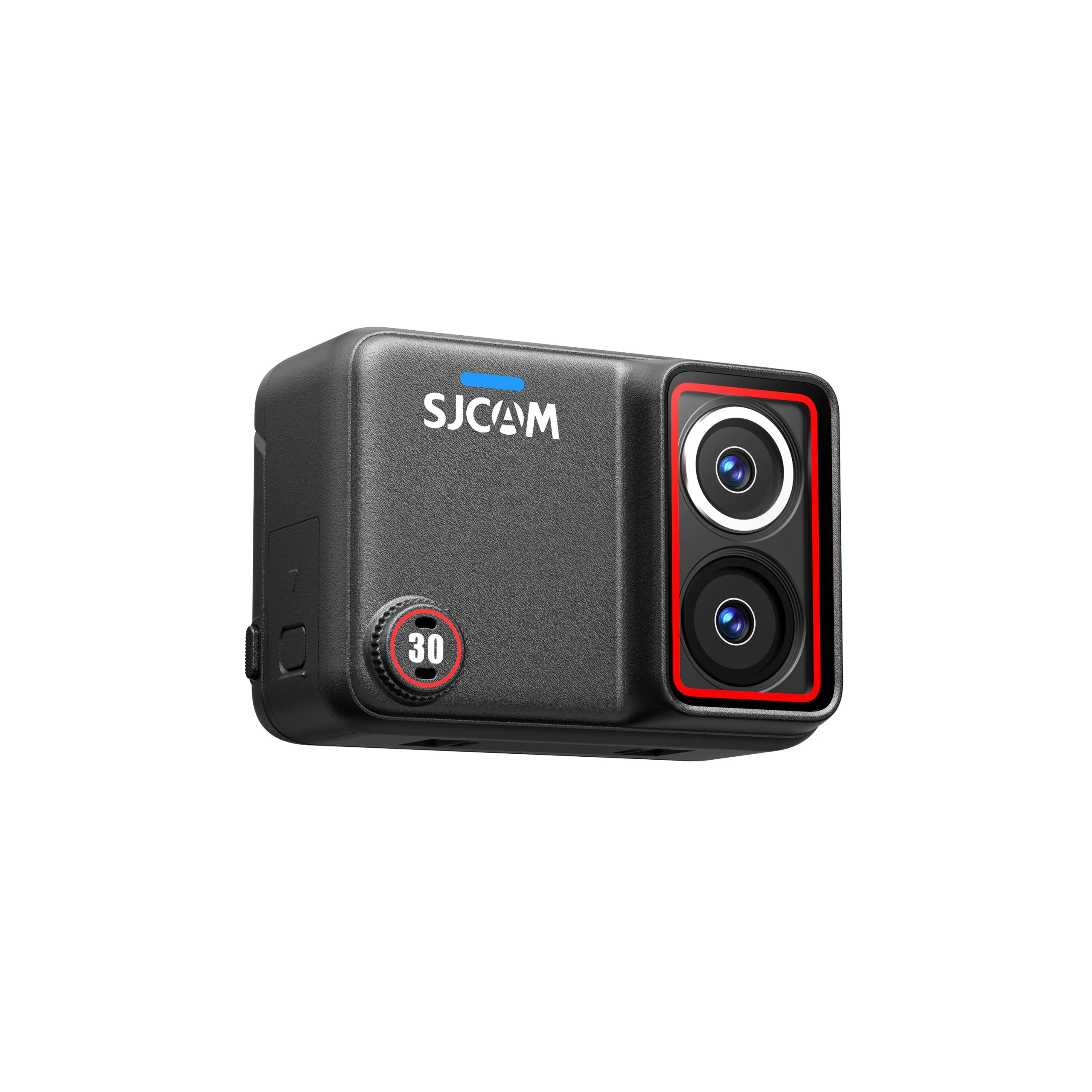
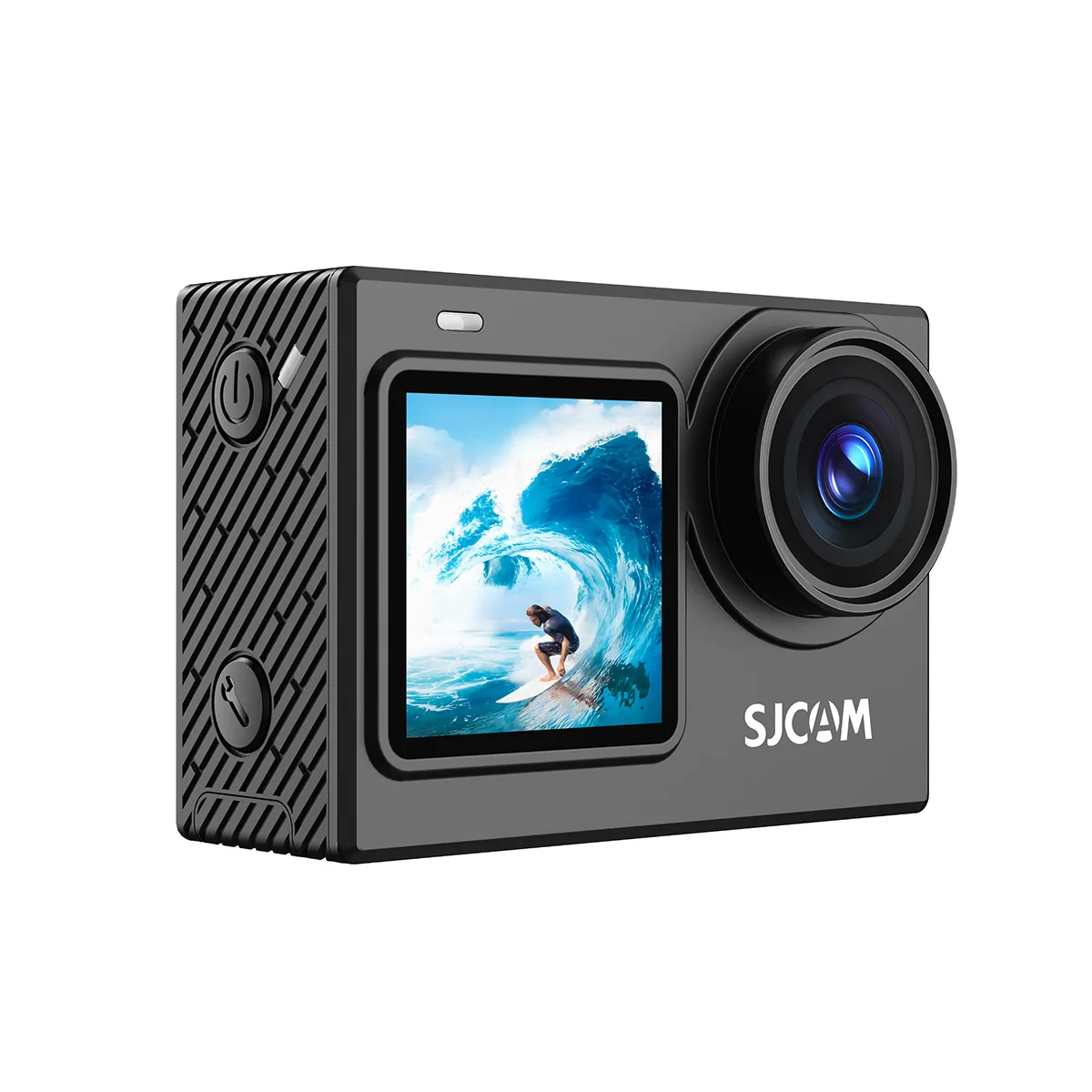
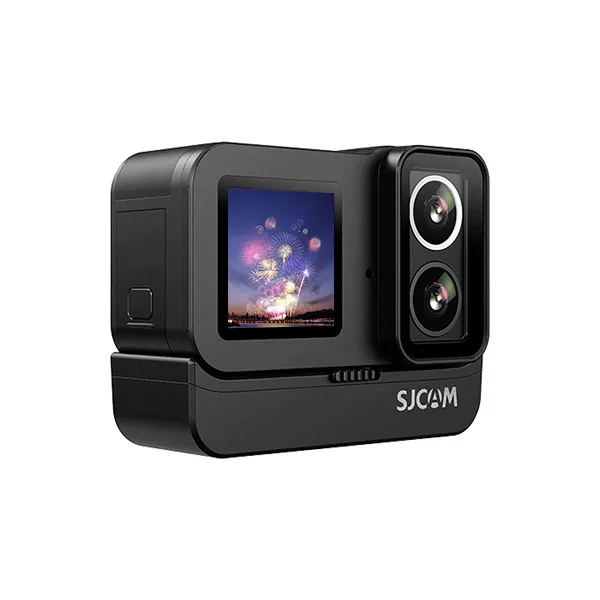
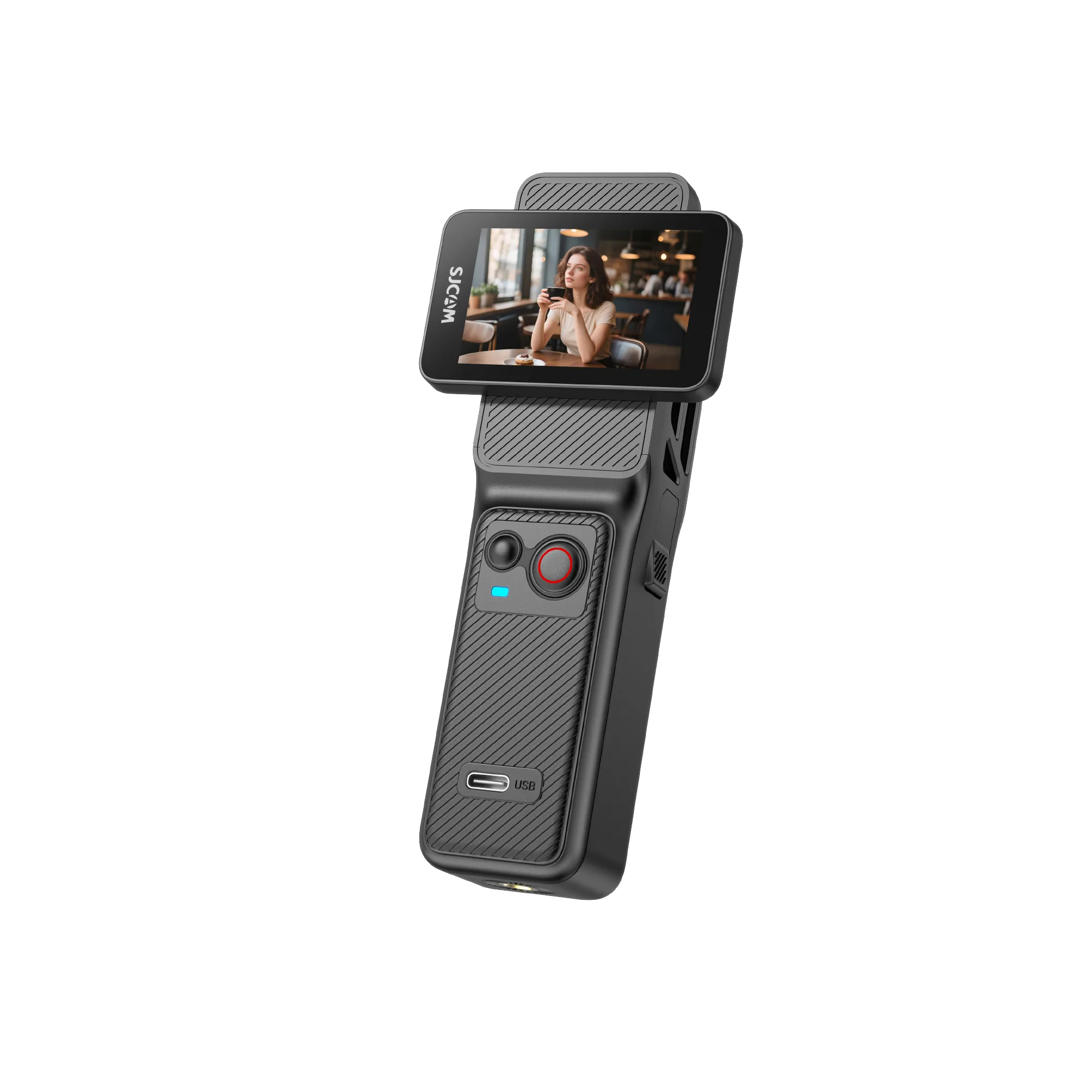
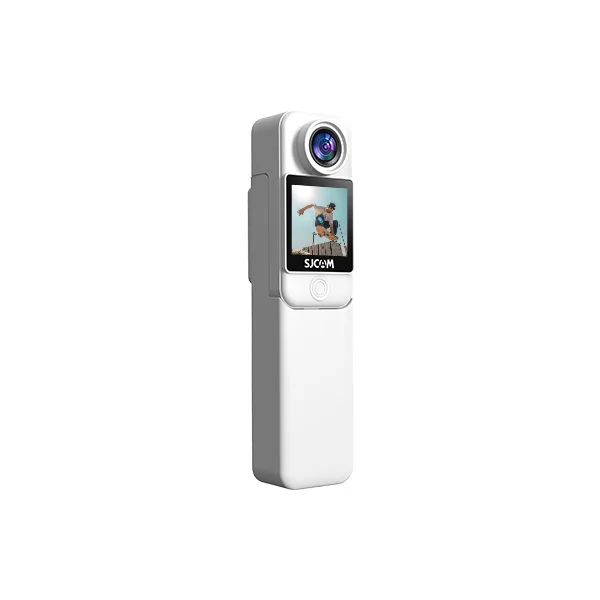
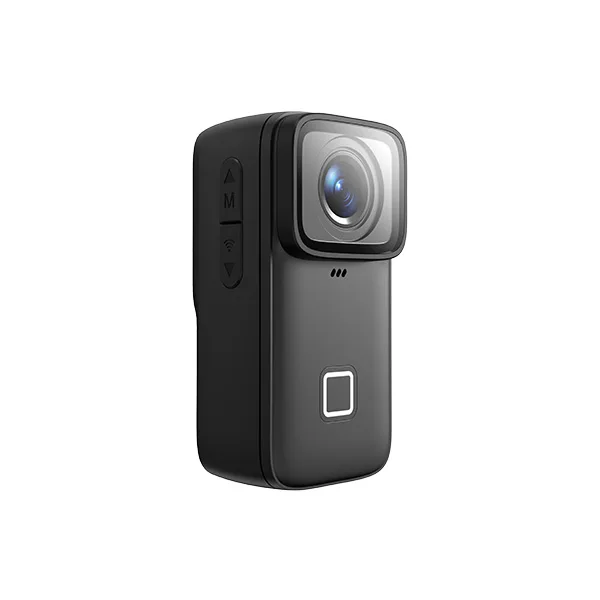
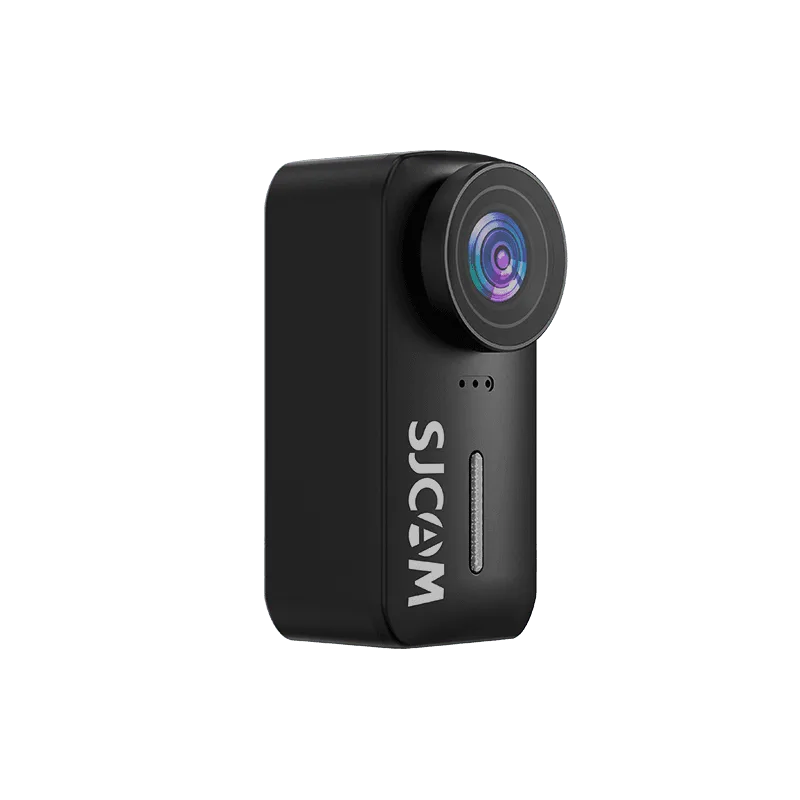
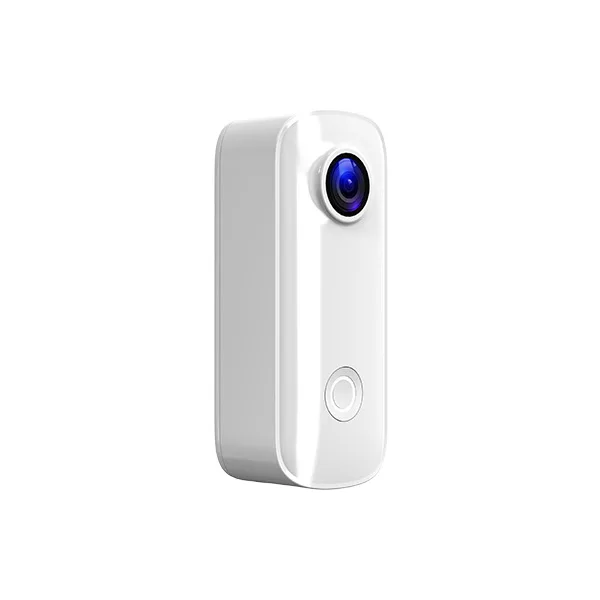
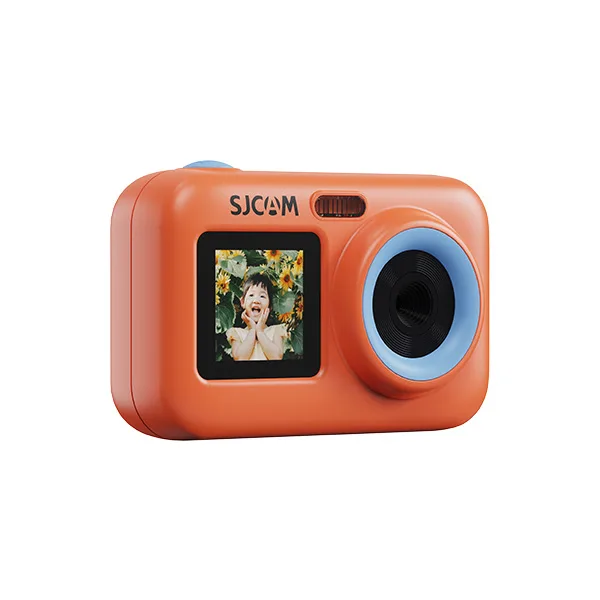
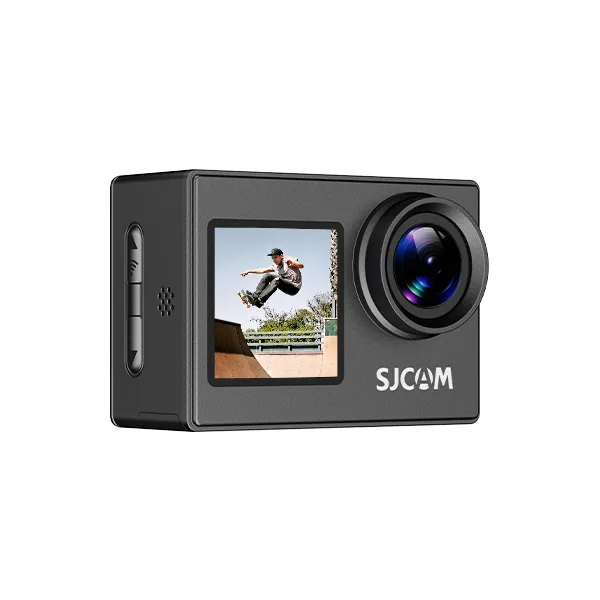
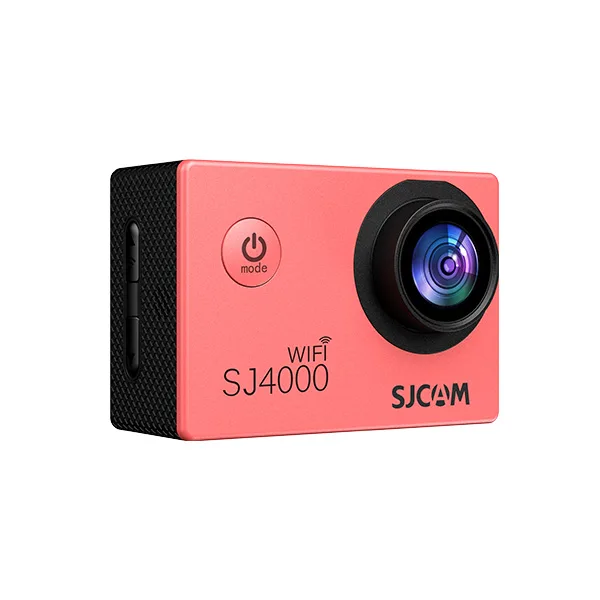
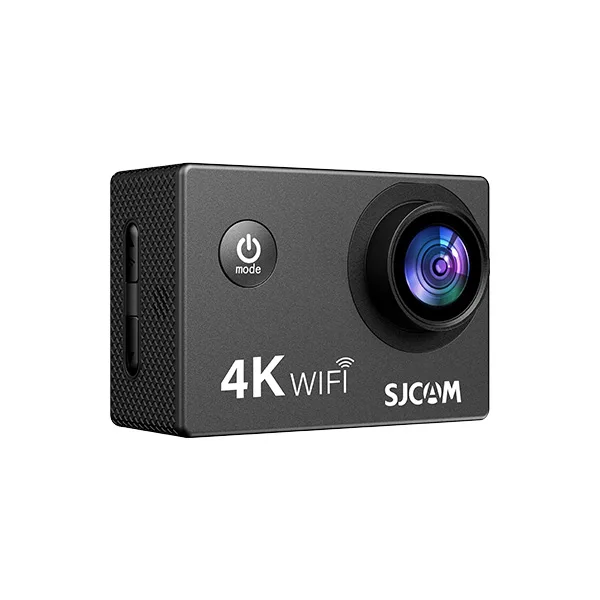
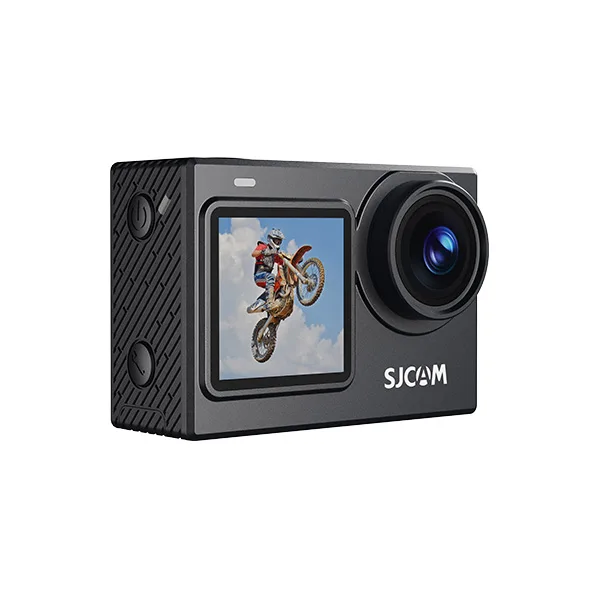
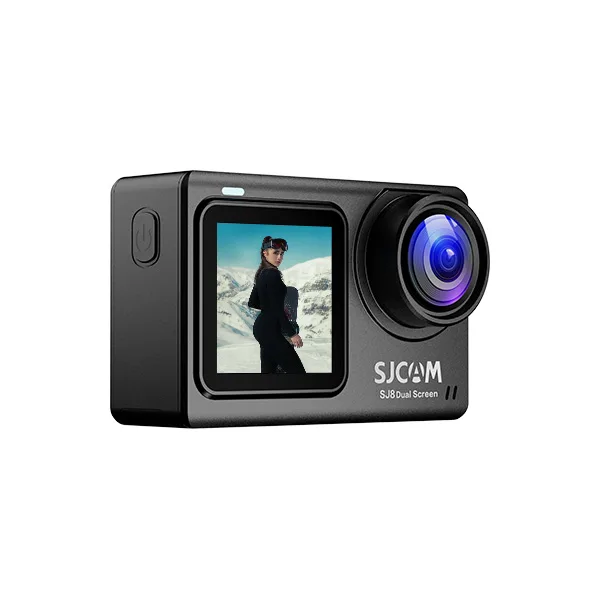
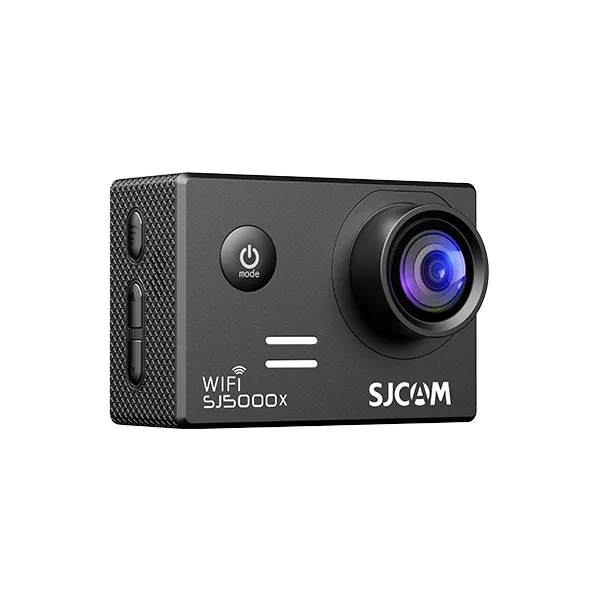
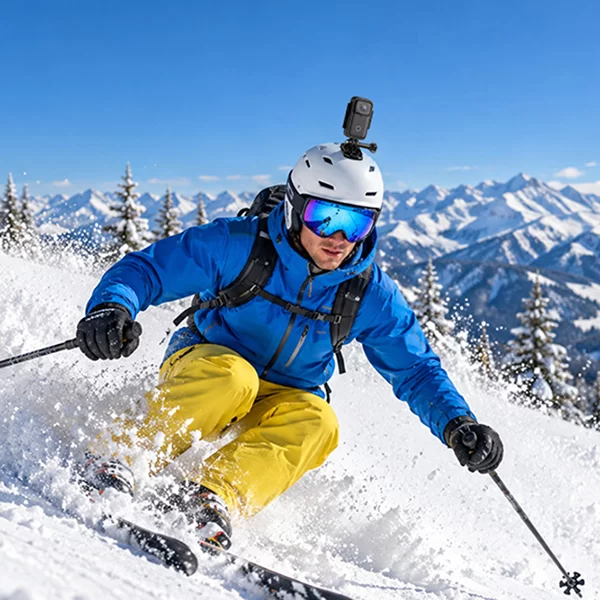

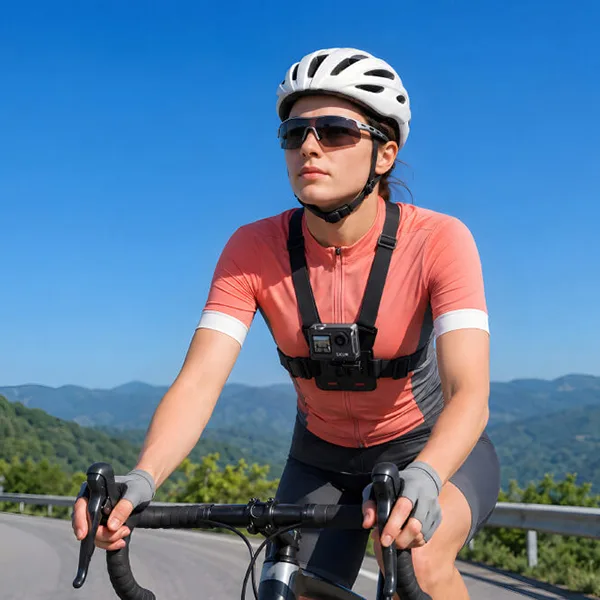
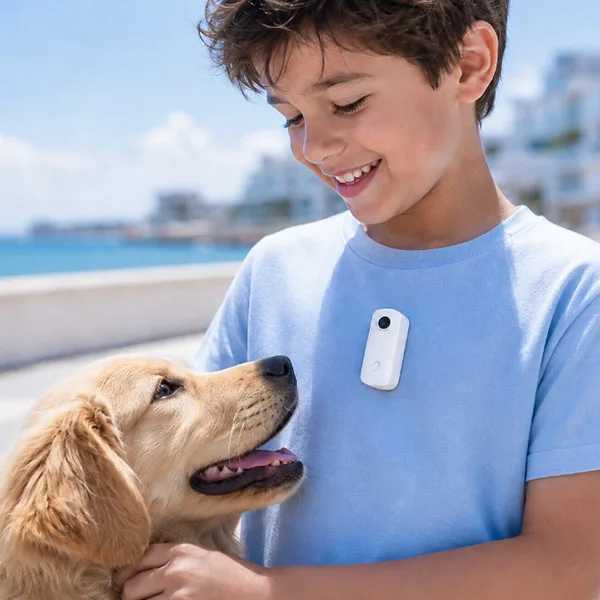
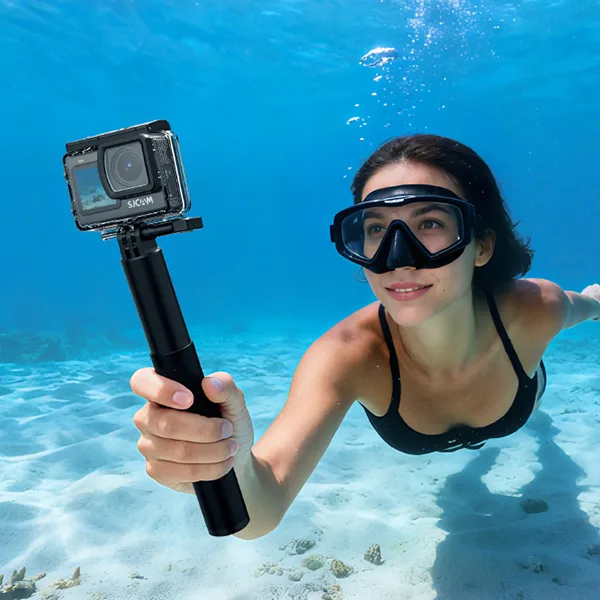
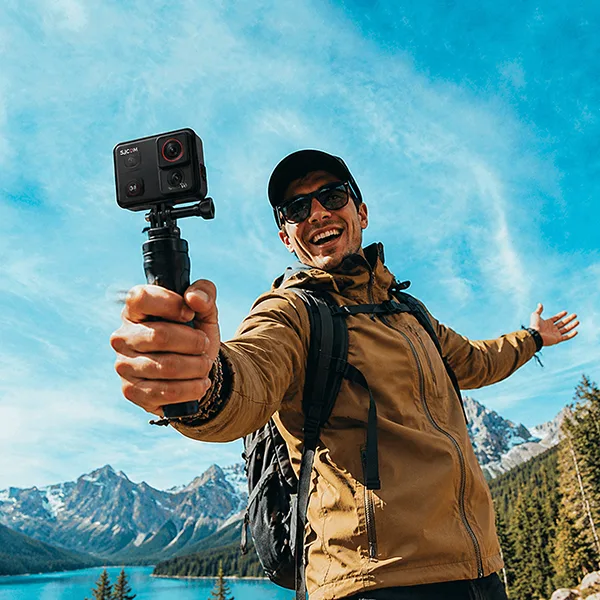
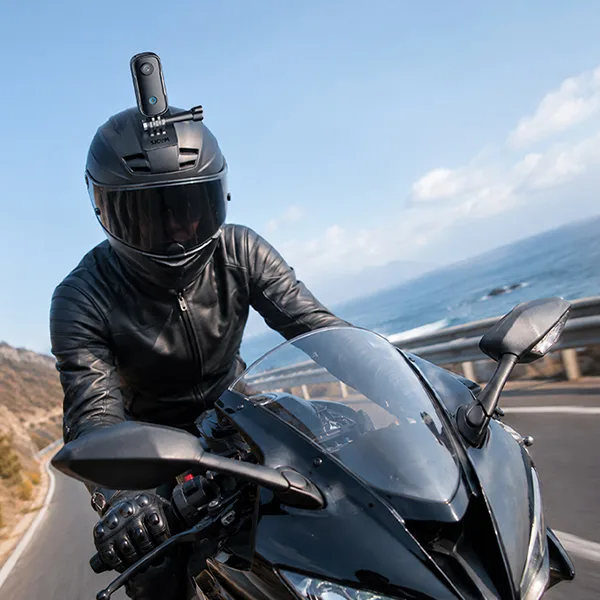
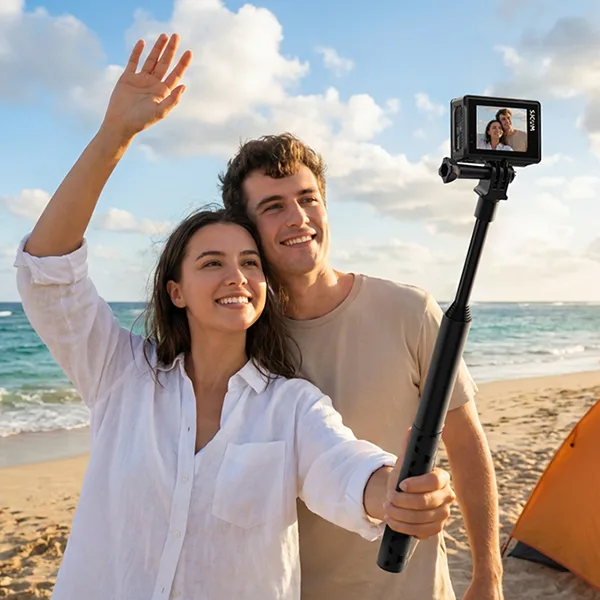


Recently, veteran tech critic Andrew Newton published a highly thorough, in-depth field review of our flagship product, the SJCAM SJ30 8K Action Camera.
As a company that is dedicated to transparency and ongoing innovation, we appreciate real-time feedback from our creators. Andrew was awed by the innovative capabilities in low light for our Starlight sensor, as well as the practicality of the power handle that lasts 7 hours in combination, but pointed out some user experience bottlenecks like the audio syncing feature and the 8K framing limitations.
Below is a section where our product engineering team will provide a technical analysis of Andrew’s findings. It also includes official optimizations and advanced configurations and forthcoming firmware solutions to ensure you get the most out of the value of your SJ30 experience.
1. Daylight and nighttime Starlight Lens: The Science behind the Dual System
Andrew wrote a review of the camera. Andrew pointed out that the SJ30 is a little larger than the traditional action cameras. He also pointed out that the dual lens design makes it more usable in nighttime settings.
The Engineering Behind It:
- It’s a Daylight Setup: Equipped with a 1/2-inch sensor as well as an F2.8 aperture, the lens is calibrated to provide high-dynamic-range daytime photography, making sure that highlights aren’t lost in rapid outdoor movement.
- It’s the Starlight Setup: For night recording, the hardware is more important than the software. We used an enormous 1/1.8-inch Starlight sensor paired with an enormous F1.8 extremely large aperture. Through maximizing light absorbed, this sensor helps reduce the need for aggressive digital ISO increases, thereby reducing blurry night artifacts.
Pro Tips to make switching effortless: You can change your “Lens Switch” to “Auto” in the menu system that allows the camera to flip its sensors in accordance with the ambient lux levels. Alternately, press the power button on the side to manually switch lenses when you are shooting.
2. Demystifying 8K 20FPS: The Ideal Use Cases
One of Andrew’s clear remarks was on the 8K mode of our system: “It sounds very impressive, but it’s 8K, 20 frames a second… with 8K video, we don’t get any anti-shake available.” Andrew also pointed out that 4K 30/60 fps is the ideal setting for many creators.
Official Technical Insight:
Andrew’s conclusion is 100% accurate for shooting run-and-gun. Processing a 48-megapixel (8K) video stream will push the image signal processor (ISP) to its limits. To stop thermal throttling when in the compact size of the form factor, the processor is able to allocate all of its computational resources to pure rendering instead of running one of our Steady Motion V2 stabilization algorithms.
How do you use 8K properly:
8K was not created for motion tracking with a handheld device. Instead, it delivers amazing information gains to allow post-production crop versatility.
- The Scenic Tripod: Capturing expansive panoramas or building frames.
- Lossless Vertical Crops: Creating a perfect nine-minute portrait (for TikTok, YouTube Shorts, and Instagram Reels) straight from the horizontal 16:9 8K files without losing high-definition quality.
- High-Res Time-Lapse – Creating amazingly precise temporal shifts.
For daily handheld action as well as vlogging, recommend shooting in 4K at 60FPS using Steady Motion and Horizon Lock enabled.
3. Addressing the Audio Sync Drift (Anti-Shake On)
When he was testing his vlogging field test, Andrew noticed an intermittent audio shift: “The audio goes a little bit out of sync with the video when I have the image stabilization or the anti-shake turned on.” Incredibly, he observed that the issue was resolved in most cases itself when raw video files were uploaded directly onto YouTube but remained in timelines for editing on the desktop.
Official Response & Troubleshooting:
We want to acknowledge Andrew for highlighting this particular nuance. Our lab has launched an immediate stress test of the version of firmware (the version that was used for the test) to simulate the conditions. Audio drift in modern action cameras is typically an effect of changing speeds of writing for high-compression codecs under high computational demands (like electronic stabilization in real-time).
Immediate Solutions:
The bottleneck of microSD cards: Make sure that you’re making use of a U3/V30 (or higher) microSD card with high-speed capabilities that is formatted directly into the camera. A card that is worn out or less expensive suffers from a drop in write latency when concurrent audio, video, and gyro metadata are written, which causes an audio stream to slightly shift.
Coming Software Fix Our engineers working on firmware are currently improving the internal alignment of audio-to-video timestamps.
4. Advanced Contrast & Sharpness Tuning for Cinematic Results
Andrew was of the opinion that the high-contrast setting was too harsh right from the camera. This would require Wide Dynamic Range (WDR) to be constantly on. Andrew also noticed that the “Soft Contrast” setting wasn’t prepared for immediate publishing.
Official Grading Guide:
- Soft Contrast profile: This feature was specifically designed to function as a flat profile (similar to log profiles) for color graders in post-production. The image is intentionally flattened to maximize highlights and shadow detail. It’s not intended to be used for “out-of-the-box” sharing.
- The best Direct-to-Publish Settings: If you’d like stunning colors straight from your memory card, without editing, you can use these settings:
- WDR: Turn ON.
- Color Adjustments: Set to Standard or SJ-Color.
- Sharpness Adjust to Medium (this will reduce the default over-sharpening effect of digital for a smoother, more cinematic appearance).
5. Audio and Battery Powerhouse Extensions
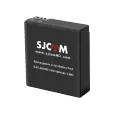
Andrew highly praised the SJ30 Charging Combo noting that even though the battery that is built-in and non-removable gives you a full 150 minutes of recorded time, Plugging the camera into the power handle on the back alters the camera’s capabilities, increasing its operating time to 7 hours.
Additionally, in high-wind areas such as the dunes Andrew recorded on, we strongly recommend using the microphone windshields that cover the top and front mics. If you want directional studio audio for professional videography, the SJ30 is the best choice. SJ30 is wirelessly compatible with the SJCAM M4 Wireless Microphone System. SJCAM M4 Wireless Microphone System that ensures clear, windshielded vocals that can be heard up to 10 meters away.
Final Thoughts
We’d like to express our sincere appreciation for Andrew Newton for his balanced and thorough analysis of SJCAM SJ30. The honest opinions of real creators are what we use to improve our systems. Keep an eye on the next firmware update to our SJCAM X app. Have fun shooting!