




 Chinese (China)
  Spanish
  German
  French
  Italian
  Japanese
  Korean
  Bulgarian
  Greek
Greek  Indonesian
  Chinese (Hong Kong)
  Russian
  Danish
  Finnish
  Hungarian
  Turkish
  Dutch
Dutch  Portuguese
  Swedish
  Romanian
  Slovak
  Serbian
  Norwegian
  Croatian
  Albanian
  Catalan
  Czech
Czech  Estonian
  Armenian
  Bengali
  Amharic
  Polish
  Thai
Thai  Ukrainian
  Vietnamese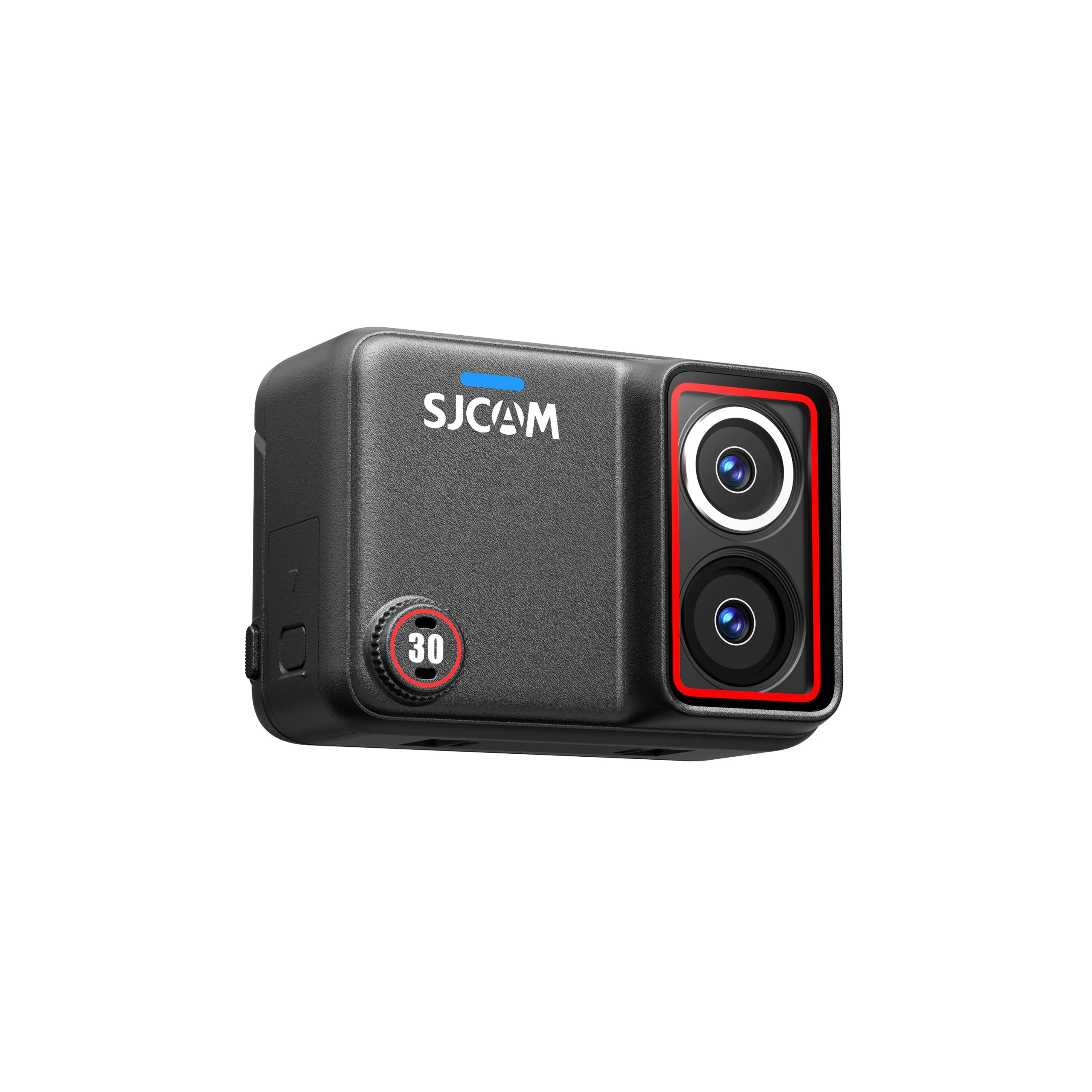
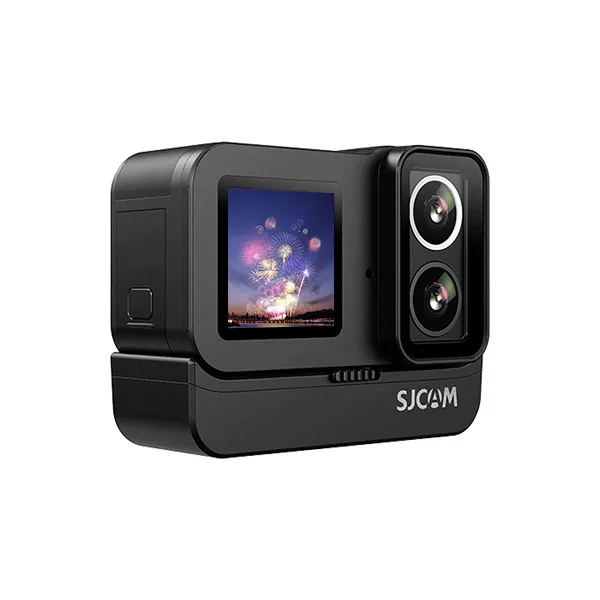
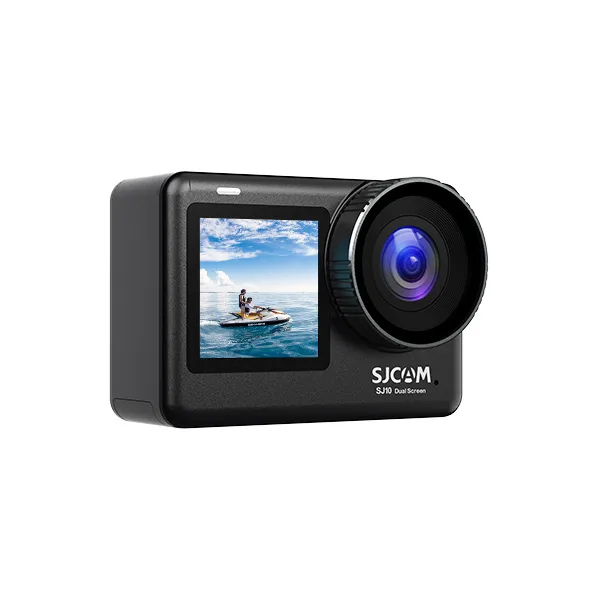
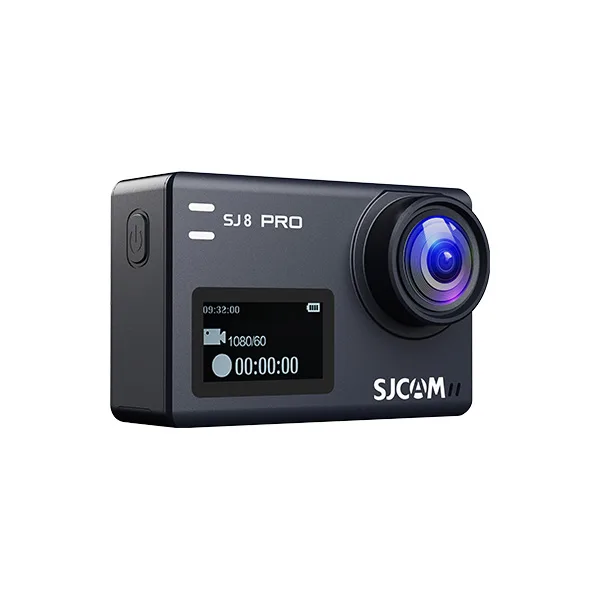
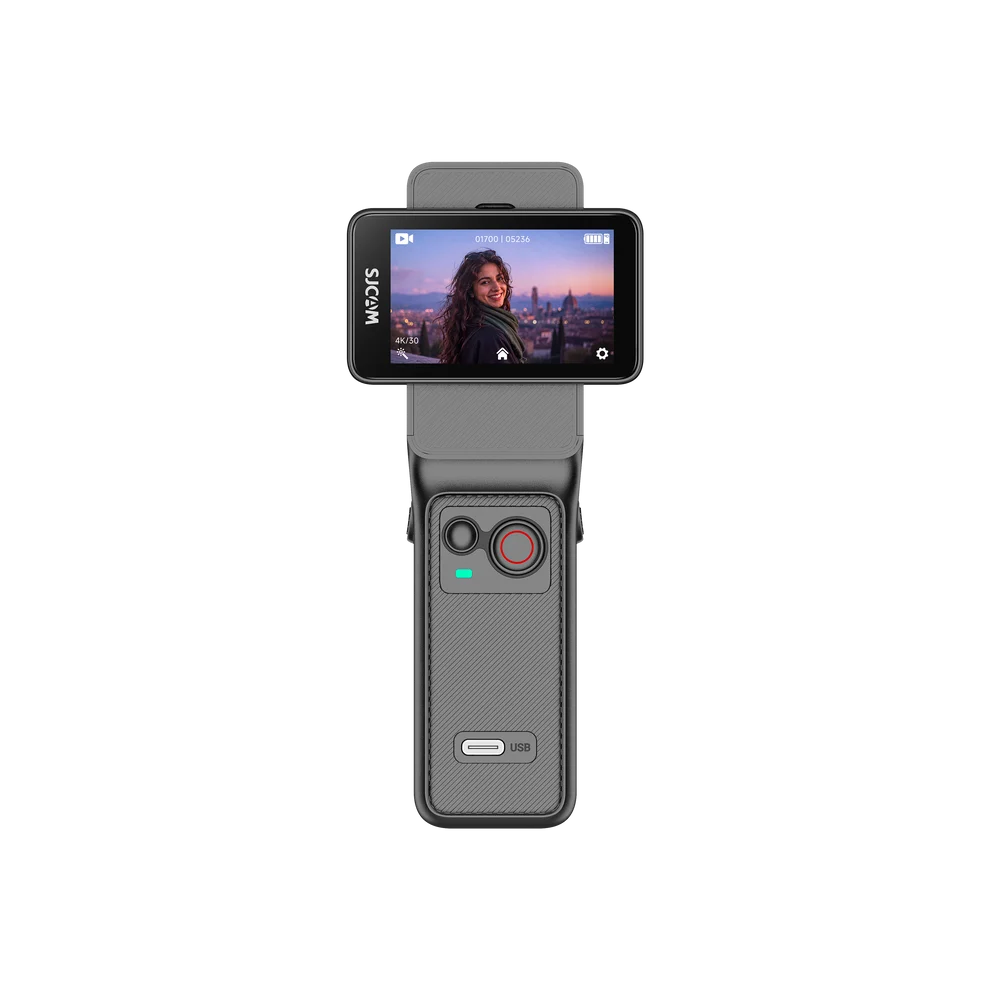
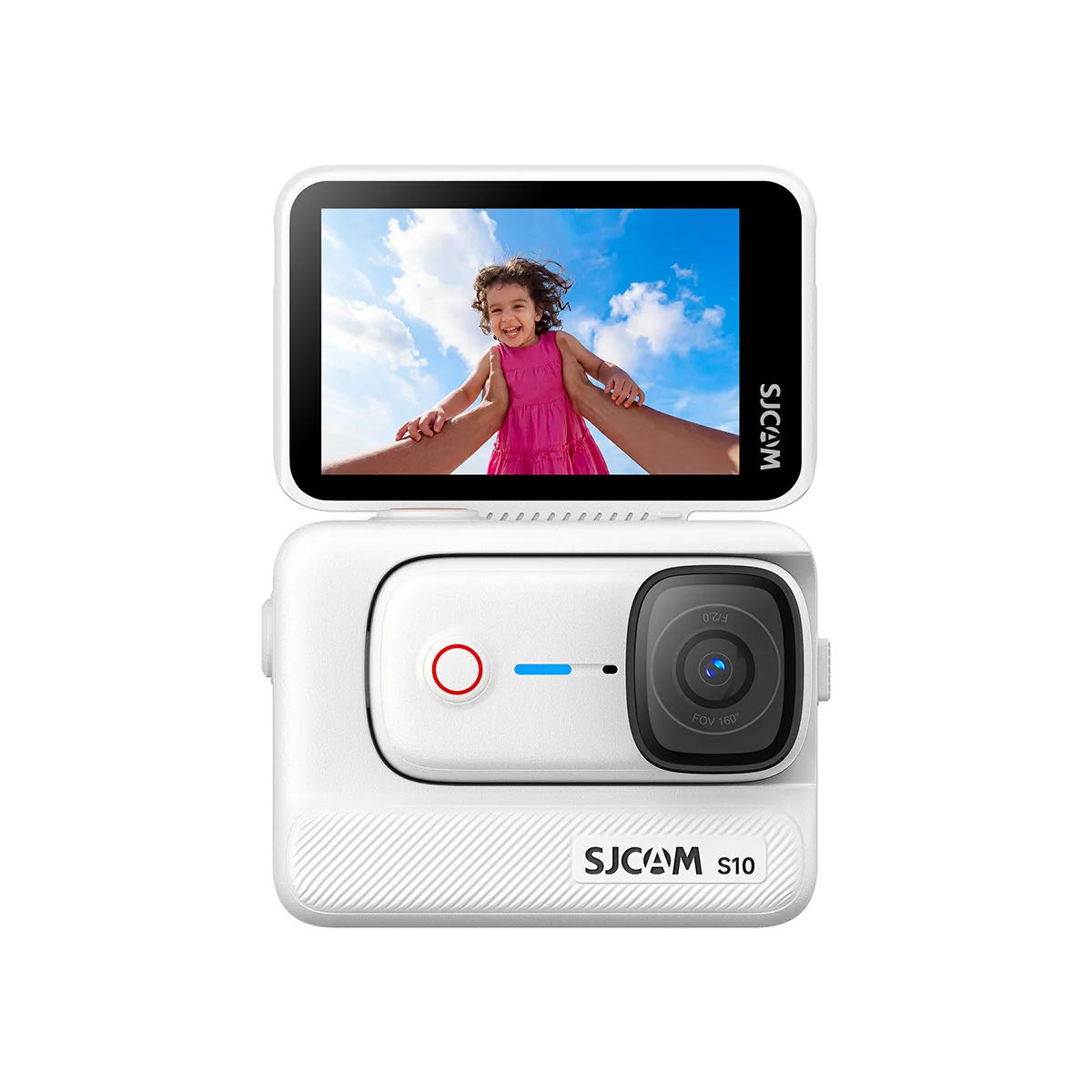
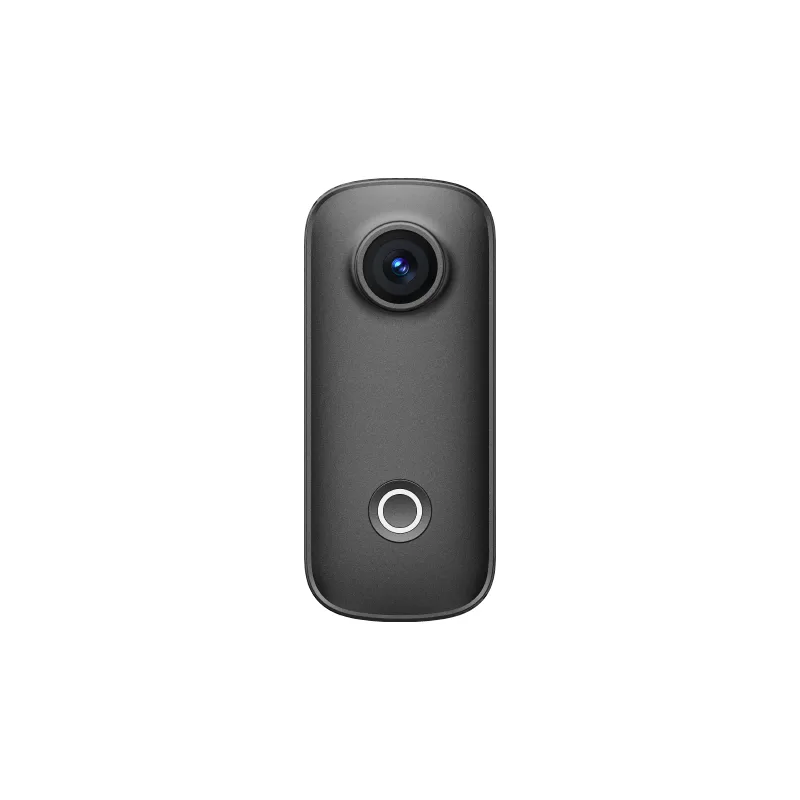
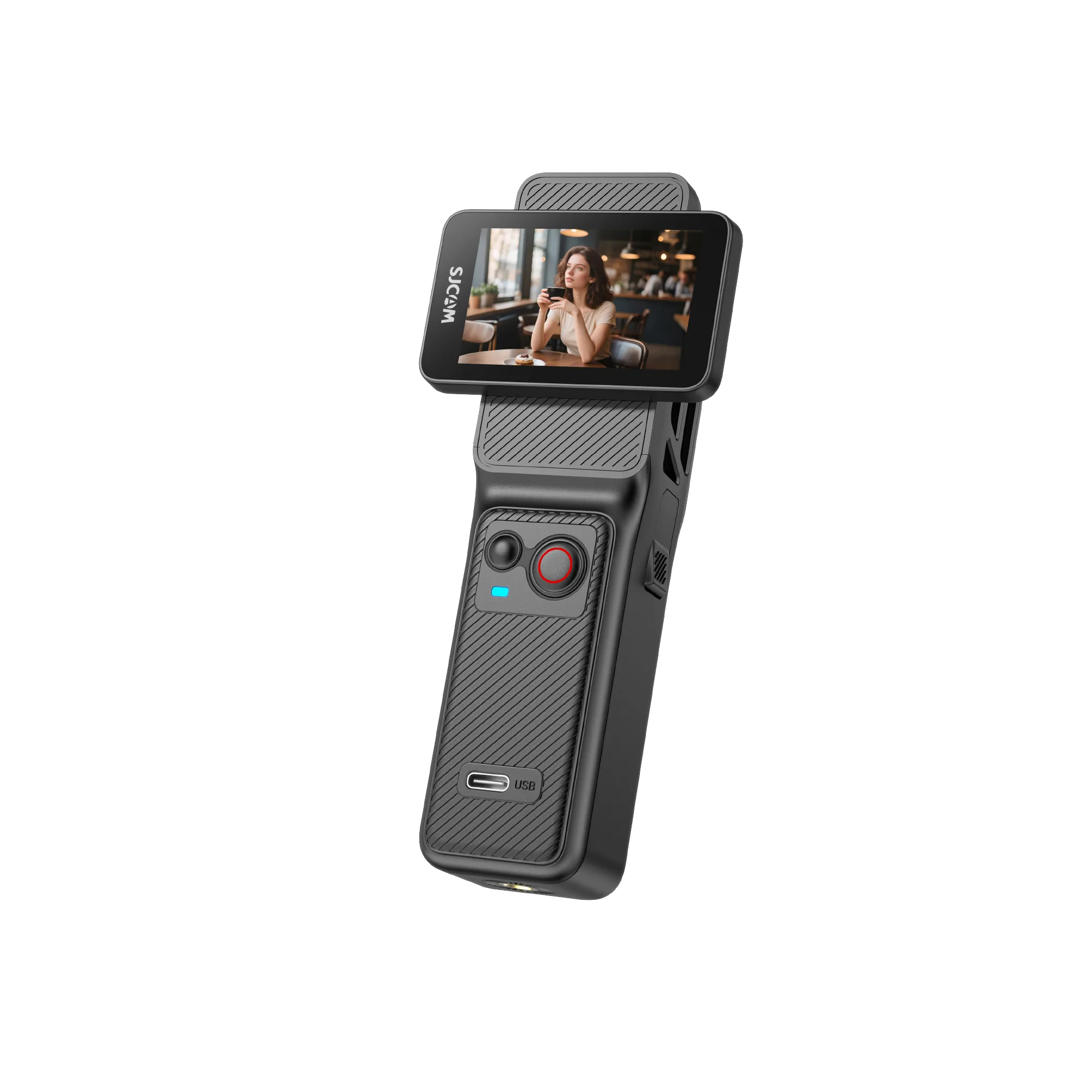
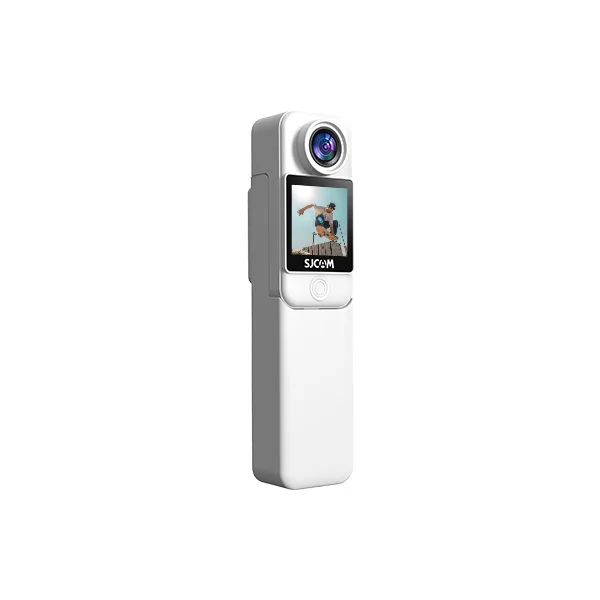
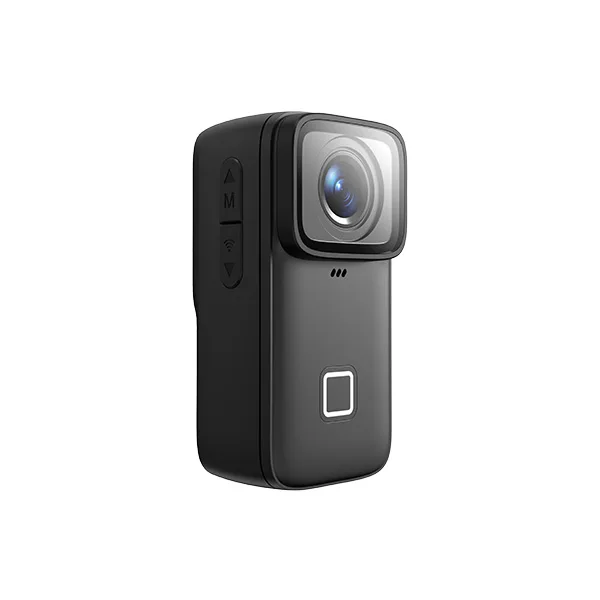
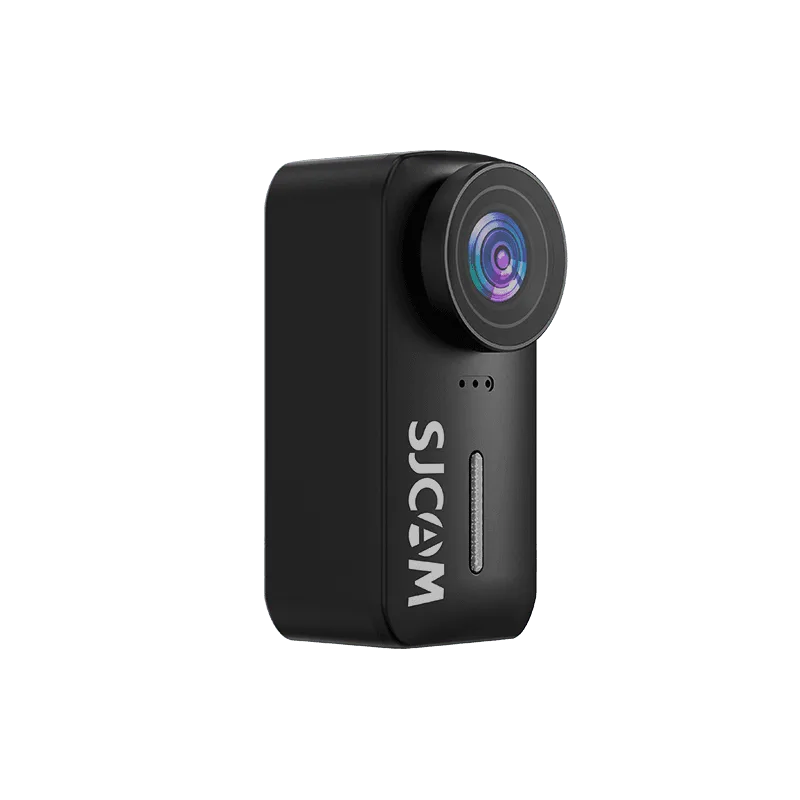
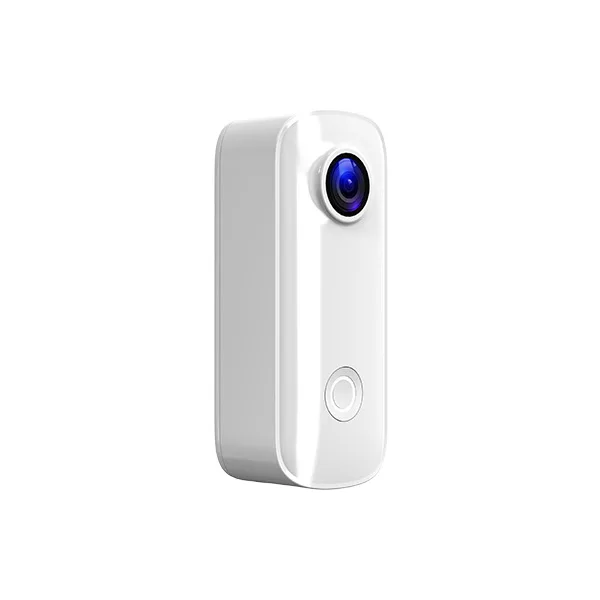
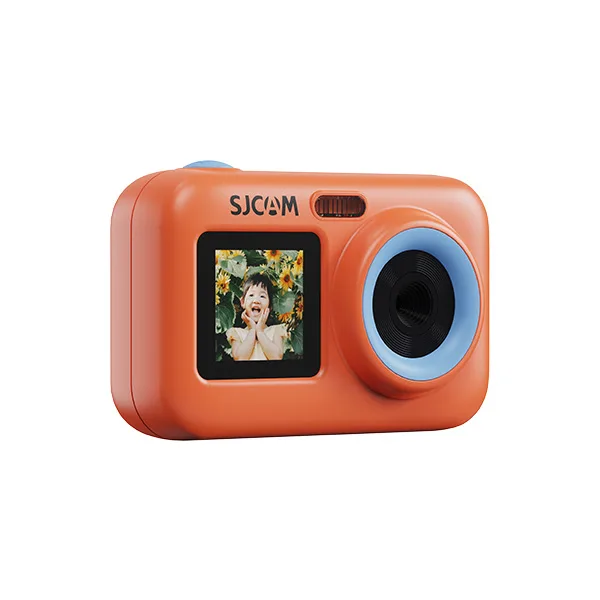
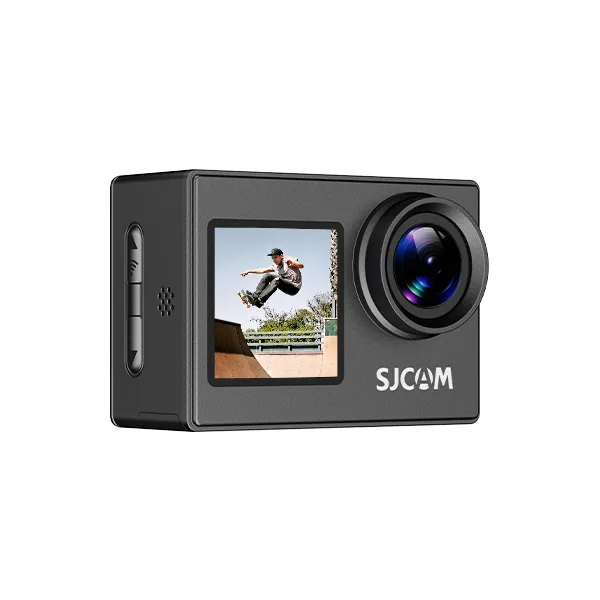
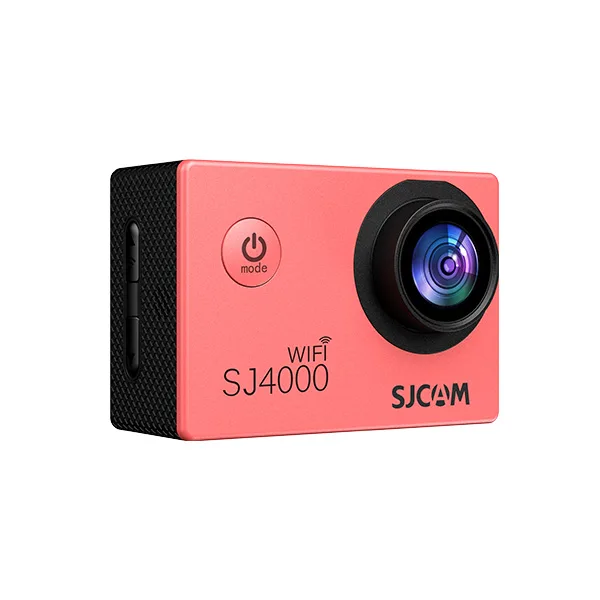
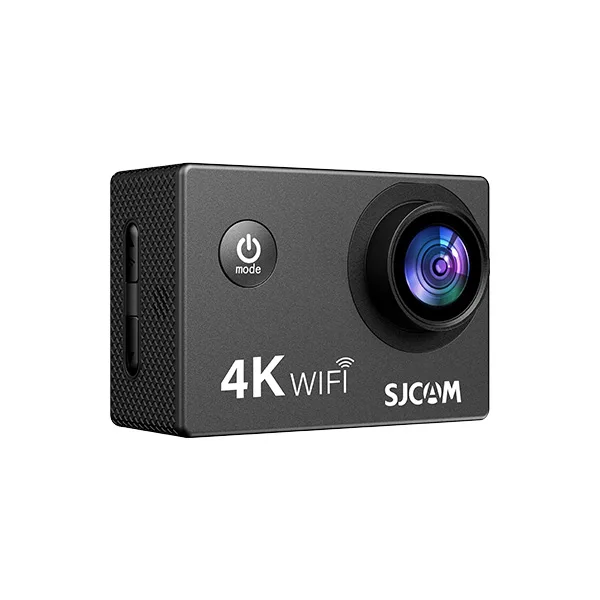
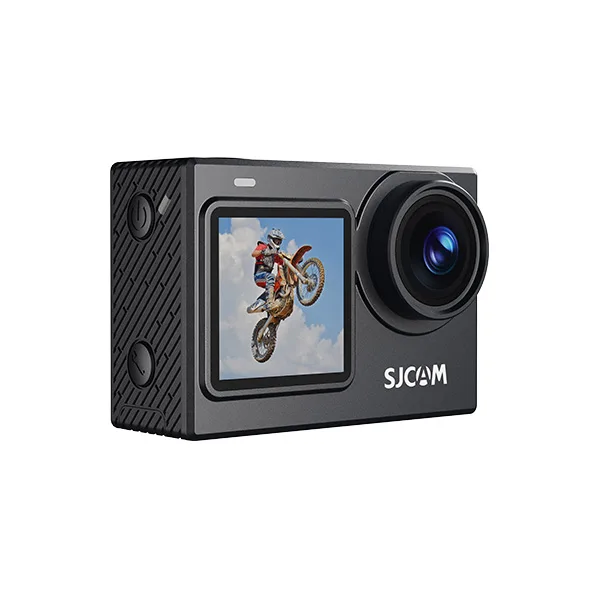
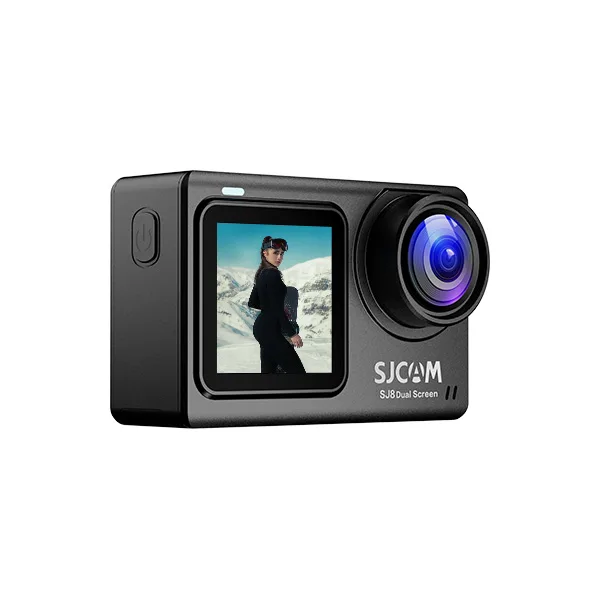
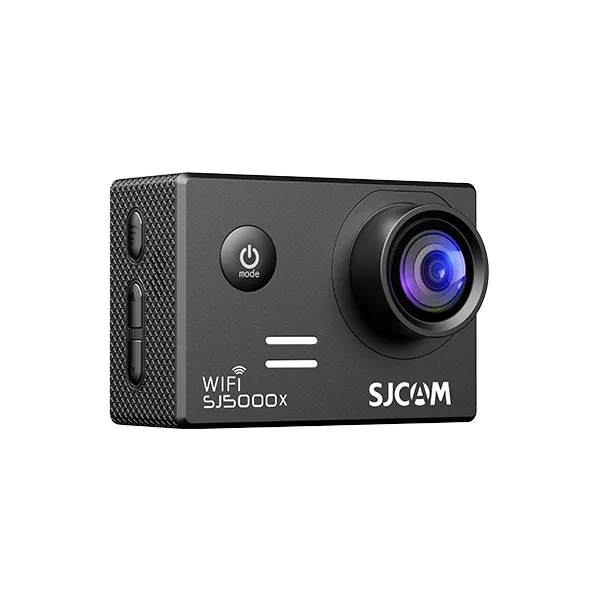


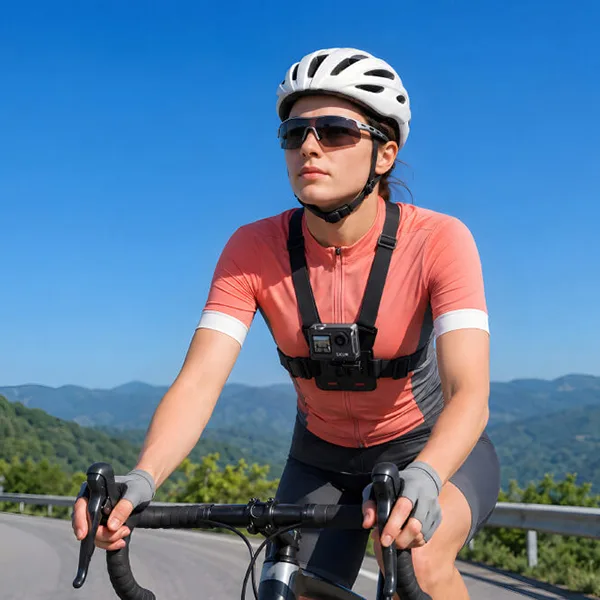
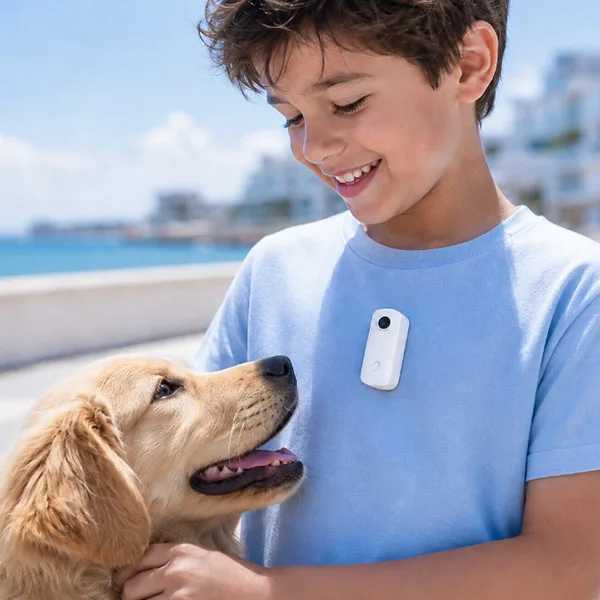
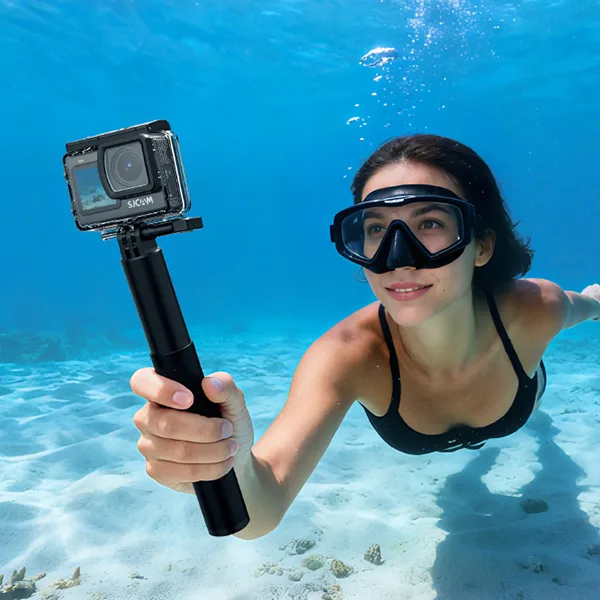
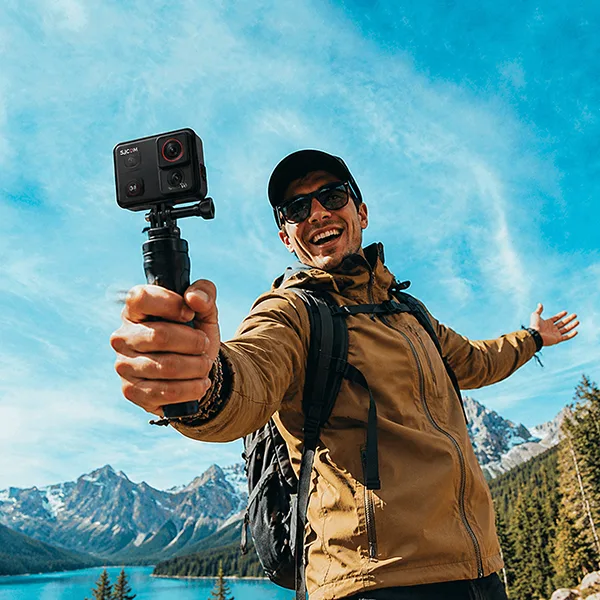
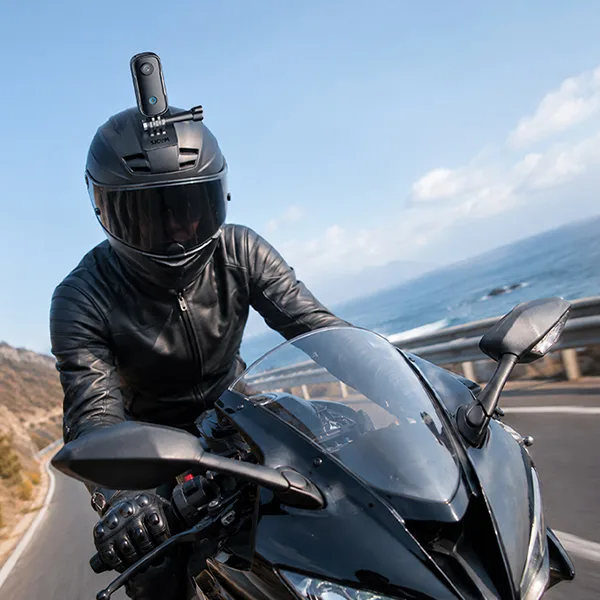
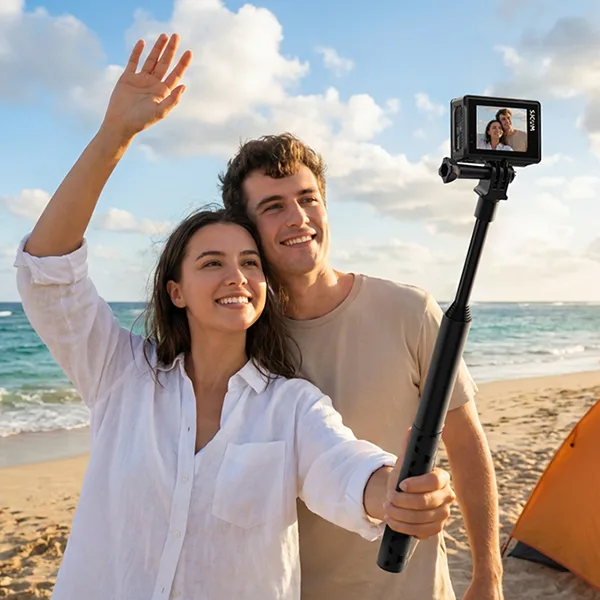

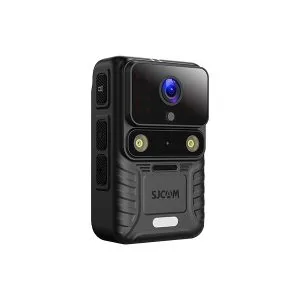
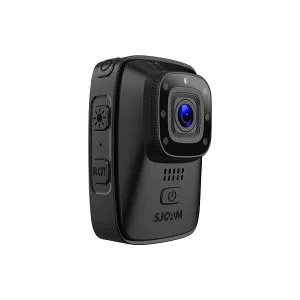
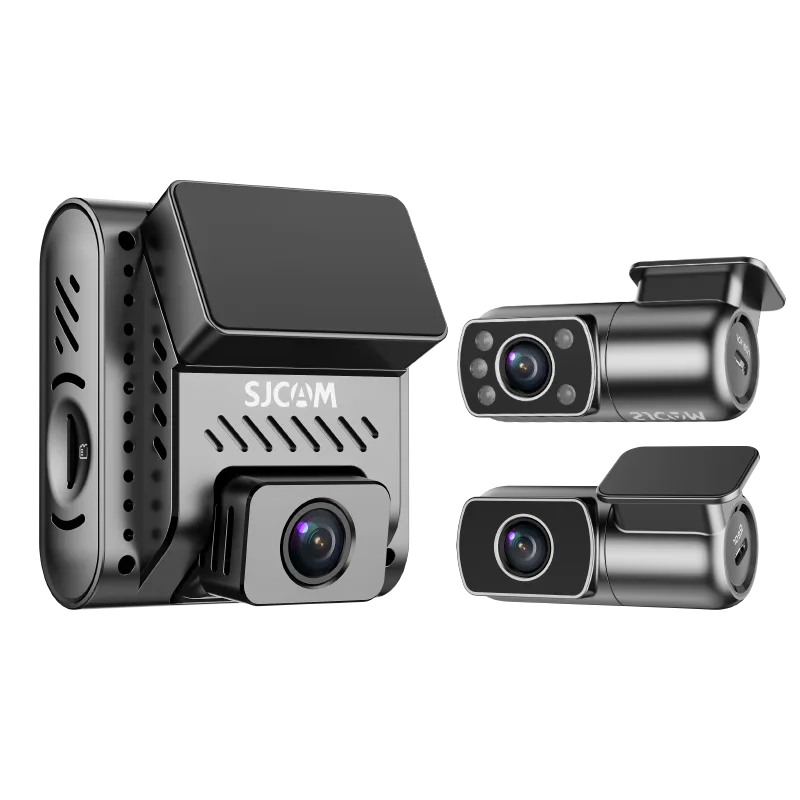
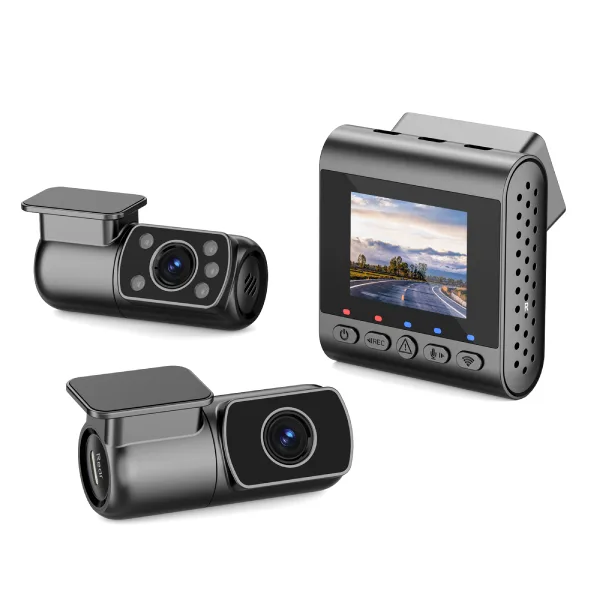
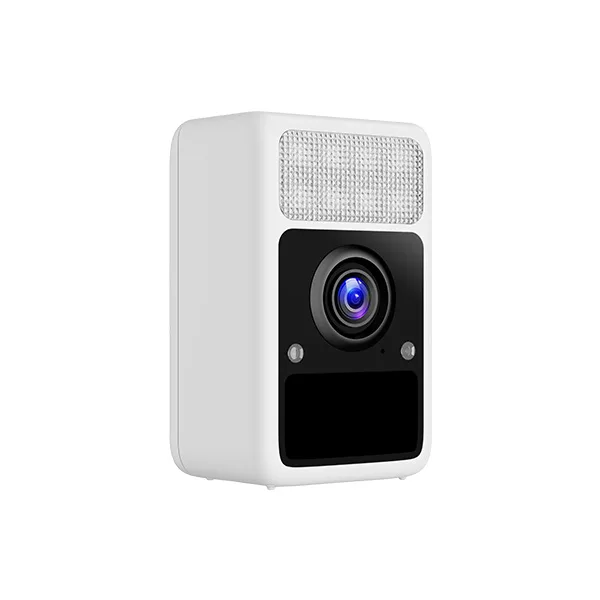
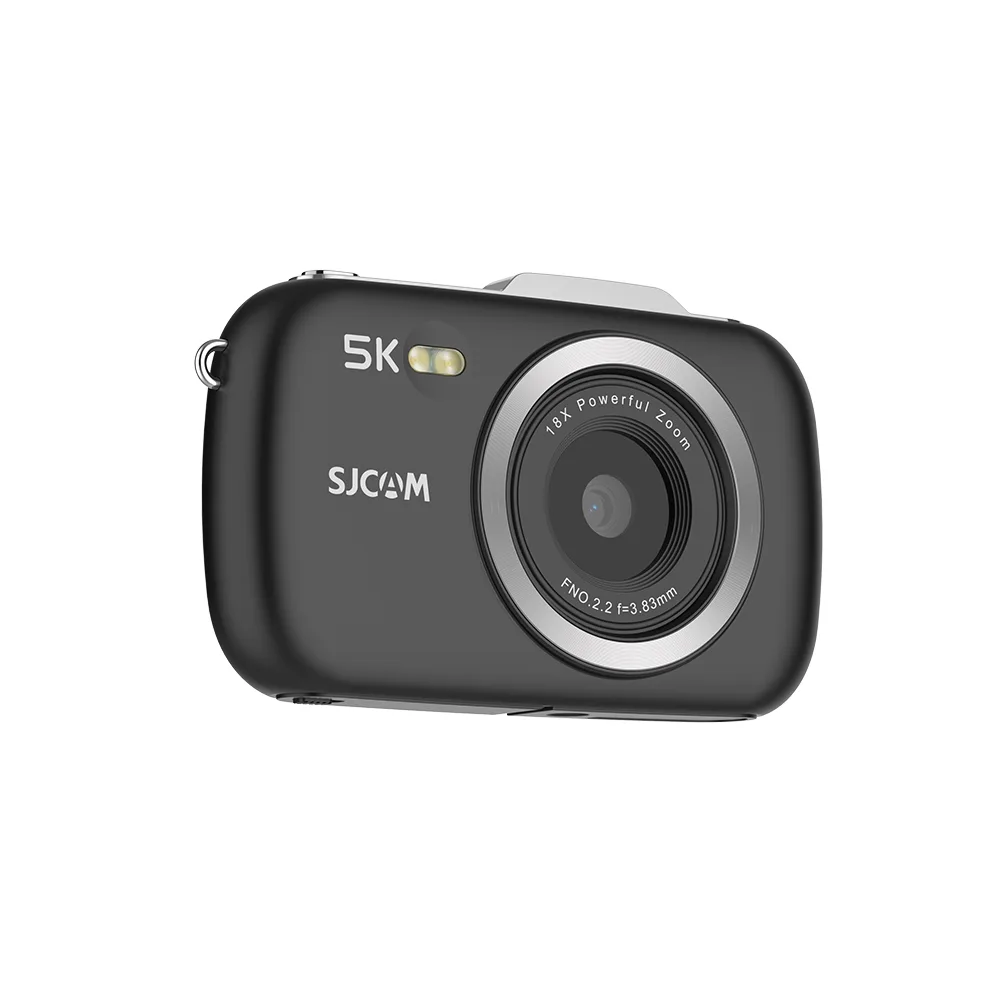
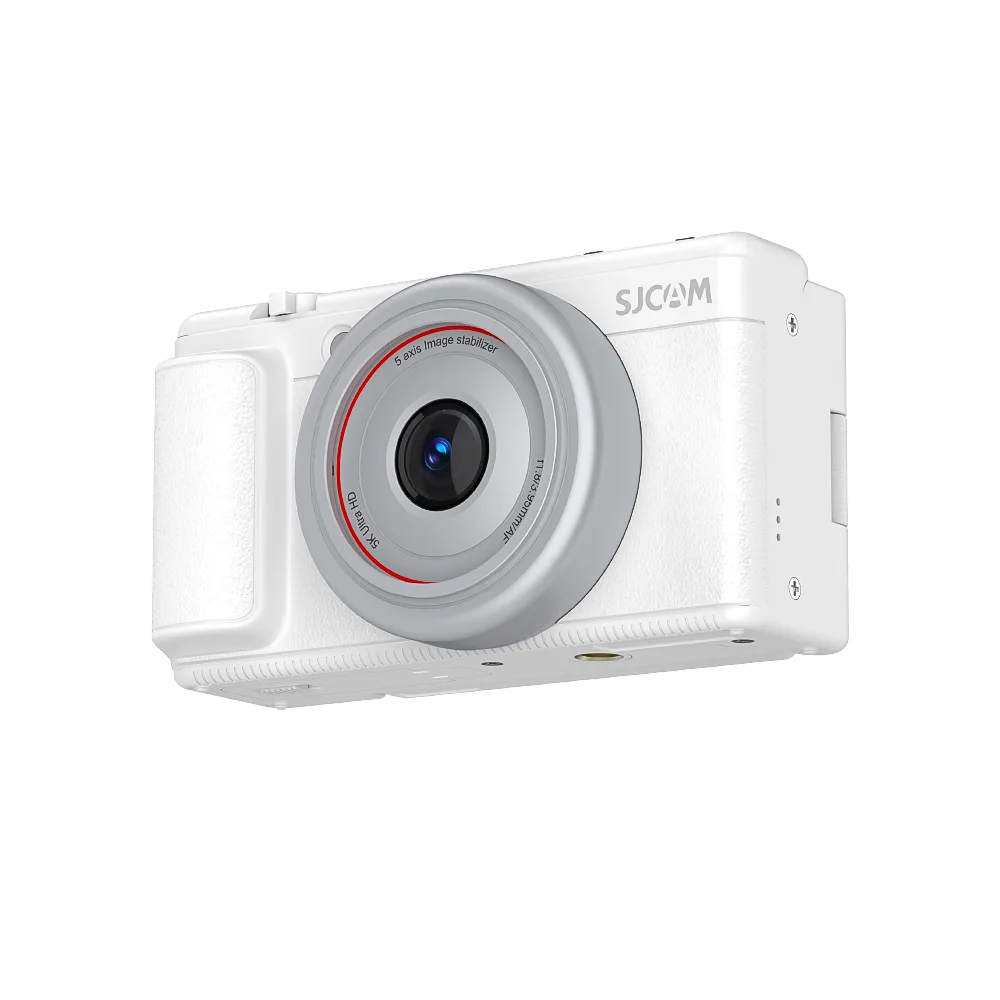

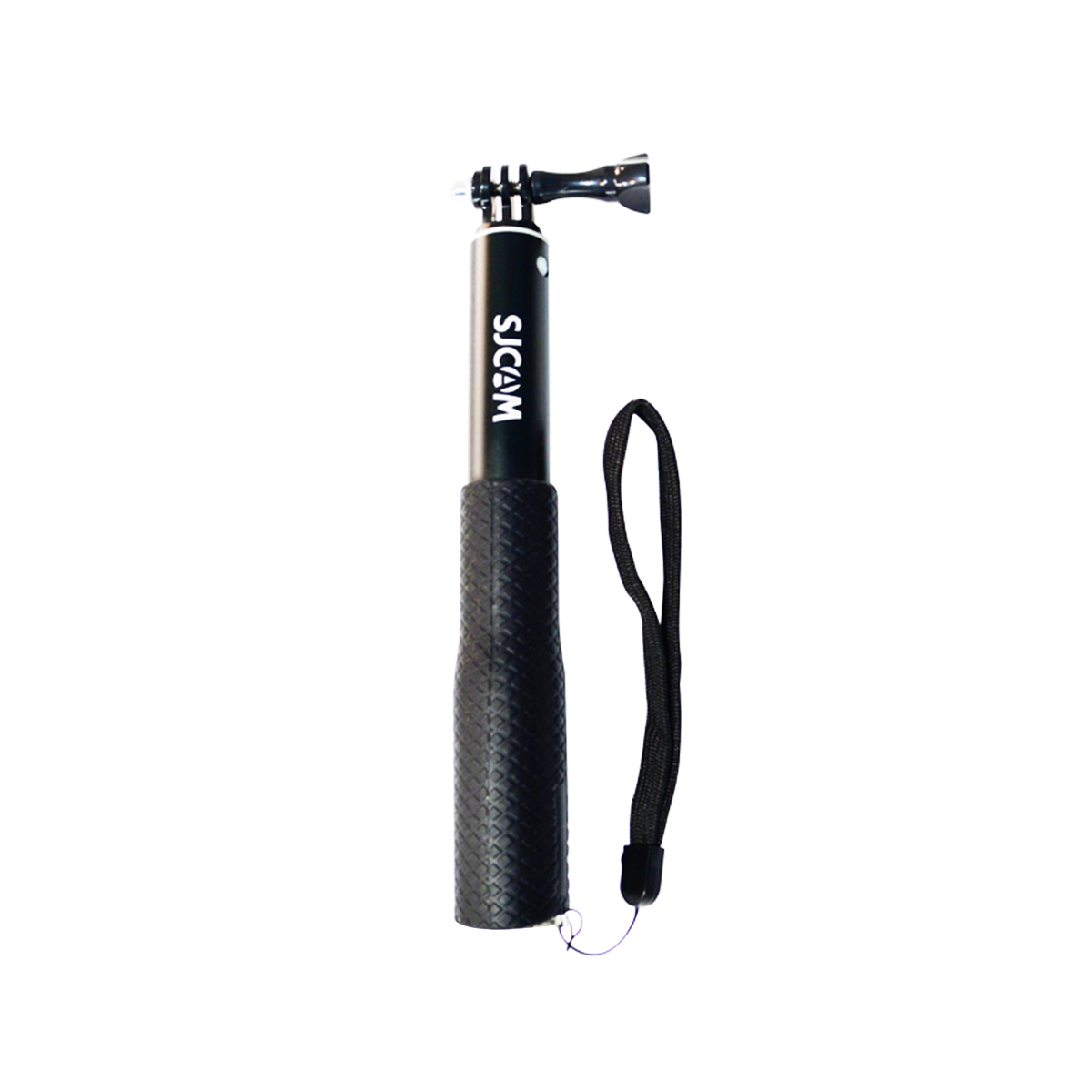

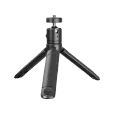
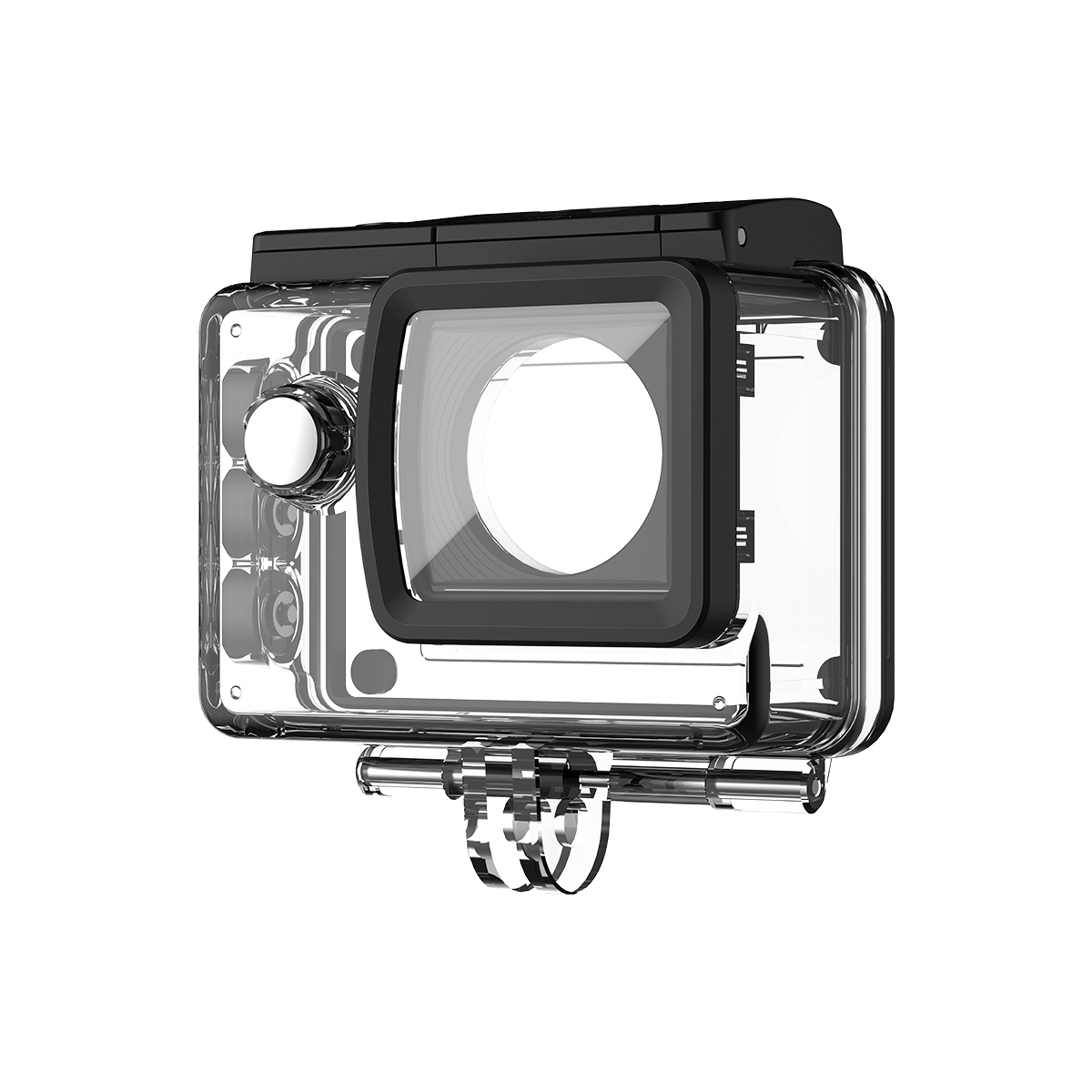
The SJCAM C400 is not an ordinary action camera but an ecosystem in the form of a modular gadget that can be used by contemporary creators. Its most remarkable characteristic is the innovative removable design, where you can detach the 4K lens unit from the handheld controller. This means you can install the camera anywhere and still operate from your hand.
We understand that understanding new equipment can sometimes be challenging. So, we have dismantled the key functions of the SJCAM C400 in this blog so you can start capturing your cinematic shots right after unboxing. Now, we will jump into the ways in which you can maximize this powerful pocket camera.
Booting up: Two Intuitive Methods to Boot
The SJCAM C400 has two easy methods to power up.
Method 1: The Flip and Shoot (Turnable Screen)
Rotating the screen is the fastest way to turn on your camera. The device will just need to be flipped to be powered on instantly.
Pro Tip: This instant-on feature comes in handy in street photography and spontaneous vlogging. When time is of the essence, the flip-and-shoot technique helps you never miss out on capturing due to lack of readiness.
Method 2: The Physical Power Button
For a more conventional method, you can use the physical power button at the back of the handheld controller.
- Hold the power button down for 3 seconds.
- Observe the LED indicators to make sure they are powered.
The Modular Benefit: C400 Pocket Detachment.
The SJCAM C400 is a unique modular camera, which is its real magic. The camera unit can be separated easily from the grip to achieve special shooting angles.
The Detachment Mechanism
The pocket unit can be removed without any risks. Press the release buttons on both sides of the handheld controller and pull the C400 Pocket upwards softly. In order to reconnect it, place the camera at the slot on the controller and slide it down until you hear a click.
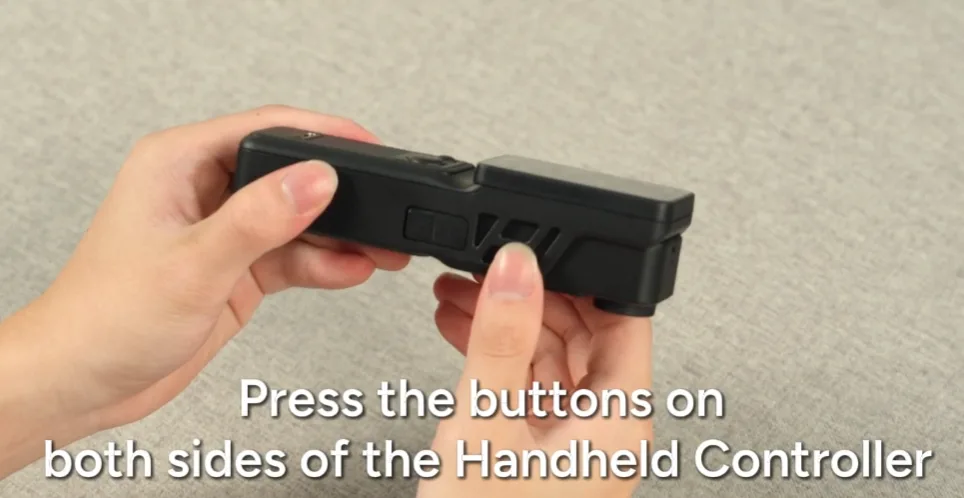
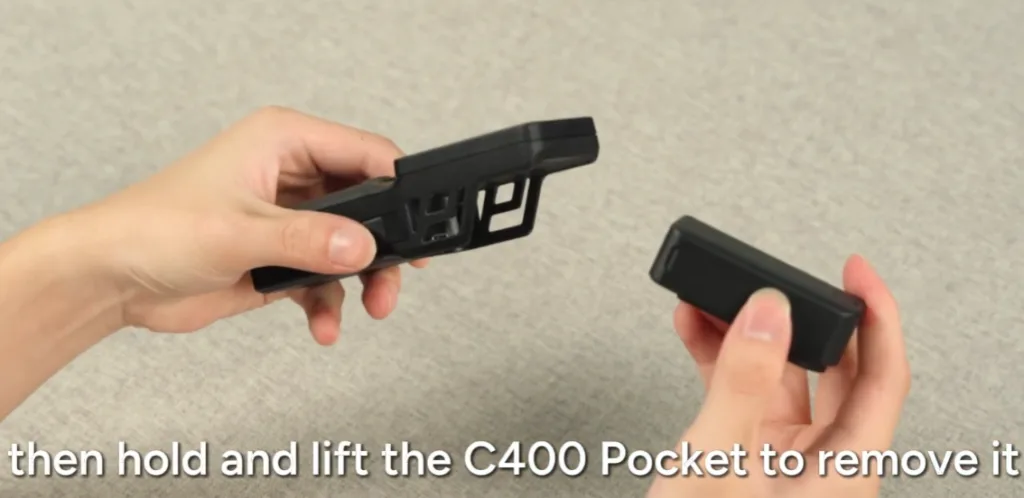
Pro Tip for Smooth Detachment: While the modular design is robust, we recommend supporting the lens unit with your index finger while pressing the dual-release buttons. This ensures the 4K module stays secure as it disengages from the controller. Based on our user feedback, this “two-finger support” method is the safest for one-handed operation during fast-paced action.
Wireless Monitoring
When disconnected, the handheld controller can be used as a remote screen. It gives us a live view of what the camera is seeing. The wireless transmission is very strong with a good range of up to 8 meters (approximately 26 feet).
Creative Use Cases
The removable feature makes creative possibilities endless. The small pocket unit can be used in tight areas, like inside a refrigerator or a car, or to capture unique perspectives like a pet POV. The best part is that you will be able to monitor the recording via the grip in your hand.
Screen Navigation & Interaction
Using the menus and settings of the SJCAM C400 is as easy as it is with your smartphone.
Dual-Screen Activation
The camera has two screens, which allow you to easily frame your shots, whether you are in front of the camera or in the back. In order to open a particular screen, one just needs to make the swipe up gesture on the front or the back screen. This fast response turns the screen on.
Interface Basics
It is easy to switch among the various shooting modes using the touchscreen interface. The menus are responsive and easy to understand and can be used to check the footage, change the settings, and switch modes with a few taps and swipes.
Hardware Layout, Storage & Charging
Knowing the hardware design of your SJCAM C400 will enable you to keep it charged and ready for action.
Storage Setup
You will need an effective memory card to store your quality 4K videos. The Pocket unit has a convenient microSD card slot on the right side. To achieve its highest performance, using cards of speed class U3 or V30 speed is strongly suggested, as they can support the fast data rates of 4K recording.
Dual Charging Options
The dual charging options allow you to keep your device charged easily. In both units, regular Type-C ports are in use.
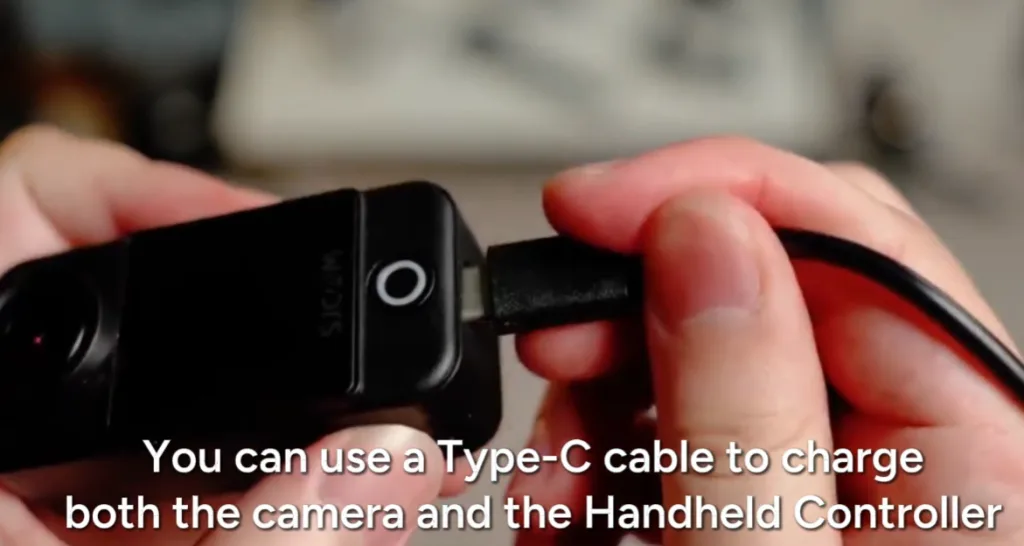
- Charging through Controller: You can charge the whole system by inserting a cable into the bottom of the handheld controller.
- Direct Charging: You can also directly charge the Pocket unit through its independent Type-C port at the bottom.
Mounting Options
To stabilize the camera professionally, a 1/4-inch tripod screw hole is included in the bottom of the camera. This allows you to simply attach the camera on tripods, selfie sticks, and other general photography gear.
Maintenance & Pro Tips
To ensure maximum life and performance of your SJCAM C400, it is important to follow these easy maintenance guidelines.
Firmware Updates
It is important to keep your camera firmware up to date. Manufacturers are frequently releasing updates, which fix minor bugs, add new features, and enhance the wireless stability. Verify the updates on a regular basis using the official app.
Battery Management
In case of wireless monitoring, faster battery depletion could occur. To maximize your runtime, switch off wireless connections when not necessary and decrease the screen brightness. It is also nice to have a portable power bank on hand in case of a long day of shooting.
Safe Reinstallation
Care should always be taken when reattaching the camera on the controller. Make sure that the slot and connection pins are correctly aligned when sliding the camera back into position. It might be bad to push it forcefully because it may break the connectors.
FAQ
The following are some of the frequently asked questions about the SJCAM C400.
Most devices, including the camera, can be hard reset by simply pressing on the power button and holding it down until the device is rebooted (between 10 and 15 seconds).
Yes, the camera supports pass-through charging. It has a Type-C port that allows it to be connected to a power bank and still record, which is ideal in long timelapses.
The 8-meter range is calculated based on the ability to see clearly. The effective range and signal quality will be reduced by obstructions such as thick walls.
Conclusion and Call to Action
The SJCAM C400 is a good choice for vlogging and making creative recordings. Its removable structure, user-friendly controls, and trustworthy wireless monitoring allow it to be the most prominent equipment choice to record the best quality 4K shots from different angles.
Whether you are a vlogger, explorer, or simply enjoy filming the moments of life, this camera is versatile and adapts to your style. Take the SJCAM C400 today, discover its modular functionality, and start to produce videos that stand out from the crowd.
Related Reading
How to Set Up and Operate Your SJCAM C400 Pocket in Minutes?