





 Chinese (China)
  Spanish
  German
  French
  Italian
  Japanese
  Korean
  Bulgarian
  Greek
Greek  Indonesian
  Chinese (Hong Kong)
  Russian
  Danish
  Finnish
  Hungarian
  Turkish
  Dutch
Dutch  Portuguese
  Swedish
  Romanian
  Slovak
  Serbian
  Norwegian
  Croatian
  Albanian
  Catalan
  Czech
Czech  Estonian
  Armenian
  Bengali
  Amharic
  Polish
  Thai
Thai  Ukrainian
  Vietnamese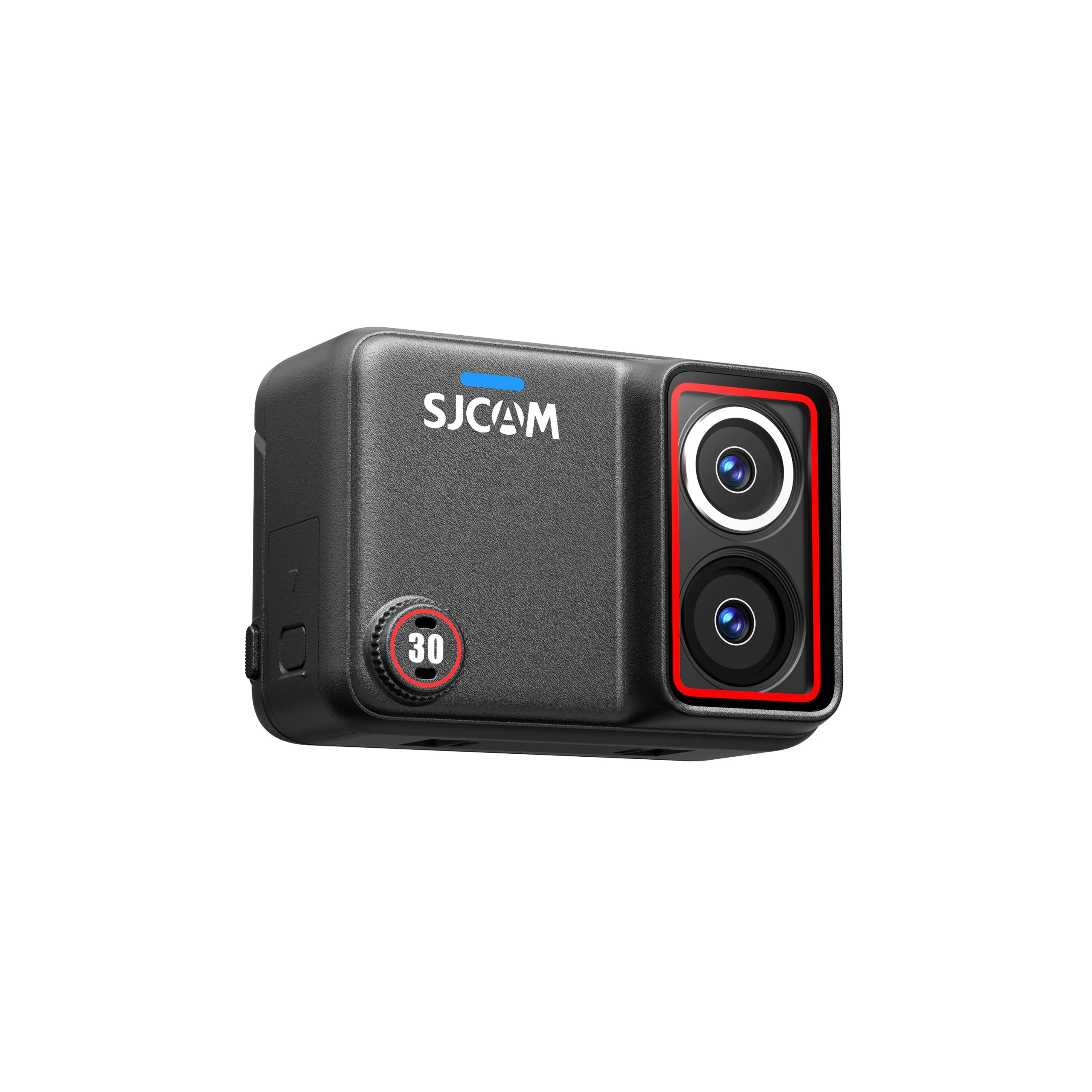
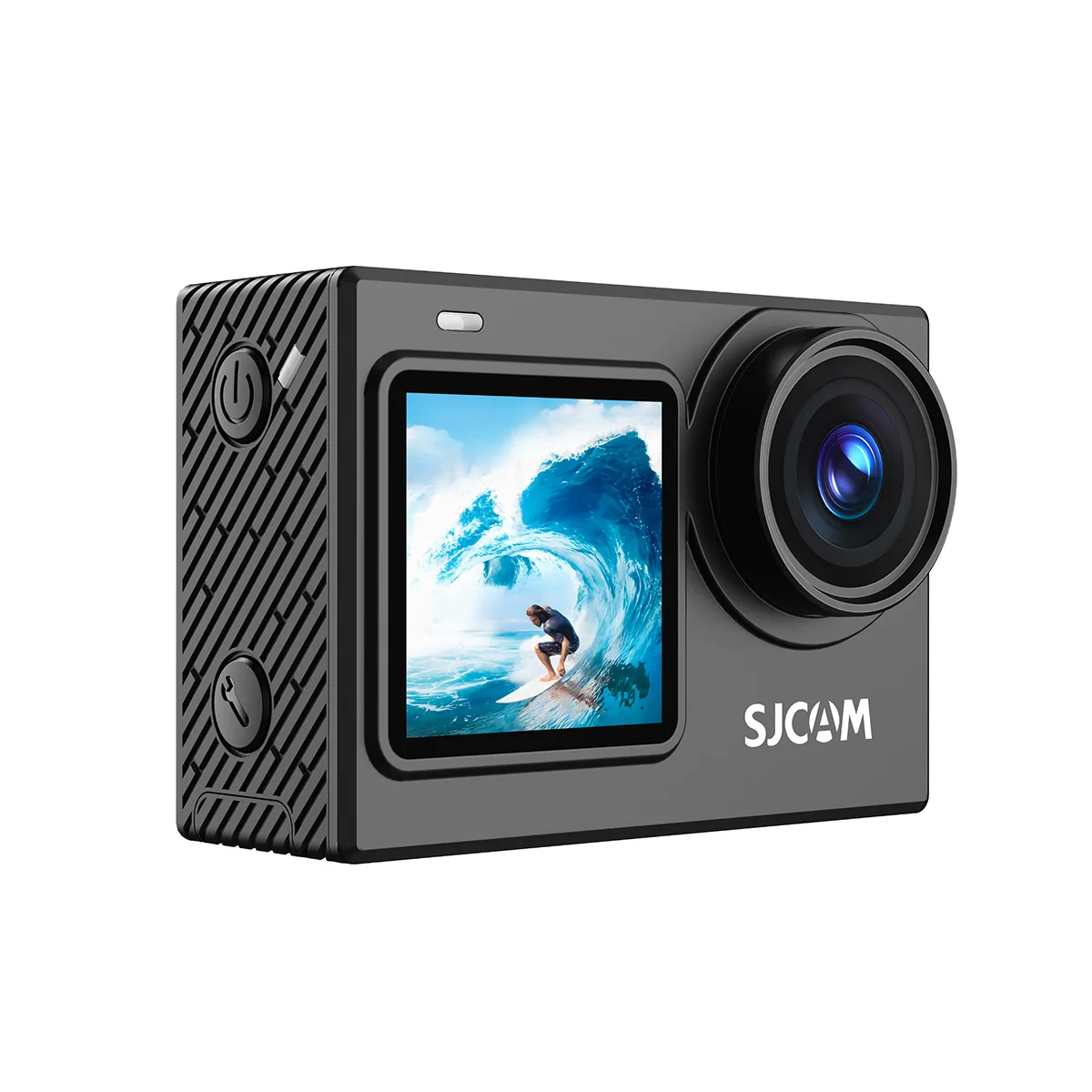
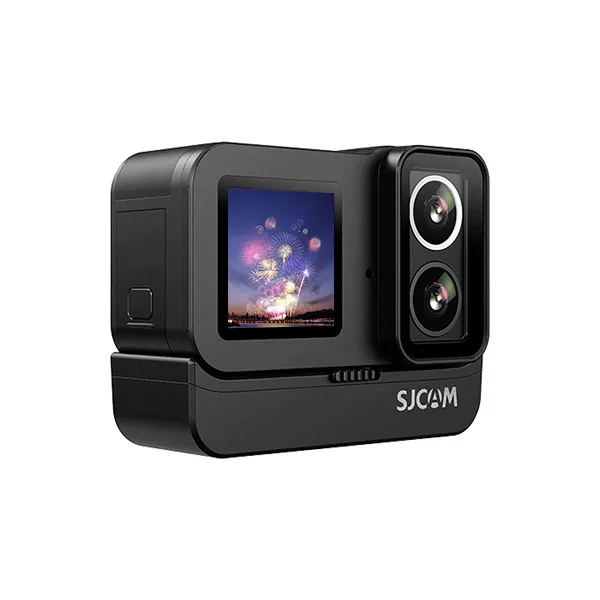
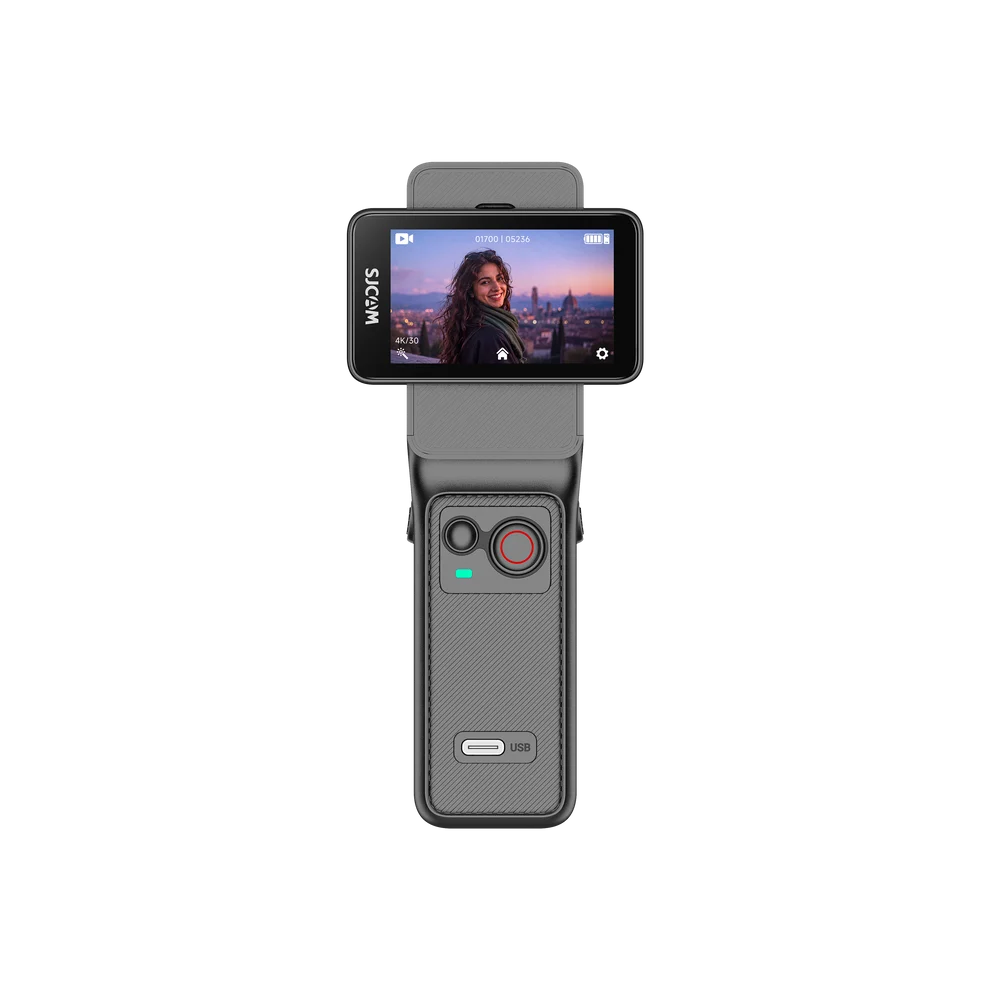
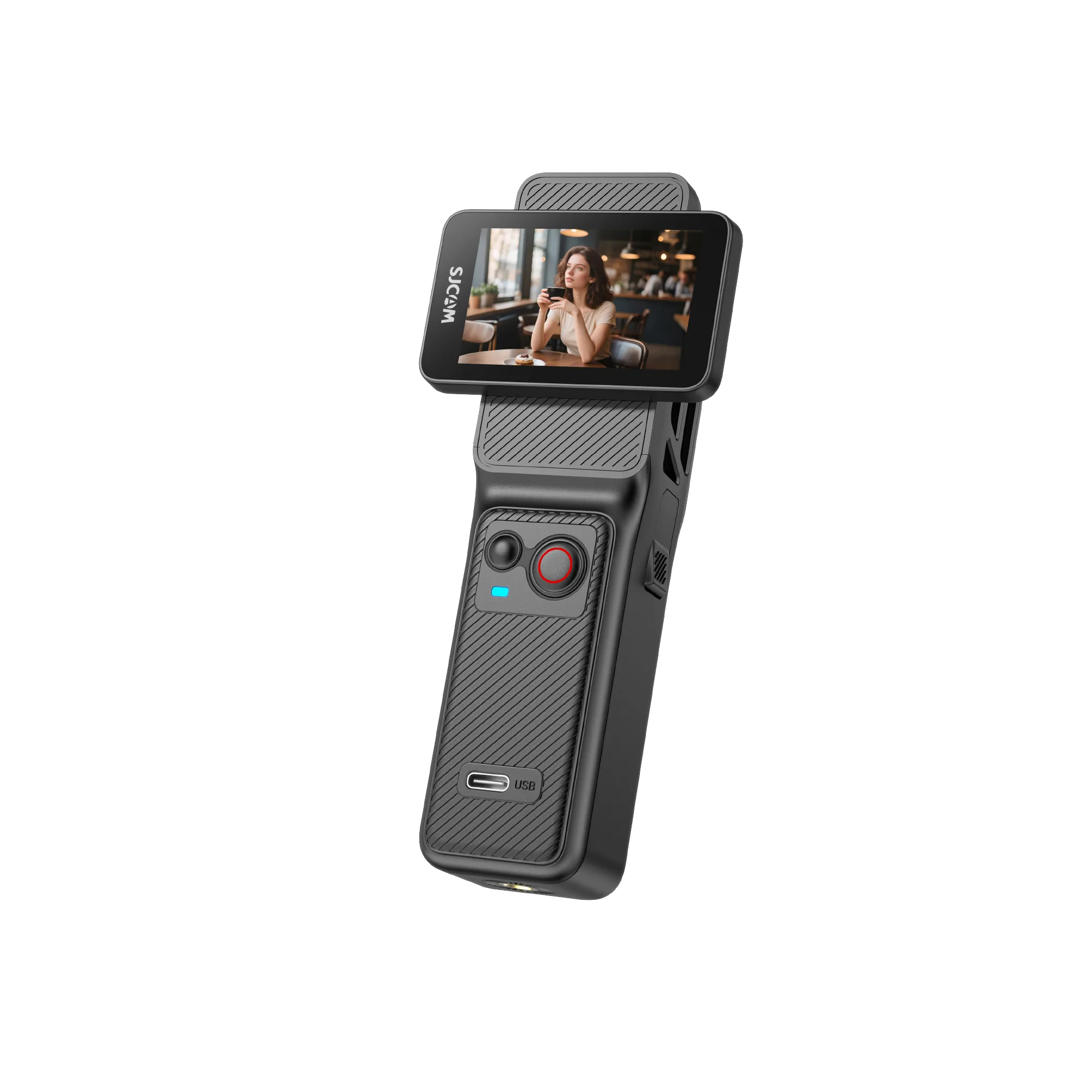
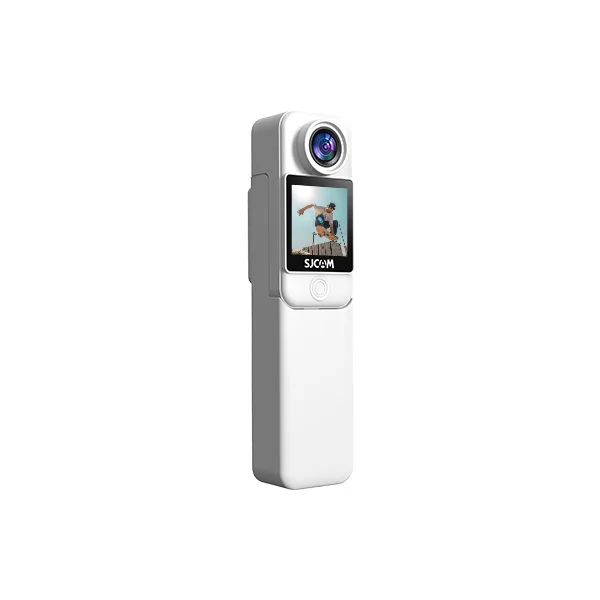
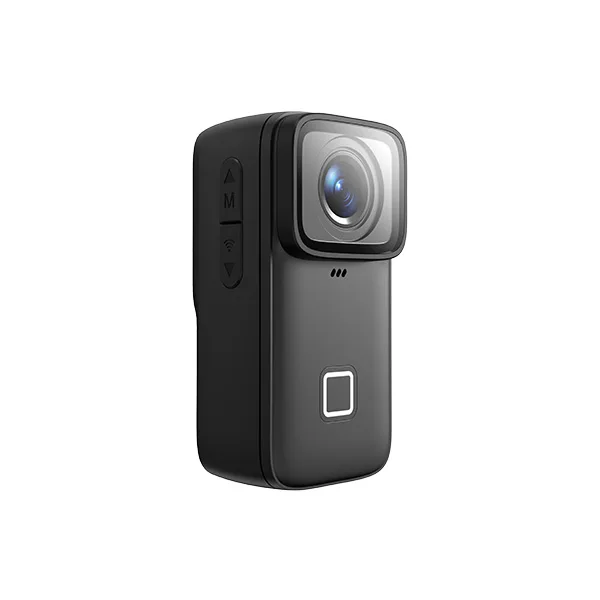
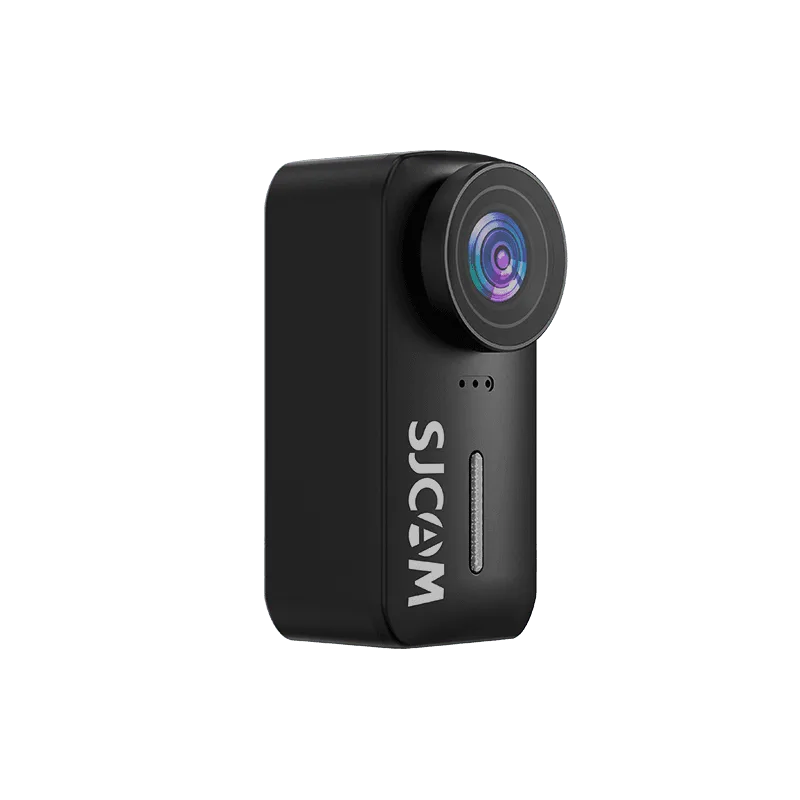
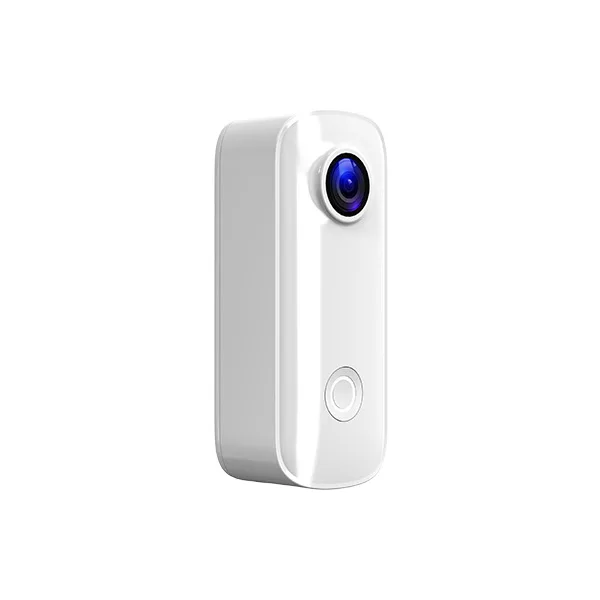
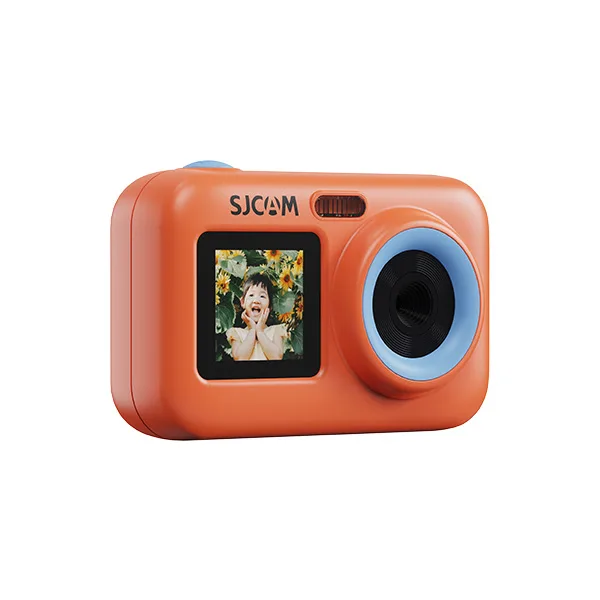
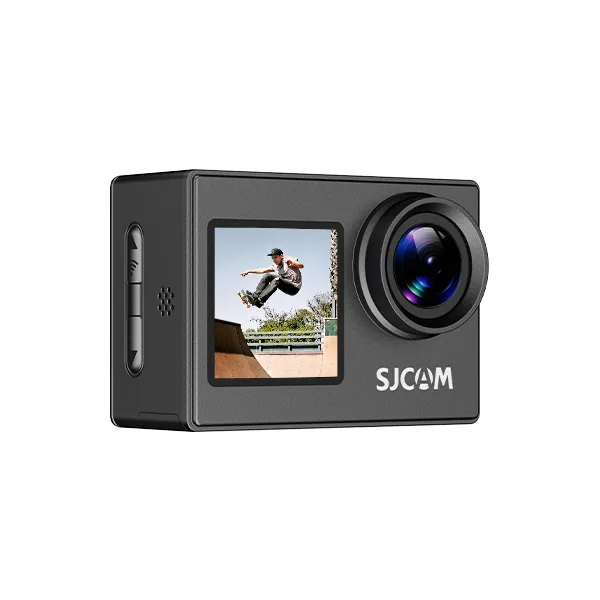
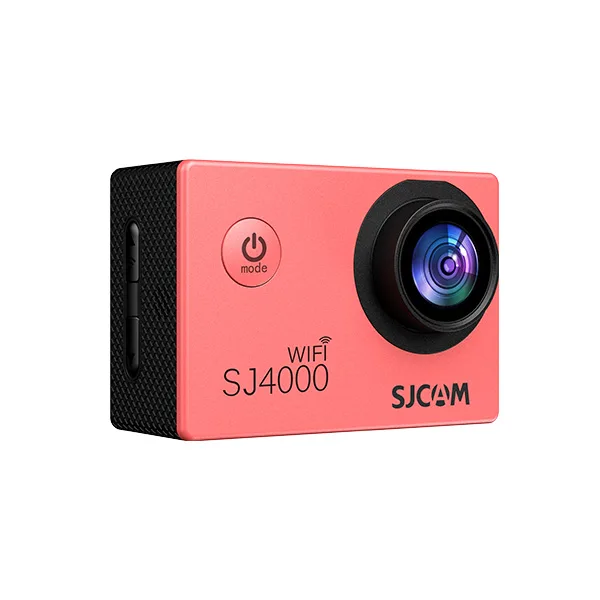
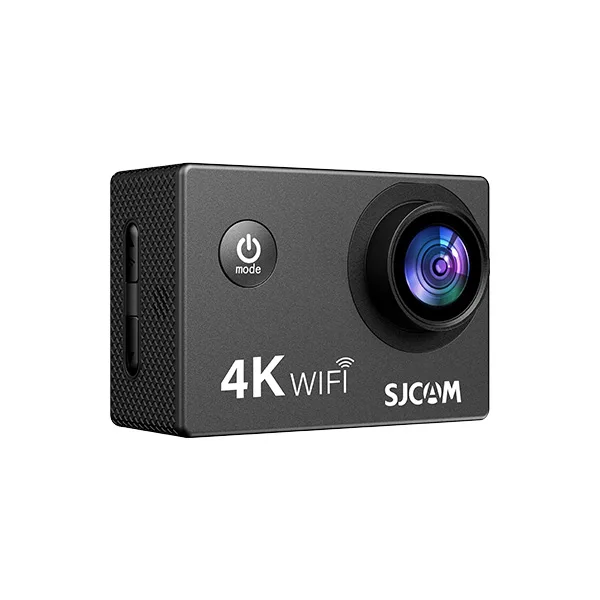
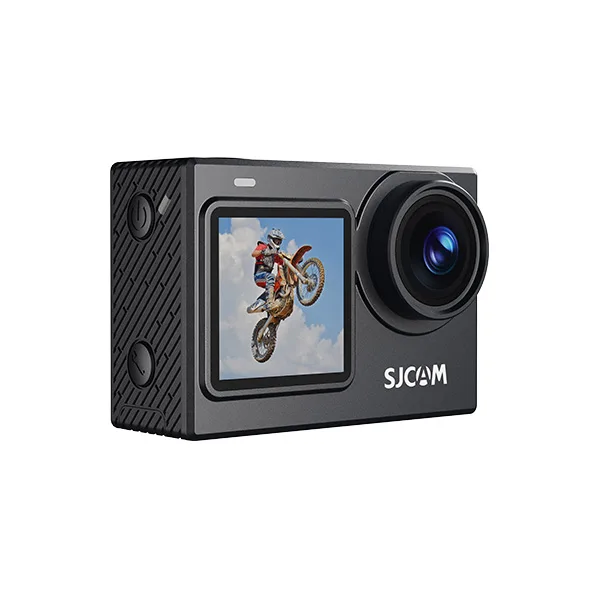
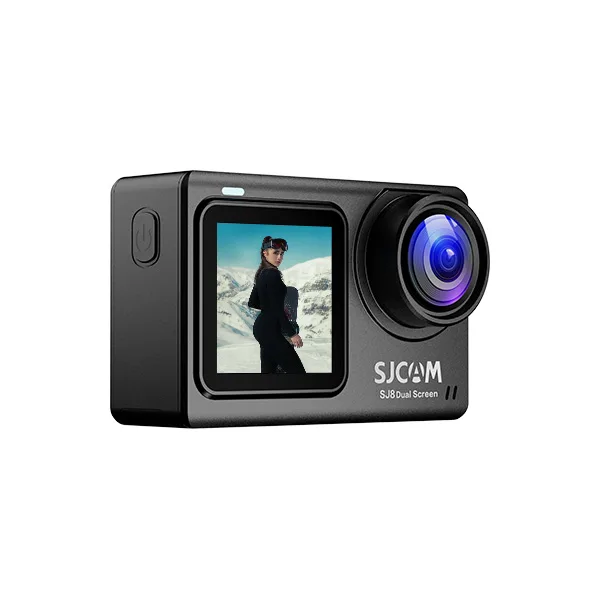
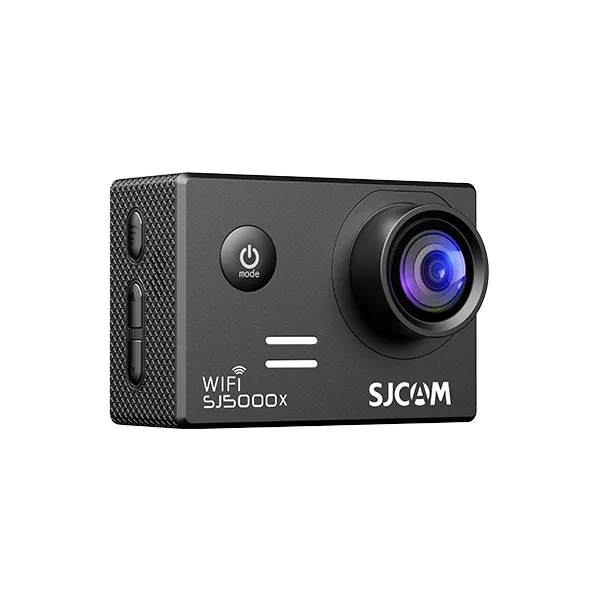



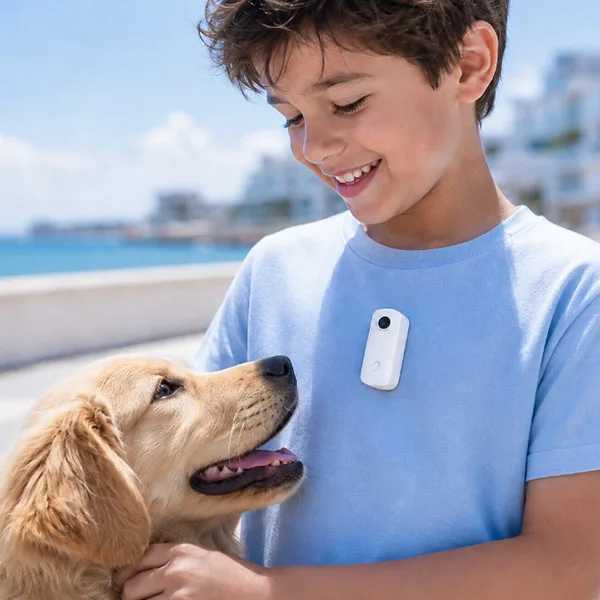
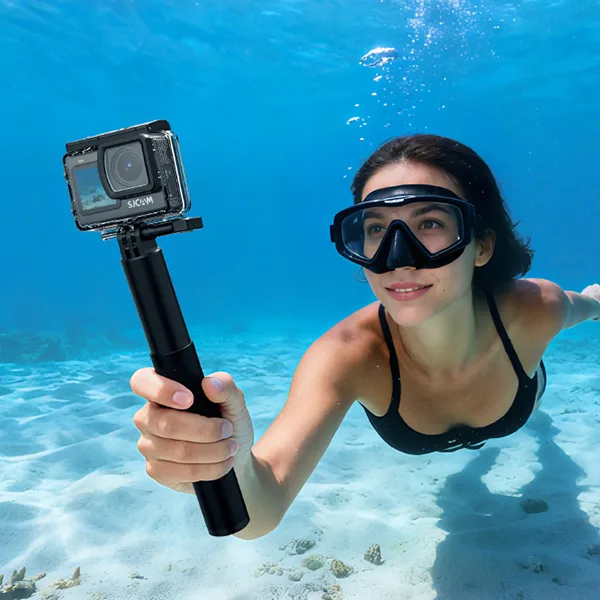
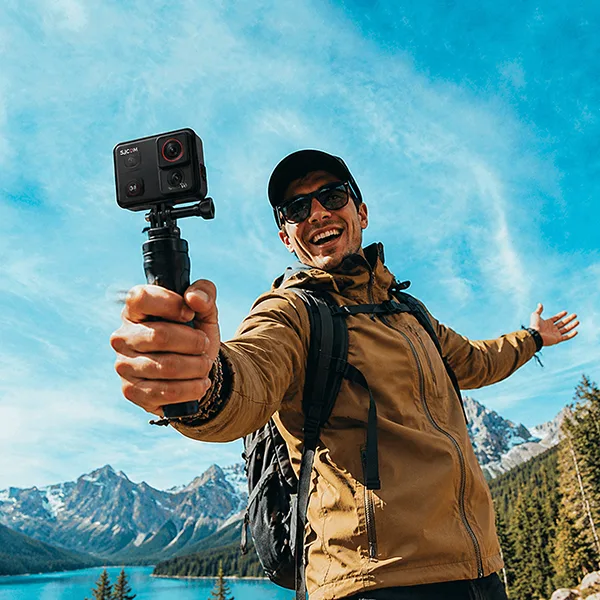
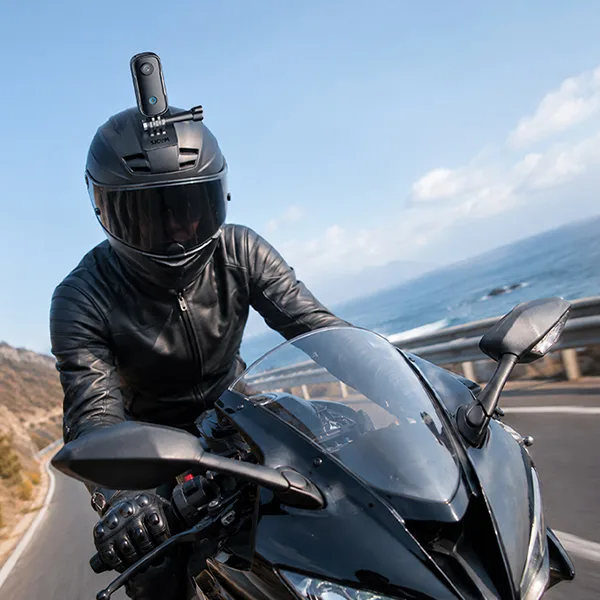
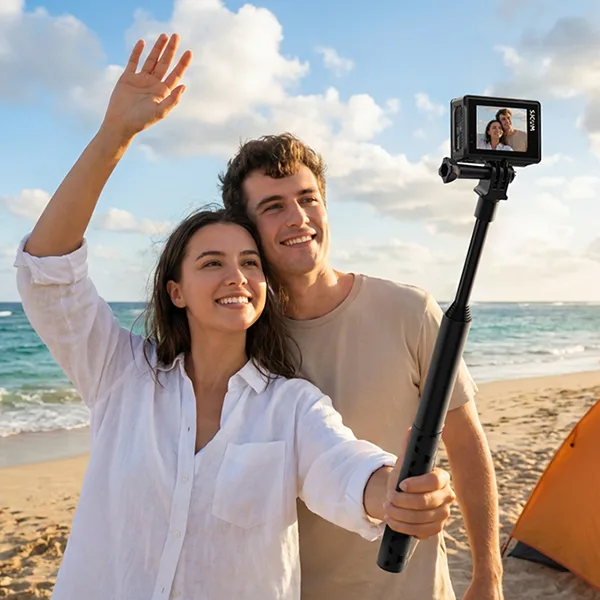


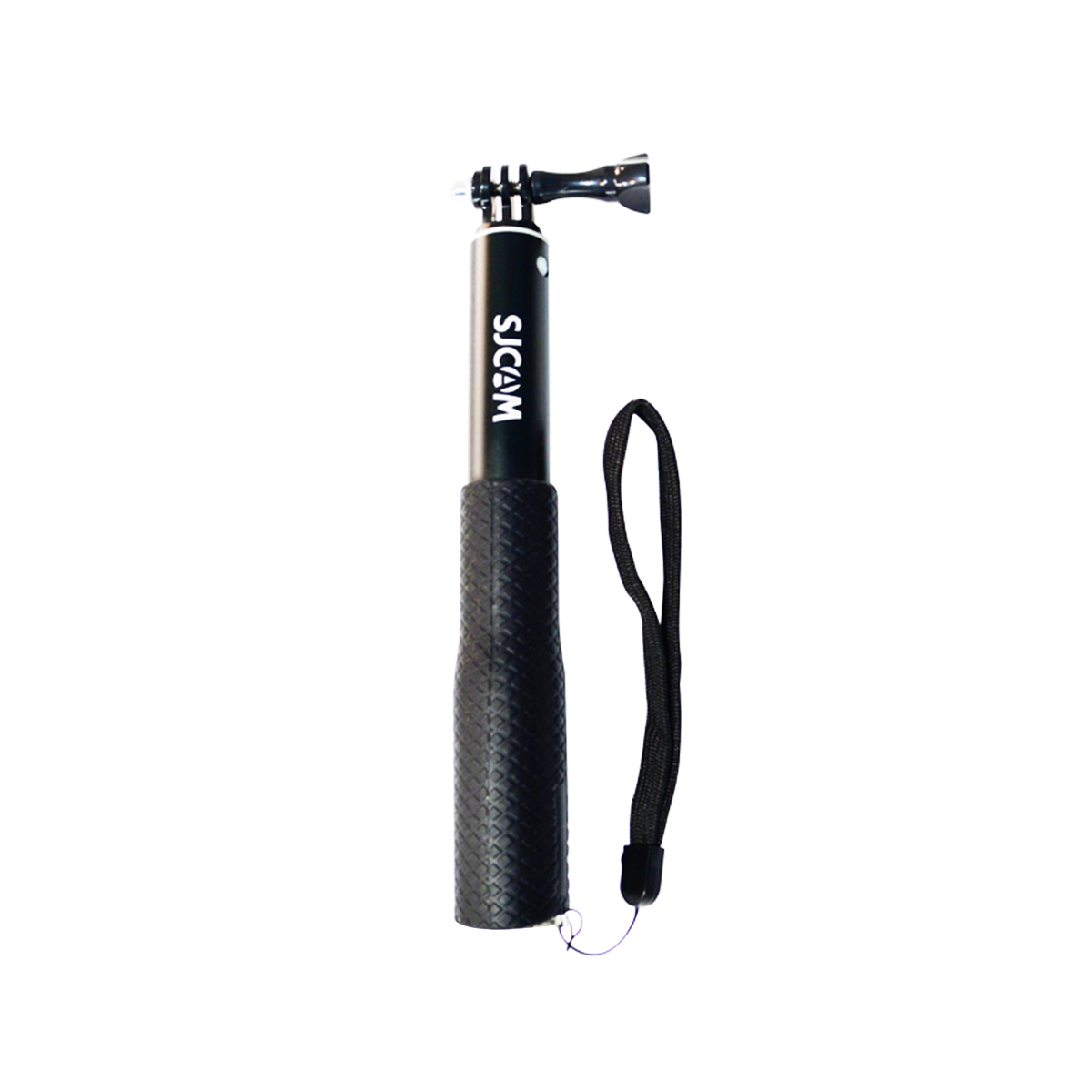

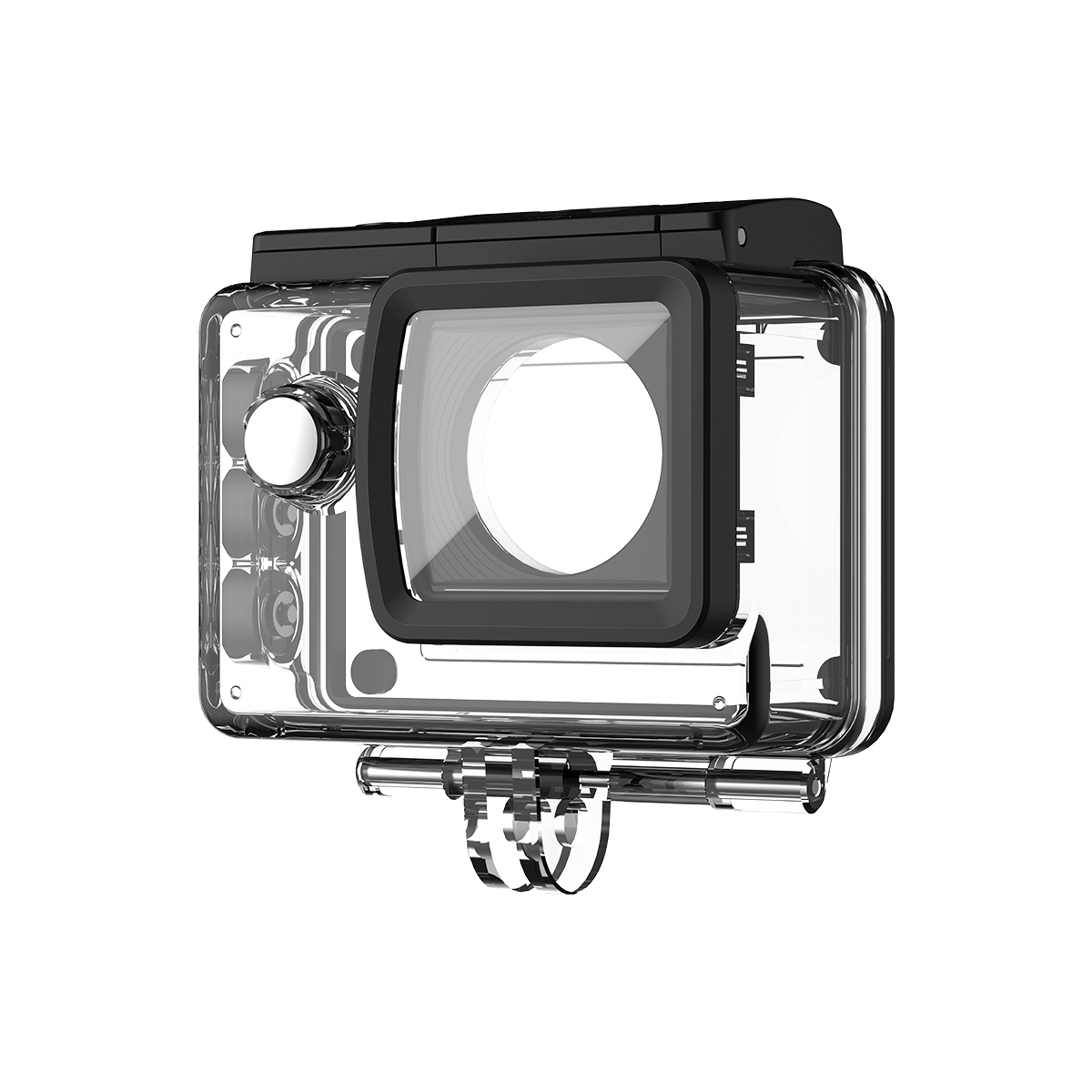
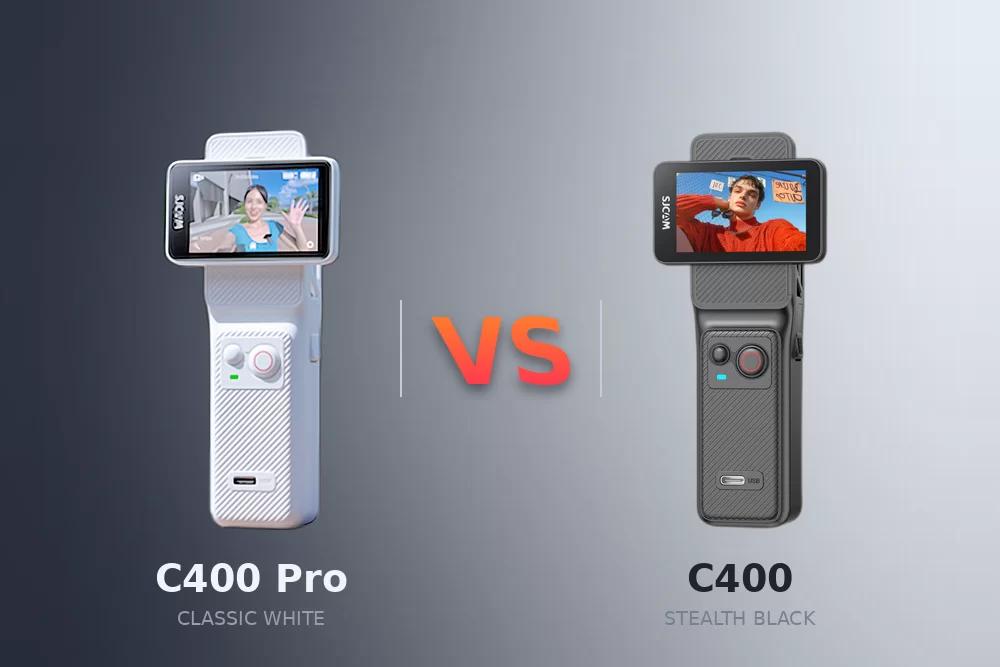
The SJCAM C400 Pocket is more than just a compact 4K camera; it’s a versatile powerhouse designed for creators who need speed and precision. While its size is small, its interface is packed with professional features. In this guide, we’ll walk you through the intuitive UI so you can spend less time scrolling and more time capturing.

The Power of Gestures: Navigating the Interface
The C400 Pocket uses a “Four-Way Swipe” logic that makes navigation effortless.
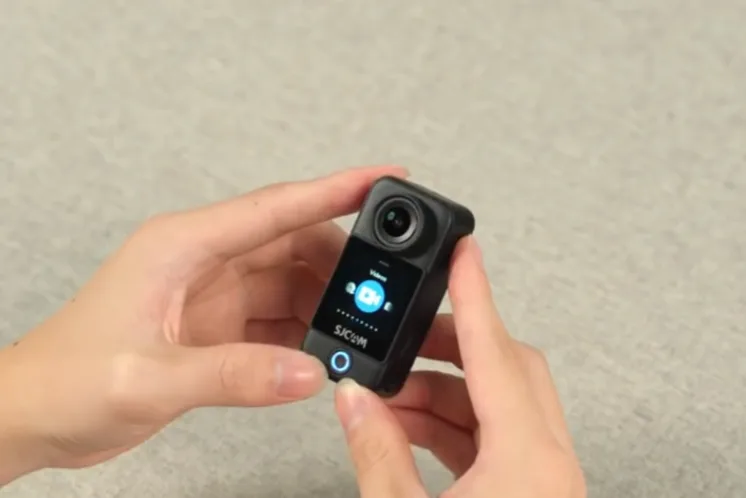
Swipe UP for Modes: Access the shooting mode menu. From time-lapse to slow motion, just swipe left or right to find your creative style.
Swipe DOWN for Control Center: This is your “Quick Settings” hub. Here you can toggle Wi-Fi, adjust brightness, or enter silent mode.
Swipe LEFT/RIGHT: Quickly cycle through your most-used shooting modes without entering the full menu.
Operation Tip: Use short, decisive swipes. The 2.5D curved glass screen is highly responsive, so a light touch is all you need.
Precision Tuning: Settings Menus
On the main shooting interface, look for the two icons at the bottom corners:
Lower Left (Shooting Settings): Tap here to fine-tune your current mode. If you’re in video mode, this is where you adjust resolution (up to 4K/30fps) or EV.
Lower Right (System Settings): This is the “brain” of the camera. Access language settings, format your SD card, or reset the device here.
Professional Stabilization: Keeping it Steady
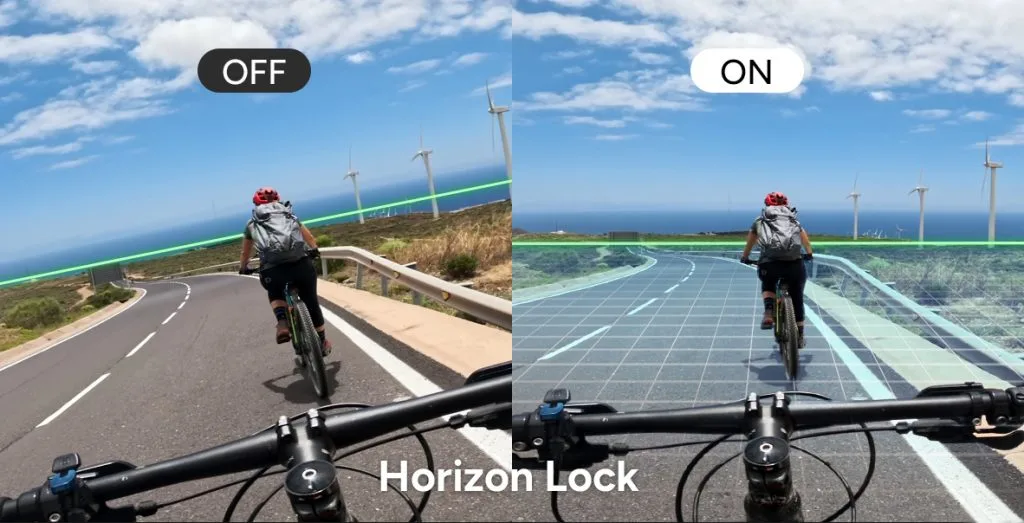
One of the C400’s standout features is its dual-mode stabilization. In the Control Center, you can toggle the following:
Image Stabilization (EIS): Perfect for general handheld vlogging to remove micro-jitters.
Horizon Stabilization: This is a game-changer for action sports. It keeps the video level even if the camera tilts up to 45 degrees.
Connecting to the World: Wi-Fi & App
To share your 4K footage instantly:
- Swipe DOWN to open the Control Center.
- Tap the Wi-Fi icon.
- Scan the QR code that appears with your smartphone to link directly to the SJCAM Zone app.
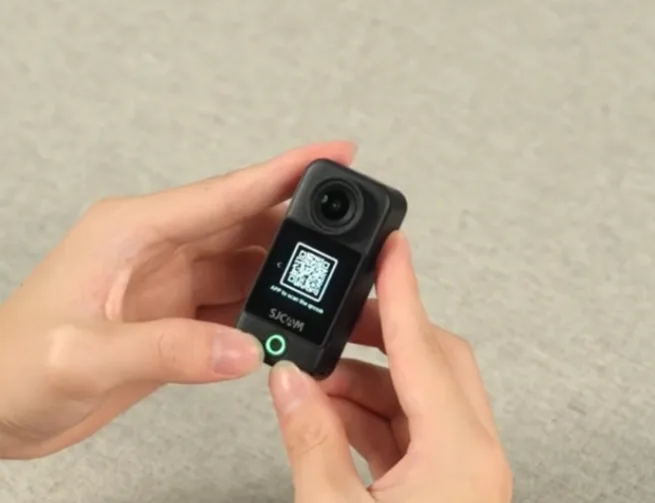
Operation Tip: Connecting via the 5G Wi-Fi module ensures faster file transfers, which is crucial for large 4K video files.
Essential Shortcuts for Creators
Portrait Mode: With a single tap in the Control Center, the C400 optimizes its framing for TikTok, Reels, and Shorts.
Noise Reduction: Enable this in the Control Center when filming outdoors to minimize wind interference without needing an external mic.
Playback: Tap the Playback icon to review your clips immediately. You can delete failed takes on the spot to save SD card space.
Conclusion: Ready to Shoot
The SJCAM C400 Pocket is designed to be invisible until you need it and intuitive when you use it. By mastering these swipes and settings, you unlock the full potential of its 1/2.8″ CMOS sensor and 4K capabilities.
Ready to see the SJCAM C400 in action? Sometimes seeing is believing. Watch our comprehensive Operation Guide Video below to see exactly how the gestures work and how the modular detachment looks in real-time.
Related Reading
Master Your SJCAM C400: The Ultimate Modular Action Camera Guide & Tips