





 Chinese (China)
  Spanish
  German
  French
  Italian
  Japanese
  Korean
  Bulgarian
  Greek
Greek  Indonesian
  Chinese (Hong Kong)
  Russian
  Danish
  Finnish
  Hungarian
  Turkish
  Dutch
Dutch  Portuguese
  Swedish
  Romanian
  Slovak
  Serbian
  Norwegian
  Croatian
  Albanian
  Catalan
  Czech
Czech  Estonian
  Armenian
  Bengali
  Amharic
  Polish
  Thai
Thai  Ukrainian
  Vietnamese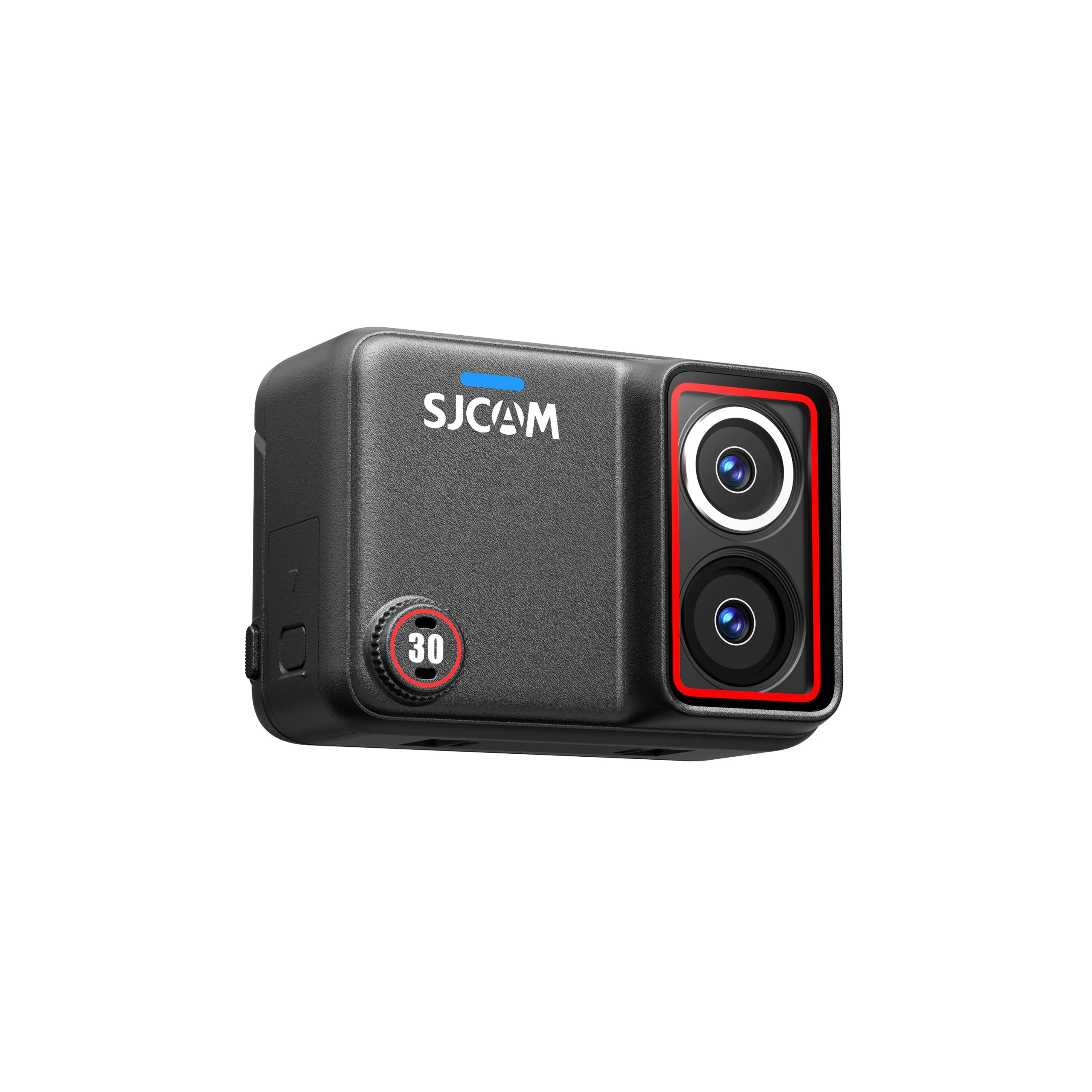
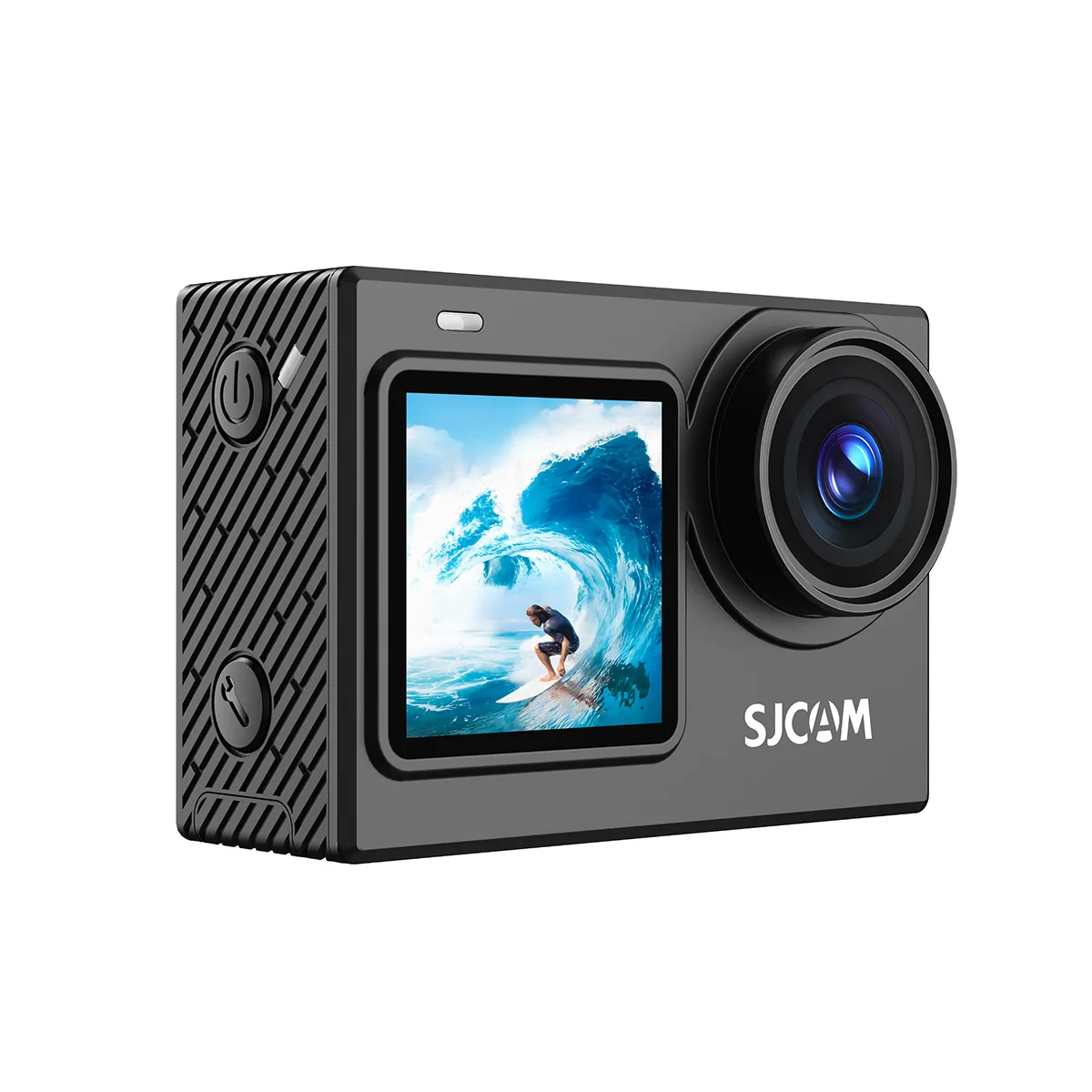
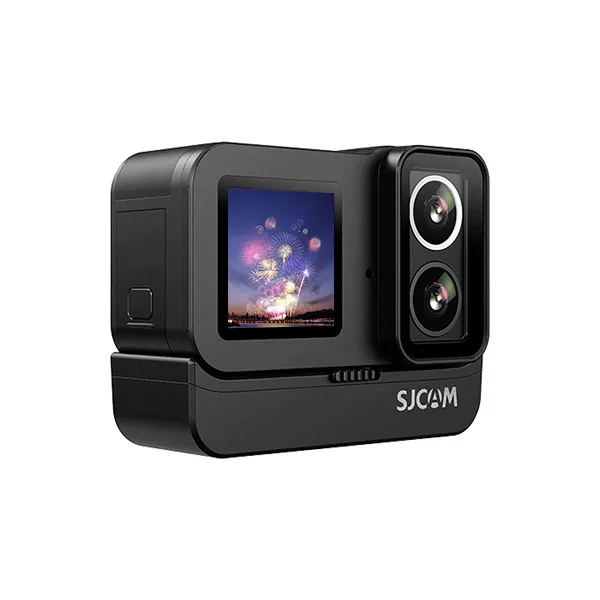
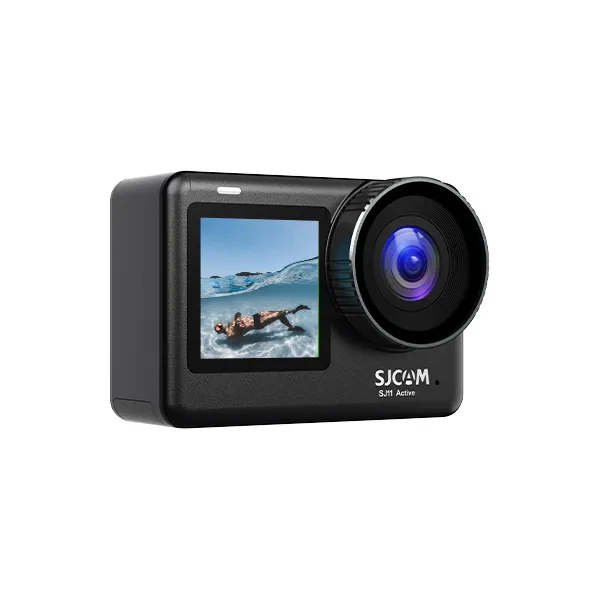
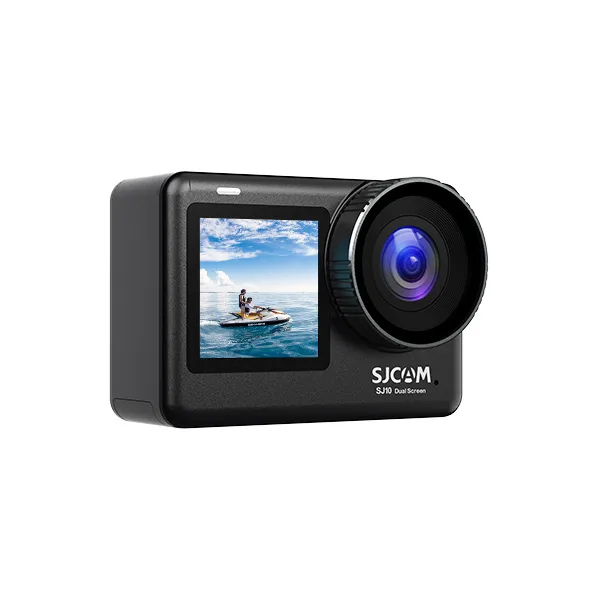
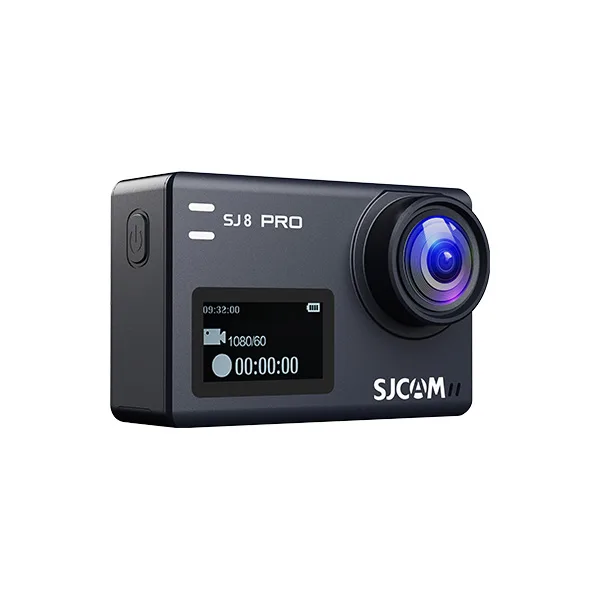
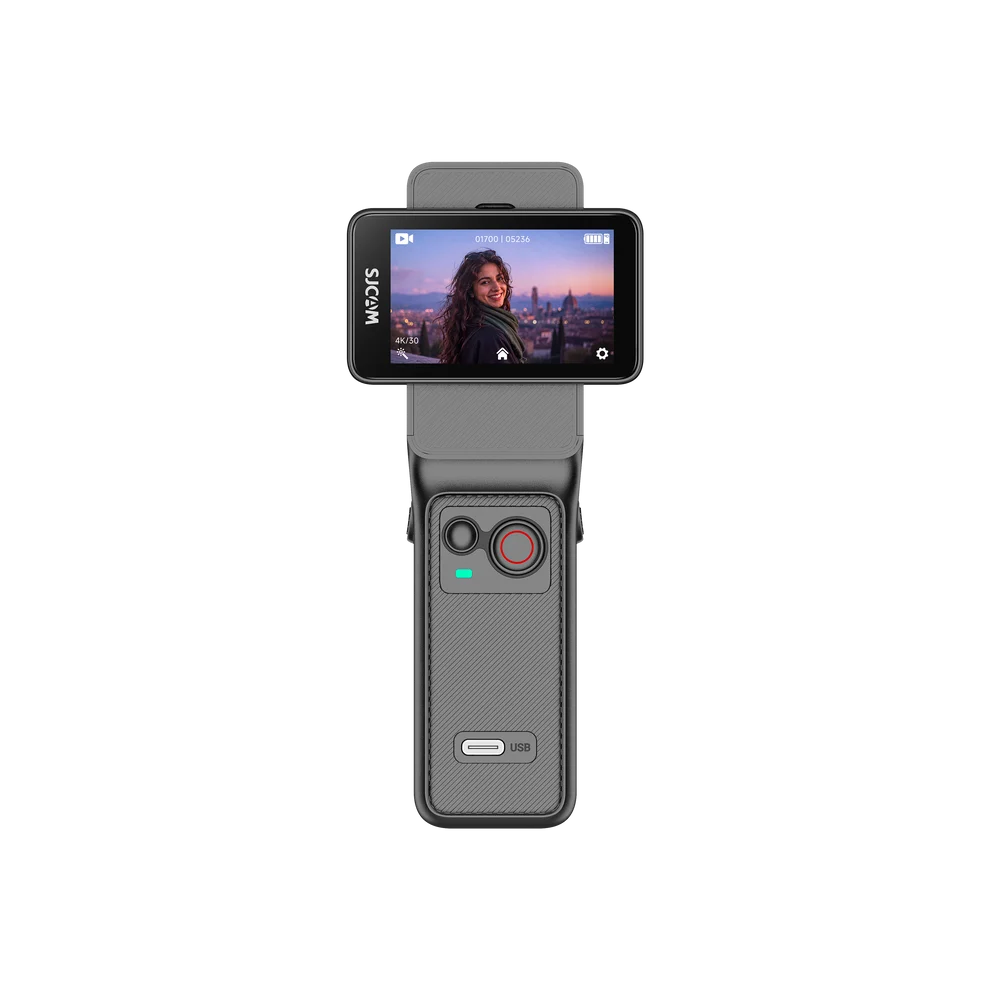
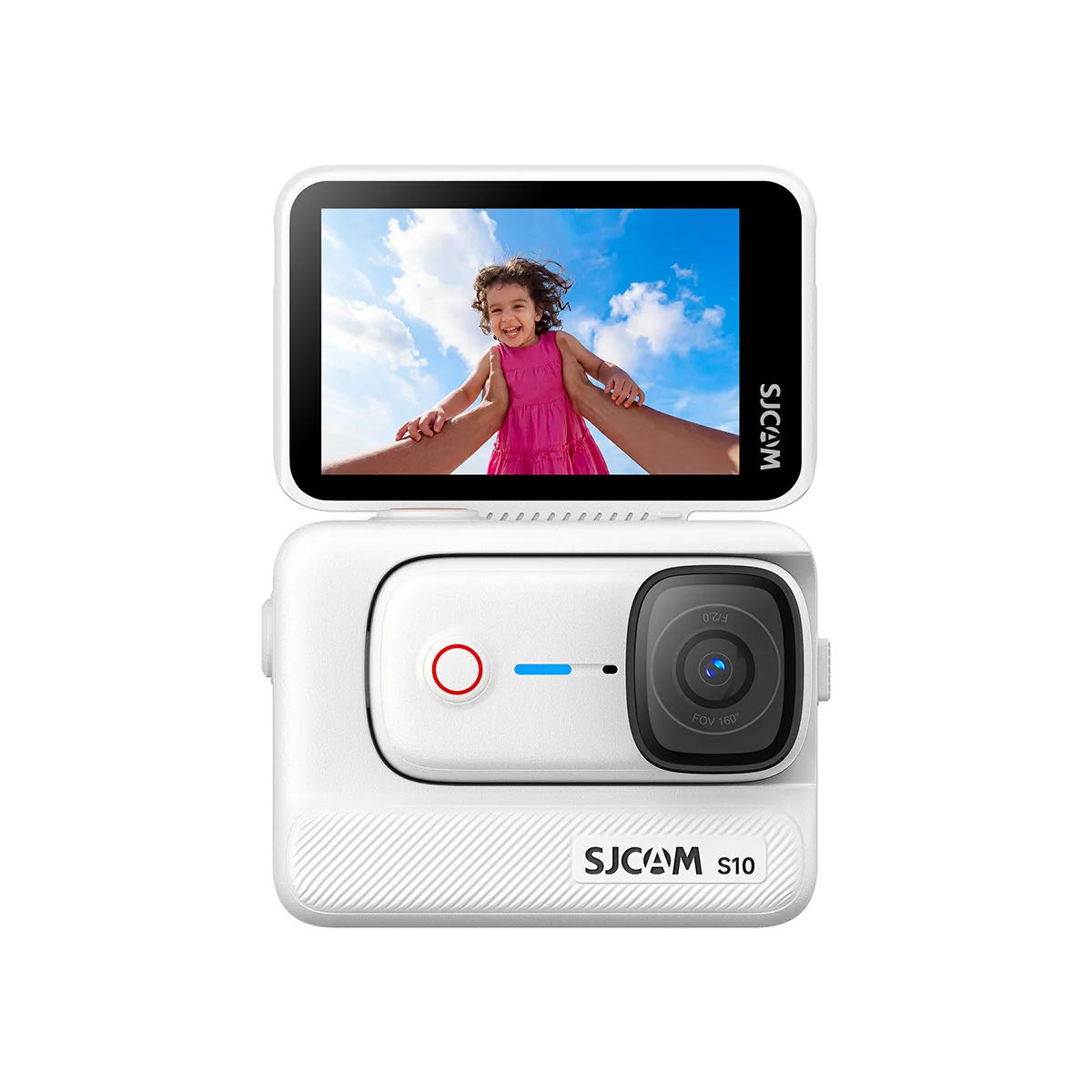
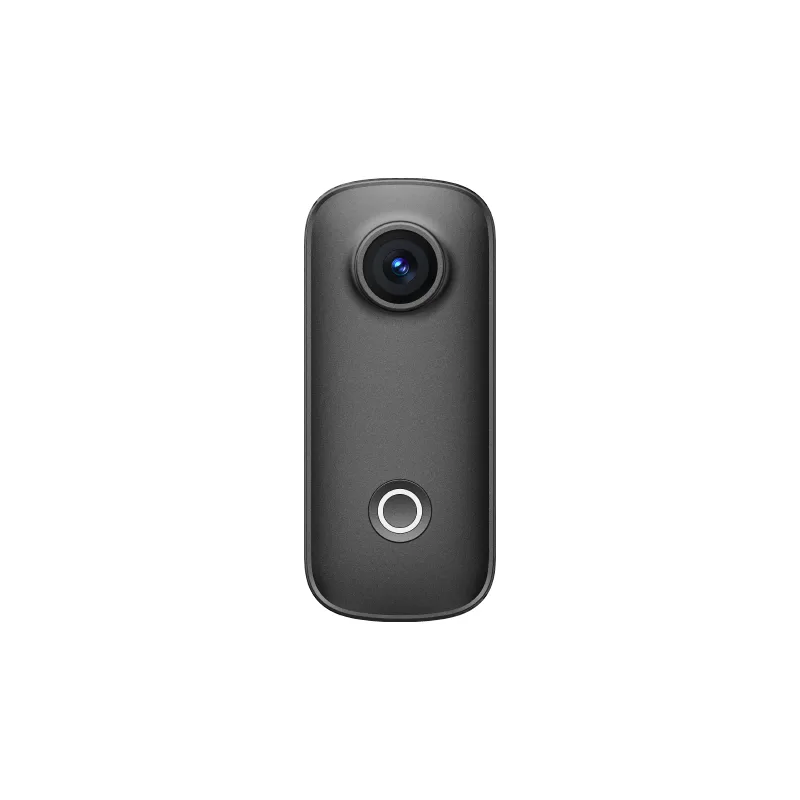
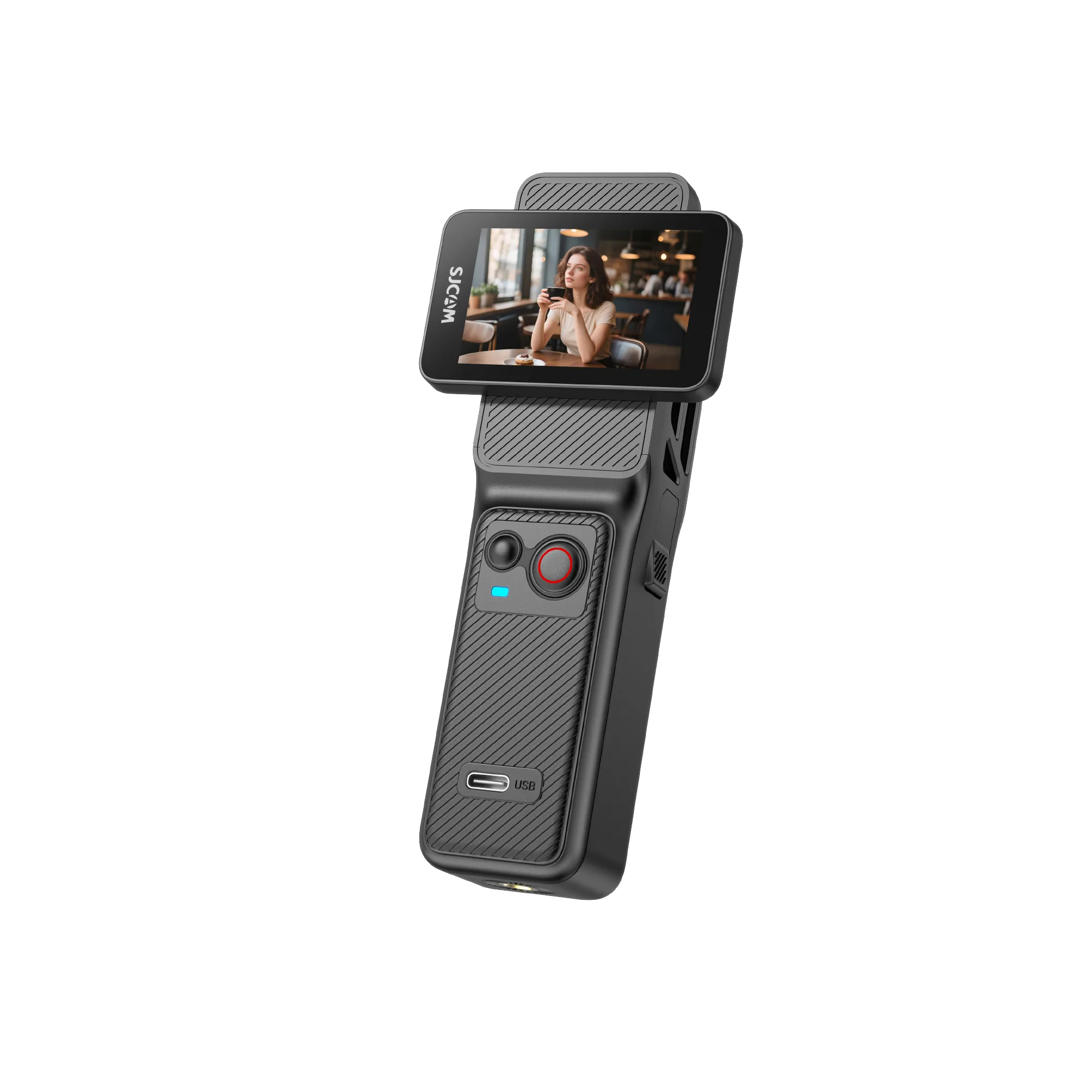
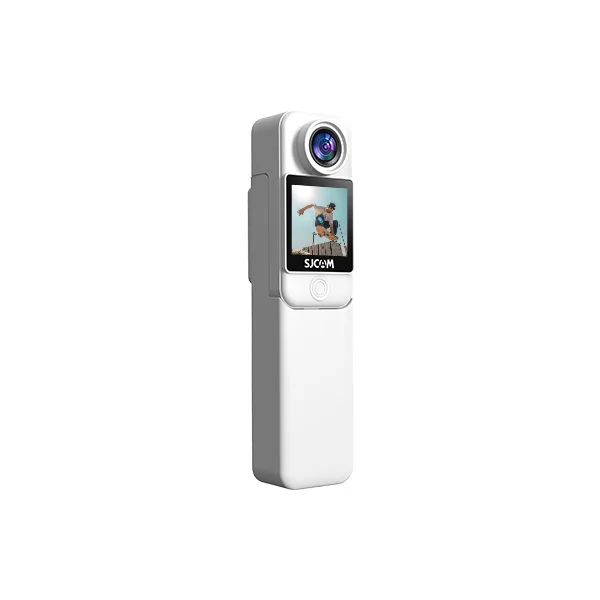
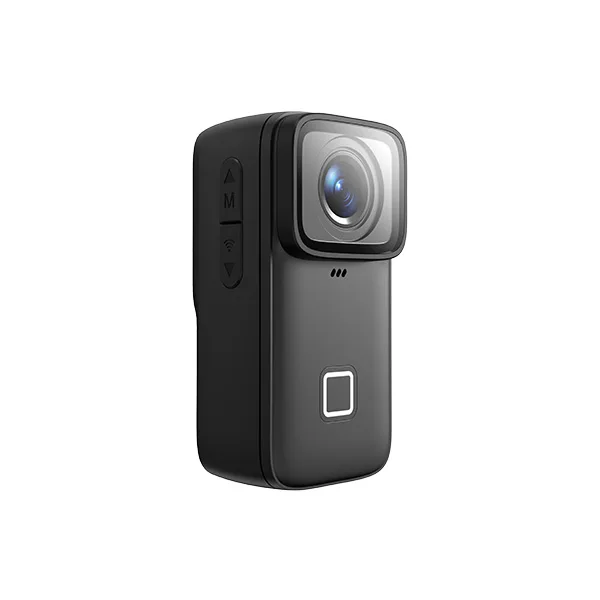
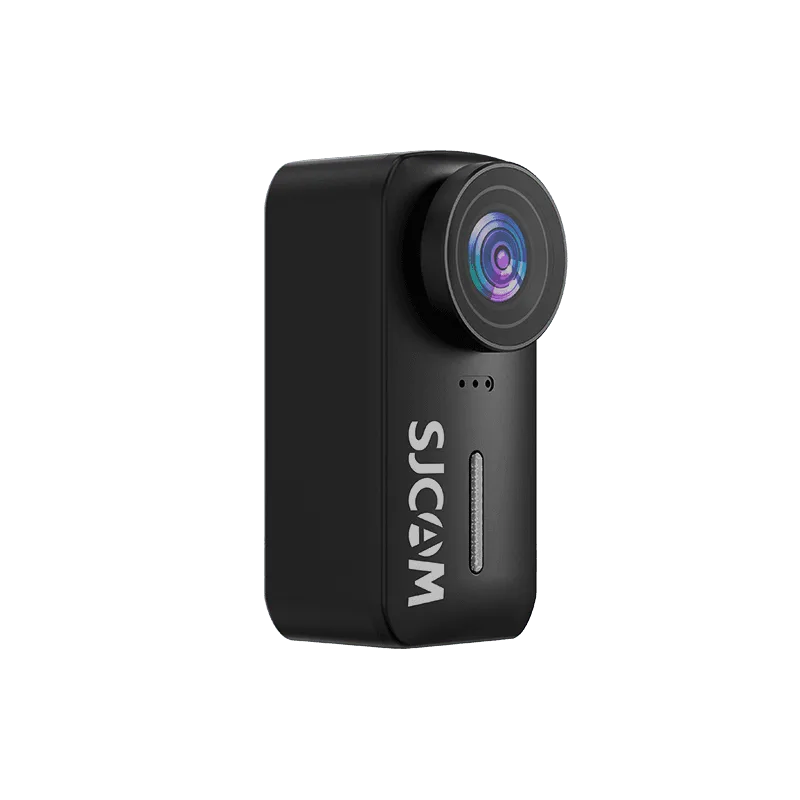
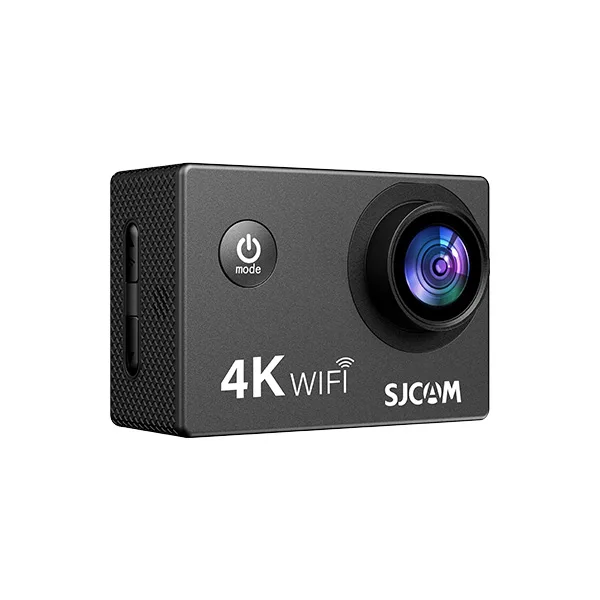
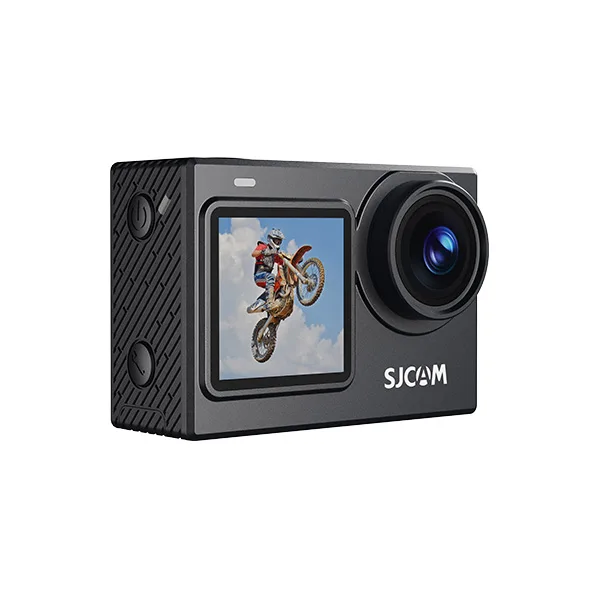
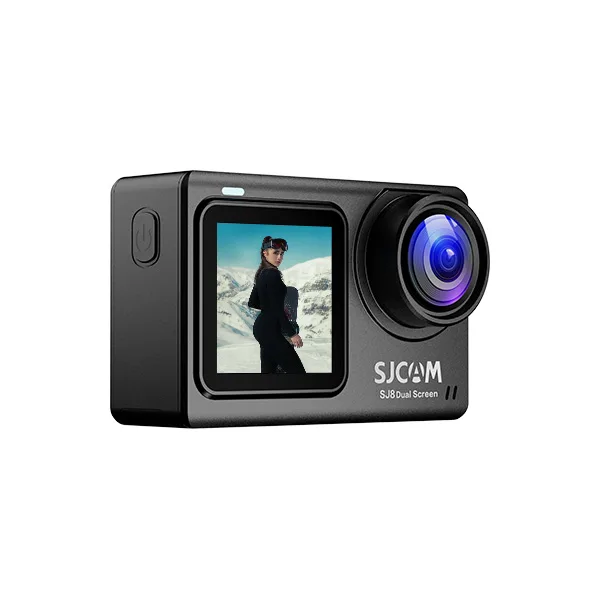
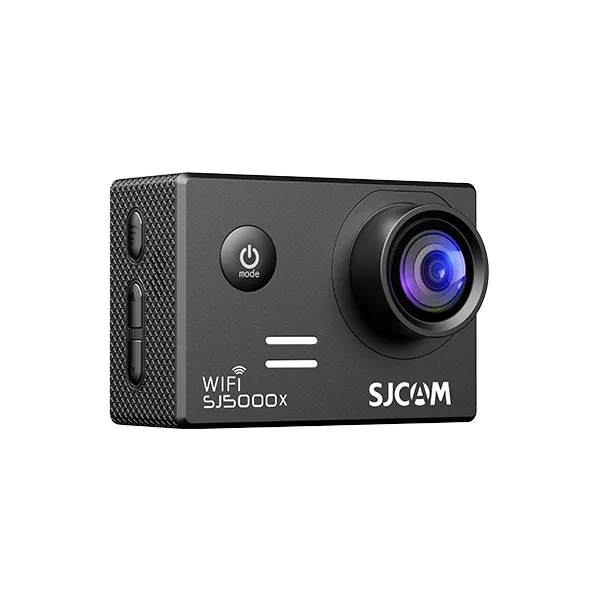
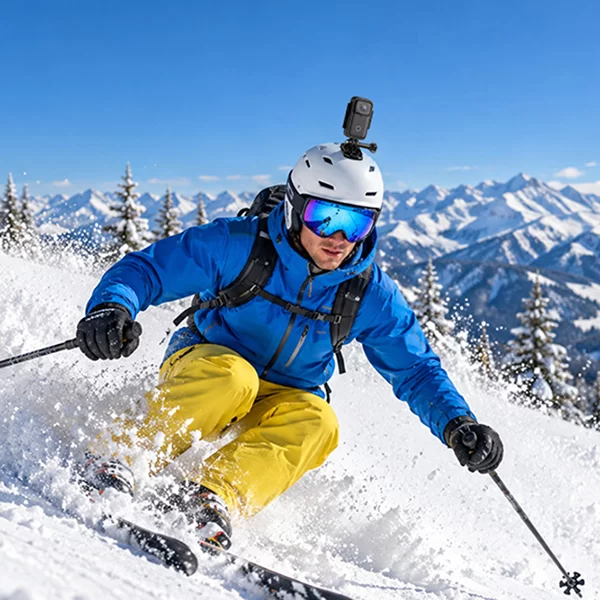

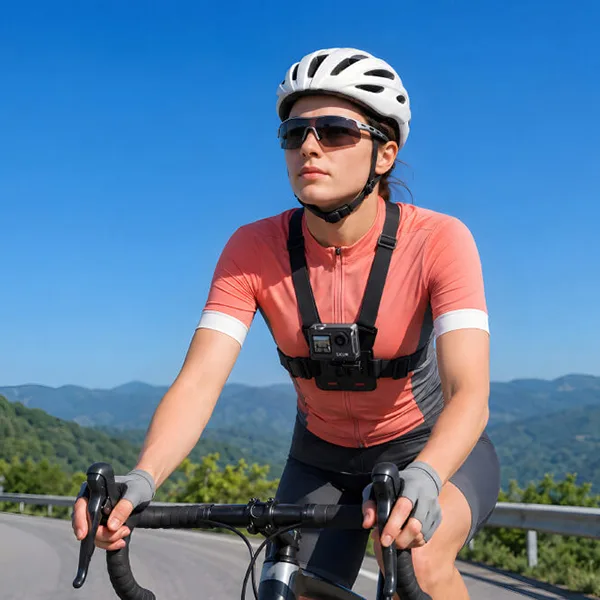
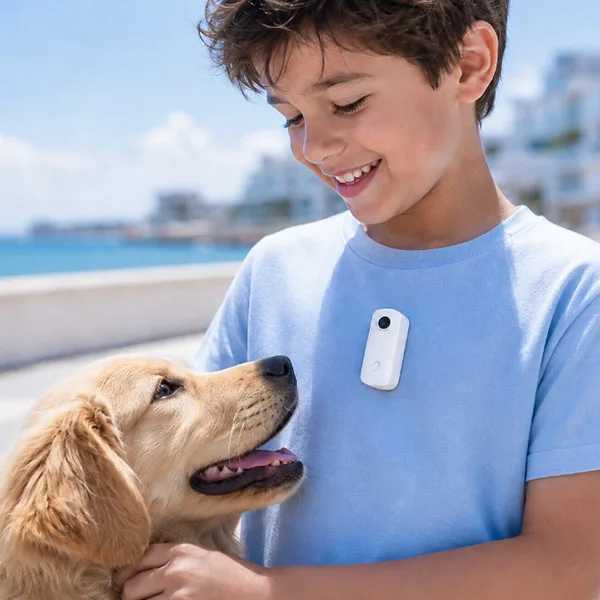
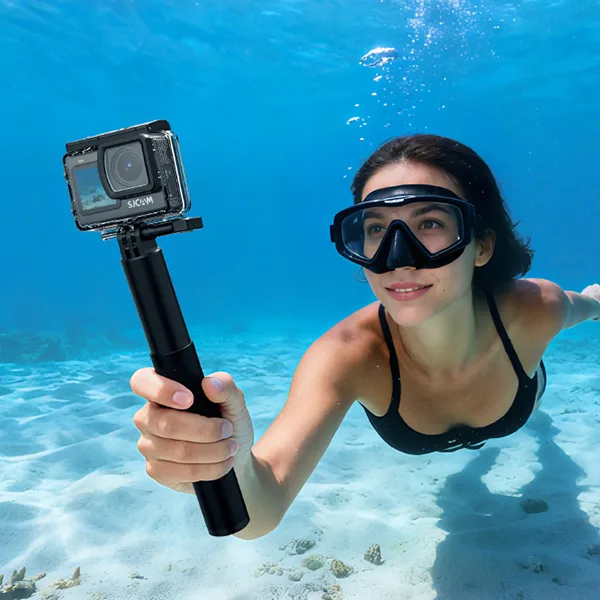
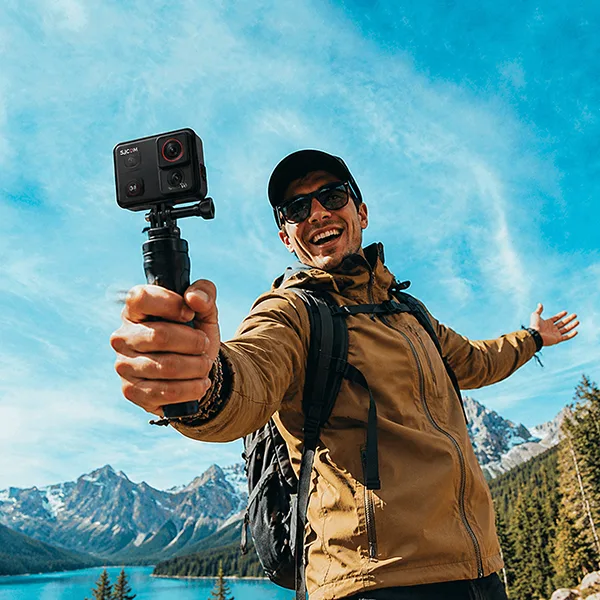
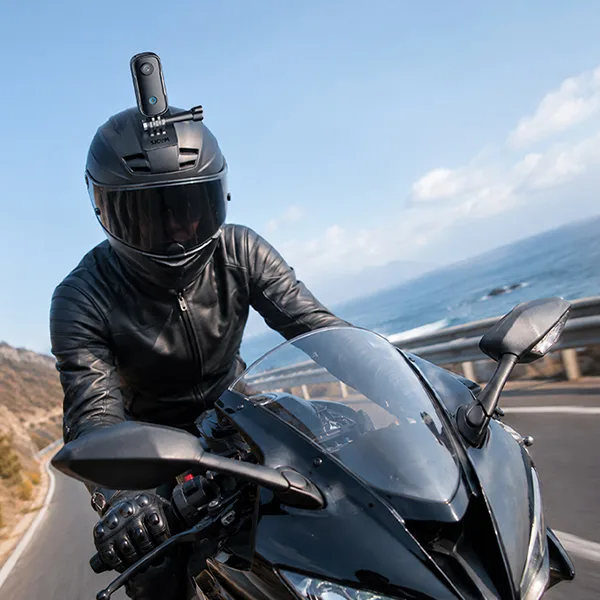
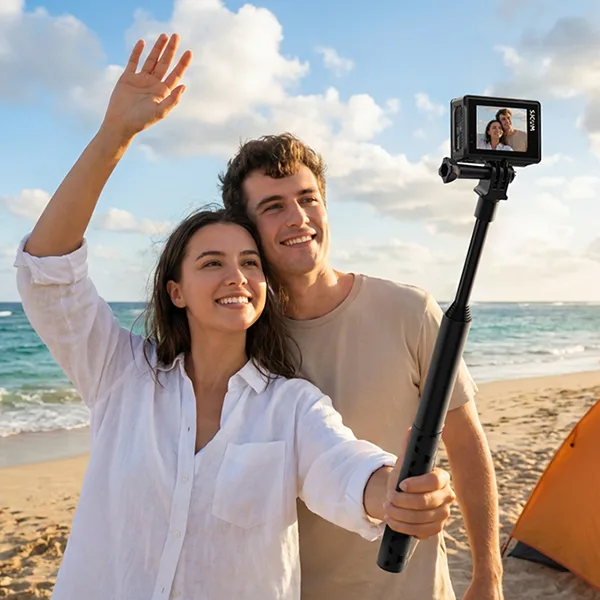
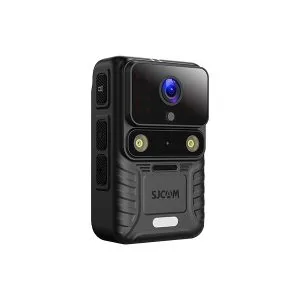
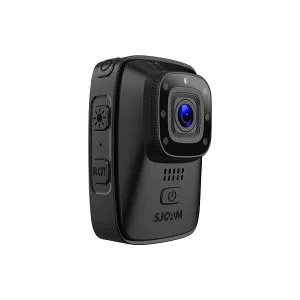
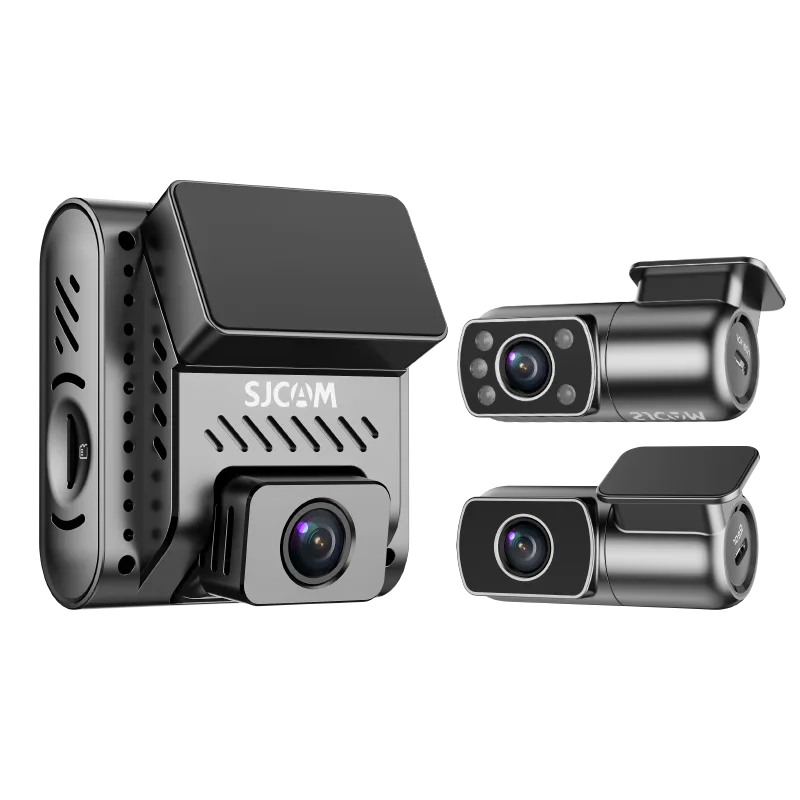
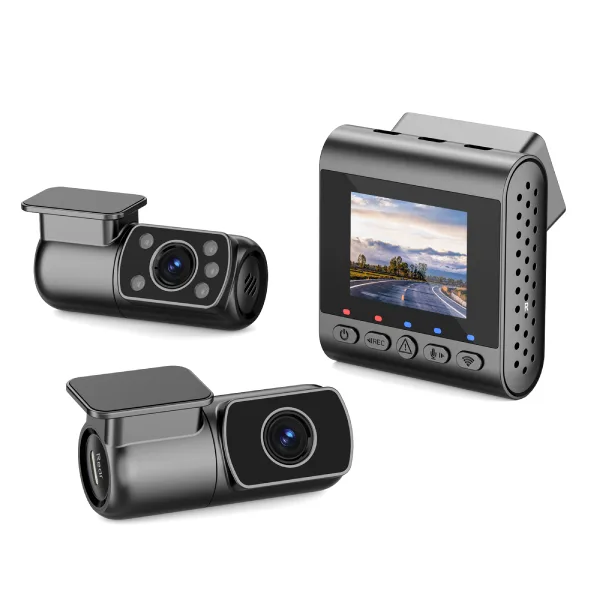


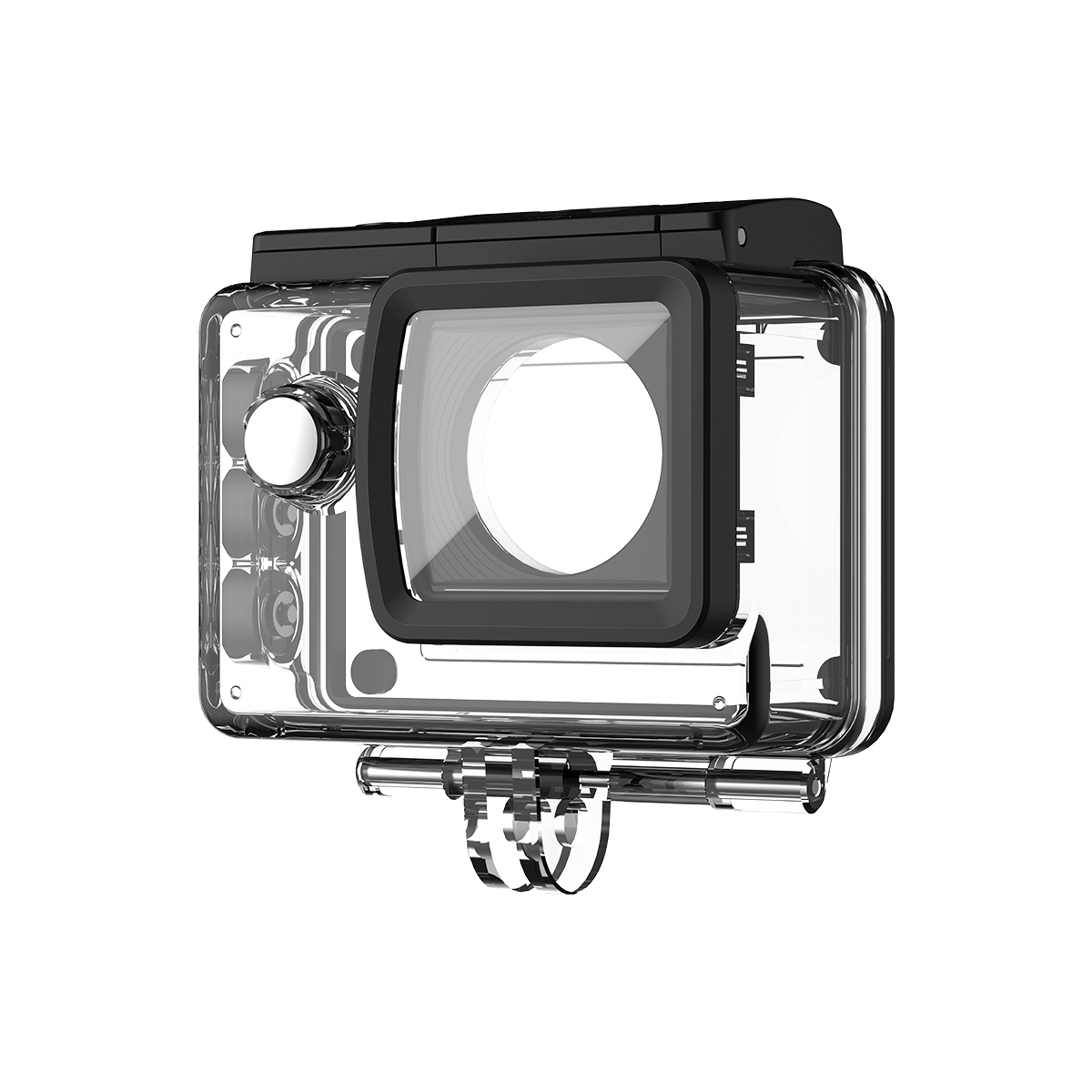
At SJCAM, we believe in real-world performance rather than marketing fluff. Recently, Painless360 tested out our flagship SJCAM SJ30 8K action camera. While they highly commended its steady motion stabilization and night lens features, he raised some incredibly valid concerns related to 8K utility, screen crops, and audio crispness—questions that we are more than happy to address in response.
So rather than hiding behind specs sheets, our engineering team created this official setup guide in order to address pain points and help you to dial in optimal settings based on our field tests.
1. 4K vs. 8K: Setting Expectations for Maximum Clarity
Painless360 noted in their review of 4K versus 8K: Setting expectations for maximum clarity, shooting 8K video at 20 fps wasn’t practical for everyday video. Furthermore, upon zooming into pixels, he noted the visual transition wasn’t as dramatic between 1080p, 2K, and 4K on small screens when compared directly with premium competitors like GoPro.
Painless360 is absolutely correct: for fast-moving YouTube videos or standard action shots, 8K at 20fps should not be your default mode on an SJ30 camera. True 8K mode was developed as part of its Creative Framework setting rather than as an emergency shooting mode; its rendering 48 megapixels strains its image signal processor heavily, so in this mode electronic stabilization has to be turned off so as to prioritize pure pixel output over stabilization output.
When to Use 8K: When filming landscapes or high-res time-lapses on a tripod for static shots or time lapses. 8K provides you with a massive “pixel cushion,” giving you ample leeway when cropping lossless 9:16 vertical frames from horizontal shots for TikTok or Instagram Reels without losing HD sharpness. Our Formula for Crisp Direct-to-Publish Videos:
If your footage seems flat out of the box, try this optimization matrix in your settings menu:
Resolution: Set to 4K at 30fps or 60fps to fully unlock our Steady Motion V2 and Horizon Lock algorithms and give smooth footage when walking or vlogging.
Color Adjustments: Switch on WDR (Wide Dynamic Range) and experiment with strong contrast in order to get vibrant, vivid hues right off of your card. Mes Sharpness: Set medium sharpening levels to soften aggressive digital oversharpening for an enhanced cinematic effect.
2. Mastering the Dual-Lens Starlight Sensor at Night
Painless360’s review provided one of its highlights when he tested out the daylight/night lens setup at dusk (around 21:45). While his standard daylight sensor went completely dark, switching over to its nighttime setup produced “quite startling results,” perfectly mimicking what the naked eye sees.
Why the Dual Lens Matters:
The traditional action camera tends to deal with low-light conditions with the help of a powerful digital noise reduction software that blurs facial features like the ones we see. If you select “night lens” via the pull-down menu or by pressing the side power button, users activate the massive 1/1.8″ Starlight sensor combined with an expansive F1.8 aperture, which physically records low-light video.
The casual creator who is able to stream in low-light urban areas or shoot sunsets without the need for heavy external light rings is likely to appreciate this dual-lens system essential in ensuring bright photos with no bulky external light rings.
3. Enhancing Your Vlog Audio: The Ultimate Upgrade
Painless360 pointed out that although the dual microphones of his system are excellent in reducing wind, when shooting at arm’s length using one of the selfie sticks, the microphone may sound mute because of the absence of physically 3.5mm audio input jacks.
Engineering Rationale:
The SJ30 camera is able to withstand submersion to 5 meters with any external housing. Adding an unsealed, old 3.5mm port compromises its waterproofing capability significantly and could compromise the waterproofing of its structure.
Solution: In the final verdict, Painless360 recommended investing in an Official SJCAM M4 Wireless Microphone as one of the most important tools for creating content.
Automatically block ambient noise and instantly connect to the camera’s internal receiver. The mic is priced at just $15 USD. It clips to the collar of your dog! Give crystal-clear, clear dialogue to ensure stabilization of 4K videos!
Final Thoughts for Creators of Content
The SJCAM SJ30 8K is the perfect balance of price and flexibility, with superb capabilities for video recording in 4K. While creating movies will require editing post-production, the SJ30 may provide everyday filmmakers with durable dual-lens equipment that can provide stable 4K video vlogs with superior nighttime visibility and an endless battery life due to its power handle being magnetic for a very affordable price!