






 Anglais
 Chinois (Chine)
 Espagnol
 Allemand
 italien
 Japonais
 coréen
 bulgare
 grec
 indonésien
 Chinois (Hong Kong)
 russe
 danois
 finlandais
 hongrois
 turc
 Néerlandais
 Portugais
 suédois
 roumain
 slovaque
 norvégien
 croate
 tchèque
 bengali
 polonais
 thaïlandais
 ukrainien
 vietnamien











































Mise sous tension et hors tension
Power On / Power Off
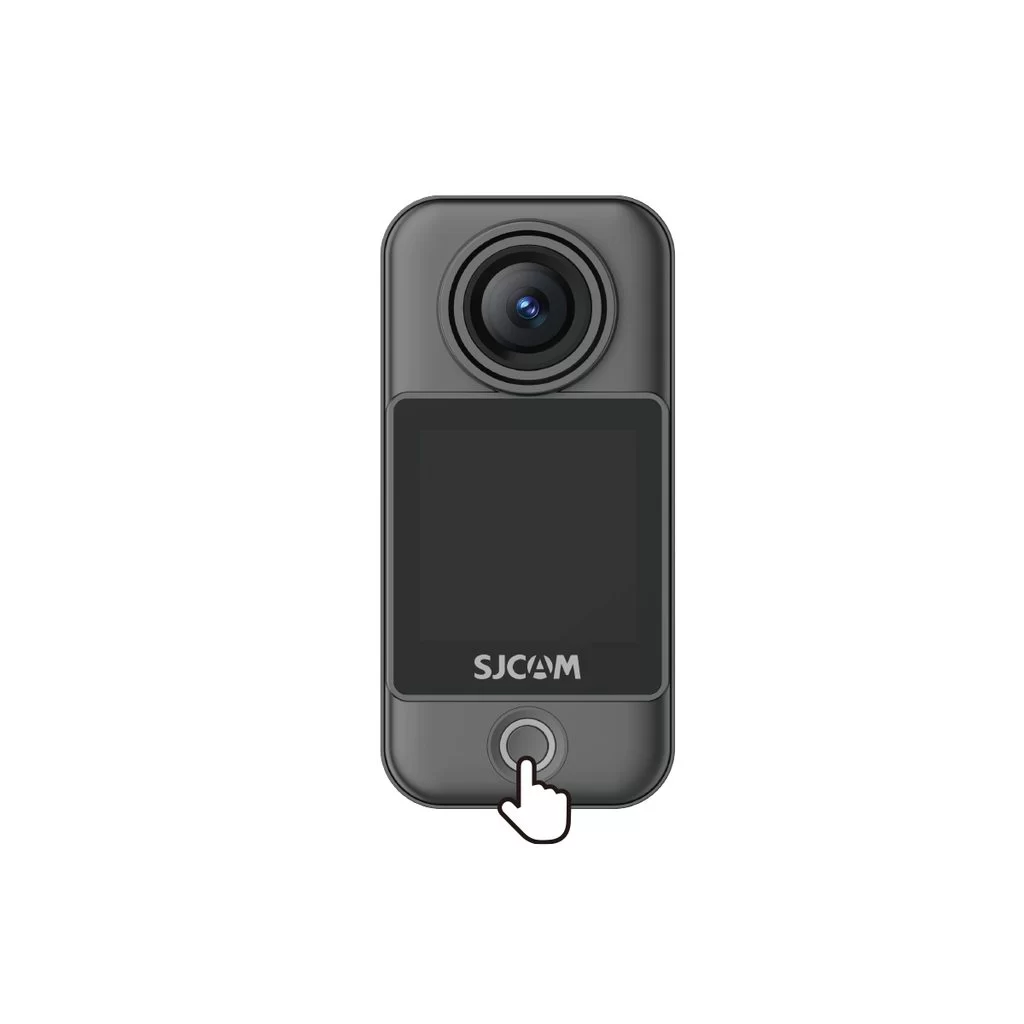
Camera Unit (C400 Pro Pocket)
• Power on: With the camera off, press the power button once.
• Power off: With the camera on, press and hold the power button for 3 seconds.
Handheld Controller (C400 Pro)
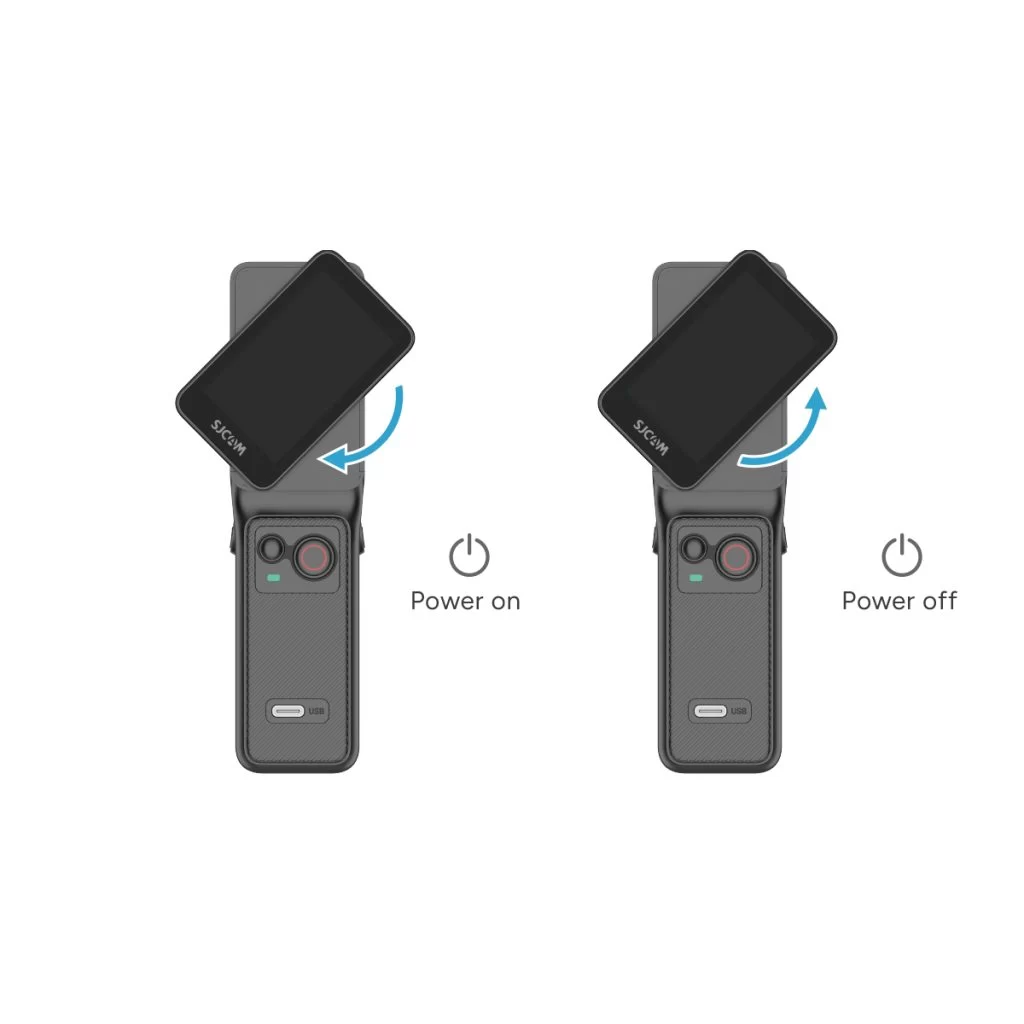
• Power on: With the controller off, rotate the handle's display clockwise or press and hold the handle's power button for 3 seconds.
• Power off: With the controller on, rotate the handle's display counterclockwise back to its original position, or press and hold the handle's power button for 3 seconds.
Est-ce que cette information a été utile?
Merci pour vos commentaires !
