






 İngilizce
 Çince (Çin)
 İspanyol
 Almanca
 Fransızca
 İtalyan
 Japonca
 Koreli
 Bulgarca
 Yunan
 Endonezya dili
 Çince (Hong Kong)
 Rusça
 Danimarka
 Fince
 Macarca
 Flemenkçe
 Portekizce
 İsveççe
 Romen
 Slovak
 Norveççe
 Hırvat
 Çek
 Bengalce
 Lehçe
 Tay dili
 Ukrayna
 Vietnam











































Açma ve Kapatma
Power On / Power Off
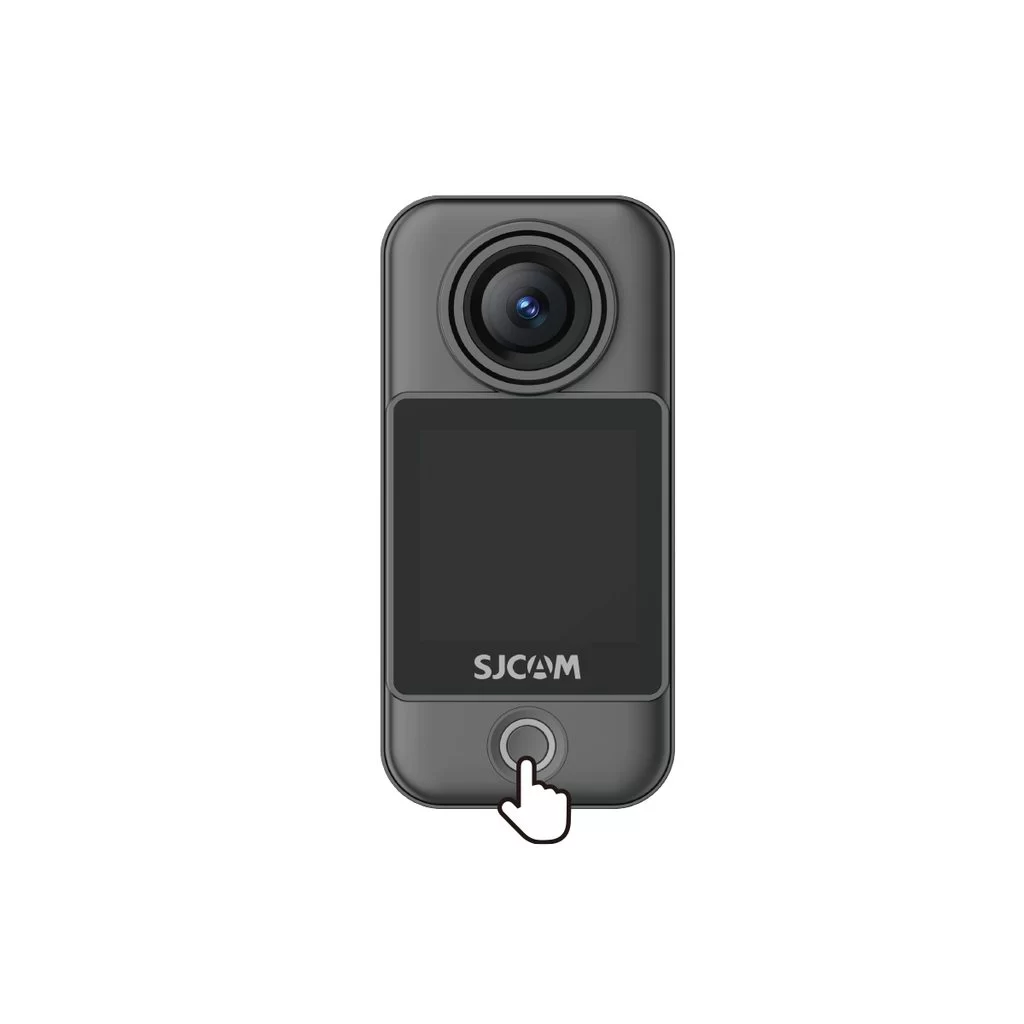
Camera Unit (C400 Pro Pocket)
• Power on: With the camera off, press the power button once.
• Power off: With the camera on, press and hold the power button for 3 seconds.
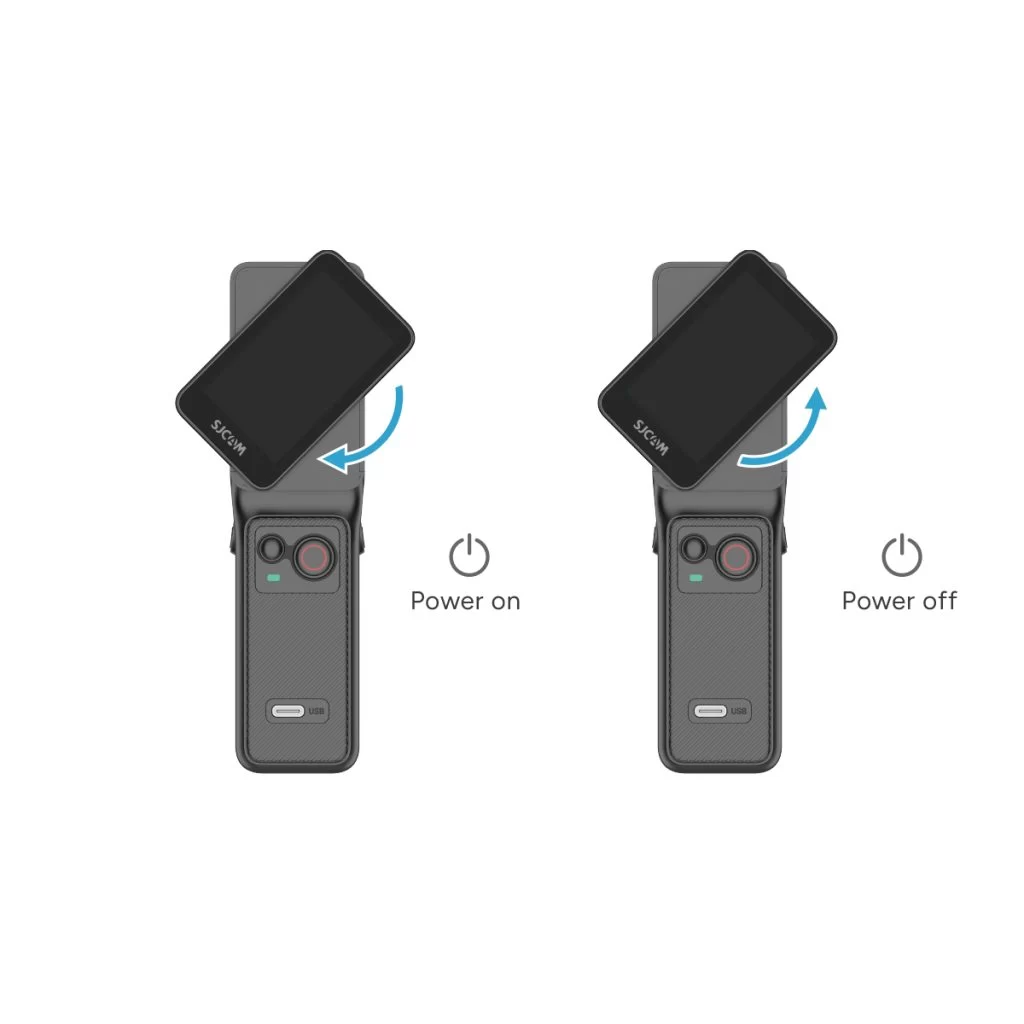
Handheld Controller (C400 Pro)
• Power on: With the controller off, rotate the handle's display clockwise or press and hold the handle's power button for 3 seconds.
• Power off: With the controller on, rotate the handle's display counterclockwise back to its original position, or press and hold the handle's power button for 3 seconds.
Bu bilgi yardımcı oldu mu?
Geri bildiriminiz için teşekkürler!
