






 Английский
 Китайский (Китай)
 испанский
 Немецкий
 Французский
 итальянский
 Японский
 Корейский
 болгарский
 Греческий
 индонезийский
 Китайский (Гонконг)
 датский
 финский
 Венгерский
 турецкий
 Голландский
 португальский
 Шведский
 румынский
 словацкий
 Норвежский
 хорватский
 Чешский
 Бенгальский
 Польский
 тайский
 украинец
 вьетнамский











































Включение и выключение питания
Power On / Power Off
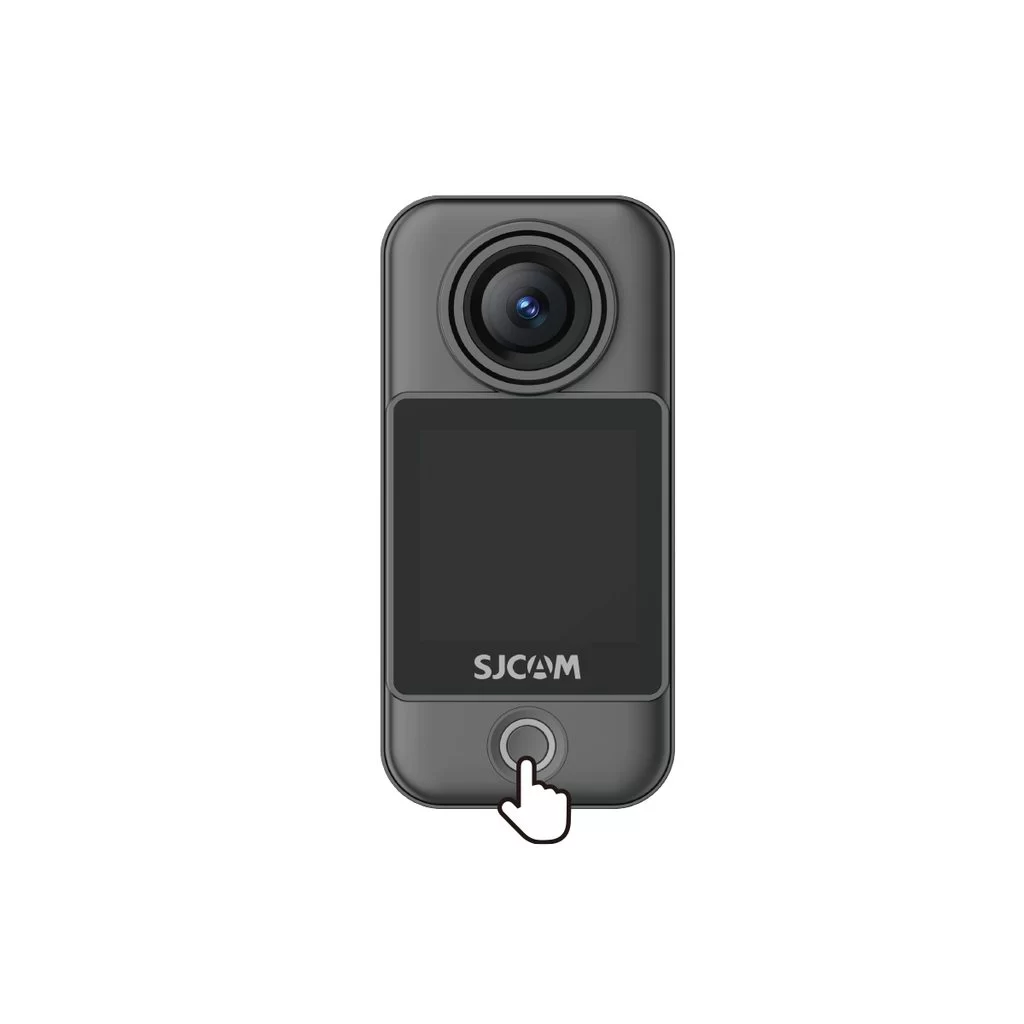
Camera Unit (C400 Pro Pocket)
• Power on: With the camera off, press the power button once.
• Power off: With the camera on, press and hold the power button for 3 seconds.
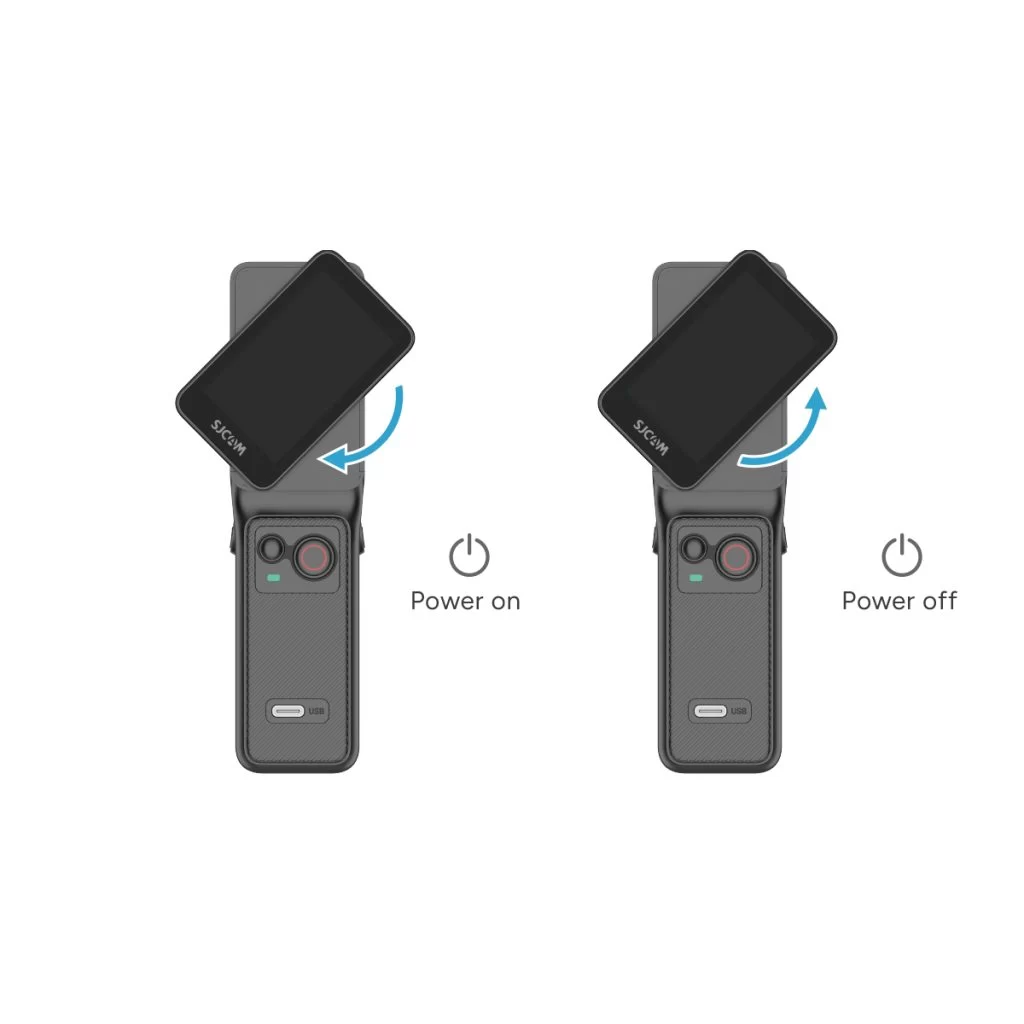
Handheld Controller (C400 Pro)
• Power on: With the controller off, rotate the handle's display clockwise or press and hold the handle's power button for 3 seconds.
• Power off: With the controller on, rotate the handle's display counterclockwise back to its original position, or press and hold the handle's power button for 3 seconds.
Была ли эта информация полезна?
Спасибо за ваш отзыв!
