






 Английски
 китайски (Китай)
 испански
 Немски
 Френски
 Италиански
 японски
 корейски
 Гръцки
 индонезийски
 китайски (Хонконг)
 Руски
 датски
 финландски
 унгарски
 Турски
 холандски
 португалски
 шведски
 румънски
 словашки
 норвежки
 хърватски
 чешки
 бенгалски
 полски
 тайландски
 украински
 виетнамски











































Включване и изключване
Power On / Power Off
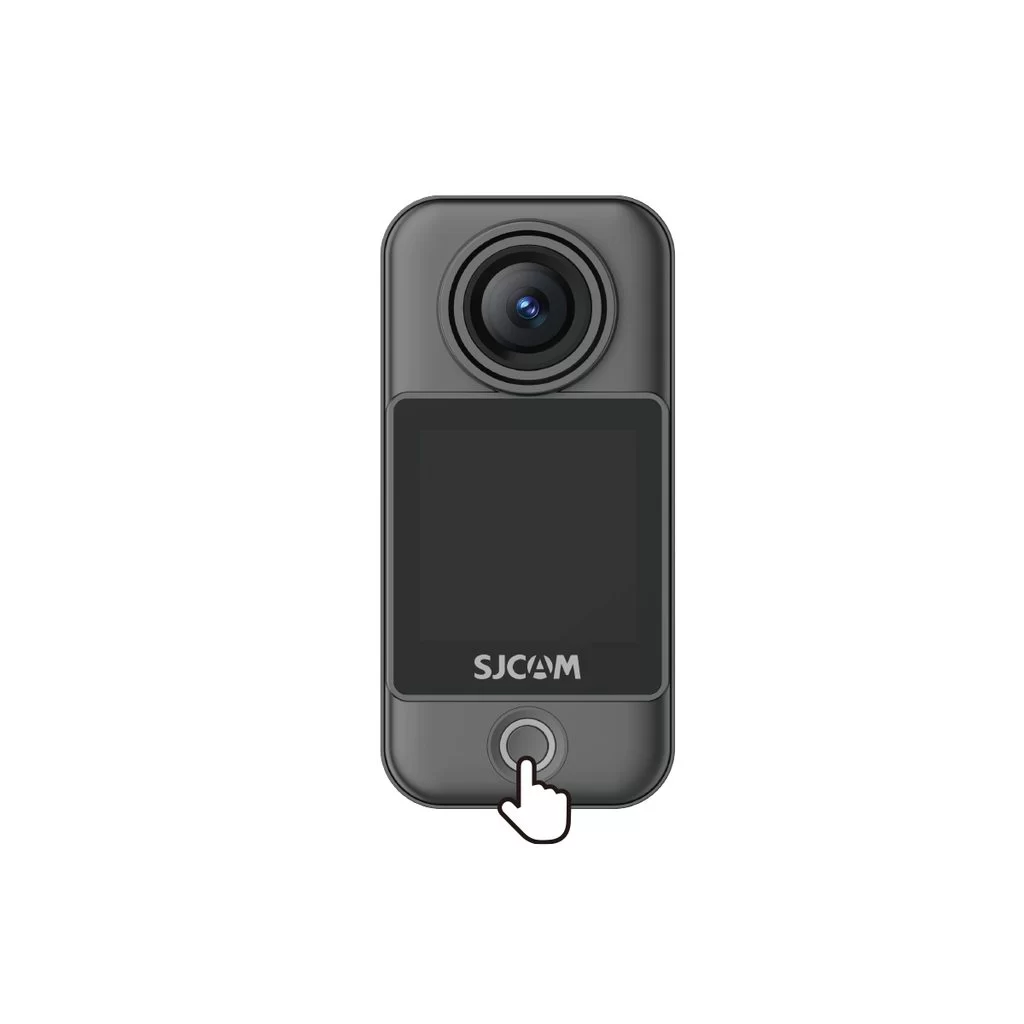
Camera Unit (C400 Pro Pocket)
• Power on: With the camera off, press the power button once.
• Power off: With the camera on, press and hold the power button for 3 seconds.
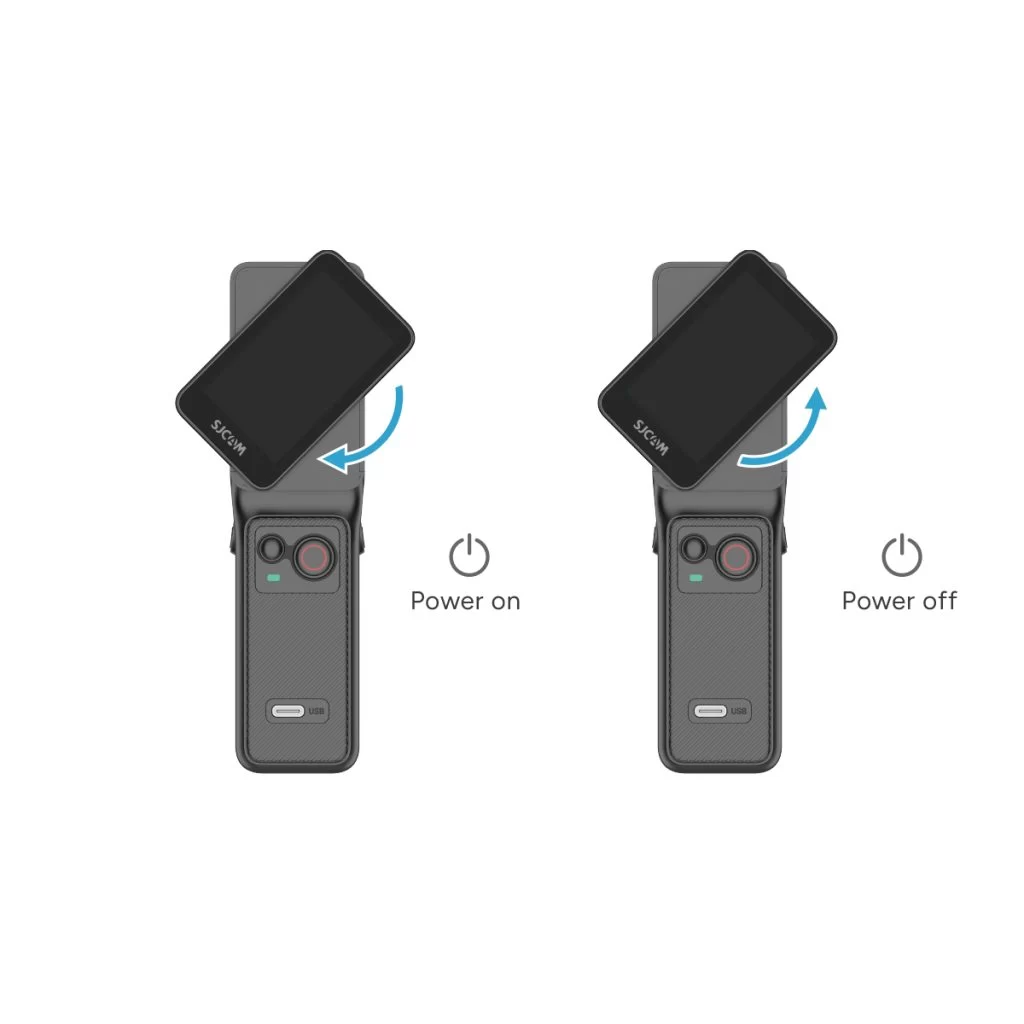
Handheld Controller (C400 Pro)
• Power on: With the controller off, rotate the handle's display clockwise or press and hold the handle's power button for 3 seconds.
• Power off: With the controller on, rotate the handle's display counterclockwise back to its original position, or press and hold the handle's power button for 3 seconds.
Тази информация беше ли полезна?
Благодаря за обратната връзка!
