






 英語
 中文(中國)
 西班牙語
 德文
 法語
 義大利語
 日本人
 韓國人
 保加利亞語
 希臘文
 印尼
 俄文
 丹麥語
 芬蘭
 匈牙利
 土耳其
 荷蘭語
 葡萄牙語
 瑞典
 羅馬尼亞語
 斯洛伐克語
 挪威
 克羅埃西亞語
 捷克語
 孟加拉
 拋光
 泰國
 烏克蘭
 越南語











































開機關機
Power On / Power Off
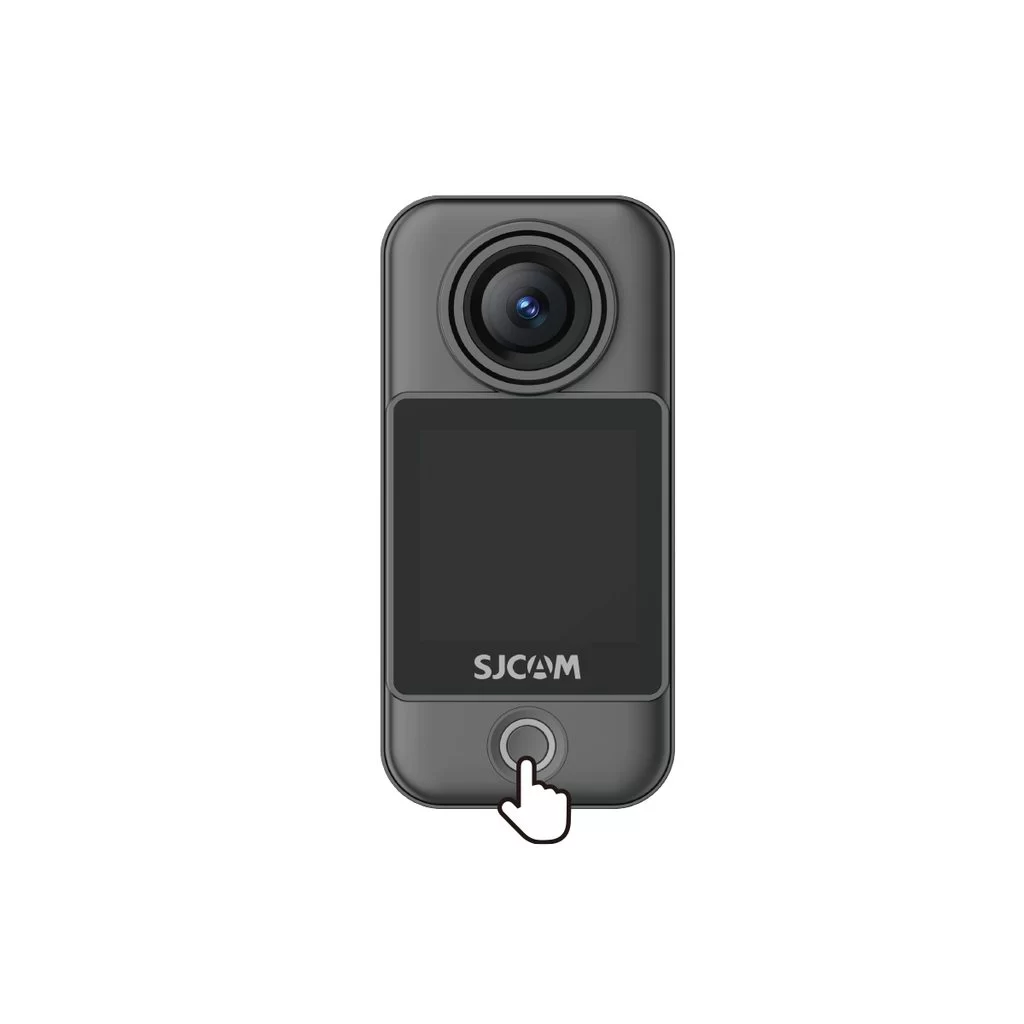
Camera Unit (C400 Pro Pocket)
• Power on: With the camera off, press the power button once.
• Power off: With the camera on, press and hold the power button for 3 seconds.
Handheld Controller (C400 Pro)
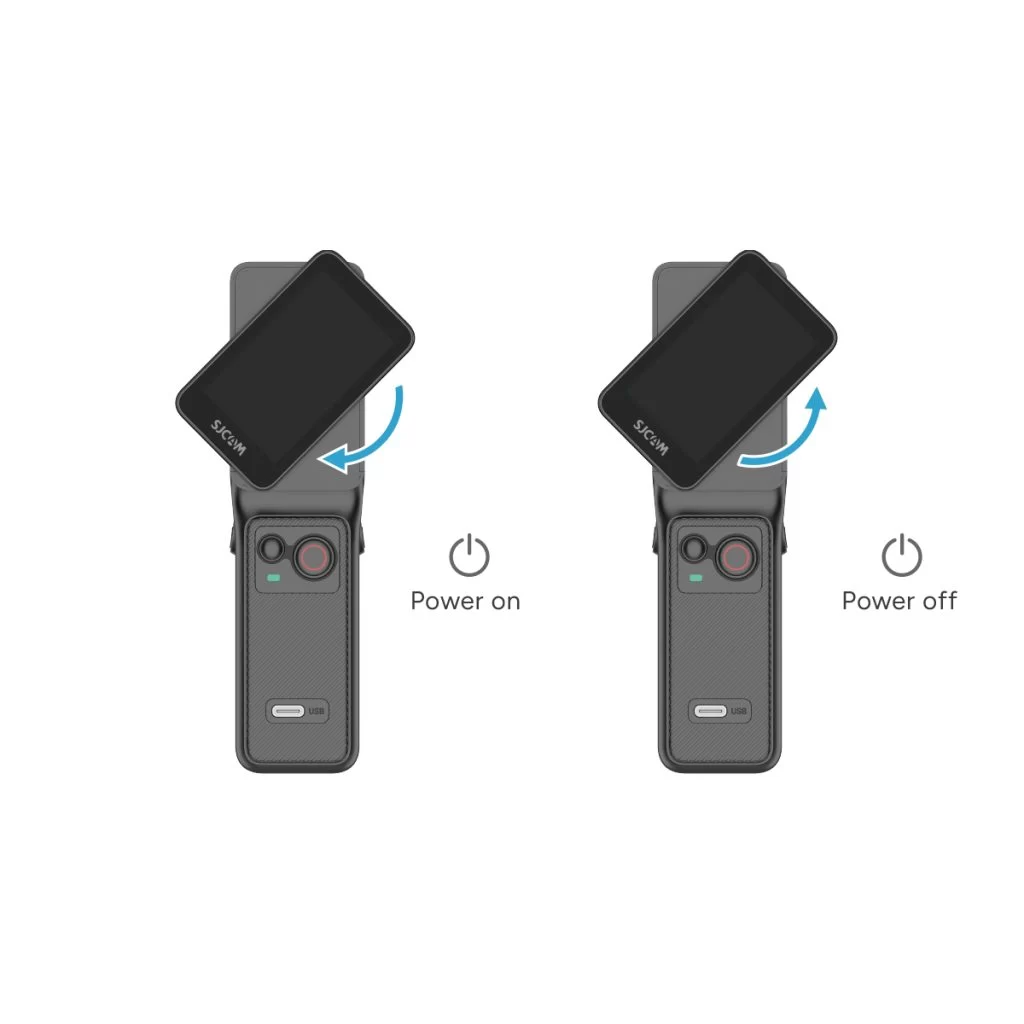
• Power on: With the controller off, rotate the handle's display clockwise or press and hold the handle's power button for 3 seconds.
• Power off: With the controller on, rotate the handle's display counterclockwise back to its original position, or press and hold the handle's power button for 3 seconds.
這則資訊有幫助嗎?
感謝您的回饋!
