






 Chinese (China)
 Spanish
 German
 French
 Italian
 Japanese
 Korean
 Bulgarian
 Greek
 Indonesian
 Chinese (Hong Kong)
 Russian
 Danish
 Finnish
 Hungarian
 Turkish
 Dutch
 Portuguese
 Swedish
 Romanian
 Slovak
 Norwegian
 Croatian
 Czech
 Bengali
 Polish
 Thai
 Ukrainian
 Vietnamese











































Powering On and Off
Power On / Power Off
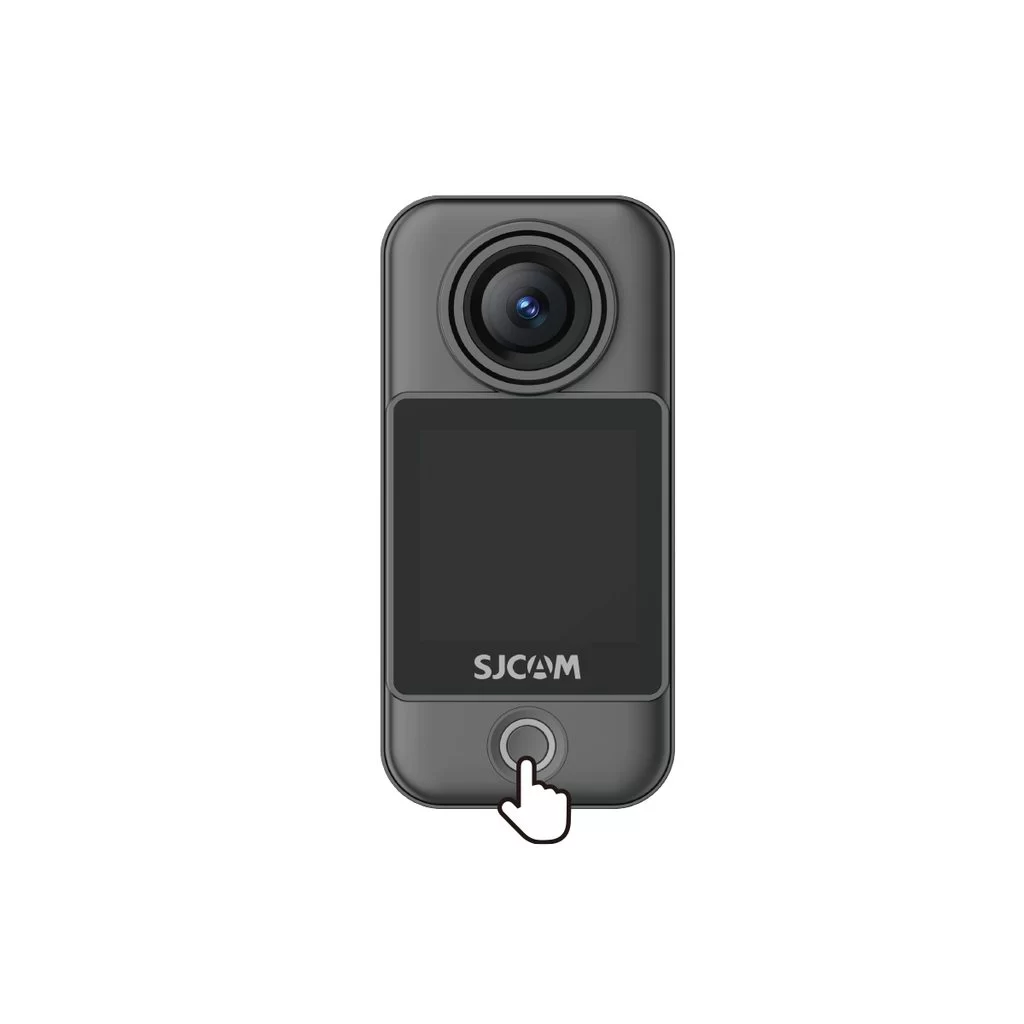
Camera Unit (C400 Pro Pocket)
• Power on: With the camera off, press the power button once.
• Power off: With the camera on, press and hold the power button for 3 seconds.
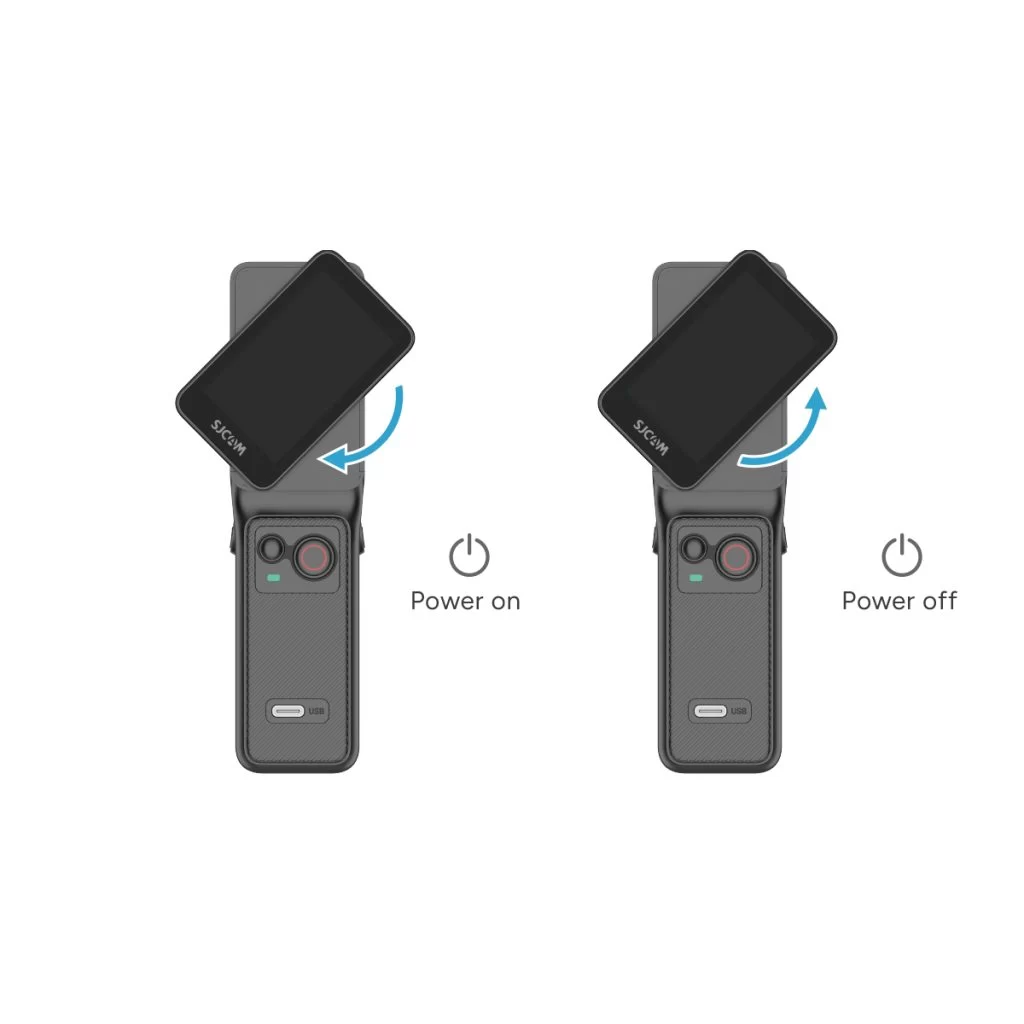
Handheld Controller (C400 Pro)
• Power on: With the controller off, rotate the handle's display clockwise or press and hold the handle's power button for 3 seconds.
• Power off: With the controller on, rotate the handle's display counterclockwise back to its original position, or press and hold the handle's power button for 3 seconds.
Was this information helpful?
Thanks for your feedback!
