






 Engelsk
 kinesisk (Kina)
 spansk
 tysk
 fransk
 italiensk
 japansk
 koreansk
 Bulgarsk
 gresk
 indonesisk
 kinesisk (Hong Kong)
 russisk
 dansk
 finsk
 ungarsk
 tyrkisk
 nederlandsk
 portugisisk
 svensk
 rumensk
 slovakisk
 Kroatisk
 tsjekkisk
 bengali
 Pusse
 Thai
 ukrainsk
 vietnamesisk











































Slå av og på
Power On / Power Off
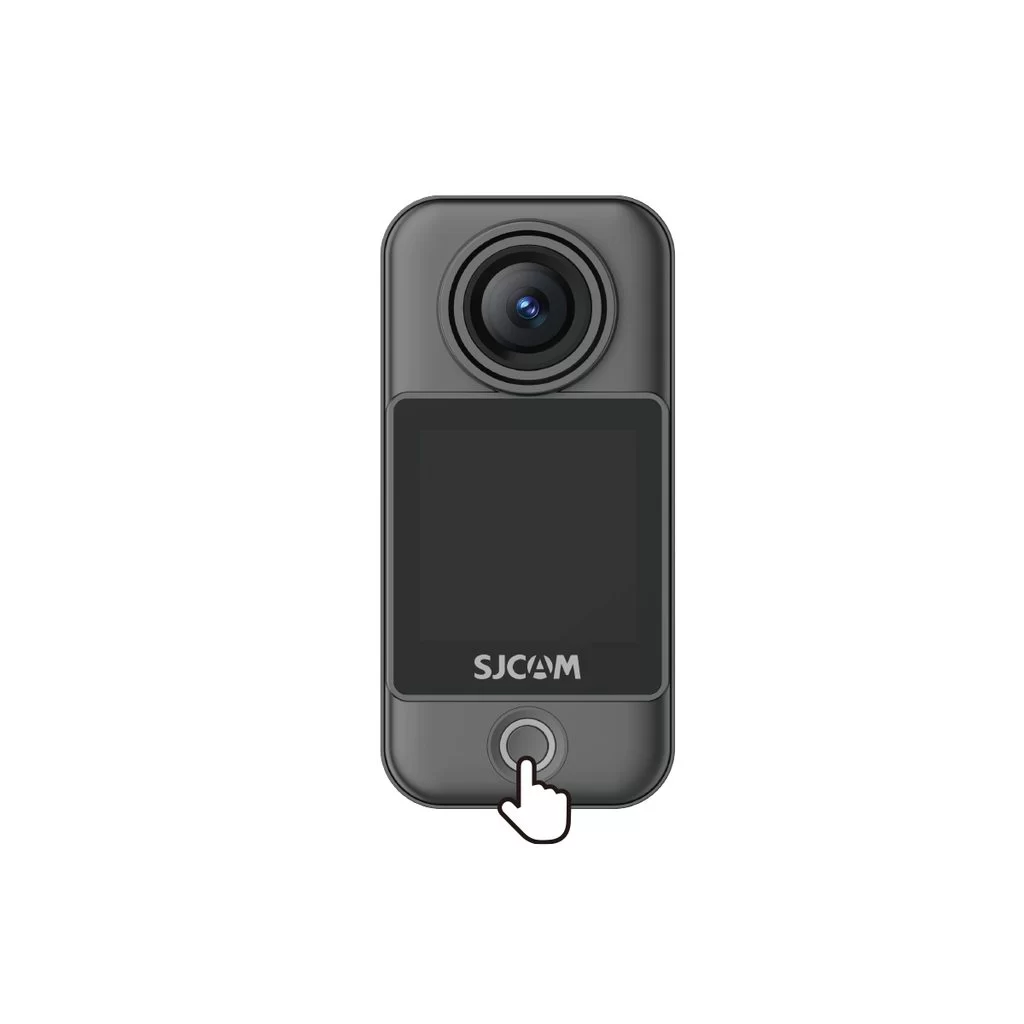
Camera Unit (C400 Pro Pocket)
• Power on: With the camera off, press the power button once.
• Power off: With the camera on, press and hold the power button for 3 seconds.
Handheld Controller (C400 Pro)
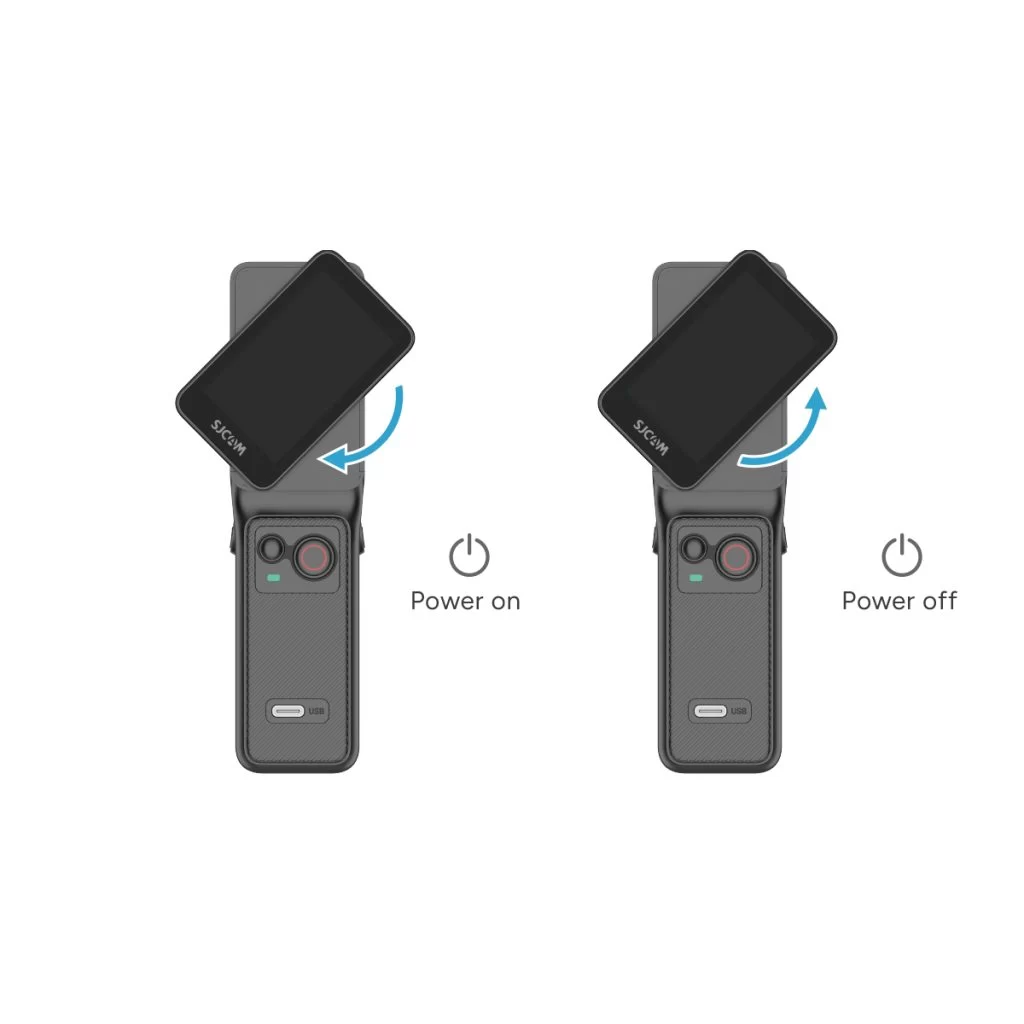
• Power on: With the controller off, rotate the handle's display clockwise or press and hold the handle's power button for 3 seconds.
• Power off: With the controller on, rotate the handle's display counterclockwise back to its original position, or press and hold the handle's power button for 3 seconds.
Var denne informasjonen nyttig?
Takk for tilbakemeldingen din!
